2026 is the year we finally stop fighting with PowerPoint. Let’s be honest: nobody wants to spend five hours manually aligning text boxes or choosing hex codes for a slide deck anymore. The "busy work" of reporting is being phased out by intelligent systems that handle the heavy lifting of design and data synthesis. Whether you are a marketing manager or a data analyst, finding the right ai report maker is the key to reclaiming your weekends.
In this guide, we provide a deep-dive review into the top 7 platforms, evaluating their features, pricing, and output quality to help you pick the one that actually works.
2026 Top AI Report Maker Tools at a Glance
| Tool | Best For | Key Feature | Pricing | Quality Score |
|---|---|---|---|---|
| Presenti | Pro Aesthetic & Logic | One-click Layout & Data Storytelling | Free Trial / $20 mo | ⭐⭐⭐⭐⭐ |
| Gamma | Rapid Slide Decks | Instant text-to-presentation | Freemium | ⭐⭐⭐⭐ |
| Beautiful.ai | Brand Consistency | Auto-layout smart templates | Paid only | ⭐⭐⭐⭐ |
| Powerdrill | Deep Data Cleaning | Raw CSV to visual insights | Subscription | ⭐⭐⭐⭐⭐ |
| Visme | Infographic Reports | Massive asset & icon library | Freemium | ⭐⭐⭐⭐ |
| Canva Magic | Social-First Visuals | AI-powered design suggestions | Freemium | ⭐⭐⭐ |
| Notion AI | Internal Structured Docs | Automated text summaries | Add-on | ⭐⭐⭐ |
Individual Product Reviews: Finding Your Perfect Match
1. Presenti
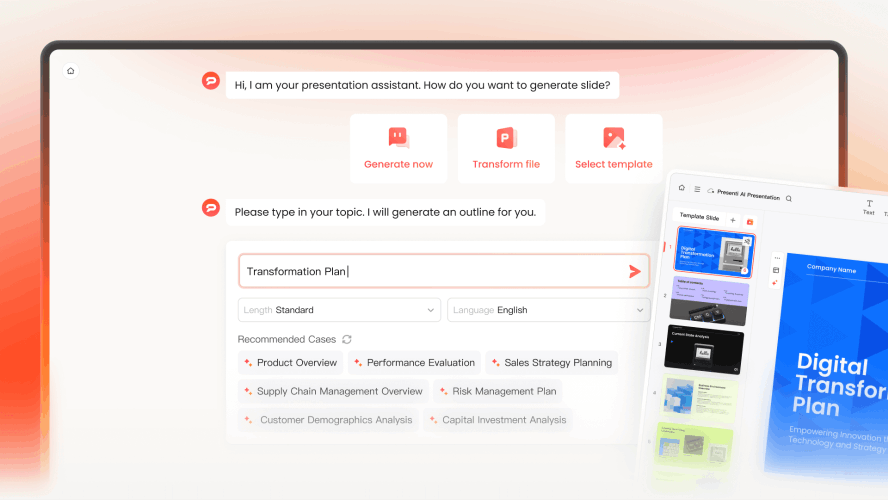
Multi-Format "Intelligence Ingestion"
While most tools only support simple text prompts, Presenti is a true automated report generator that eats complexity for breakfast.
- The Magic: You can upload a disorganized 40-page PDF, a messy Excel sheet, or even a technical Markdown file. Presenti’s "Contextual Parser" doesn't just copy-paste; it reads the content, identifies the core hierarchy, and converts it into a logical slide flow.
- Scenario: Imagine having a transcript of a 2-hour board meeting. Instead of spending your Sunday summarizing it, simply drop the file into Presenti. Within 90 seconds, it delivers a structured ai business report creator output with key action items and executive summaries.
The "One-Click Beautify" & Brand Guardrails
The biggest fear with an ai report maker is that it will look like a "generic bot" made it. Presenti solves this with its Smart Branding Engine.
- Automatic Consistency: Upload your company logo once. The AI instantly extracts your brand colors and typography, applying them across all 50+ slides.
- Design Accuracy: Unlike other platforms where elements overlap or text becomes unreadable, Presenti uses "Smart Layout Optimization." It handles the white space, alignment, and font scaling so you never have to drag a corner of a text box again.
Data Storytelling: Beyond Simple Charts
Most tools give you a bar chart; Presenti gives you an insight. As a leading data to report presentation ai, it understands that numbers mean nothing without context.
- Smart Visualization: If your data shows a sudden 20% drop in sales, the AI won't just plot a line. It will highlight that specific point, add a "Warning" callout, and suggest a slide layout that focuses on "Recovery Strategies."
- Interactive Elements: Presenti also supports embedding live data feeds and mind maps, making your reports "living documents" rather than static PDFs.
Seamless "Human-in-the-Loop" Collaboration
Presenti knows that AI gets you 90% of the way, but that final 10% of human touch is what wins deals.
- Real-time Editing: It works like a Google Doc for presentations. Tag teammates, leave comments, and tweak AI-generated text in a high-speed, cloud-native environment.
- Pro-Grade Exporting: When you're done, export to a fully editable PPTX. Unlike competitors where the formatting breaks during export, Presenti preserves every layer, font, and animation, allowing for a smooth final polish in PowerPoint if needed.
2. Gamma

Gamma has revolutionized the "deck" by making it feel like a fluid website. It is an exceptional ai report maker for those who need to move from an idea to a visual brief in under sixty seconds.
Pros: Its conversational interface is incredibly fast. You can chat with the AI to refine slides instantly. It’s the perfect automated report generator for internal team syncs or creative brainstorms.
Cons: The "card-based" layout can feel a bit light for formal, long-form corporate reports.
3. Beautiful.ai
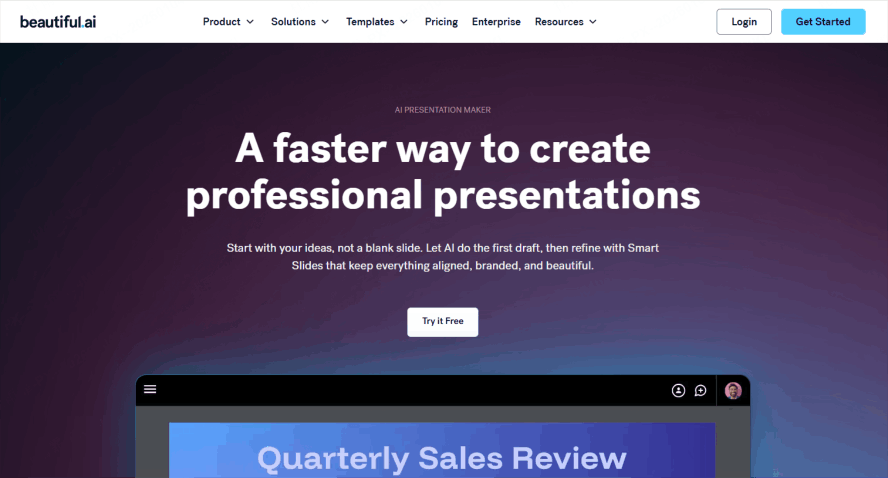
For large enterprises where "staying on brand" is a legal requirement, Beautiful.ai is a reliable ai business report creator.
Pros: It uses "smart templates" with built-in design rules. If you add a new team member to a chart, the entire slide shrinks and realigns itself automatically.
Cons: The AI feels less "generative" and more like a smart layout engine. It lacks the creative flair for complex data to report presentation ai storytelling.
4. Visme
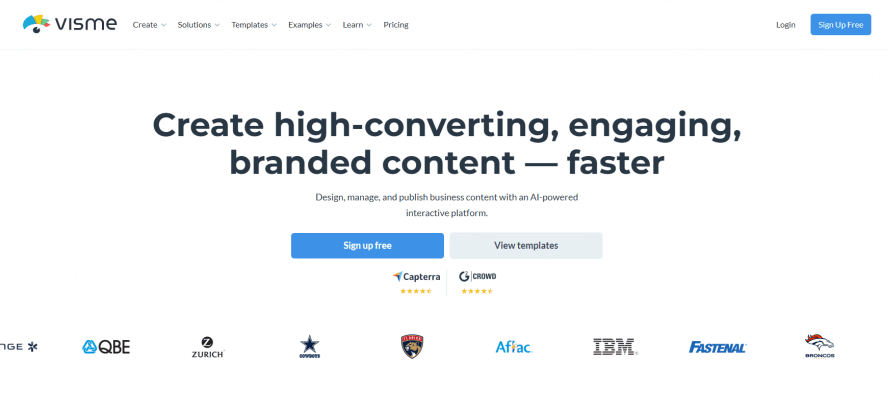
Visme is an ai report maker that excels when you need your reports to be interactive and visually dense. It’s perfect for creating "infographic-style" reports that catch the eye.
Pros: It offers a massive library of icons, videos, and interactive charts. As an automated report generator, it’s excellent for marketing summaries where visual engagement is more important than raw data depth.
Cons: Because it has so many features, the interface can feel cluttered and overwhelming for a first-time user.
5. Powerdrill Bloom
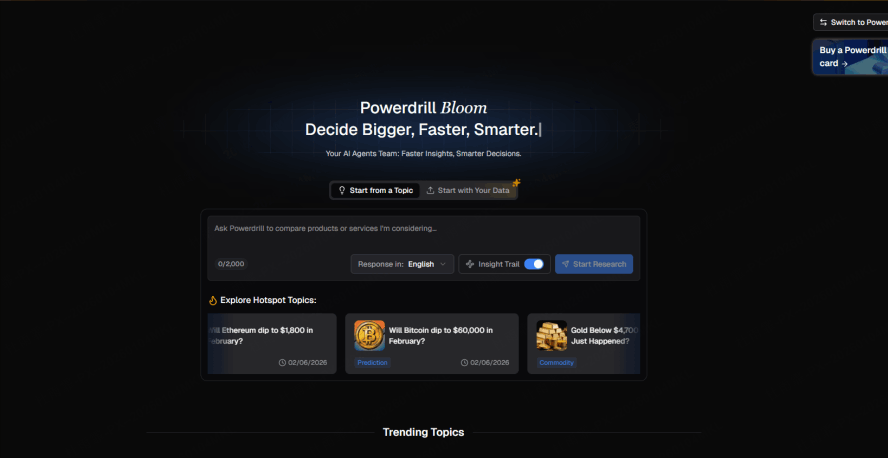
If your reports are 90% spreadsheets and 10% words, Powerdrill is the ai business report creator for you. It specializes in "heavy lifting"—taking massive CSV or PDF exports and finding the "why" behind the numbers.
Pros: It bridges the gap between raw data to report presentation ai by cleaning your data first. It’s the most accurate tool for financial or technical reporting.
Cons: The visual output is often more functional than "beautiful."
6. Canva Magic Design
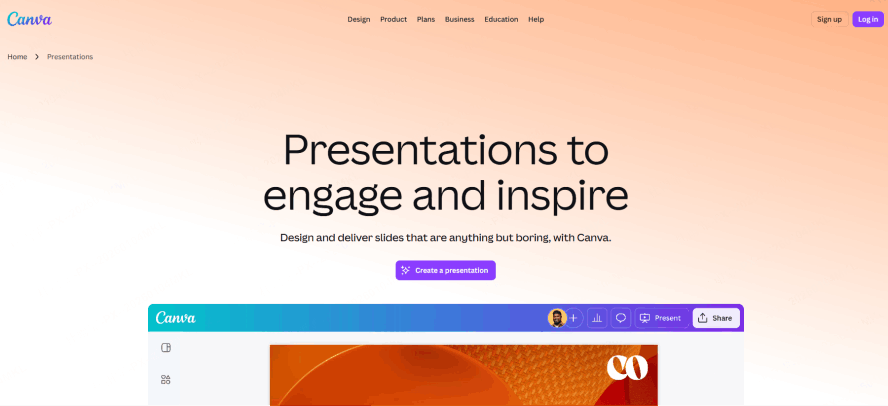
Canva has integrated its "Magic Design" into the reporting world. It’s an ai report maker that feels familiar to almost everyone.
Pros: Millions of stock photos and a very low learning curve. It’s a decent automated report generator for school projects or small business updates.
Cons: It lacks the professional "logic" needed for high-level business reports. The templates can often look a bit "generic" since everyone uses them.
7. Notion AI
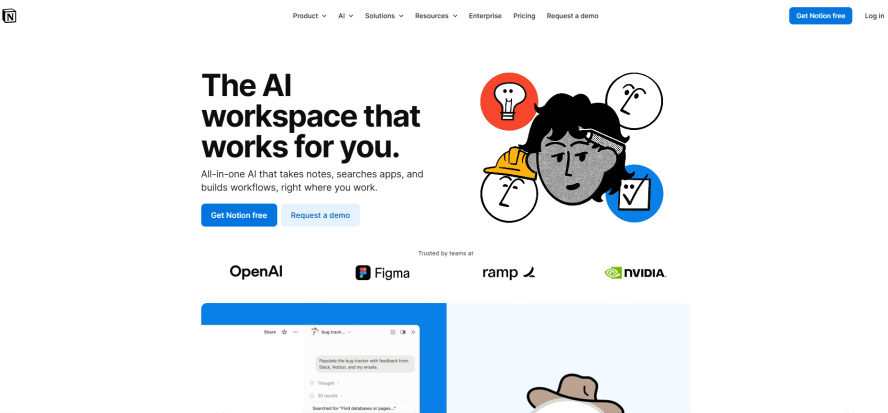
Notion AI is best for teams that already live inside the Notion ecosystem. It is perfect for turning meeting notes into a structured progress report.
Pros: It creates structured, clean-looking documents and summarizes long threads of text instantly.
Cons: It is primarily text-based. Its data to report presentation ai features are very basic, making it unsuitable for visual presentations.
Pro Tip for Choosing a Report Tool
When searching for the best ai report maker, don't just look at the price tag. Here are three expert strategies to ensure you get the best ROI:
The Comparison Landing Page Strategy: If you're deciding between two tools, check for specific "vs" pages (like presenti.ai/vs/gamma). These pages often highlight the granular differences that a general review might miss.
Visual Evidence is Everything: A true automated report generator should be able to show you its "quality" before you sign up. Always look for high-quality AI-generated report screenshots. This proves the tool can handle real-world design challenges.
Focus on Logic over Fluff: In 2026, any tool can generate text. But a top-tier ai business report creator focuses on Logic and Data Visualization. Your report should tell a story where the data leads naturally to a conclusion. This "narrative logic" is what separates Presenti from its competitors.
Conclusion
The goal of using an ai report maker isn't just to work faster—it's to work smarter. By choosing an automated report generator like Presenti, you ensure that your ideas aren't lost in a sea of bad design or confusing data. Whether you need a simple ai business report creator for internal syncs or a sophisticated data to report presentation ai workflow for client pitches, the tools of 2026 have you covered.
Looking to save 10+ hours a week on reporting? Try Presenti for free today and experience how AI can turn your raw data into a masterpiece in seconds.