
AI presentation drafts for Google Slides teams
Get started free
Why choose Presenti.ai as your AI presentation maker
Create a draft from your ideas or existing material, then review the structure, facts and design before presenting. Choose your workflow based on the files you use and the plan features you need.

Create and edit presentations online

Access your saved presentations online

Present directly from the browser

Choose a template for your topic

Generate a draft with AI assistance

Export formats depend on your plan

Add charts and review the source data

Add images and visual assets

Review styling across your slides
Compare Google Slides and Presenti AI
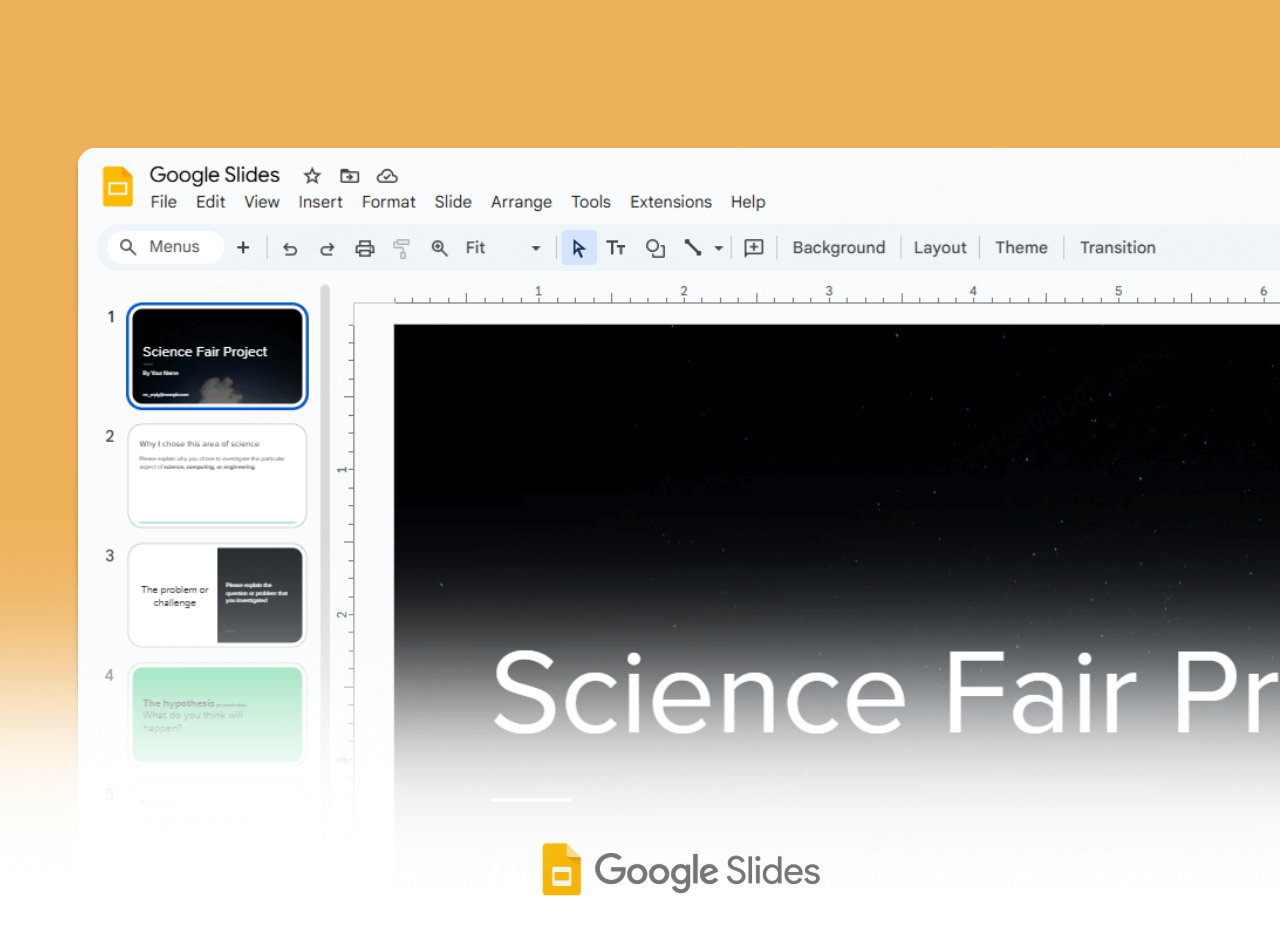
What is Google Slides?
Google Slides is a browser presentation editor with real-time collaboration, templates and PowerPoint file support. Gemini in Slides can generate slides and images and summarize content; availability depends on the account and plan.
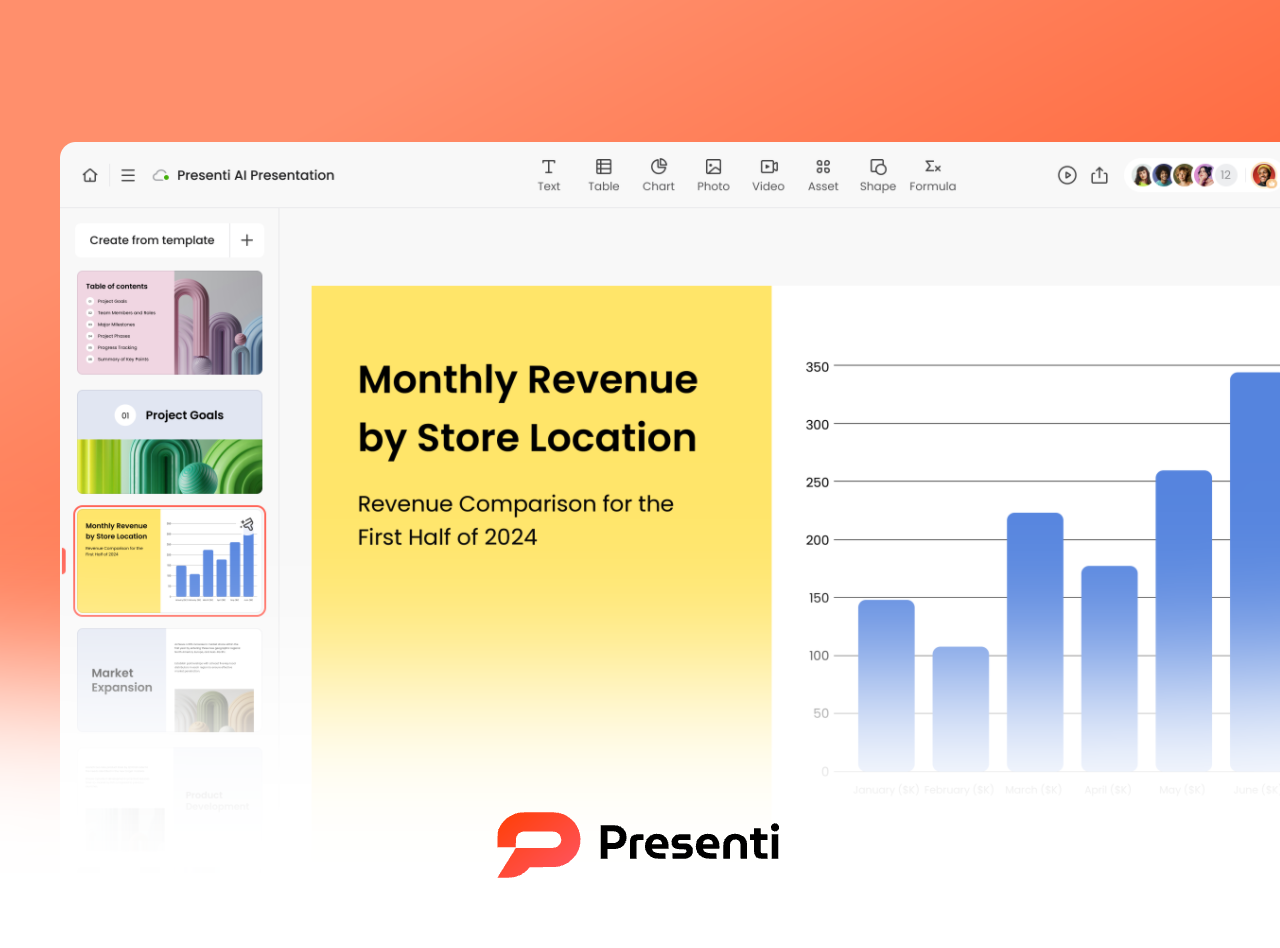
What is Presenti.ai?
Presenti AI creates editable presentation drafts from prompts, outlines and documents. Review the generated structure, customize the slides and check the export options included in your plan.
Google Slides vs. Presenti.ai
Design Workflow
AI Assistance
Layout Editing
Presentation Structure
Brand Styling
Input Options
Team Workflow
AI Writing
Export
Completion Time
Free Access
Plans and Pricing

Slide editor and templates
Gemini features vary by account
Manual editing and templates
Build a structure with templates or AI
Themes and branded templates
Text and PowerPoint files
Gemini can use Drive content
Gemini can use Drive content
Real-time collaboration
Generate and summarize content
PowerPoint and PDF download
Depends on content and review
Personal use with a Google Account

Draft generation and slide editing
AI-assisted presentation drafts
Generated layouts with manual edits
Generate and edit an outline
Customize slide styling
Prompt, outline or document
PDF, Word and Markdown
PDF, Word and Markdown
Online sharing and collaboration
Draft and revise slide text
Formats depend on plan
Depends on content and review
Free plan; usage limits apply
Comparison checked on September 17, 2026. Google Slides official product and plan details. Presenti AI credits, export access and paid features depend on the current plan; View current plans and limits. PPTX import into another editor may change fonts, spacing or charts; review the imported deck. Neither tool has a fixed time to a finished presentation.
Build and review your presentation in Presenti AI
Draft and edit an outline
Start with a prompt, outline or supported document. Review the proposed sections, remove unsupported details and adjust the sequence before generating your slides.
Choose a presentation template
Select a template that suits your subject and audience. Adapt its colors, typography and visuals to the content you need to communicate.
Review the generated layout
Use the generated layout as a starting point. Check text fit, alignment, data and image choices, and review the deck in the format you plan to present.
Example presentation workflows
Explore typical tasks for different roles. These are illustrative workflows, not customer testimonials or measured performance results.
Marketing
Sales
Management
Education
Students
Operations
Product
Design
Consulting
Frequently Asked Questions
How does Presenti AI work with or compare to Google Slides?
Presenti AI focuses on drafting presentations from prompts, outlines and documents. Google Slides provides a shared presentation editor within Google Workspace and has Gemini features for eligible accounts. You can also use both tools: create a draft in Presenti AI, export a PPTX when included in your plan, and open it in Google Slides. Check the imported formatting before sharing.
How do the AI features compare?
Both products offer AI assistance, but the available tools depend on your plan. Google documents slide and image generation and content summaries in Gemini for Slides. In Presenti AI, use the generation and editing options available in your account, and verify any facts or sources in the resulting draft. Compare the tools using the same brief and review the output yourself.
Can I edit my AI-generated slides in Google Workspace?
If your Presenti AI plan includes PPTX export, download the file, upload it to Google Drive and open it with Google Slides. Text and slide elements can be edited, but fonts, charts, effects and layouts may change during import. Review a sample deck before relying on this workflow.
Does Presenti AI support team brand guidelines?
You can customize presentation styling and review the resulting slides against your team guidelines. Check your plan for the available brand features. Neither generated content nor a shared template removes the need to review logos, fonts, colors and layouts before publishing.
Is there a free version of Presenti AI available?
Presenti AI has a free plan with usage limits. The current credit allowance, included features and export access are shown on the pricing page. Check those details before starting a project that requires paid features.