
Presenti AI · For work, study, and new ideas
AI Presentation Maker: Turn Ideas into Slides
Start with a topic, text, or document. Presenti helps you shape an outline, create AI slides, and edit the content and design online.
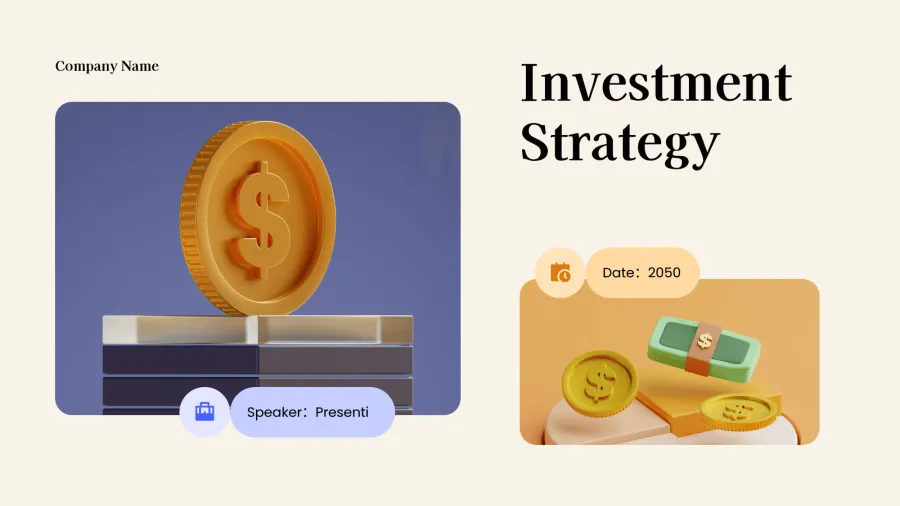


Choose how to start your presentation
Start with a topic, text, supported document, mind map, or template, then review the draft in the editor.
-
Get started free
 Text
-
Check plan options
 Word
-
Check plan options
 PDF
-
Get started free
 Markdown
-
Get started free
 Mindmap
-
Get started free
 Template
Edit content and layouts in one workspace
Review slide text, layout, color, and typography in the editor as the draft takes shape. Make the final adjustments, then use the sharing or export options available in your workspace.
Get started free

Build a Clear Presentation Story
Set the audience and purpose for a pitch, lesson, report, or team update. Use the outline as a working draft, then refine the message before presenting.
Get started free

Choose a presentation style
Choose a visual direction for a pitch, lesson, report, or team update, then adjust the draft to match your audience and message.
Get started free

Templates for work, school, and more
- Business
- Marketing
- Education
- Pitch Deck
- Minimalist
- Creative
From draft to finished deck
-
![Spark your idea]()
Provide a starting point
Enter a topic, add keywords, or choose a supported file to give the presentation a clear starting point.
-
![AI-powered creation]()
Review the first draft
Presenti turns the starting material into an outline and slide draft; check the structure before you edit the content and layout.
-
![Polish and present]()
Polish and present
Review the slide text and layouts, make the final adjustments, then use the share or export options available in your workspace.


