Presenting to clients can feel like a high-stakes moment—whether you're proposing a new project, sharing a budget plan, or unveiling a fresh design, you want every detail to resonate. If clients expect presentations that are clear, engaging, and to the point, AI tools can make a real difference, helping you streamline preparation and create visuals that stand out. Let’s dive into some practical examples and smart strategies to make your client presentations more effective and memorable.
Can AI Help Solve the Biggest Challenges in Client Presentations?
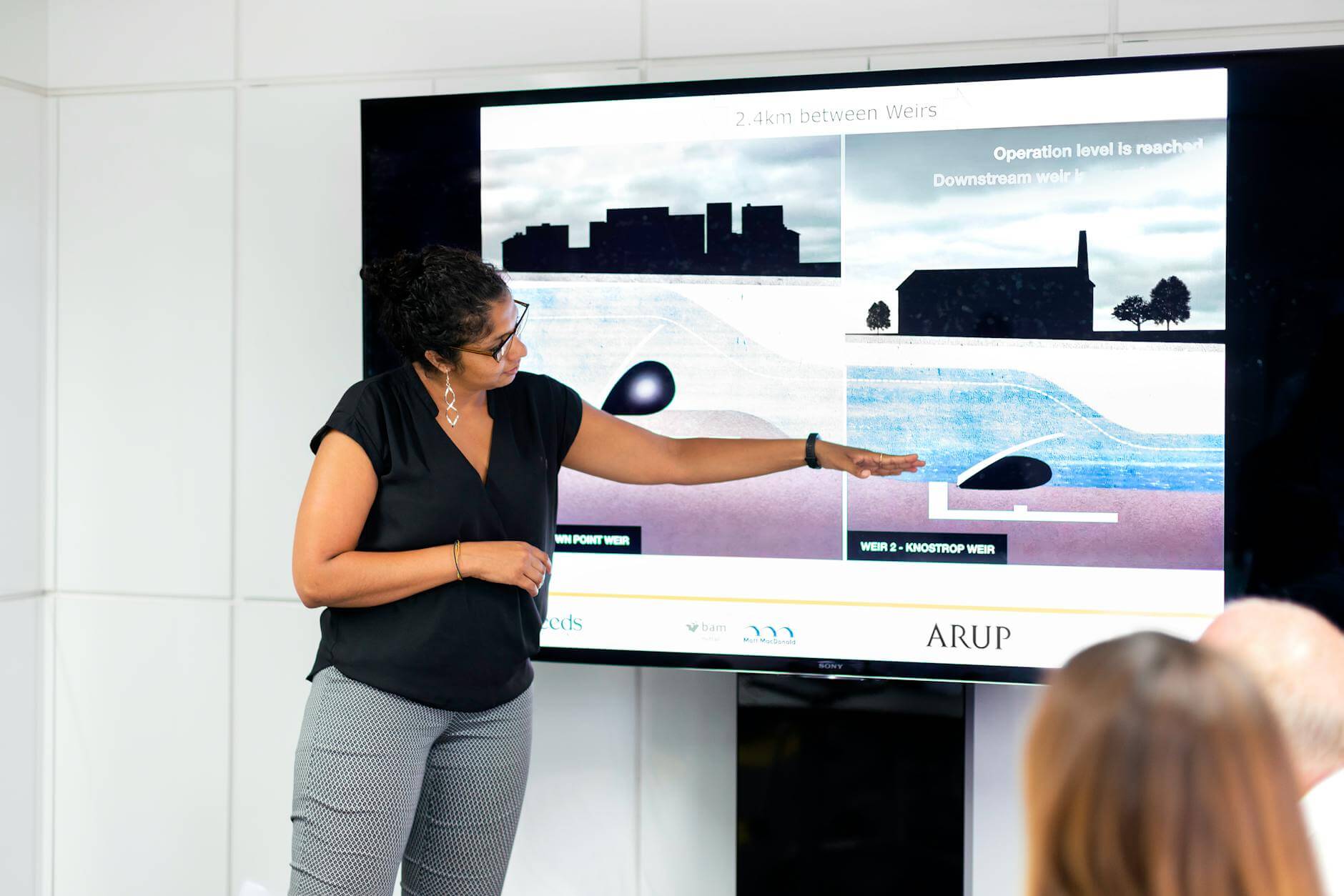
Clients expect clear, concise, and relevant information in every presentation. But often, professionals face challenges like maintaining engagement, managing content overload, and delivering complex ideas in simple terms. AI tools like Presenti AI can address these issues by streamlining content creation, summarizing key points, and offering templates to enhance visuals.

1. Using AI for Streamlined Content Creation
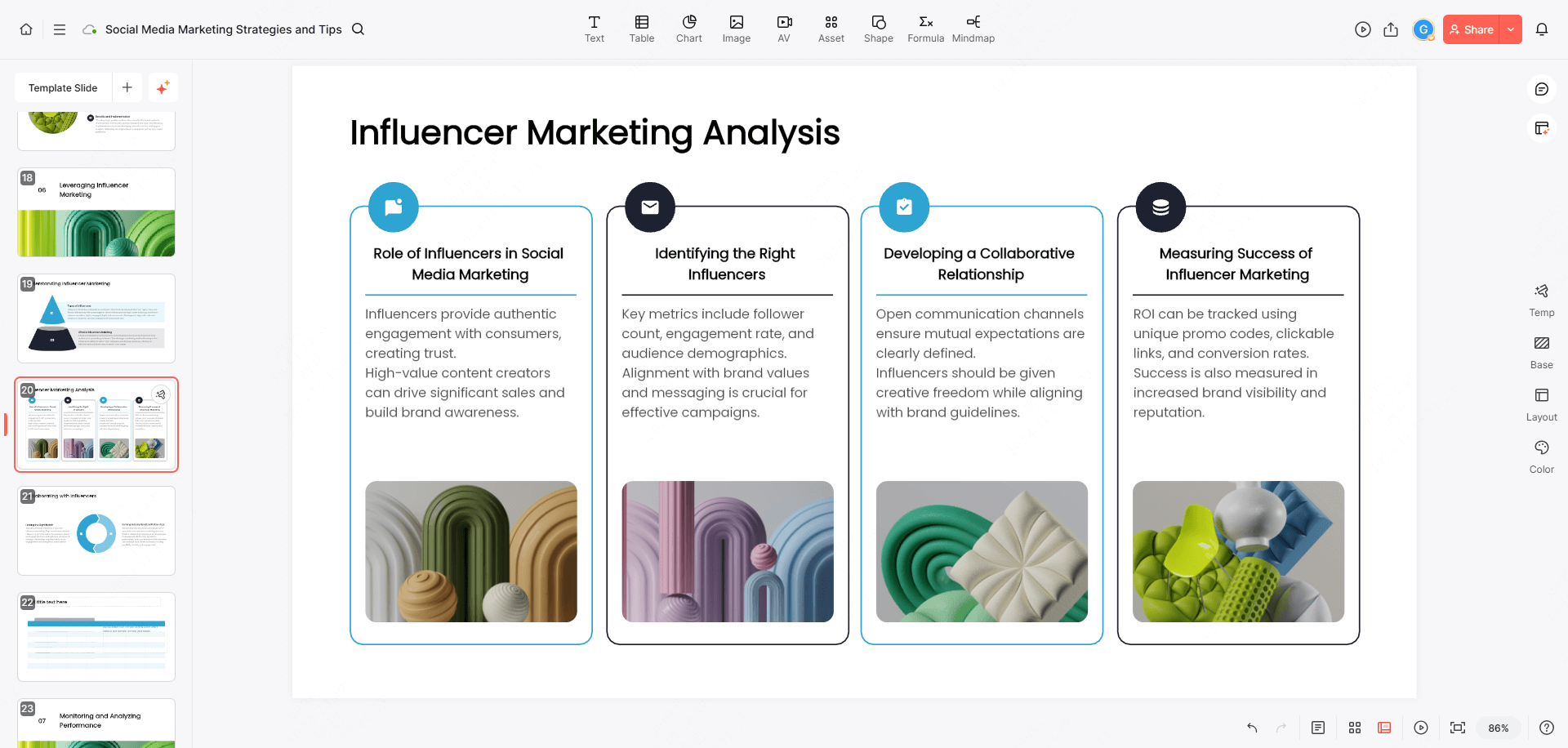
- Automatic Slide Generation: AI tools can generate slides from text or an outline, allowing presenters to focus on delivery rather than design.
- Content Summarization: AI simplifies lengthy documents into digestible slides, which you can check against the original to retain essential context.
- Visual Enhancement Suggestions: AI can recommend visuals that align with your topic, enhancing audience engagement.
2. AI-Powered Personalization for Client-Specific Presentations
- Tailored Content: AI can adapt content based on the client’s industry, interests, or feedback.
- Dynamic Data Visualization: By analyzing data points, AI can create custom visuals for data-heavy presentations.
- Client Feedback Analysis: Summarize the client’s stated priorities from notes you are allowed to use. Do not assume the presentation tool can access past conversations or infer the client’s preferences.
3. Enhancing Engagement with AI-Driven Visuals
- Template Libraries: AI tools offer a range of professional templates, saving time and ensuring high visual appeal.
- Brand Alignment: AI can match visuals to brand aesthetics, helping create a cohesive presentation that aligns with your client’s values.
- Interactive Elements: AI can suggest adding interactive charts, Q&A sections, and videos to keep the presentation dynamic.
How Do You Present to Clients or Stakeholders?
Presenting to clients requires more than just a good slide deck. It’s about building trust, demonstrating expertise, and communicating in a way that resonates. Let’s look at practical ways to present to clients or stakeholders effectively.

1. Establishing a Strong Connection
- Start with a Personal Story: A brief personal story or anecdote relevant to the topic can help establish rapport.
- Emphasize Shared Goals: Connect your presentation’s objectives with the client’s business goals to show alignment.
- Engage with Questions: Ask open-ended questions to understand their perspective and invite interaction.
2. Demonstrating Value and Expertise
- Showcase Your Expertise: Present case studies or past successes that relate to the client’s needs.
- Highlight Unique Offerings: Clearly explain what sets your solution apart from competitors.
- Use Data to Support Claims: Incorporate data points to back up your claims and demonstrate the impact.
3. Structuring the Presentation for Clarity
- Follow a Clear Agenda: Lay out the presentation structure early on so clients know what to expect.
- Use Visual Hierarchies: Emphasize key points using larger fonts or colors to guide attention.
- Summarize Frequently: At the end of each section, briefly recap to reinforce understanding.
How to Present a Business Proposal to a Client
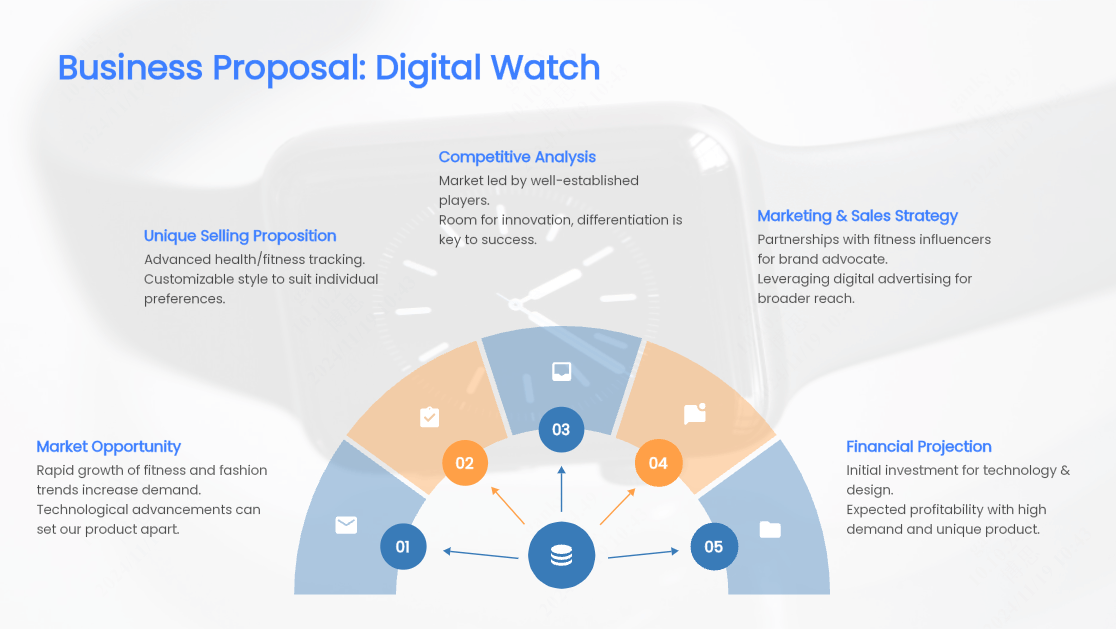
Illustrative example: Suppose a client is considering a pilot for a new support workflow. A five-slide proposal could cover the current process, the proposed change, the pilot scope, the resources required, and the decision needed. Replace all placeholders with approved client information; this is an editorial example, not a customer case study.
1. Framing the Problem and Solution
- Slide 1 — Current process: Show where a request enters, who handles it, and the problem identified in the discovery meeting. Distinguish observations from assumptions.
- Slide 2 — Proposed change: Show the revised workflow and explain which part of the client’s problem it is intended to address.
- Slide 3 — Pilot scope: Name the participating team, success measures, and exclusions. Treat benefits as hypotheses to test, not guaranteed returns.
2. Breaking Down Project Phases and Timelines
- Slide 4 — Resources and milestones: Identify owners, required inputs, proposed dates, and approval dependencies.
- Slide 5 — Decision: State the specific approval you need, unresolved questions, and the next review point.
- Prepare for questions: Keep assumptions, risks, and supporting evidence available in an appendix.
3. Financial Transparency and Justification
- Provide a Detailed Budget: Offer a clear breakdown of costs to avoid any misunderstandings.
- Link Cost to Value: Relate each expense to the value it adds, helping clients see it as an investment.
- Be Open to Questions: Allow time for questions on the financials to address any concerns upfront.
How to Present a Logo to a Client
Presenting a logo may seem straightforward, but it’s essential to show how it captures the brand’s essence and resonates with the audience. A well-structured presentation can help the client appreciate the thought behind each design element.
1. Explaining the Design Concept
- Discuss Inspiration: Share the inspiration behind the logo to give it context and meaning.
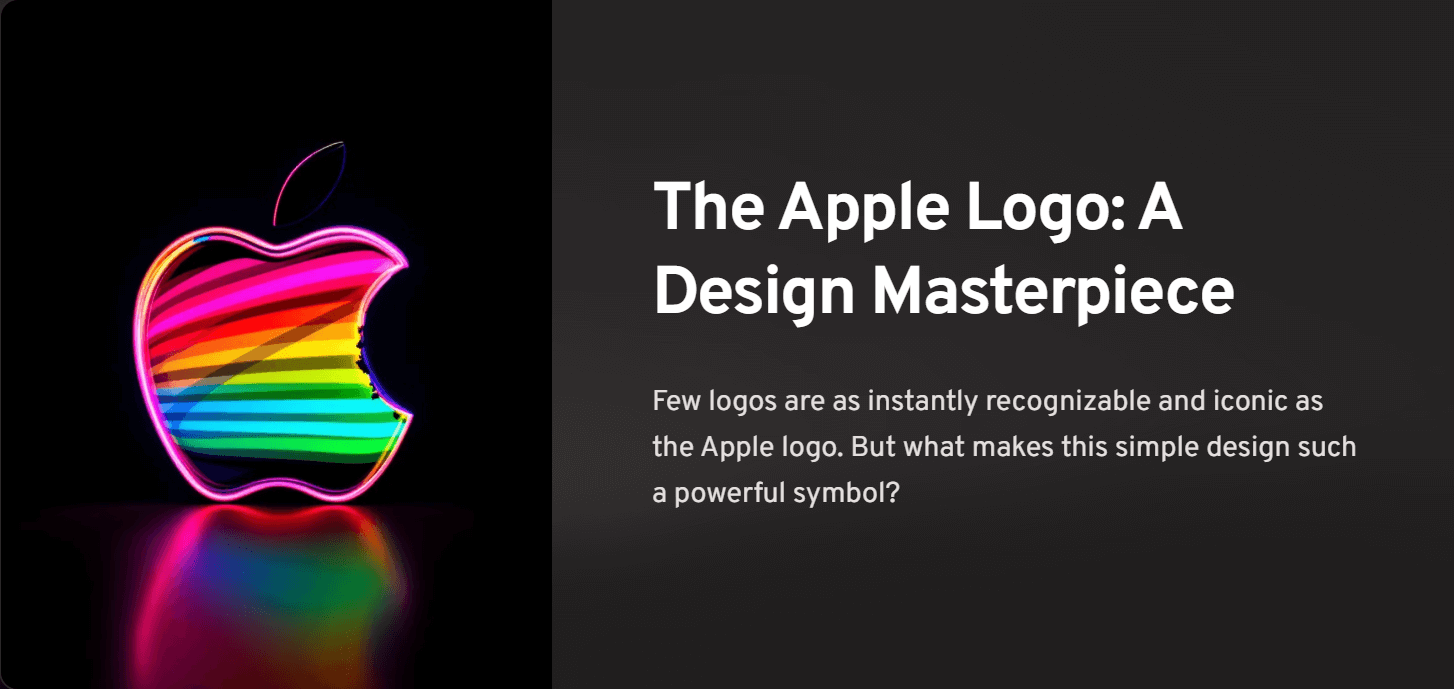
- Describe Key Elements: Explain the significance of colors, shapes, and typography choices.
- Relate to Brand Values: Show how the logo aligns with the client’s brand identity and mission.
2. Showcasing the Logo in Context
- Use Real-Life Mockups: Present the logo on products, signage, or websites to visualize its real-world impact.
- Demonstrate Versatility: Show how the logo adapts across different media, including digital and print.
- Highlight Scalability: Display the logo at various sizes to ensure clarity and consistency.
3. Gathering Client Feedback Effectively
- Ask for Specific Feedback: Encourage clients to share detailed thoughts on color, style, and elements.
- Prepare for Adjustments: Outline potential tweaks and be open to refining the design.
- Summarize Key Takeaways: End with a brief summary of agreed changes and next steps.
How to Present a Proposal to a Client
Proposals often contain extensive details, so clarity and conciseness are crucial. Effective proposal presentations break down complex information into easy-to-understand points, guiding the client smoothly through each section.
1. Setting the Stage with a Clear Agenda
- Introduce the Agenda: Start by summarizing the key areas you’ll cover.
- Focus on Client Benefits: Emphasize how each proposal section benefits the client directly.
- Limit Jargon: Avoid industry-specific terms that might confuse the client.
2. Breaking Down Each Proposal Section
- Project Scope: Outline what’s included in the proposal, focusing on client needs.
- Deliverables: Specify tangible outputs and timelines to set clear expectations.
- Budget Overview: Summarize costs transparently, linking them to specific services or phases.
3. Encouraging Dialogue and Addressing Concerns
- Invite Questions at Each Step: Pause for questions to ensure understanding before moving forward.
- Address Objections: Acknowledge any concerns and offer reassurance or alternatives.
- End with a Recap: Summarize key points to reinforce confidence in your proposal.
How to Present a Quote to a Client
Pricing discussions can be sensitive, so it’s essential to handle quotes with transparency and empathy. When done right, presenting a quote can build trust and set a positive foundation for future collaboration.

1. Building Trust Through Transparency
- Explain Cost Structure: Break down the quote to show what each charge covers.
- Highlight Value for Money: Emphasize the quality and value each service offers.
- Clarify Payment Terms: Be upfront about payment schedules, terms, and any potential additional costs.
2. Addressing Pricing Questions Openly
- Encourage Clarification: Let clients know they’re welcome to ask questions on pricing details.
- Be Ready to Negotiate: Show flexibility by discussing options within their budget.
- Summarize Adjustments: If changes are agreed upon, confirm them to avoid future misunderstandings.
3. Reinforcing Confidence in Your Offer
- Reiterate Your Expertise: Remind clients of your qualifications and experience related to the service.
- Link Costs to Benefits: Reaffirm how the quote aligns with their goals and expected outcomes.
- End with Gratitude: Thank the client for considering your proposal, leaving a positive final impression.
A quote slide that makes a budget discussion concrete
Suppose you are proposing a website-content pilot. The following amounts and scope are fictional, included to show how to explain a quote rather than suggest a market price.
| Option | Included work | Illustrative fee |
|---|---|---|
| Focused pilot | One discovery session, three page drafts and one consolidated revision round | $2,400 |
| Wider pilot | The same discovery session, six page drafts and one consolidated revision round | $3,600 |
Under the table, state what both options exclude: development, translation, stock-image purchases and new pages requested after scope approval. Explain the input you need from the client, such as approved product facts and one person authorized to consolidate comments. The slide now gives the client a choice they can understand; it does not imply that paying more guarantees a commercial result.
If the client asks for the wider pilot at the smaller fee, show which work would change. You might offer three pages now and price the remaining three separately. Do not leave the same six-page promise on screen while agreeing verbally to a reduced scope. A lower fee, fewer deliverables and a longer schedule are different choices, and the slide should make that difference visible.
Use a separate note for the proposed schedule and assumptions. For example, “Drafting starts after product information is approved” is more informative than a date that silently assumes an approval has already happened. Mark tentative dates as tentative. Put detailed commercial terms in the accompanying quotation, and make sure the presentation agrees with that document.
In Presenti, turn the approved options into a comparison slide, then check that the fee, revision allowance and exclusions have survived any shortening of the text. During the meeting, ask which scope the client prefers and which input they can supply. Record the selected option in the written follow-up instead of treating an encouraging reaction as approval.
How to Present a Website Design to a Client
Website design presentations require a blend of creativity and practicality. Clients want to see how the design represents their brand while being user-friendly and functional. A thoughtful presentation can make all the difference.
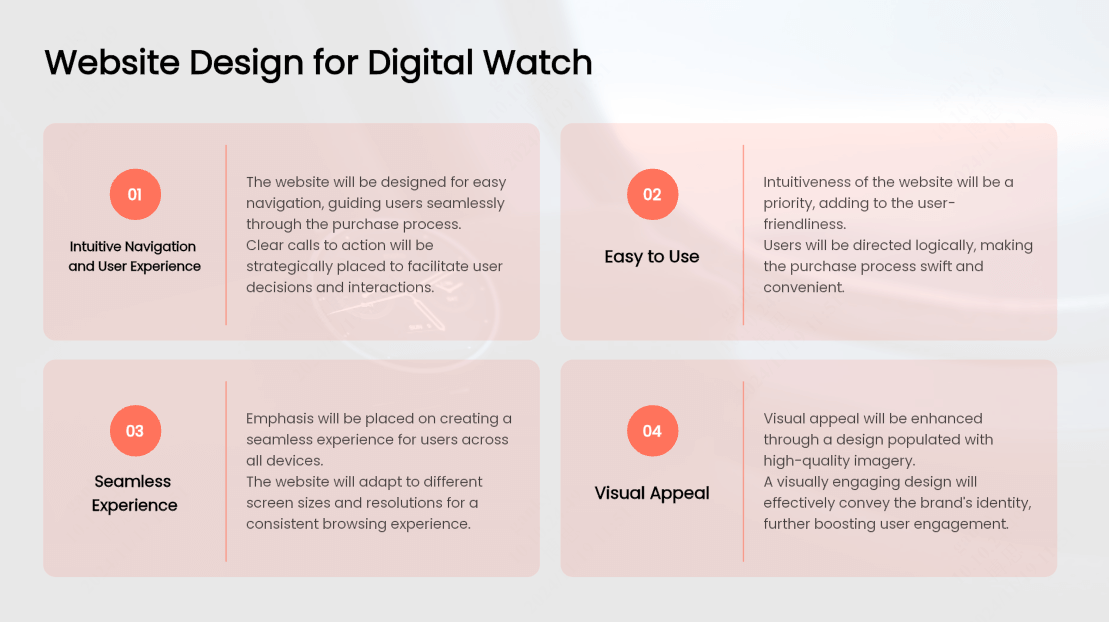
1. Highlighting the User Experience (UX) Focus
- Explain Navigation Choices: Describe why you structured the site the way you did, focusing on user experience.
- Demonstrate Responsive Design: Show how the site adapts across devices to ensure usability.
- Walk Through Key Pages: Guide the client through critical pages to showcase intuitive layout and content flow.
2. Aligning Design Choices with Brand Identity
- Discuss Color and Typography: Explain how these elements capture the brand’s tone and appeal.
- Showcase Imagery and Icons: Share how visuals align with the client’s message and target audience.
- Provide Context for Layout Choices: Describe how the layout supports the client’s goals (e.g., conversions, engagement).
3. Gathering Feedback and Adjusting
- Ask for Detailed Feedback: Encourage the client to share thoughts on usability, visuals, and layout.
- Prepare to Make Edits: Assure the client that adjustments can be made to better align with their vision.
- Confirm Next Steps: Outline the timeline for any requested changes, ensuring clear expectations.
Conclusion
A successful client presentation is all about clear, engaging communication that clients can relate to. When you’re sitting across from your client, instead of flipping through slides, you’re sharing tailored insights that speak directly to their needs. With Presenti AI presentation maker at your side, you can prepare an initial outline and slide draft, then revise the content and visuals for the client’s needs. Use the meeting to confirm the client’s priorities, explain your recommendation, and agree on a specific next step.
Record agreed changes and owners after the meeting so the presentation leads to a clear follow-up.