Imagine you're preparing for a high-stakes business meeting, and you need a professional presentation fast. Presenti AI helps you turn a topic or existing document into a presentation draft. Whether for corporate pitches, marketing strategies, or academic projects, Presenti AI provides a starting structure and layout that you can refine for your audience.
What is Presenti AI?
Ever wish you could create a professional presentation without spending hours designing slides? Presenti AI is here to make that possible. This innovative tool combines AI with excellent design to give you high-quality presentations in just a few clicks. The Presenti product update archive provides context for this release and links to other feature announcements.
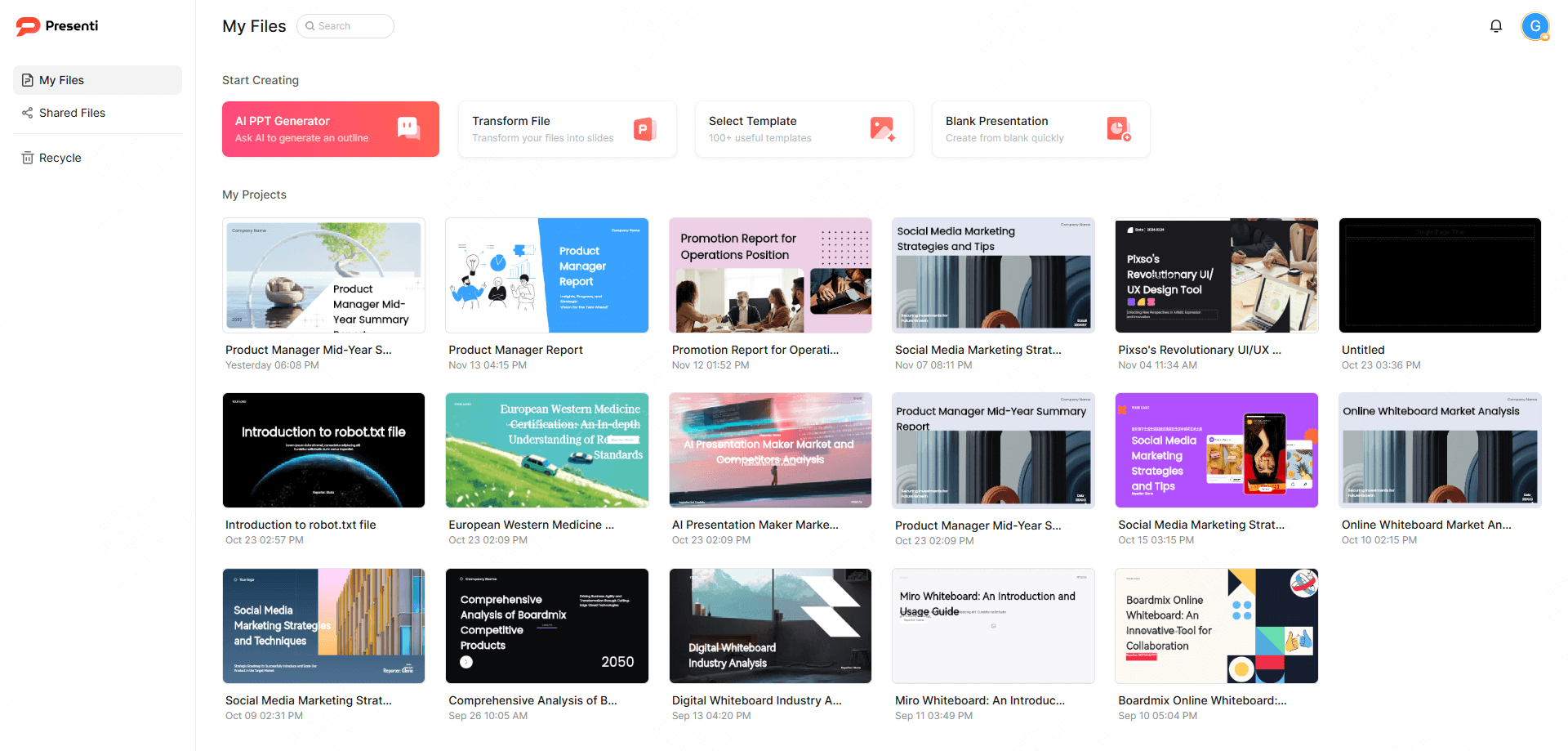
Use it to draft a business presentation, lesson, or project update. Supply the key facts first, then review the generated outline and slides before presenting.
Key Features of Presenti AI
What makes Presenti AI stand out from other presentation tools? Let's take a closer look at some of its most powerful features that will help you save time and create impressive presentations effortlessly.
One-Click Presentation Generation
Enter your topic or outline, and Presenti AI generates a presentation draft. Perfect for when time is of the essence, this feature streamlines your workflow, enabling you to create engaging content without stress.
Import Files to Generate Presentations
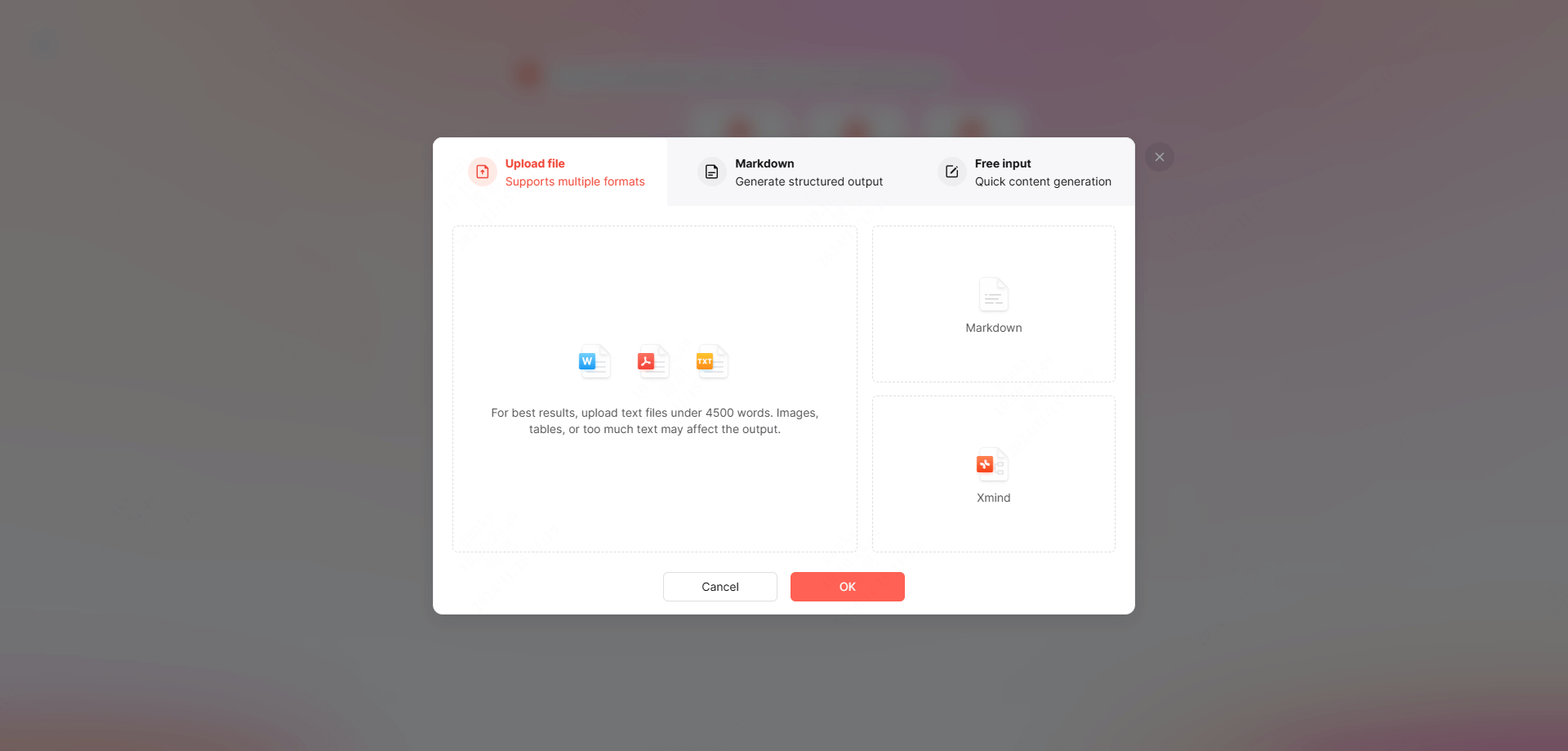
Presenti AI supports Word, PDF, Markdown, and TXT formats, transforming them into fully designed presentations. This feature is a lifesaver for professionals with existing documents, saving valuable time.
Extensive Template Library
Presenti AI offers an array of professionally designed templates suitable for any occasion, from corporate reports to academic presentations. Choose from a wide range of styles and themes to customize your presentation effortlessly.
Intelligent Layout Optimization
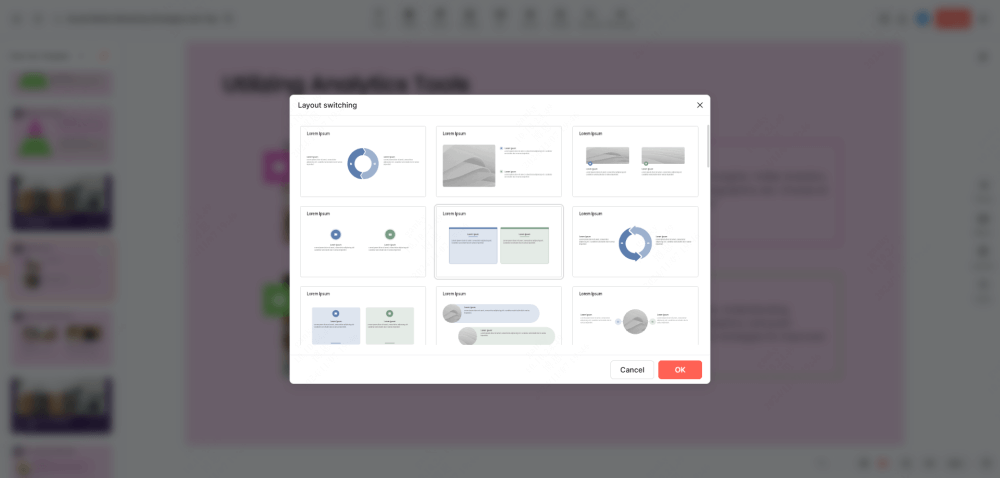
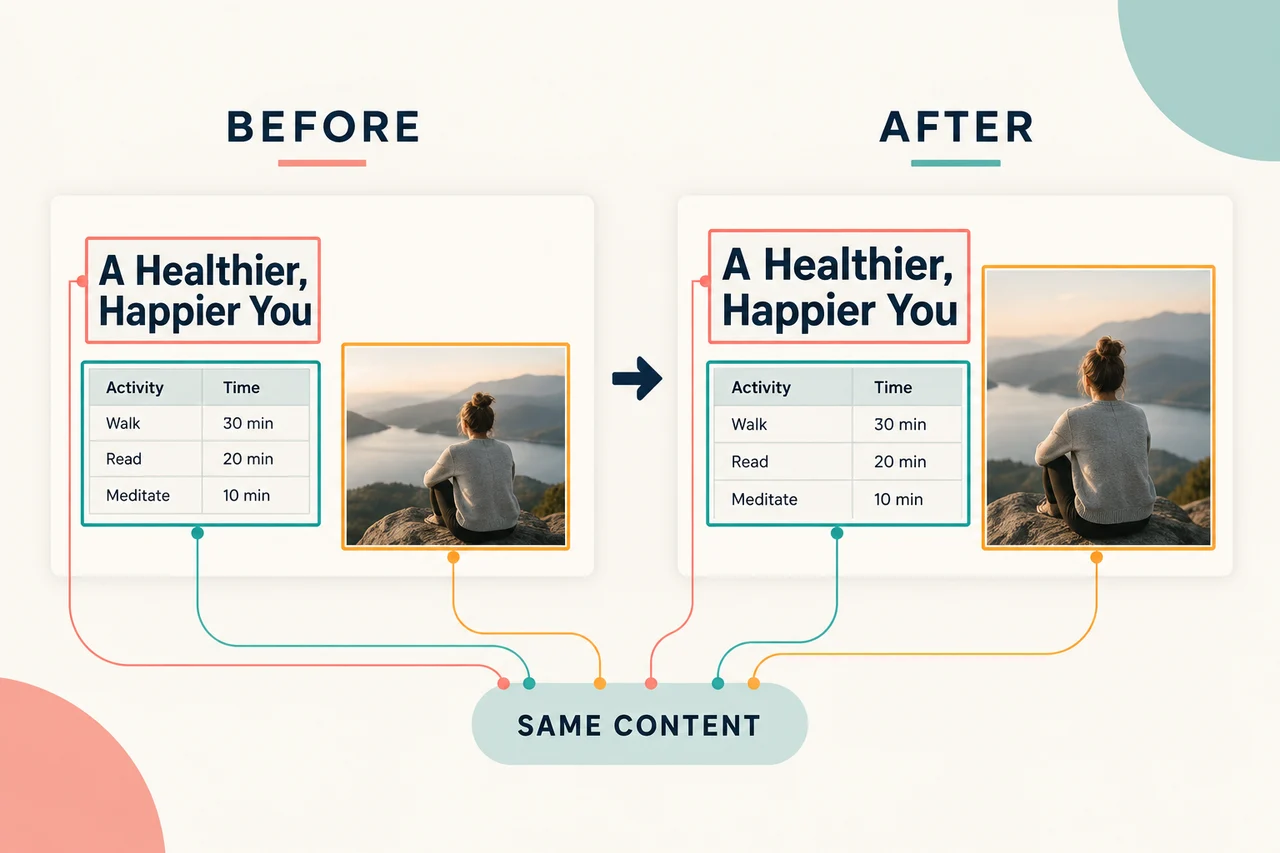
Presenti AI automatically adjusts the layout to optimize visuals and content structure, giving you a layout to review for readability and emphasis.
How to Use Presenti AI to Create a Presentation
Wondering how to get started with Presenti AI? Here's a step-by-step guide to help you create your first presentation, from downloading the software to exporting the final product.
Step 1: Get Started
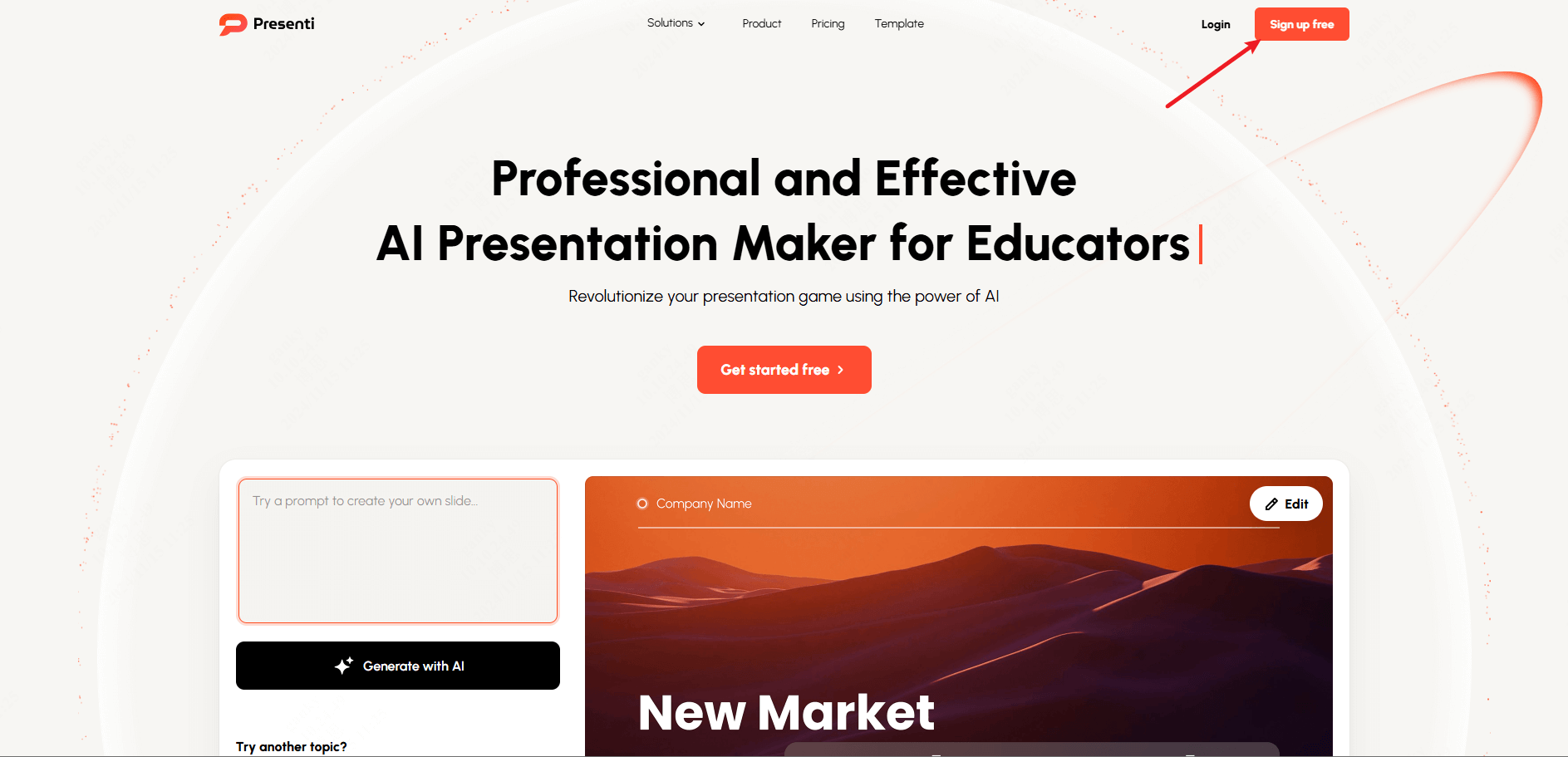
Sign up on Presenti AI's platform or download the app. It's available for both Windows and macOS. After registering, you can start creating presentations right away.
Step 2: Create a Presentation
Log in and select from three quick-start options: AI-generated presentations (input a topic, and the AI does the rest), import existing files to generate presentations, or choose from the extensive template library.
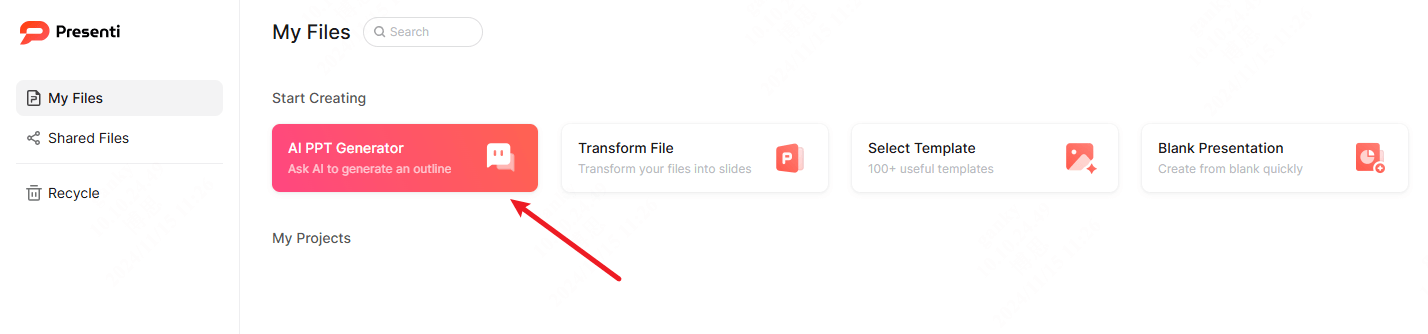
For example, input “2026 Sales Strategy” as your topic, and Presenti AI will generate an outline covering key points such as sales forecasts, market analysis, and strategies.
Step 3: Customize and Edit
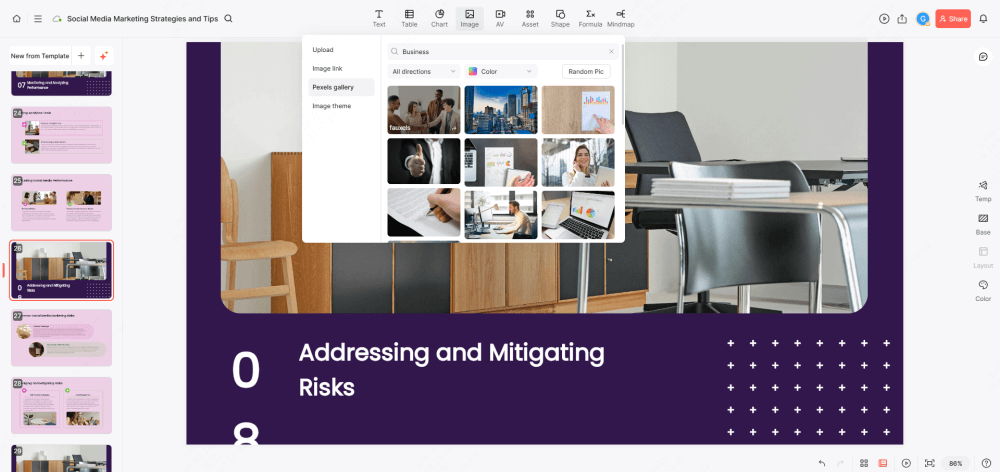
Modify the template by adjusting the design, color themes, or layout. Add content such as text, images, and charts. Presenti AI provides intelligent editing suggestions, allowing for a polished finish without much manual effort.
Step 4: Export and Share
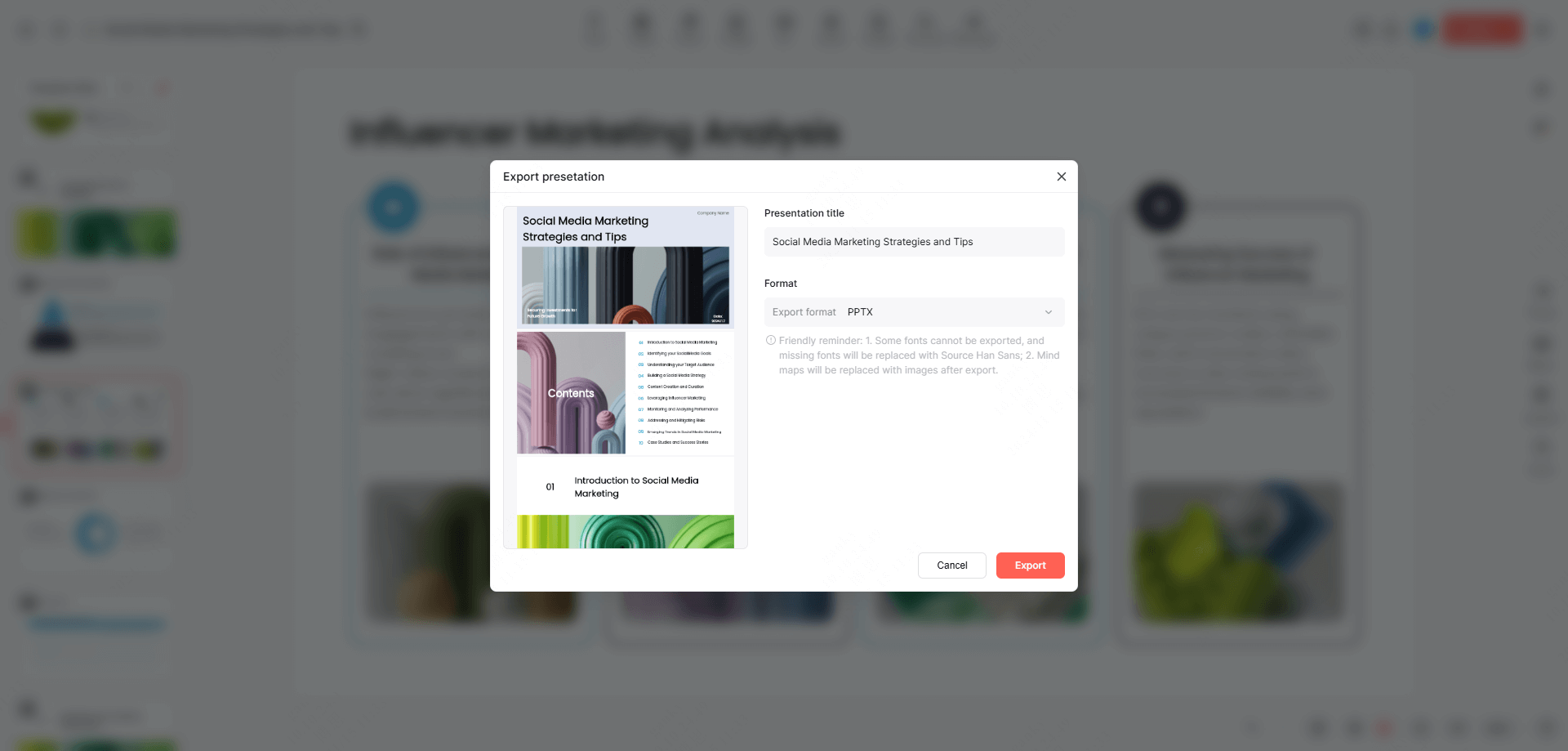
Once complete, export your presentation in PPTX or PDF format, then check the exported file before sharing it with your team.
Choosing a Presentation Template
Need the perfect template for your presentation? Presenti AI has you covered with a wide range of customizable templates for a range of common presentation tasks, from business reports to graduation defenses.
Business Reports
For executives and managers, Presenti AI offers data-driven templates that help showcase performance metrics and key takeaways effectively.
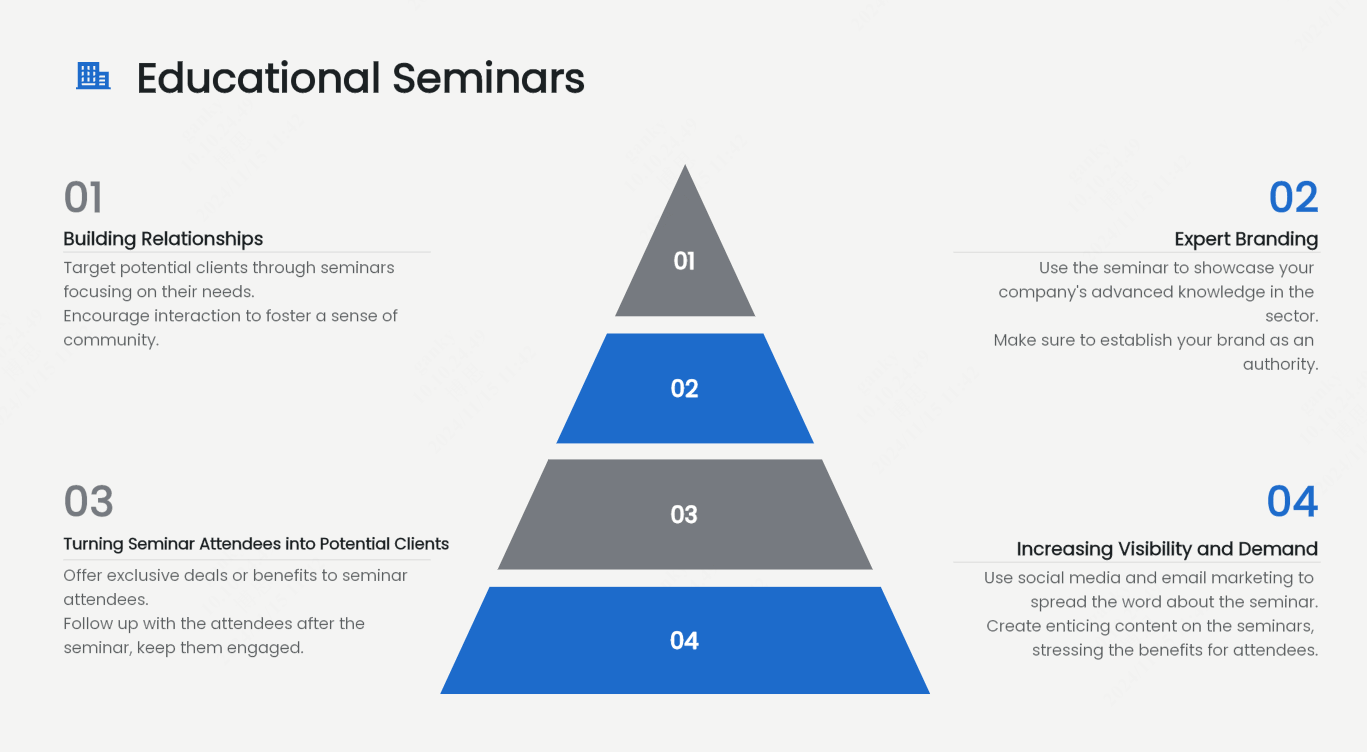
Educational Seminars
Educators can benefit from clean, education-focused templates, perfect for delivering course materials or academic findings with clarity.
Corporate Pitches
Make a lasting impression with Presenti AI's professional pitch decks, designed to help businesses communicate their strengths and value propositions.
Marketing Strategies
Highlight marketing plans and promotional activities with visually dynamic templates that enhance key messaging.
Thesis Defense
Students can easily present research results and conclusions with structured, clear layouts optimized for academic presentations.
Conclusion
Presenti AI offers a powerful, user-friendly solution for anyone looking to create high-impact presentations quickly. Whether you're a business professional, educator, or student, Presenti AI takes the hassle out of presentation design, allowing you to focus on delivering your message. Start with a topic or document, then refine the outline, wording, and visual hierarchy to suit the presentation.