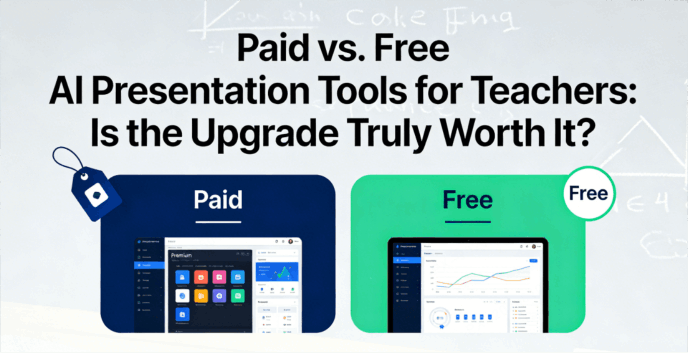
In 2026, the "Sunday Night Blues" of lesson planning should be extinct. AI has promised to turn hours of formatting into seconds of prompting, but the reality for most educators is a minefield of paywalls and "Pro" features. When should you rely on free AI presentation tools for teachers, and when does a paid subscription actually pay for itself in saved sanity? To help you navigate the 2026 landscape of AI tools, we’ve conducted a free AI presentation tools comparison to find the most cost-effective AI for educators that balances high-end output with a teacher’s budget.
The Quick Comparison: Free vs. Paid AI Presentation Tools
Before we look at specific software, it is helpful to understand the general landscape of cost-effective AI for educators. Most platforms follow a "Freemium" model. The free tier is designed to get you hooked, while the paid tier is designed to make you productive.
| Feature | Free AI Presentation Tools | Paid / Pro AI Subscriptions |
|---|---|---|
| Generation Limits | 3–5 decks per month or finite "credits" | Unlimited generations & real-time updates |
| Branding | Watermarks (e.g., "Made with Gamma") | Clean, professional, or school-branded |
| File Conversion | Basic text-to-slides | PDF/Word/Xmind to full interactive decks |
| Export Options | Restricted PDF or view-only links | Editable PowerPoint, Google Slides, & 4K Video |
Top AI Presentation Tools for Educators
This section explores the heavy hitters of 2026. We have analyzed these tools through a strict "Free vs. Paid" lens to see where your value truly lies.
Presenti AI (The Document-to-Deck Expert)
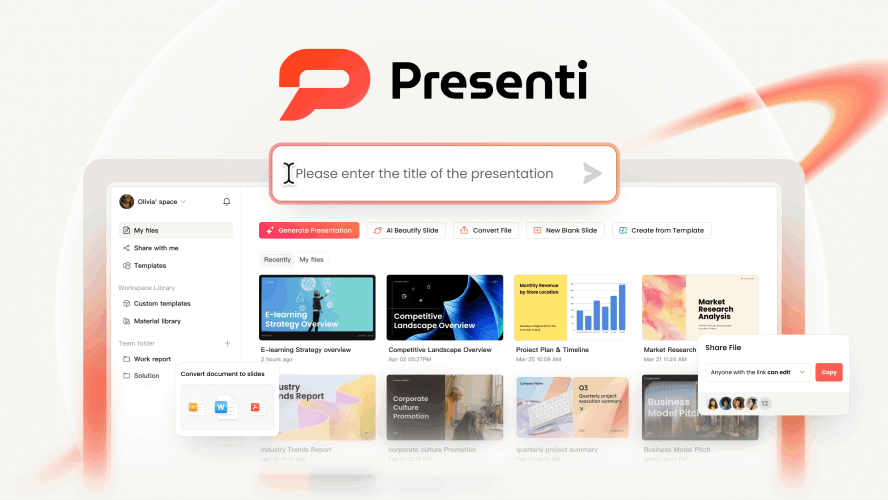
Presenti has surged in popularity in 2026 as the premier "Swiss Army Knife" for educators who don't want to start from scratch. While other tools focus on generating new ideas, Presenti excels at transforming your existing expertise into high-impact visuals.
Free Tier:
You can generate presentations of up to 20 slides per file using basic AI models. It’s the perfect budget presentation tool for teachers who need to turn a short news article or a page of messy brainstorming notes into a quick visual aid for a bell-ringer activity. You get access to a library of education-specific templates that cover various classroom styles—from "Classic Chalkboard" to "Modern STEM Lab."
Paid Tier:
At approximately $6–$8/month, the Pro version is built for "curriculum heavy-lifting." It unlocks the ability to upload Word files, 50-page PDFs, and even Xmind maps, instantly distilling them into structured 25+ slide decks. The standout feature is the "Pro Agent Mode," which acts like a research assistant, ensuring that the AI-sourced diagrams for a "Molecular Biology" lesson are scientifically accurate rather than just generic clip art. You also gain the "AI Beautify" tool, which can take a cluttered, old PowerPoint and automatically reformat it with modern design principles in one click.
This is the most cost-effective AI for educators who are "resource rich but time poor." If you have folders full of veteran teaching materials that need a 2026 makeover, or if you prefer generating slides from a structured outline or web link, Presenti will save you more manual labor than almost any other tool.
Canva for Education
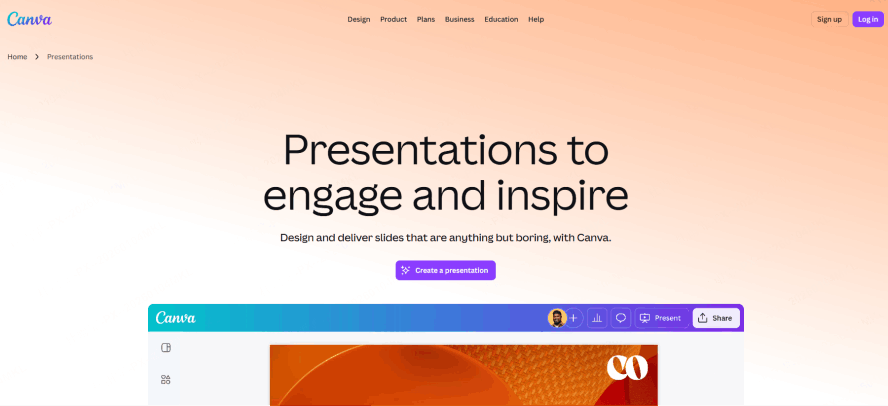
Canva remains the powerhouse of the education world in 2026, primarily because it effectively eliminates the "Paid vs. Free" dilemma for K-12 educators through its verification program.
Free Tier (The "Education" Verification):
This is the best-kept secret in EdTech. By simply uploading proof of your teaching status, you bypass the standard free version and gain access to a $120/year premium library for $0. You get "Magic Design," which can transform a one-sentence prompt (e.g., "The life cycle of a honeybee") into a multi-page presentation with relevant imagery and structured headings.
Paid Tier (The "Pro" Experience):
Since the Education version is the Pro version, you unlock features that regular free users can’t access. This includes the "Magic Switch" tool—which can instantly convert a 15-slide presentation into a 2-page student study guide or a classroom poster—and the Background Remover, which allows you to create professional-looking resources without technical design skills. It also offers seamless LMS integration, allowing you to sync assignments directly with Google Classroom or Canvas.
For K-12 teachers, this is the most cost-effective AI for educators because it provides high-end "Pro" power at zero cost. It is the gold standard for teachers who need a balance of AI-assisted creativity and a massive library of 100 million+ visual assets.
Gamma
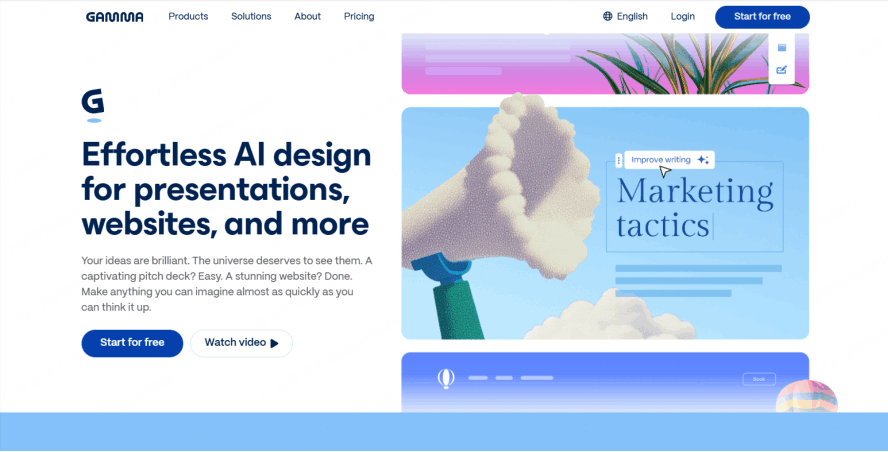
Gamma is the tool for the "last-minute" teacher. It doesn't just provide a template; it builds a cohesive narrative structure for your lesson.
Free Tier:
You start with 400 credits. Each presentation costs about 40 credits. Once those are gone, you have to wait or refer friends to get more. Your slides will also carry the "Made with Gamma" badge.
Paid Tier:
The "Plus" or "Pro" plans offer unlimited AI creation. More importantly, they offer "Aesthetic" customization, allowing you to set a consistent visual theme for your entire department. Paid users also get advanced analytics—you can see which students actually opened the link and which slides they spent the most time on.
This is the best of the free AI presentation tools for teachers for those who need to turn a rough PDF syllabus into a stunning deck in 30 seconds. The paid version is worth it only if you are a "power user" creating new content daily.
Curipod
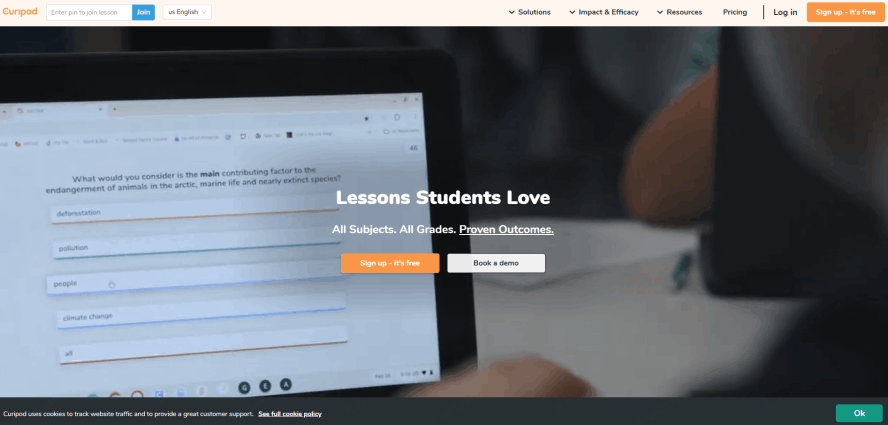
Curipod is designed to stop students from "zoning out" during a lecture. It transforms a presentation into a live, two-way conversation.
Free Tier:
You can create up to 5 private "Curipods." You have access to the basic AI generator which adds polls and word clouds to your slides.
Paid Tier:
The "Premium" tier is where Curipod shines. You get unlimited interactive lessons and—crucially for 2026—AI-generated student feedback. If a student types an answer to a prompt, the AI can instantly provide constructive feedback based on your specific rubric. It also includes premium translation tools for ESL/ELL classrooms.
If your teaching style relies on student engagement (polls, drawings, and real-time interaction), Curipod is one of the most budget presentation tools for teachers that justifies its price tag.
Slidesgo & SlidesAI
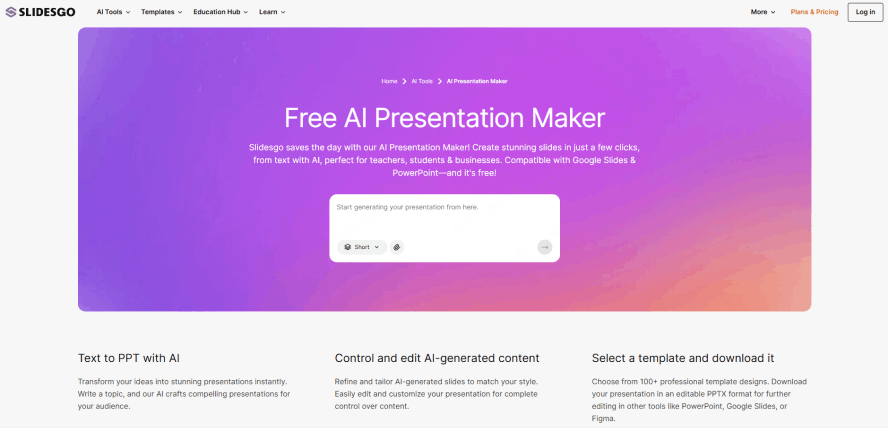
Many teachers prefer to stay within the comfortable ecosystem of Google Slides. These tools are built specifically for that workflow.
Free Tier:
Slidesgo allows about 3–10 downloads per month, but you must keep the "attribution" slide at the end to give them credit.
Paid Tier:
A paid subscription removes all attribution requirements and unlocks "Slidesclass"—a library of ready-to-teach, verified lessons that align with common core standards. It also allows for unlimited AI-generated PowerPoint files.
In a free ai presentation tools comparison, these rank high for design. They are best for teachers who want AI to do the "heavy lifting" of graphic design while keeping the file in a familiar format.
The "Worth It" Checklist: 4 Questions to Ask
Before you enter your credit card details, ask yourself these four questions to determine if you really need to move beyond free AI presentation tools for teachers:
- Frequency: Do you create more than three new presentations a week? If so, the credit limits on free tools will frustrate you.
- Collaboration: Do you need your students to edit the slides with you in real-time? Most free tiers restrict "co-authoring" to paid members.
- Budget: Does your school have a "discretionary EdTech stipend"? Many districts in 2026 will reimburse for tools like MagicSchool or Canva if you show they improve student outcomes.
- Privacy: This is the most important. Paid versions often offer better FERPA and GDPR data protection. If you are inputting student names or data into the AI, the paid, secure version is a necessity, not a luxury.
Conclusion
Choosing between free AI presentation tools for teachers and their paid counterparts comes down to how much you value your time. For those dealing with heavy curriculum documents, Presenti offers a specialized, cost-effective AI for educators that can’t be ignored.
Ultimately, if a budget presentation tool for teachers can shave three hours off your prep time for the cost of a Netflix subscription, it isn't just an "upgrade"—it's a lifestyle change. Reclaim your Sunday nights and let the AI handle the formatting while you focus on what actually matters: your students.