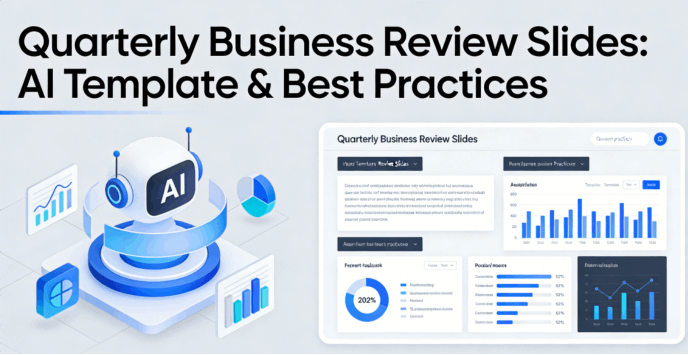
The Quarterly Business Review (QBR) is the heartbeat of customer success and strategic growth, yet most professionals dread the "QBR Season." It usually involves a frantic scramble through CRM dashboards, messy spreadsheets, and hours spent nudging text boxes in PowerPoint. But what if the process of building quarterly business review slides wasn't a chore, but a strategic advantage? In this guide, we’ll explore how to leverage a qbr presentation template ai to transform raw data into a compelling narrative that secures renewals and wins executive trust.
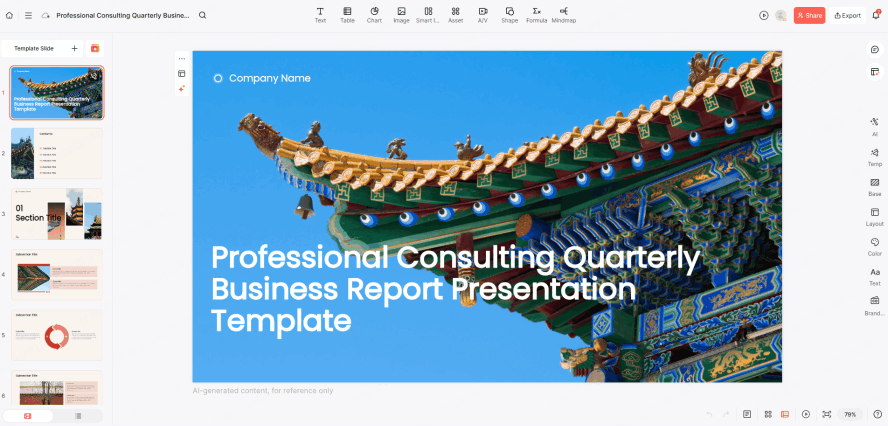
5 Essential Pillars of a High-Impact QBR
To move from a "status update" to a "strategic partnership," your quarterly business review slides must follow a logical flow. Here is the framework that the best qbr presentation template ai tools use to structure success:
1. The Executive Summary (The Hook)
Don’t bury the lead. Your first slide should summarize the ROI delivered this quarter. Use a qbr presentation template ai to distill complex metrics into three bullet points that an executive can digest in 30 seconds.
2. Goals vs. Actuals (The Reality Check)
Transparency builds trust. Showcase the KPIs you agreed upon at the start of the quarter. If you missed a target, don't hide it; use the business review slides generator to visualize the gap and transition immediately into the "Optimization Plan."
3. Usage & Adoption Insights
In SaaS, usage is the leading indicator of retention. Your executive dashboard presentations should highlight not just who is logging in, but which features are driving the most value.
4. Roadblocks and Resolutions
What stopped you from over-performing? Identifying friction points shows you are a proactive partner.
5. The Strategic Roadmap
The QBR isn't just a look back; it's a look forward. Use this section to align your product’s future with the client’s upcoming business goals.
Automate Your Workflow: 5 Essential AI Templates for High-Impact Business Slides
We are entering the era of "Automated Intelligence" in slide design. Using a qbr presentation template ai like Presenti isn't just about making things look pretty—it's about structural integrity and narrative flow.
Workflow:
Instant Structure Generation
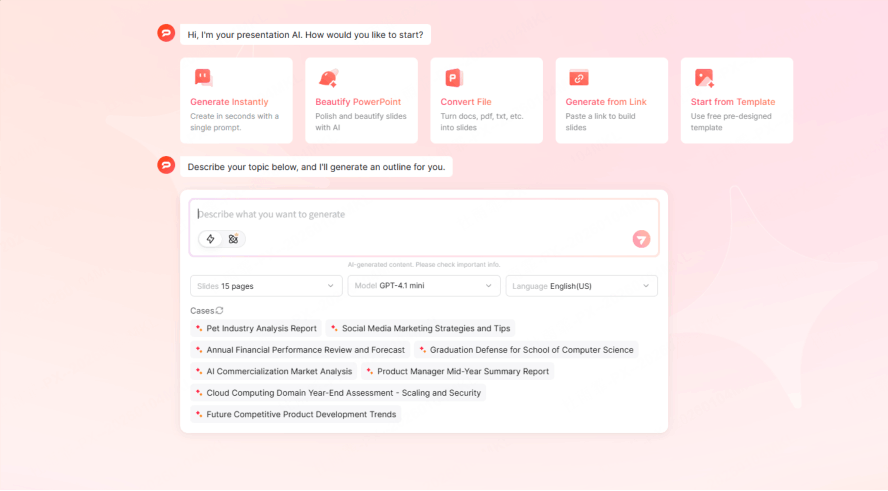
When you use a business review slides generator, you don't start with a blank white screen. You input your key highlights, and the AI suggests a professional layout. This ensures your quarterly business review slides maintain a consistent brand voice and logical progression without the manual heavy lifting.
Smart Data Visualization
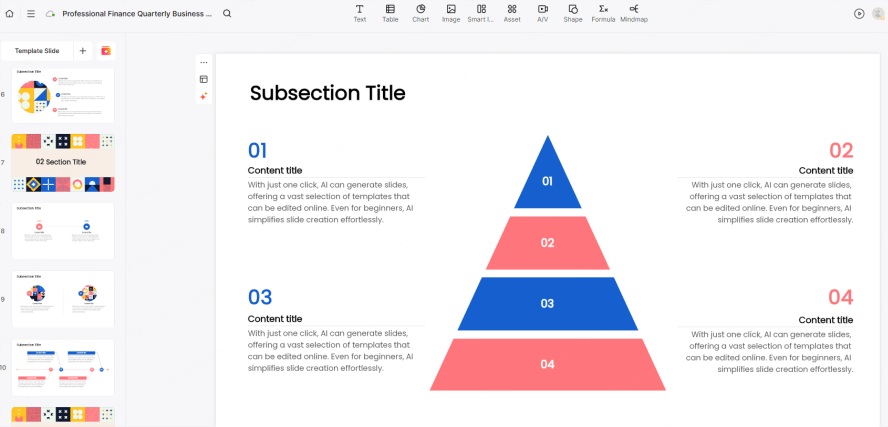
One of the hardest parts of executive dashboard presentations is making data readable. AI can take a raw CSV or a data dump and instantly recommend the right chart type—whether it’s a heat map for feature adoption or a trend line for revenue growth.
Tone and Polish
Not everyone is a natural storyteller. A qbr presentation template ai can help "translate" technical jargon into executive-level insights, ensuring your message resonates with the C-suite.
Templates:
Here are five templates for a business presentation:
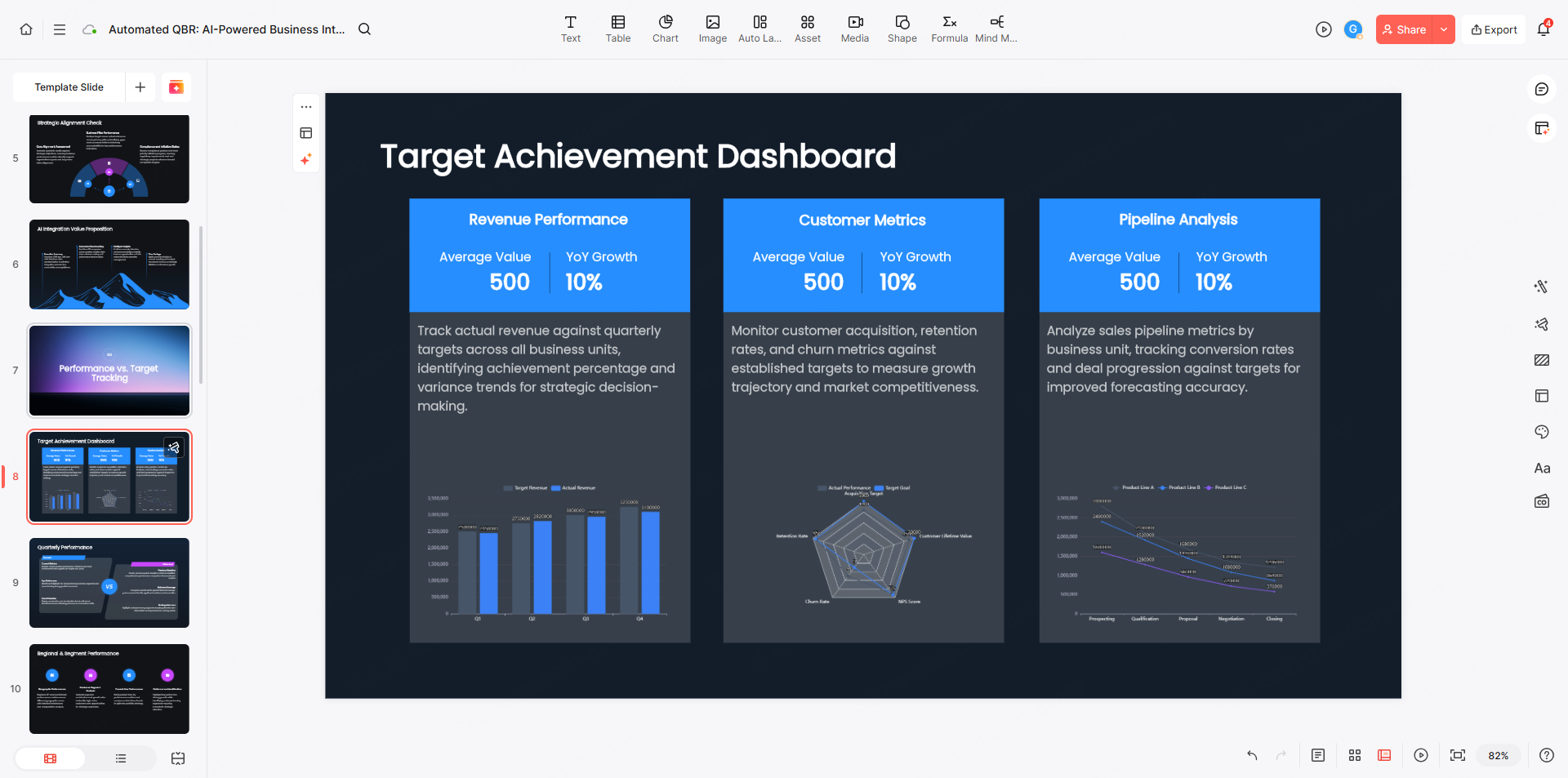
1. The Automated QBR (Quarterly Business Review) Template
- The AI Edge: Seamlessly integrates with CRM platforms (e.g., Salesforce) to provide one-click data synchronization and automated KPI benchmarking against previous quarters.
- Core Modules: Performance vs. Target Tracking, AI-driven Root Cause Analysis (RCA) for performance gaps, and Next-Quarter Predictive Modeling.
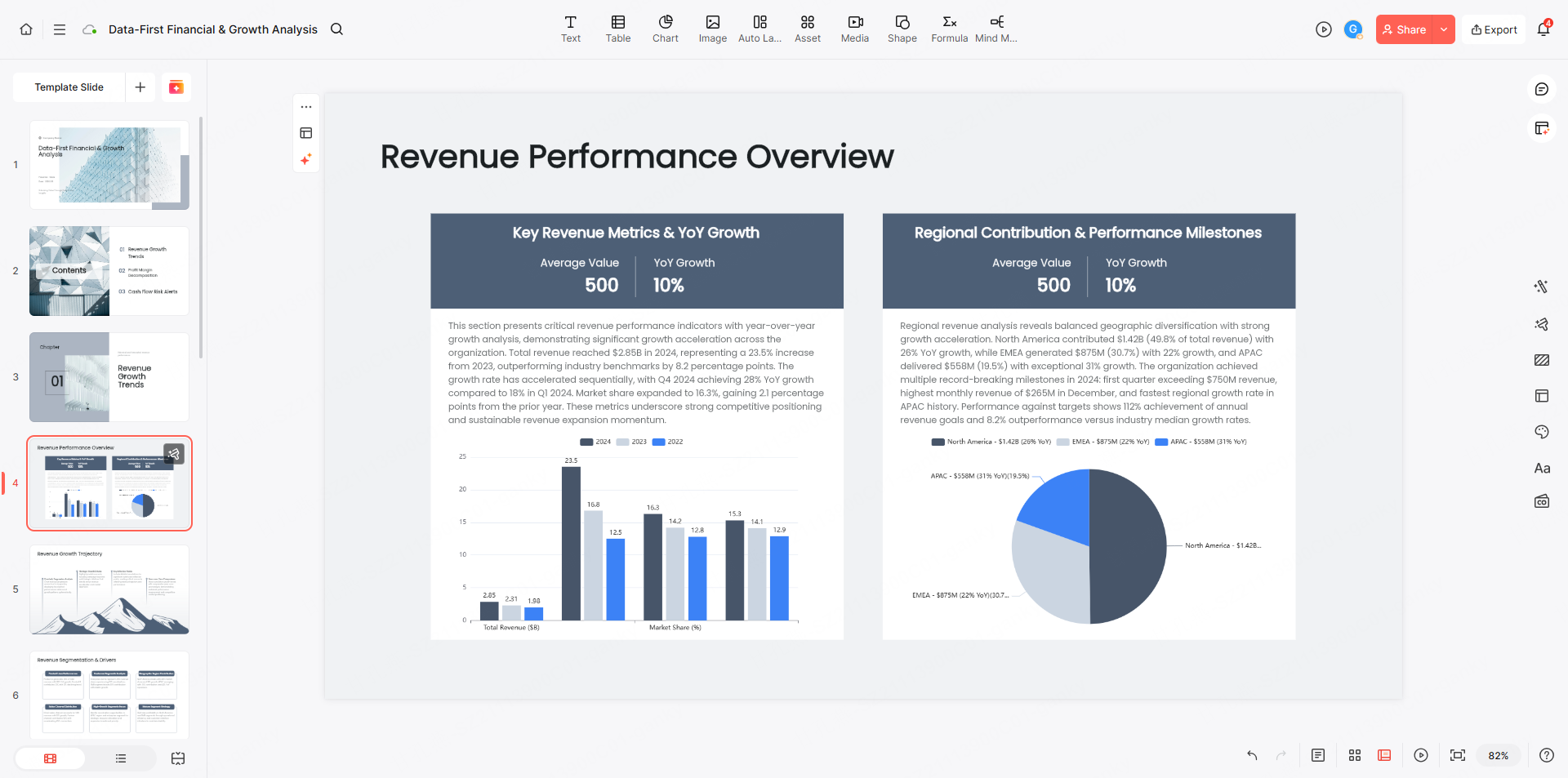
2. The "Data-First" Financial & Growth Analysis Template
- The AI Edge: Instantly transforms complex Excel spreadsheets into dynamic visual dashboards and generates automated high-level narratives regarding the company’s financial health.
- Core Modules: Revenue Growth Trends, Profit Margin Decomposition (Waterfall Charts), and Cash Flow Risk Alerts.
3. Strategic Planning & Smart SWOT Matrix Template
- The AI Edge: By analyzing competitor data and market signals, the AI automatically populates a SWOT matrix and suggests strategic priorities based on the current competitive landscape.
- Core Modules: Market Opportunity Mapping, Competitive Benchmarking, and Strategic Resource Allocation.
4. Customer Insights & Sentiment Analysis Template
- The AI Edge: Utilizes Natural Language Processing (NLP) to scrape unstructured text from social media or support tickets, instantly generating word clouds and emotional sentiment trend reports.
- Core Modules: NPS (Net Promoter Score) Flux Analysis, Core Pain Point Clustering, and Qualitative Customer Persona Profiling.
5. Project Retrospective & Risk Prediction Template
- The AI Edge: Syncs with project management tools (e.g., Asana, Jira) to automatically identify potential bottleneck risks and suggest optimized paths for project delivery.
- Core Modules: Milestone Achievement Rates, Resource Utilization Heatmaps, and Predictive Risk Forecasting.
Inside the AI-Powered QBR Template by Presenti
To give you a better idea of how Presenti elevates your workflow, let's look at the specific modules our AI uses to build your deck:
Executive Dashboard Presentations
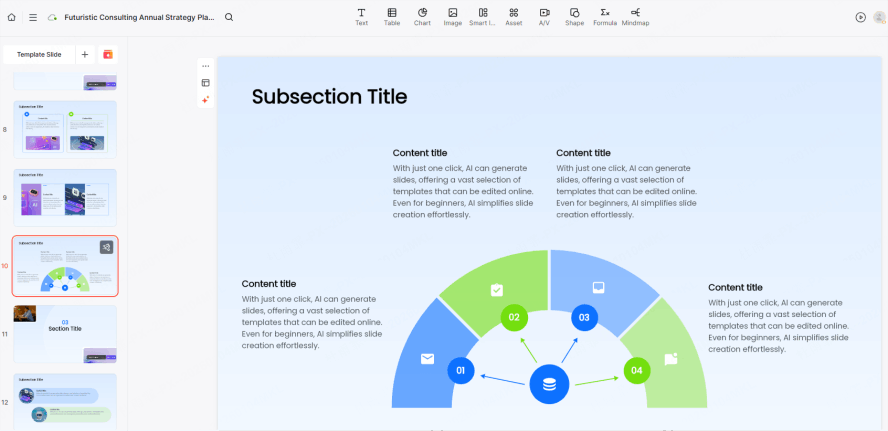
Most executive dashboard presentations fail because they provide too much data and too little insight. Presenti’s AI analyzes your data points and highlights the "Anomalies." If your user adoption spiked by 20% in month two, the AI flags this and suggests a slide layout that emphasizes that specific win.
The Success Milestone Timeline
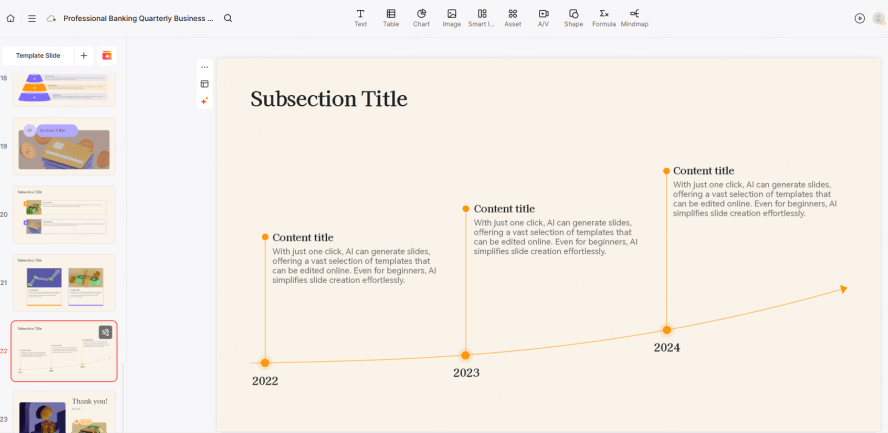
Using our qbr presentation template ai, you can generate a visual timeline of the last 90 days. You simply list the events, and Presenti’s engine handles the spacing, iconography, and branding. This ensures your quarterly business review slides look like they were crafted by a professional design agency.
The "Next Steps" Interactive Module
A QBR is useless without a plan. Presenti includes smart components for "Action Items" that allow you to assign tasks and deadlines directly within the presentation interface. It turns a static report into a living project management tool.
Best Practices for Quarterly Business Review Slides
To ensure your executive dashboard presentations actually drive action, keep these three rules in mind:
- The One-Idea Rule: Every slide should convey exactly one main point. If a slide is too busy, your audience will stop listening and start reading.
- Visual Over Verbal: Use icons and high-quality charts generated by a business review slides generator instead of walls of text.
- Action-Oriented Titles: Instead of titling a slide "Usage Data," try "30% Increase in User Adoption." It tells the audience what to think before they even see the data.
Using a qbr presentation template ai makes adhering to these rules effortless, as the templates are pre-designed with these cognitive principles in mind.
Conclusion
A QBR is your best chance to prove your value and prevent churn. Don't waste that opportunity on mediocre PowerPoint slides. By switching to a business review slides generator, you reclaim your time and elevate your professional brand. Using a high-quality qbr presentation template ai ensures that your quarterly business review slides are always polished, data-driven, and persuasive. Ready to transform your next meeting? Let Presenti handle the design while you handle the strategy.