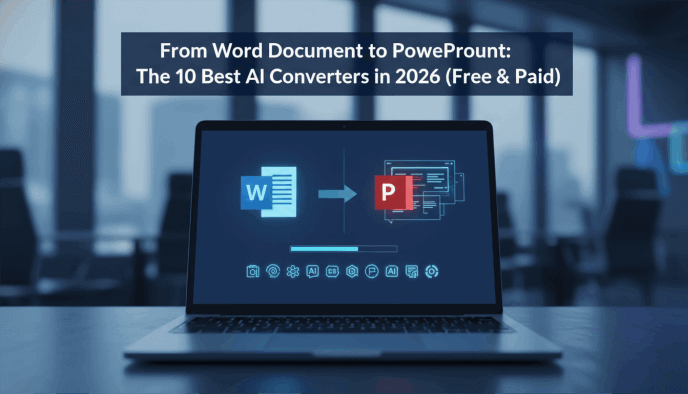
Staring at a ten-page report knowing it needs to be a ten-slide deck by tomorrow morning? The "Copy-Paste Marathon" is a relic of the past. In 2026, the bridge between a dense Word document and a polished PowerPoint is no longer a manual chore—it’s automation by word file to presentation tool.
The challenge is no longer if AI can do it, but which AI understands your specific content. Does it handle complex data tables? Does it respect your brand's visual identity? Or does it just dump text onto a white background?
To find the winners, I put the leading doc to ppt converter ai solutions through the ringer. I fed them everything from chaotic meeting notes and academic papers to structured business proposals. I evaluated them on how well they summarized long-form text, how intelligently they chose imagery, and how much manual "fixing" I had to do afterward.
Best word document to powerpoint ai free Options at a Glance
| Tool | Best For... | Starting Price |
|---|---|---|
| Presenti.ai | Complex Document Parsing | Free Trial / Paid |
| Microsoft Copilot | Native 365 Integration | Subscription |
| Gamma | Narrative & Design Polish | Free / Pro |
| Canva Magic Switch | Marketing & Social Teams | Free / Pro |
| Plus AI | Google Workspace Users | Free / Paid |
| SlidesGPT | Rapid "Quick-and-Dirty" Drafts | Pay-per-deck |
| Tome | Modern, Web-First Storytelling | Free / Pro |
| Beautiful.ai | Data-Heavy Reports | Pro |
How We Tested These doc to ppt converter ai Solutions
We evaluated these tools based on the "Input-to-Impact" ratio. Our testing focused on three specific scenarios:
- The Executive Summary: Turning a 5,000-word industry report into a 10-slide executive brief.
- The Technical Breakdown: Using a word file to presentation tool to turn a product requirement document (PRD) with tables and lists into a training deck.
- The Creative Pitch: Transforming a rough, unformatted brain dump into a visually compelling client proposal.
We scored each on Contextual Intelligence (did it understand the main point?), Design Automation, and Export Fidelity (can I actually open this in PowerPoint without the formatting breaking?).
1. Presenti.ai
Why We Picked It:
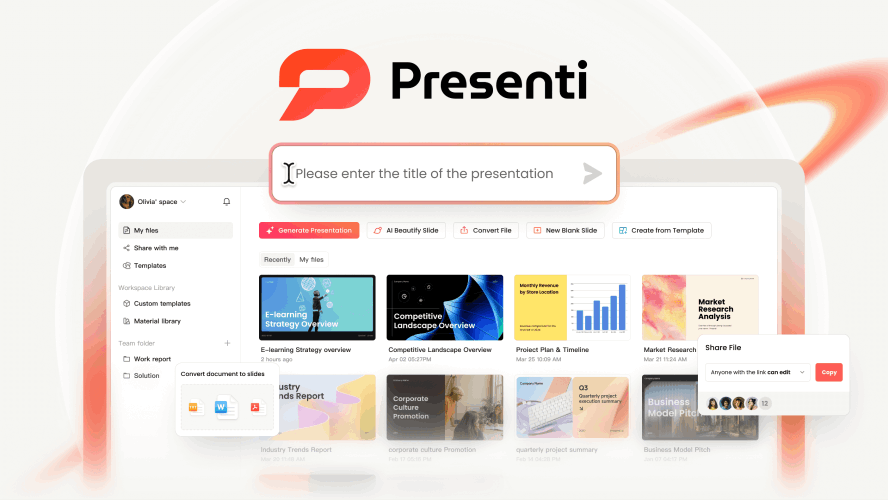
Presenti.ai is the undisputed heavyweight champion of document-to-slides automation, specifically engineered for professionals who need to distill "monstrous" files into digestible decks. Presenti excels at parsing massive PDFs and Word files, regardless of their length or technical complexity. It moves beyond simple summarization; instead, it acts as a digital architect that deconstructs your source material and rebuilds it using a narrative "flow" specifically optimized for live audiences. This ensures that your presentation isn't just a collection of bullet points, but a logically sequenced story that maintains the context and nuance of the original work.
What truly sets Presenti apart is its "professional-grade" philosophy toward file handling. It is designed to bridge the gap between static documentation and dynamic storytelling. By utilizing sophisticated semantic analysis, the platform identifies the core themes, data points, and transitional logic within your files. This allows it to handle everything from intricate academic papers and exhaustive industry reports to detailed project briefs, turning hours of manual "copy-pasting" into a streamlined, one-click experience that preserves the depth of your research while maximizing its visual impact.
Key Features:
- Next-Gen Document-to-PPT Conversion: This is Presenti’s flagship capability. Unlike basic converters, it offers three distinct AI processing modes upon uploading a Word, PDF, XMind, or Markdown file:
- AI Re-format: Automatically restructures the content for slide-friendly viewing.
- AI Extract: Selects the most critical original segments for a concise overview.
- AI Expand: Supplements your document with additional AI-generated insights to fill gaps.
- Deep Document Analysis: Presenti doesn't just "read" text; it understands structure. It maintains high accuracy across diverse file types, including complex Xmind brain maps, which it can flatten into a linear presentation logic without losing the hierarchical relationships between ideas.
- AI Re-Layout & "AI Beautify": If the initial draft requires a different aesthetic, the "AI Beautify" tool allows you to instantly cycle through dozens of visual hierarchies and designer-grade themes. It automatically adjusts spacing, font pairings, and color palettes to match your industry or brand kit, transforming rough drafts into polished, audience-ready slides in seconds.
- Structural Integrity & Hierarchy: The tool is meticulously calibrated to respect the relationship between headings, subheadings, and nested bullet points. It ensures that the "DNA" of your original document—the way your arguments are tiered—is perfectly mirrored in the slide navigation, providing a consistent and professional experience for the viewer.
Best For: Professionals who need high-level document to slides automation for research reports or complex project plans.
2. Microsoft 365 Copilot (Word to PPT)
Why We Picked It:
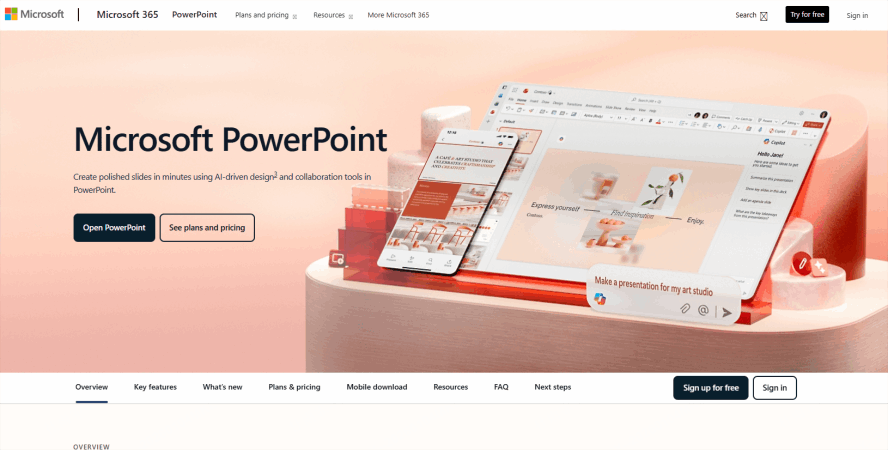
If your organization lives in the Microsoft ecosystem, this is the most seamless path. Copilot lives directly inside PowerPoint and is the only word file to presentation tool that truly feels like a native assistant rather than a third-party add-on.
Key Features:
- Native Synchronization: Directly converts a Word file into a PPTX without leaving the app.
- Brand Asset Integration: Automatically pulls from your organization’s SharePoint image library and template themes.
- Iterative Refinement: You can chat with the sidebar to say, "Add a slide about the budget based on page 4 of the Word doc."
Best For: Corporate employees needing a reliable word file to presentation tool within the Office suite.
3. Gamma
Why We Picked It:
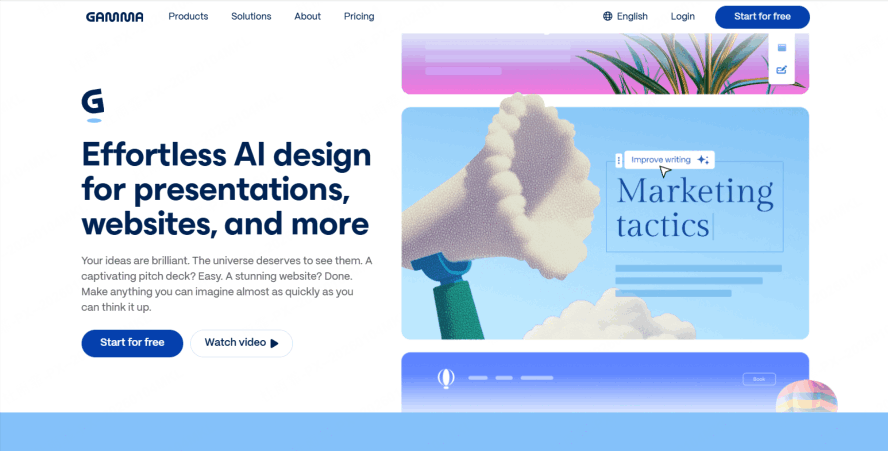
Gamma is for those who want their converted document to look like it was designed by a boutique agency. Its import feature is incredibly intuitive: you paste your text, and the doc to ppt converter ai suggests a theme that matches the tone of your writing.
Key Features:
- Flexible Import: Choose between "Preserve Original" or "AI Refactor" when uploading your Word doc.
- One-Click Aesthetic: Change the entire look and feel of the deck instantly with cohesive design sets.
- Interactive Elements: It automatically suggests where to put videos or live charts to break up the text.
Best For: Founders, marketers, and speakers who need a "wow" factor with zero design effort.
4. Canva (Magic Switch)
Why We Picked It:
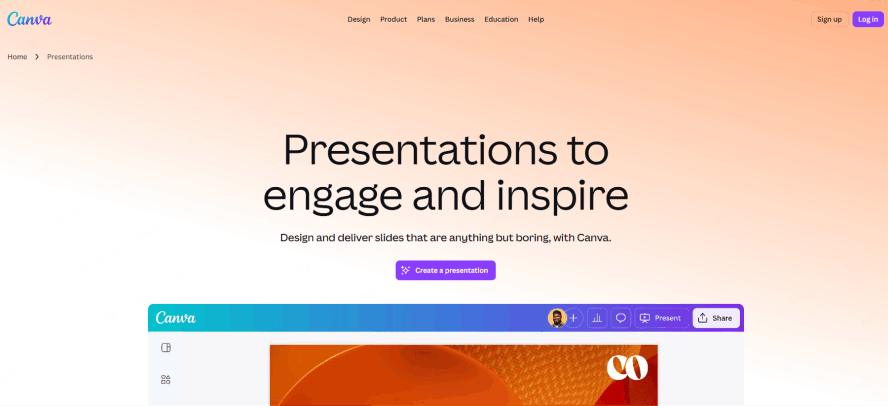
Canva’s "Magic Switch" is a game-changer for content repurposing. It can take a "Canva Doc" and transform it into a full presentation deck in seconds, making it a top-tier word document to powerpoint ai free resource for basic users.
Key Features:
- Multi-Format Transformation: Convert a document into a presentation, and then into a social media post, all in one go.
- Massive Asset Library: Access to millions of premium stock photos and icons to illustrate your text.
- Brand Kit: Automatically applies your brand colors and logos to the converted slides.
Best For: Small business owners looking for a word document to powerpoint ai free or budget-friendly workflow.
5. Plus AI
Why We Picked It:
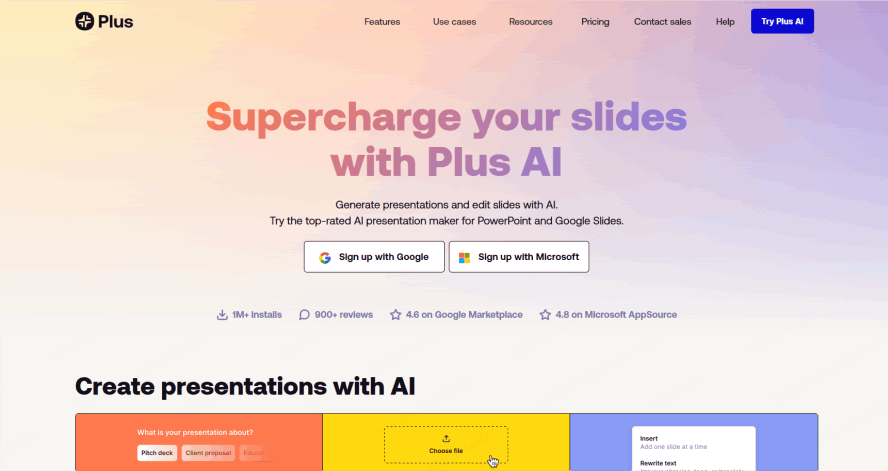
Plus AI is the premier choice for Google Slides users. It acts as a highly effective word file to presentation tool layer inside your browser, allowing you to "Feed" it a document and watch it populate slides in real-time.
Key Features:
- Live Sidebar: Work on your deck while referencing your document in the same window.
- Rewrite & Remix: Highlight a slide generated from your Word doc and ask the AI to "make it more professional" or "convert to a 3-column layout."
- Custom Themes: You can train the AI on your specific company slide deck style.
Best For: Teams that rely on Google Workspace and want integrated document to slides automation.
How to Choose the Right AI Converter?
To find your perfect match, ask yourself these three questions:
How "Messy" is your source text?
If you are converting a highly technical, structured document, use Presenti.ai or Microsoft Copilot. These tools are built to respect hierarchy and data. If you are starting with loose notes or a creative brainstorm, Gamma or Tome will do a better job of "filling in the blanks" with beautiful visuals.
Where do you need the final file?
- Need a .pptx file for a board meeting? Stick to Microsoft Copilot or Presenti.ai.
- Sharing a web link for a modern, scrollable experience? Gamma or Tome are superior.
- Working in Google Slides? Plus AI is the clear winner.
What is your budget?
- Free/Budget Friendly: Slidesgo and Canva (Free version) offer great entry points. SlidesGPT offers a low-cost "pay-per-use" model if you only need one or two decks a month.
- Premium/Enterprise: Microsoft 365 Copilot and Beautiful.ai require subscriptions but offer the most robust brand security and automation features.
The Bottom Line
In 2026, the goal is no longer just to "convert" text to slides—it's to translate a message from one medium to another. The best presentation tool for you is the one that minimizes the distance between your Word document's data and your audience's understanding. Pick two from this list, run a 15-minute test with your hardest document, and see which one speaks your language.