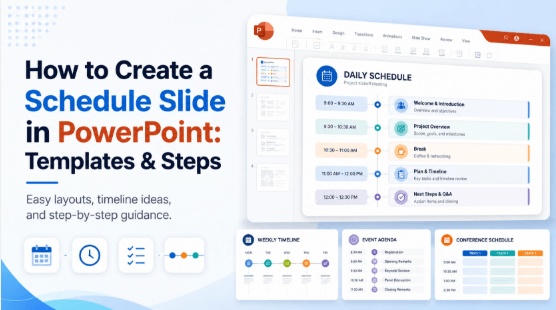
Choose an AI presentation tool by the work you need to finish: turning a document into a draft, arranging a visual lesson, preparing an investor pitch, or handing over an editable slide file. A free start is useful only if its allowance and output fit that task.
This guide compares six current presentation workflows and keeps a separate note on the discontinued Tome Slides service. It uses provider documentation checked on 14 October 2026, not a speed or conversion-quality benchmark. Some options offer limited free access; others require payment. For a draft you will revise in a slide editor, start by understanding what an AI PPT maker produces and what you still need to review.
| Tool | Documented route | Access or handoff distinction |
|---|---|---|
| Presenti AI | Topic or supported document → outline → editable draft | Limited free AI use; document formats and PPTX/PDF export depend on plan |
| Decktopus | AI deck creation and presentation rehearsal | Current pricing lists paid Pro and Business plans |
| Canva | Prompt → designed slides in its visual editor | Magic Design has limited free use; premium content has separate access conditions |
| Slidebean | Startup pitch-deck software and fundraising resources | Current Starter plan is paid |
| Designs.ai | Brief → Slides Agent within a wider creative workspace | Confirm slide-export format and credit access before using it for a PowerPoint handoff |
| Simplified | Brief → deck, carousel or single-slide visual | Official output list includes PDF, HTML, PNG and ZIP; do not assume editable PPTX |
| Tome Slides | Historical reference only | Closed on 30 April 2025; not a new-project option |

1. Presenti AI
Workflow: Document and topic drafting
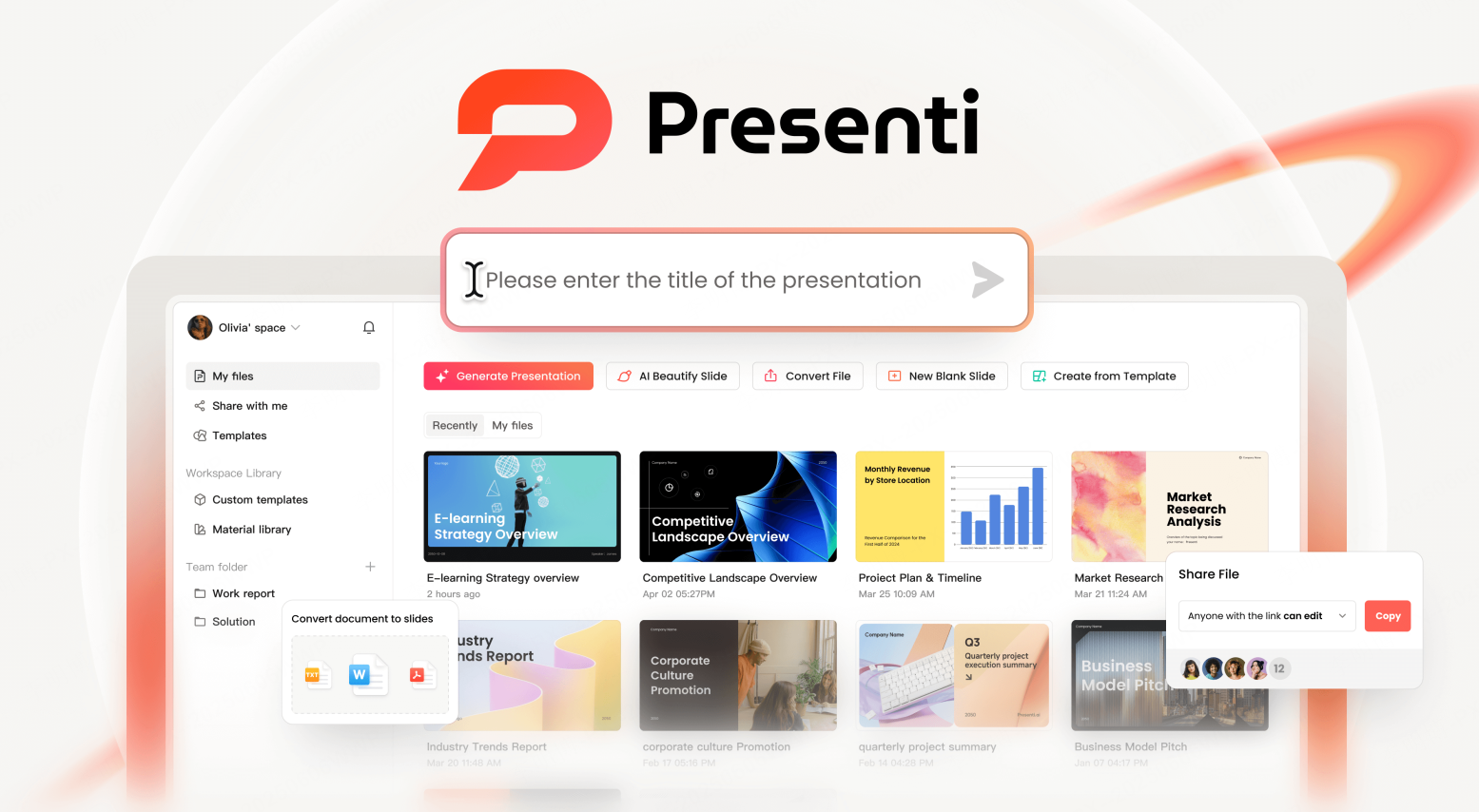
Presenti AI creates a presentation draft from a topic or supported source material. Its useful role in a document workflow is to propose a slide outline that you can compare with your source, then revise in the editor. That is a different job from reproducing every page of a document unchanged.
Key Features
The Presenti plan table lists Markdown and XMind input in the free plan, while paid plans list Word, PDF and TXT input and editable PPTX/PDF downloads. Limited free AI credits do not mean that every import and export route is free.
After reviewing the outline, choose a template and edit the draft. Keep required terminology, source labels and qualifications in the content; a new layout should not change the claim. For team work, agree who can edit and who approves the final file before circulating it.
Practical Highlights
To evaluate Presenti, use a document you know well. Compare the generated outline with the source, revise the visual hierarchy, and inspect a sample export on an eligible paid plan. This comparison does not report a timed product test.
Best Use Cases
Enterprise presentations, investor pitch decks, internal reports, and academic papers converted into slides.
Limitations
A generated draft still needs factual and layout review. If a colleague must edit a chart, check the exported object in their PowerPoint environment; a PPTX extension alone does not show how each chart was constructed.
2. Decktopus
Workflow notes
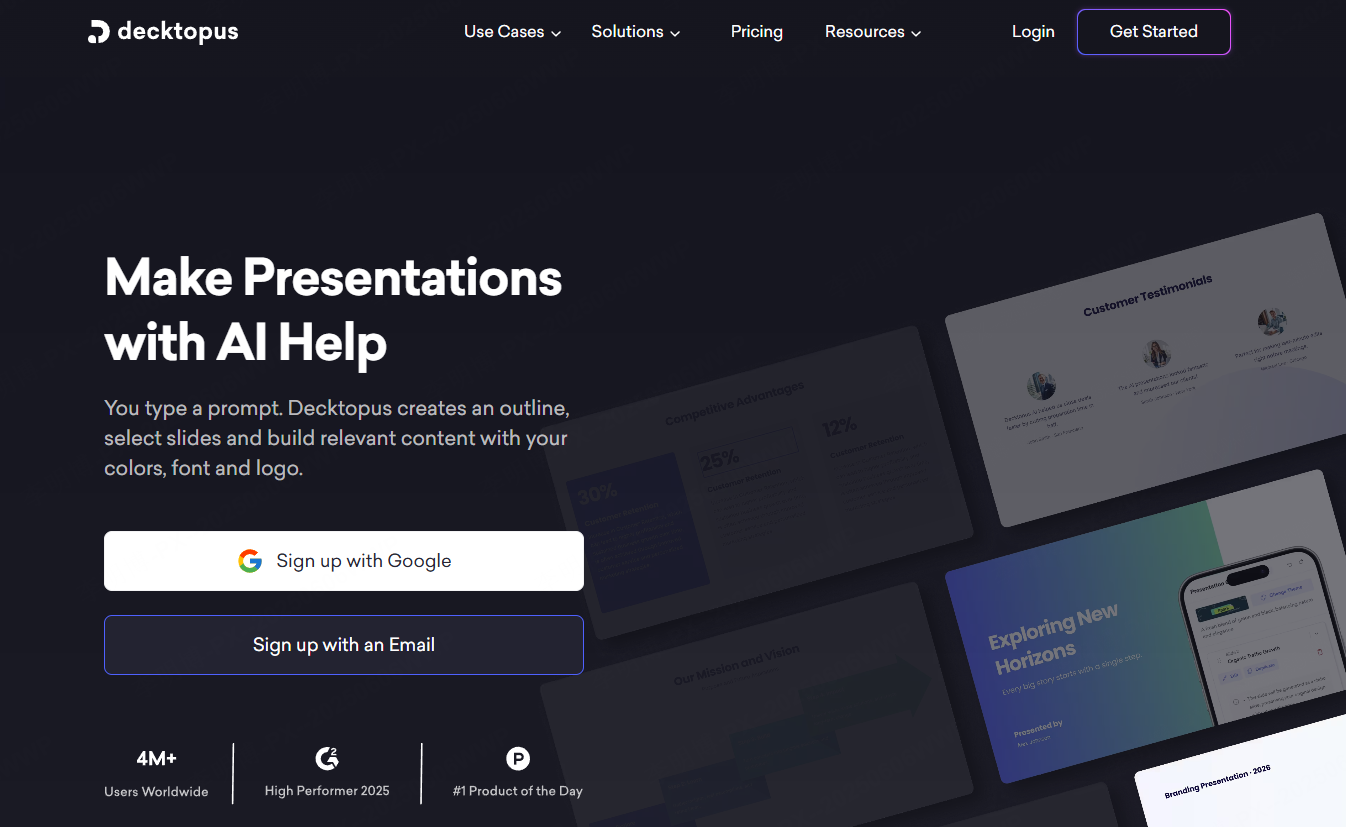
Decktopus combines AI presentation creation with a rehearsal workflow. Its current pricing page lists Studio for deck creation and Loop for delivery practice, with PDF, PPT and PNG export on paid plans.
Key Features
Studio accepts a topic or file and produces a draft that can be revised with prompts. Loop is a separate part of the workflow for practicing delivery and audience questions. Decide whether you need both jobs before comparing it with an editor focused mainly on slide creation.
Practical Highlights
For a thesis defense or technical proposal, prepare one difficult question and the slide that supports your answer. Use that pair to assess the rehearsal workflow. Retain source labels and the citation style required by your institution.
Best Use Cases
Thesis defenses, policy briefings, technical proposals, and research presentations.
Limitations
The public pricing page checked for this comparison lists paid plans, so Decktopus is not counted here as a verified free-export route. Equations, citations and exported object editability still need inspection in your own file.
Tome Slides: discontinued presentation service
Tome Slides was discontinued on April 30, 2025 and is no longer available for new presentations. If you have saved PDFs, text, or images, use those materials to build a new deck in an available tool. This does not restore an inaccessible Tome project.
4. Canva AI Presentation
Workflow notes
Canva combines presentation drafting with its visual design editor. Its Magic Design for Presentations page describes creating slides from a prompt and then customizing the result.
Key Features
Use the initial design as a starting point for arranging your own text, photos and graphics. For a classroom explanation, choose the diagram that teaches the idea rather than accepting a decorative image because it matches the topic.
Practical Highlights
Canva’s page lists limited free Magic Design use across its supported formats, with additional access through Canva Pro. Premium library content and AI usage are separate considerations: a template that opens in the editor is not proof that every included asset is free.
Best Use Cases
Social media content, classroom presentations, and personal creative projects.
Limitations
Many premium assets require a Canva Pro subscription.
5. Slidebean
Workflow notes
Slidebean focuses on startup pitch decks and fundraising preparation. Its current plans list an AI pitch-deck builder, startup templates and fundraising resources. The Starter plan is paid.

Key Features
Organize the pitch around the questions an investor needs answered: the problem, your approach, evidence, business model and the funding request. Check financial charts against the source spreadsheet and the assumptions behind the model. A generated pitch must not turn a forecast into achieved revenue.
Practical Highlights
For an early-stage company with no revenue, use the evidence you do have: interviews, a prototype, a pilot agreement or a documented experiment. Label each accurately. A signed pilot agreement, a paying customer and an interested prospect are different kinds of evidence.
Best Use Cases
Startup pitch decks, seed and angel funding presentations, and product launches.
Limitations
The current pricing page does not establish a free plan for the complete pitch-deck workflow. Before subscribing, confirm the output you need and whether you want self-service software or additional advisory services.
6. Designs.ai Presentation
Workflow notes
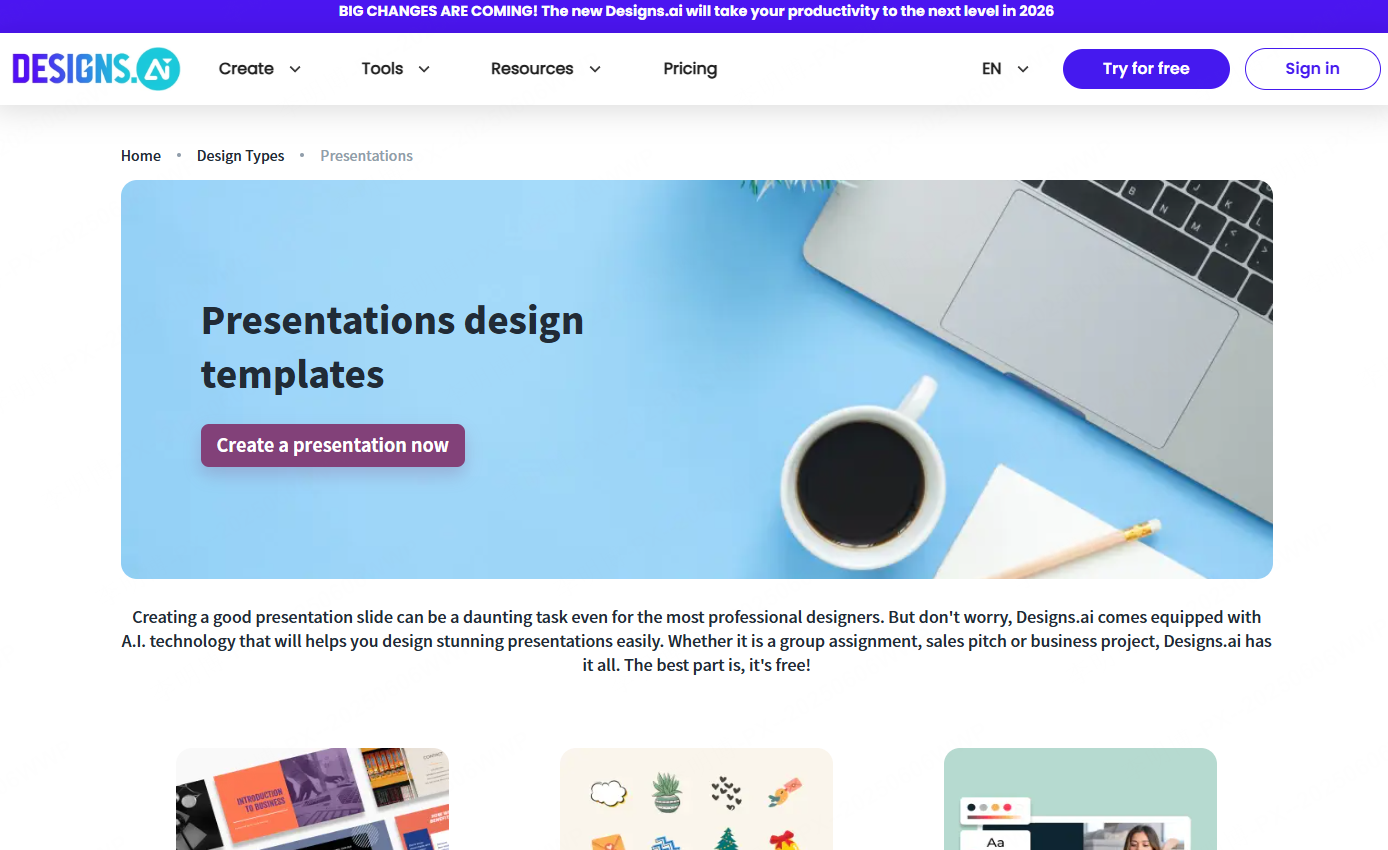
Designs.ai presents a creative workspace with a Slides Agent alongside agents for images, video and other assets. The official product page describes starting from a brief and producing presentation decks.
Key Features
Its wider creative-workspace approach is relevant when a presentation and campaign assets need to explain the same offer. Give each output a clear purpose: a slide may need supporting detail that would overwhelm a social image.
Practical Highlights
For a multilingual campaign, write a short terminology list and approve the main message before producing variants. Inspect numbers, brand names and line breaks in each language rather than assuming that a generated translation is ready to present.
Best Use Cases
Marketing reports, internal reviews, and cross cultural communication materials.
Limitations
The public overview establishes that slides are part of the product, but does not establish a free editable-PPTX handoff for this comparison. Confirm the current credit allowance and file output in the product before choosing it for that requirement.
7. Simplified AI Presentation
Workflow notes
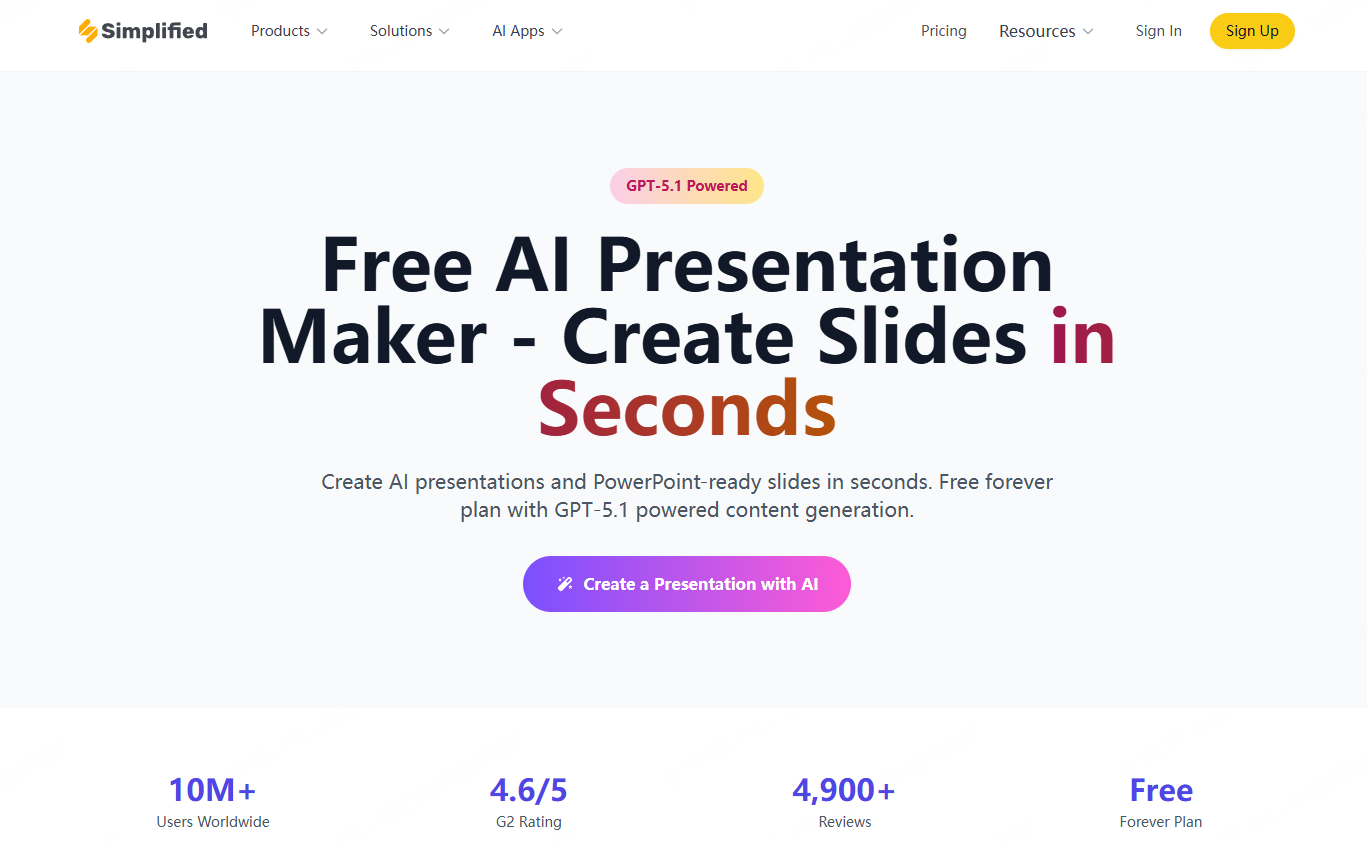
Simplified’s presentation-maker page describes an agent-based workflow for creating and revising decks, carousels and single-slide visuals. These are different delivery shapes, not interchangeable PowerPoint files.
Key Features
The official export list includes PDF, HTML, PNG and ZIP, with PDF available on the free plan. If your recipient needs editable PowerPoint objects, establish a supported PPTX route before building the full deck; this export list alone does not provide one.
Practical Highlights
A campaign may need a presentation for a meeting and a shorter carousel for social use. Keep the same core claim, but rewrite the supporting text for each format. A carousel should not inherit a slide’s references or qualifications in unreadably small text.
Best Use Cases
Remote team projects, social media marketing plans, and global e commerce operations.
Limitations
Free access is credit-based. Inspect the allowance and the exported file before using it for a long client deliverable. Sharing a PDF can be suitable for review even when the recipient cannot edit its slide objects.
Final Recommendations
For a document-led briefing, the document-to-presentation guide explains how to prepare source material before drafting. For a visual lesson, compare the diagram and text controls you need. For fundraising, prioritize a structure that distinguishes current evidence from plans. The right choice follows the task and the required output, not the length of a feature list.
Try this small selection task: prepare a five-slide briefing with one supported claim, one chart and one caveat. In each tool you consider, locate the caveat, change a chart label and obtain the delivery format you need. Stop if the required export is unavailable. This shows where your workflow would break before you invest in polishing the full presentation.