Creating a professional, high quality presentation no longer needs to be a time consuming design task. With modern AI presentation makers, you can turn an idea, outline, or dataset into polished slides in just a few steps.
From intelligent layout suggestions to automated content generation and data visualization, AI powered tools are reshaping how teams build presentations for work, education, and product communication.
In this guide, we review 10 of the best AI presentation tools for 2026, focusing on real world usability, design quality, and productivity gains. Whether you are a project manager preparing stakeholder updates, an educator building course materials, or a developer pitching a technical solution, these tools can dramatically speed up your workflow.
1. Presenti AI

Presenti AI is an all in one AI presentation platform designed to handle content creation, layout, and visual design in a single workflow. It significantly reduces the time required to build professional presentations while maintaining a clean and structured slide hierarchy.
Intelligent Content Generation
By entering a topic, keywords, or existing text, Presenti AI analyzes the context and automatically generates a clear slide structure. It identifies key themes and maps them to appropriate slide layouts, helping users move from raw ideas to a complete presentation outline quickly.
Extensive Template Library
Presenti AI includes a large collection of professionally designed templates tailored to common business and educational scenarios. These include weekly reports, quarterly reviews, project updates, training decks, and executive summaries.
Templates are designed with modern typography, balanced spacing, and consistent visual language that aligns well with Western presentation standards.
One Click Template Switching
Users can switch between different design styles without changing the underlying content. This is particularly useful when adapting a presentation for different audiences, such as internal teams versus external stakeholders.
Smart Layout Optimization
The platform automatically adjusts text blocks, images, and charts to maintain visual balance. This removes the need for manual alignment and reduces common design issues like overcrowded slides.
Multimedia Support
Presenti AI supports embedding videos, audio, images, and visual assets, making it suitable for product demos, training materials, and interactive presentations.
2. Visme
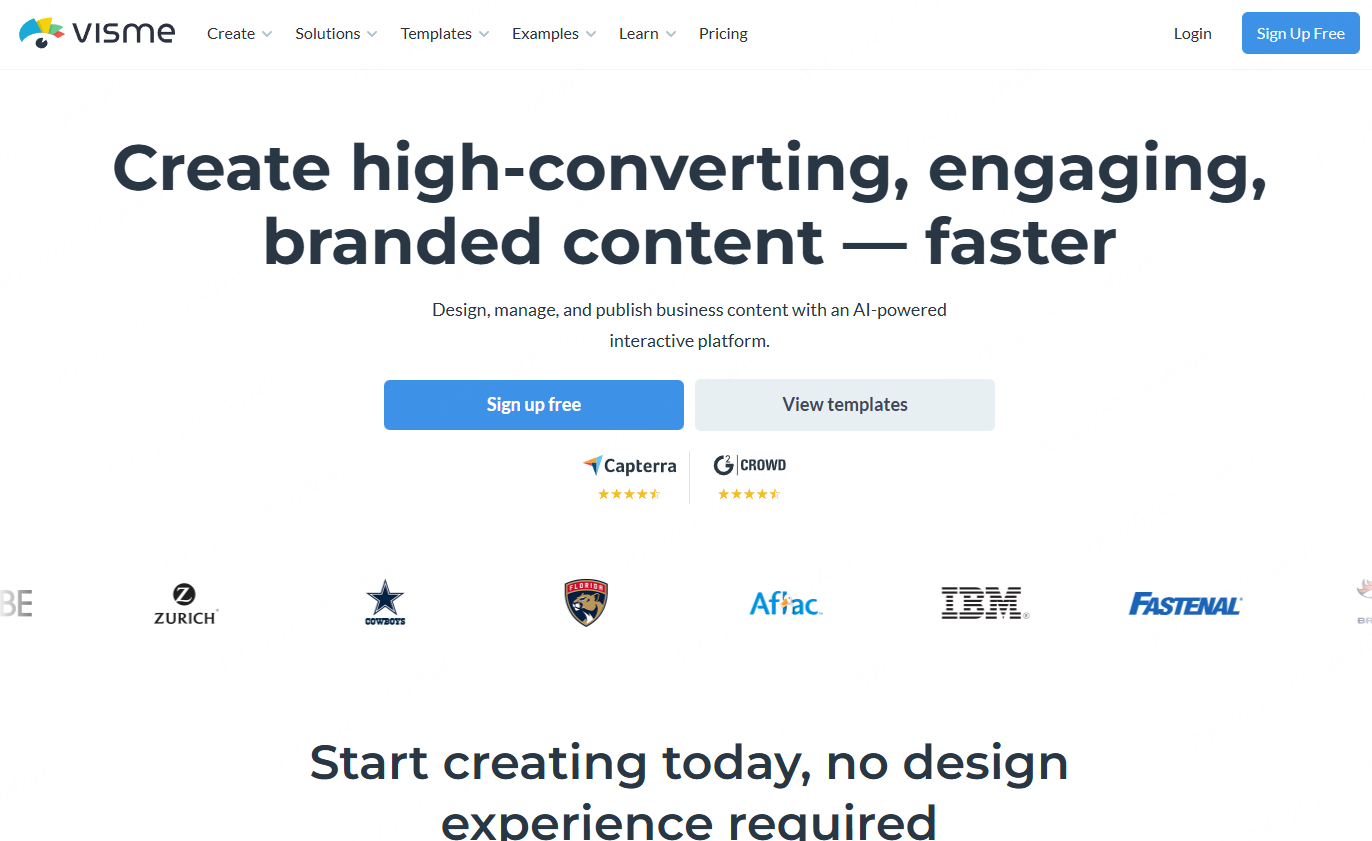
Visme is a comprehensive online design tool with strong AI features, widely used for presentations, infographics, reports, and marketing assets.
AI Assisted Layout and Design
Visme uses AI to optimize layouts for text, images, and data, ensuring visual consistency across slides. The system helps maintain professional design standards even for users without a design background.
Interactive and Creative Templates
The platform offers a wide range of templates with support for animations, embedded links, dynamic charts, and interactive elements. These features are especially useful for marketing presentations and educational content.
Data Visualization Capabilities
Visme can automatically generate charts, maps, and infographics from data, making it suitable for data driven storytelling.
3. DesignScape
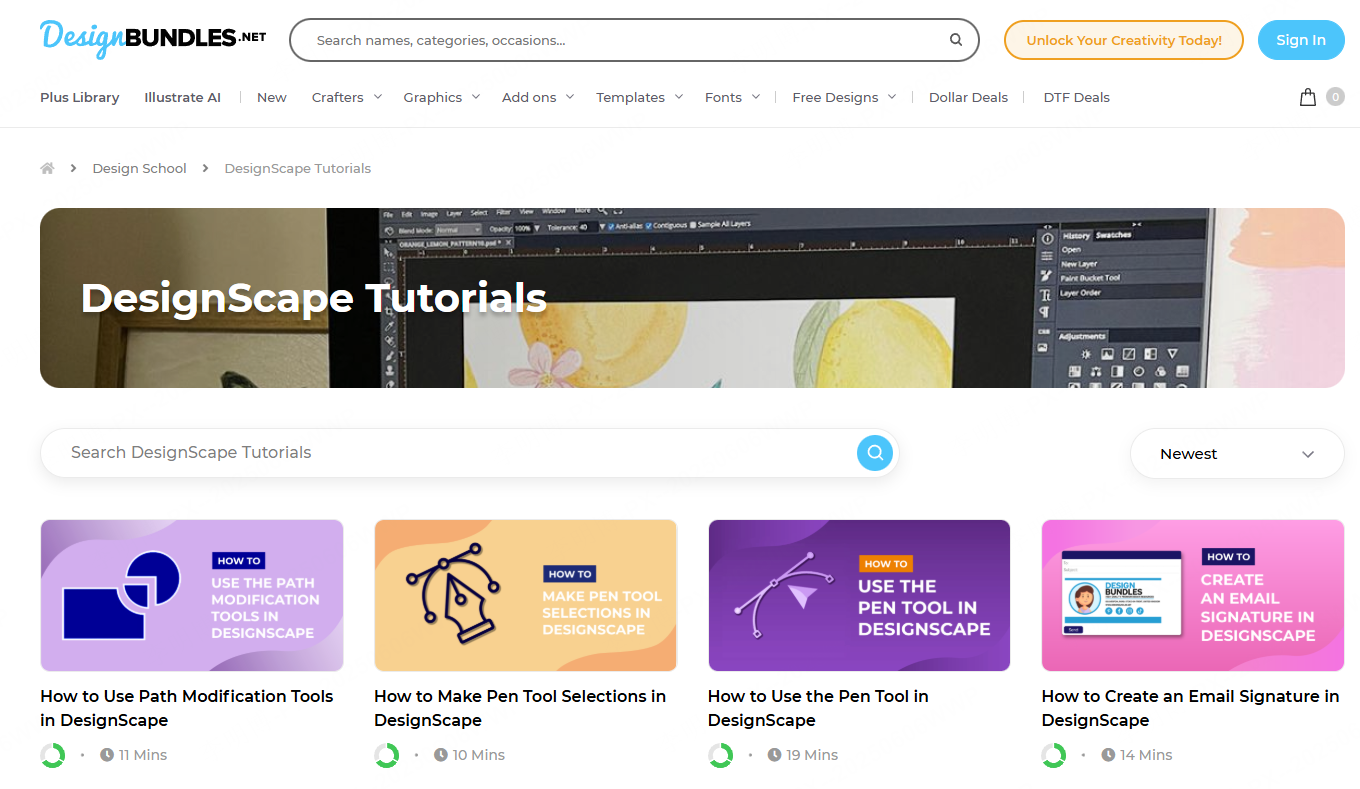
DesignScape focuses on automated design optimization using AI to enhance both aesthetics and usability.
Automated Design Adjustments
Based on user input, DesignScape analyzes text and content to adjust layout, typography, icons, images, and charts on each slide.
Dynamic Transitions and Animations
AI recommended animations and transitions help maintain a smooth visual flow, improving audience engagement without overwhelming the presentation.
Advanced Chart Design
The platform supports multiple chart types, including bar charts, line graphs, pie charts, and infographics. AI ensures that data visuals align with the overall slide design.
4. Synthesia
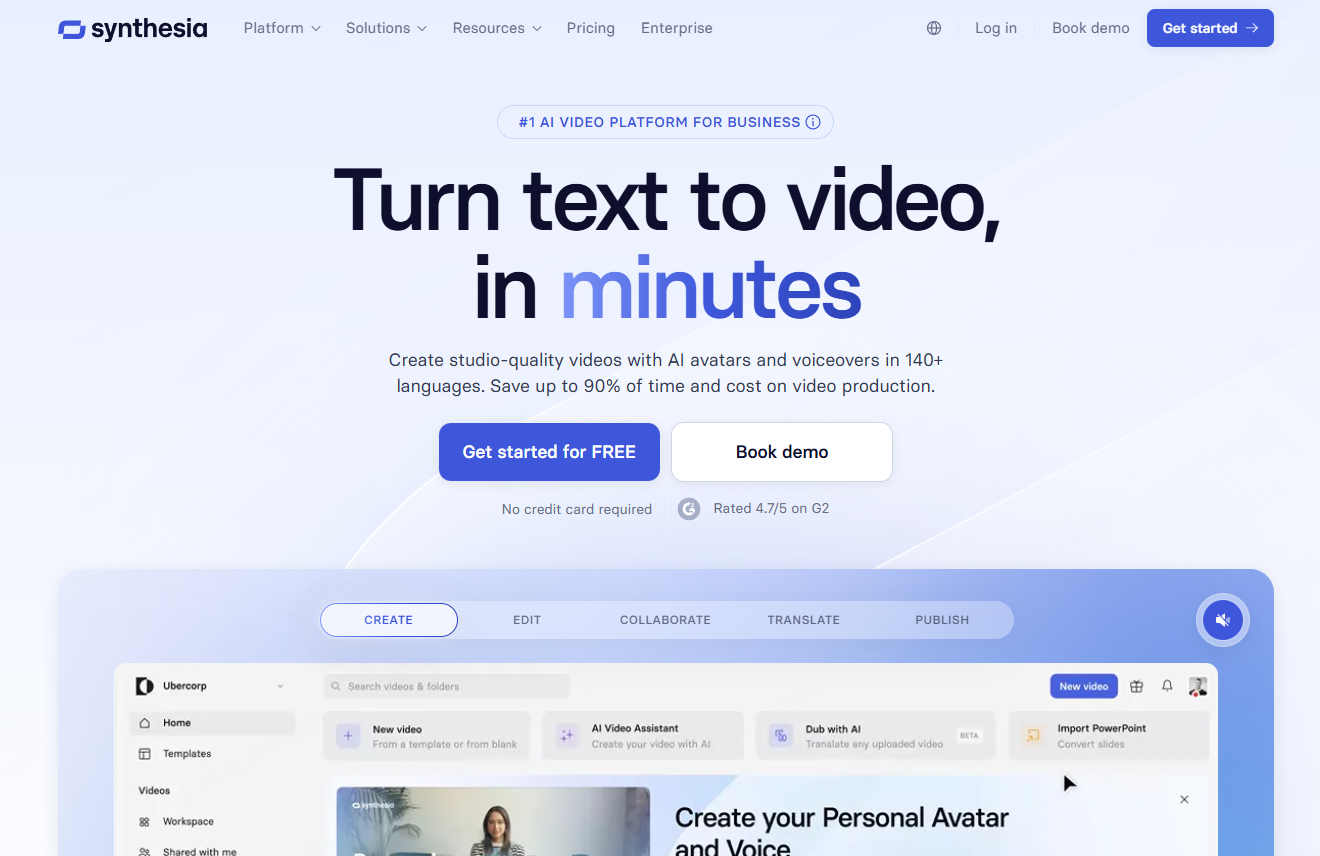
Synthesia is a unique AI powered platform designed for creating video based presentations with virtual presenters.
AI Virtual Presenters
Users can select from a variety of AI avatars and generate voice narration with realistic facial expressions. This is particularly useful for training, onboarding, and explainer presentations.
Automated Visual Matching
The platform automatically matches backgrounds, animations, text, and video elements to maintain visual coherence across slides.
Dynamic Video Content
Synthesia is well suited for presentations that need to explain complex processes, workflows, or data changes through animated visuals.
5. Haiku Deck
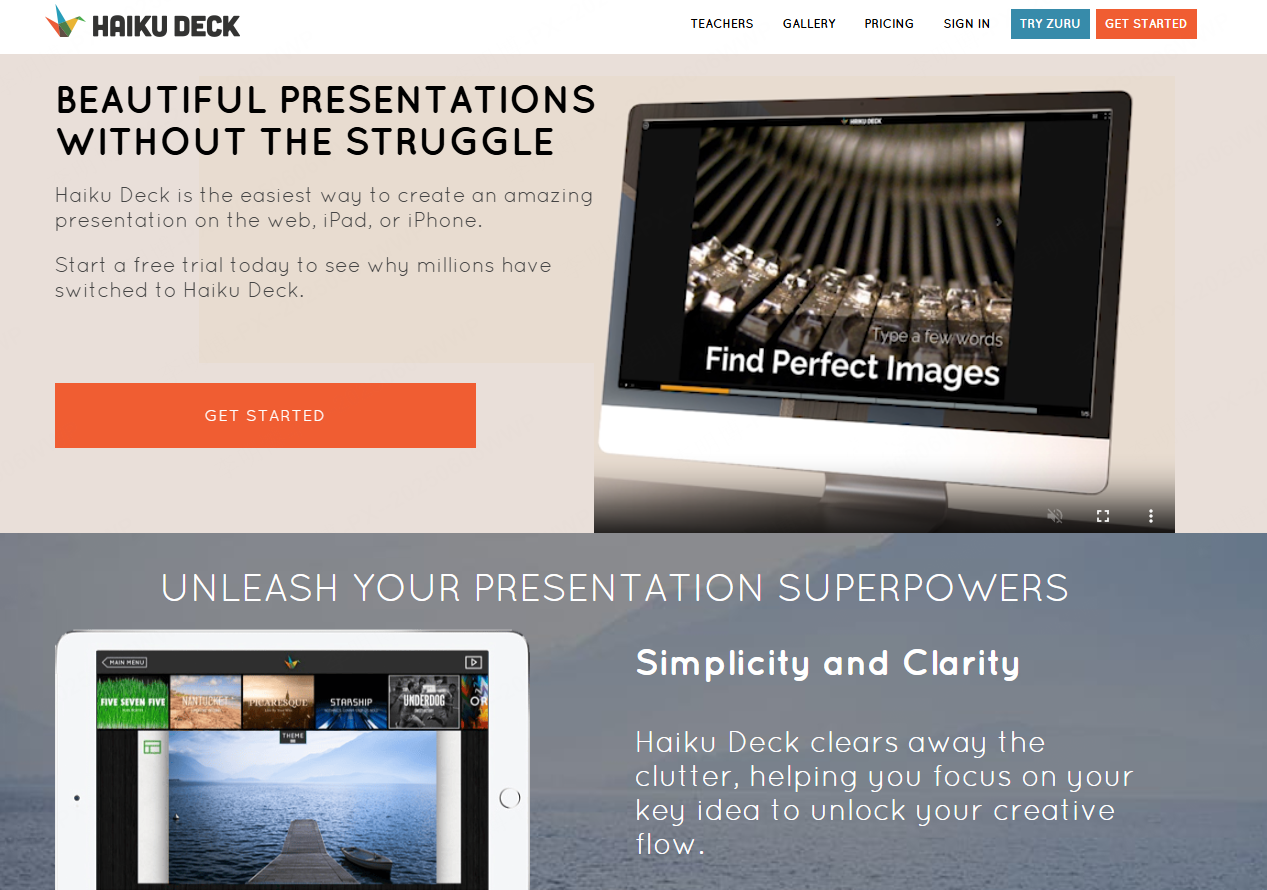
Haiku Deck is designed for users who value simplicity, clarity, and strong visual impact.
Automated Image and Chart Matching
AI recommends high quality images and generates charts that align with the content of each slide.
Clean Design Themes
All templates are designed to maintain visual consistency and readability, making them ideal for executive presentations and educational lectures.
Data Friendly Visuals
Haiku Deck selects appropriate chart types based on the nature of the data, ensuring clarity and accurate communication.
6. Powtoon
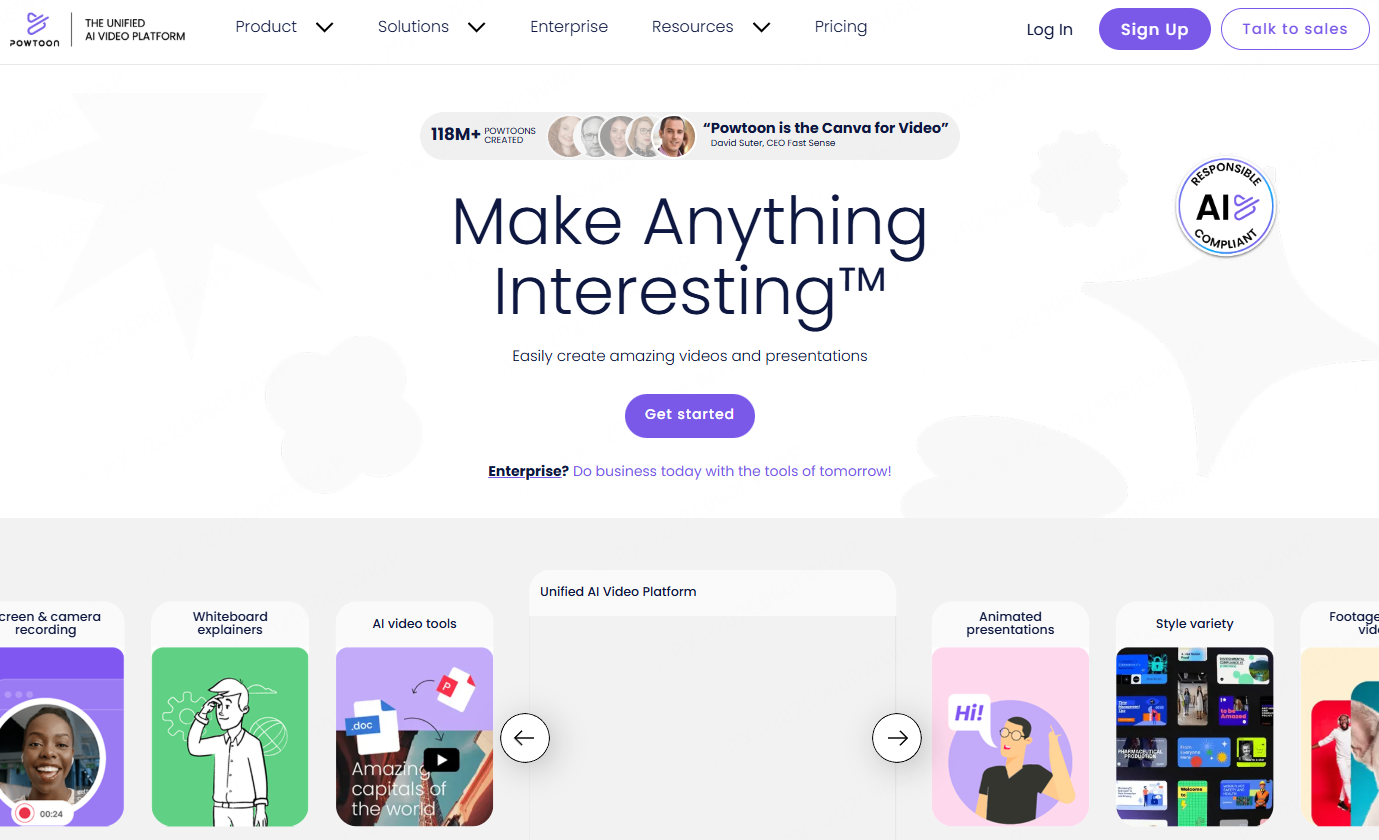
Powtoon combines animation with AI powered presentation creation, transforming static slides into engaging animated stories.
AI Driven Animation Suggestions
Based on slide content and structure, Powtoon recommends suitable animations and transitions.
Automated Animated Templates
Users can input basic content and let AI generate an animated presentation structure, reducing manual design work.
Customizable Visual Effects
Powtoon offers flexible customization options for animations, scenes, charts, and video elements, making it popular for marketing and explainer presentations.
7. Piktochart
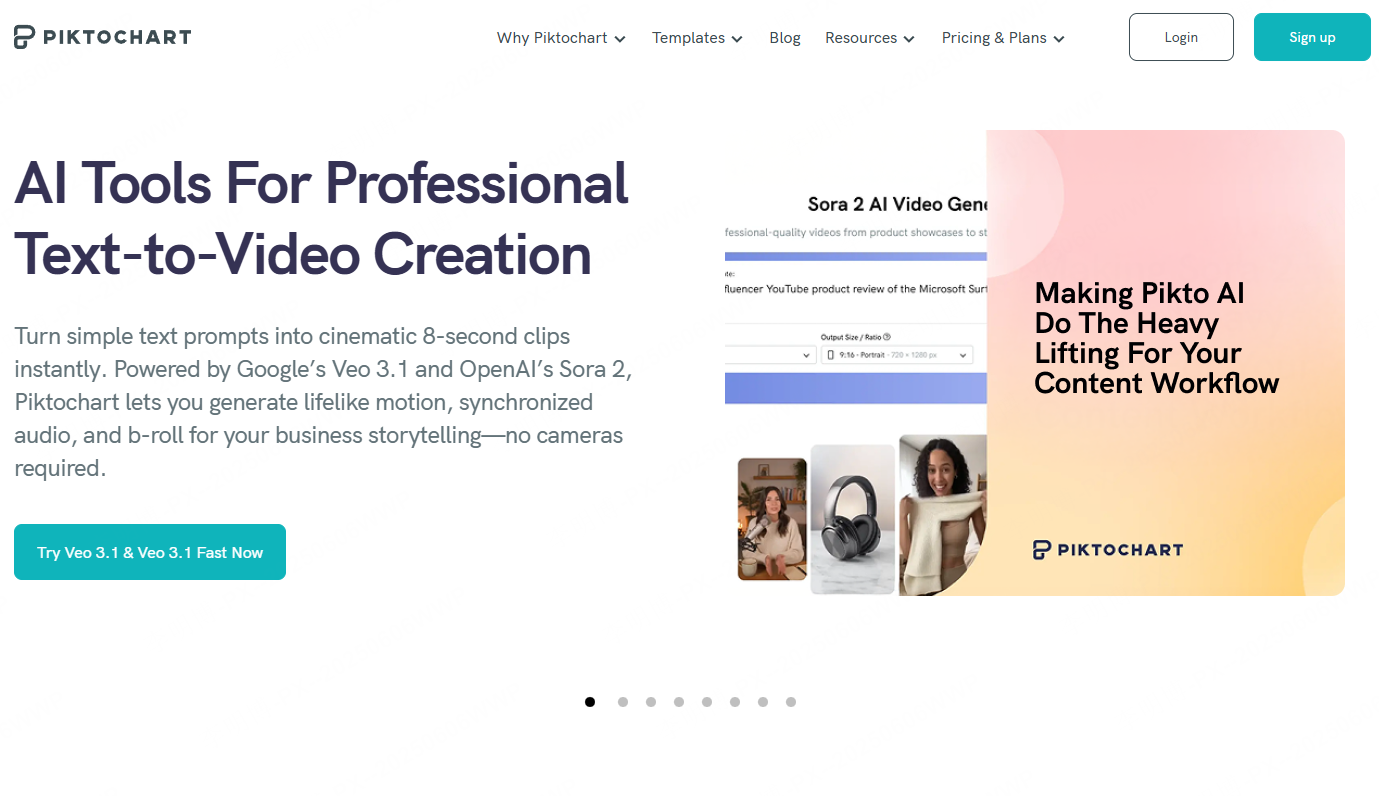
Piktochart is well known for data visualization and infographic based presentations.
AI Powered Charts and Infographics
By entering data, AI recommends optimal chart types and automatically applies design optimizations.
Consistent Visual Styling
AI ensures consistency in color schemes, fonts, and layouts across slides. Users can also customize designs as needed.
Drag and Drop Editing with Collaboration
The platform supports intuitive drag and drop editing and real time collaboration, making it suitable for team based workflows.
Interactive Data Visuals
In addition to static charts, Piktochart supports interactive and animated data representations.
8. InsightAI Presenter
InsightAI Presenter is designed for automated report generation and data centric presentations.
Automated Content Structuring
AI analyzes input data and text to generate a structured slide framework with optimized content flow.
Intelligent Data Visualization
The system recommends layouts for text and visuals based on data type, such as financial reports or market analysis.
Interactive Presentation Elements
Features include animated charts, interactive visuals, and video integration for trend analysis and process explanation.
9. StoryTeller AI

StoryTeller AI focuses on narrative driven presentations that communicate complex ideas effectively.
AI Generated Story Frameworks
Users provide themes or key points, and the AI builds a structured narrative that follows best practices in storytelling.
Emotion Aware Content Optimization
Depending on the goal, such as motivation, problem solving, or persuasion, AI adjusts tone, visuals, and language accordingly.
Multimedia Integration
The platform intelligently integrates charts, videos, audio, and animations to support the narrative.
Audience Specific Adaptation
Presentations can be tailored for executives, investors, technical teams, students, or educators, with AI adjusting depth and language style.
10. Slidebean
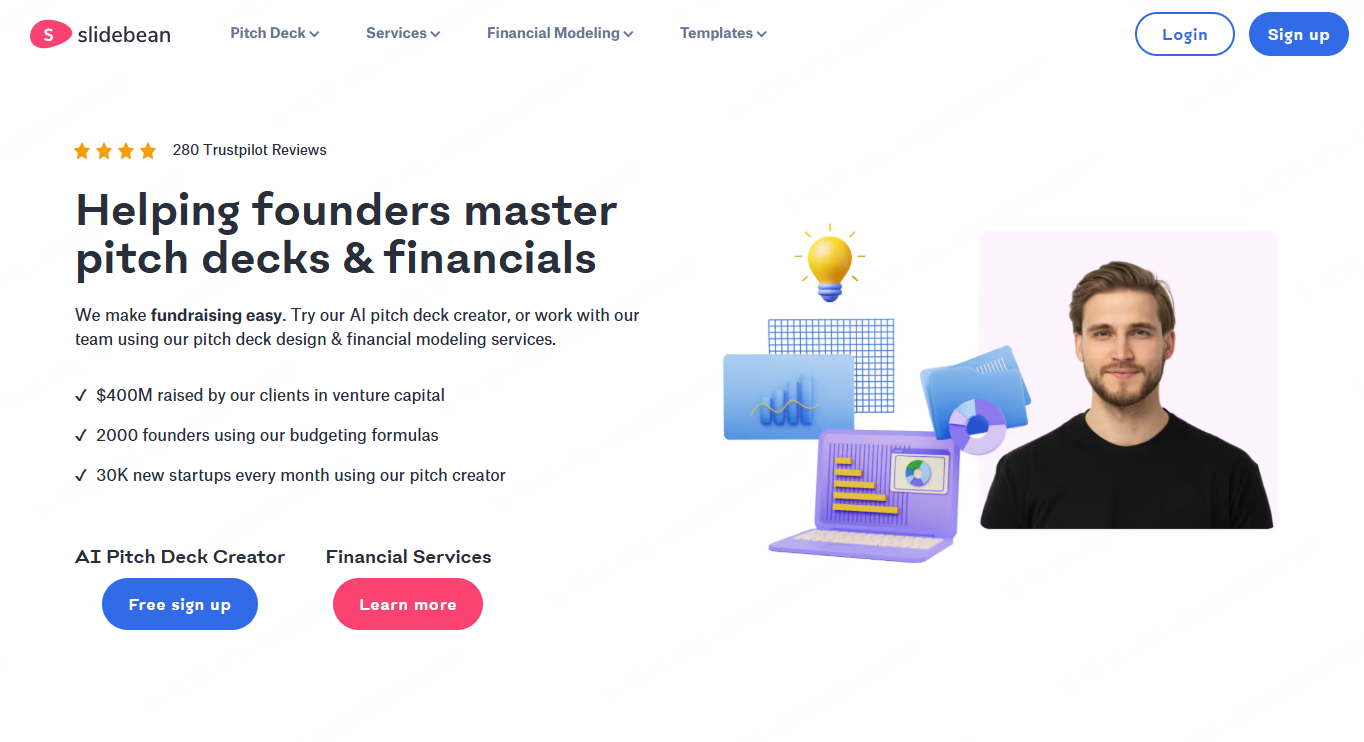
Slidebean is widely used in business contexts, especially for startup pitches and investor presentations.
AI Based Layout and Design
Users input text and data, and AI automatically selects layouts, fonts, color schemes, and element placement.
Brand Customization
Templates can be customized to match brand identity, including fonts, colors, and visual components.
Real Time Collaboration and Sharing
Teams can collaborate online and share presentations via links or exported files for feedback and live presentations.
Final Thoughts
AI presentation tools have evolved beyond simple design helpers. In 2026, they act as intelligent assistants that handle structure, visuals, and data storytelling.
Among the tools reviewed, Presenti AI stands out for its balance of content generation, design automation, and customization. However, each platform serves different needs, from animated storytelling to data heavy reporting.
Choosing the right AI presentation maker depends on your workflow, audience, and presentation goals. With the right tool, creating impactful slides becomes faster, more consistent, and far more scalable.