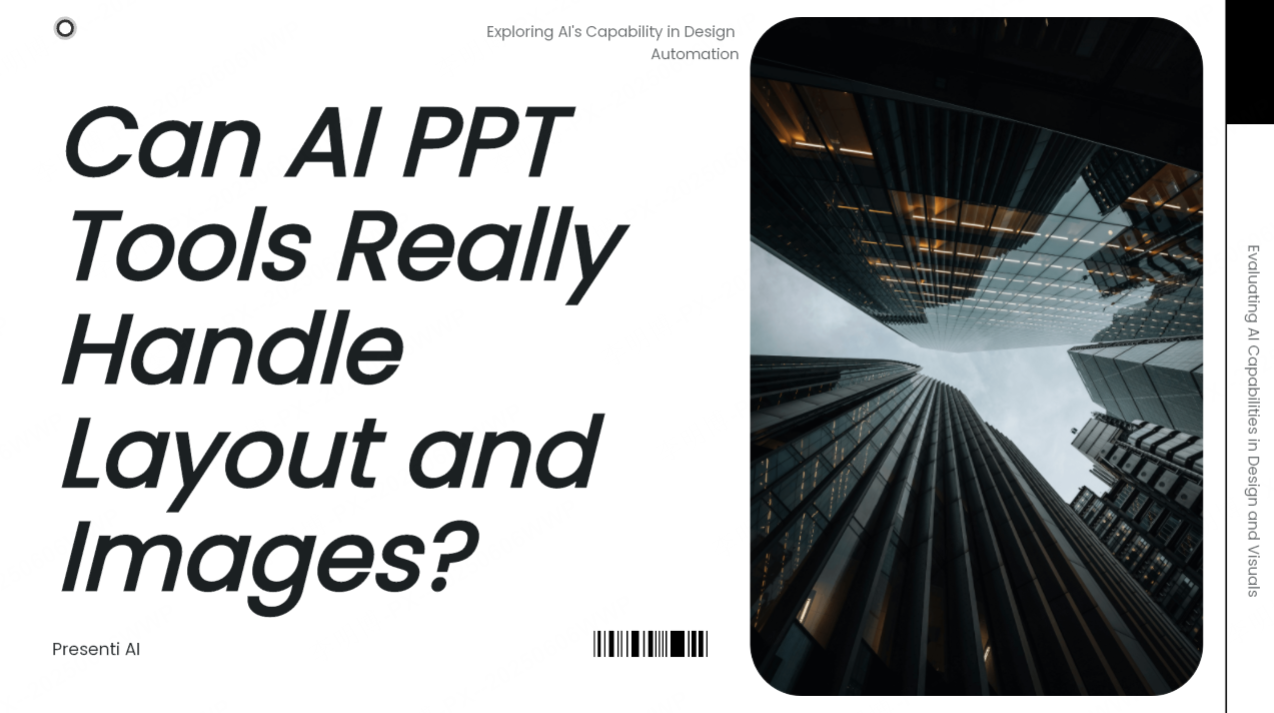
AI PPT tools can suggest a slide structure, apply layouts, and help select visuals. They are useful for getting a first draft on screen, especially when you already have a clear outline. Whether that draft is ready to present depends on the content, layout density, and accuracy of its visuals.
This guide explains what automatic layout and image features can help with, where they need review, and how to evaluate a tool on your own material.
1. What Are AI PPT Tools? How Do They Work?
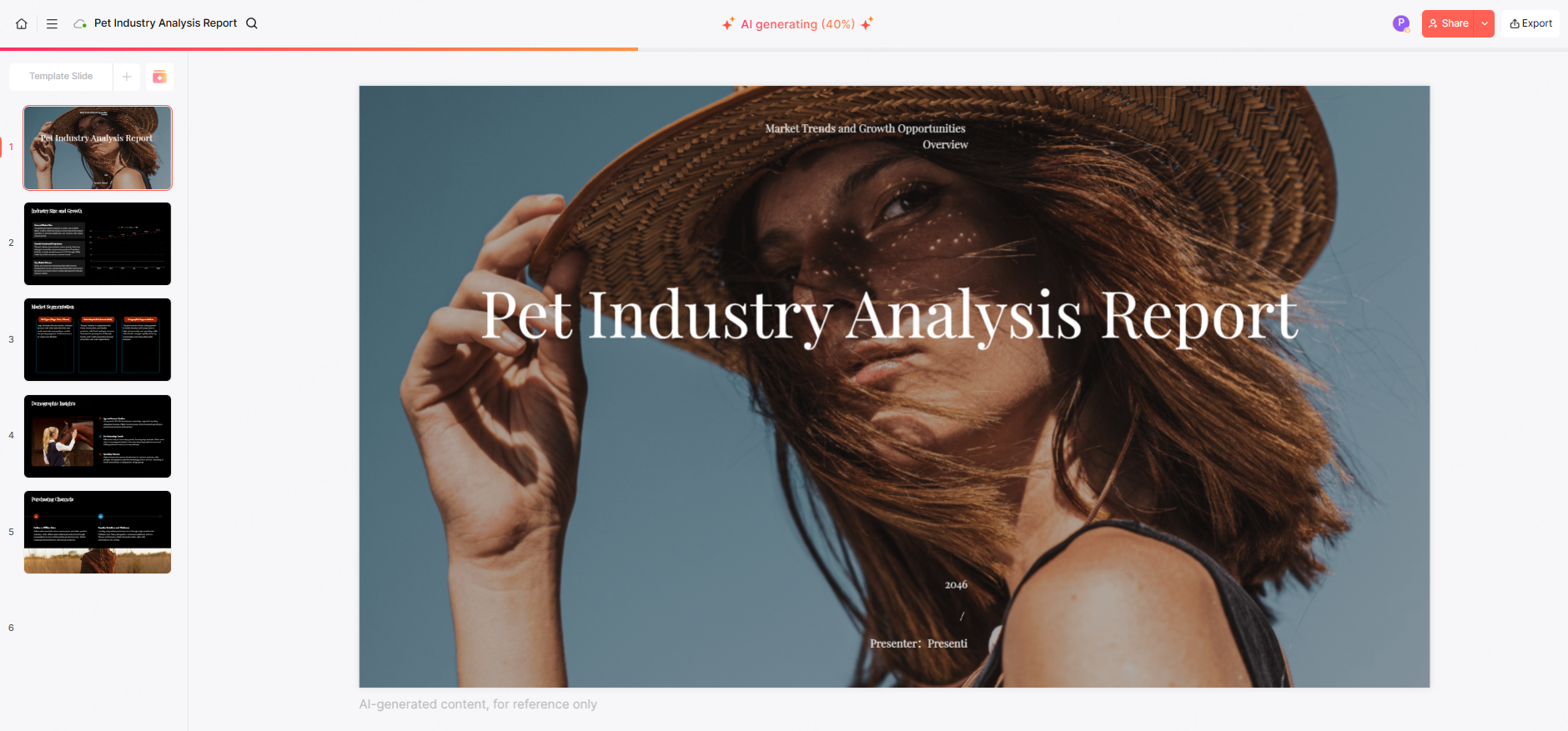
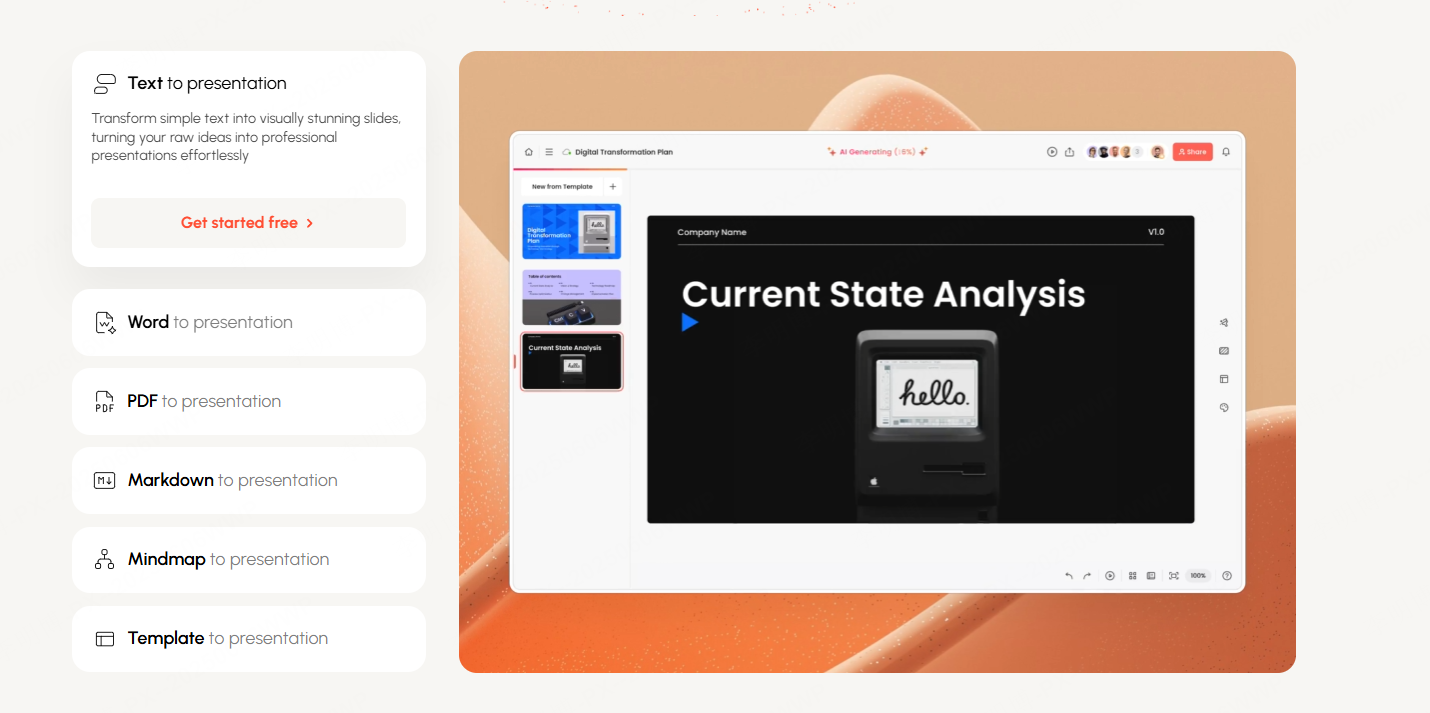
AI PPT tools combine text generation with presentation templates and editing features. Depending on the product, you can start with a topic, an outline, or an existing document, then revise the generated slides.
- Structure: Suggest slide titles and a sequence for your ideas.
- Layout: Place text and visuals in a template and help keep a consistent style.
- Visuals: Suggest stock images or generate illustrations where those features are available.
- Wording: Shorten or expand text, with human review of facts and meaning.
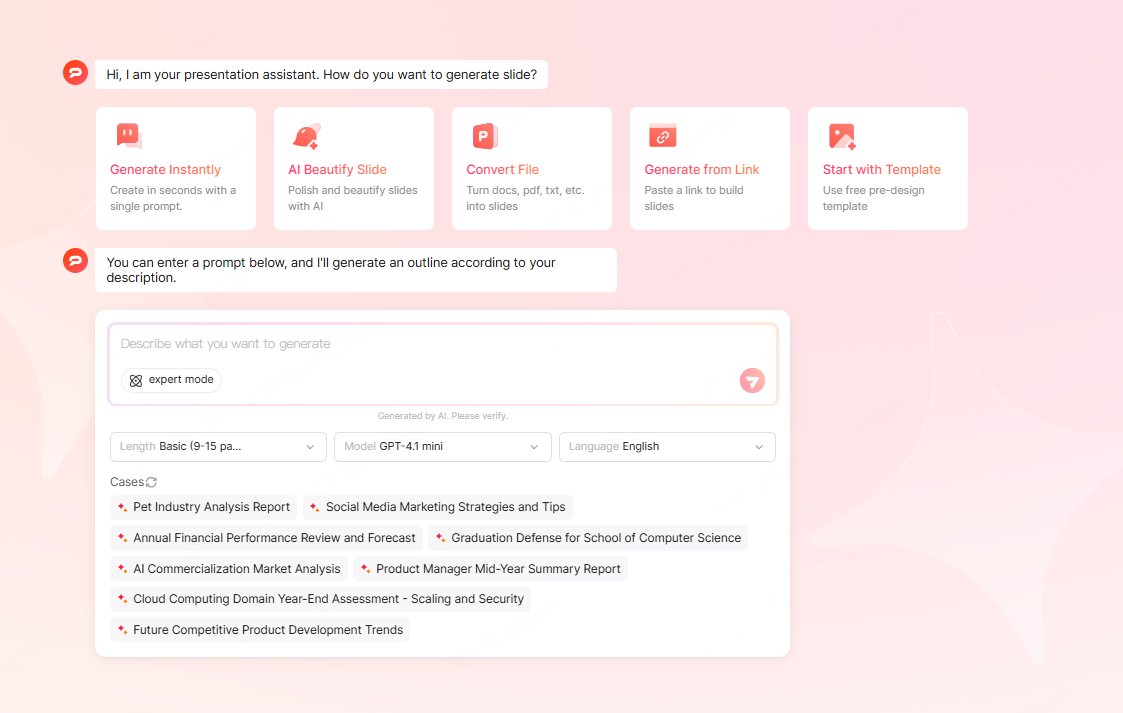
Image matching, image generation, and chart creation are different capabilities. A relevant-looking illustration does not verify a factual claim, and a picture of a chart is not necessarily an editable chart.
2. What to Expect from AI Auto Layout
Automatic layout can reduce repeated work such as arranging titles, aligning elements, and applying a common theme. It is most useful when the content fits a familiar slide structure.
A practical layout example
For a project update, use a headline that states the current status, three short progress points, and one visual showing the schedule. If the generated slide puts a full paragraph in each column, shorten the text or split the content across two slides.
Where manual adjustment still helps
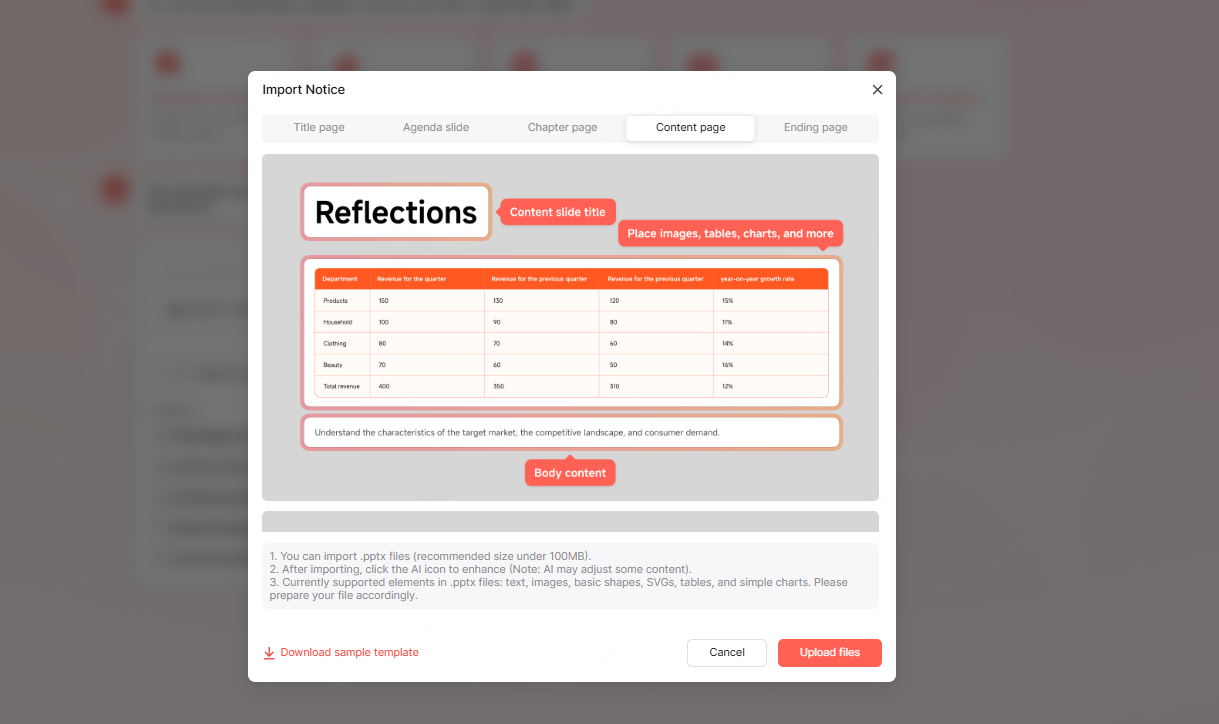
- Long titles and dense tables can create crowding even when elements are aligned.
- A consistent template may give a minor detail too much emphasis; size elements according to their importance.
- Fonts and line breaks may differ after export. Review the file in the presentation app that will be used.
The benefit is a starting layout you can refine. It is not a guarantee that every slide will be readable or correctly prioritized.
3. AI Image Generation and Matching
Image matching selects existing visuals; image generation creates a new image from instructions. Either can help illustrate an idea, but neither should replace sourced data, a real product screenshot, or evidence of a customer result.
For a market-analysis deck, use actual figures for the chart and label their source and date. A generated illustration can support the theme, but it should not invent a market share, logo, or quotation.
Choosing a useful visual
- Select images that explain the slide’s message rather than simply filling space.
- Inspect generated text, small objects, labels, and any recognizable brands or people.
- Check the image’s license or usage terms; AI generation does not remove every rights question.
- Use a consistent visual style, then check that contrast and cropping work at presentation size.
4. How to Compare AI Layout and Image Features
Use the same short brief in each tool. Include one text-heavy slide, one sourced chart, and one image-led slide so the comparison reflects the work you actually do.
| What to compare | A useful observation |
|---|---|
| Layout | Can you read the title and body at presentation size without crowding? |
| Visual relevance | Does the image explain the point, and can you replace it easily? |
| Charts | Are values and labels correct, and are the required elements editable? |
| Editing effort | Which wording, layout, or image changes are still needed? |
| Export | Do fonts, spacing, charts, and media work in the final file? |
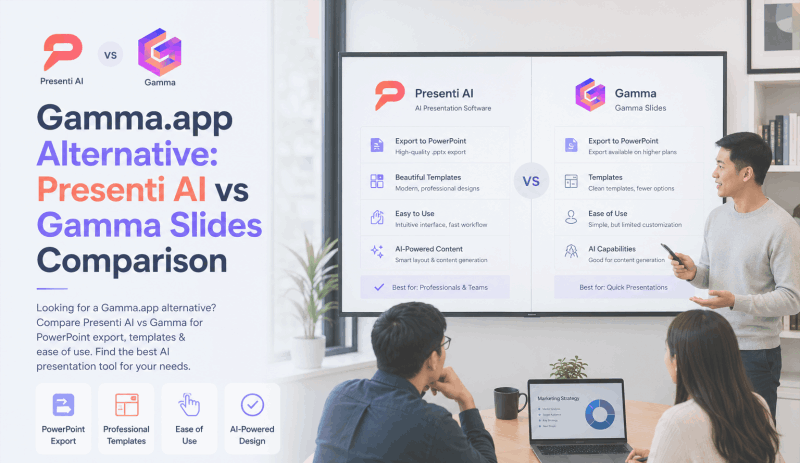
Presenti provides topic and document workflows with plan-dependent AI and export benefits; see its plan details. Gamma also supports document imports and PowerPoint export. Those features establish what you can try, not a quality score for your particular deck.
5. Who Benefits Most From AI PPT Tools?
- Teachers and students: Turn an outline into a lesson or project draft, then check subject accuracy and examples.
- Project teams: Start recurring status updates from a shared structure and replace old metrics with current figures.
- Marketers and analysts: Draft a narrative around verified data and refine the charts and supporting visuals.
- Independent creators: Reuse a visual style across proposals or course materials while adapting each message.


6. Where Automation Still Needs Your Judgment
A tool can suggest a layout without knowing which decision matters most to your audience. It can also produce a plausible sentence or visual that is wrong for your source material.
Keep responsibility for the argument, evidence, and final presentation. Use automation for a draft and repetitive formatting; spend the saved effort on the facts, examples, and questions your audience will raise.
Conclusion
AI auto layout and image tools are most useful when they help you produce a draft you can edit confidently. Start with a clear outline, compare the result with your source material, and check the final file. A readable, accurate deck is a better measure of success than an unsupported tool score.