In the fast paced professional and academic environments, a powerful presentation tool is essential for creating compelling visual content and delivering ideas effectively. Whether you're a student, a career professional, or part of a corporate team, having access to the right PPT software can dramatically streamline your workflow and enhance your results. This comprehensive guide explores the best presentation software available, from free tools perfect for everyday use to advanced paid solutions for professional needs, helping you find your ideal match.
1. Top PPT Software Recommendations
(1) AI Powered PPT Generators
Presenti AI (Free + Paid Plans)
Presenti can generate a slide draft from a topic or supported input and provides workspace collaboration. Free use has limited AI credits and supports Markdown/XMind input. Paid plans add Word/PDF/TXT input and editable PPTX/PDF export.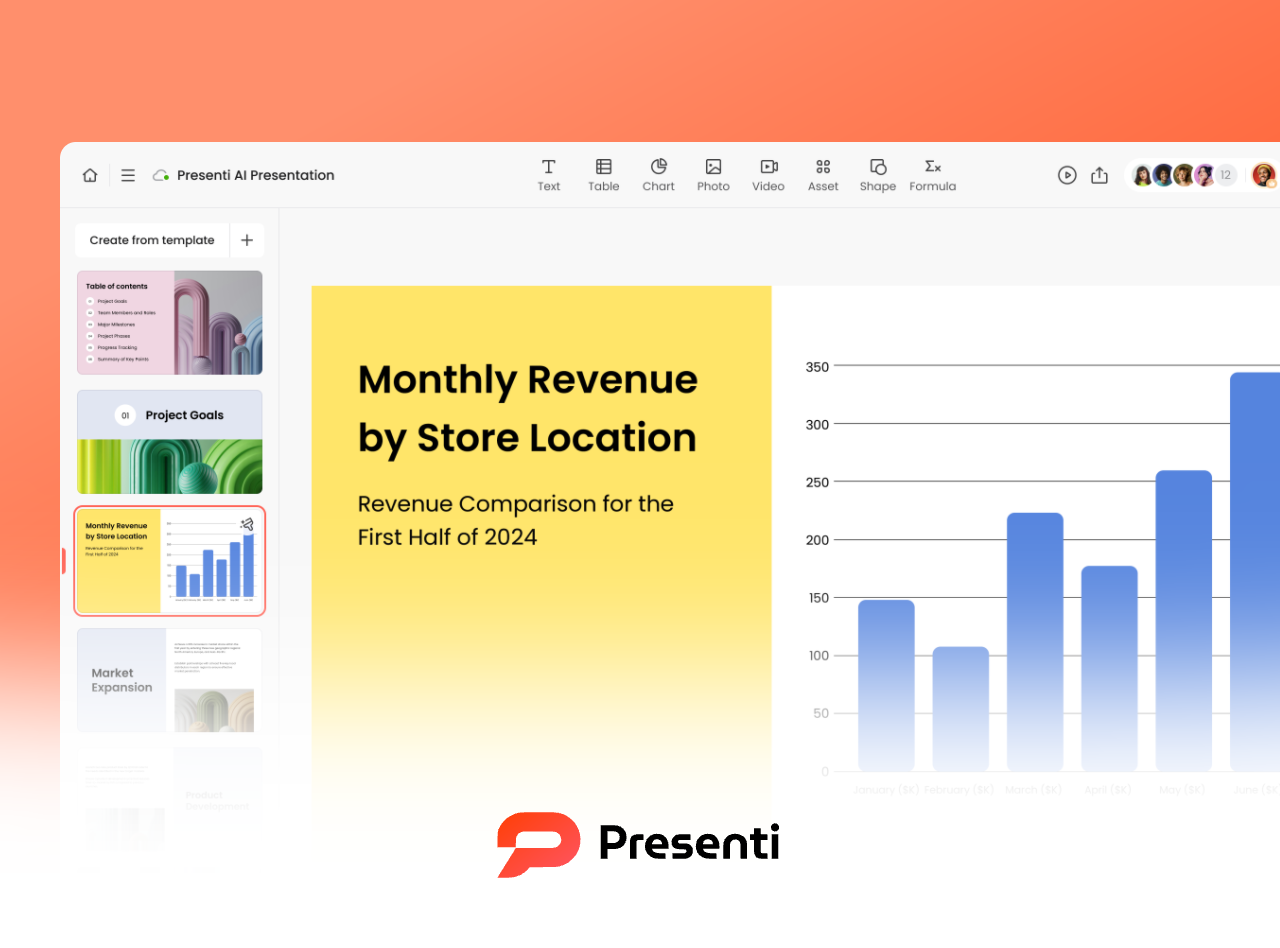
Beautiful.ai(Primarily Paid)
This international AI driven tool specializes in automated layout design and beautification. While it operates mainly on a subscription model, its strengths lie in strong design aesthetics and rapid generation speed, making it an excellent choice for professionals who frequently need high quality business presentations.
(2) Lightweight Online PPT Tools
Google Slides (Free)
A completely free, web based presentation software, Google Slides excels in real time multi user collaboration. Its interface is clean and intuitive, requires no software installation, and is accessible with just a Google account, making it ideal for remote work and international teams.
Canva (Free + Paid Plans)
Canva focuses on creative design, offering a vast library of aesthetically pleasing PPT templates and design elements. The free version is robust enough for basic needs, but subscribing to Canva Pro grants access to premium templates, a larger stock asset library, and enhanced features. It's particularly well suited for social media managers, marketers, and anyone needing visually striking presentations.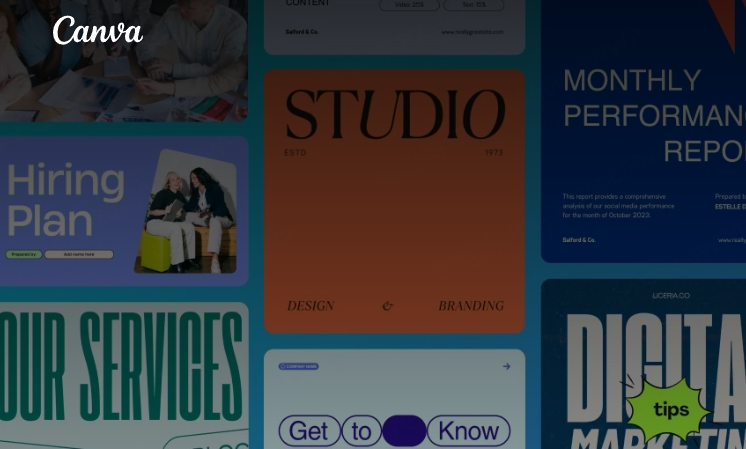
(3) Traditional & Classic PPT Suites
- Microsoft PowerPoint (Web Access and Paid Desktop Options)
As the industry standard, PowerPoint is virtually synonymous with presentations. It boasts an incredibly comprehensive feature set and a mature ecosystem of plugins. From complex animations to advanced charting tools, PowerPoint handles it all. Desktop features and licensing differ from the web version; choose based on the editing and delivery requirements of your team. - WPS Presentation (Free + Premium Subscription)
A highly popular office suite in its home market and beyond, WPS Presentation's advantages include a massive template library and excellent localization. Its user interface closely mirrors PowerPoint's, ensuring a smooth transition for users. It's a quintessential free PPT software that meets most daily needs, with a premium subscription available for users requiring advanced functions. 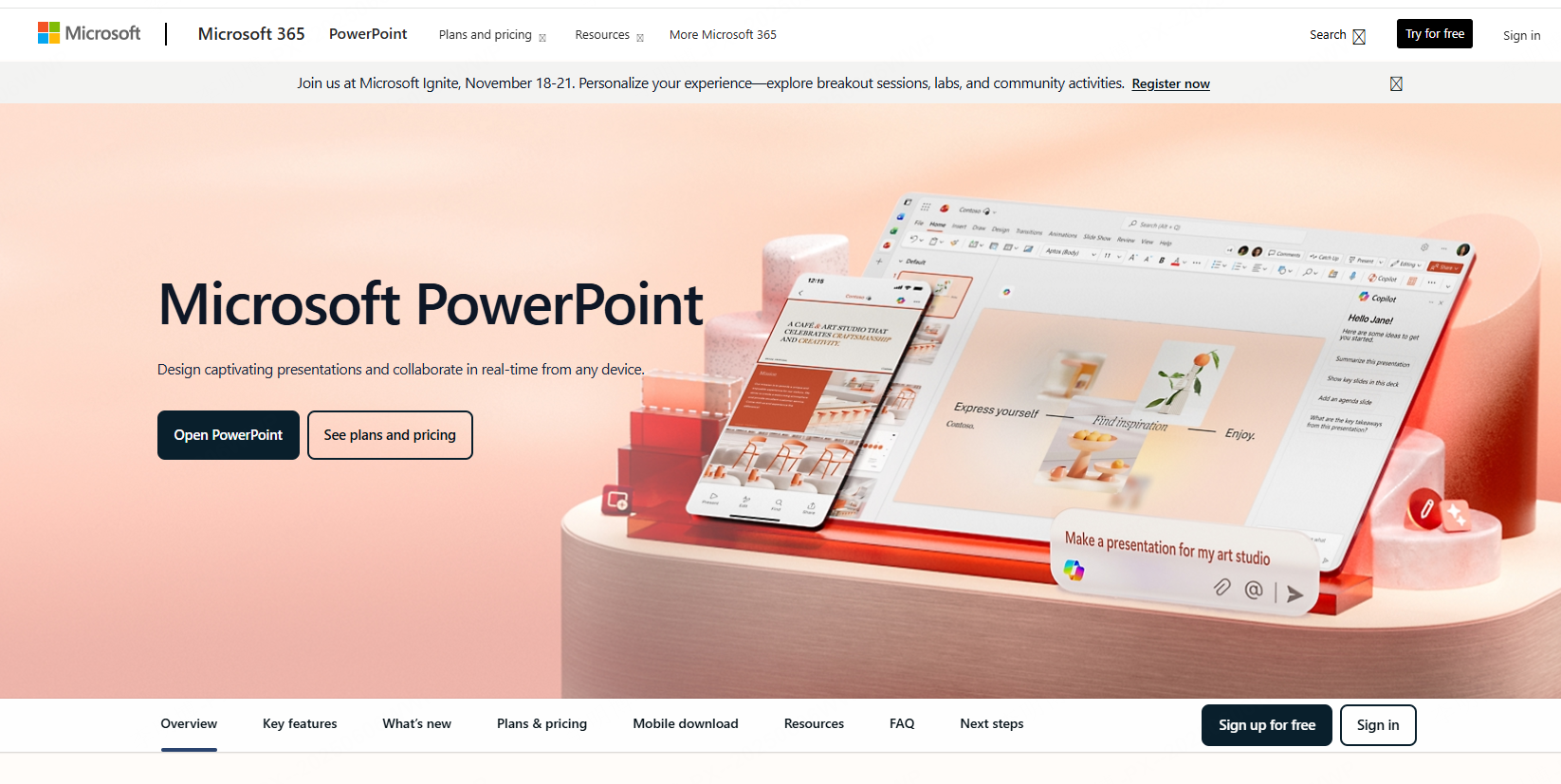
2. Key Feature Comparison
Different presentation tools have distinct characteristics regarding feature depth, usability, collaboration, and pricing. Here’s a comparison across key dimensions:
(1) Feature Comprehensiveness
- Microsoft PowerPoint: Provides detailed control over slide layouts, animations, charts, and add-ins. It can suit presentations that require extensive manual editing or delivery in the PowerPoint format.
- WPS Presentation:Core functionalities are comparable to PowerPoint, but it's generally more lightweight. It stands out with its template variety and well integrated cloud document features, perfect for daily office tasks.
- Presenti AI:Its strength lies in AI powered rapid outline generation, automatic formatting, and logical structuring. It frees users from tedious manual work, ideal for efficiency focused professionals.
(2) Collaboration & Cross Platform Support
- Presenti AI:Offers strong team collaboration features, allowing multiple users to edit the same deck simultaneously, which is perfect for project teams refining a presentation together.
- Google Slides:Fully web based with real-time co-editing, making it ideal for remote work or multinational teams.
- Canva:Supports online collaboration and allows easy sharing via links, which is great for social media campaigns and client reviews.
(3) Template Quality & Design Aesthetics
- Canva & Beautiful.ai:Known for their stylish, designer crafted templates and strong visual appeal, perfect for creative storytelling.
- WPS Presentation:Hosts an enormous collection of localized templates, with plenty of great options available even for free users.
- Presenti AI:Uses automatic color matching and intelligent layout to avoid the rigid look of standard templates, often resulting in a more cohesive and professional overall aesthetic.
(4) Free vs. Paid Offerings
- Free options: Compare the exact task you can complete without payment, including drafting, collaboration, and export. A free starting plan may still charge for the deliverable you need.
- Paid Software:Solutions like Microsoft PowerPoint, Beautiful.ai, Canva Pro, and Presenti AI paid plans offer significant advantages in template quantity, royalty free assets, advanced AI features, and export options, justifying the cost for high frequency business users.
3. Understanding Free vs. Paid Software
(1) Free PPT Software
- Pros:Zero cost barrier to entry, fulfills basic presentation needs effectively.
- Cons:Often limited template selection, restricted access to premium features (e.g., certain export formats like PDF/PPTX may be limited), potential watermarks on exports, and basic collaboration tools.
(2) Paid PPT Software
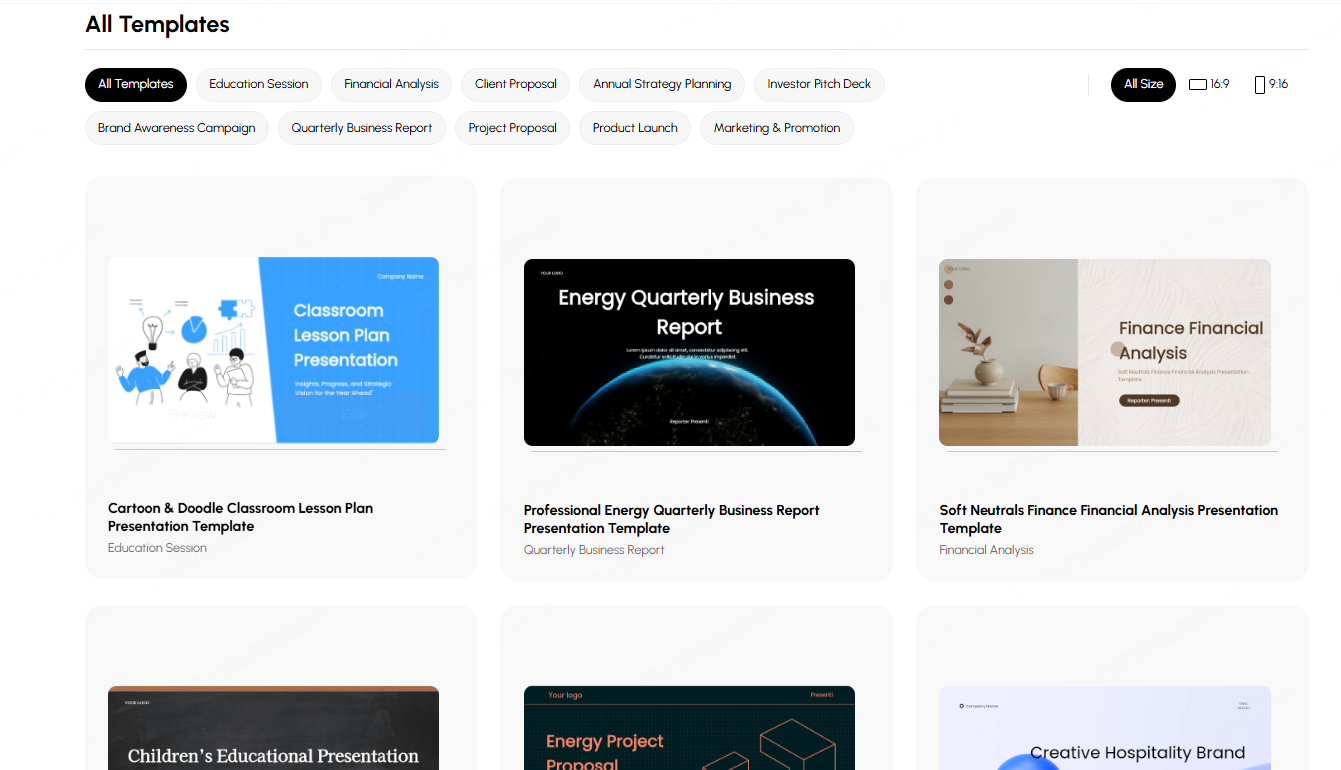
- Pros:Access to larger, higher quality template libraries; more intelligent features like AI assisted design and advanced charts; extensive libraries of royalty free images and icons; generally superior export flexibility and collaboration tools. These features significantly boost both efficiency and output quality.
Cons:Requires a financial investment. However, for users who regularly create reports, client pitches, or collaborate in teams, the productivity gains and professional results often justify the expense.



4. Essential PPT Creation Tips & Best Practices
(1) Structure First, Design Second
Avoid getting lost in template choices at the start. First, outline your core message and logical flow using a text outline or storyboard. Tools like Presenti AI, which allow you to input content first before applying a design, are perfect for this content first approach.
(2) Leverage AI Generation
Use AI to draft an outline and propose slide layouts, then check the facts, sequence, and design. The amount of revision depends on the input and the presentation; assess the time saved with a typical project of your own.
(3) Match Your Template to the Context
- Academic Defense:Opt for clean, formal styles that emphasize data, logic, and clarity.
- Business Reporting:Choose professional, corporate looking templates that convey authority and precision.
- Creative Pitch:Select visually dynamic and impactful designs that help your ideas stand out and spark imagination.
(4) Be Mindful of Copyright and Export Settings
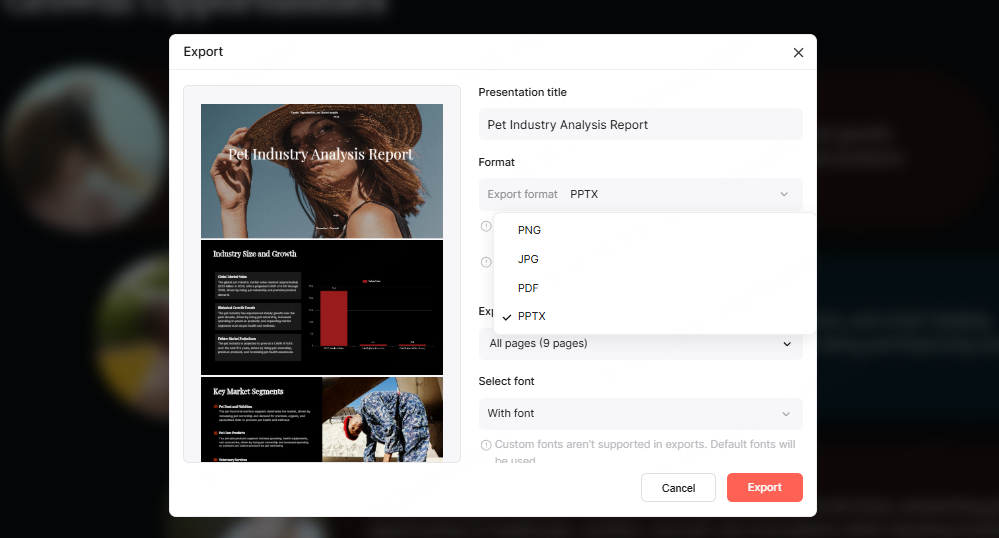
Many free platforms restrict export options or add watermarks. Always check these limitations before you begin creating. For formal or external presentations, it's advisable to use professional tools that allow for clean, watermark free exports in your required format.
Remember, a great presentation isn't about stacking fancy templates; it's about clear logic combined with appropriate design. The right software is merely an accelerator. We hope this guide helps you select the perfect PPT tool for your needs. If your priority is speed and efficiency, we highly recommend trying Presenti AI to go from concept to polished slideshow as an editable draft.