Creating professional presentations used to be time consuming and design heavy. Nowadays, AI PowerPoint generators have changed that workflow entirely. With just a topic, outline, or uploaded document, these tools can automatically generate well structured, visually polished slide decks in minutes.
For product managers, educators, developers, and business teams, AI powered PPT creation is no longer a novelty. It is quickly becoming a standard productivity tool.
In this article, we compare seven available presentation tools and note Tome’s closure, focusing on workflow and practical evaluation tasks. The goal is simple: help you choose the right AI PPT tool for your workflow.
What Is an AI PowerPoint Generator?
An AI PowerPoint generator uses natural language processing and design automation to convert text inputs into structured slide decks. Instead of manually designing each slide, users provide a topic, outline, or source file, and the AI handles layout, content grouping, and visual styling.
Most modern tools support:
- Topic based slide generation
- Document imports such as Word, PDF, or Markdown
- Editable PowerPoint exports
- Online collaboration
- Template and branding customization
1. Presenti AI
Workflow notes
Presenti AI is a full featured AI PowerPoint generator built for professional and educational use. It focuses on speed, structure, and export quality, making it one of the most well balanced tools in this category.

Key Strengths
Smart content generation with broad input support
Users can enter a topic or upload Word, PDF, XMind, or Markdown files. The AI automatically extracts key points and converts them into a clear slide structure. Single slide generation and multilingual output are also supported.
Extensive templates and branding control
Presenti AI offers a large library of templates for business, education, and training scenarios. Teams can also import existing PowerPoint files and turn them into reusable brand templates.
Efficient editing and collaboration
Slides can be edited online with automatic saving. Multiple users can collaborate in real time. Export formats include PPTX and PDF, ensuring strong compatibility with Microsoft PowerPoint.
High value pricing
A free plan covers basic use cases. Paid plans unlock advanced templates, collaboration features, and brand management.
What to Try
Try a market-trends brief with dated sources and a specific audience. Review the proposed outline, check every figure, and inspect how a theme change affects dense slides.
For document input, compare headings and key points with the source before approving the slide order.
Best Use Cases
- Business presentations
- Educational course materials
- Team collaboration
- Fast turnaround professional decks
2. Boardmix
Workflow notes
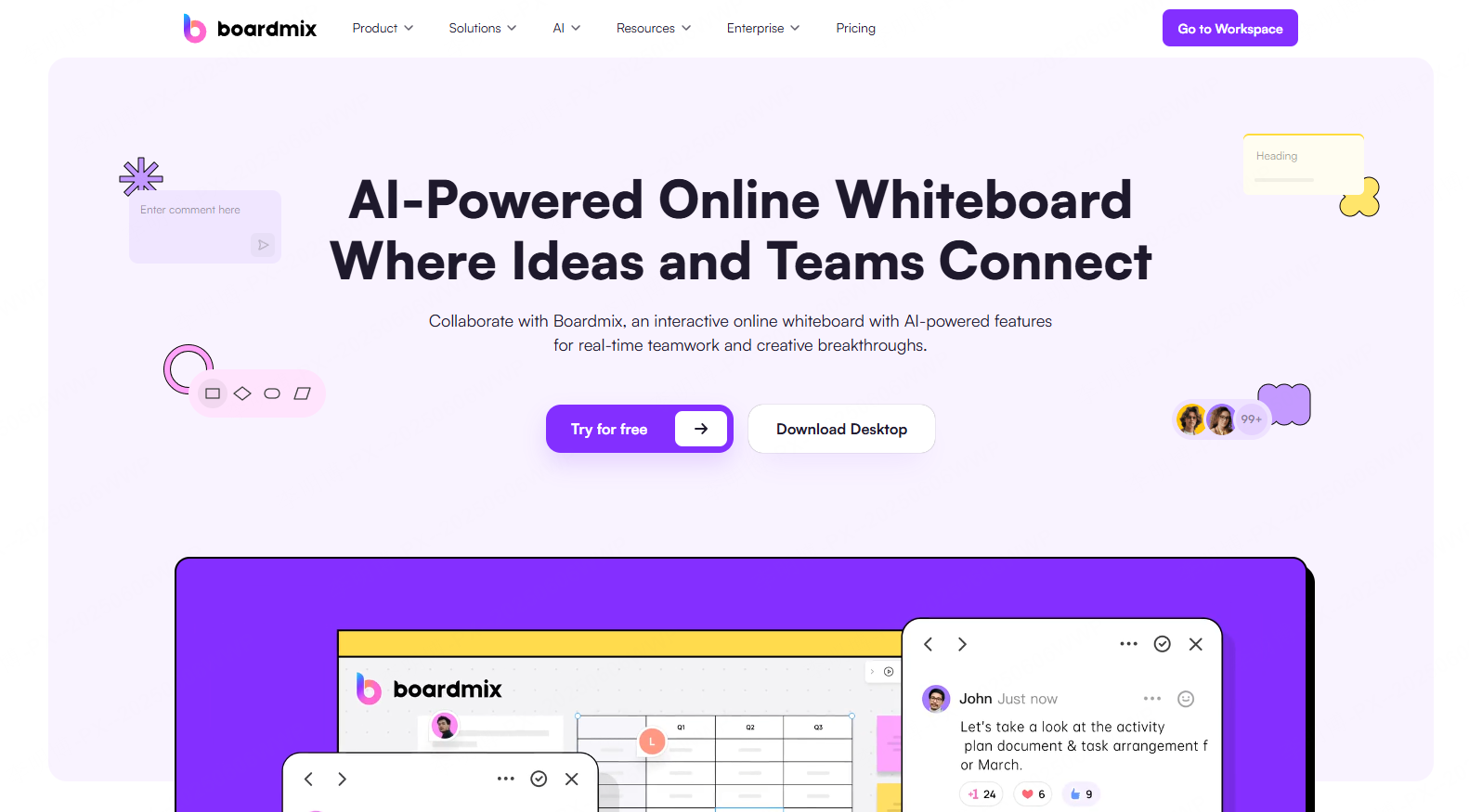
Boardmix combines AI presentation generation with collaborative whiteboarding. It is designed for teams that want flexibility during the ideation process.
Key Strengths
PPT and whiteboard integration
Users can brainstorm on a whiteboard while generating slides. Whiteboard content can be directly linked to PPT pages.
Rich visual assets
Includes icons, flowcharts, mind maps, and diagrams suitable for planning and strategy sessions.
Real time collaboration
Multiple users can edit simultaneously, with changes synced instantly.
Flexible export options
Presentations can be exported as PPTX, PDF, or images. Whiteboards can also be exported independently.
What to Try
Try organizing a quarterly plan on the whiteboard, then check whether the resulting slides preserve priorities, owners, and dependencies.
Best Use Cases
- Team brainstorming
- Workshop summaries
- Planning and strategy decks
Tome Slides: discontinued presentation service
Tome Slides was discontinued on April 30, 2025 and is no longer available for new presentations. If you have saved PDFs, text, or images, use those materials to build a new deck in an available tool. This does not restore an inaccessible Tome project.

4. Presentations
Workflow notes
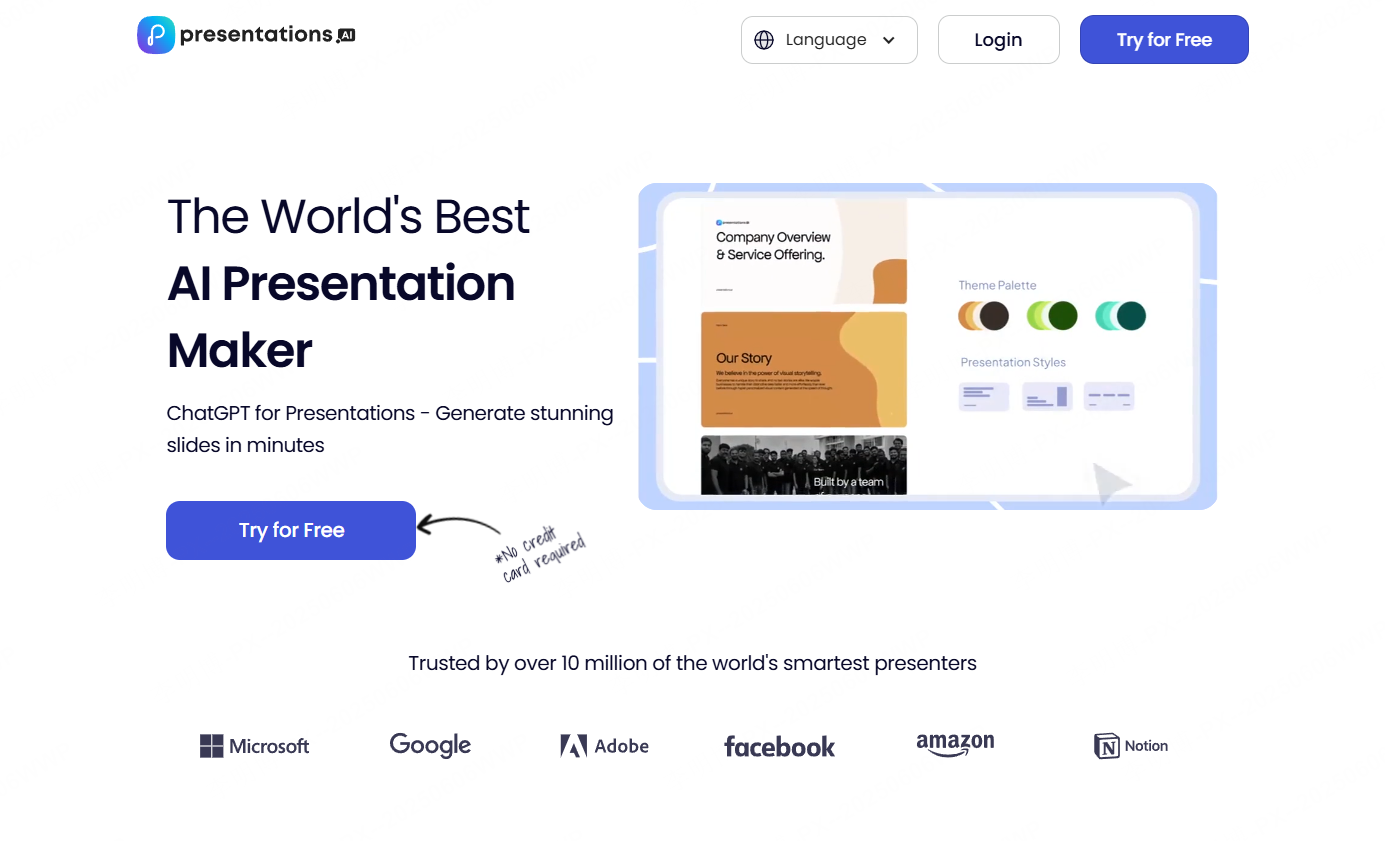
Presentations emphasizes AI assisted drafting and brand consistent design. It works well for teams that need to align slides with corporate branding.
Key Strengths
Document driven slide generation
Upload documents and convert them into structured presentations.
Strong data visualization
Check chart types, data editing, and exported chart objects against your requirements.
Editable PowerPoint exports
Exports to fully editable PPT files, suitable for enterprise workflows.
What to Try
Use a project brief to check slide breaks, brand styling, and the review permissions available to your team.
Best Use Cases
- Corporate presentations
- Marketing decks
- Cross team collaboration
5. Plus AI for Google Slides
Workflow notes
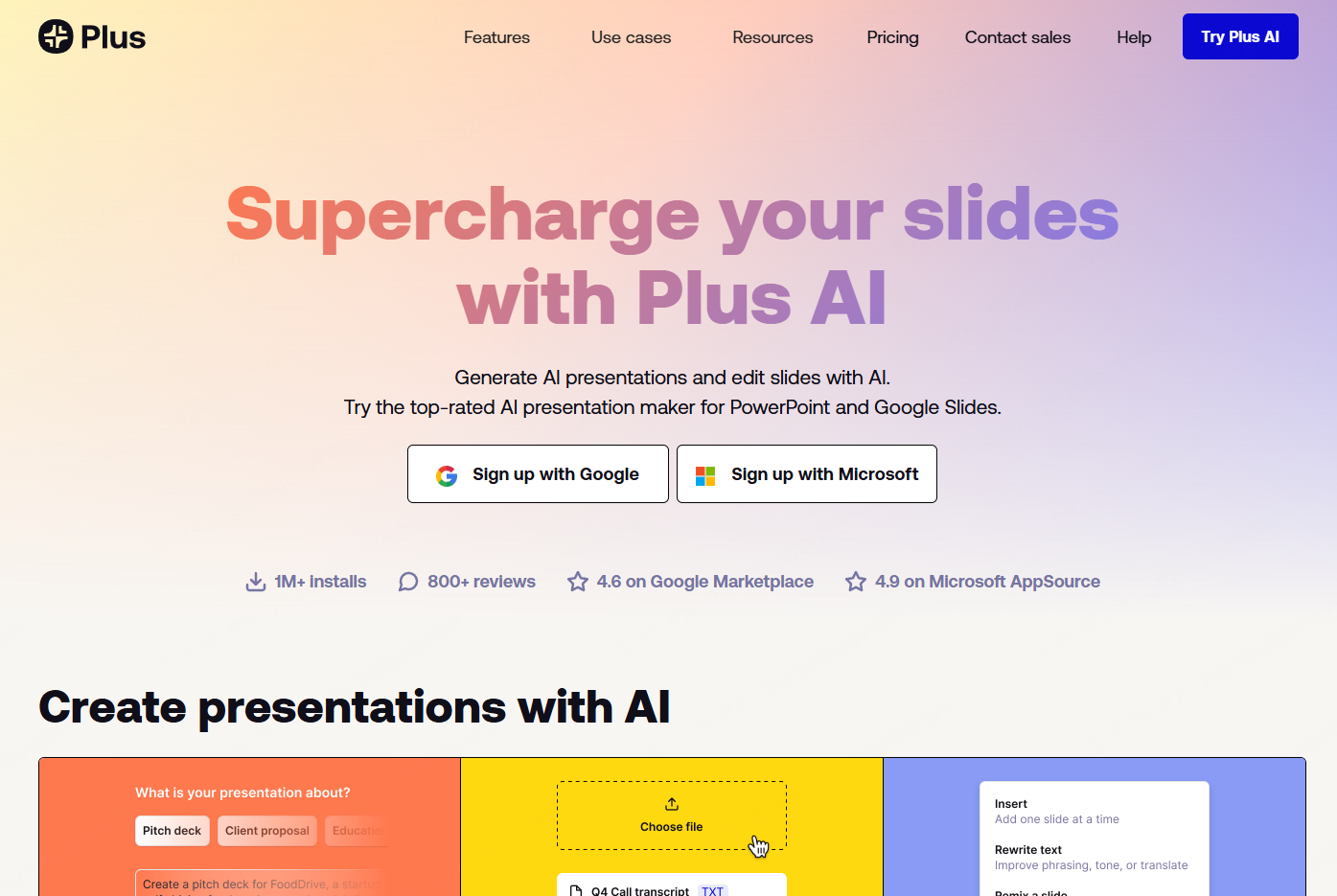
Plus AI is an AI assistant built directly into Google Slides. It is ideal for users already working in Google Workspace.
Key Strengths
Native Google Slides integration
No platform switching required. All changes are saved automatically to Google Drive.
Outline based generation
Users can generate new slides or extend existing decks while maintaining style consistency.
Free entry level usage
Check current trial and subscription terms before starting.
What to Try
Create a quarterly-summary draft in the application you already use, then review its structure and the amount of layout editing required.
Best Use Cases
- Google Workspace users
- Quick English presentation drafts
- Iterative slide editing
6. Felo AI Search PPT Maker
Workflow notes
Felo combines web search with AI slide generation. It is designed for presentations that rely on up to date information.

Key Strengths
Search driven content generation
Automatically gathers recent data and examples from the web.
Industry focused templates
Supports technology, education, and research topics.
Simple workflow
Enter a topic and generate slides with minimal configuration.
What to Try
For a market-trends presentation, follow each source link and check its date, scope, and figures before using the generated claim.
Best Use Cases
- Market trend reports
- Policy summaries
- Research briefings
7. Storyd AI
Workflow notes
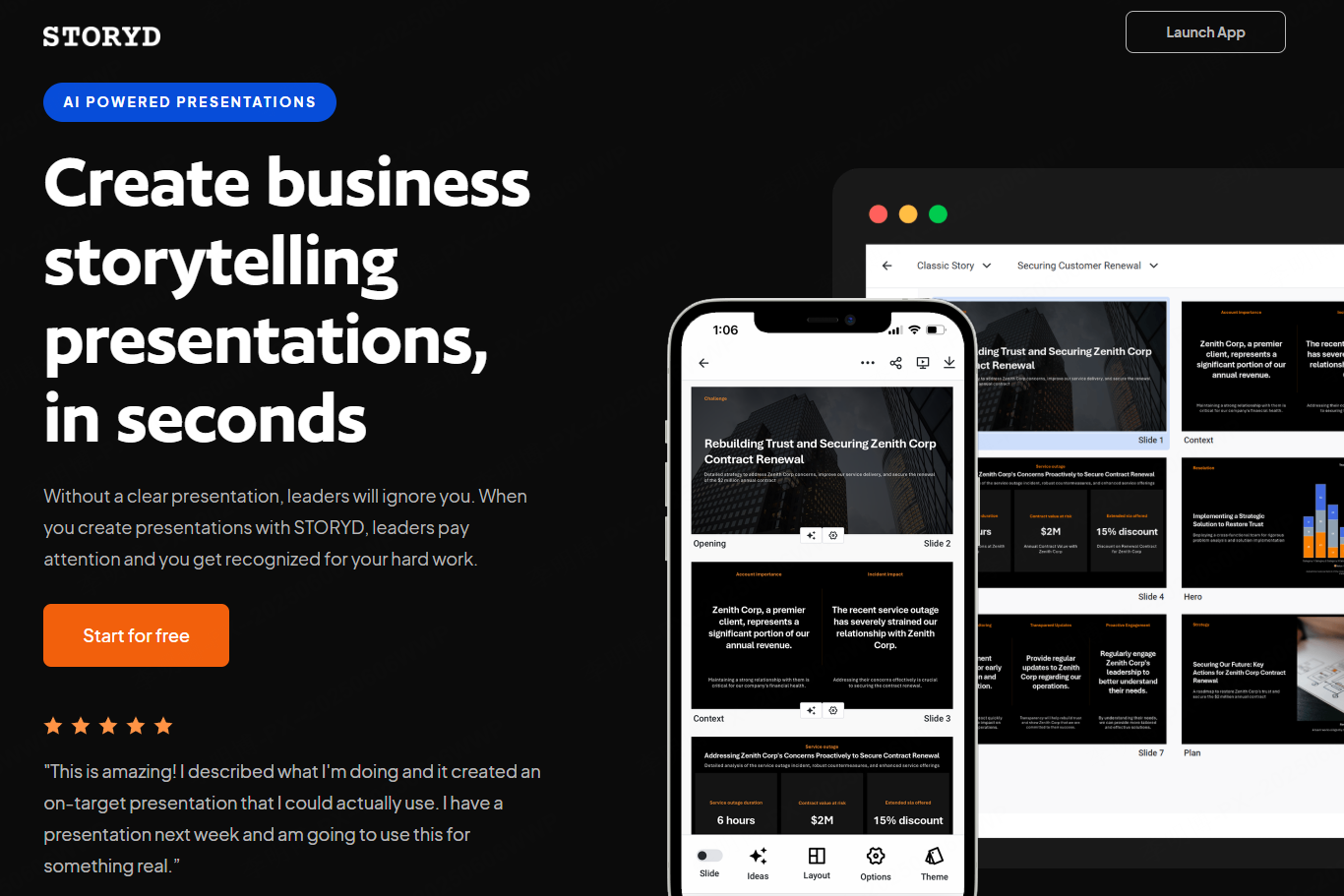
Storyd AI specializes in narrative focused presentations with cinematic layouts.
Key Strengths
Story driven slide structure
Slides follow a clear narrative arc with strong visual emphasis.
Immersive presentation effects
Supports animations, transitions, and rich media elements.
Cloud based sharing
Presentations can be shared via links without downloads.
What to Try
Try a short brand story and inspect the exported file to see which visual elements remain editable and how any effects behave.
Best Use Cases
- Investor pitches
- Brand storytelling
- Motivational presentations
8. Slidebean
Workflow notes
Slidebean is popular among startups and founders. It emphasizes design logic and presentation analytics.

Key Strengths
Professional design automation
Layouts follow best practices used by professional designers.
Presentation analytics
Tracks viewer engagement and slide performance.
Flexible pricing models
Offers project based and subscription pricing.
What to Try
Use a launch outline to review the pitch structure, collaboration options, and export conditions on the current plan.
Best Use Cases
- Startup pitch decks
- Business plans
- Investor presentations
Final Thoughts
AI PowerPoint generators are no longer experimental tools. They are becoming essential for teams that value speed, clarity, and consistency. While no single tool fits every workflow, the options reviewed here cover a wide range of use cases.
If you prioritize structure and export quality, Presenti AI stands out. For collaboration and ideation, Boardmix offers flexibility. Storytelling-focused teams can evaluate Storyd, while Google Workspace users will appreciate Plus AI.
Choosing the right tool depends on your content depth, collaboration needs, and presentation goals.