In the fast paced professional environment, the ability to create high quality PowerPoint presentations quickly has become a core productivity skill. Whether you are preparing a last minute executive update, a product pitch, a project proposal, or a classroom lecture, time pressure is always real.
Traditional slide design often requires hours of manual layout work, visual adjustments, and content polishing. That is where AI powered PPT generators come in. With just a topic or a short prompt, these tools can instantly produce structured, visually polished presentations that are ready to present or refine.
In this guide, we have carefully selected 7 powerful free one click AI PowerPoint generators that stand out in 2026. These tools help professionals, educators, and technical teams create professional presentations with minimal effort and no design background required.
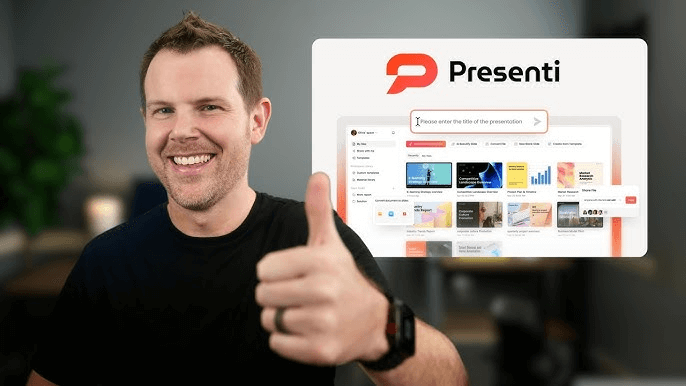
1. Presenti AI

Key Features
- With just a single sentence or title, Presenti AI can generate a complete PowerPoint deck, including slide structure, layouts, color schemes, and visual hierarchy. This dramatically reduces production time for both professionals and students.
- Supports multiple PPT generation methods, such as text to PPT, document to PPT, and link based slide creation, offering flexibility for different workflows.
Advantages
- A rich library of presentation templates and design assets that cover business reports, technical briefings, marketing decks, and educational content.
- Built in AI content tools that support rewriting, expanding, summarizing, simplifying, fixing grammar, brainstorming, and translating text. It also includes AI image features such as image enhancement, background removal, and image to image generation, making it easy to produce visually consistent slides.
- Cloud based editing with real time collaboration. Team members can edit, comment, and share presentations from anywhere, which is ideal for remote teams and distributed organizations.
Limitations
- Some advanced features require a paid upgrade.
- The free plan includes more basic templates and assets, which may not fully satisfy complex or highly customized design needs.
Best Use Cases
Ideal for business presentations, academic lectures, product demos, marketing proposals, training materials, and general purpose professional presentations where speed and quality matter.
2. Presentations.AI
Key Features
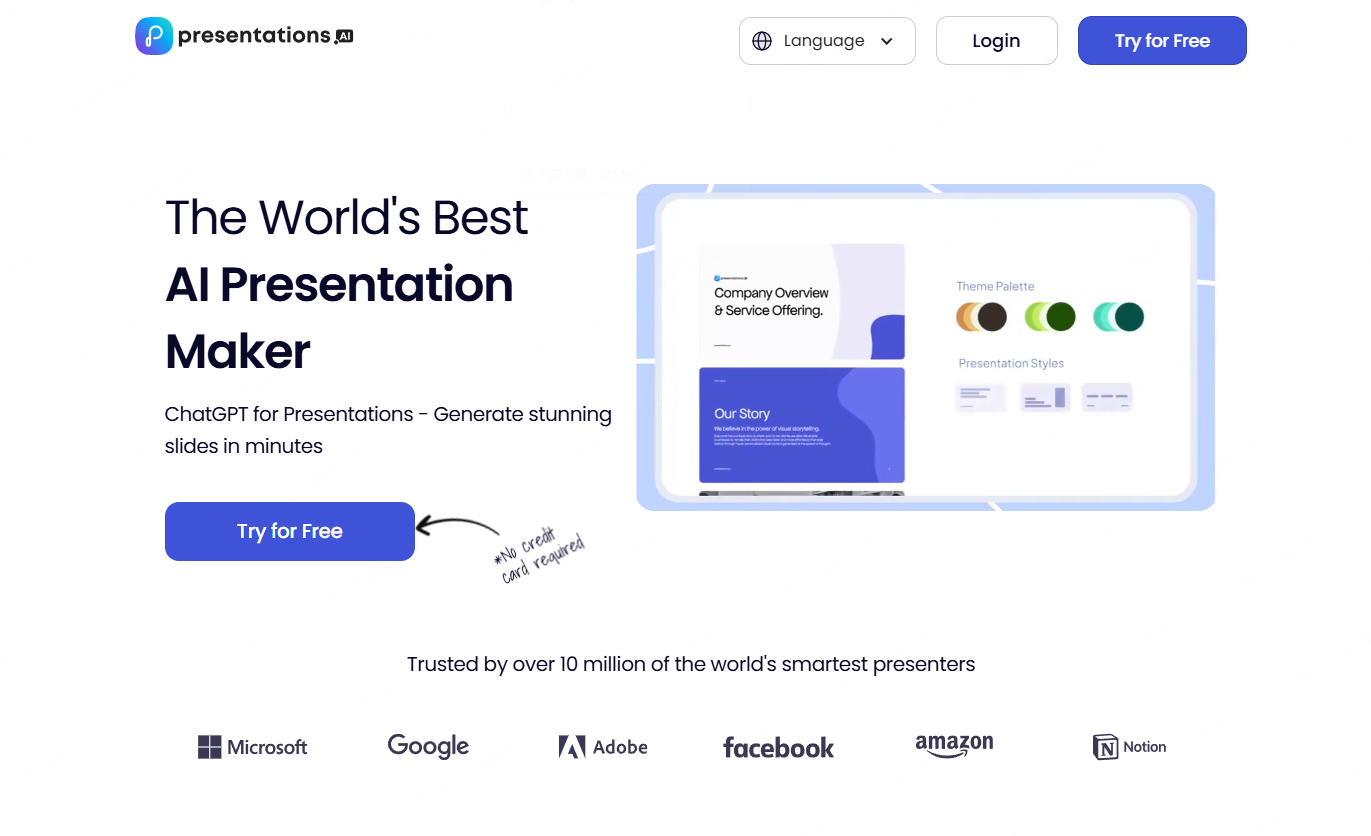
- AI driven slide generation that automatically creates content and layouts based on your topic.
- Uses content analysis and machine learning to optimize slide structure and visual balance.
Advantages
- Produces professional looking presentations in minutes, significantly reducing design time.
- Offers a variety of templates suitable for different industries and presentation styles.
- Allows manual customization so users can fine tune content and visuals as needed.
Limitations
- The free version has limited functionality.
- Template variety and advanced design controls are more restricted compared to some competitors.
Best Use Cases
Suitable for standard business meetings, corporate presentations, and marketing decks where speed and consistency are priorities.
3. MindShow
Key Features
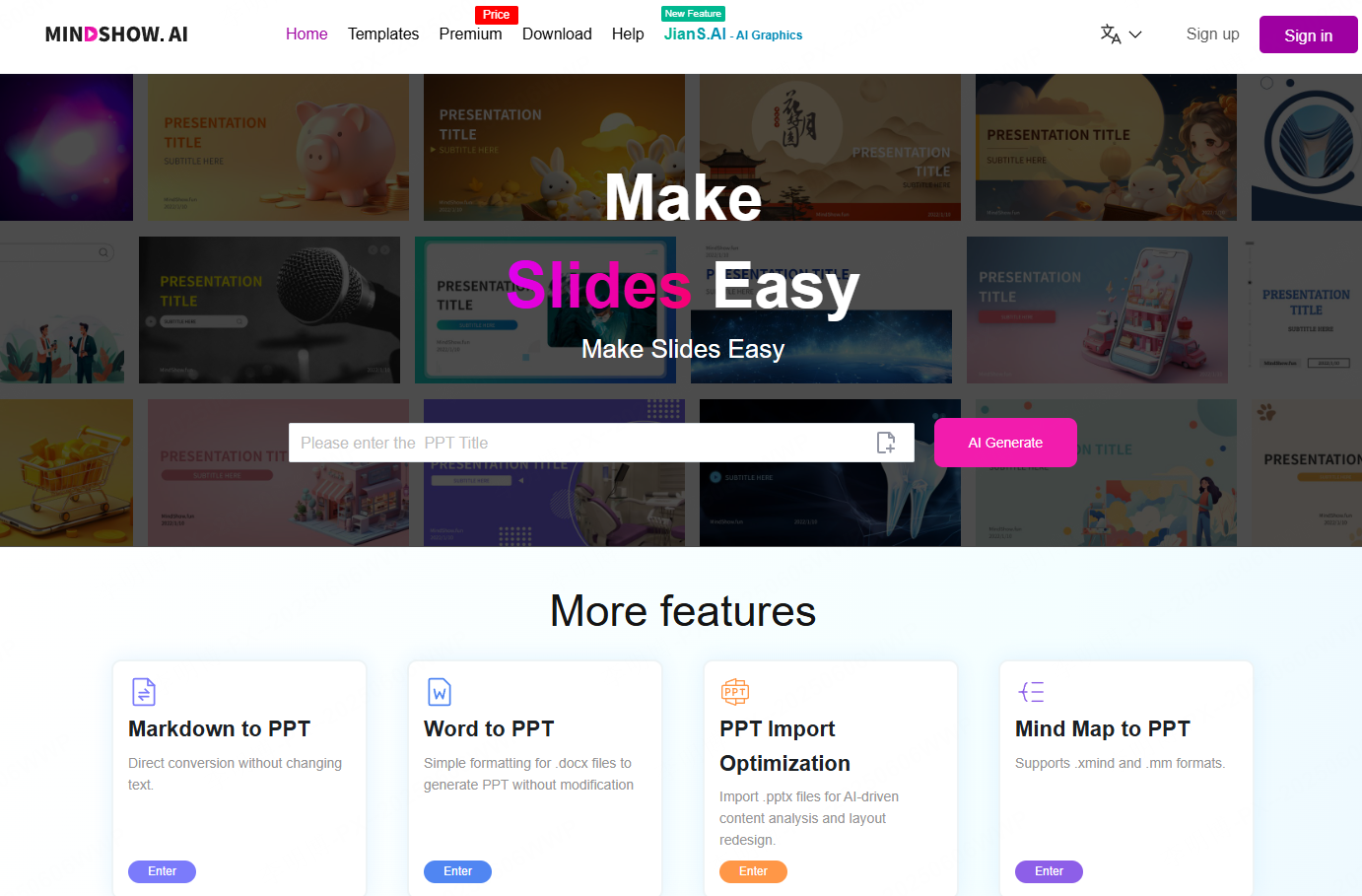
- Integrates virtual characters and 3D animation to bring presentations to life.
- Supports real time character animation and dynamic slide playback.
- Includes a wide range of 3D environments and immersive backgrounds.
Advantages
- High interactivity that increases audience engagement.
- Easy to use animation features make creative presentations accessible without technical expertise.
- Visually impressive templates and 3D elements help presentations stand out.
Limitations
- Limited flexibility in modifying backgrounds and certain visual components.
- Some advanced features require a paid subscription.
Best Use Cases
Best for creative presentations, training sessions, internal corporate events, and educational content that benefits from interactivity and visual storytelling.
4. Edcafe AI
Key Features
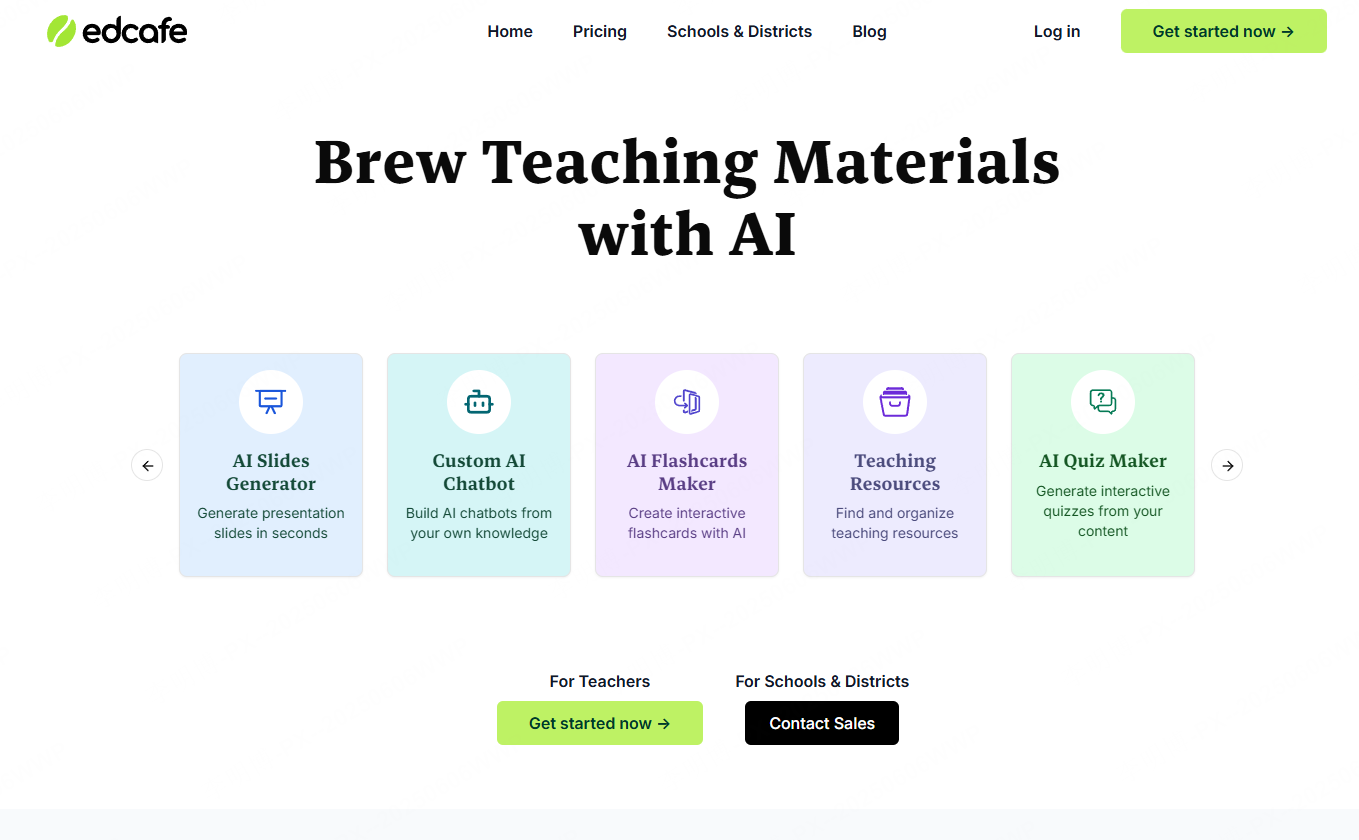
- One click AI generated PowerPoint decks with automatically created outlines and visuals.
- Smart layout optimization simplifies slide design and improves visual consistency.
Advantages
- Beginner friendly interface that requires no prior design experience.
- Automatic layout optimization enhances visual clarity and readability.
- Supports exporting presentations as both PPT and PDF files for easy sharing.
Limitations
- Advanced features are locked behind a paid plan.
- Template selection is relatively simple and less customizable.
Best Use Cases
Well suited for quickly generating business reports, academic presentations, and standardized corporate slides.
5. Decktopus AI
Key Features
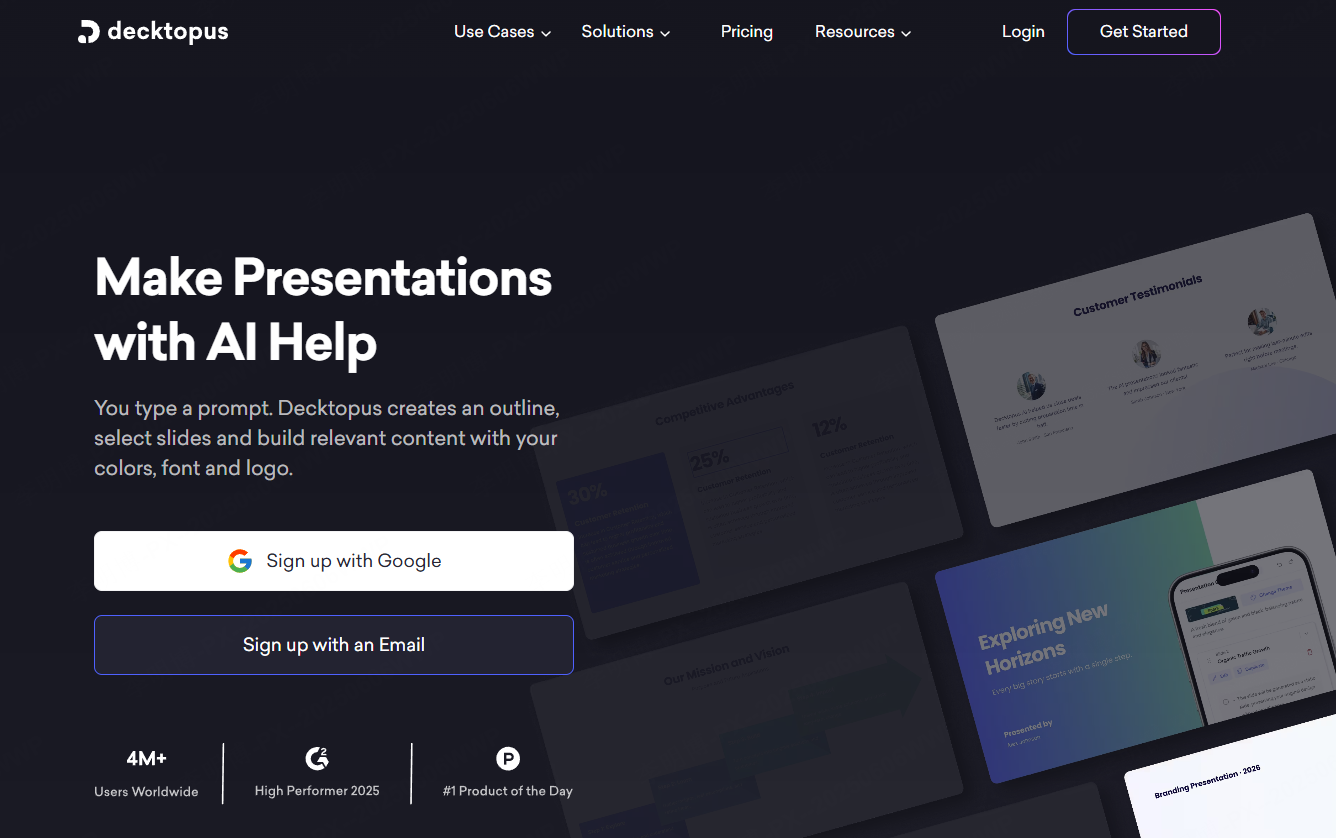
- Automatically generates presentation content and outlines based on the provided topic.
- Offers in editor customization for text, images, and layout adjustments.
Advantages
- Quickly creates structured slide decks from minimal input.
- Supports a variety of templates and visual styles for different presentation contexts.
- Includes collaboration features that allow teams to edit and review slides together.
Limitations
- Design customization options are somewhat limited.
- Premium templates and advanced features require payment.
Best Use Cases
Ideal for team projects, business proposals, marketing presentations, and collaborative workflows.
6. Tome AI
Key Features
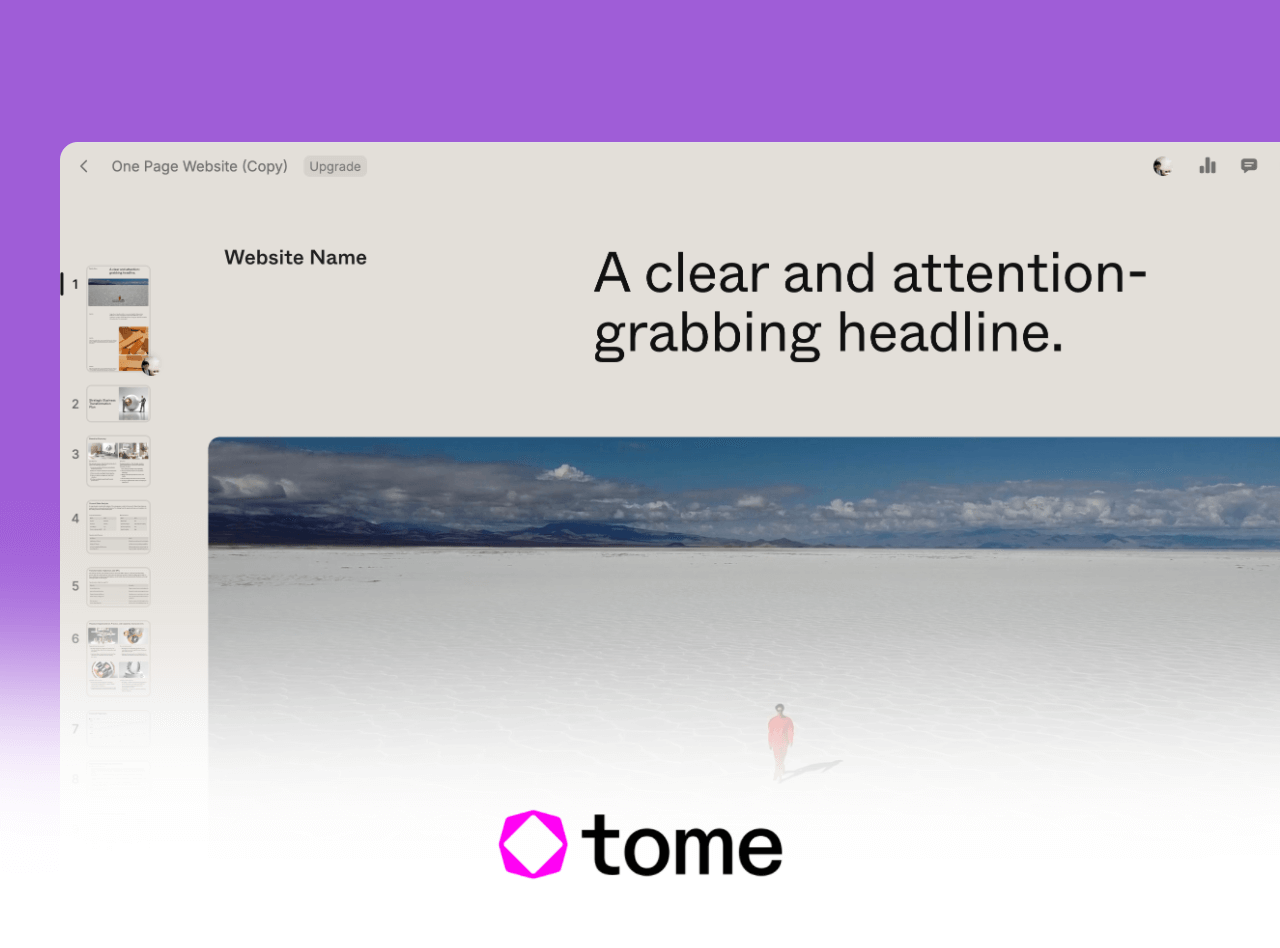
- Focuses on AI driven content generation with automated slide structure and layout.
- Emphasizes copy generation and content flow, making it easy to create clear narratives.
Advantages
- Rapid AI generated text significantly reduces preparation time.
- Smart layout options improve overall presentation coherence.
- Supports exporting in multiple formats for different presentation needs.
Limitations
- Heavy reliance on AI output may limit creative control.
- Free features are basic compared to the paid version.
Best Use Cases
Perfect for users who prioritize speed and clarity, such as consultants, product managers, and educators preparing content heavy presentations.
7. Gamma AI
Key Features
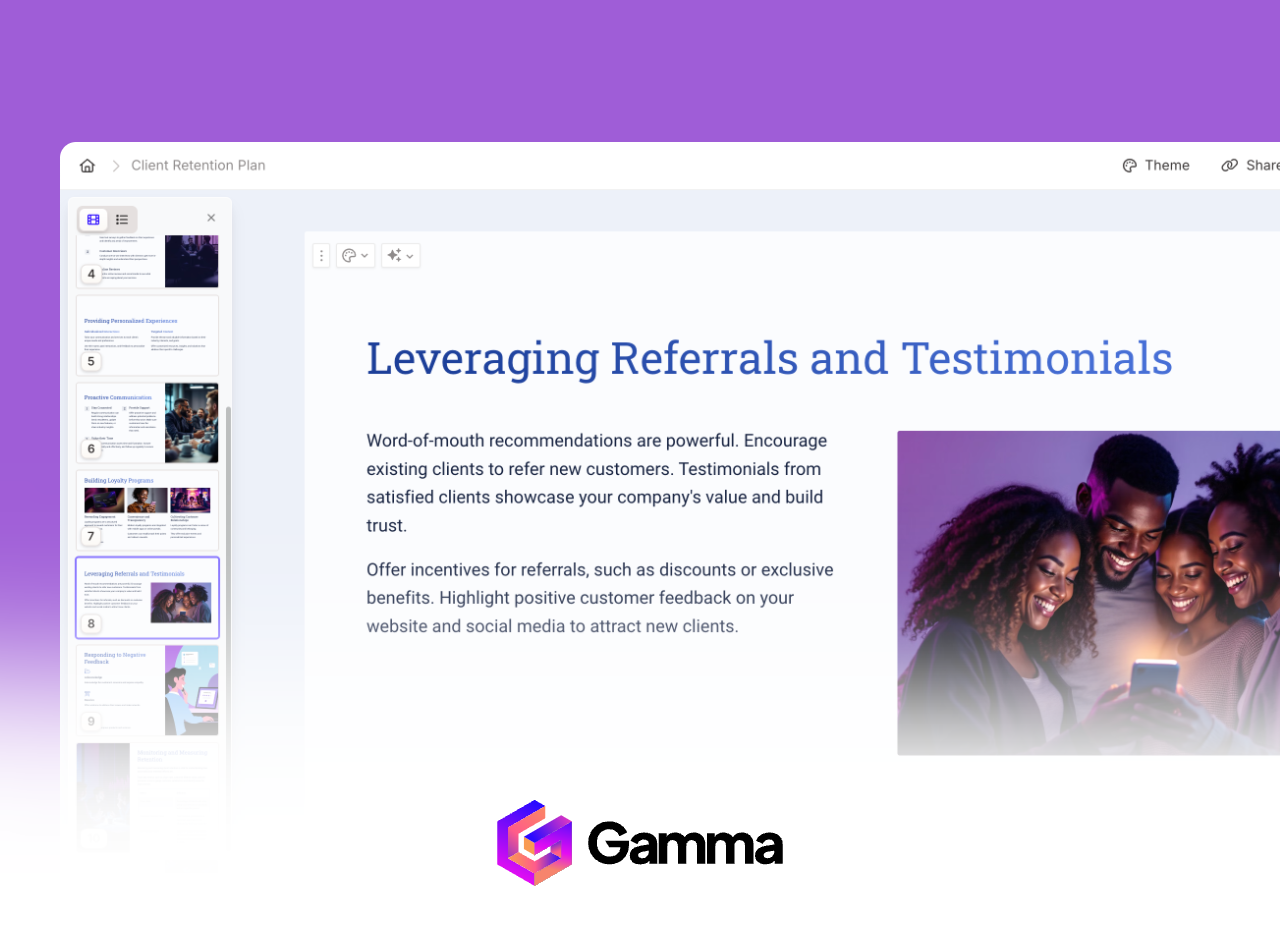
- Automatically generates presentation content and visuals using AI.
- Provides design and layout recommendations based on content analysis.
Advantages
- Highly automated workflow that adapts slide structure to user needs.
- Offers modern visual styles and design suggestions.
- Supports cloud collaboration and easy sharing.
Limitations
- Advanced features require a subscription.
- Limited flexibility for highly customized designs.
Best Use Cases
Best for business presentations, data driven reports, and creative decks that benefit from AI assisted structure and design guidance.
Final Thoughts
AI powered PowerPoint generators have fundamentally changed how presentations are created. By automating structure, design, and even content creation, these tools allow professionals to focus on strategy, storytelling, and decision making rather than slide formatting.
Among the tools listed above, Presenti AI stands out as a particularly well rounded option. It combines flexible input methods, strong AI content capabilities, collaborative features, and an accessible learning curve. Even users with no design background can produce professional grade presentations in minutes.
If your goal in 2026 is to work smarter, move faster, and deliver polished presentations without unnecessary effort, adopting an AI powered PPT generator is no longer optional. It is a competitive advantage.