

Choosing the right PPT software can dramatically improve how quickly and professionally you create presentations. In 2025, presentation tools have evolved far beyond basic slides, they now include AI powered content generation, real time team collaboration, visual design automation, and seamless integration with business apps. Whether you’re a student, business professional, designer, or team leader, the right tool can turn slide making from a stressful task into an effortless workflow.
Below are seven of the best PPT software options in 2025, featuring their core strengths, ideal use cases, pricing, and pros and cons to help you choose the perfect tool.
1. Presenti AI (The Fastest AI Powered PPT Creator)
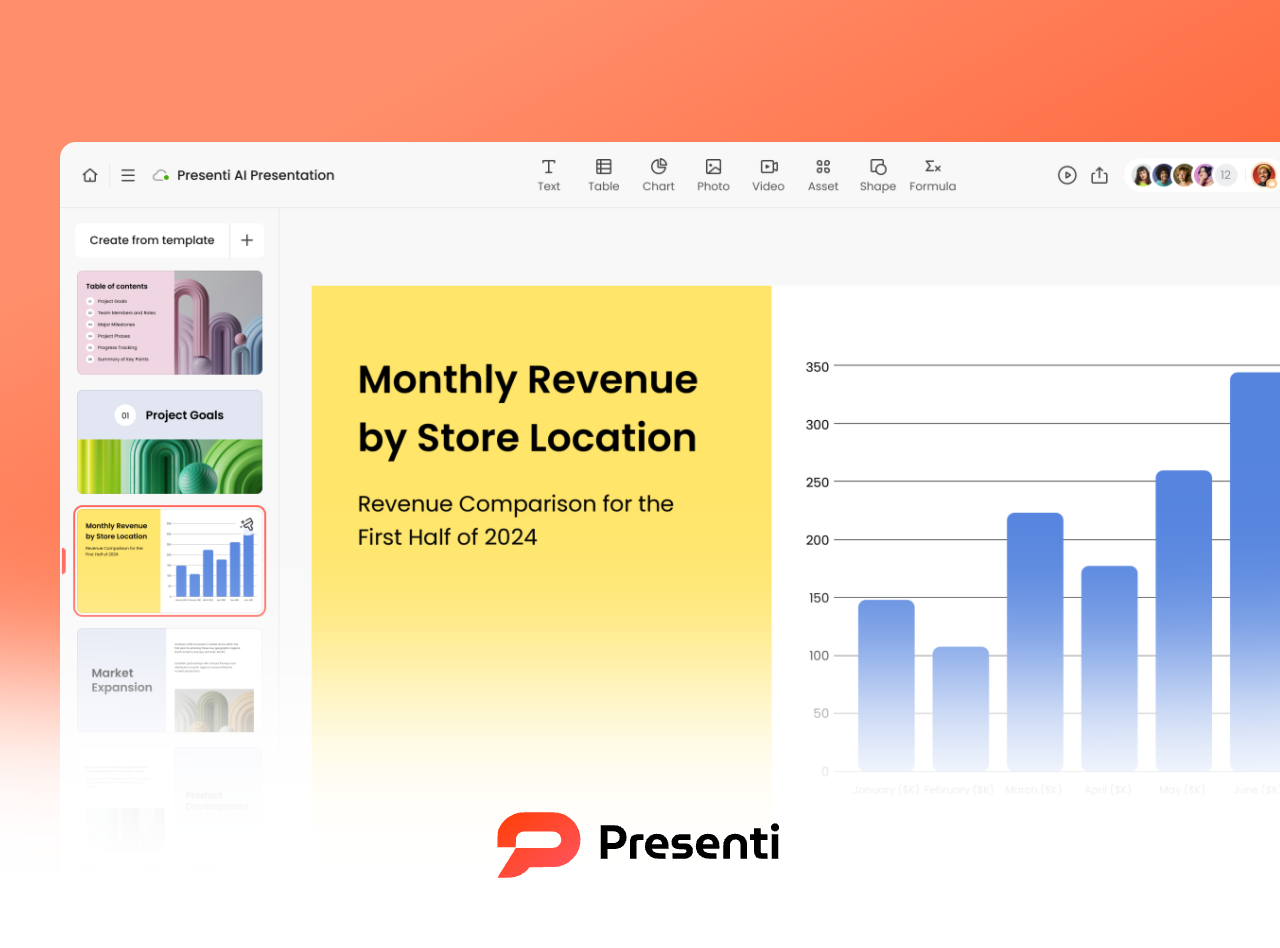
Presenti AI focuses on speed and simplicity. It solves three pain points: slow PPT creation, steep learning curves for beginners, and endless revisions during collaboration. With AI at the center, it helps beginners and professionals generate polished presentations within minutes.
Key Features
- Full AI automation: Import Word, PDF, or Markdown documents and let the system analyze structure, select templates, and generate a complete PPT in as fast as three minutes.
- Smart content generation: Enter keywords to auto create outlines. You can choose slide count, content depth, and customize layouts, themes, colors, images, and copywriting through one click AI refinement.
- Large template library: Covers business, academic defense, product launch, tech style, minimalist style, and more.
- Enterprise level collaboration: Real time editing for up to 100 users, with 30days version history and private deployment options.
Best For
Urgent proposals, converting academic papers to slides, and fast turnaround team projects.
Pricing
The free version supports unlimited AI PPT generation. Paid plans unlock exporting, premium templates, and team editing.
Pros & Cons
✔ Lightning fast AI generation
✘ Complex layouts may require manual fine tuning
2. Zoho Show (Best for Team Collaboration and Ecosystem Integration)

Zoho Show stands out for its powerful collaboration features and seamless integration with Zoho’s business ecosystem. Teams can edit slides simultaneously and sync data from CRM or spreadsheets directly into presentations.
Key Features
- High efficiency team collaboration: Real time editing, comments, and version history.
- Deep ecosystem integration: Insert CRM data, spreadsheets, and analytics directly into slides.
- Multi device support: Works on desktop, tablet, and mobile; offline editing available.
Best For
Enterprise reporting, cross department projects, and cloud based presentations.
Pros & Cons
✔ Excellent for collaboration
✘ Lacks AI driven content creation
3. boardmix (A Visual Collaboration Platform for Modern Teams)

Presenti AI blends online whiteboarding with PPT creation, offering AI slide generation, unlimited collaborative canvas, and built in visual assets.
Key Features
- AI slide generation + charts: Instantly create PPTs, flowcharts, mind maps, and diagrams.
- Unlimited collaborative canvas: Real time editing with embedded PPTs and diagrams; ideal for brainstorming and project planning.
- Rich design resources: Thousands of icons, illustrations, templates; exports to PPTX and PDF.
Best For
Creative teams, design workshops, remote collaboration, and multi stakeholder presentations.
Pros & Cons
✔ Excellent visual collaboration
✘ Relies heavily on stable internet
4. Visme (Best Data Visualization & Infographic PPT Tool)
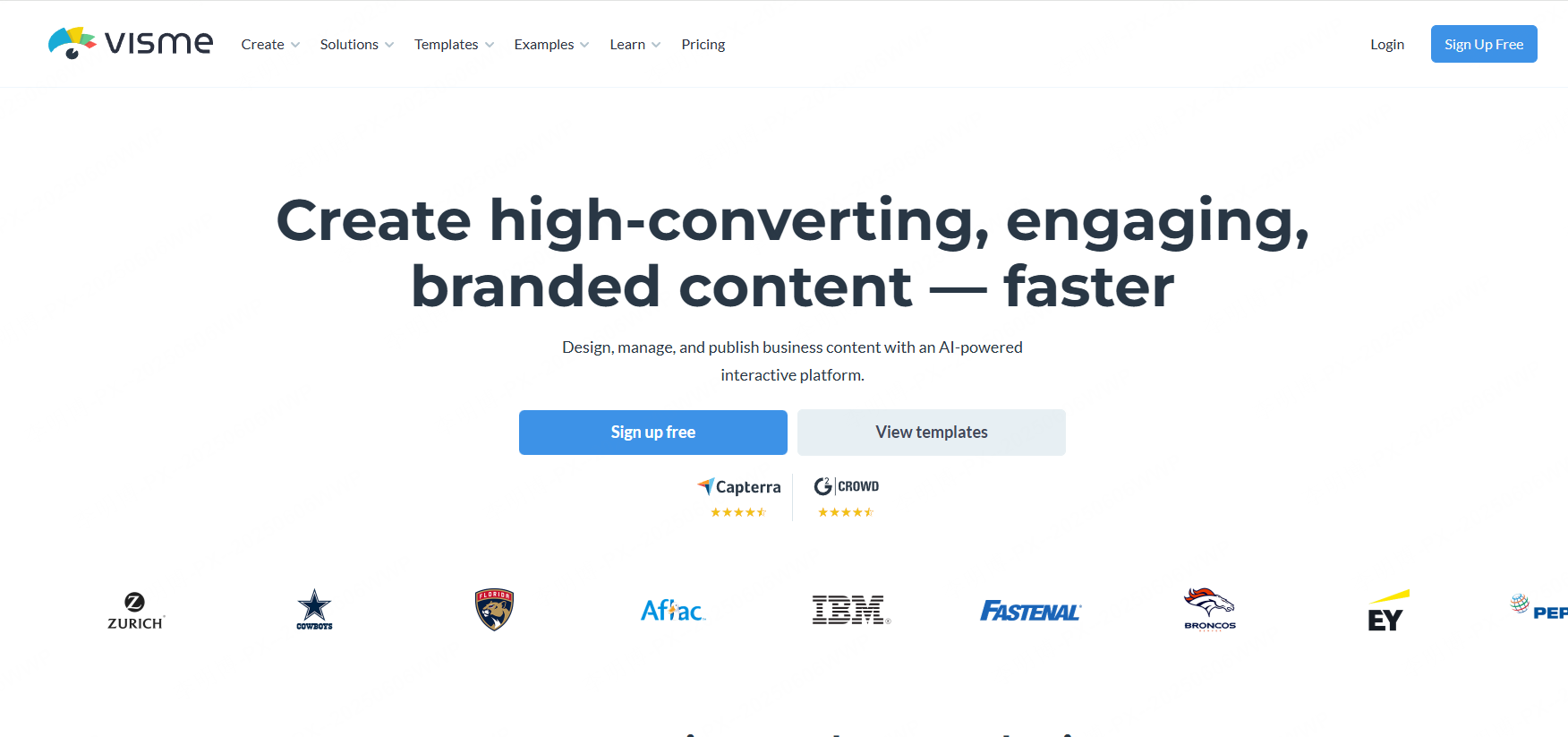
Visme excels in data visualization. It automatically suggests charts based on uploaded datasets and supports interactive 3D models and dashboards.
Key Features
- Smart chart generation and advanced visualization tools
- All in one content creation: PPTs, infographics, reports, dashboards
- Cross platform accessibility: Web based editing with strong export options
Best For
Market analysis reports, scientific data visualization, and technical explanations.
Pros & Cons
✔ Outstanding data tools
✘ Requires practice for complex designs
5. Microsoft PowerPoint (The Classic, Most Powerful PPT Software)
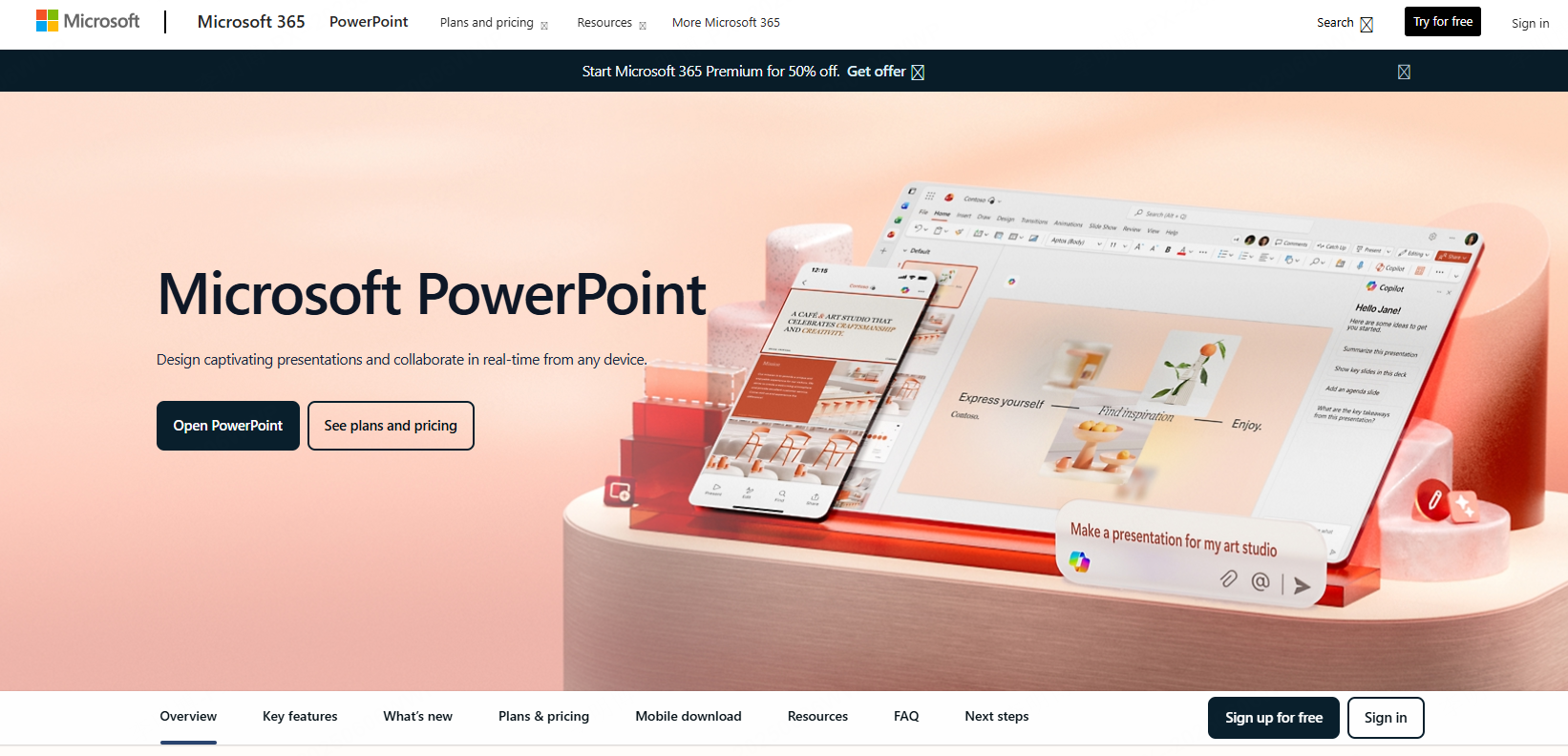
A gold standard in presentations, PowerPoint offers unmatched depth: animations, transitions, 3D models, diagrams, and now AI powered layout optimization through “AI Design Coach.”
Key Features
- Full featured design: From advanced animations to 3D assets
- Office integration: Syncs with Word and Excel
- Large template library: Covers all industries
Best For
Business professionals, academia, and any content requiring advanced formatting or precision.
Pros & Cons
✔ Most powerful and feature rich
✘ Subscription cost can be high
6. LibreOffice Impress (Best Free & Open Source PPT Software)
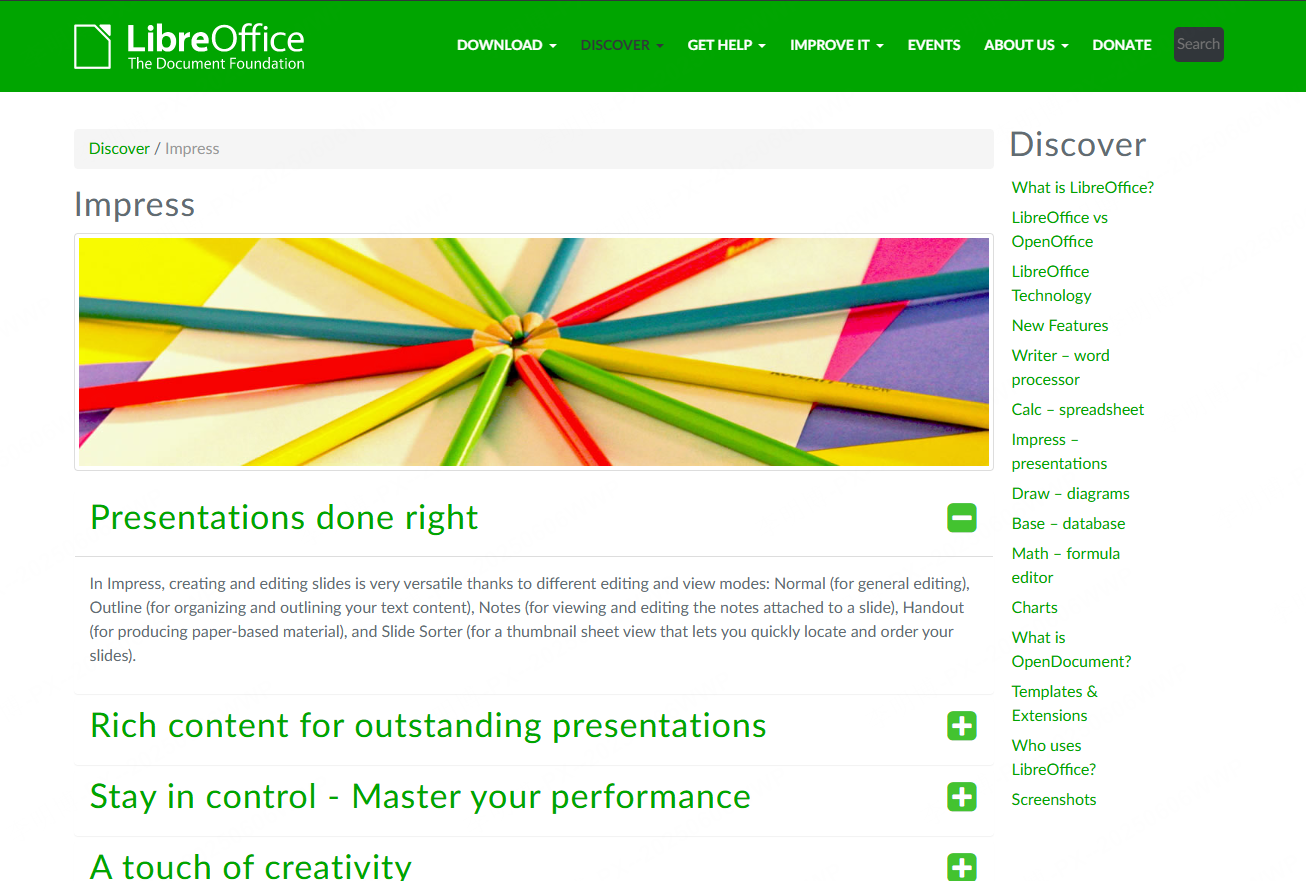
LibreOffice Impress is ideal for users who want a completely free tool without ads or limitations.
Key Features
- 100% free and open source
- Strong compatibility with PPTX files
- Lightweight performance, even on older devices
Best For
Basic office reports, classroom slides, and cost conscious users.
Pros & Cons
✔ Zero cost, zero restrictions
✘ Outdated interface; lacks AI and cloud collaboration
7. Figma Slides (The Designer’s Choice for Modern Collaborative Presentations)
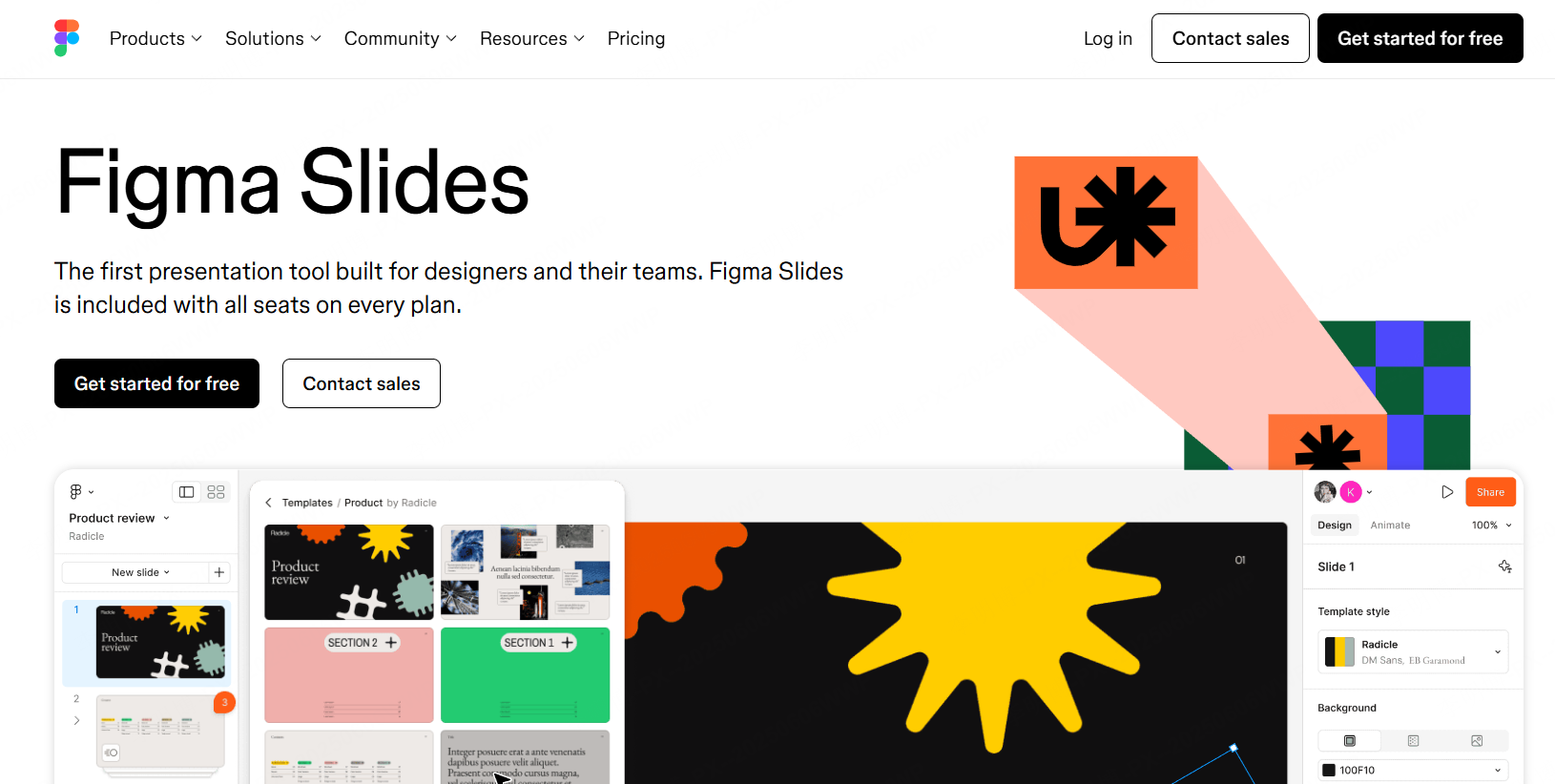
Figma Slides brings the power of Figma to presentations, offering vector level precision, automatic layout tools, and interactive elements.
Key Features
- Interactive slides: Polls, prototypes, animations
- Design integration: Import Figma files directly
- AI writing tools for draft text and design suggestions
Best For
UI/UX design reviews, product demos, and creative team collaboration.
Pros & Cons
✔ Perfect for visually driven teams
✘ Steeper learning curve for non designers
Conclusion
In 2025, the era of manually adjusting fonts, aligning text boxes, and hunting for templates is finally over. AI and collaborative tools now handle repetitive design tasks, allowing you to focus on content, storytelling, and strategy. Whether you need speed (Presenti AI), teamwork (Zoho Show), creativity (Figma Slides), or cost effectiveness (LibreOffice Impress), there’s a perfect PPT solution to upgrade your workflow.









