

Creating professional presentations has always been a time consuming task. From structuring content to designing layouts and visuals, building a high quality slide deck often takes hours. AI powered PowerPoint generators are changing that workflow.
AI presentation tools help users create polished, visually consistent slides in minutes. By combining natural language processing with automated design systems, these tools analyze your content, choose layouts, apply color schemes, and even rewrite text for clarity and impact.
With so many AI PowerPoint generators on the market, choosing the right one can be challenging. This guide compares some of the most popular AI presentation tools used by business teams, educators, and developers. You will learn how they work, where they excel, and which scenarios they are best suited for.
What Is an AI PowerPoint Generator?
An AI PowerPoint generator is a tool that automatically creates slide decks based on user input such as a topic, outline, document, or prompt. Instead of manually designing each slide, users focus on ideas and structure while the AI handles layout, typography, visuals, and formatting.
Modern AI presentation tools typically offer:
- Automated slide layout and visual hierarchy
- AI assisted content rewriting and summarization
- Pre designed templates optimized for different use cases
- Export to PowerPoint, Google Slides, or PDF
- Collaboration features for teams
These tools are widely adopted by product teams, educators, consultants, startup founders, and marketers who value speed and consistency.
1. Presenti AI

Presenti AI is an AI powered PowerPoint generator built on advanced deep learning models. It focuses on transforming raw ideas or documents into visually polished presentations with minimal manual effort.
Key Features
- Intelligent slide design
Presenti AI automatically generates slide layouts, visual structure, and spacing based on the content type. It selects suitable images, icons, and design elements to improve clarity and visual appeal. - Multiple input methods
Users can generate presentations from a title, plain text, or uploaded files such as Word documents or PDFs. This flexibility makes it suitable for both quick drafts and structured reports. - AI content optimization
The platform can rewrite, summarize, expand, or translate slide content. This is useful for refining messaging, improving tone, and adapting presentations for different audiences. - Customization options
Users can adjust layouts, typography, color schemes, and formatting after generation. This balance between automation and control makes the tool practical for professional use. - Extensive template library
Presenti AI offers a wide range of templates for business, education, marketing, and technology presentations. New templates are added weekly, allowing users to switch styles even after slides are generated.
Best Use Cases
Presenti AI is ideal for students, professionals, and freelancers who want a fast and reliable way to create high quality presentations. It works well for users who enjoy experimenting with new productivity tools and AI driven workflows.
2. Canva
Canva is a well known online design platform that supports presentations, social media graphics, posters, and more. Its AI assisted presentation features make it accessible to users with little or no design background.
Key Features
- Intuitive drag and drop editor suitable for all skill levels
- Large library of photos, icons, fonts, and templates
- Real time collaboration for teams
- Mobile apps for designing on the go
Best Use Cases
Canva is a strong choice for educators, marketers, and small teams who need visually appealing presentations along with other design assets.
3. Visme
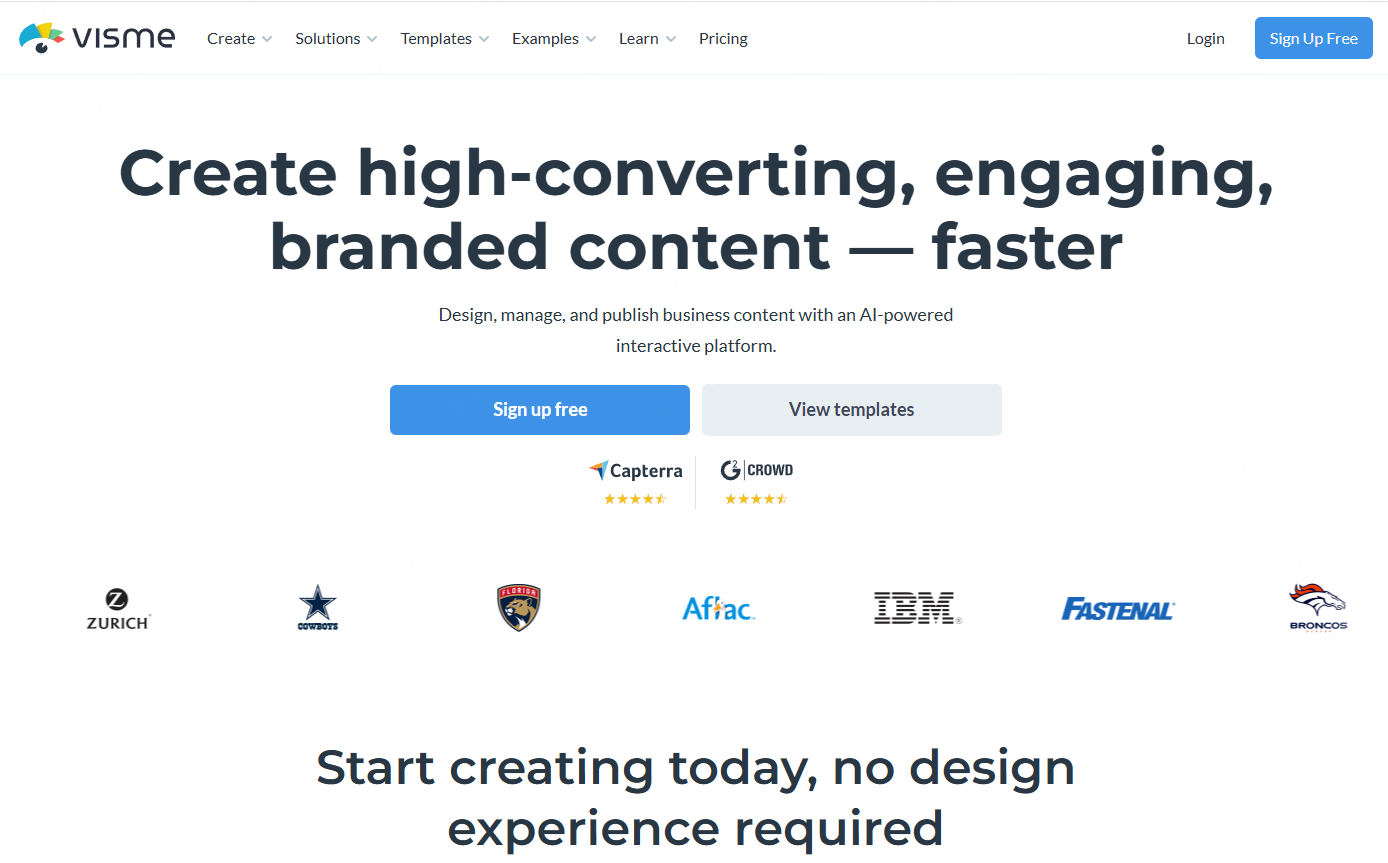
Visme is a visual content platform focused on data visualization and interactive design. It is commonly used for presentations, reports, dashboards, and infographics.
Key Features
- Flexible drag and drop editor
- Advanced charts, diagrams, and visual components
- Interactive elements such as hover effects and animations
- Import and export support for PowerPoint and PDF
Best Use Cases
Visme is well suited for users creating data driven presentations, training materials, and business reports that require strong visual storytelling.
4. Beautiful.ai
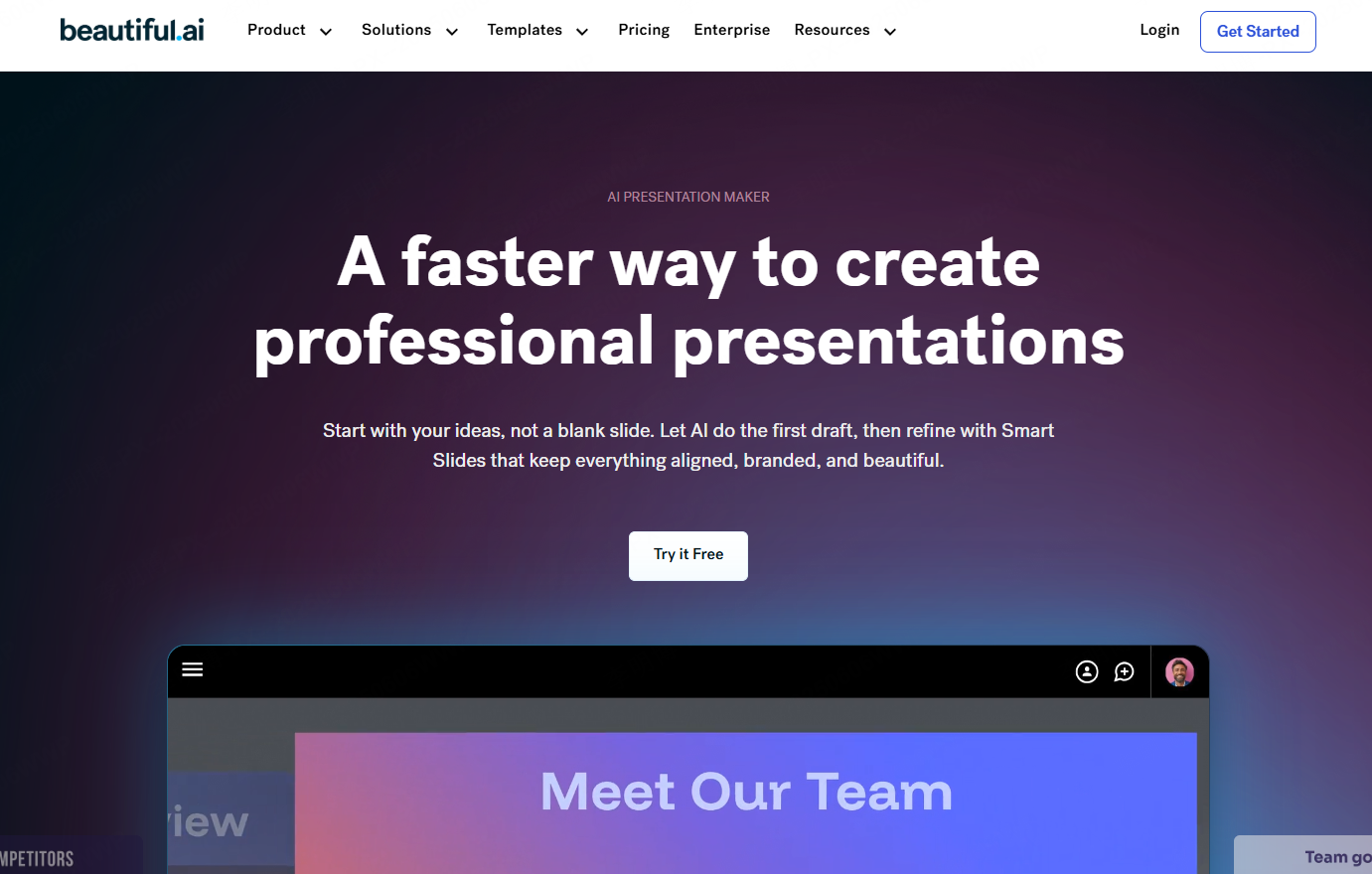
Beautiful.ai emphasizes automated design consistency. Its intelligent layout engine adjusts slide structure dynamically as content changes.
Key Features
- Automatic layout optimization based on content
- Smart design suggestions for charts, fonts, and colors
- Curated templates for business and education
Best Use Cases
This tool works best for marketing teams, educators, and business professionals who want polished visuals without manual design work.
5. Emaze
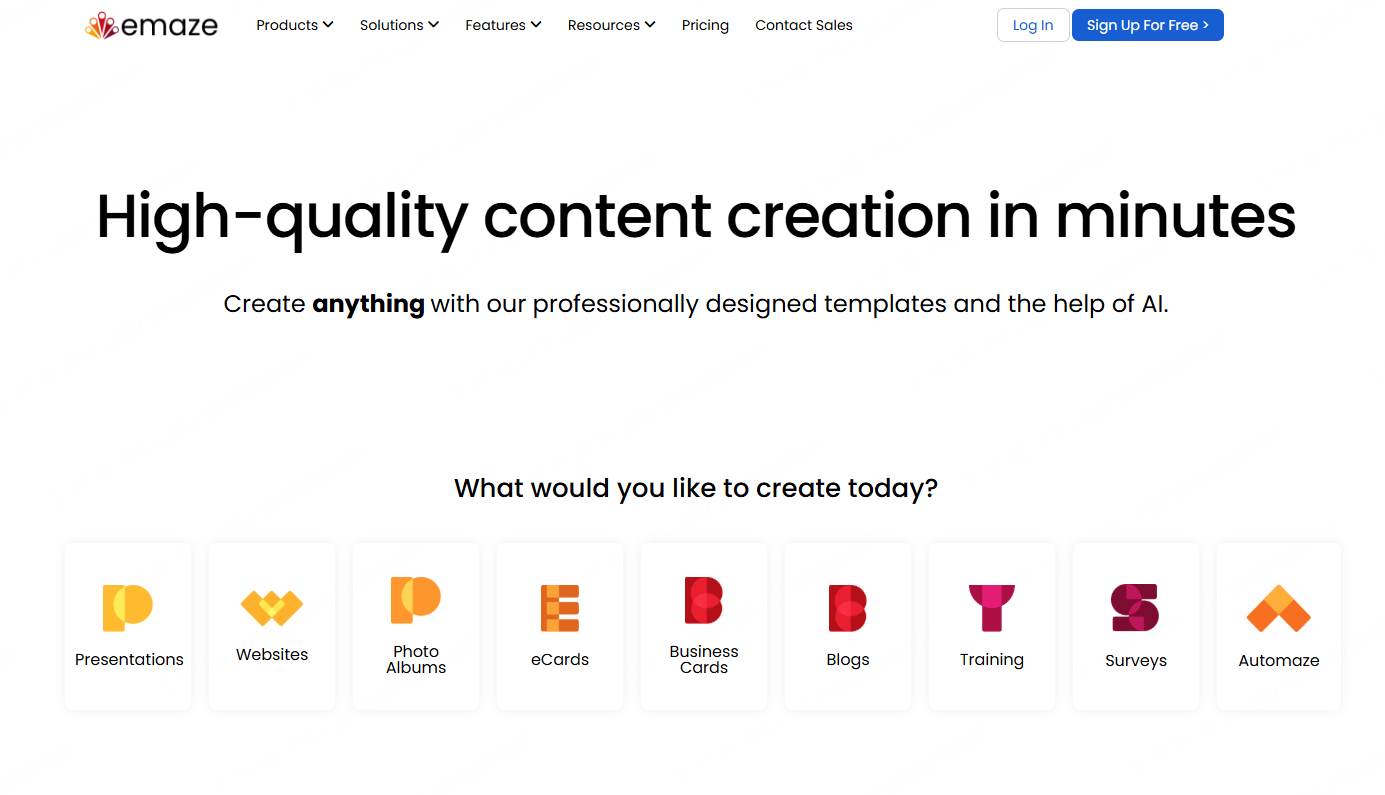
Emaze is an online presentation platform known for creative and interactive slide designs. It offers dynamic templates and advanced visual effects.
Key Features
- Animated and interactive presentation templates
- 3D presentation and immersive visual effects
- Online sharing and embedding options
Best Use Cases
Emaze is suitable for product launches, marketing campaigns, and creative showcases where visual impact is a priority.
6. Slidebean

Slidebean focuses on simplifying presentation creation through automation. It is especially popular among startups and founders.
Key Features
- Automated slide layout and formatting
- Theme and color customization
- Real time collaboration and sharing
Best Use Cases
Slidebean is ideal for pitch decks, investor presentations, and fast paced business environments where speed matters.
7. Plus AI
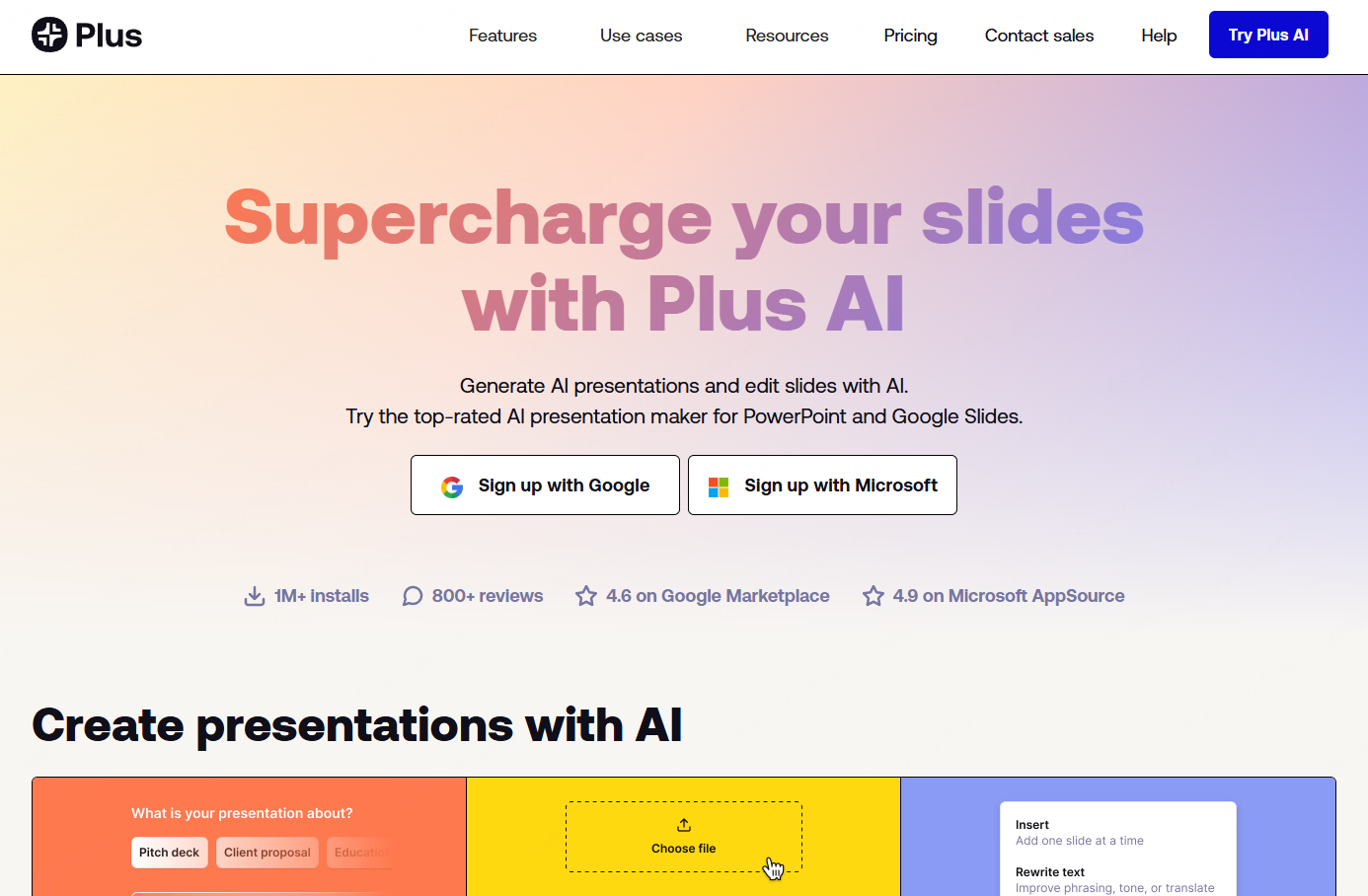
Plus AI integrates directly with PowerPoint and Google Slides, acting as an AI copilot inside tools teams already use.
Key Features
- Works natively within PowerPoint and Google Slides
- AI assisted slide generation and rewriting
- Strong understanding of slide structure and content balance
- Easy reformatting and layout transformation
Best Use Cases
Plus AI is a good option for teams that want AI assistance without switching to a new presentation platform.
8. Mentimeter
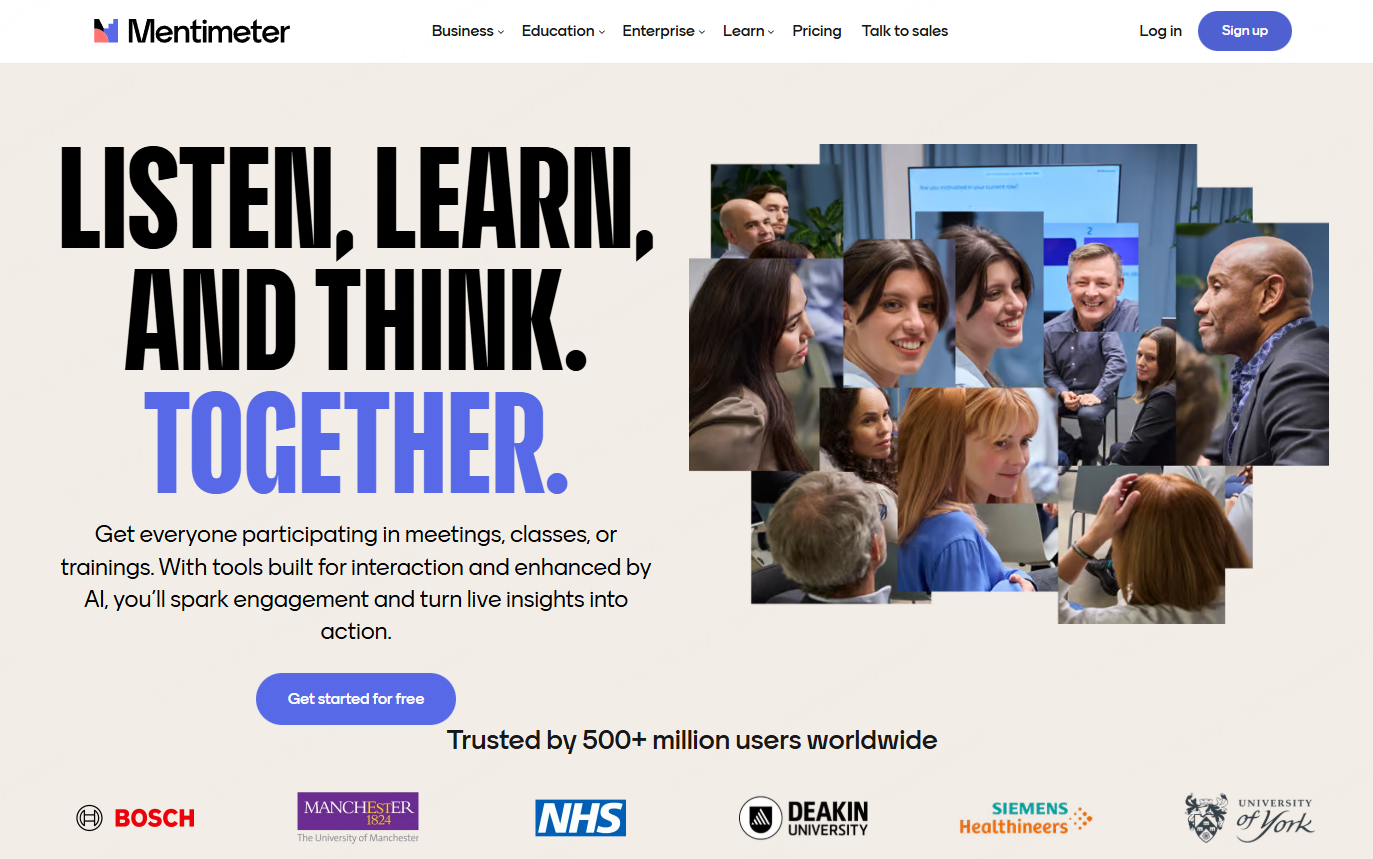
Mentimeter’s AI Menti Builder combines presentation generation with real time audience interaction.
Key Features
- AI generated presentations in seconds
- Built in live polls, quizzes, and word clouds
- Real time audience engagement and feedback
- Suitable for in person and hybrid presentations
Best Use Cases
Mentimeter is ideal for workshops, lectures, team meetings, and events where audience participation is essential.
How to Choose the Right AI PowerPoint Generator
When selecting an AI presentation tool, consider the following factors:
- Your primary use case, such as business reporting, teaching, or marketing
- The level of customization you need
- Collaboration requirements
- Export formats and integration with existing tools
There is no single best tool for everyone. Each platform excels in different scenarios.









