

As generative AI continues to evolve, more professionals and students are exploring AI powered PPT tools to speed up presentation creation. In the past, building a polished deck required hours of manual formatting, image sourcing, and content organization. Nowadays, AI presentation generators promise to change that, simply input a topic or outline, and the system automatically produces a structured draft within seconds.
But the key questions remain:
Can AI PPT tools truly handle automatic layout and visuals? Are the results polished and professional enough for real world use?
To answer this, we thoroughly tested several mainstream AI PPT creators, including the well known Presenti AI. This review dives into how these tools work, how well they perform, and what advantages or limitations users should expect.
1. What Are AI PPT Tools? How Do They Work?
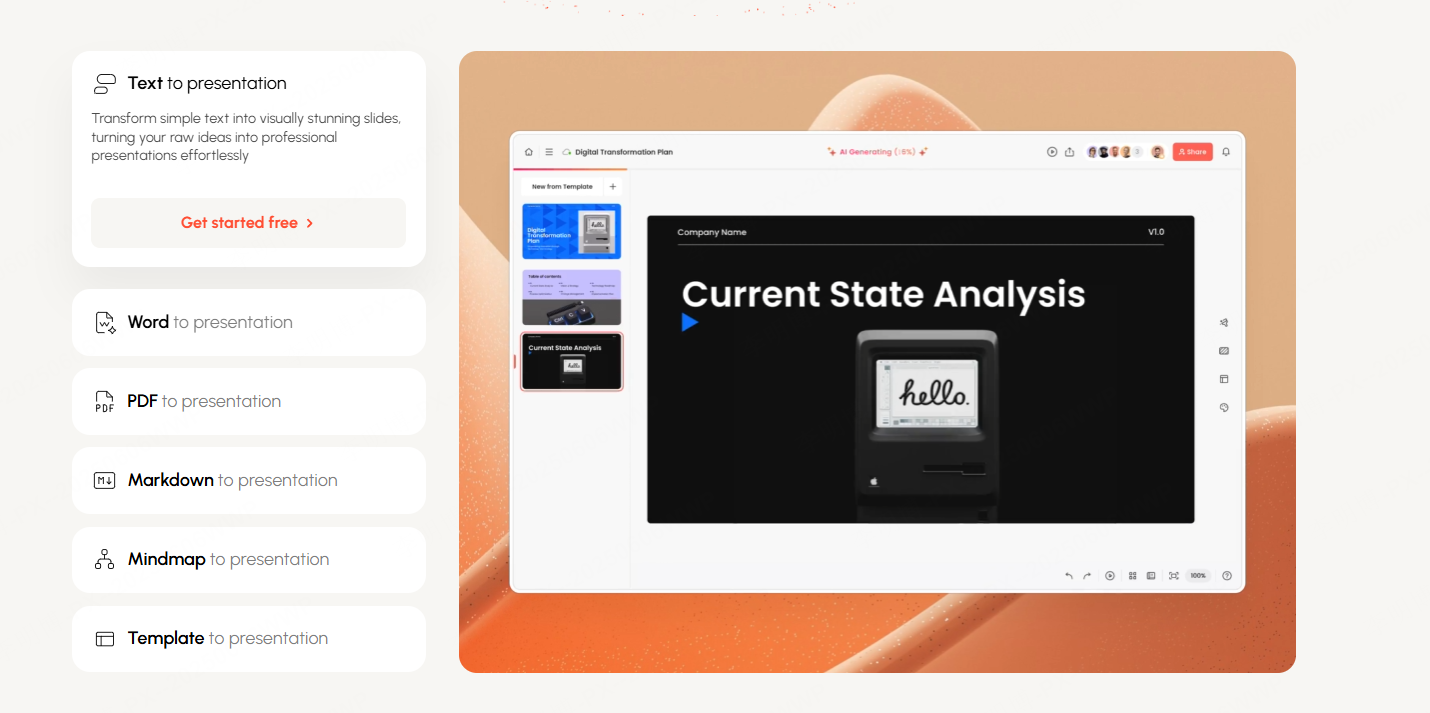
AI PPT tools use large language models (LLMs) and intelligent design algorithms to help users quickly create, structure, and beautify presentation slides. After the user provides a topic or outline, the system analyzes the content, generates logically organized slides, applies optimized formatting, and pairs the slides with relevant images or icons.
Most leading AI presentation tools provide:
• One click slide generation
Input a title or outline and instantly get a full slide deck structure.
• AI driven layout and visual optimization
Design principles and layout algorithms ensure clean, professional formatting.
• Automatic image and icon generation
Based on slide content, the system selects or generates matching visuals to enhance clarity and engagement.
• Content polishing & expansion
Advanced tools can rewrite, refine, or expand text for better clarity and professionalism.
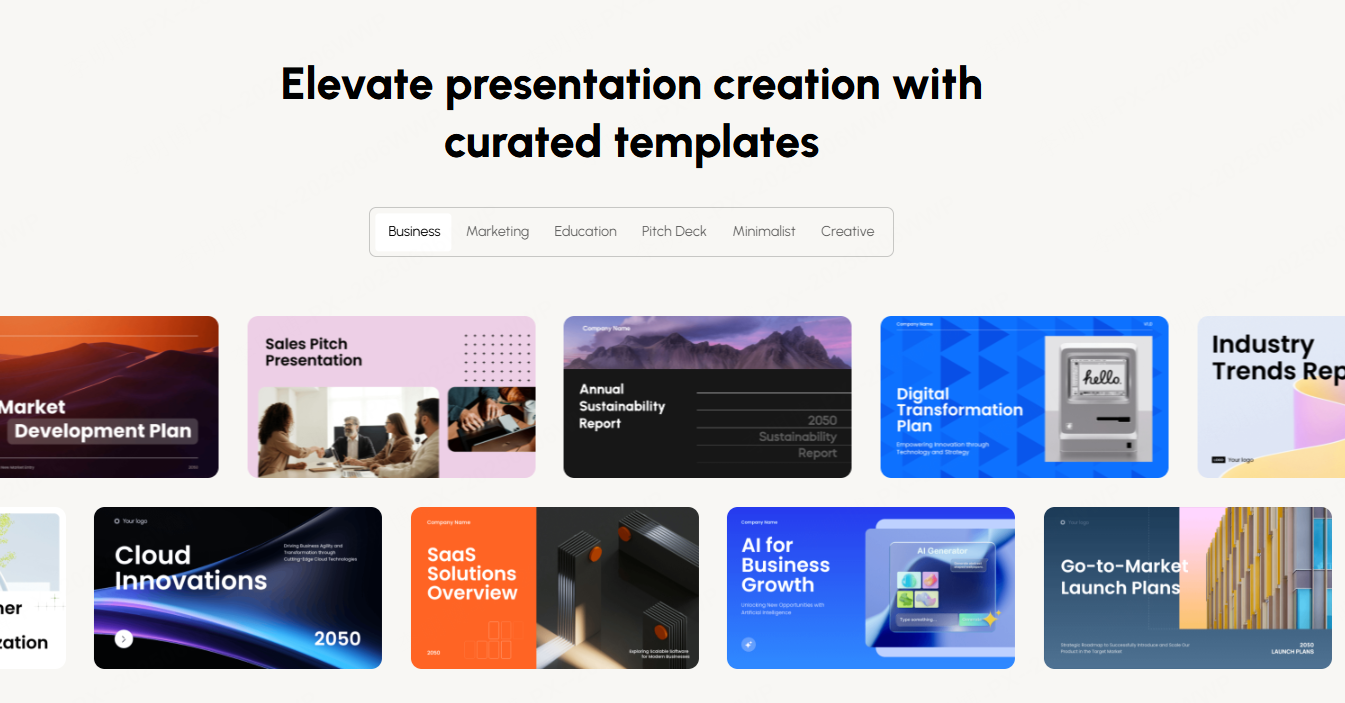
• Rich style templates
Business, education, tech, minimalist, and more, covering nearly all common presentation needs.
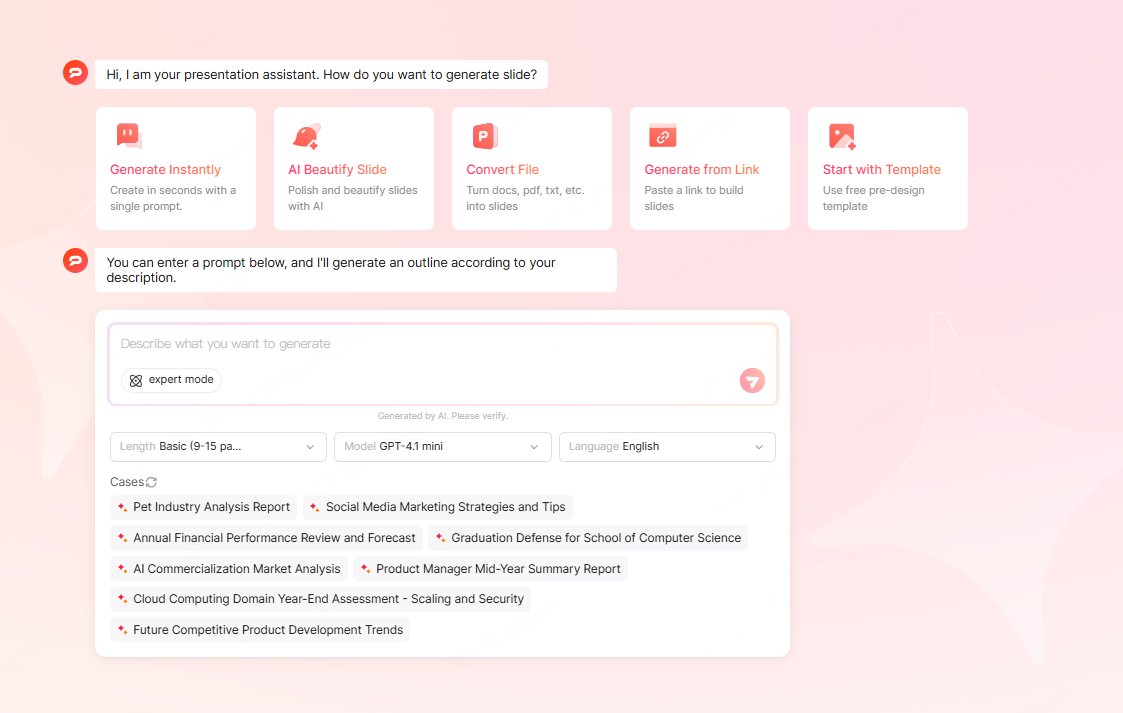
Among the tools tested, Presenti AI stands out for combining strong layout capabilities with high quality AI generated imagery. This makes it a powerful assistant for office presentations, academic defenses, pitching decks, creative proposals, and more.
2. Real World Test: AI Auto Layout Performance
Slide layout is traditionally the most time consuming part of PPT creation. Users need to carefully balance titles, bullet points, visuals, and spacing. AI’s promise is to automate this without sacrificing aesthetics or logic.
Testing Observations
AI layout quality depends mainly on:
- Template logic: Ensures standard slide structures.
- Layout algorithms: Detect text hierarchy and adjust spacing, font size, alignment, and color balance.
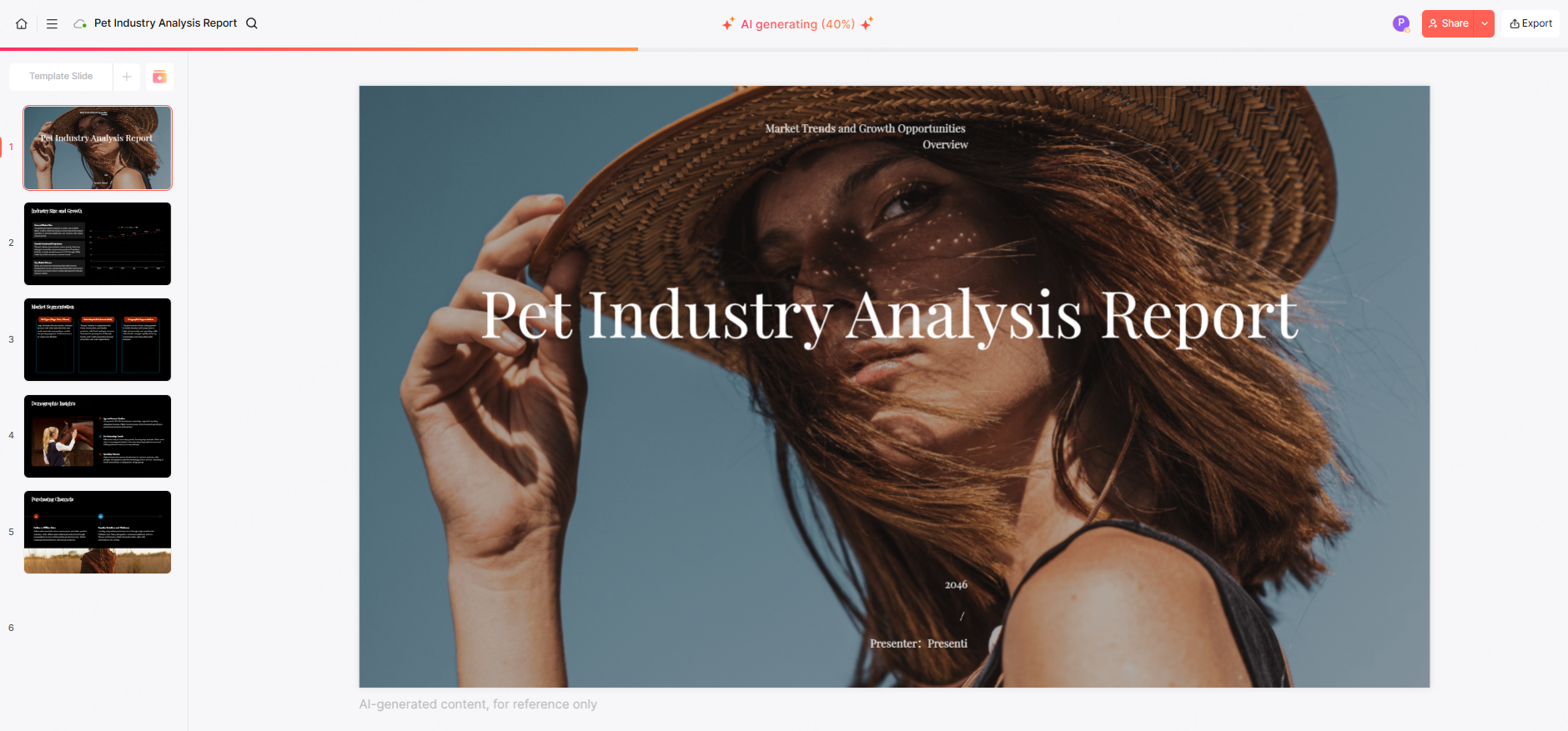
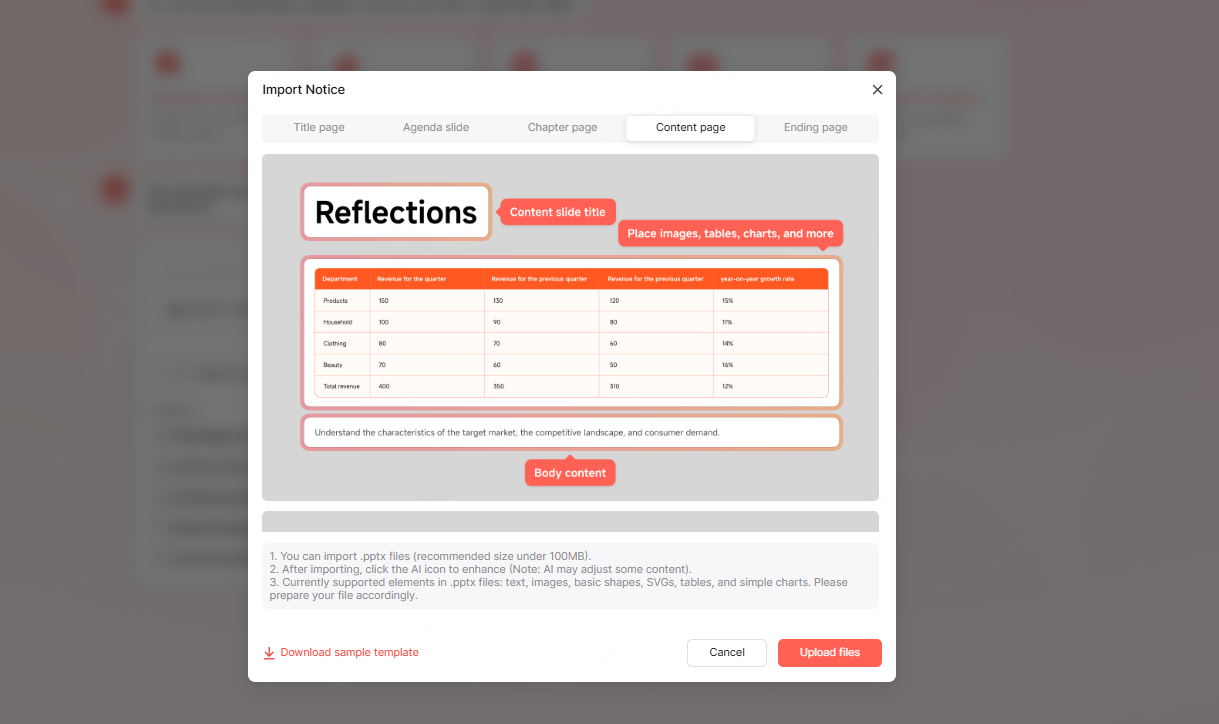
In our assessments, Presenti AI performed exceptionally well. It maintained consistent design even across more complex 10+ page decks. Titles were properly aligned, bullet points were grouped logically, and images were positioned cleanly within the layout.
Key Advantages of AI Layout
- Huge time saver: A professional looking layout can be generated in seconds.
- Polished and consistent: Uniform style across all slides, difficult to achieve manually.
- Beginner friendly: Even users with no design experience can produce clean slides.
Of course, AI layout is not perfect for highly customized or artistic decks. For those, manual fine tuning is still necessary. But for most business, academic, and everyday presentation tasks, AI auto layout is already more than sufficient.
3. Real World Test: AI Auto Image Generation & Matching
Another major highlight of modern AI PPT tools is automatic image and icon generation. Instead of spending time searching for photos, adjusting sizes, or worrying about copyright, AI tools can recommend or generate visuals on the fly.
In our tests, Presenti AI delivered high quality results. It matched images to the slide content accurately and could even generate style consistent illustrations using AI image models. For example, during a “Market Analysis” deck test:
- Charts and visualization graphics were automatically inserted
- The chosen images matched the business theme
- Visual tone remained consistent across all slides
Strengths of AI Auto Image Tools
- Saves significant time compared to searching online manually
- Improves visual quality, making slides more compelling
- Maintains stylistic consistency, especially in full deck presentations
In some highly specific or niche scenarios, AI generated images may require small adjustments. But for the majority of reports, presentations, and proposals, auto image features significantly enhance efficiency and slide quality.
4. Comparison: How Do Mainstream AI PPT Tools Perform?
To provide an objective overview, we compared several well known AI presentation tools based on:
- Generation speed
- Layout quality
- Image accuracy
- Ease of use
Overall Results
| Tool | Highlights | Score |
|---|---|---|
| Presenti AI | Fast, excellent layout, accurate visuals | 9.3/10 |
| Gamma | Fast drafts, rich templates | 8.7/10 |
| Mindshow | Good structure and visuals | 8.2/10 |
| WPS AI | Convenient for office users | 7.8/10 |
| ChatPPT | Creative layouts, requires revision | 7.5/10 |
Among them, Presenti AI consistently delivered the best combined performance in both layout and image generation.
5. Who Benefits Most From AI PPT Tools?
AI PPT tools are especially helpful for:
• Students & Educators
Academic presentations, lectures, project defenses, AI speeds up formatting so users can focus on content.
• Office Workers & Project Managers
Weekly reports, project updates, department reviews AI ensures professional slides even under tight deadlines.
• Marketers & Business Analysts
AI tools can generate charts, diagrams, and well structured analysis slides quickly.
• Creators & Freelancers
Ideal for course creation, proposals, brand pitches, and content heavy presentations.
Across these groups, AI significantly reduces production time while improving overall visual appeal.
6. The Future of AI PPT: What’s Next?
AI powered presentation tools are still rapidly evolving. Based on current innovation trends, the next breakthroughs will include:
• Highly Personalized Design
AI will adapt layouts and visuals based on:
- User style preferences
- Brand color palettes
- Presentation context
• Fully Automated Workflows
From outline → content → visuals → animation → final deck
AI will eventually handle the entire pipeline.
• Smarter Collaboration & Recommendations
AI will link with office suites and analytics tools to:
- Suggest better layouts
- Recommend visual styles
- Provide data-driven slide improvements
Presenti AI already showcases early signs of these capabilities.
Conclusion
AI PPT tools are transforming how individuals and teams create presentations. With strong auto layout, intelligent image generation, and fast content organization, tools like Presenti AI can produce polished decks in minutes. While complex designs still benefit from human fine tuning, the "AI generated + manual optimization" workflow is now efficient, reliable, and highly practical.
By adopting the right AI tools, users can focus more on ideas and insights, leaving repetitive formatting work to AI. The result is smarter, faster, and more impactful presentations.








