

In daily study and work, PowerPoint presentations are essential tools for expressing and communicating information,whether in classrooms, business meetings, or marketing pitches. With the rapid rise of artificial intelligence, AI powered presentation generators have become increasingly popular. These tools can automatically create fully formatted slides, complete with visuals and layouts in just a few minutes. They promise to save time and effort, freeing users from the tedious tasks of adjusting layouts or finding suitable images.
Yet, one question often arises: Can AI generated PowerPoints be used directly, or do they still require human editing? While platforms like Presenti AI can generate professional looking decks in seconds, users still wonder about personalization, depth of content, and contextual accuracy. This article provides a comprehensive look at whether AI generated PPTs still need human touch, and how to make the most out of this technology.
1. Can AI Generated PPTs Be Used as They Are?
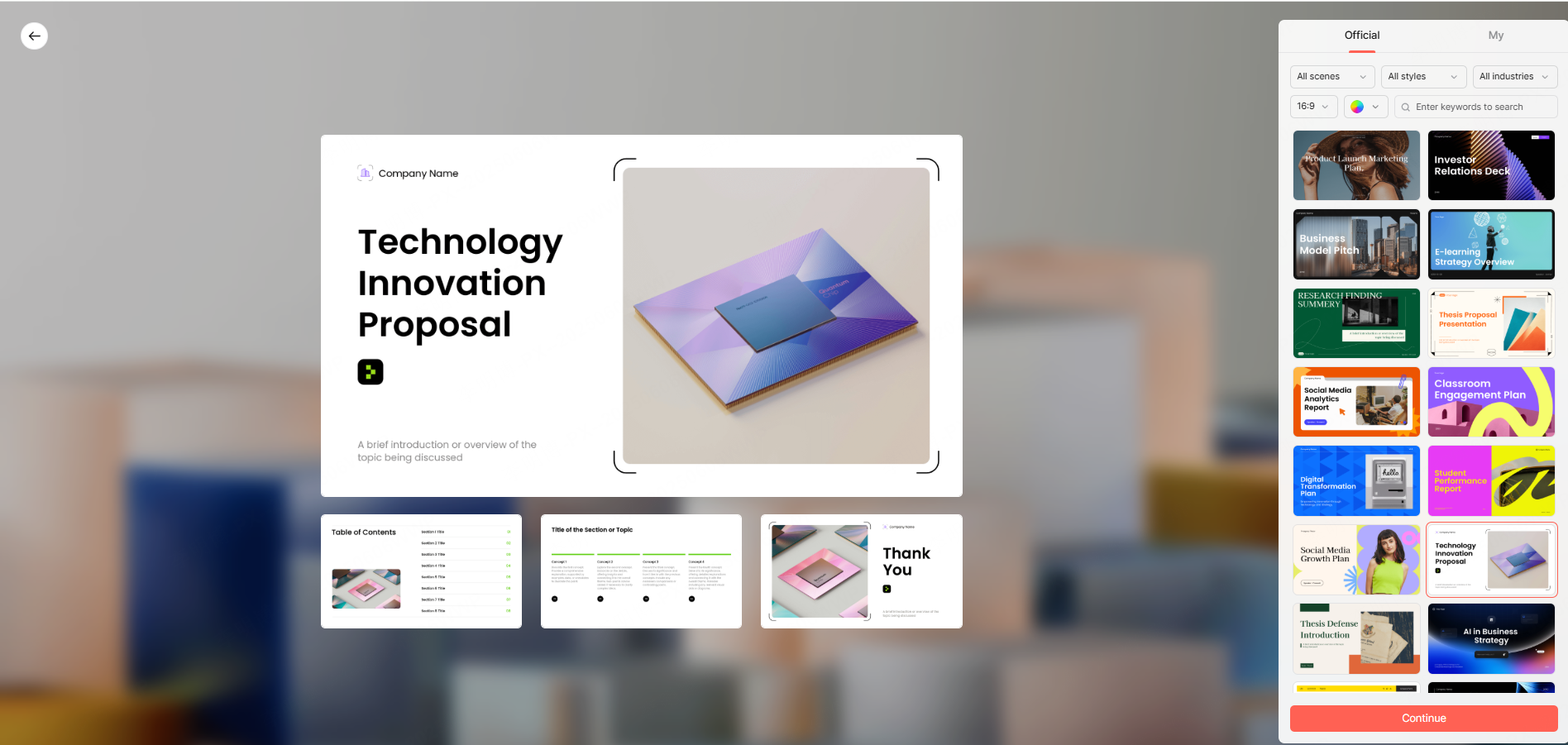
AI presentation tools are excellent at producing a well structured draft. Most can automatically create coherent slides that include titles, subheadings, images, charts, and a unified design theme. This makes them ideal for time sensitive projects or when you need a quick visual draft.
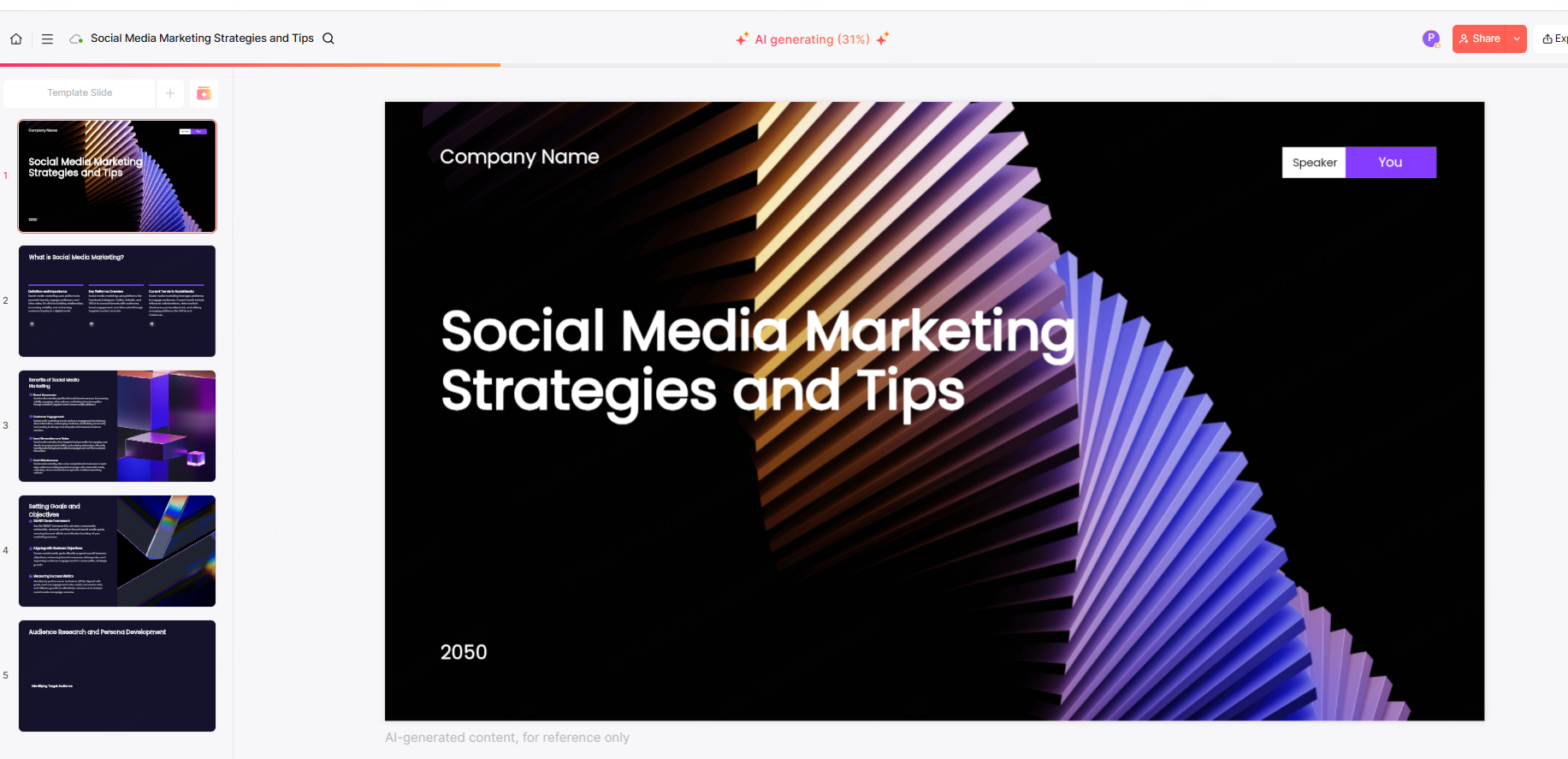
For example, Presenti AI allows users to enter a topic or outline, and within minutes it generates a presentation that’s logically organized and visually appealing. It significantly reduces the time required to create slides from scratch, enabling professionals to focus on refining their ideas instead of struggling with formatting.
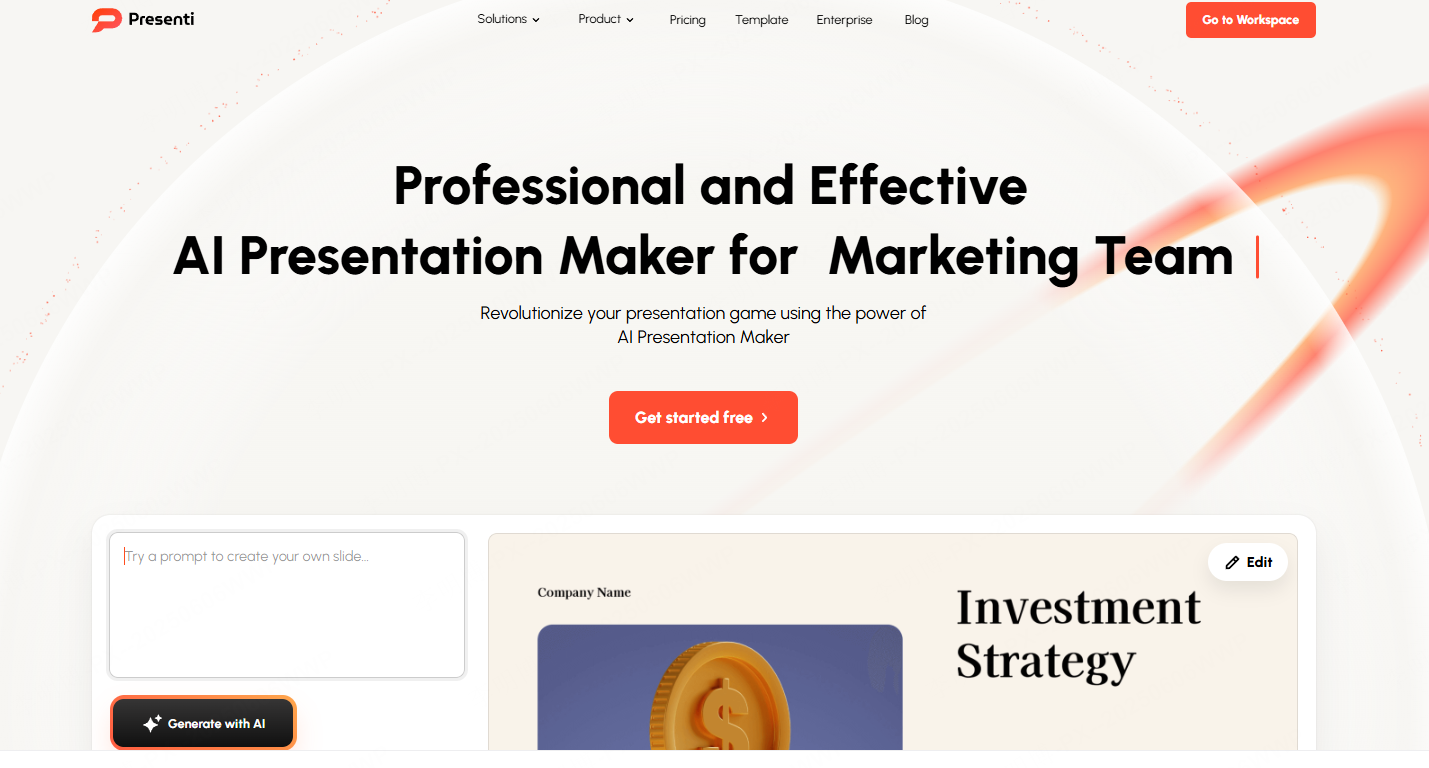
However, while AI excels in efficiency, it still falls short in depth and nuance. AI generated presentations are often semi finished products, great for a starting point but not yet suitable for critical business or academic scenarios. The content may lack industry specific terminology, emotional tone, or brand alignment. AI tools can’t always capture a company’s visual identity or the subtle communication style of a speaker.
That’s why for important occasions, such as executive reports, academic defenses, or client proposals, manual revision remains essential. Human editing ensures that the information is precise, persuasive, and professionally polished. In short, AI should be seen as an intelligent assistant, not a total replacement for human creativity.
2. Can AI Generated PPTs Be Customized?
Most modern AI presentation tools support extensive customization. After generating the initial version, users can freely adjust layouts, colors, fonts, and even replace suggested images or text content.
Platforms like Presenti AI make this process smooth and intuitive. You can change the slide design, integrate your company logo, or apply a custom color palette to match brand guidelines. Some advanced tools even offer AI design recommendations, suggesting chart types based on your data or aligning visuals with your corporate identity automatically.
This flexibility turns AI from a rigid automation tool into a creative designer. The result is a presentation that balances speed with personality professional, yet uniquely yours.
3. The Limitations of AI Generated Presentations
While AI tools offer convenience and speed, users should be aware of their current limitations:
(1) Limited Professional Depth
AI relies on general knowledge models and cannot fully grasp the specialized nuances of certain industries. Presentations involving complex data analysis, scientific research, or technical architectures may still require subject matter expertise to refine the slides.
(2) Lack of Creative Design Flair
Although AI can generate neat and organized layouts, it often lacks originality. For presentations that demand strong visual storytelling, such as marketing campaigns or product pitches, AI’s design output can feel generic. Human creativity remains key to adding emotional impact and visual uniqueness.
(3) Imperfect Language and Logic
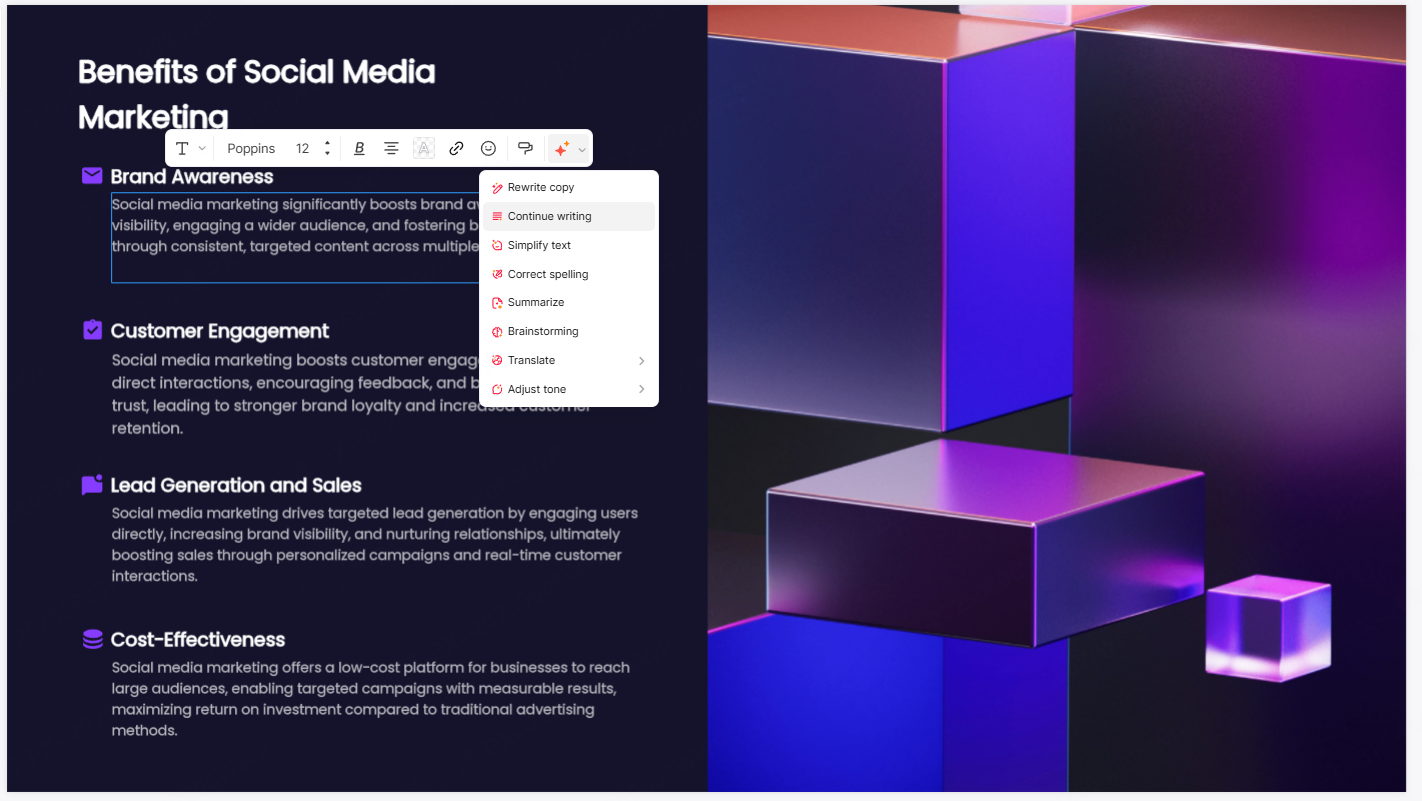
AI generated text sometimes lacks clarity, tone, or logical flow. Manual editing ensures more natural phrasing, smoother transitions, and audience friendly expression. Tools like Presenti AI integrate text enhancement features, but even then, human proofreading remains vital especially for formal presentations.
4. How to Improve and Personalize an AI Generated PPT?
To transform an AI draft into a high quality, professional presentation, consider these optimization strategies:
(1) Refine the Text and Add Depth
Insert relevant data, case studies, or key metrics to make your slides more convincing. For instance, include specific KPIs or market research results when presenting a business report. You can even use AI writing tools to polish grammar and phrasing for a smoother reading experience.
(2) Adjust Layout and Structure
AI generated layouts may not always meet your aesthetic or brand standards. Adjust font size, alignment, and spacing to create a cleaner, more professional look. Consistency across all slides enhances credibility and viewer engagement.
(3) Replace Generic Images and Charts
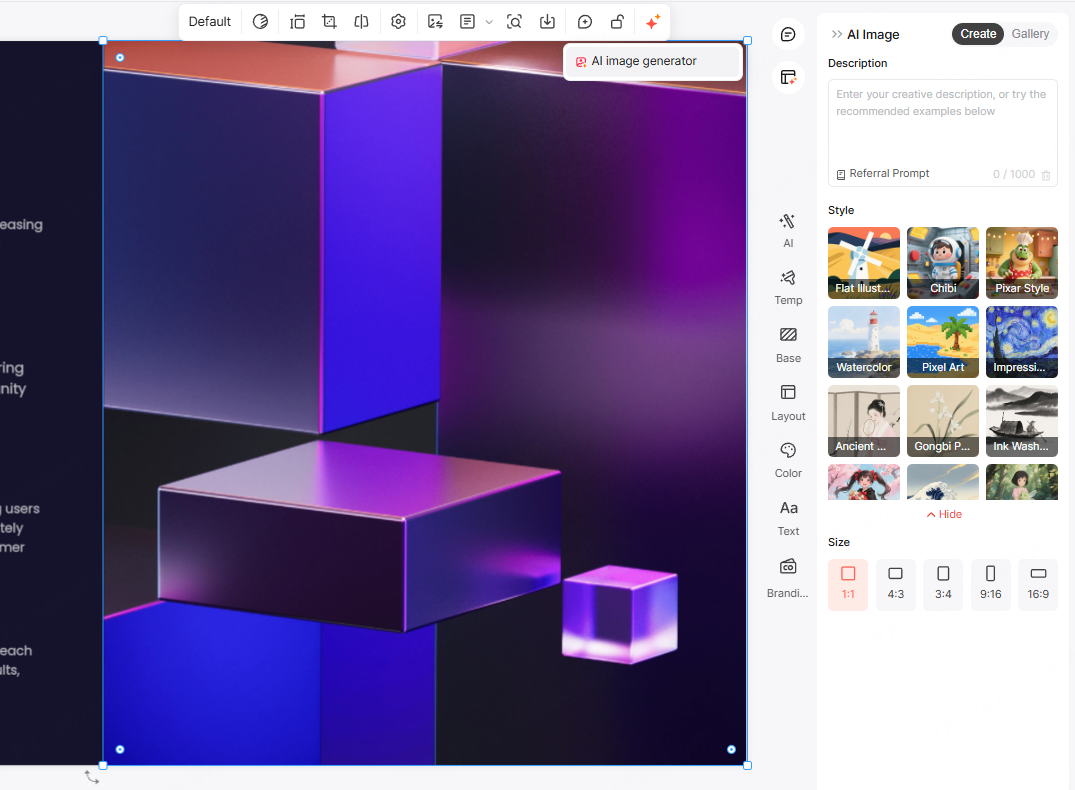
AI often uses stock visuals that may not align perfectly with your topic. Replace them with branded images, original graphics, or real company photos. In Presenti AI, you can easily upload your own visuals or tweak the generated charts for better clarity and impact.
(4) Add Interactive and Motion Elements
Dynamic transitions, embedded videos, and animations can make your presentation more engaging. These elements often require manual integration, but they help transform a static slide deck into an interactive storytelling experience.
5. How AI Chooses Images and Themes
AI PPT tools like Presenti AI use semantic recognition to recommend suitable visuals and themes based on your topic. For example, if your presentation is about “Marketing Strategy,” the AI might automatically suggest visuals depicting teamwork, analytics, or growth charts, paired with a clean business layout.
Users can further personalize their slides by uploading brand assets, such as company logos or product photos and choosing from diverse themes: minimalist, creative, academic, or corporate. The “AI recommendation with manual fine tuning” approach ensures both efficiency and uniqueness.
6. Online Editing and Exporting with AI Tools
One of the greatest advantages of modern AI presentation software is cloud based editing. You can modify your slides anytime, anywhere, without installing additional software. Collaboration becomes effortless team members can edit simultaneously and see updates in real time.
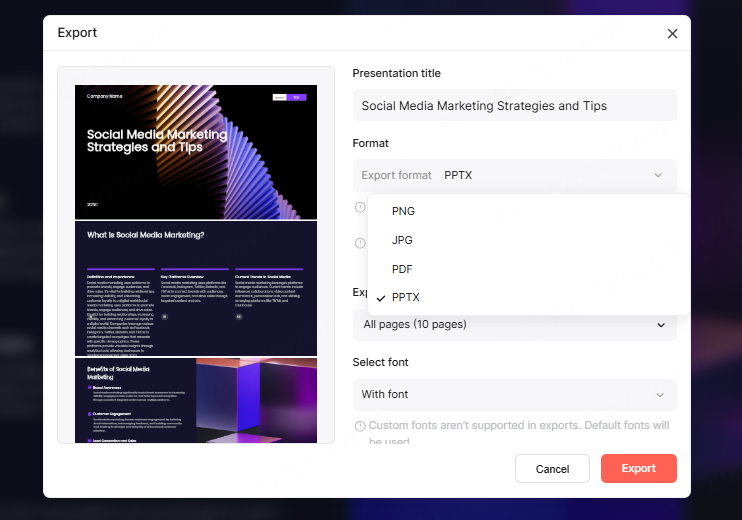
Presenti AI, for instance, provides an intuitive online editor that allows users to adjust text, swap images, and rearrange layouts directly in the browser. It also supports multiple export formats including .pptx, PDF, PNG, and JPG, catering to diverse usage needs.
7. Conclusion: The Best of Both Worlds, AI Efficiency with Human Creativity
So, can AI generated PPTs be used without modification? Not yet. While AI tools like Presenti AI have revolutionized the presentation process, producing drafts in minutes, they still benefit greatly from human refinement.The best results come from a collaborative workflow letting AI handle structure, layout, and visual organization, while humans add expertise, storytelling, and emotional depth.
As AI continues to evolve, its role in presentation design will only expand. But creativity, empathy, and strategic thinking remain uniquely human strengths. By combining AI’s speed with human insight, anyone can produce efficient, professional, and personalized presentations that truly connect with their audience.









