
AI powered PowerPoint generators are reshaping how professionals create presentations. Tasks that once required hours of manual outlining, slide design, and visual refinement can now be completed in minutes.
By entering a topic or uploading a document, AI presentation tools automatically generate structured slide decks with consistent layouts, visual hierarchy, and design logic. Many platforms also support real time collaboration, making them ideal for modern teams.
This guide explains the core benefits of AI generated presentations, reviews leading AI PowerPoint tools, and provides practical advice on how to choose the right solution for your workflow.
1. Why AI Generated PowerPoint Is Changing Presentation Workflows
Traditional presentation creation depends heavily on manual effort. Users must organize content, choose templates, align layouts, and adjust visual details. This process requires both design skill and time.
AI PowerPoint generators automate these steps through natural language understanding and layout intelligence. They extract key ideas from text, generate logical outlines, and match content with professional slide designs.
Key Advantages Over Traditional Methods
Significant Time Savings
AI tools compress the entire workflow into a single process. What previously took hours can often be completed in a few minutes.
Consistent Professional Design
By learning from large libraries of high quality presentations, AI systems apply proven design patterns, color schemes, and typography. This ensures visual consistency even for users without design experience.
Lower Skill Barrier
Users no longer need advanced PowerPoint skills. AI handles layout and structure, allowing users to focus on content accuracy and messaging.
Improved Team Collaboration
Many AI platforms support shared editing, comments, and version control. This reduces back and forth communication and speeds up review cycles.
2. Top AI PowerPoint Generator Tools Worth Trying
As demand for efficiency grows, many AI driven presentation tools have entered the market. Below are several well established platforms that combine intelligent automation with practical use cases.
(1) Presenti AI

Presenti AI is a comprehensive AI PowerPoint generator designed for professionals who need fast results without losing control over customization. Users can input keywords or upload documents, and the system generates a structured presentation draft automatically.
Core Strengths
End to End Intelligent Workflow
From topic input or document upload to outline creation and template selection, Presenti AI covers the full presentation lifecycle. Even first time users can produce a usable draft within minutes.
Industry Specific Templates
The platform includes templates for business, finance, education, healthcare, and technology. Built in visual assets such as icons, charts, and illustrations are available for quick insertion.
Flexible Editing After Generation
Slides remain fully editable after generation. Users can rearrange layouts, replace visuals, and fine tune text while still benefiting from AI generated structure.
Collaboration and Compatibility
Teams can collaborate in real time with comments and version history. Presentations can be exported as PPTX files and edited in Microsoft PowerPoint. Markdown input and multilingual annotations support cross team and international collaboration.
Best Use Cases
Business proposals, project updates, investor presentations, internal reports, and teaching materials that require both speed and clarity.
Pricing Overview
A free plan allows users to generate presentations from keywords or uploaded files. Export permissions and premium templates are available through paid plans.
(2) Prezi Next
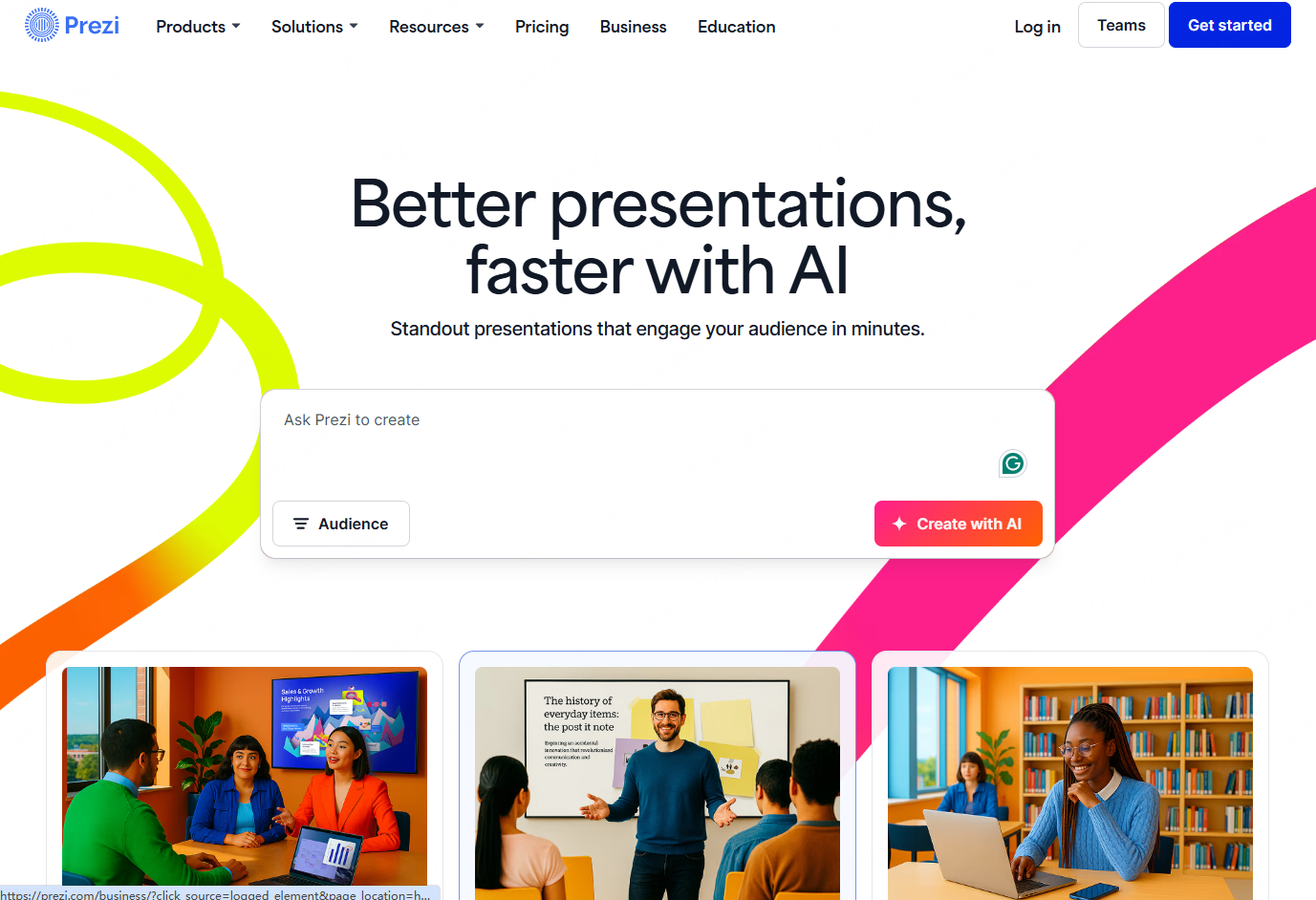
Prezi Next takes a non linear approach to presentations. Instead of static slide sequences, its AI engine creates dynamic visual paths that guide audiences through content.
Core Strengths
Dynamic Visual Navigation
AI generated zoom and motion effects replace traditional slide transitions, helping presenters emphasize relationships between ideas.
Narrative Driven Structure
Content is organized into a visual story rather than isolated slides, improving audience engagement and recall.
Best Use Cases
Creative pitches, product launches, keynote presentations, and educational sessions where storytelling is important.
(3) SlideModel
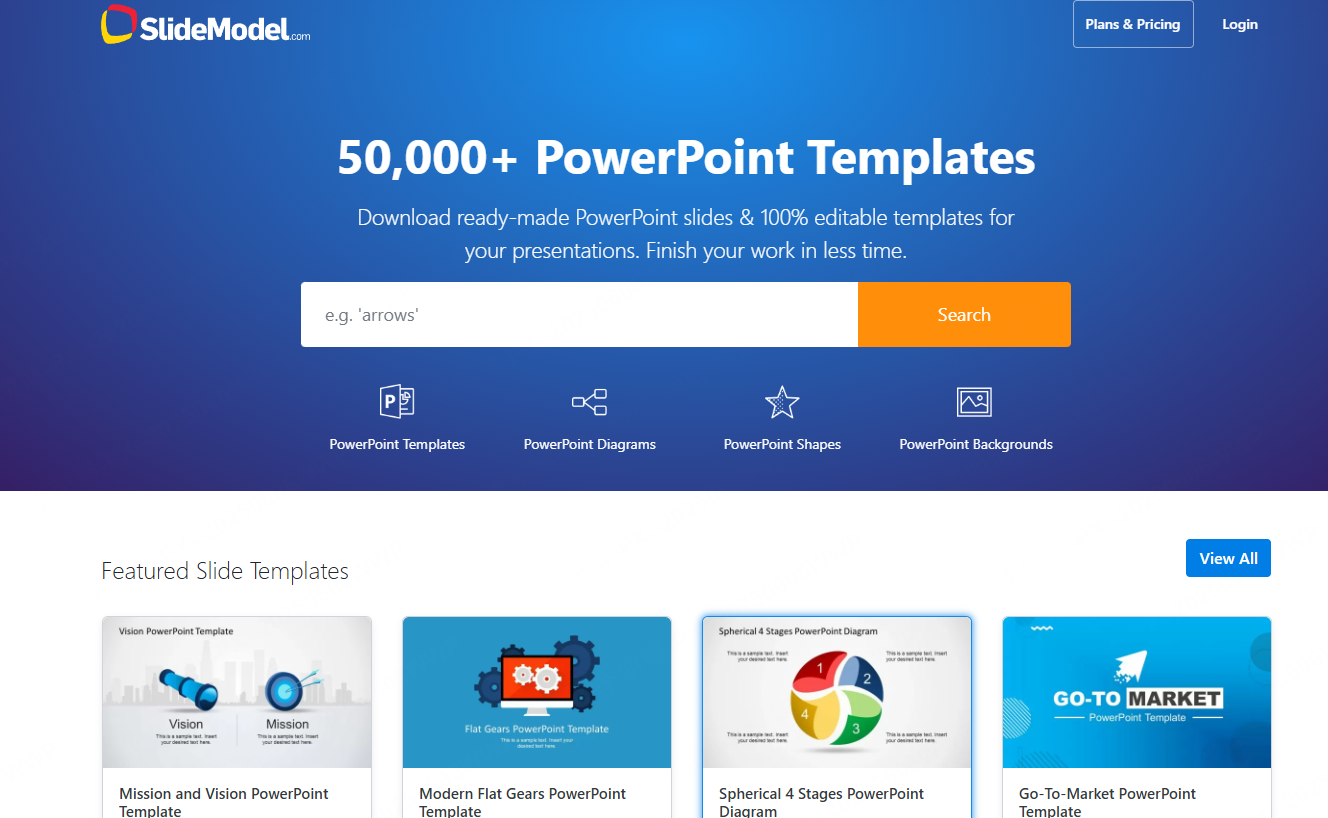
SlideModel focuses on professional and industry specific presentation needs. Its AI matches user input with structured layouts and data driven templates.
Core Strengths
Industry Oriented Design
Templates are tailored for finance, healthcare, consulting, and technology use cases.
Structured Content Generation
AI generates logical slide outlines based on common industry frameworks and converts data into charts automatically.
Best Use Cases
Financial analysis, market research reports, executive briefings, and technical proposals.
(4) Decktopus AI
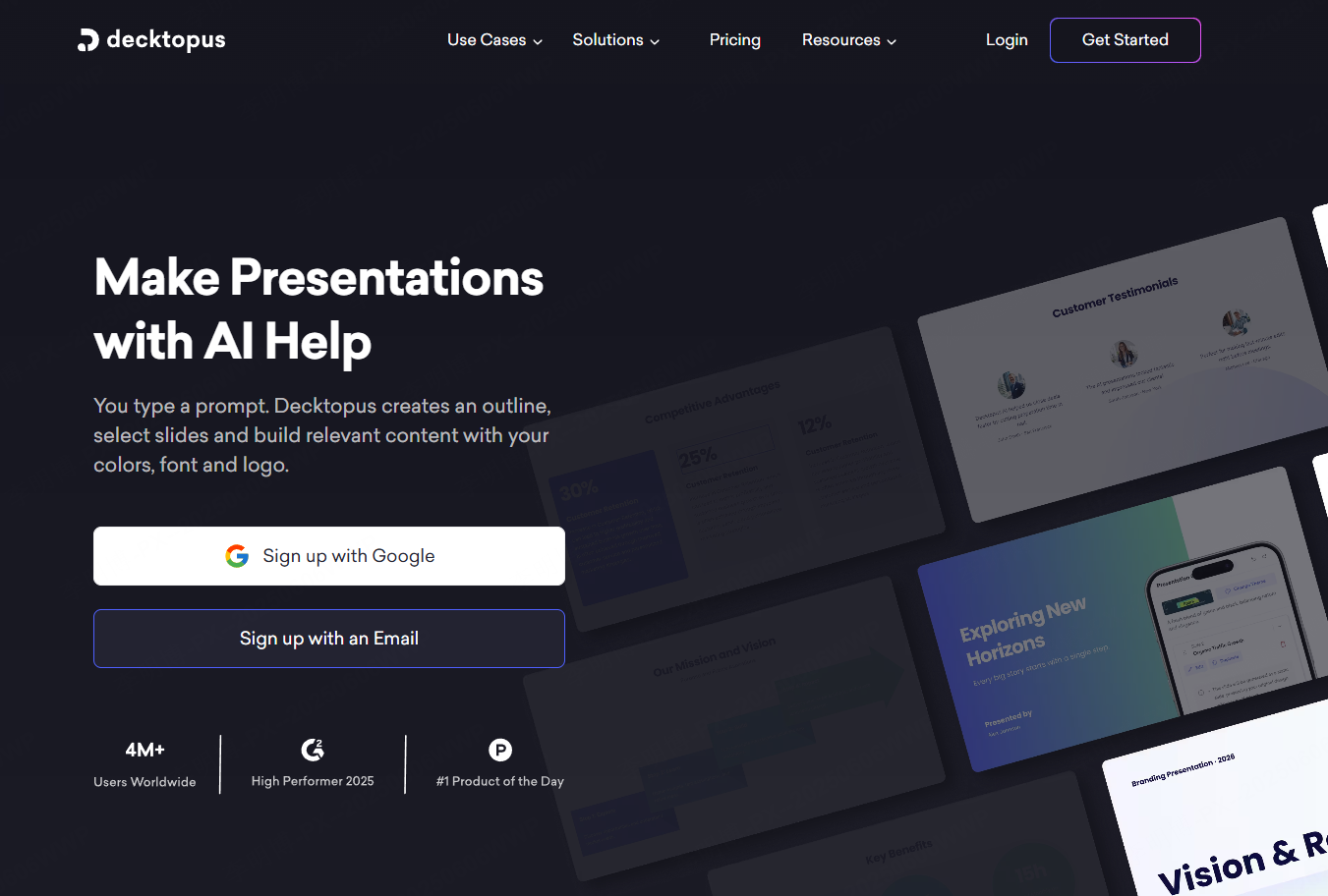
Decktopus AI emphasizes interactivity and audience engagement. Its AI system generates slides with built in interactive elements.
Core Strengths
Interactive Slide Components
Presentations can include expandable sections, click based navigation, and dynamic content elements.
Responsive Layout Optimization
Slides adapt to different screen sizes while maintaining visual clarity and hierarchy.
Brand Customization Options
Advanced plans support custom animations, fonts, and brand color presets.
Best Use Cases
Training sessions, product demonstrations, workshops, and interactive presentations.
(5) Aula
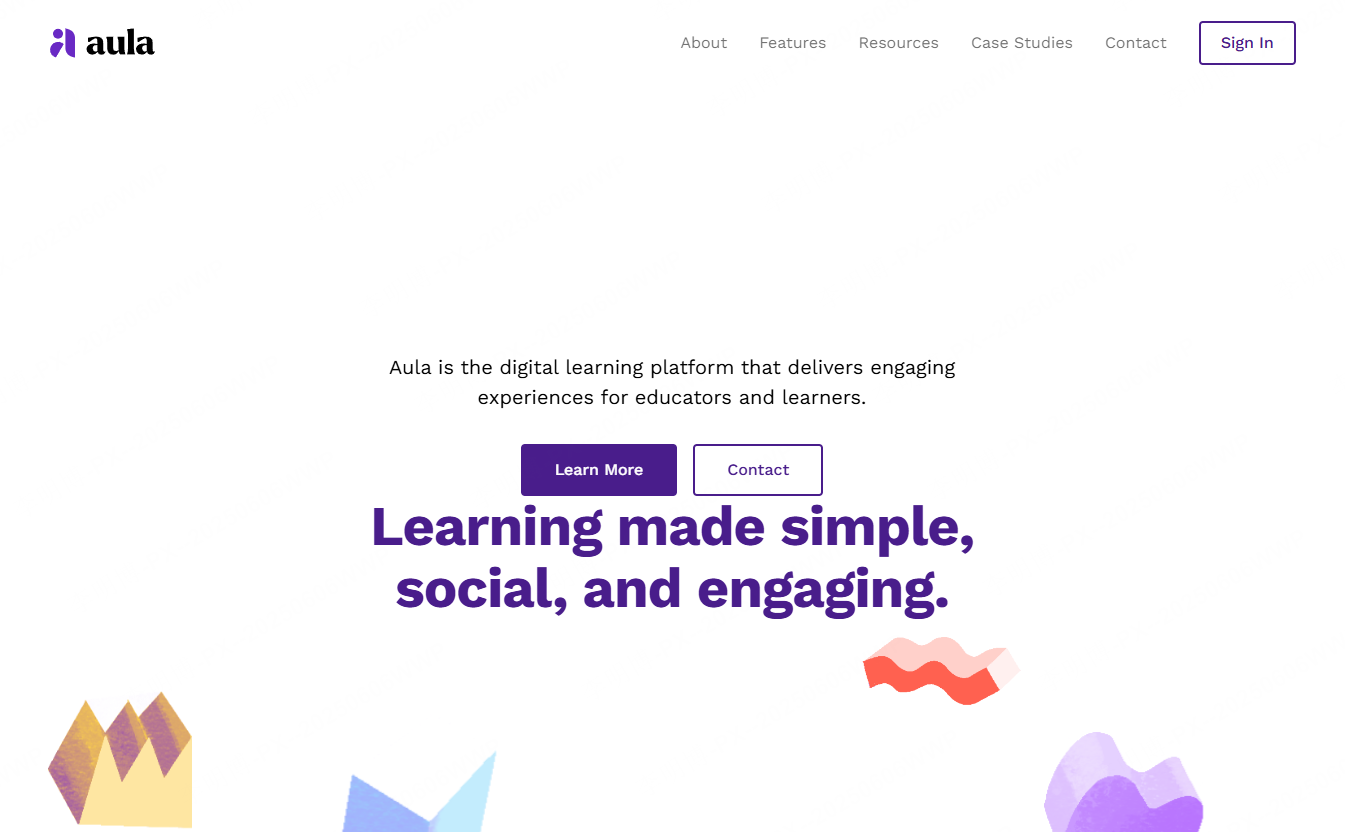
Aula is designed specifically for education and training. It converts lesson plans and course outlines into interactive teaching materials.
Core Strengths
Education Focused Features
AI transforms outlines into slides that include quizzes, polls, embedded videos, and learning checkpoints.
Online and Offline Compatibility
Content can be optimized for popular video conferencing platforms while remaining suitable for in person teaching.
Best Use Cases
School instruction, corporate training programs, onboarding sessions, and blended learning environments.
(6) Visme
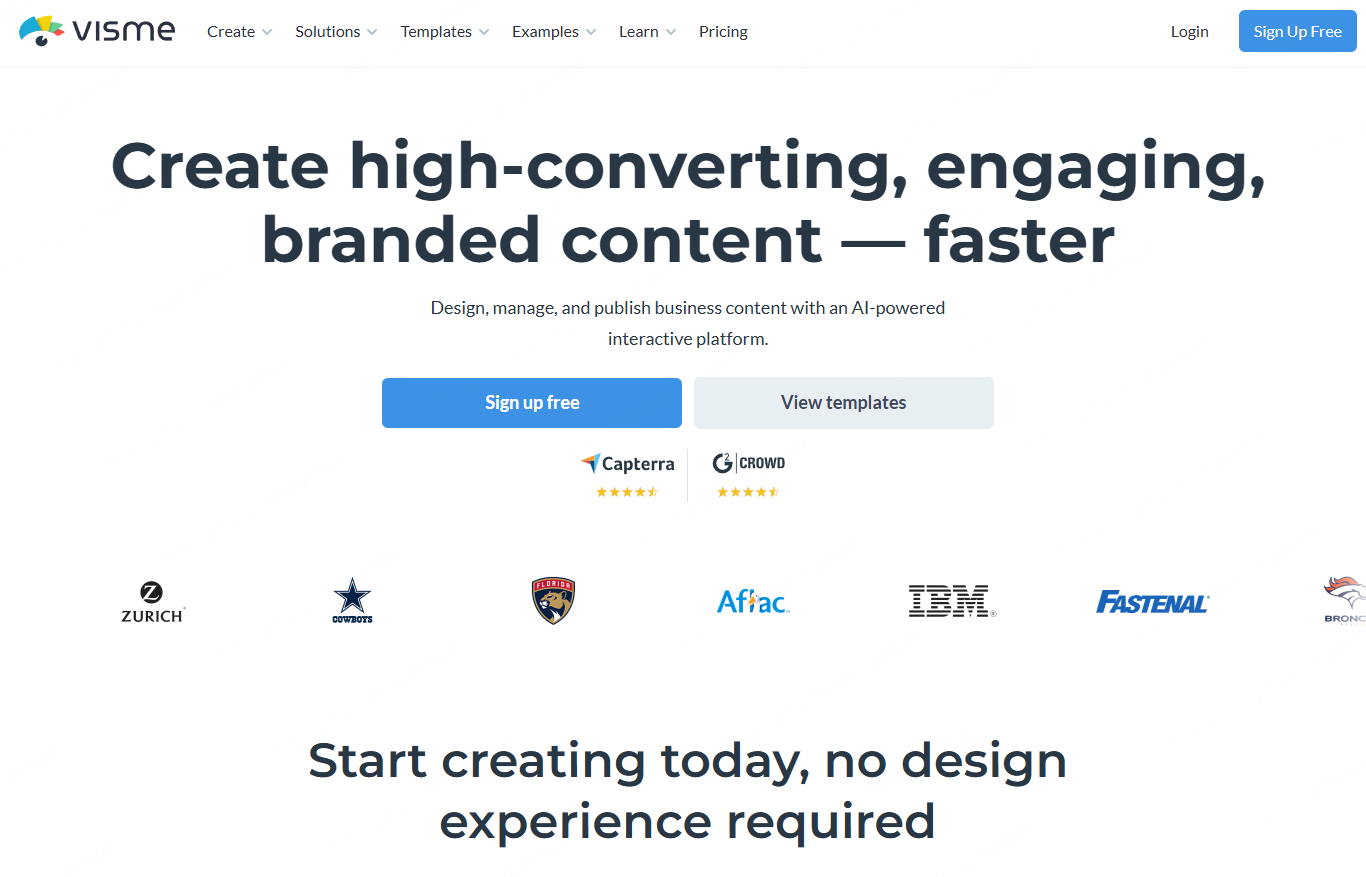
Visme offers an all in one visual content platform. Its AI tools support presentations, infographics, charts, and visual assets in a single workspace.
Core Strengths
Multi Format Content Creation
Users can generate slides, reports, infographics, and marketing visuals without switching tools.
Brand Asset Management
Centralized control of colors, fonts, and logos ensures consistent branding across all materials.
Team Collaboration Features
Real time editing, version tracking, and high resolution exports are available in advanced plans.
Best Use Cases
Marketing presentations, corporate reports, research summaries, and cross channel communication materials.
3. How to Choose the Right AI PowerPoint Generator
With many tools available, selecting the right AI presentation platform depends on your specific needs.
Automation Quality
A strong tool should generate complete slide decks from simple input. For example, entering “business plan” should result in a structured presentation with a cover slide, market analysis, product overview, and team section.
Template and Design Quality
High quality templates directly affect presentation credibility. Look for tools that support multiple visual styles such as business, academic, and minimalist designs.
Manual Editing Capabilities
AI speeds up creation, but manual refinement remains essential. The best tools allow easy text editing, drag and drop layout changes, and style adjustments.
Pricing and Accessibility
Some platforms offer generous free tiers, while others focus on subscriptions or usage based pricing. Choose a tool that matches your usage frequency and budget.
Overall, Presenti AI stands out for its balanced combination of automation, customization, and collaboration. In addition to AI generated slides, it supports slide enhancement, content rewriting, and translation, making it a practical choice for both beginners and experienced professionals.









