
Free PPT generators have become essential tools for professionals, educators, and startup teams who need to create presentations quickly without sacrificing quality. Whether you are preparing a project update, a technical walkthrough, a lesson plan, or a pitch deck, modern AI powered PowerPoint generators can significantly reduce the time spent on structure, design, and formatting.
In this guide, we review 8 of the best free PPT generators, covering a wide range of use cases. From AI driven slide creation to dynamic animations, real time collaboration, and professional template libraries, each tool is analyzed based on features, strengths, and ideal scenarios. This breakdown will help you choose the right free PowerPoint generator for your workflow.
1. Presenti AI

Presenti AI is an AI driven free PPT generator designed to turn ideas into structured presentations in minutes. It understands input intent, generates logical slide outlines, and automatically applies layouts, color schemes, and templates without requiring design skills.
Why it stands out
As a flexible free PowerPoint generator, Presenti AI supports multiple input formats including plain text, documents, and web links. It can also directly convert Word and PDF files into editable presentations, which dramatically simplifies the creation process for reports, proposals, and lesson materials.
Free plan features
The free version does not limit the number of generations or slides. Users get access to a selection of core templates, automatic layout formatting, and basic AI text rewriting. This makes it well suited for business reports, academic presentations, and early stage pitch decks.
For users who need fast results without manual design work, the free plan already covers most daily presentation needs and delivers strong value.
2. Boardmix
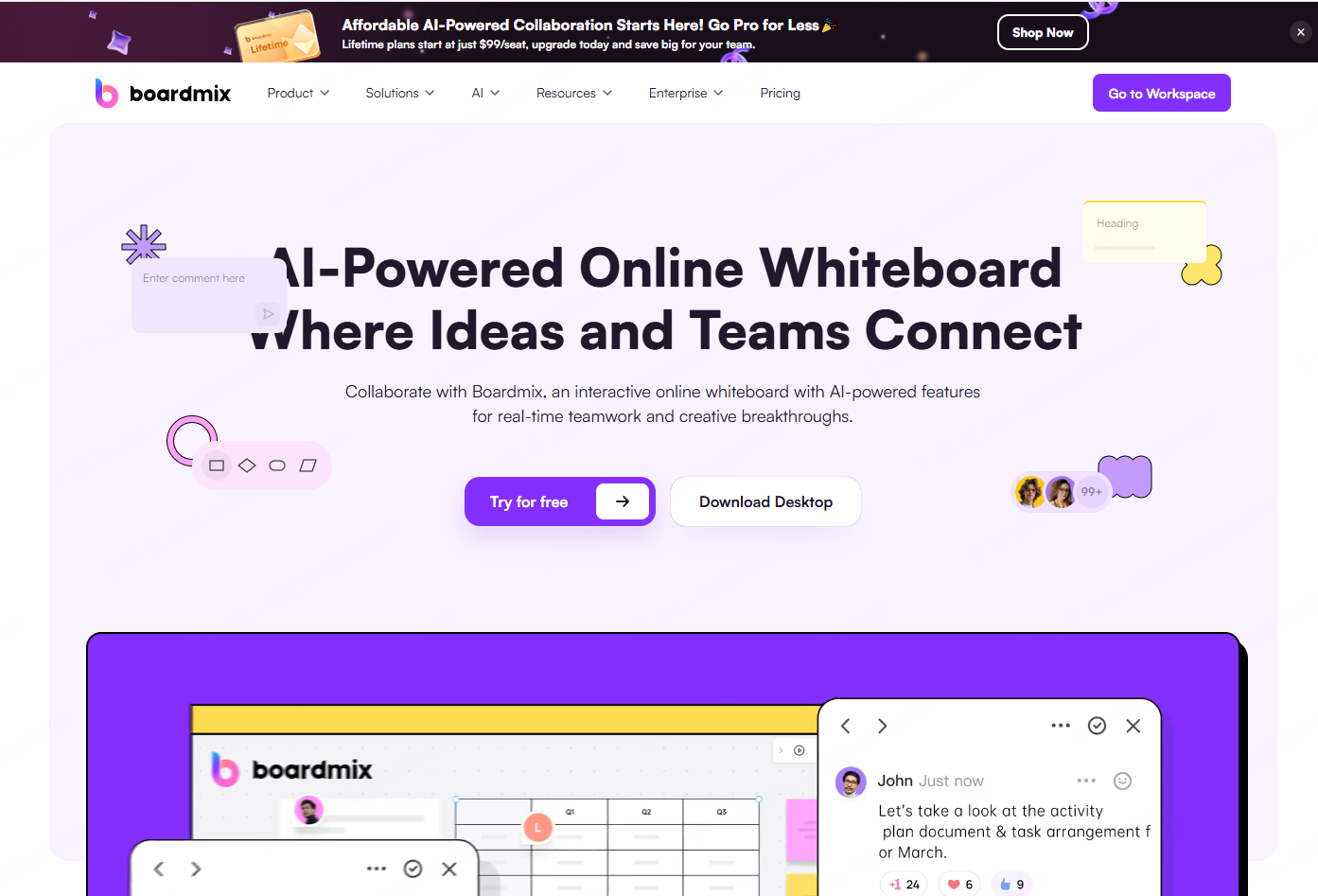
Boardmix is a free PPT generator that combines presentation creation with real time collaboration. It allows teams to co edit slides, adjust layouts, and add visual elements simultaneously.
Why it stands out
Boardmix is particularly effective for teams that value collaborative ideation. It includes built in tools such as mind maps, flowcharts, and diagrams, enabling users to move seamlessly from brainstorming to finalized slides. The templates are clean, modern, and suitable for professional environments.
Free plan features
The free version includes basic templates, live collaboration, and standard formatting controls such as fonts and colors. It supports a smooth end to end workflow from concept development to slide delivery, making it a strong choice for distributed teams and project planning sessions.
3. MagicSlides
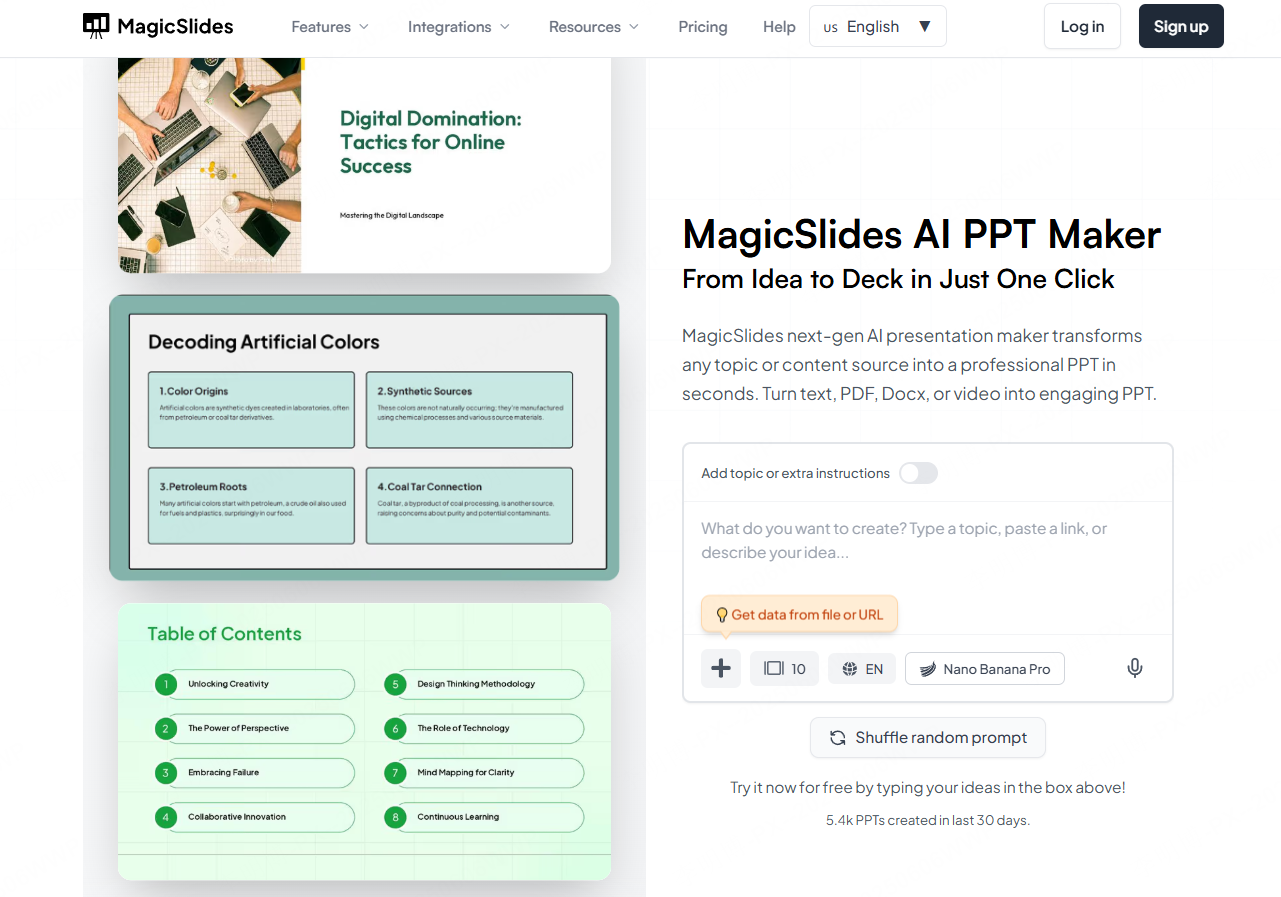
MagicSlides is an AI powered free PowerPoint generator built for users working within the Google Workspace ecosystem. It can transform text, PDFs, and even videos into structured slide decks with relevant images.
Why it stands out
For teams already using Google Docs and Google Slides, MagicSlides integrates smoothly into existing workflows. Educators can also benefit from converting lecture videos into visual teaching materials.
Free plan features
The free plan allows up to 10 presentations per month with a maximum of 10 slides each. Video to PPT conversion is limited in length, and exports include watermarks. Despite these limits, it is a practical tool for lightweight collaboration and quick drafts.
4. Prezi
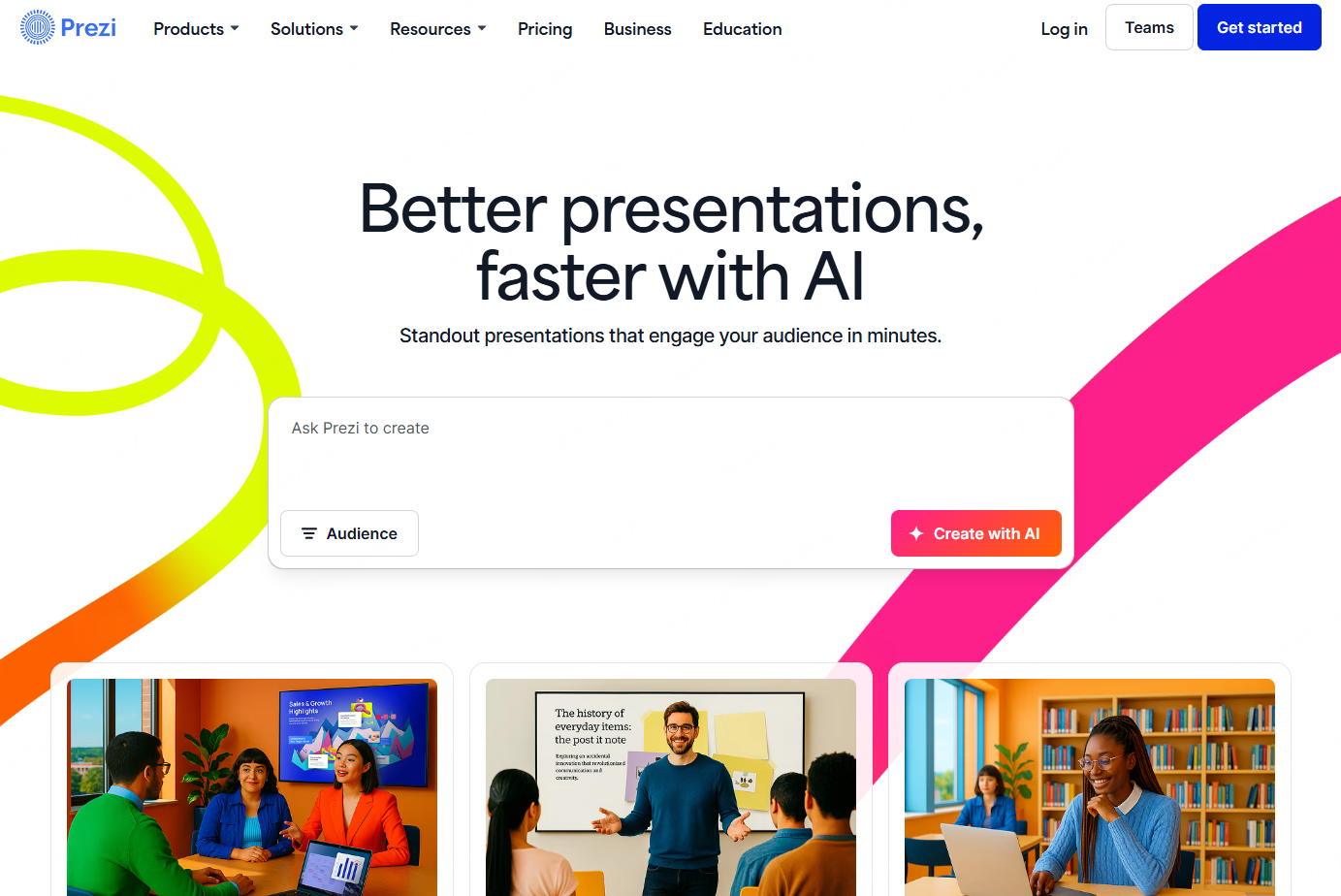
Prezi is a distinctive free PPT generator known for its dynamic zooming and spatial storytelling approach. Instead of linear slides, it presents content on a canvas that guides the audience visually through key ideas.
Why it stands out
Prezi works well for keynote presentations, product storytelling, and conceptual overviews where visual flow matters more than traditional slide structure. The motion based transitions help audiences follow complex narratives.
Free plan features
The free version provides access to core motion features but includes restrictions on storage, templates, and exports. It is best suited for experimenting with dynamic presentation styles rather than delivering formal business decks.
5. Haiku Deck
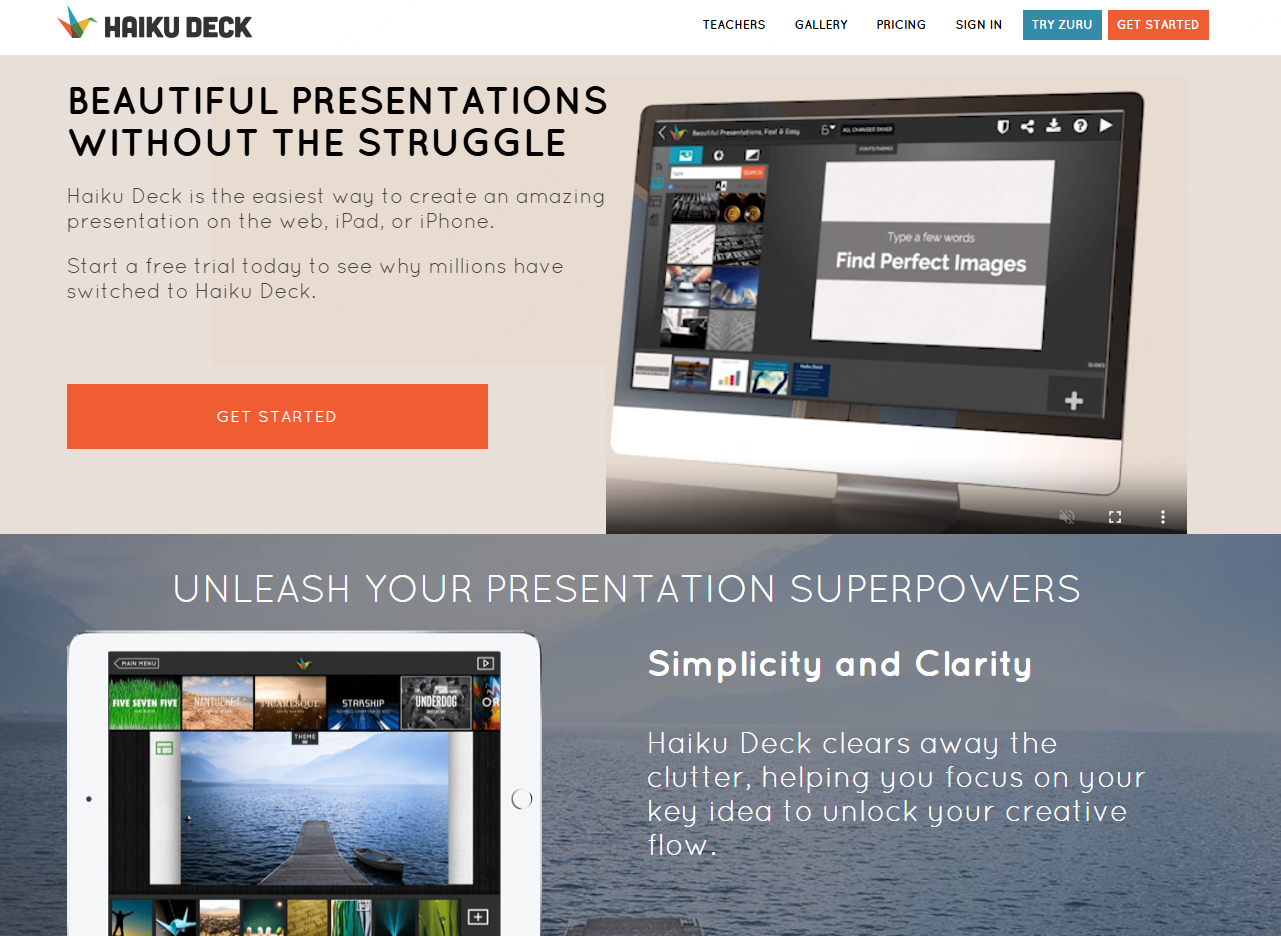
Haiku Deck emphasizes simplicity and visual clarity. This AI assisted free PPT generator focuses on clean templates and high quality images to produce polished slides with minimal effort.
Free plan features
The free plan includes access to basic templates and online editing for text and images. Exports include watermarks and feature limitations, but it is sufficient for beginners, educators, and professionals who prioritize clarity over complex design.
6. Powtoon
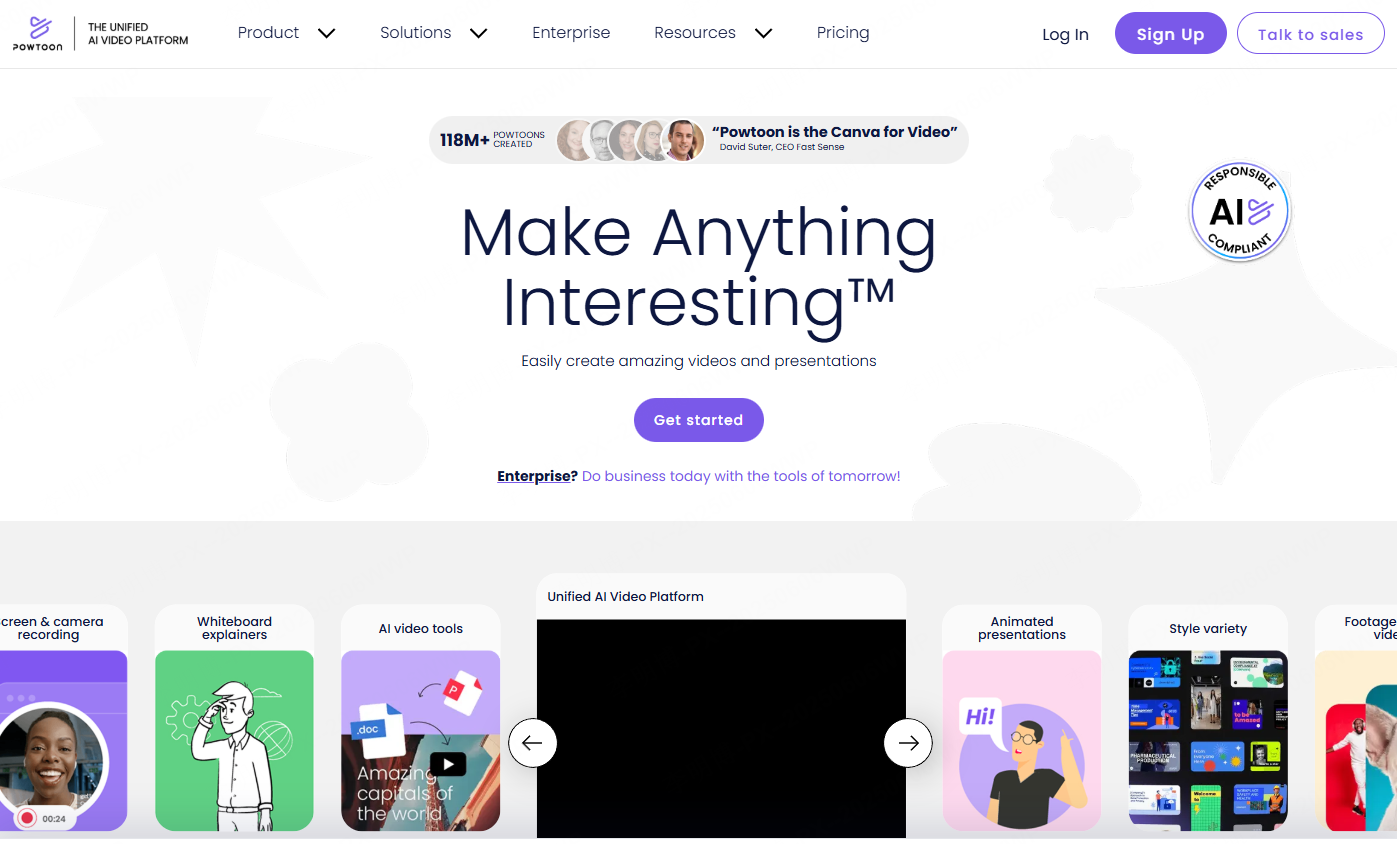
Powtoon is an animation focused free PPT generator designed to bring slides to life. It offers animated templates that turn text and images into engaging motion presentations.
Why it stands out
Powtoon is especially useful for educational content, onboarding materials, and product explainers. Animated elements help capture attention and improve message retention.
Free plan features
The free tier provides access to basic animated templates and allows exports as standard video formats. While branding limitations apply, it is a strong option for creating visually engaging presentations without advanced animation skills.
7. SlideModel
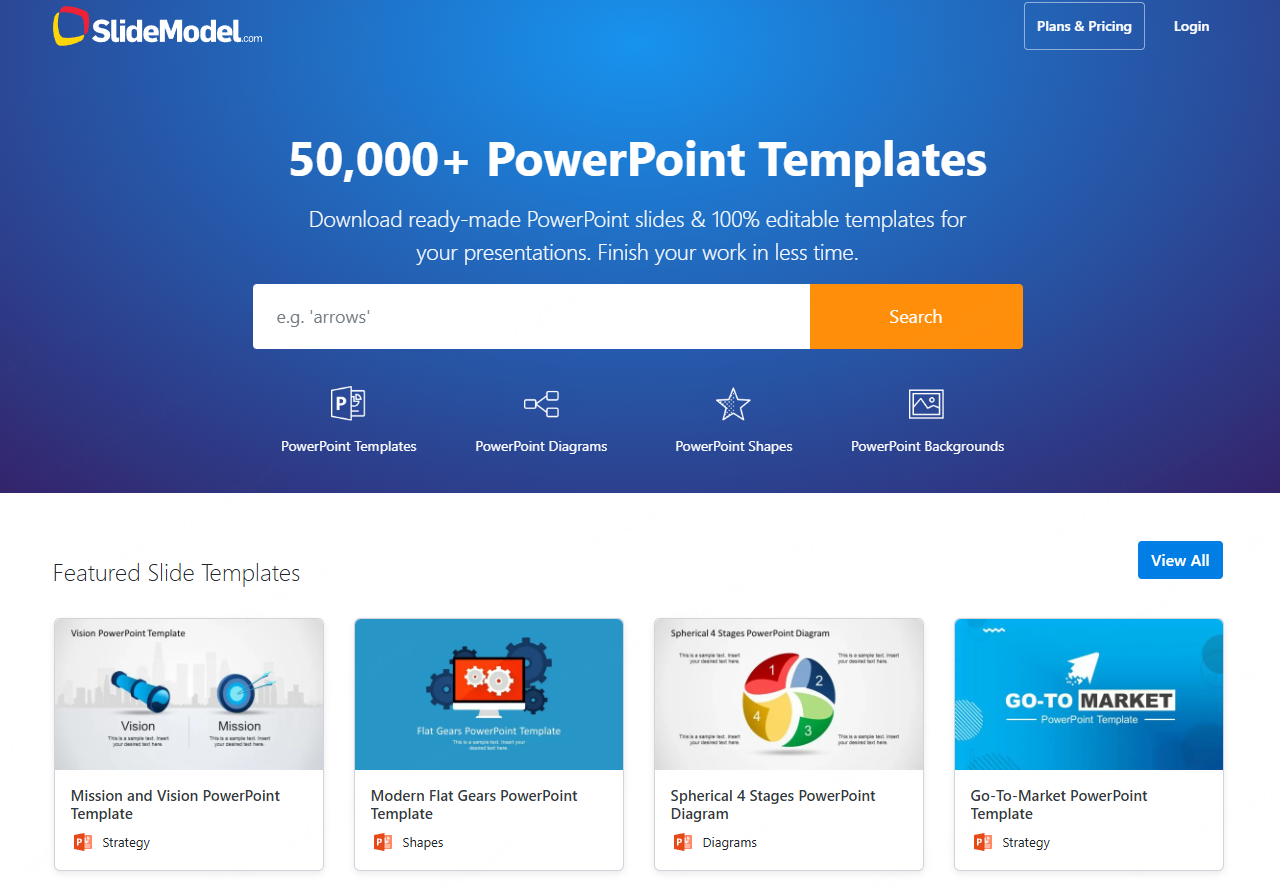
SlideModel is a template driven free PPT generator with over 30,000 professionally designed slides across more than 300 industries.
Why it stands out
All templates are created by professional designers following business presentation standards. This makes SlideModel particularly effective for data driven reports, strategy decks, and investor presentations.
Free plan features
The free plan allows users to download selected templates and access a rotating set of new designs each week. For users who value structure and visual consistency, this library significantly speeds up slide creation.
8. Venngage
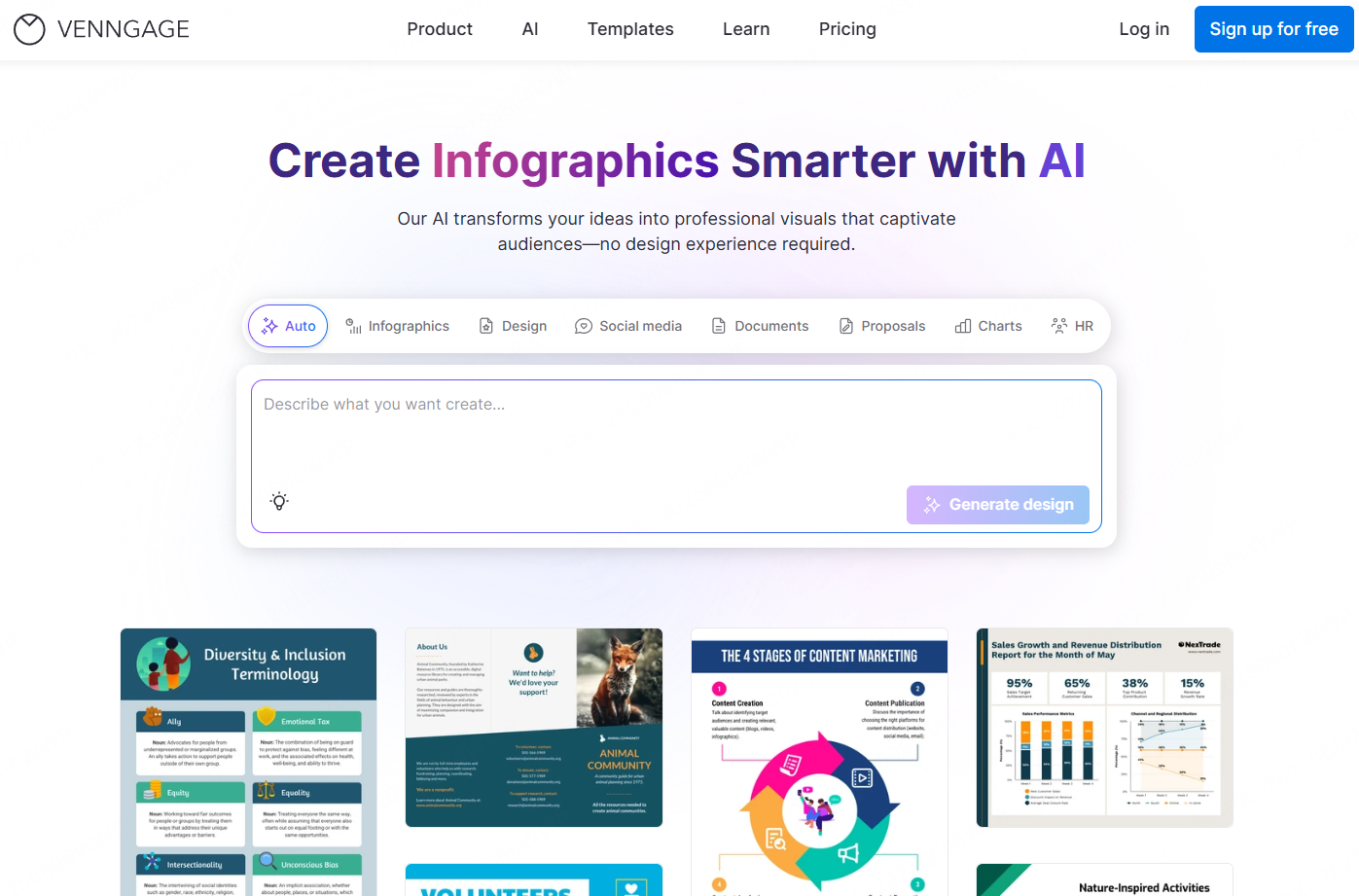
Venngage is a free PPT generator that specializes in data visualization and information design. It transforms complex data into clear, visually appealing slides.
Why it stands out
Venngage excels at charts, diagrams, and infographic style layouts. It is well suited for analytics reports, research summaries, and educational presentations that require clarity and precision.
Free plan features
The free version supports basic templates, chart editing, and color customization. Compared to other tools, Venngage offers strong visualization capabilities even at the free tier, making it ideal for data focused presentations.
Final Thoughts
Each free PPT generator on this list addresses different presentation needs. Some prioritize AI driven speed, others focus on collaboration, animation, or data visualization. Whether you are a developer preparing a technical overview, a project manager delivering a status update, or an educator designing course materials, there is a free PowerPoint generator that fits your workflow.
Choosing the right tool depends on how you balance speed, design control, collaboration, and visual storytelling. With the options above, creating professional presentations no longer requires advanced design skills or paid software.








