Modern teams rely heavily on slide decks, whether it's for product demos, classroom instruction, project updates, or technical documentation. If you’re looking for reliable free PPT generation tools that can help you produce polished presentations with minimal effort, this guide walks you through ten of the best options available.
This overview organizes tools by drafting, design, and collaboration needs. It does not report a controlled product test; try your own material and required export format before choosing. For a topic-to-slides workflow, you can start with Presenti’s AI presentation maker and edit the draft before presenting.

1. Understanding Free PPT Generation Tools

1.1 What “Free PPT Tools” Actually Mean
Most free PPT generation tools adopt a freemium model: essential features are free, but exporting to PPTX without watermarks, unlocking premium templates, or generating unlimited slides may require a subscription.
Typical free tier limitations include:
- Limited number of projects
- Watermarked exports
- PDF only downloads
- Restricted AI credits
Before adopting a tool, check whether the free features meet your baseline needs such as exporting, sharing, or AI based generation.
1.2 How to Choose the Right Tool
First, decide whether you need AI first automation or template first control:
- AI powered PPT generators work best for tight deadlines, proposal drafts, brainstorming, or turning long documents into structured presentations.
- Template driven tools are ideal for users who want more design precision, visual consistency, or brand alignment.
Some platforms provide both, AI to draft slides and templates for finishing touches.
2. Ten Presentation Tools to Explore
The following categories distinguish AI drafting, template-based design, and collaboration.
2.1 Best Free AI Powered PPT Generators
1) Presenti AI
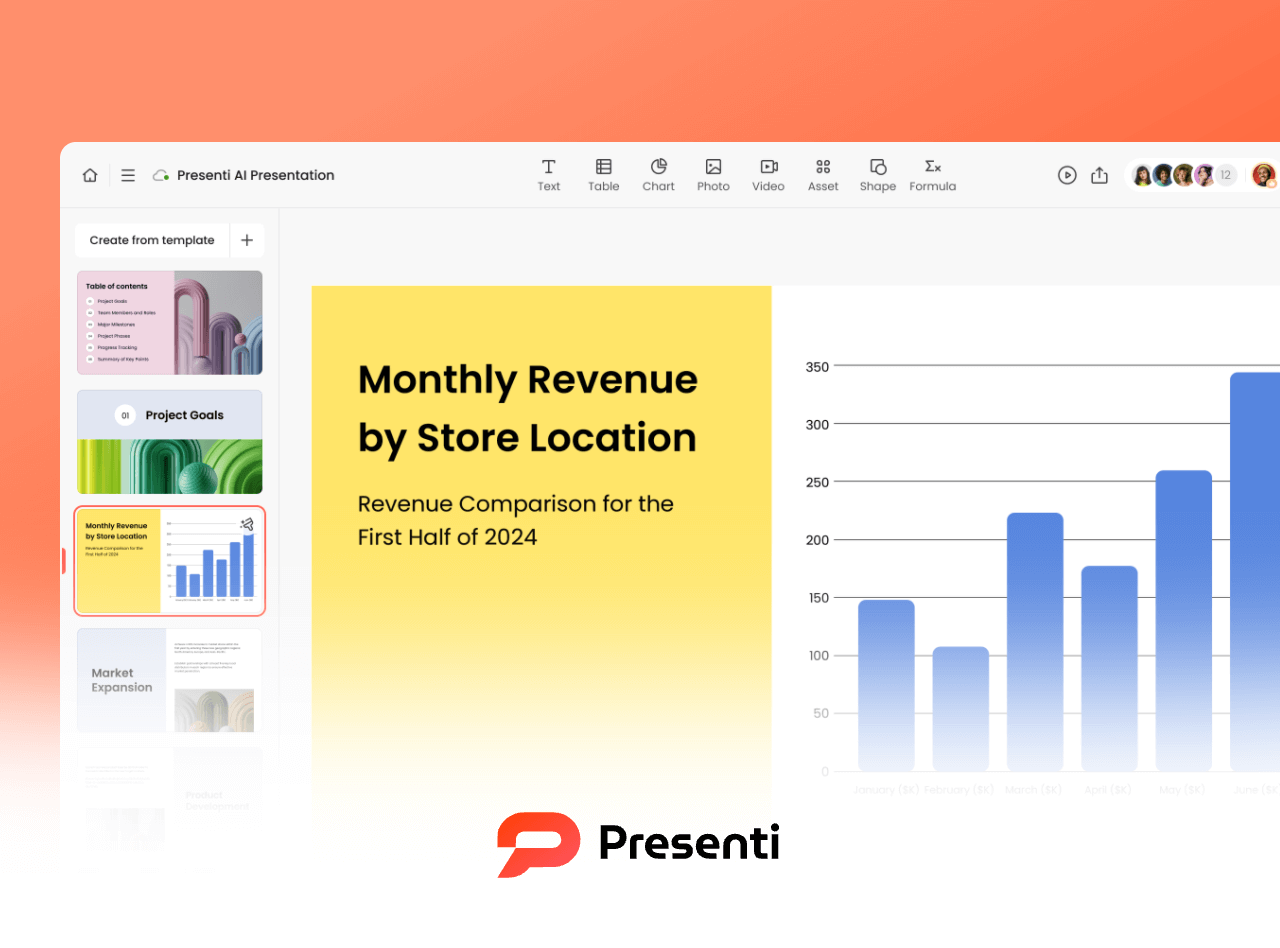
Presenti AI stands out among free AI PPT generators thanks to its strong semantic understanding and library of industry ready templates. It handles business terminology, technical descriptions, or conversational text with ease.
Free Features:
- AI drafting within the free credit allowance
- Template-based drafting; access varies by plan
- Free content and layout editing
Best For:
Professionals who need fast, industry specific presentations: marketing teams, educators, consultants, and tech leads.
2) Boardmix
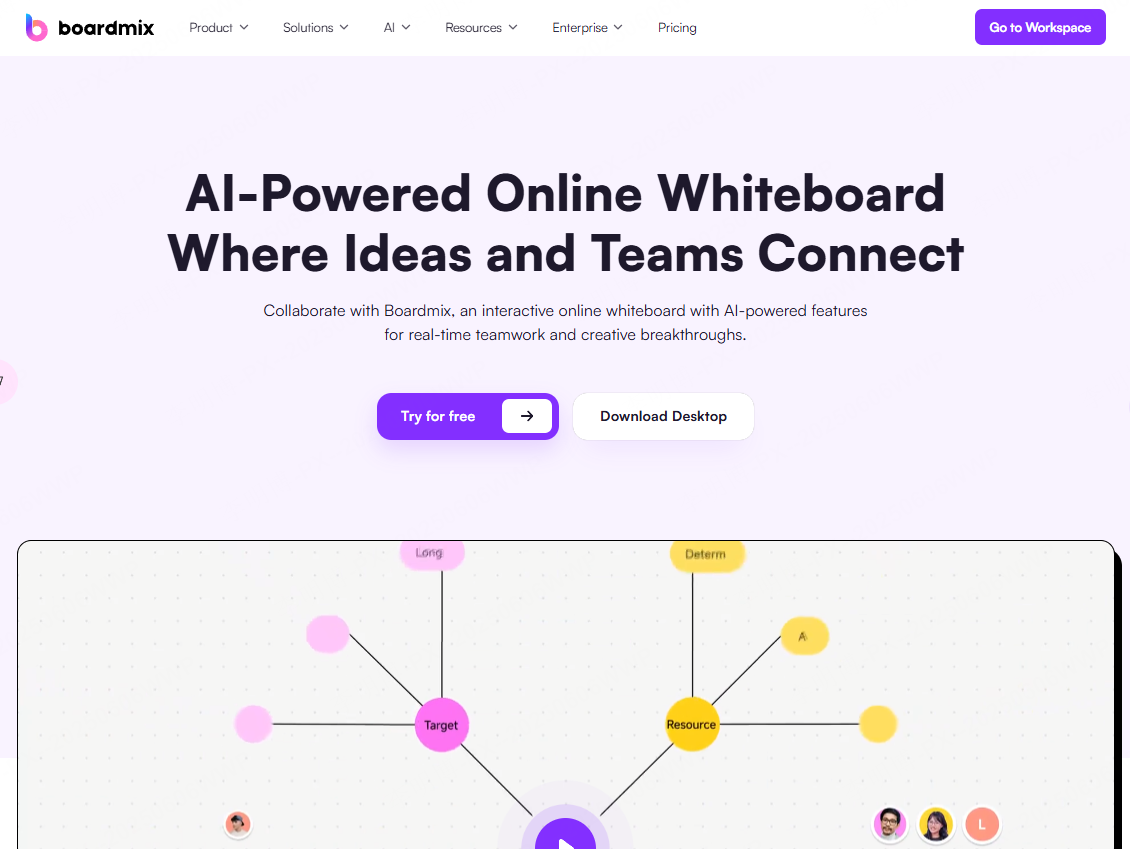
Boardmix combines AI slide generation, mind mapping, and flowcharts within a single workspace ideal for users who want to brainstorm and build a deck in the same file.
Free Features:
- AI PPT creation
- Core editing tools
- Check the current board and storage allowances
Best For:
Users who sketch workflows or outline ideas first, project managers, students, product teams.
3) SlidesAI
If your team works heavily in Google Workspace, SlidesAI is a perfect companion. It seamlessly converts text into Google Slides with minimal formatting work.
Free Features:
- AI slide generation inside Google Slides
- Limited free usage; check the current allowance
- Check the add-in’s allowance separately from Google Slides export options
Best For:
Teams using Google Slides daily for documentation, training, or lightweight presentations.
4) Beautiful.ai

Beautiful.ai focuses on intelligent design. It auto adjusts layouts, spacing, and color themes so your slides look “designed by a pro.”
Free Features:
- Auto design layouts
- 14-day trial requiring a payment card; paid renewal follows unless canceled before expiry
Best For:
Users who want fast + visually polished slides without manual formatting.
2.2 Template Driven PPT Tools with Free Libraries
5) Canva
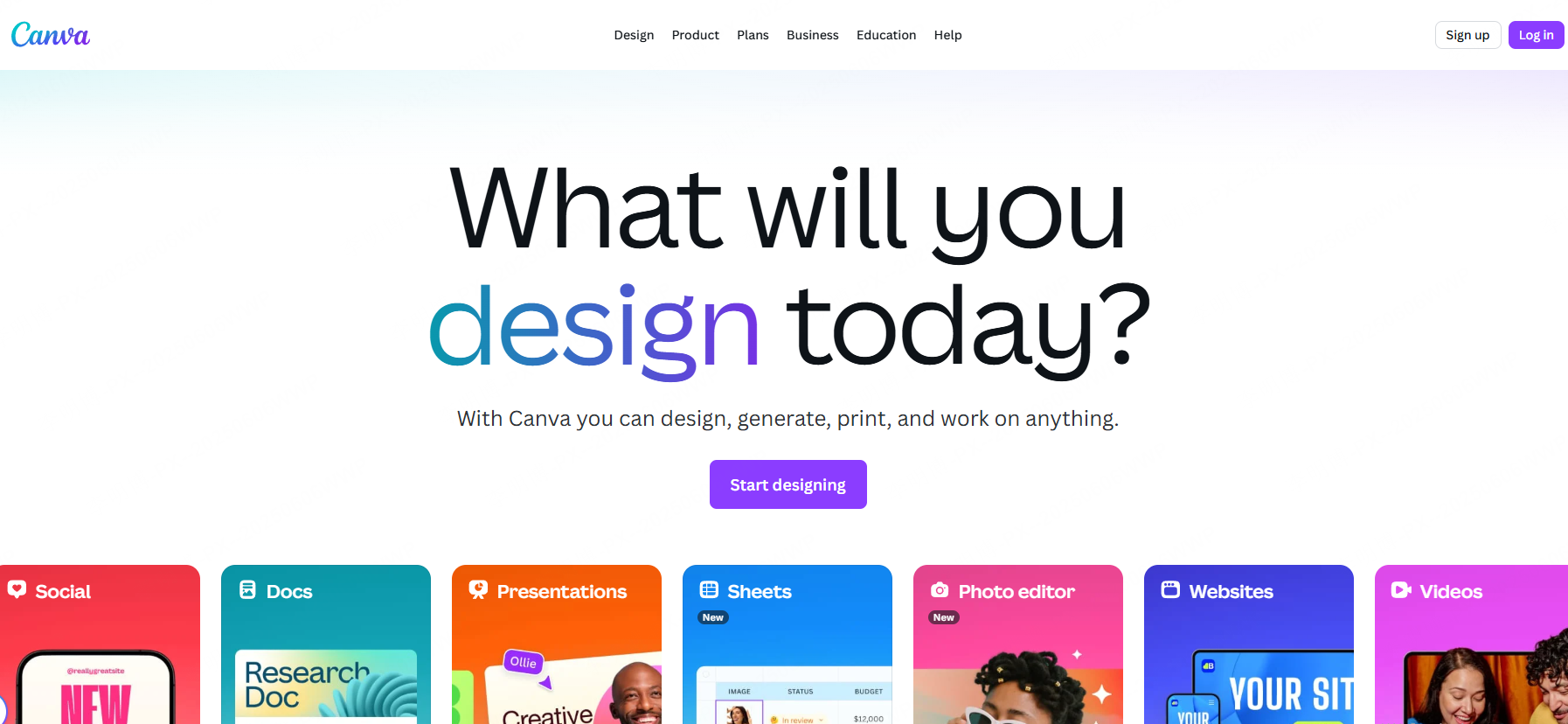
Canva offers one of the largest template libraries online, great for polished visual slides, social media content, or branded decks.
Free Features:
- Thousands of templates
- Multi device editing
- PDF export
Best For:
Beginners and non-designers who need stylish decks quickly.
6) Haiku Deck
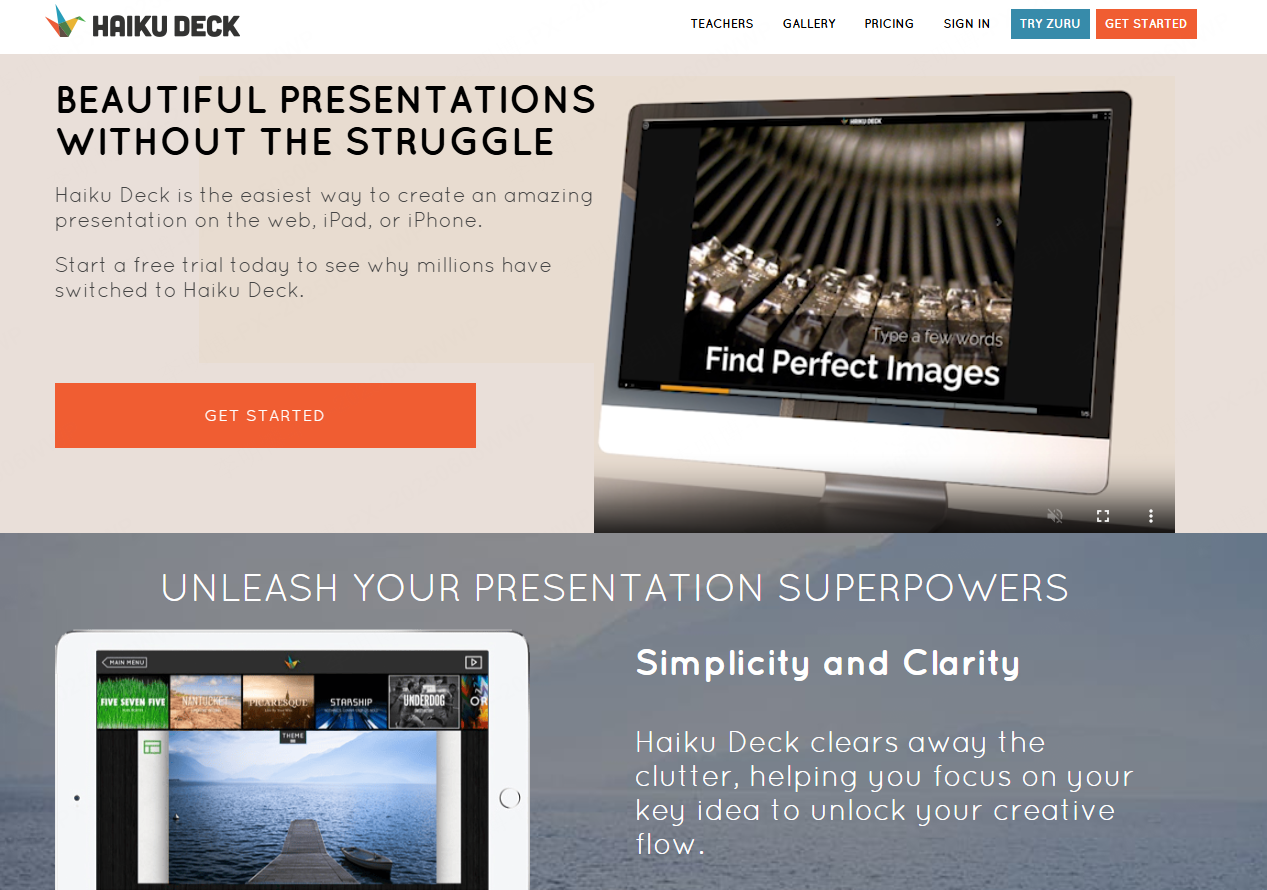
Haiku Deck focuses on simplicity. Its templates emphasize minimalism, readability, and strong visuals.
Free Features:
- Check the current project allowance
- Minimalist templates
- Check trial export and branding conditions
Best For:
Anyone who wants simple, clean, low effort presentations, great for classroom teaching or quick pitches.
7) Piktochart
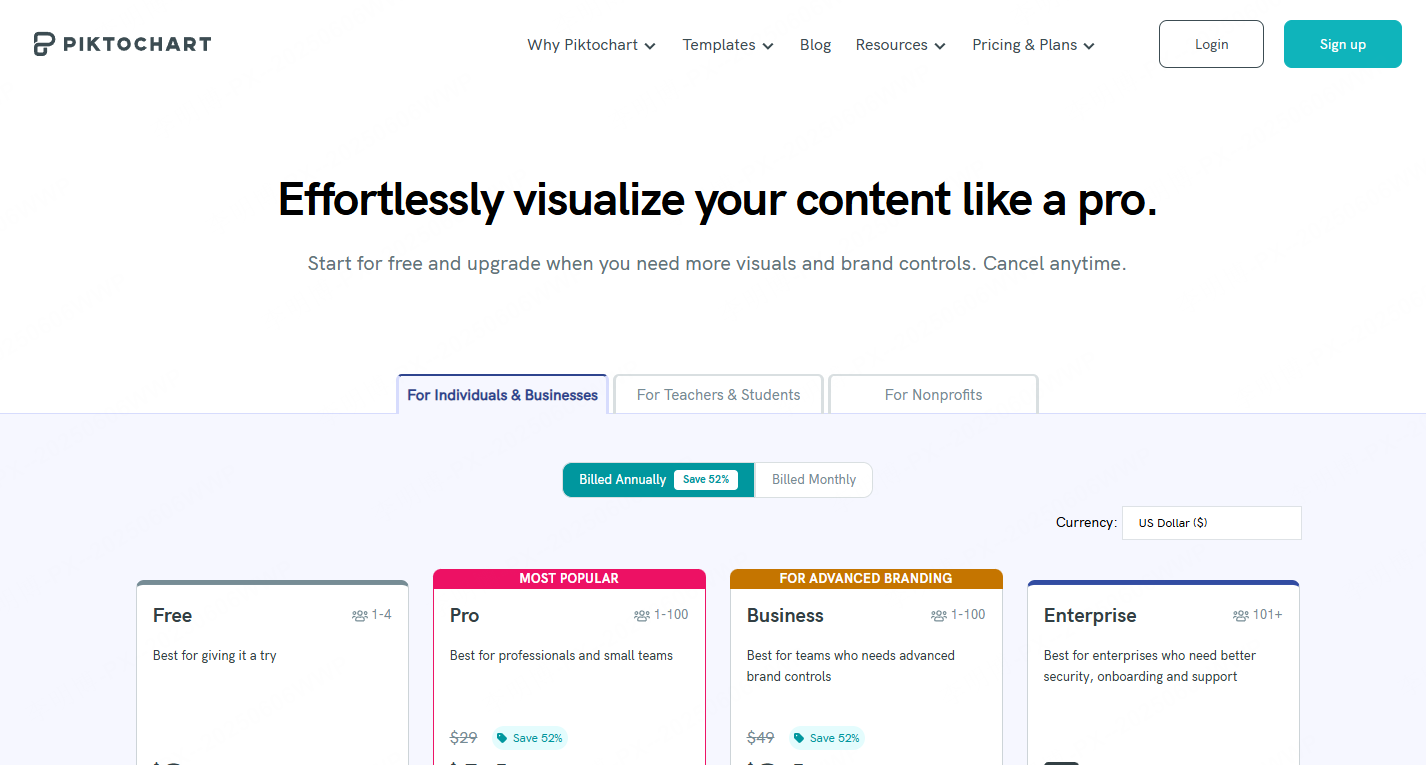
Piktochart is ideal for data heavy presentations. Its infographic style layouts make charts, metrics, and process diagrams visually digestible.
Free Features:
- Chart and data visualization templates
- Check the current project allowance
- PDF export
Best For:
Educators, analysts, marketing teams, and technical communicators.
2.3 PPT Tools Focused on Collaboration & Productivity
8) Pitch
Pitch is a collaboration first presentation tool. Real time editing, version history, and modern UI make it perfect for teams.
Free Features:
- Real time co-editing
- Check the current project allowance
- Check PPTX/PDF access and branding rules for the selected plan
Best For:
Startup teams, remote workers, agile product teams.
9) Zoho Show

Zoho Show provides a smooth multi device editing experience, great for users who switch between desktop and mobile.
Free Features:
- Check the current project allowance
- Full editing tools
- PPTX & PDF export
Best For:
Professionals who edit slides across laptops, tablets, and phones.
10) Prezi
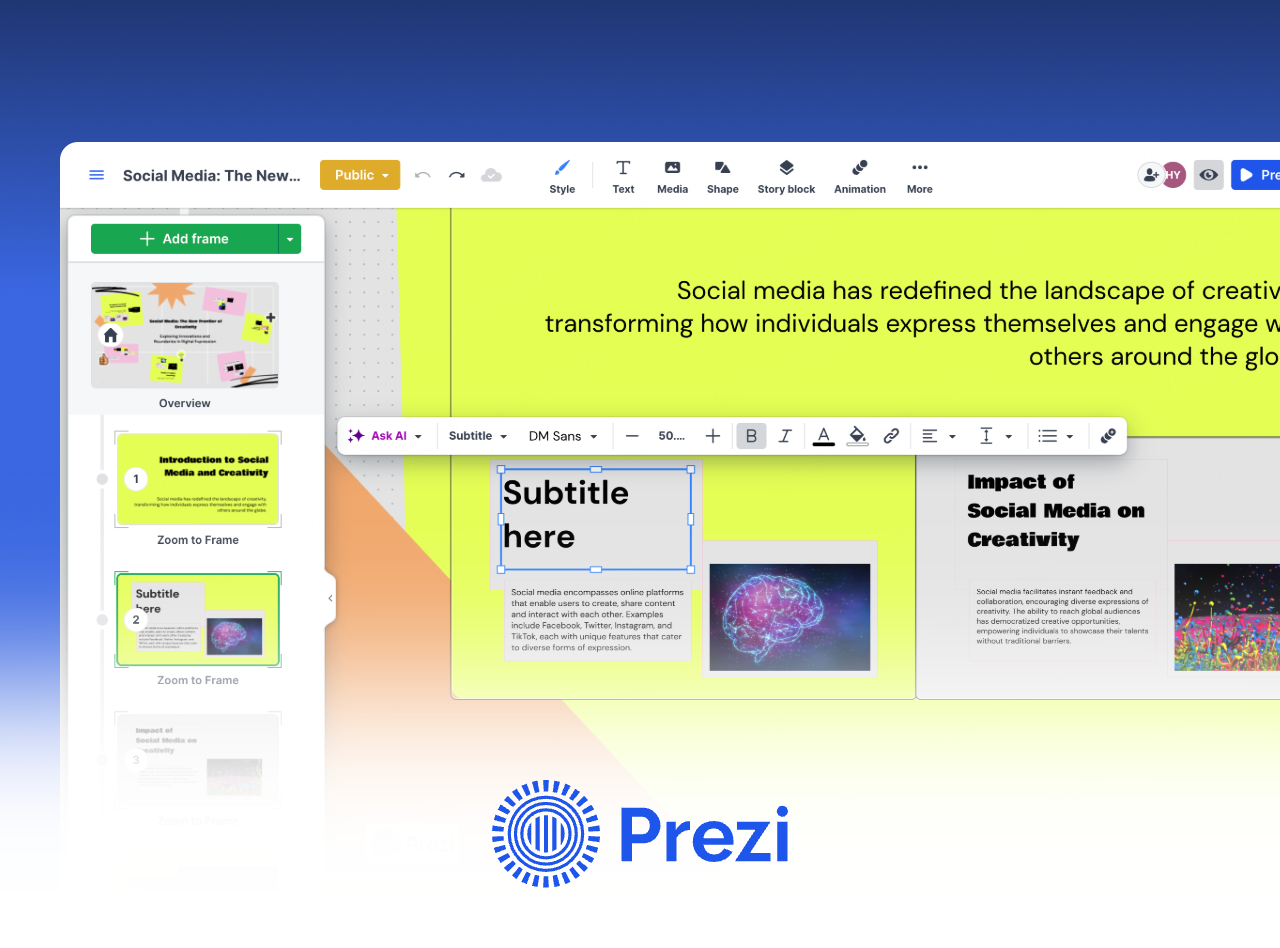

Prezi is well known for its zooming and motion based storytelling format. Presentations feel more dynamic than traditional slide decks.
Free Features:
- Check project, privacy, and storage conditions
- Motion based presentation editor
- Shareable presentation links
Best For:
Educators, speakers, and trainers who want more engaging presentation flows.
3. How to Choose the Best Free PPT Generator
Here are quick recommendations based on your priorities:
| Priority | Recommended Tools |
|---|---|
| Quick drafting | Presenti AI, Haiku Deck |
| Template and layout design | Beautiful.ai, Canva |
| Best for data visualization | Piktochart |
| Best for team collaboration | Pitch, Zoho Show |
| Best for storytelling | Prezi |
Free access and trials include limitations, so try the free version first to ensure it fits your workflow.
Conclusion
From AI powered generators like Presenti AI to minimalist design tools like Haiku Deck or team collaboration platforms like Pitch, there’s a free PPT tool for every workflow. These platforms help educators, developers, project managers, and business teams explore different ways to draft and design slides. Confirm the cost of the complete workflow, including the final export.