

Creating a high quality business presentation is not only about clear data and strong arguments. Visual assets play a critical role in how your message is perceived. The right presentation images can instantly improve credibility, clarity, and audience engagement. Whether you are preparing a project update, a technical roadmap, an investor pitch, or an educational lecture, choosing the right business presentation images helps transform complex ideas into clear, persuasive visuals.
This guide walks you through why professional presentation images matter, common image types used in business slides, reliable image resource websites, and practical tips for selecting and using visuals effectively. It also explains how AI powered tools can streamline the entire process.
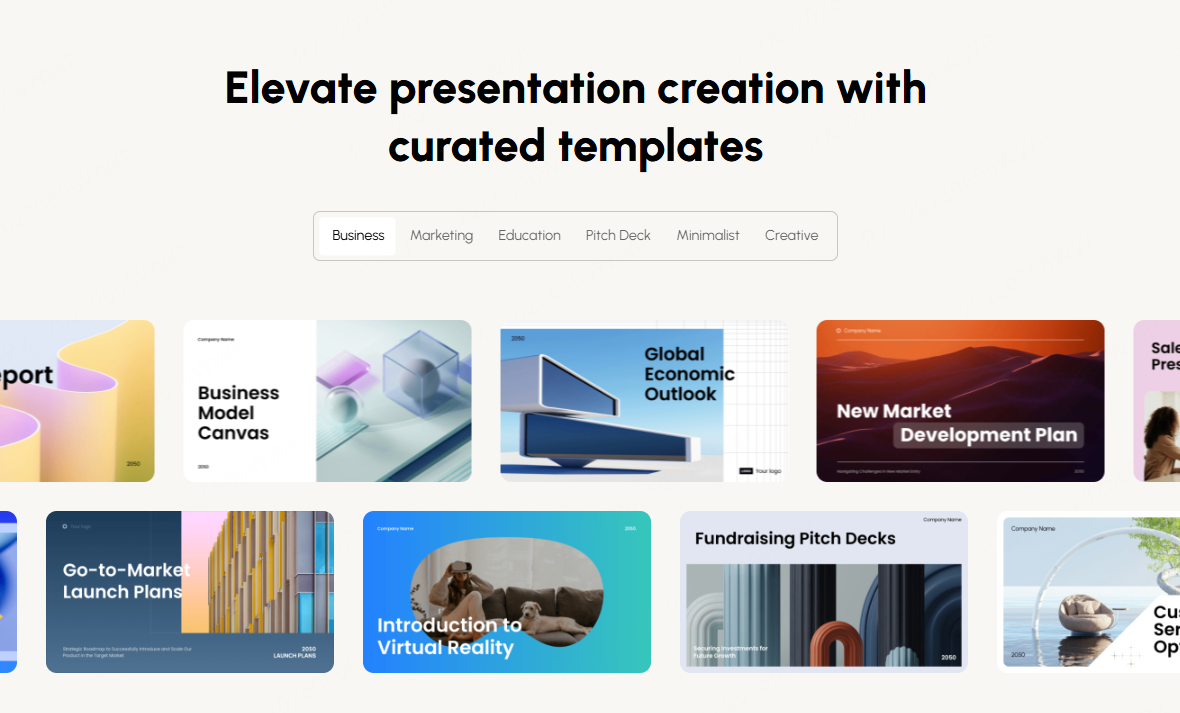
1. Why High Quality Business Presentation Images Matter
In professional presentations, visuals often communicate faster and more clearly than text alone. A well chosen image can convey context, emotion, and structure in seconds.
Visuals Improve Clarity and Engagement
Charts, diagrams, and contextual photography help audiences understand complex data and workflows more efficiently. For example, a clean process diagram can replace multiple paragraphs of explanation. A realistic team collaboration image can reinforce trust and professionalism during stakeholder meetings.
Professional Images Build Credibility
Low quality or mismatched visuals can weaken your message. High resolution, consistent business presentation images enhance the overall polish of your slides and reflect positively on the presenter and the organization.
Legal and Licensing Considerations
Using properly licensed images is essential for corporate and educational use. Selecting images from reputable platforms helps avoid copyright issues, especially in commercial presentations, public webinars, or client facing materials.
In short, high quality presentation visuals are not decorative extras. They are functional tools that improve comprehension, credibility, and compliance.
2. Common Types of Business Presentation Images
Choosing the right type of image depends on your presentation goals. Below are the most commonly used categories in professional slide decks.
Meeting and Collaboration Scenes
Images showing team discussions, presentations, handshakes, or workshops visually reinforce themes like cooperation, leadership, and communication. These visuals work well for project updates, consulting reports, and organizational overviews.
Technology and Finance Visuals
Abstract technology backgrounds, data inspired graphics, and digital themed imagery are commonly used in technical briefings, financial reports, and strategy decks. Blue gradients, grid patterns, and minimal data visuals are especially popular in enterprise environments.
Flat Illustrations
Flat style illustrations simplify complex ideas and are ideal for explaining processes, system architecture, or workflows. They are widely used in startup pitch decks, product explanations, and educational presentations.
Office and Urban Environments
Images of modern offices, workspaces, and city skylines help communicate scale, professionalism, and innovation. These visuals are frequently used in company introductions and brand focused presentations.
When selecting any image, always consider both aesthetic consistency and licensing requirements.

3. Recommended Websites for Business Presentation Images
Below are trusted platforms commonly used by professionals in North America and Europe.
(1)Unsplash
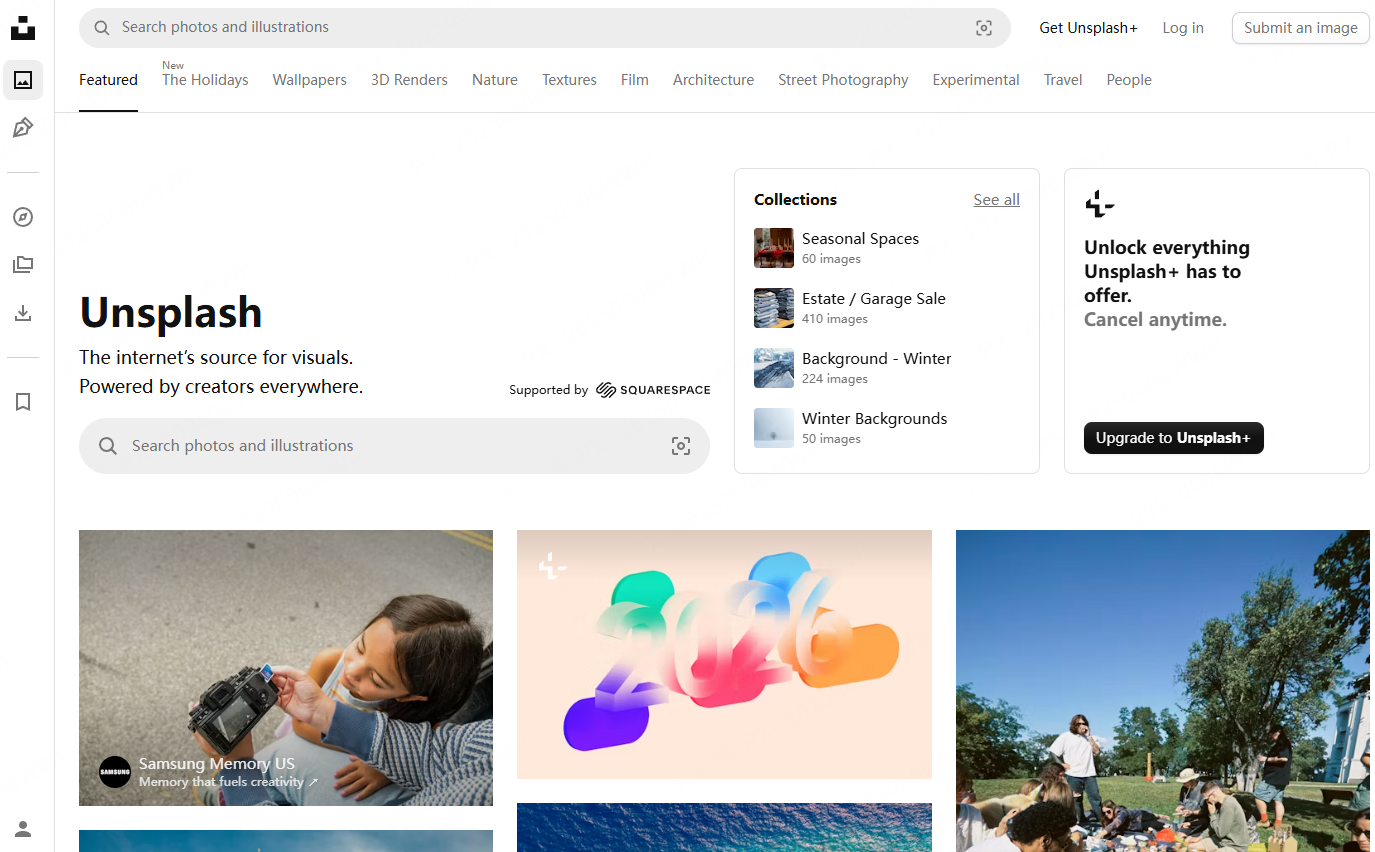
Unsplash is one of the most popular sources for high resolution, royalty free photography.
Key Features
- Large collection of professional quality images
- Free to use for commercial and non commercial projects
- No attribution required
Best Use Cases
- Presentation covers
- Section divider slides
- Background imagery for keynote decks
Practical Tip
Use Unsplash images as full slide backgrounds with a subtle overlay to maintain text readability while preserving a clean, modern look.
(2)Freepik

Freepik is a versatile platform offering illustrations, vector graphics, and design assets.
Key Features
- Extensive library of business themed illustrations and icons
- Supports vector formats such as SVG and AI
- Includes editable templates
Best Use Cases
- Marketing presentations
- Startup pitch decks
- Educational visuals explaining abstract concepts
Practical Tip
Customize vector colors in PowerPoint, Figma, or Illustrator to match your brand palette.
Licensing Note
Some assets require attribution or a premium subscription for commercial use. Always review the license before publishing.
(3)Pexels

Pexels focuses on natural and realistic photography suitable for professional environments.
Key Features
- High quality business and lifestyle photos
- Free for commercial use
- Consistent photographic style
Best Use Cases
- Internal reports
- Company culture slides
- Team focused presentations
Practical Tip
Use Pexels images as supporting visuals rather than dominant elements to avoid distracting from core content.
Vecteezy
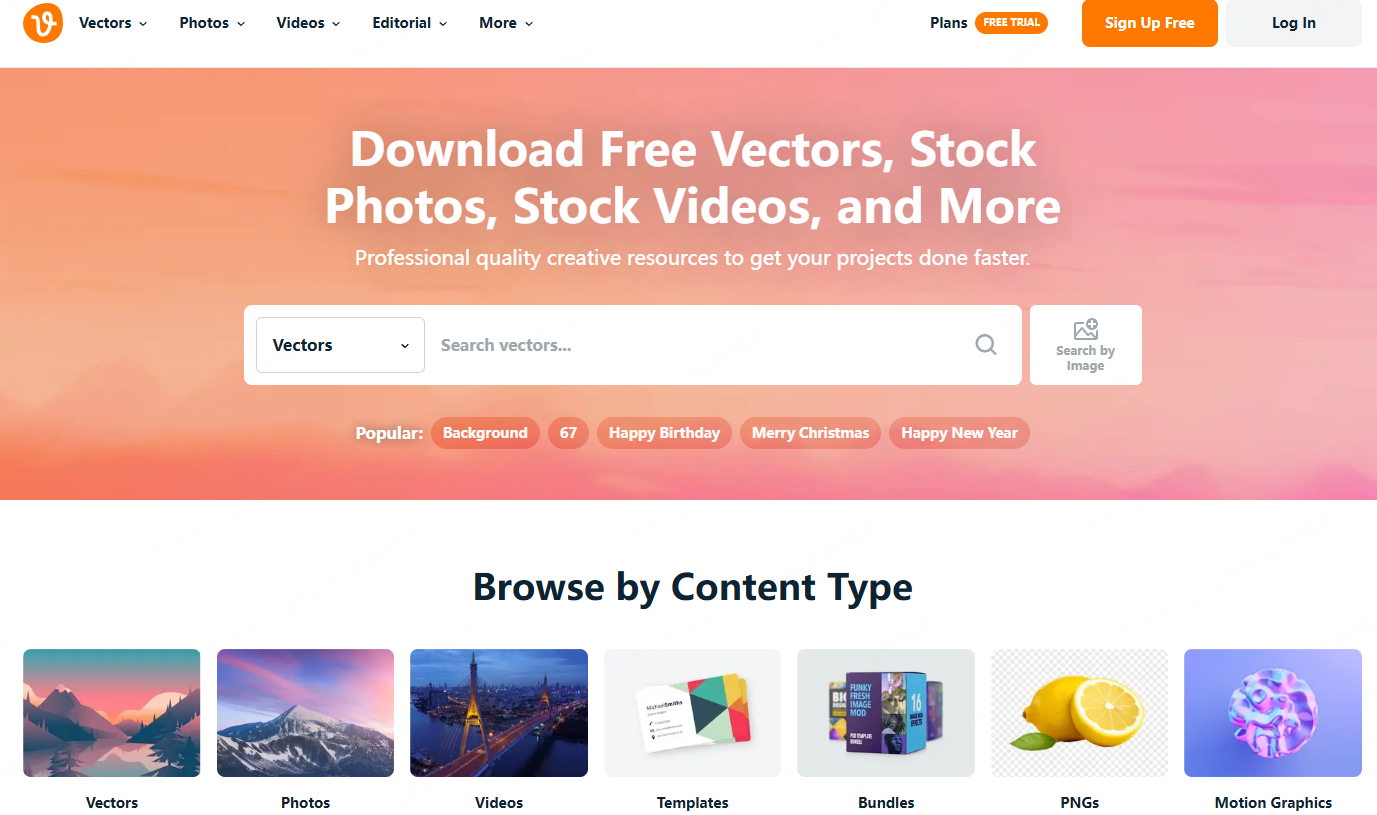
Vecteezy specializes in vector graphics and structured visual assets.
Key Features
- Large collection of icons, diagrams, and infographics
- Supports scalable formats such as SVG and EPS
- Designed for data driven presentations
Best Use Cases
- Process diagrams
- Organizational charts
- Product workflows
Practical Tip
Editable vector assets allow you to adapt visuals directly inside PowerPoint for fast iteration.
Licensing Note
Free assets may have usage restrictions. For commercial presentations, paid plans are recommended.
4. Practical Tips for Choosing Business Presentation Images
Selecting images strategically improves both visual coherence and communication effectiveness.
Maintain Visual Consistency
Use images with similar color tones, lighting, and style across the entire deck. Consistency helps maintain a professional appearance and avoids visual fragmentation.
Match the Business Context
Choose visuals aligned with corporate, educational, or technical environments. Avoid overly decorative or casual images in formal presentations.
Prioritize Resolution and Scalability
Images should remain sharp on large screens and projectors. Avoid compressed or low resolution assets that degrade during presentation.
Balance Images with Text and Data
Images should support the message, not replace it entirely. Combine visuals with charts, bullet points, and annotations to reinforce understanding.

5. Using AI Tools to Streamline Image Selection
Modern AI presentation tools can significantly reduce the time required to search, select, and align presentation visuals.
AI Assisted Image Matching with Presenti AI
Presenti AI automatically recommends images and layouts based on your presentation topic and structure.
Key Capabilities
- Topic based template selection
- Automatically matched business visuals
- Integrated layout and image alignment
Practical Benefits
- Eliminates manual image searching
- Ensures consistent visual style
- Reduces design overhead for technical teams
Ready to Use Templates
Presenti AI includes pre designed business presentation templates where images and layout work together seamlessly. This avoids the fragmented look common in manually assembled slides.
Custom Image Replacement
Users can upload their own images sourced from platforms like Unsplash or Pexels. Presenti AI automatically adapts the layout to fit the new visuals without manual adjustment.
Licensing Confidence
By integrating reputable stock libraries such as Pexels and Pixabay, the platform helps ensure that images are safe for commercial and educational use.
Conclusion
High quality business presentation images are essential for clear communication, professional credibility, and effective storytelling. Whether you are preparing a technical briefing, a classroom lecture, or a client proposal, the right visuals enhance both comprehension and impact.
While manual image selection remains an option, AI powered tools like Presenti AI provide a faster and more consistent approach. By combining smart templates with licensed image libraries, they help professionals create polished presentations with minimal effort.
Investing in better presentation visuals is not about aesthetics alone. It is about communicating ideas clearly, efficiently, and confidently in every professional setting.









