
Creating a presentation from a long document is often one of the most time consuming tasks in academic, business, and creative work. Manually extracting key points, rearranging them into a logical structure, designing layouts, and adjusting formatting can easily take hours. Fortunately, document to PPT tools have evolved dramatically. Modern solutions now use AI to analyze text structure, summarize key ideas, and automatically generate polished slide decks with professional templates.
To help you choose the right tool, we tested seven of the most popular free document to PPT generators. They support Word, PDF, and Markdown files, and can convert content into PowerPoint slides with good accuracy. Below is a complete evaluation of their core features, real world performance, and ideal use cases.
1. Presenti AI (Best Overall Document to PPT Generator)
Rating: ★★★★★

Presenti AI stands out as the most capable tool in our test. Its document parsing accuracy is exceptional: when uploading a Word format market analysis report, the AI correctly recognized hierarchical headings, tables, and charts, and produced a clean PPT draft with professional visual structure.
Key Features
- Full format support: Works with Word, PDF, Markdown, XMind, and mixed text image documents.
- AI powered optimization: Automatically extracts key ideas, builds a logical outline, and applies modern templates and color schemes.
- Cloud collaboration: Real time coediting, version history, and team sharing.
Conversion Quality
Slides include a title page, table of contents, structured content pages, and intelligently formatted tables.
Workflow
Upload → choose a template → generate PPT → refine layouts/images/text → export PPTX.
Ideal for: enterprise training, academic presentations, business reports.
2. Boardmix (Best for Team Collaboration)
Rating: ★★★★☆
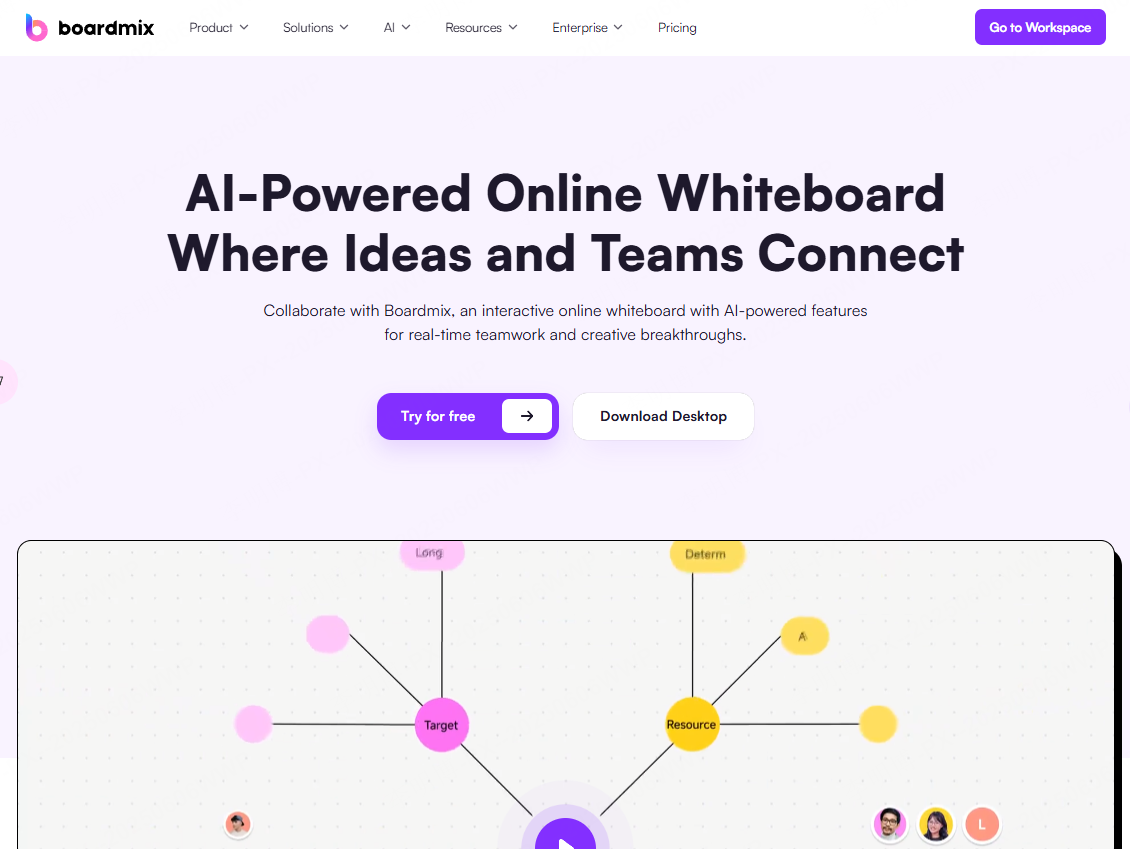
Boardmix is an online collaborative whiteboard with strong PPT related capabilities. During our remote work test, team members were able to brainstorm, create diagrams, and upload documents together in real time.
Key Features
- Flexible content import: Supports PDF, PPT, images, links, and local uploads.
- Smooth collaboration: Real time editing, @mentions, version history.
- Large template library: Education, business, workflow, and more.
Conversion Quality
Whiteboard content can export to PPT, PDF, or high resolution images. Complex mind maps can even be converted into structured documents.
Ideal for: team brainstorming, education, remote workshops.
3. MagicSlides (Best for Educators & Multi Language Users)
Rating: ★★★★☆
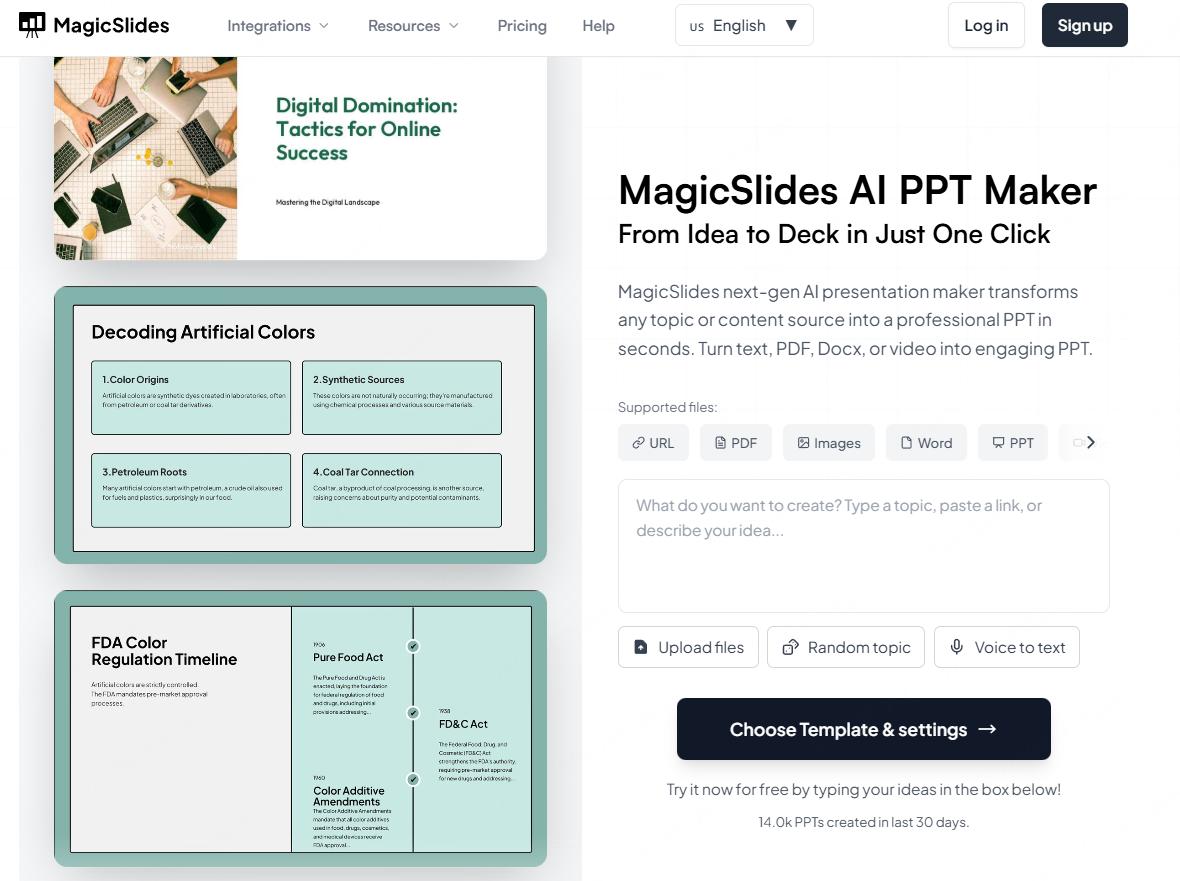
MagicSlides functions as a Google Slides add on and excels in educational scenarios. For example, importing a YouTube link about machine learning produced an eight-slide teaching deck with key timestamps and quiz questions.
Key Features
- Multi source input: Use YouTube links, PDFs, or simple topic keywords.
- Global language support: 100+ languages with auto localized formatting.
- Native Google Slides collaboration.
Conversion Quality
Structured slides with outlines, images, and interactive elements like polls.
Ideal for: teachers, marketers, and Google Workspace teams.
4. DocHub (Fastest for Emergency Conversions)
Rating: ★★★★☆
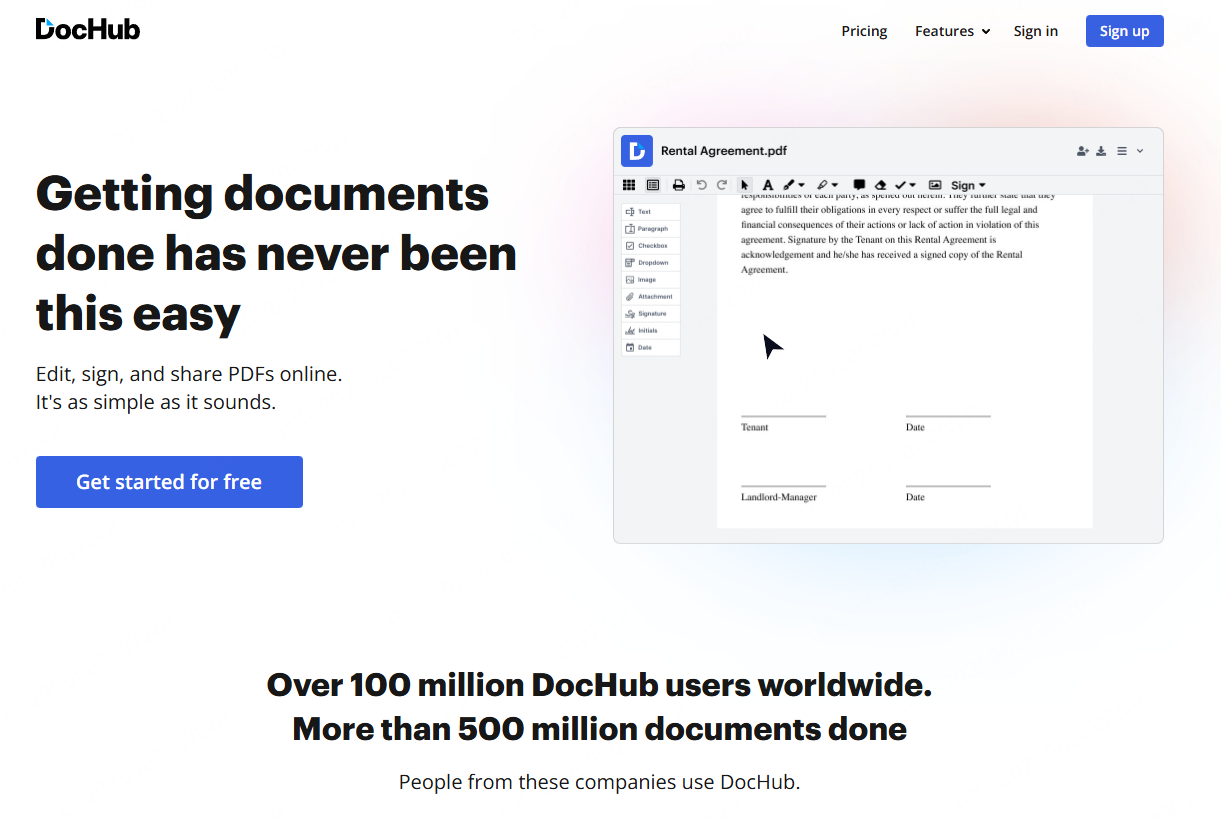
DocHub is the simplest tool on this list. It converted a 20-page PDF meeting memo into a PPT in 15 seconds, preserving text formatting well.
Key Features
- Zero learning curve: Minimal interface; works like classic office tools.
- Bi directional conversion: PDF ⇄ Word ⇄
- Fully free basic features.
Conversion Quality
Good preservation of fonts and paragraphs; complex layouts require manual adjustment.
Ideal for: quick conversions, meeting notes, basic reports.
5. SlidesPilot (Best for Academic Papers)
Rating: ★★★☆☆
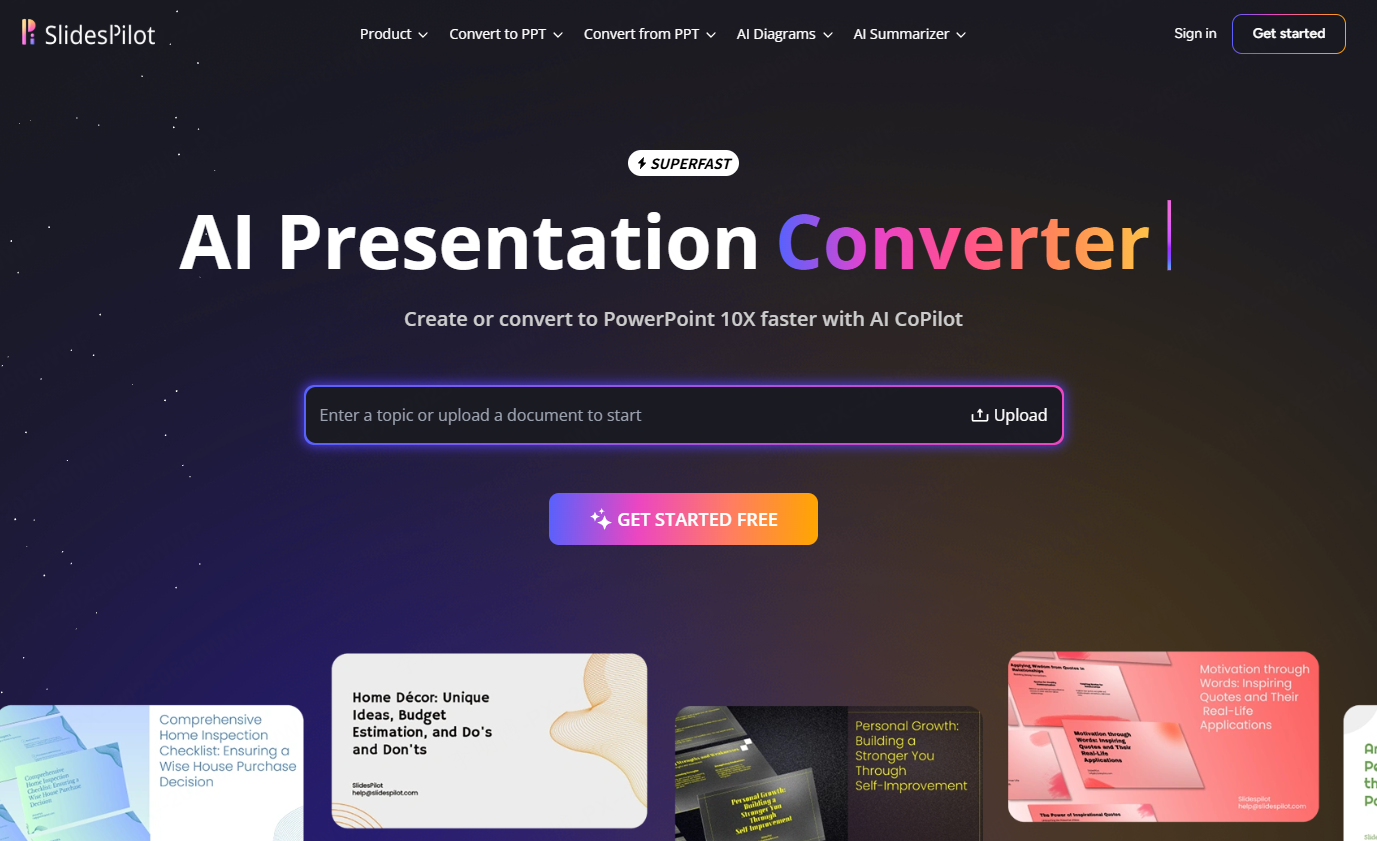
SlidesPilot specializes in research papers. Uploading an IEEE-format PDF generated a structured deck including abstract, methodology, results, and references. However, it cannot parse Chinese documents.
Key Features
- Academic oriented parsing: Recognizes charts, citations, and section hierarchy.
- Multiple output languages.
- Professional color schemes and chart templates.
Ideal for: international conferences, research labs, graduate students.
6. ChatBCG (Best for Business Plans & Strategy Decks)
Rating: ★★★★☆
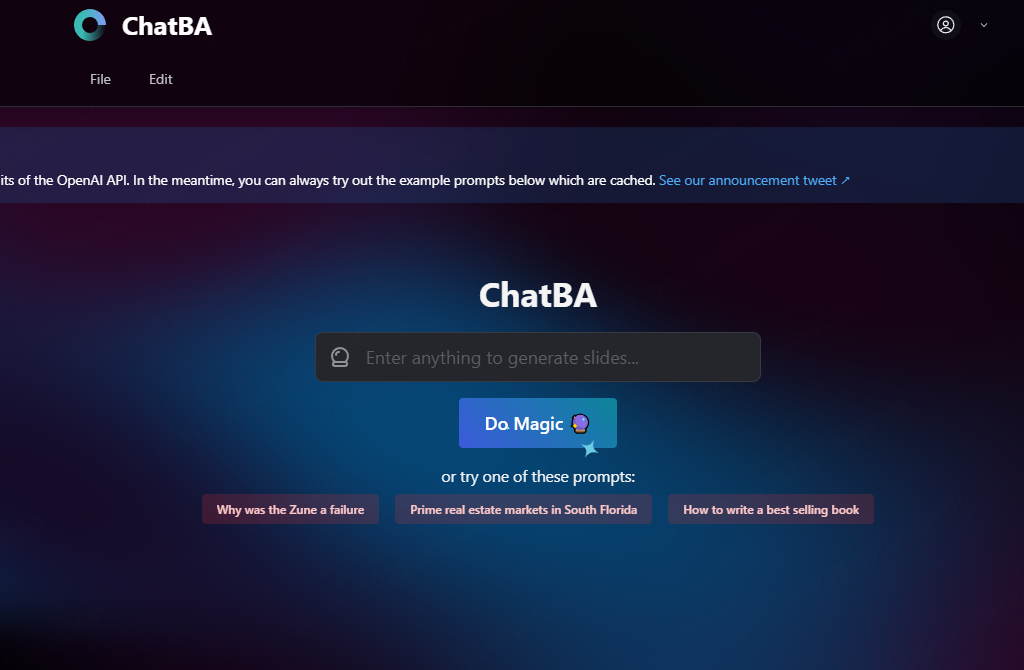
Developed by a Stanford team, ChatBCG delivers outstanding logical structuring. Entering a startup business plan topic produced BCG style outlines covering market analysis, competition, and financial projections.
Key Features
- High level logical structure using BCG frameworks.
- Integrated editor for real time text and style edits.
- Completely free.
Conversion Quality
Clean slides with Unsplash images (free but not industry specific).
Ideal for: startup pitch decks, course assignments, early phase business planning.
7. FigmaSlides (Best for Designers & Creative Teams)
Rating: ★★★★☆
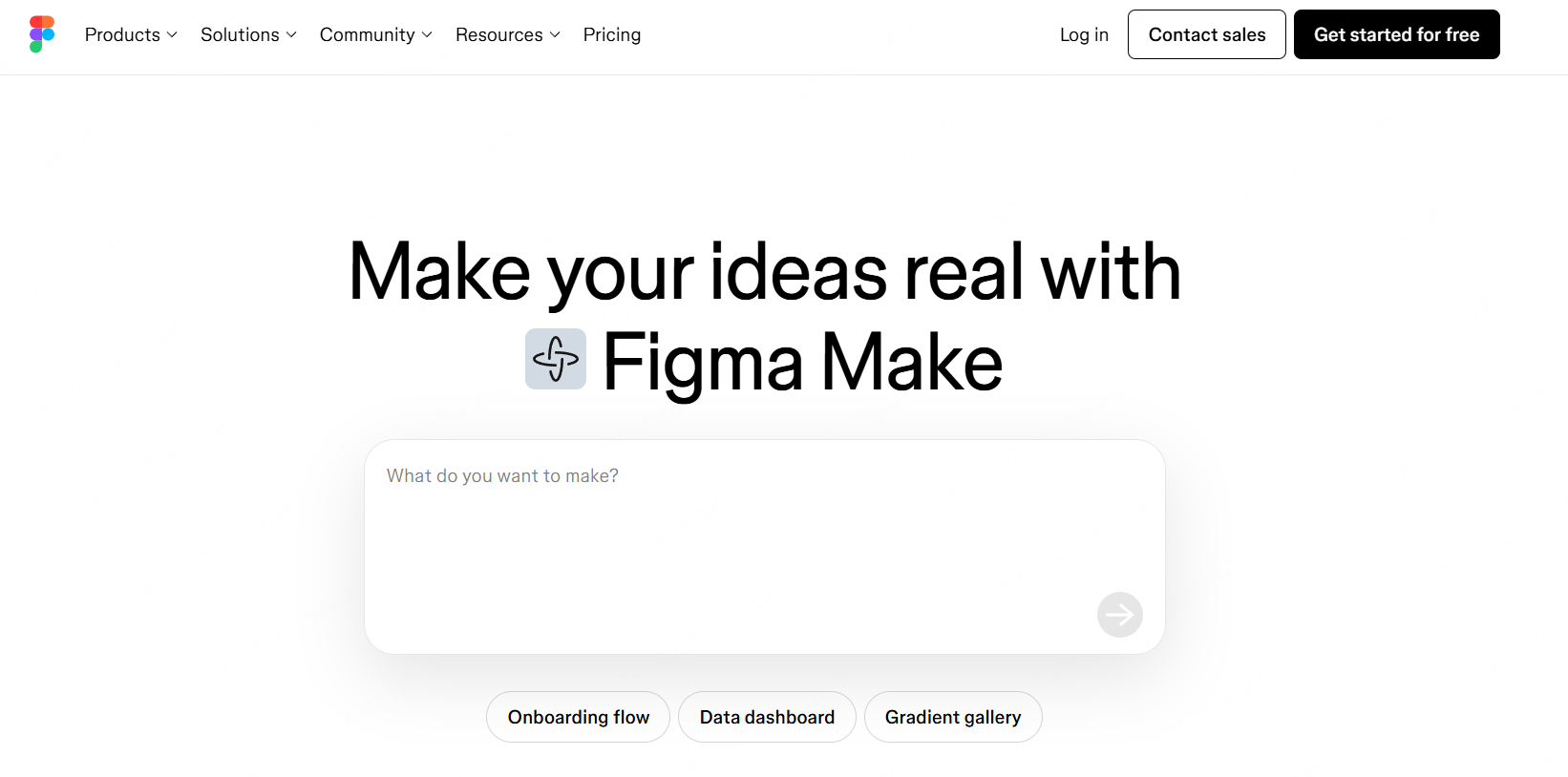
FigmaSlides is extremely powerful for teams that already use Figma. It automatically applies brand assets (logos, fonts, colors) when generating PPTs.
Key Features
- Design flexibility: Auto layout, advanced attributes, interactions, prototype embedding.
- Real time collaboration across design teams.
- Figma ecosystem integration with design systems and icon libraries.
Ideal for: advertising agencies, UI/UX teams, high fidelity product demos.
Conclusion
A good generator should offer:
- Format compatibility (Word, PDF, Markdown, images)
- Accurate content parsing with AI summarization
- Design optimization with themes, layouts, and styling
- Collaboration features for team workflows
Best overall choice: Presenti AI excellent parsing, AI optimization, and team collaboration.
Other tools excel in specific cases: MagicSlides (education), DocHub (quick conversion), FigmaSlides (design), and Boardmix (team ideation).
If you want a reliable, intelligent, and high quality conversion experience, Presenti AI is the strongest all around solution.









