AI powered presentation tools have become a practical solution for professionals who need to create polished slides under tight deadlines. Traditional slide creation often requires hours of layout design, visual adjustments, and manual content structuring. For many teams, this process slows down productivity and distracts from strategic thinking.
Nowadays, free AI presentation generators can automatically structure content, optimize layouts, and even suggest visuals. What used to take an entire afternoon can now be completed in minutes. In this guide, we review 7 reliable free AI presentation tools, comparing their features, real world performance, and ideal use cases to help you choose the right solution.
1. Presenti AI
Rating: ★★★★★
Presenti AI is a versatile AI presentation maker designed for professional and academic workflows. It supports multiple file formats and focuses on intelligent content extraction, layout automation, and team collaboration. Compared with generic slide builders, Presenti AI performs especially well when handling structured documents and long form content.
Key Features
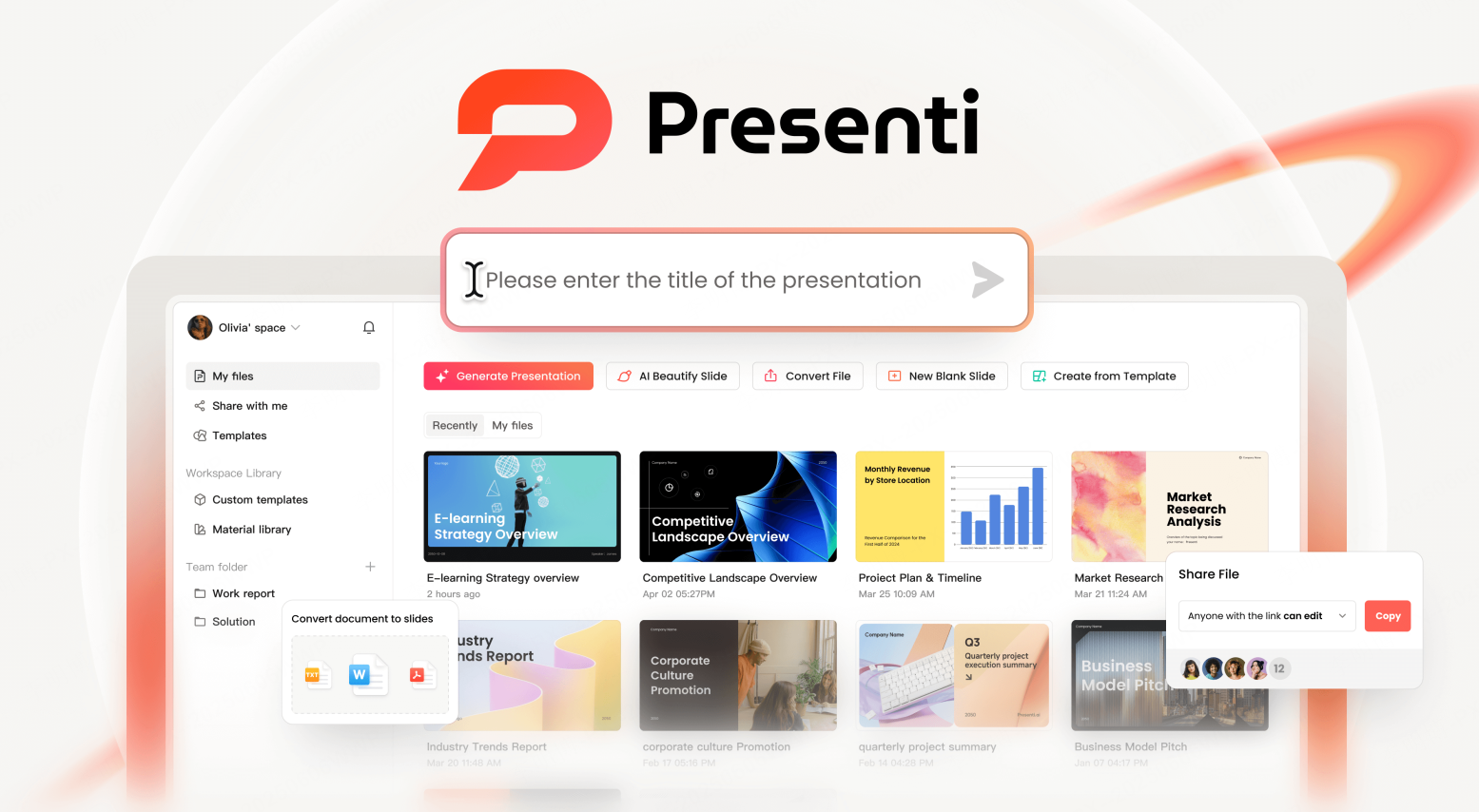
Presenti AI allows users to import documents such as Word files, PDFs, and mind maps. The AI automatically identifies key points and converts them into structured slide content. You can also generate a full presentation by simply entering a topic.
The platform includes industry specific templates for business reports, education, and research. It automatically optimizes layout, color schemes, charts, and typography. Text refinement tools help improve clarity and tone, while custom brand templates ensure visual consistency. Multi device collaboration and version auto saving make it suitable for team environments.
Practical Highlights
In hands on testing, Presenti AI quickly produced a complete and professional slide framework with minimal manual editing. Its AI image handling and content refinement noticeably improved slide quality. Users can replace templates, layouts, color palettes, and visual assets in one click. Overall presentation production time was reduced by roughly three times.
Best Use Cases
Enterprise presentations, investor pitch decks, internal reports, and academic papers converted into slides.
Limitations
Highly complex layouts may still require manual fine tuning. Some advanced features are locked behind paid plans.
2. Decktopus
Rating: ★★★★☆
Decktopus focuses on logical structure and clarity, making it suitable for academic and business presentations. It supports outline imports from Google Docs and adapts content based on audience type.

Key Features
Decktopus generates structured slides with text and visuals from imported outlines. Its audience customization feature adjusts content depth depending on whether the audience is technical, executive, or educational.
Practical Highlights
For academic presentations, Decktopus automatically generates reference slides following APA standards. Data charts can update dynamically, which is useful for reports that evolve over time. The free version includes professional templates suited for formal presentations.
Best Use Cases
Thesis defenses, policy briefings, technical proposals, and research presentations.
Limitations
Free tier generation speed is slower. Complex formulas often require manual formatting.
3. Tome
Rating: ★★★★☆
Tome emphasizes storytelling rather than traditional slide structure. It supports rich media content and non linear navigation, making presentations more interactive.

Key Features
After entering a topic, Tome generates a narrative flow with a clear storyline. Users can embed videos, 3D models, and interactive elements. The non linear format allows viewers to explore content by clicking or scrolling.
Practical Highlights
In product and market analysis scenarios, Tome produced clear problem solution comparison flows. The free plan offers basic templates and supports up to ten pages.
Best Use Cases
Brand storytelling, concept explanation, and immersive training materials.
Limitations
Exported presentations include a watermark on the free plan. Advanced interaction features require a paid subscription.
4. Canva AI Presentation
Rating: ★★★★☆
Canva AI Presentation combines AI slide generation with Canva’s extensive asset library. It is designed for users with little or no design experience.
Key Features
Canva AI automatically matches images, icons, and layouts based on content. Users can generate a full presentation from a single image using Magic Design.
Practical Highlights
Smart layout suggestions adjust spacing, alignment, and visual hierarchy automatically. The free plan includes hundreds of templates, making it easy to create visually appealing slides quickly.
Best Use Cases
Social media content, classroom presentations, and personal creative projects.
Limitations
Many premium assets require a Canva Pro subscription.
5. Slidebean
Rating: ★★★★☆
Slidebean is built specifically for startup and fundraising presentations. Its AI structures content according to investor expectations.

Key Features
Users can upload business plans or outlines, and the AI organizes slides into sections such as problem, solution, market size, and revenue model. Integration with Google Sheets allows automatic generation of financial charts.
Practical Highlights
Templates follow common venture capital standards and emphasize key metrics. The free plan supports export to PPTX, PDF, and shareable links. Presentation mode automatically adjusts layouts for large screens.
Best Use Cases
Startup pitch decks, seed and angel funding presentations, and product launches.
Limitations
The free version offers limited templates. Advanced visuals and dynamic data components require payment. Less suitable for academic content.
6. Designs.ai Presentation
Rating: ★★★★☆
Designs.ai uses conversational AI to guide users through presentation creation. It lowers the learning curve for non designers.
Key Features
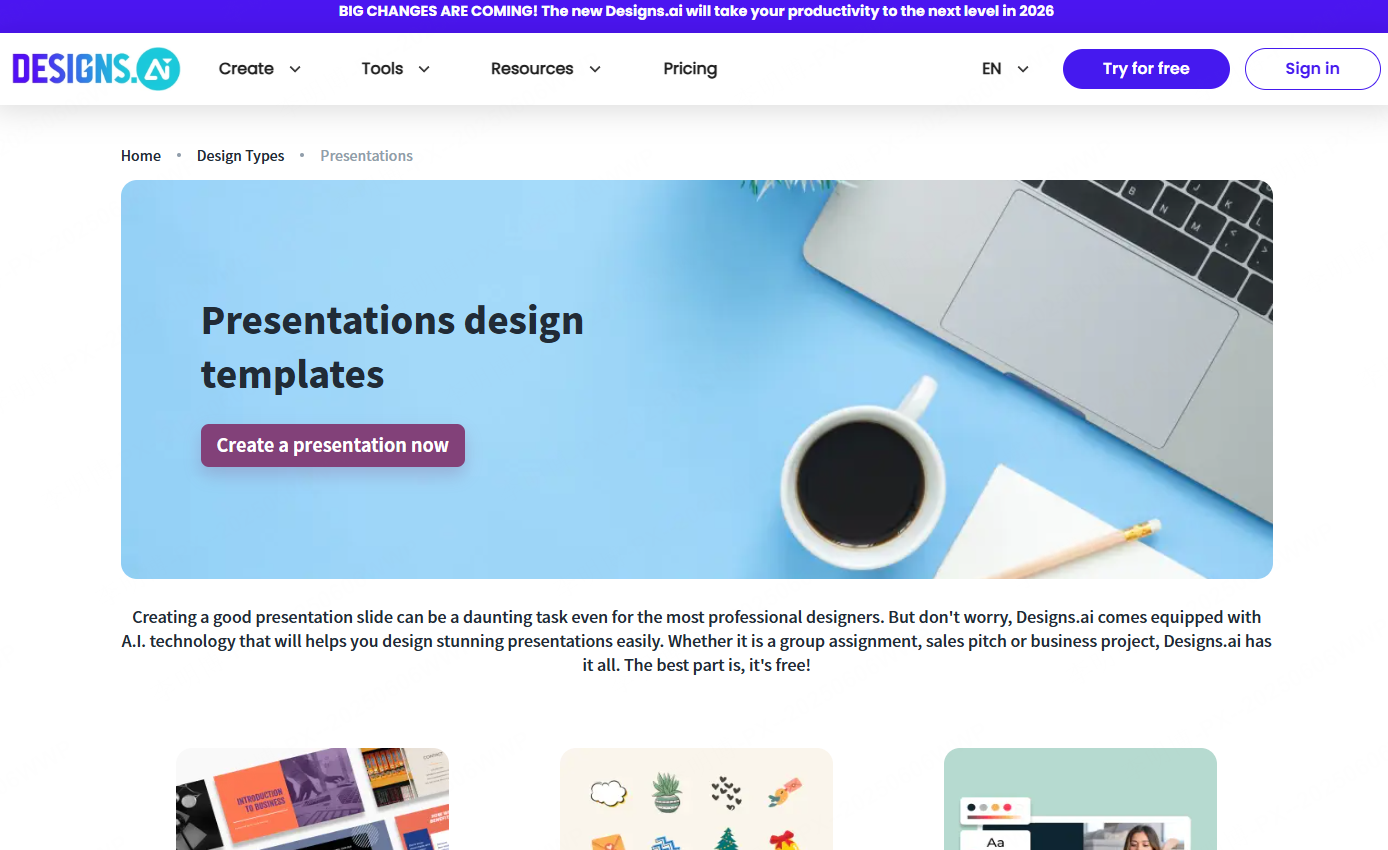
Users describe their needs in a chat interface, and the AI builds slides dynamically. The platform includes a large library of licensed images and icons, with instant style switching options.
Practical Highlights
The AI automatically splits dense text into multiple slides and adds visual support where needed. Multilingual output allows users to generate presentations in English, Spanish, or French, which is helpful for international teams.
Best Use Cases
Marketing reports, internal reviews, and cross cultural communication materials.
Limitations
The free plan allows only three presentations per month with limited export resolution. Complex adjustments may require multiple interaction rounds.
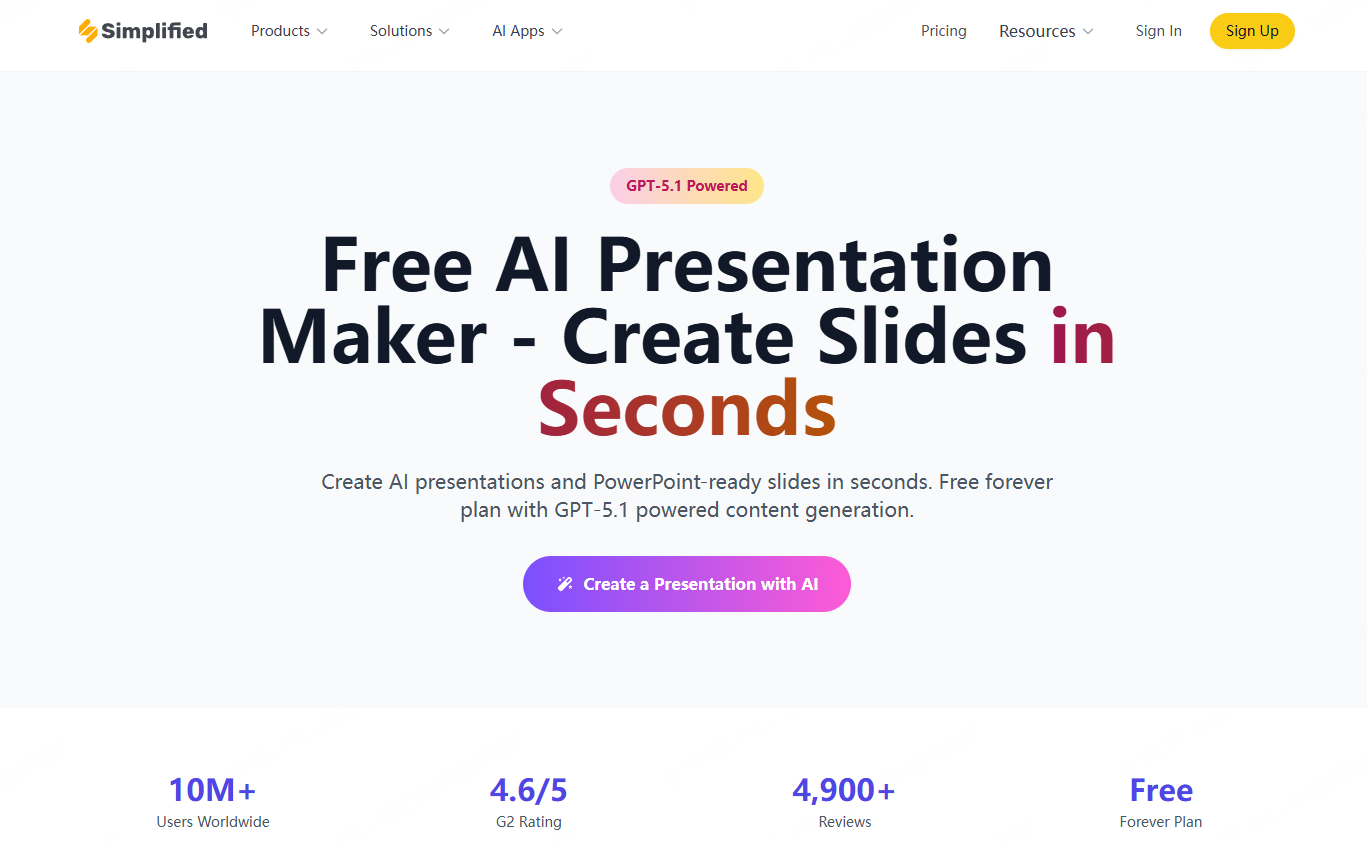
7. Simplified AI Presentation
Rating: ★★★★☆
Simplified AI Presentation offers an end to end workflow from content creation to publishing. It integrates with popular productivity tools.
Key Features
Users can import content from Notion or Google Docs, and the AI converts it into slide outlines. Built in collaboration tools support comments and version tracking. Finished presentations can be shared directly on social platforms.
Practical Highlights
Strong ecosystem integration makes it ideal for teams that rely on cloud based tools. Mobile first templates automatically adapt slides for vertical viewing on smartphones.
Best Use Cases
Remote team projects, social media marketing plans, and global e commerce operations.
Limitations
The free plan limits collaboration to two users. Enterprise integrations require a paid subscription. Template styles may feel too casual for investor presentations.
Final Recommendations
Among free AI presentation tools, Presenti AI stands out for its document import capabilities, intelligent layout design, and team collaboration features. It works well for both business and academic use. Canva AI is a strong choice for visual enhancement, Tome excels at interactive storytelling, and Designs.ai or Simplified are suitable for multilingual and cross border teams.
AI presentation generators are redefining productivity standards. Whether you are a beginner or an experienced professional, combining the right AI tools can significantly reduce preparation time and allow you to focus on ideas rather than formatting. For teams that value efficiency and adaptability, Presenti AI remains a reliable core solution.