Creating a professional PowerPoint presentation does not have to be time consuming or complicated. Nowadays, a wide range of free online PPT generators make it possible to build high quality presentations with minimal effort. These tools can automatically generate slide content, apply professional templates, and allow real time online editing and exporting.
Even if you have no design background, you can still create polished presentations for business reports, classes, training sessions, or project proposals.
In this guide, we have curated 10 simple and reliable online PowerPoint generators. Each tool helps solve common pain points such as lack of design skills, limited time, or difficulty finding good templates. With the right platform, building a great PPT can be fast, structured, and surprisingly easy.
1. Presenti AI
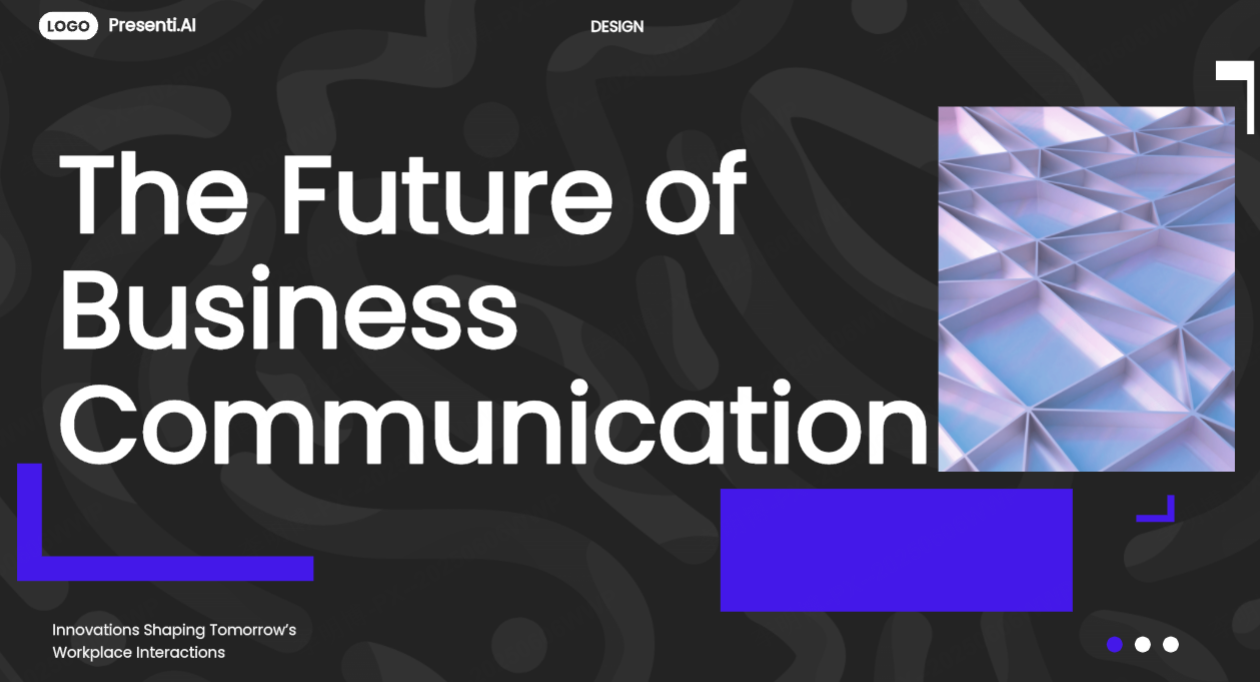
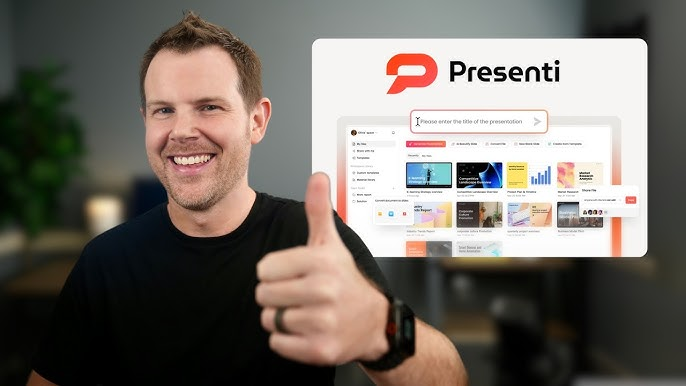
Presenti AI is a powerful AI driven online PowerPoint generator designed for users who want to quickly create professional presentations or improve existing slides with intelligent design assistance. Its clean interface and guided workflow make it accessible for beginners and efficient for experienced users.
Key Features
- AI generates complete slide decks automatically, including titles, body text, visual layouts, and charts
- Multiple input options supported: topic prompt, document upload, pasted text, or URL based generation
- A wide range of professional templates for business reports, training materials, and startup pitches
- Online editing and layout customization with real time collaboration
- Export presentations as PPTX files for use in PowerPoint or Google Slides
Best For
- PowerPoint beginners
- Business professionals
- Students and educators
- Training and instructional designers
2. Tome.app
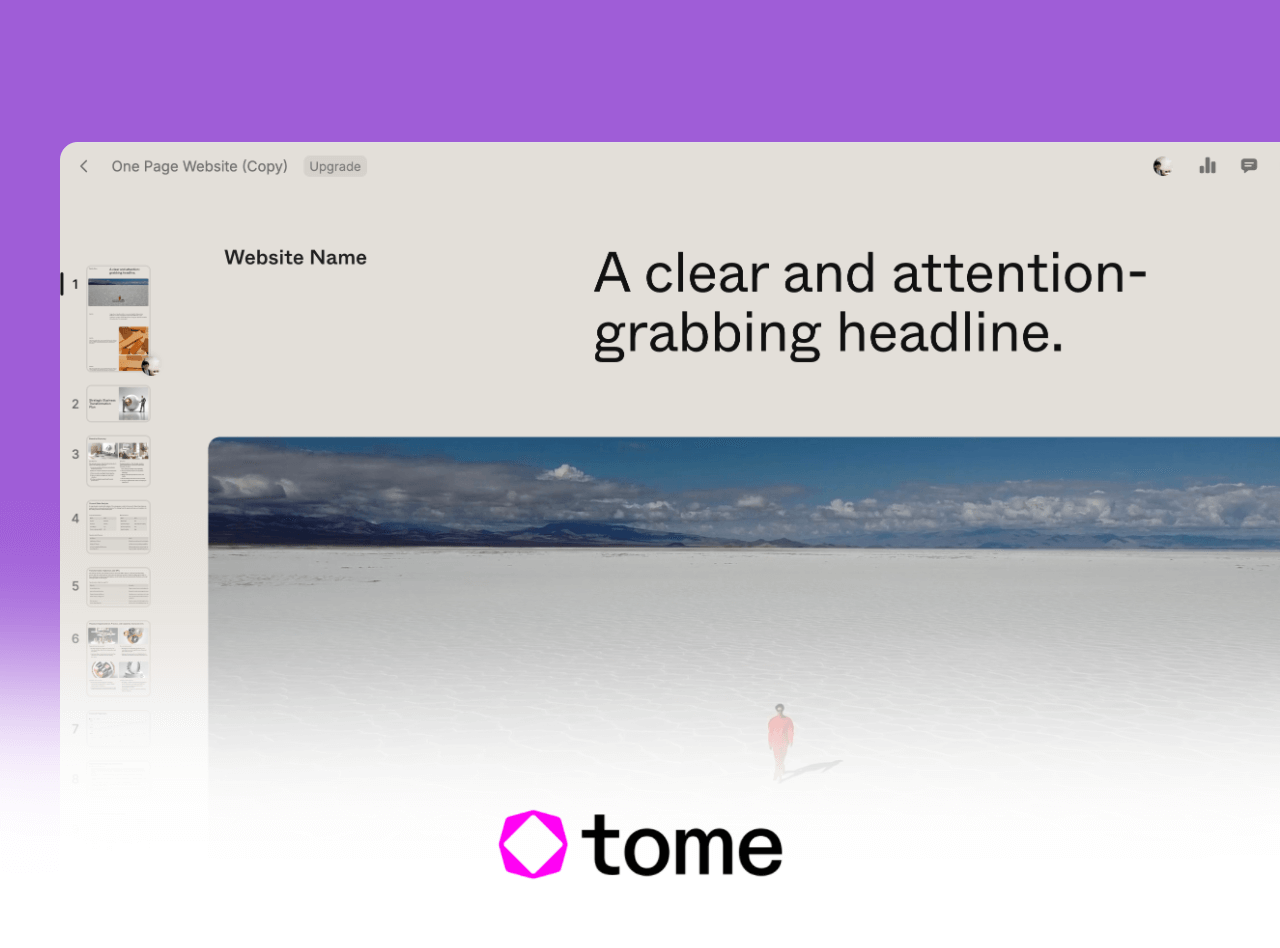
Tome.app is an AI powered presentation platform focused on storytelling. It helps users turn ideas into visually engaging, narrative driven slide decks suitable for modern presentations.
Key Features
- Automatically generates structured outlines and presentation copy
- Modular slide system for flexible visual editing
- Supports animations, rich media, and dynamic charts
Best For
- Startup teams
- Educators creating concept driven lessons
- English language content creators
3. Canva
Canva is a well known online design platform that also excels at PowerPoint creation. It offers extensive template libraries and intuitive drag and drop editing, making it ideal for visually polished presentations.
Key Features
- Thousands of presentation templates across business, education, and creative use cases
- Drag and drop visual editor suitable for beginners
- Real time collaboration with cloud storage and version control
Best For
- Users who prioritize visual design
- Teams working on collaborative presentations
4. Slidesgo
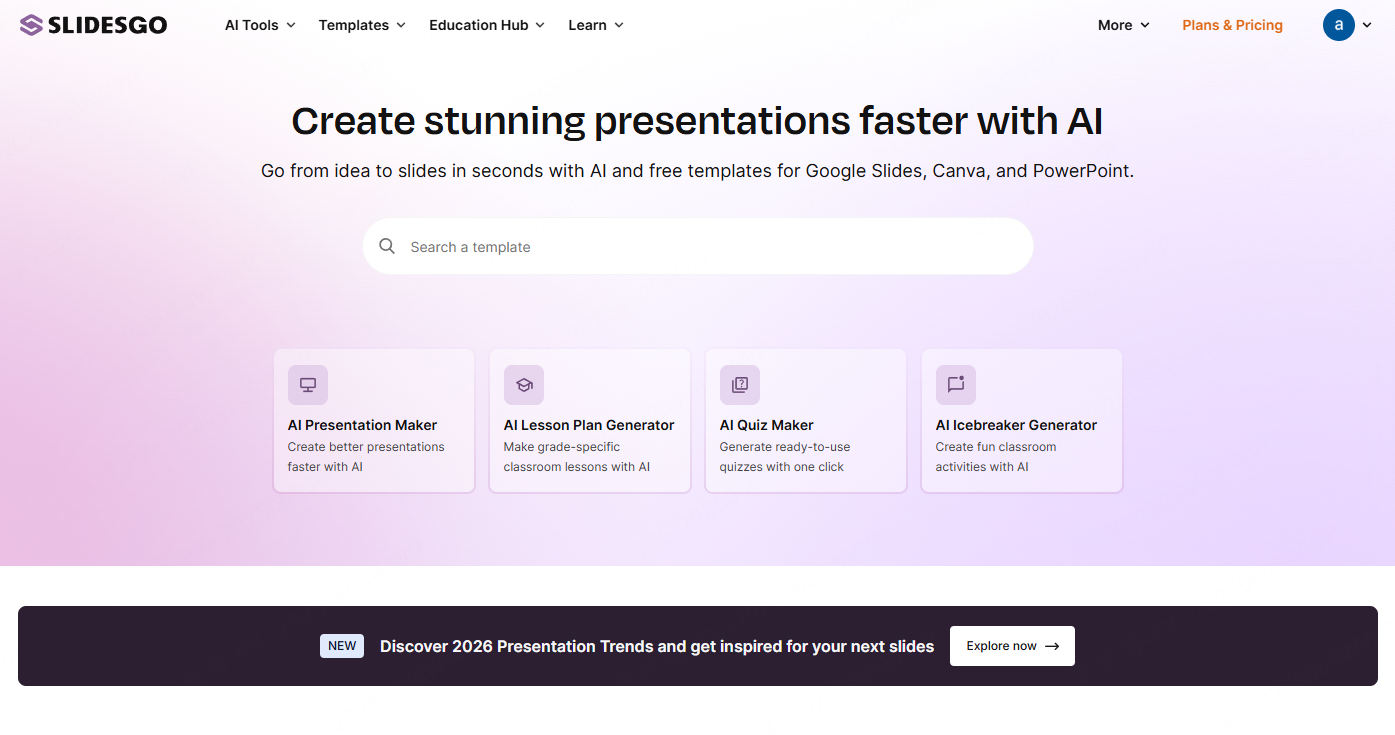
Slidesgo provides a large collection of professionally designed presentation templates that integrate seamlessly with Google Slides. No software installation is required.
Key Features
- Extensive library of free presentation templates with detailed categorization
- One click use in Google Slides with full editing capabilities
- Regularly updated designs that reflect modern presentation trends
Best For
- Educators and teachers
- Students
- Academic presenters
5. SlidesCarnival
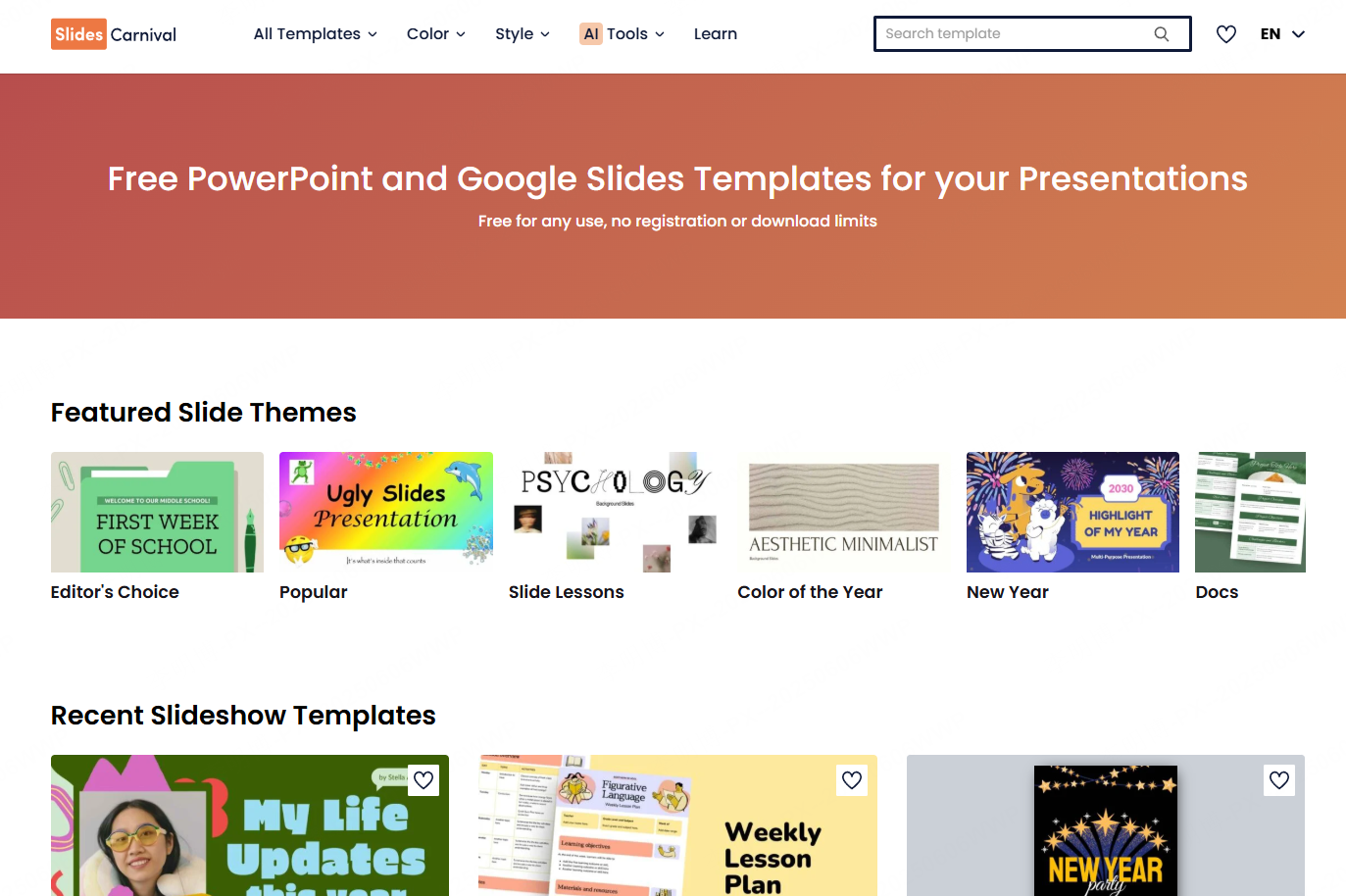
SlidesCarnival does not generate content automatically, but it offers a rich selection of high quality templates that allow users to create professional presentations simply by replacing text and visuals.
Key Features
- Large collection of free PowerPoint and Google Slides templates
- Templates organized by theme such as business, education, technology, and creativity
- Each template includes icons, charts, diagrams, and structured layouts
- Full compatibility with Google Slides for online editing
Best For
- Students and teachers
- Content creators
- Professionals who want fast results using ready made templates
6. Design AC
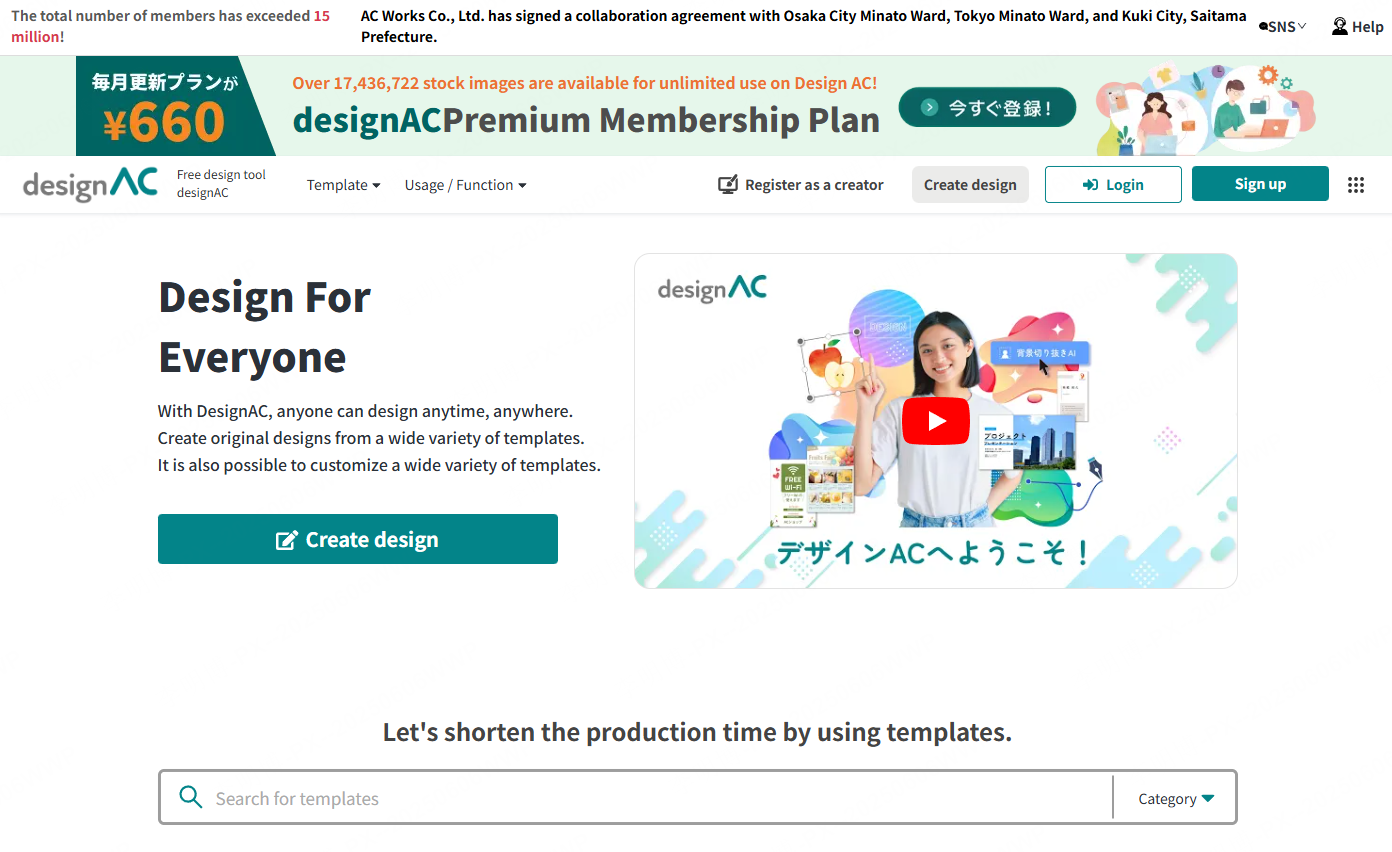
Design AC is a popular online design platform that supports presentation creation alongside posters, resumes, and social media graphics. Its interface is intuitive and does not require any design software.
Key Features
- Extensive library of commercial use templates for presentations and other visual assets
- Browser based drag and drop editor with export support
- Clean, minimalist design styles that work well for modern business presentations
Best For
- Marketing and content creators
- Entry level professionals
- Users who need quick, visually clean presentations without design experience
7. Decktopus
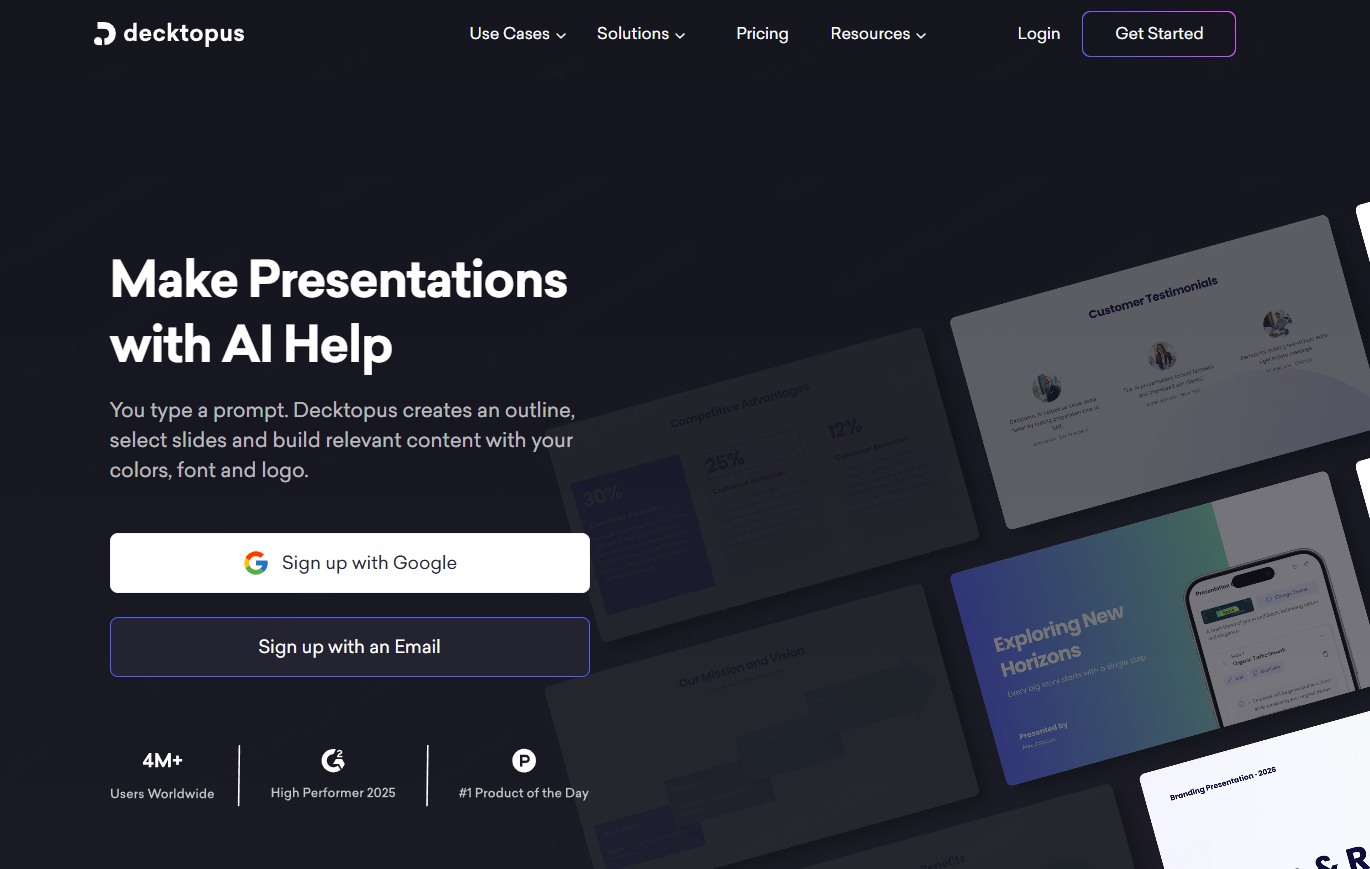
Decktopus is optimized for presentation delivery and public speaking. It focuses on slide structure, content flow, and speaker support.
Key Features
- Automatically generates presentation structure and slide content
- Supports speaker notes, presentation mode, and visual enhancement tools
- Export options include PDF or shareable online presentation links
Best For
- Public speakers
- Trainers and educators
- Users preparing pitch decks or workshops
8. Zoho Show
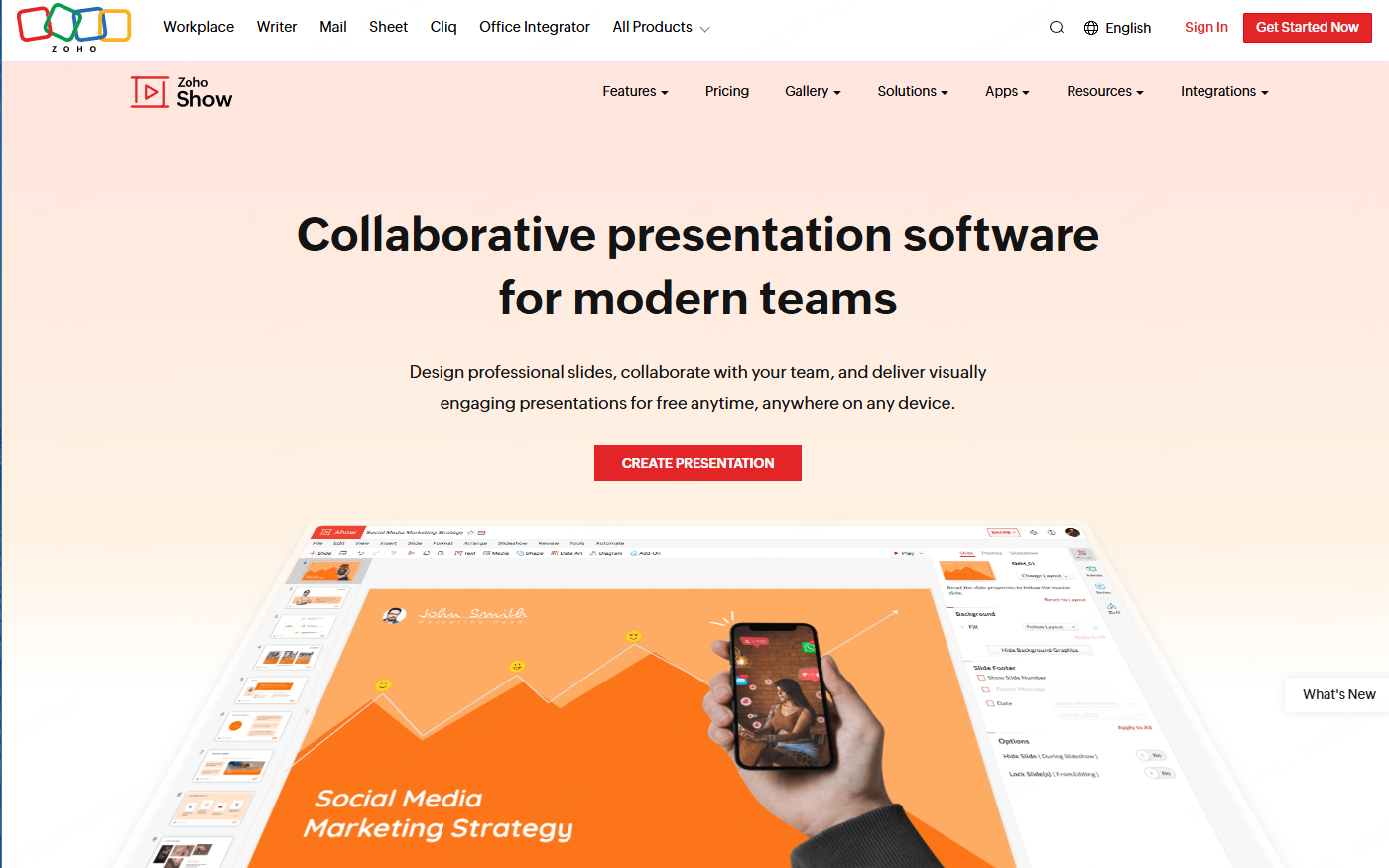
Zoho Show is a full featured online presentation tool that closely resembles traditional PowerPoint software while offering strong collaboration features.
Key Features
- Online slide creation and live presentation capabilities
- Team collaboration with comments, permissions, and version tracking
- Deep integration with the Zoho Office ecosystem
Best For
- Business teams
- Project managers
- Organizations that rely on document centric collaboration
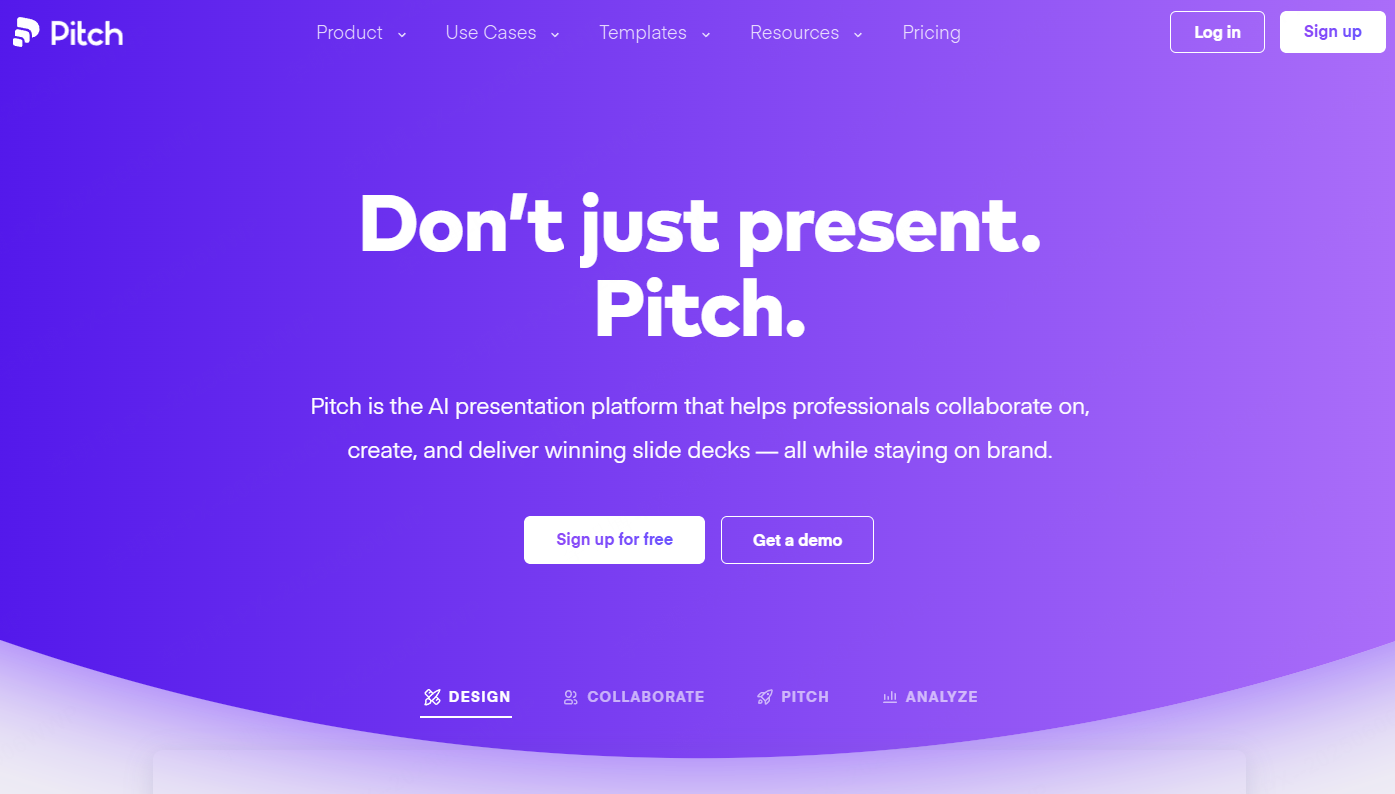
9. Pitch
Pitch is a modern presentation platform designed for fast collaboration and visually consistent slide creation across teams.
Key Features
- Real time team collaboration and version management
- Supports embedded videos, charts, and analytics integrations
- Marketplace of presentation templates for business and startup use
Best For
- Startup teams
- Remote and distributed teams
- Product and marketing teams
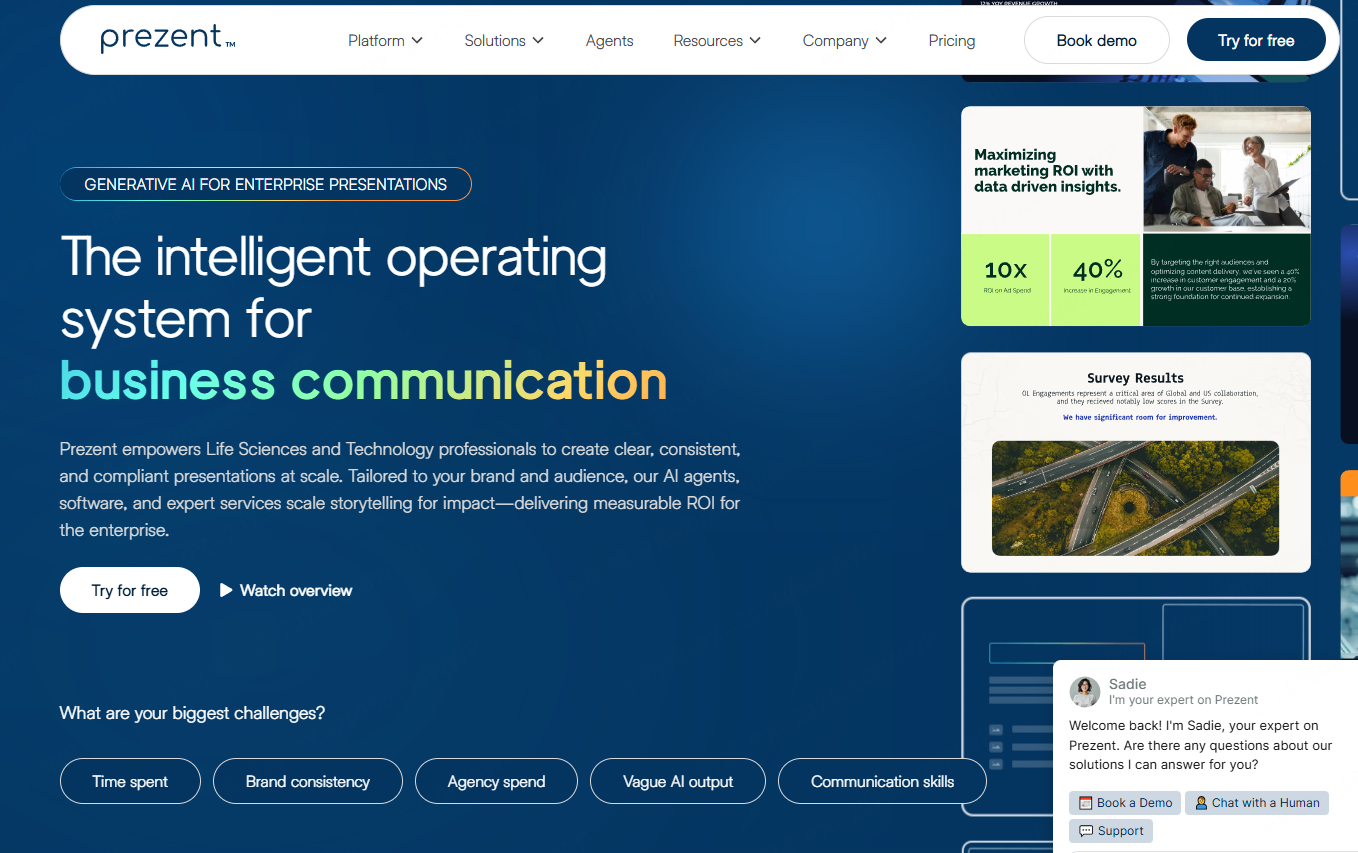
10. Prezent.ai
Prezent.ai is an enterprise focused AI presentation platform designed to maintain brand consistency and improve communication efficiency at scale.
Key Features
- Automatically generates presentations aligned with brand guidelines
- Supports custom enterprise templates and unified design systems
- Built in AI tools for content review and optimization
Best For
- Large enterprises
- Brand and marketing teams
- Corporate communications departments
Final Thoughts
With the help of modern online PowerPoint generators, creating professional presentations no longer requires advanced design skills or hours of manual work. Whether you are preparing a business report, training material, or project proposal, these tools allow you to focus on content while the platform handles structure and design.
Among all the options listed, Presenti AI stands out as a particularly versatile solution. It supports topic based one click generation, offers a rich library of templates, and includes images, charts, and color systems that simplify the entire presentation workflow. For users who want speed, quality, and flexibility, it is an excellent starting point.