
AI PowerPoint
Generator
Create Editable Presentation Drafts
Start with a prompt, PDF, or existing draft. Presenti helps organize your content into slides that you can review, refine, and export as an editable PPTX file on an eligible plan.
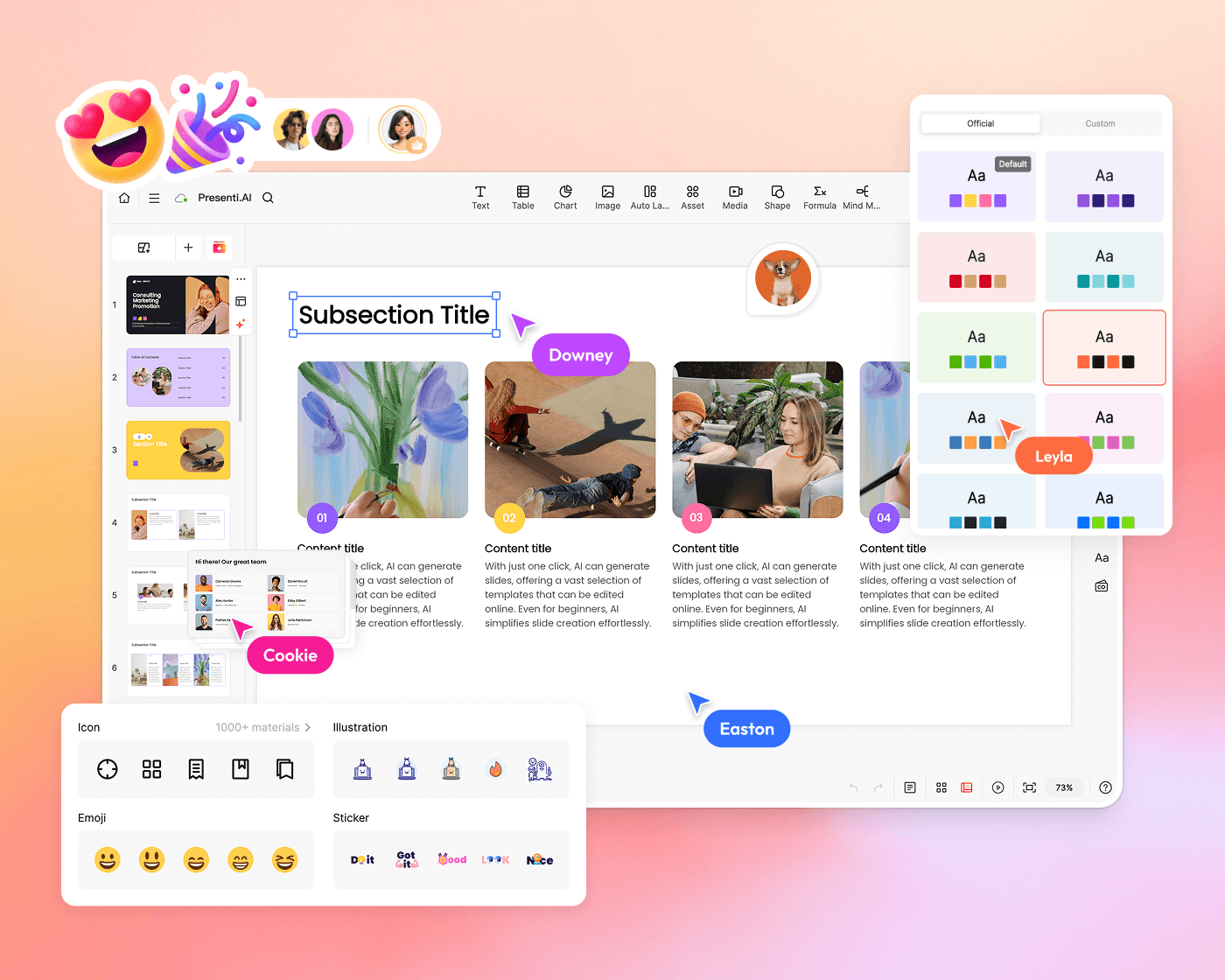
Turn Supported Documents Into Presentation Drafts
Upload a supported document or paste a web link. Presenti helps identify key points and organize them into slide layouts for you to review and edit.
-
 Extract key points from supported documents
-
 Automatic structure detection and
organization
Automatic structure detection and
organization
-
 Smart content grouping into presentation
sections
Smart content grouping into presentation
sections

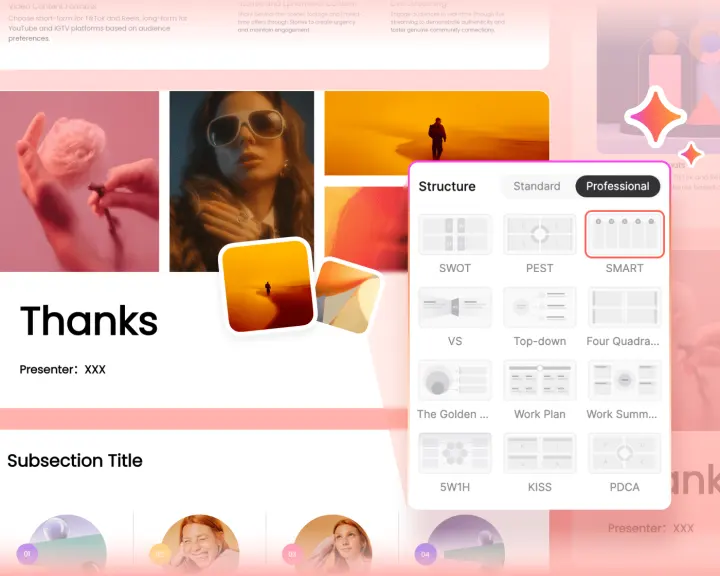
PowerPoint AI Built for Business Logic
Presentation is an intellectual task. Our AI PowerPoint maker applies your content with strategic frameworks. From SWOT and PEST to Pyramid and SMART goals, Presenti AI helps organize your ideas with layouts suited to your chosen framework.
-
 One-Click SwitchingSwap between frameworks instantly
 -
 Business-StandardProfessional, Microsoft-compatible layouts
 -
 Auto-AdaptContent reshapes to fit structure
 -
 Custom TemplatesSave your own frameworks
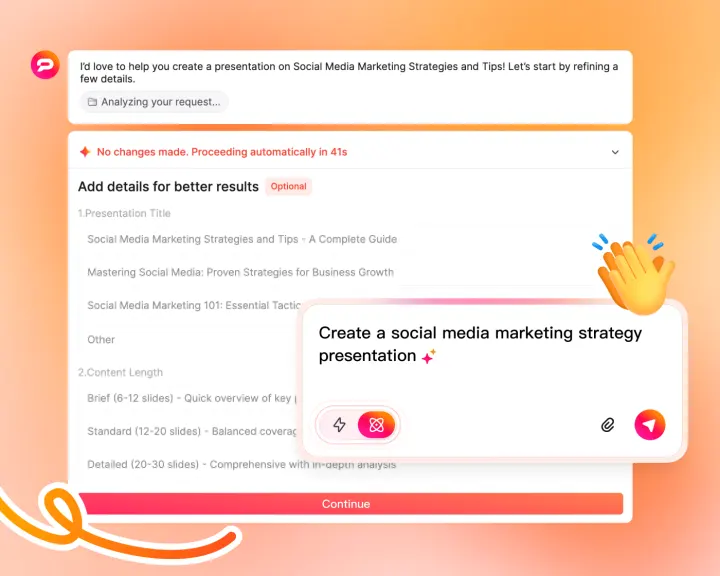
Create PowerPoint Slides with Deep Insights
Use Pro Agent to help research a topic and develop supporting content. Check the sources, dates, and conclusions before presenting the results.
-
 Market ResearchResearch industry information for your presentation
 -
 Trend AnalysisEmerging patterns & insights
 -
 Data IntegrationCharts from your sources
Apply Your Brand Style to AI PowerPoint Presentations
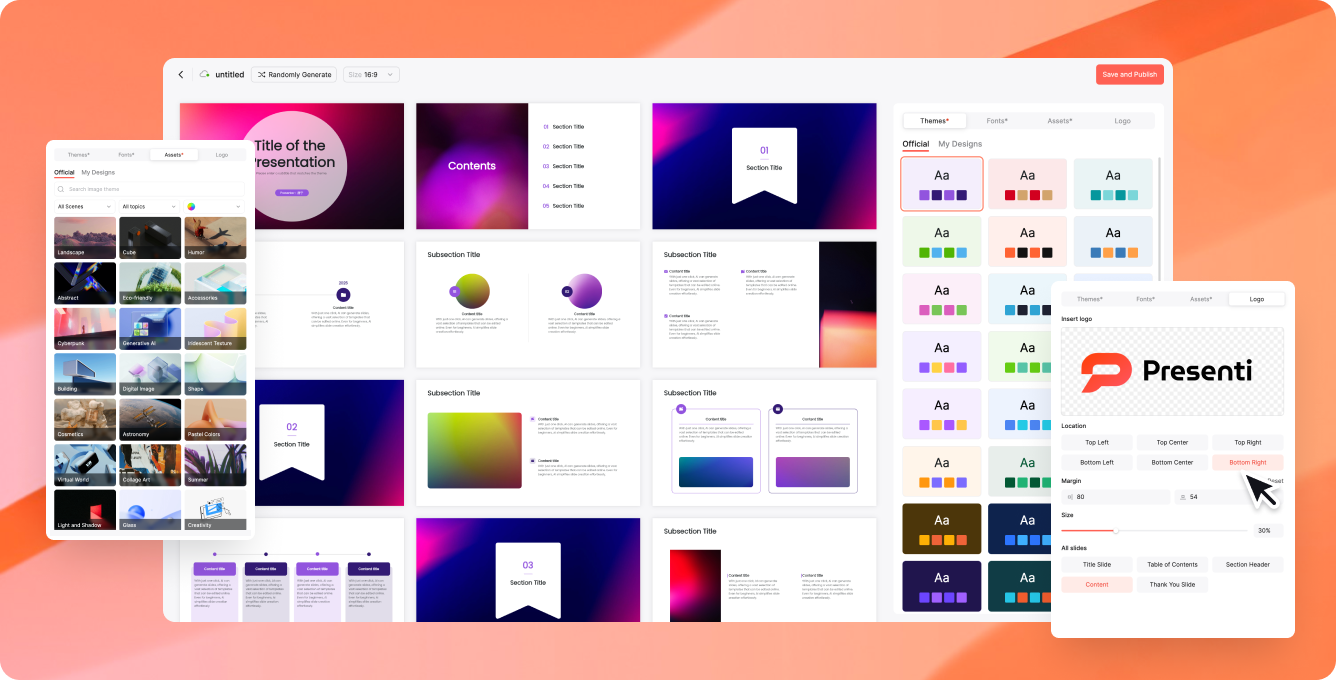
Use your Brand Kit to apply preferred fonts, colors, and logos. Review each presentation for brand consistency before sharing or exporting it.
From Draft to Editable PowerPoint
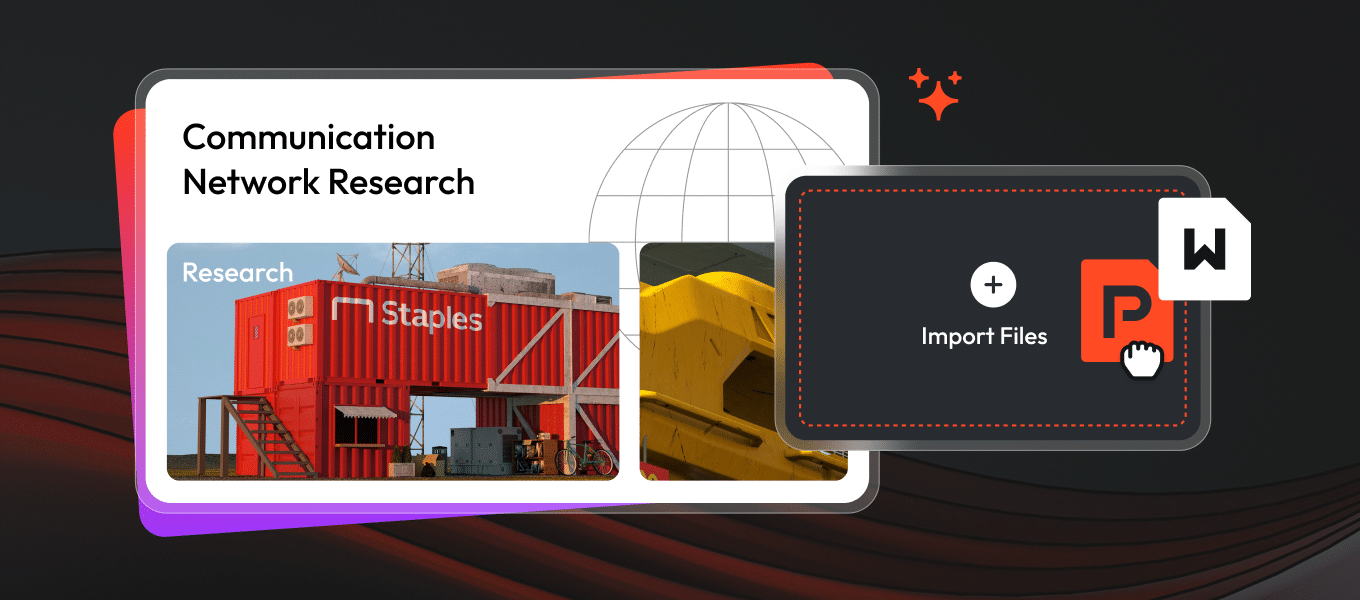
Import a PowerPoint draft, refine its design online, and export an editable PPTX file on an eligible plan. Check fonts and layouts in your chosen presentation software before sharing.

Import
Upload your PowerPoint for AI enhancement


Polish
AI applies professional design & layouts

Edit
Fine-tune with our online editor

Export
Download as PPTX, PDF, or PNG
Professional PowerPoint Templates, Ready to Use
Browse our massive collection of expertly designed templates. Let the PowerPoint AI auto-fill them for any industry, pitch, or use case.
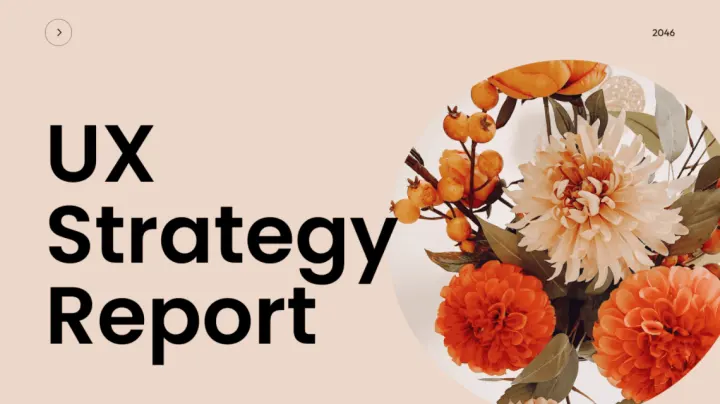
UX Strategy Report

Exploring the Boundaries of Creativity
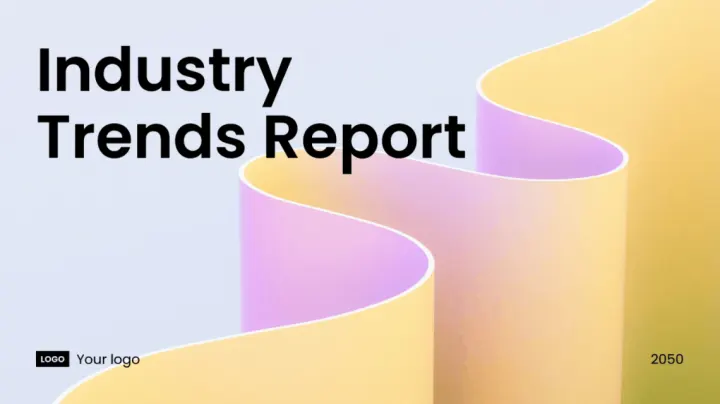
Industry Trends Report
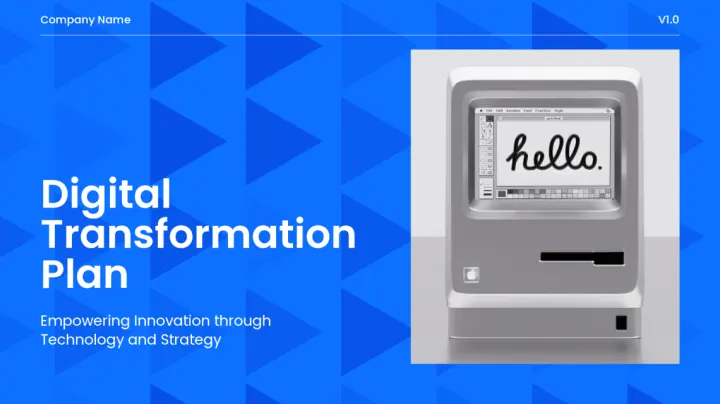
Digital Transformation plan
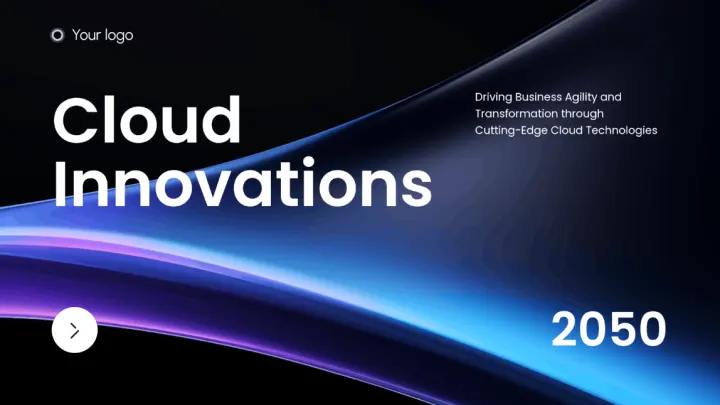
Cloud Innovations

Sales Pitch Presentation
Presentation Use Cases
Ways to use a presentation draft in your workflow.
Business reports
Organize a report into a clear presentation draft, then review the figures, sources, and key conclusions.
Lessons and training
Turn a lesson outline into editable slides and adapt the language, examples, and pacing for your audience.
Sales and project updates
Build a deck around your offer, progress, and next steps. Add supporting evidence and refine it for the meeting.
Frequently Asked Questions
Everything you need to know about Presenti AI
Presenti AI supports a wide range of formats including PDF, Word (DOCX), Markdown, plain text, PowerPoint (PPTX), and web links. You can also record audio for transcription and conversion.
Use Pro Agent to help research a topic and develop supporting content. Check the sources, dates, and conclusions before presenting the results.
You can apply preferred fonts, colors, and logos with Brand Kit. Review the generated slides to check that they follow your brand guidelines.
Presenti can export presentations as editable PPTX files on eligible plans. Review the exported file in your presentation software before sharing: fonts, charts, and layouts may display differently across applications.
We support popular business frameworks including SWOT Analysis, PEST Analysis, SMART Goals, McKinsey Pyramid Principle, Porter's Five Forces, and many more. You can also create custom frameworks for your specific needs.
Presenti offers free access to basic features with a limited amount of AI credits. Paid plans include editable downloads and PPTX/PDF export, with slide limits and monthly allowances that vary by plan. See current plans and pricing and your workspace for the benefits available to your account.
