
Create Stunning Slides with the
Slides AI Maker
Turn ideas, supported documents, and data into a slide draft. Review the content and customize your presentation with editable layouts.
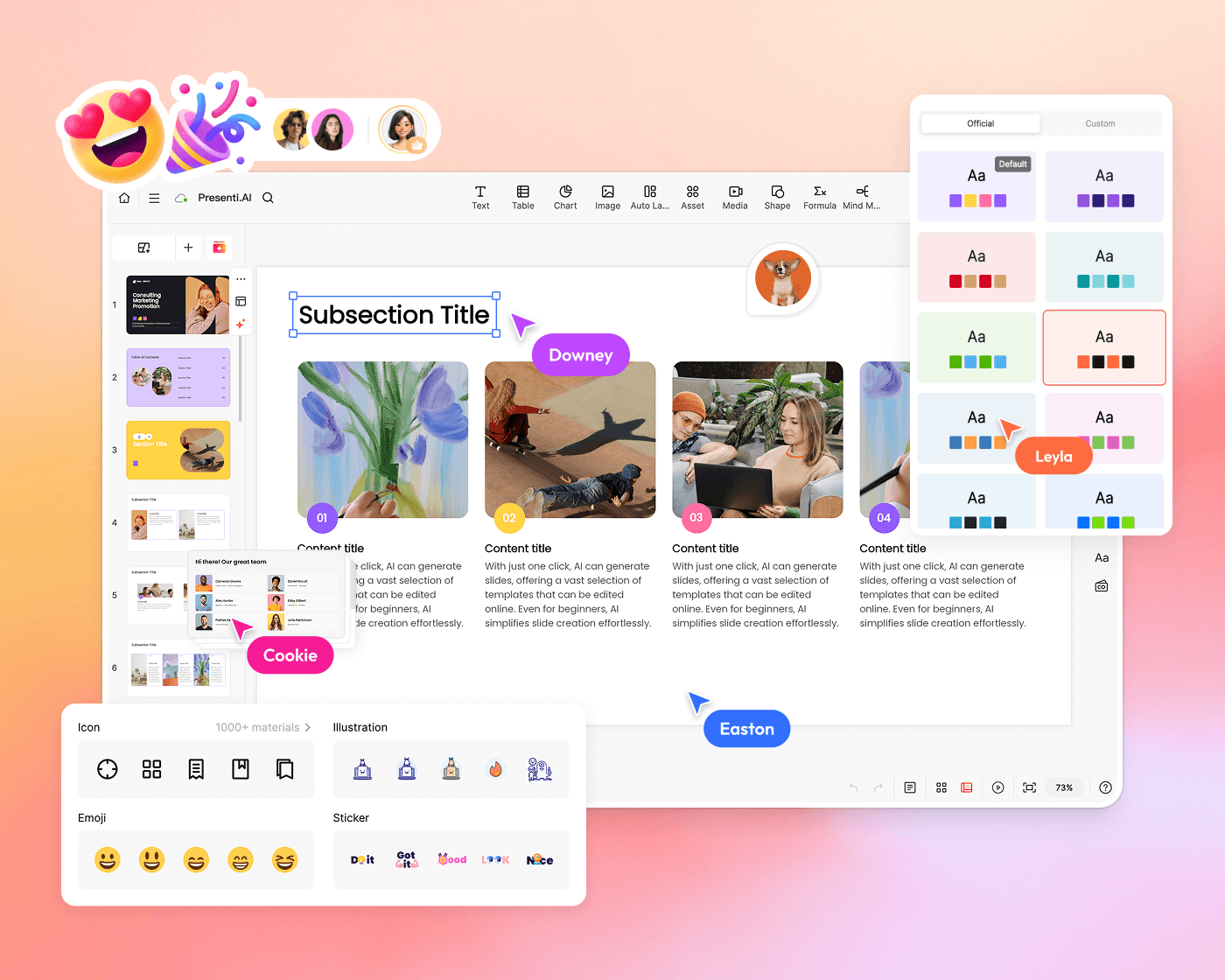
Turn Your Content into Slide Drafts
Start with a supported file, such as a PDF or Markdown document. Presenti helps organize your content into a structured slide draft that you can review and edit.
-
 PDF/Word to Slides: Turn a supported document into a slide draft
-
 Markdown to Slides: Perfect for tech specs and notes
-
 Mind Map to Slides: Convert brainstorms to structure

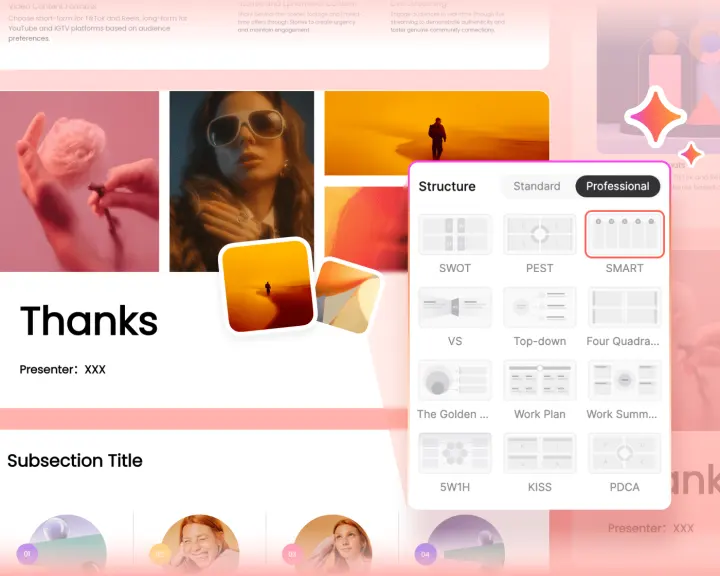
Create and Refine Your Slides
From idea to polished presentation in minutes. Our slides AI generator handles design, layout, and strategic frameworks like SWOT and PEST so you can focus on your message.
-
 Built-in AI Chat EditorRefine any slide with natural language commands.
 -
 PPTX BeautifierUpload a supported slide file to refine its design.
 -
 Strategic TemplatesAuto-layout for SWOT, timelines, and comparisons.
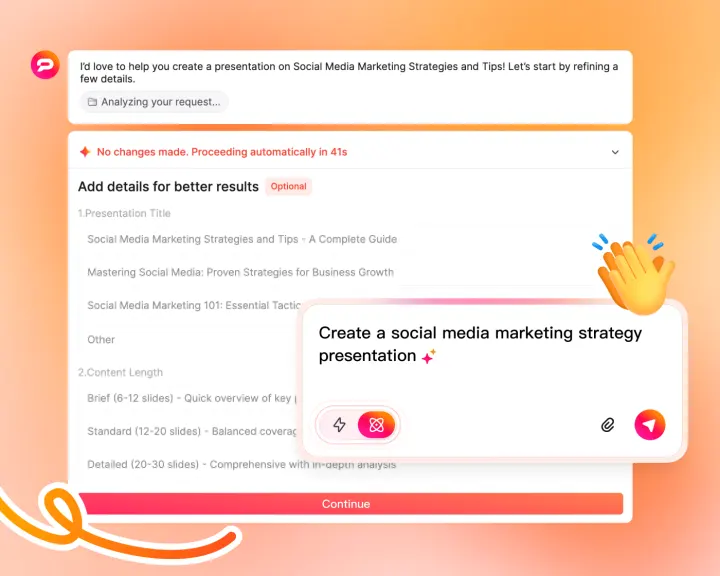
Create Data-Driven AI Slides with Depth
Use Pro Agent to help research a topic and develop supporting content. Check the sources, dates, and conclusions before presenting the results.
-
 Assisted ResearchResearch industry information and review the sources.
 -
 Expert-Level InsightsProfessional depth for strategy and board decks.
 -
 Data IntegrationCreate charts from your source data.
Apply Your Brand Style to AI Slides
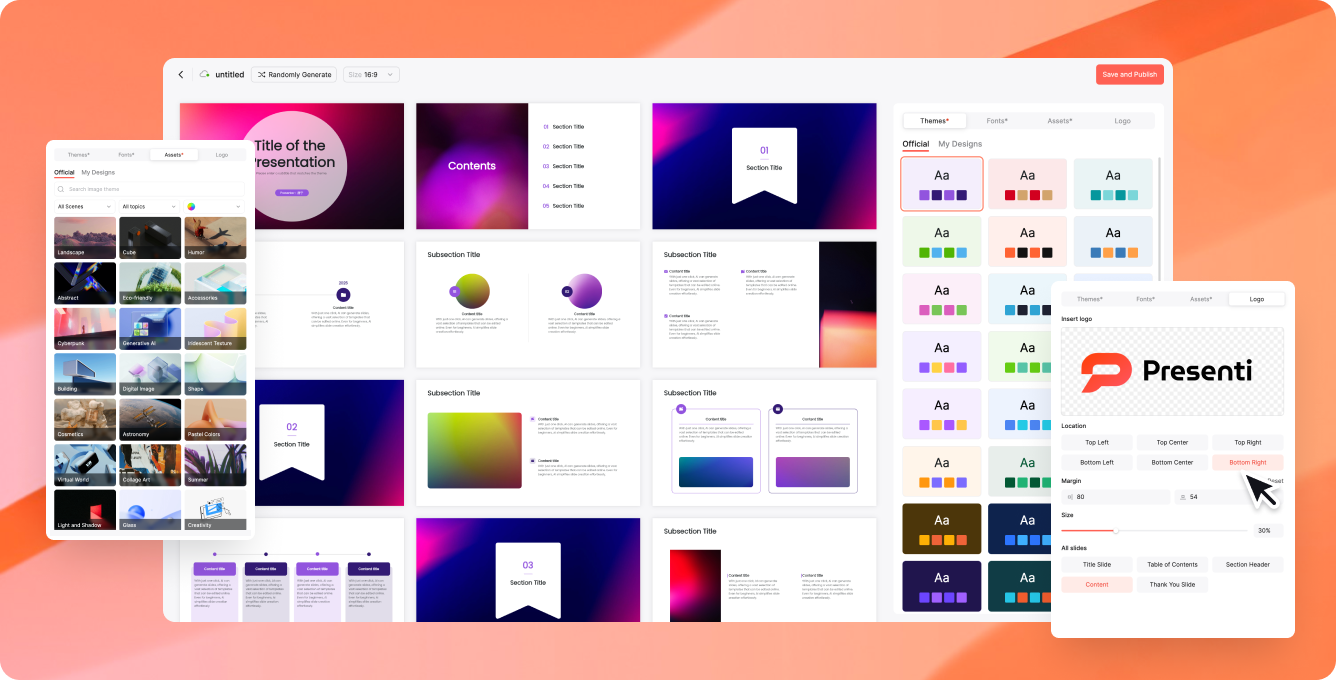
Apply preferred fonts, colors, and logos with Brand Kit, then review your slides for consistency before sharing.
From Idea to AI Slides in 3 Simple Steps
Our intuitive AI slides maker workflow is designed for professionals who value speed and quality.

Share Idea
Enter a topic, URL, or upload your file.


AI Heavy Lifting
AI creates a draft and suggests layouts for you to review.

Polish & Present
Export to PPTX/PDF or present live via cloud.
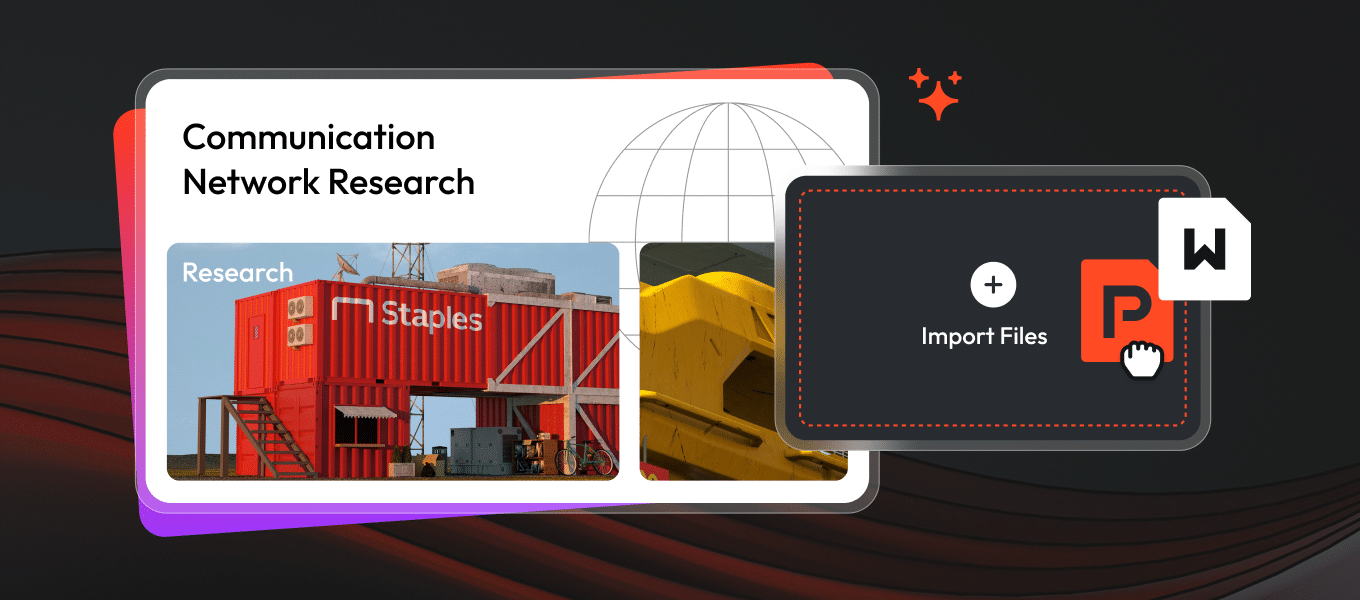
Slide Templates for Every Story, Powered by AI
Stop starting from scratch. Browse our massive library of expertly designed layouts. Our AI slides maker automatically adapts your unique content into these stunning templates, ensuring a professional look for any industry, pitch, or lecture.

Business Strategy & SWOT

Creative Brand Playbook

Annual Industry Trends
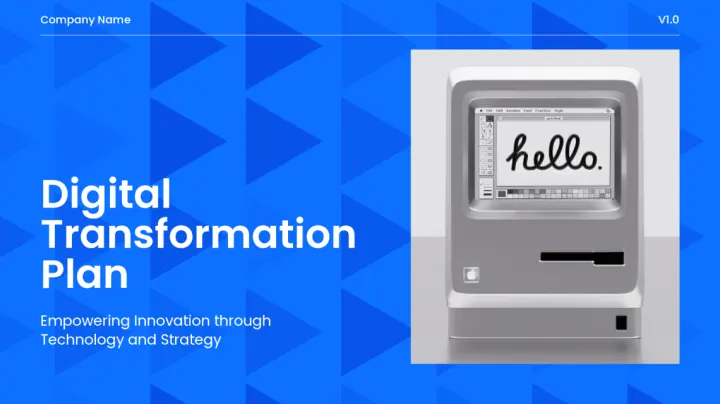
Digital Transformation Roadmap

Tech & Product Innovation

High-Stakes Investor Pitch
Presentation Use Cases
Ways to use a presentation draft in your workflow.
Business reports
Organize a report into a clear presentation draft, then review the figures, sources, and key conclusions.
Lessons and training
Turn a lesson outline into editable slides and adapt the language, examples, and pacing for your audience.
Sales and project updates
Build a deck around your offer, progress, and next steps. Add supporting evidence and refine it for the meeting.
Frequently Asked Questions
Questions about creating slides with Presenti AI
An AI slides maker uses artificial intelligence to help create presentation drafts. Presenti AI takes your text, supported documents, or ideas and helps organize them into slides you can edit.
Upload a supported PPTX file to refine its content and design. Review the resulting draft against your original file before sharing.
Presenti AI offers multi-format import (PDF, Word, Markdown, Mind Map, TXT, Audio file and PPTX file), a built-in AI chat editor for real-time natural language edits, and a Pro Agent mode for assisted research. Review generated content and sources before using them.
Presenti offers free access to basic features with a limited amount of AI credits. Paid plans include editable downloads and PPTX/PDF export, with slide limits and monthly allowances that vary by plan. See current plans and pricing and your workspace for the benefits available to your account.
Presenti can export presentations as editable PPTX files on eligible plans. Review the exported file in your presentation software before sharing: fonts, charts, and layouts may display differently across applications.
Ready to Create Your Next Presentation?
Create a slide draft and refine it for your next presentation.
Get Started Free
