
A year-end review presentation is more than a recap of past work. It is a structured way to communicate results, reflect on challenges, and align future goals with stakeholders. For project managers, engineering teams, educators, and cross functional leads, a clear year-end presentation often influences performance reviews, budget planning, and strategic direction.
Despite its importance, many professionals struggle to get started. Common issues include unclear structure, too much text, weak visuals, or simply not enough time. This guide breaks down how to write a strong year-end review presentation step by step and shows how AI tools like Presenti AI can dramatically reduce preparation time while maintaining professional quality.
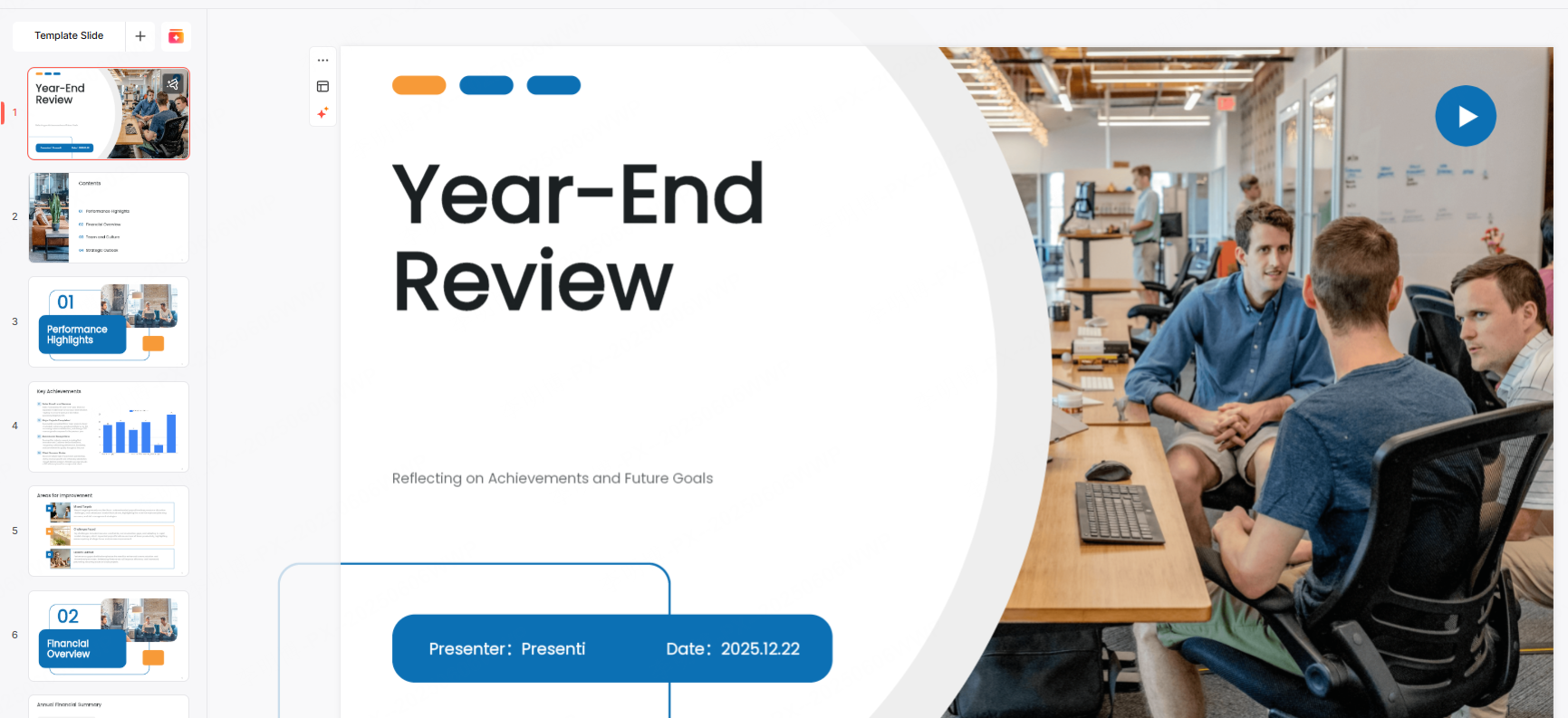
1. What a Strong Year-End Review Presentation Should Include
A high quality year-end presentation follows a logical narrative. It helps the audience understand what was done, what worked, what did not, and what comes next.
1.1 Annual Work Overview
Start with a concise overview of the year. This section sets context and prepares the audience for deeper analysis. Focus on scope, responsibilities, and outcomes rather than daily tasks.
For individual contributors, highlight ownership and impact. For teams, emphasize collaboration and delivery.
Examples:
- Delivered X major projects on schedule, improving operational efficiency by Y percent
- Supported cross functional initiatives across product, design, and engineering
- Met or exceeded annual KPIs and received positive stakeholder feedback
Use clear metrics where possible. Avoid vague statements such as “worked hard” or “handled many tasks.” Decision makers respond to outcomes, not effort alone.
1.2 Key Results and Project Highlights
This section is the core of the presentation. Select the most representative achievements of the year. These should be projects or milestones that demonstrate value, innovation, or measurable success.
Visuals are especially important here. Charts, timelines, and comparison tables help the audience absorb information quickly.
Examples:
- Led Project A from planning to launch, contributing to a X percent increase in revenue
- Introduced process improvements that reduced delivery time by Y percent
- Achieved measurable gains in user satisfaction or system reliability
For technical teams, this may include system upgrades, performance optimization, or platform migrations. For educators, it could include curriculum redesign, student outcomes, or program expansion.
1.3 Challenges and Lessons Learned
A credible year-end review does not ignore problems. Instead, it demonstrates reflection and growth. This section builds trust, especially with senior leadership.
Describe challenges objectively. Focus on what was learned and how the team responded.
Examples:
- Faced resource constraints during Project C and adjusted priorities to meet deadlines
- Identified inefficiencies in internal workflows that require optimization next year
- Adapted project plans due to external market or policy changes
Avoid assigning blame. Frame challenges as opportunities for improvement and learning.
1.4 Goals and Plans for the Coming Year
End the content portion by looking forward. This section connects past performance to future direction.
Goals should be realistic, measurable, and aligned with organizational strategy. Where possible, include specific actions rather than abstract intentions.
Examples:
- Launch Project D to expand market reach by X percent
- Improve internal tooling to increase team productivity by Y percent
- Strengthen customer support workflows to raise satisfaction scores to Z
This forward looking perspective signals readiness and strategic thinking.
2. How to Create a Year-End Review Presentation Efficiently
Once the content structure is clear, the next challenge is execution. This is where AI powered presentation tools can provide significant value.
2.1 Generate a Presentation Outline with AI
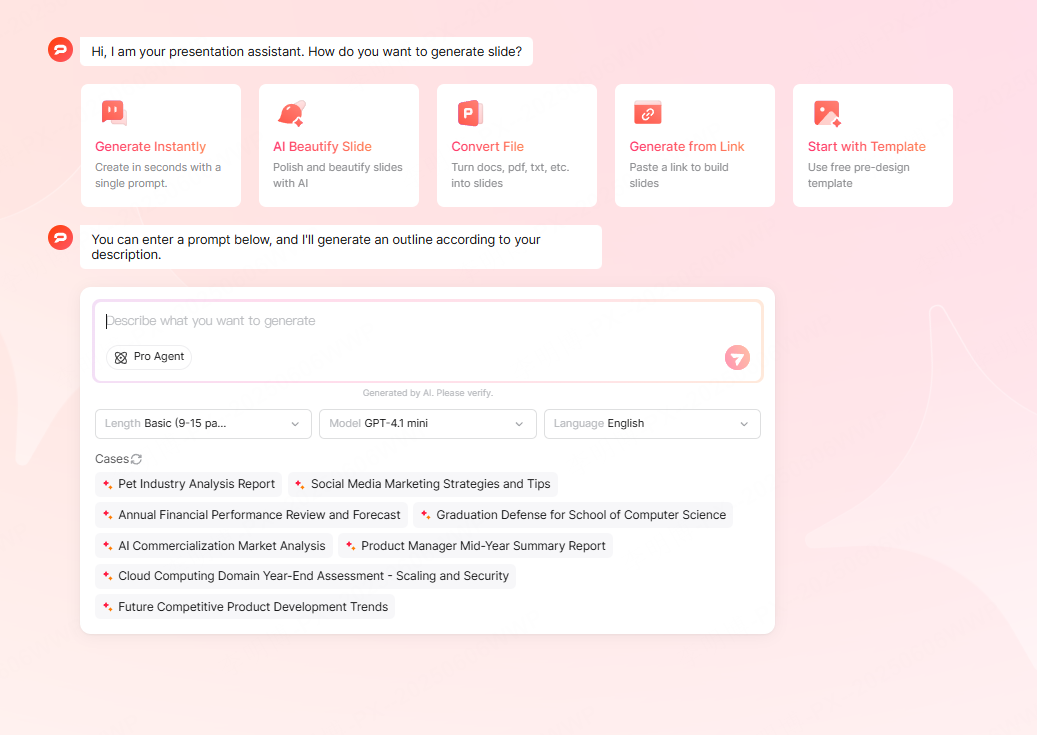
Presenti AI supports multiple ways to generate a presentation, including:
- One click AI generated presentations from a short prompt
- Importing existing files such as Word, Markdown, PDF, or text documents
- Creating slides directly from a project brief or outline
You can start with a single sentence describing your year-end review. Presenti AI generates a structured outline, slide sections, and content placeholders. From there, you can refine wording, adjust emphasis, and select an appropriate visual theme.
This approach shifts your effort from formatting to decision making, which is where human judgment matters most.
2.2 Customize Layout and Content
A good presentation should reflect the identity of the individual or team presenting it. Presenti AI allows full customization of slide layouts, text hierarchy, and visual components.
You can adjust slide density depending on the audience. Executives usually prefer concise summaries, while technical reviews may require more detailed explanations.
Whether you need a simple checklist format or a data heavy report, flexible customization ensures the slides support your message rather than distract from it.

2.3 Use High Quality Visual Assets
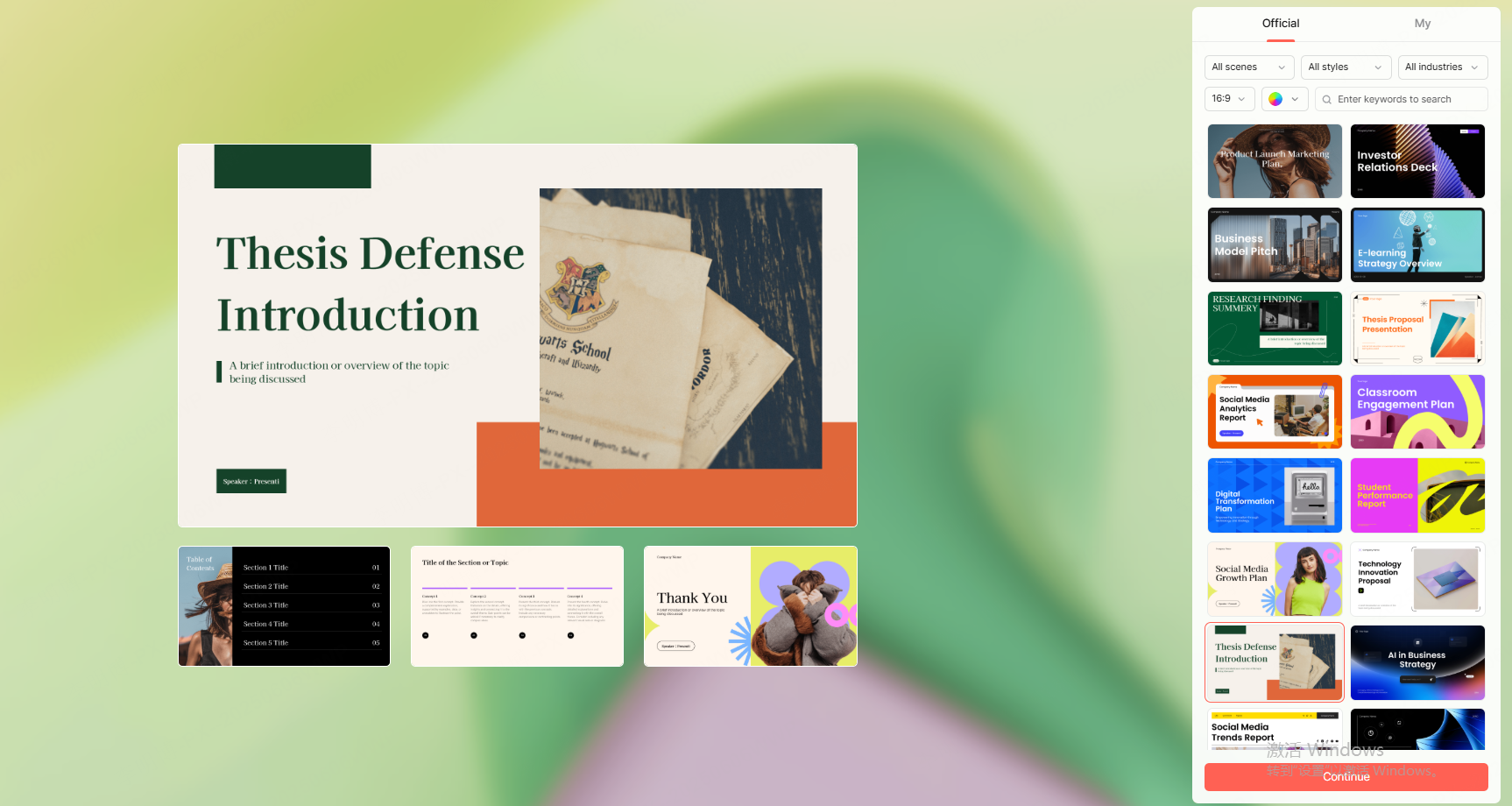
Visual consistency plays a major role in perceived professionalism. Presenti AI includes a built in library of templates, icons, charts, and royalty free images.
You can quickly find visuals that match year-end themes such as performance growth, milestones, or future planning. Consistent icon styles and color palettes help maintain visual clarity across slides.
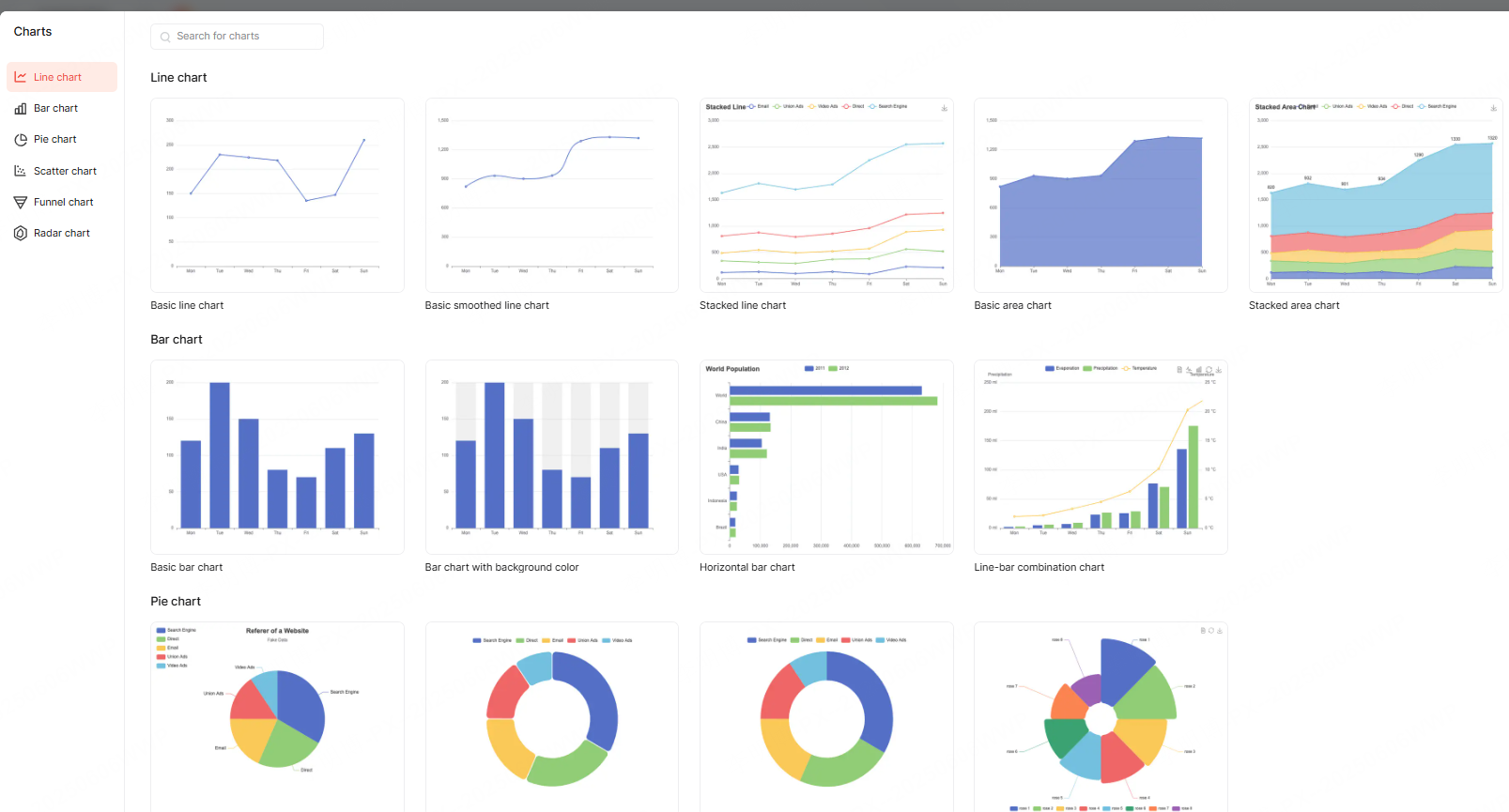
For data driven sections, integrated chart tools allow you to visualize metrics without exporting from external software.

2.4 Export and Share with Stakeholders
Once the presentation is complete, Presenti AI supports exporting in multiple formats, including PPTX, PDF, and image files. This flexibility is useful for different review settings, from live presentations to asynchronous sharing.
The platform also supports shareable links and collaborative editing. Team members can review slides, leave comments, and make updates in parallel, reducing version conflicts and review cycles.
3. Best Practices for an Effective Year-End Review Presentation
3.1 Present Data Clearly
Data should support your narrative, not overwhelm it. Choose chart types based on the story you want to tell.
- Use bar charts for performance comparisons
- Use line charts for trends over time
- Use pie charts sparingly and only for simple proportions
Label key figures clearly and avoid unnecessary visual complexity.
3.2 Balance Text and Visuals
Dense text reduces engagement. Use short bullet points and let visuals carry part of the explanation.
Choose images and icons that reinforce meaning rather than decorate slides. Maintain a consistent color scheme and avoid overly bright or distracting palettes.
3.3 End with a Strong Conclusion
The final slide should summarize outcomes and reinforce direction. A clear closing leaves a lasting impression.
Effective endings often include:
- A brief recap of results and lessons
- A statement of future focus or ambition
- A concise call to action or forward looking message
For example, a simple closing line such as “Building on this year’s progress, we are ready to scale impact in the year ahead” can be more effective than a long paragraph.
3.4 Maintain Consistency Across Slides
Consistency signals professionalism. Use one design theme, a limited set of fonts, and standardized chart styles throughout the deck.
Presenti AI templates help enforce consistency from cover slide to conclusion, ensuring the presentation feels cohesive and intentional.
Conclusion
Creating a year-end review presentation does not need to be time consuming or stressful. With a clear structure, thoughtful content, and the right tools, you can produce a professional and persuasive presentation efficiently.
AI powered platforms like Presenti AI help streamline the process by handling layout, structure, and visuals, allowing you to focus on insights and strategy. The result is a presentation that communicates value, supports decision making, and positions you or your team for the year ahead.









