
Nowadays, AI has rapidly transformed content creation, document automation, and visual storytelling. As workflows in modern businesses accelerate, teams from product managers to educators expect to produce clear, professional presentation slides without spending hours on layout adjustments, formatting, and visual design.
This is where AI PPT generators and AI presentation tools stand out. These tools dramatically reduce the time required to build professional slide decks, automate layout and structure, and help teams focus on strategy and storytelling rather than manual formatting.
This guide explains what AI generated PPTs are, how they work, the advantages and limitations, practical workflows, and the most reliable tools available.
1. What Is an AI PPT Generator?
An AI PPT generator is a tool that uses natural language inputs, such as a topic, outline, or prompt, to automatically create a complete slide deck. These tools can generate:
- Presentation structure
- Slide copy
- Layout and formatting
- Visual elements (icons, charts, images)
- Design consistent templates
Leading platforms like Presenti AI, Gamma, Tome, Beautiful.ai, and Canva Magic Design allow users to simply describe their presentation, then receive a clean, formatted deck within seconds.
Compared with manual slide creation, AI presentation tools provide:
- Automated content architecture based on presentation logic
- Design consistent layouts using intelligent templates
- Instant draft generation that teams can quickly refine
- Multilingual support for global teams
- Easy exporting to PPTX, PDF, and web links
For busy professionals, this dramatically accelerates project reports, sales decks, educational materials, internal documentation, and more.
2. Advantages and Limitations of AI Generated Slides
Although AI slide design technology is powerful, it’s not perfect. Here’s a balanced overview.
✅ Advantages of AI Presentation Tools
1. Significant Time Savings
Input a topic or upload a document, and the tool generates a polished initial draft within minutes, ideal for deadlines, client meetings, or recurring reports.
2. Clear and Logical Structure
AI understands common presentation frameworks such as:
- Problem → Solution
- Overview → Key Insights → Recommendations
- Vision → Roadmap → Results
This helps non-designers produce well structured narratives quickly.
3. Professional Design Consistency
AI tools automatically:
- Align elements
- Apply color palettes
- Maintain consistent typography
- Place images and icons correctly
This eliminates the “messy slides” problem.
4. Adaptable to Many Scenarios
AI PPT generators can produce slides tailored for:
- Business proposals
- Academic lectures
- Technical documentation
- Training courses
- Investor pitches
⚠️ Limitations to Be Aware Of
1. Creativity Constraints
AI tends to generate conventional content. Industry specific insights or storytelling still require human refinement.
2. Limited Flexibility for Complex Layouts
Animation, custom interactions, and advanced diagrams often require manual editing in PowerPoint or Keynote.
3. Dependent on Prompt Quality
Vague input → vague output.
Detailed prompts produce noticeably better slide decks.
4. Localization and Terminology Accuracy
When technical terminology is involved, manual review is still essential.
3. Step by Step Guide: How to Generate a PPT Using AI
Although different AI presentation tools vary in interface, most follow the same workflow. Here’s a practical, action oriented guide.
Step 1: Define Your Goal
Clarify your purpose:
- Teaching a workshop?
- Pitching a product?
- Sharing engineering updates?
- Presenting quarterly results?
This ensures better output and stronger audience alignment.
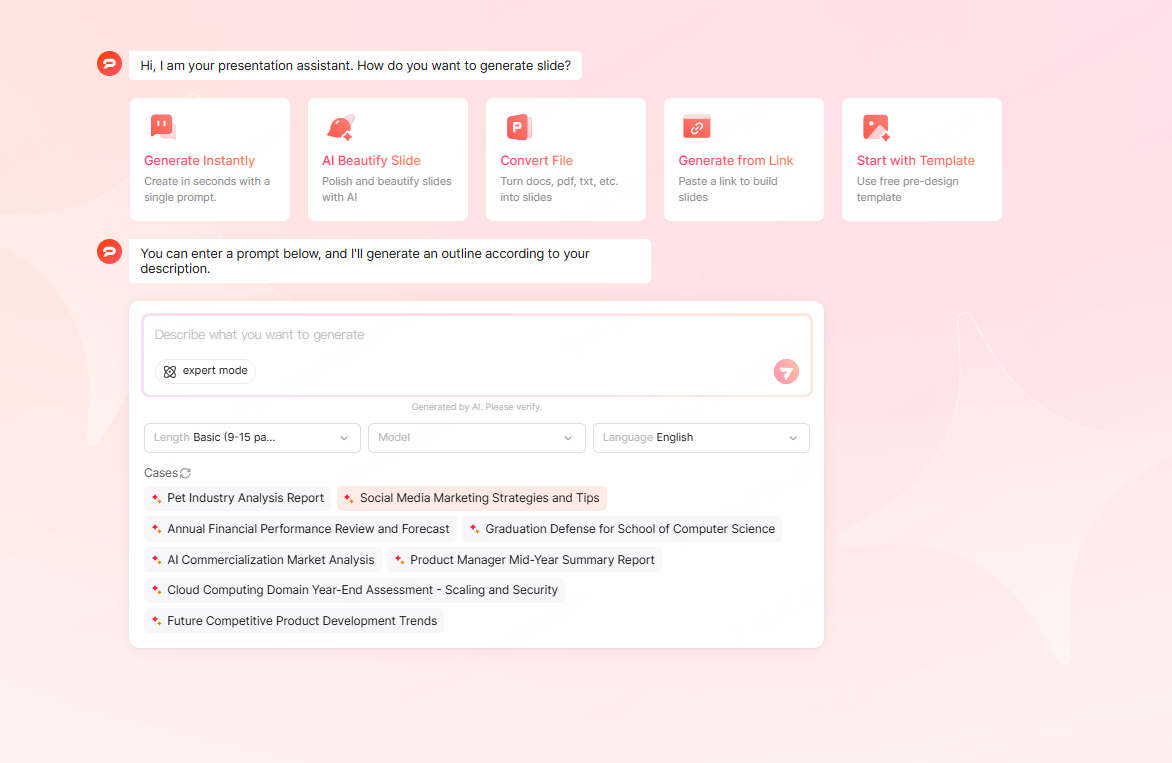
Step 2: Provide Prompts or Upload Materials
AI supports multiple input types:
- Free text prompts
- Bullet point outlines
- Technical documents
- URLs
Example prompt:
“Create 15 slides presentation explaining the impact of generative AI on software engineering workflows.”
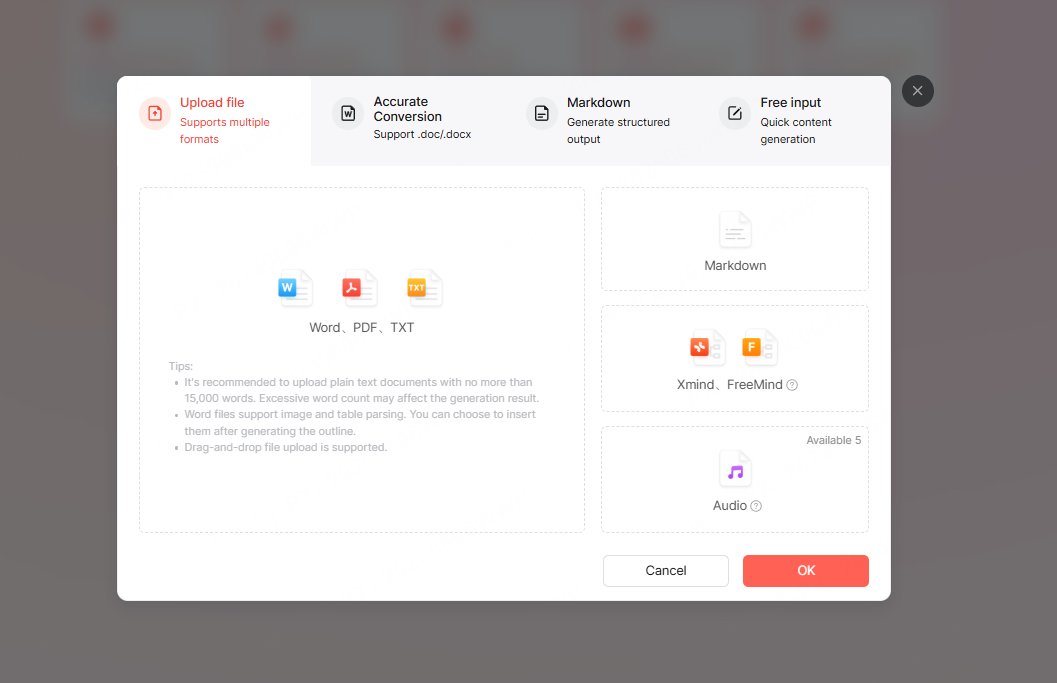
Tools like Presenti AI also support converting files (PDF, Word, Markdown) directly into slides.
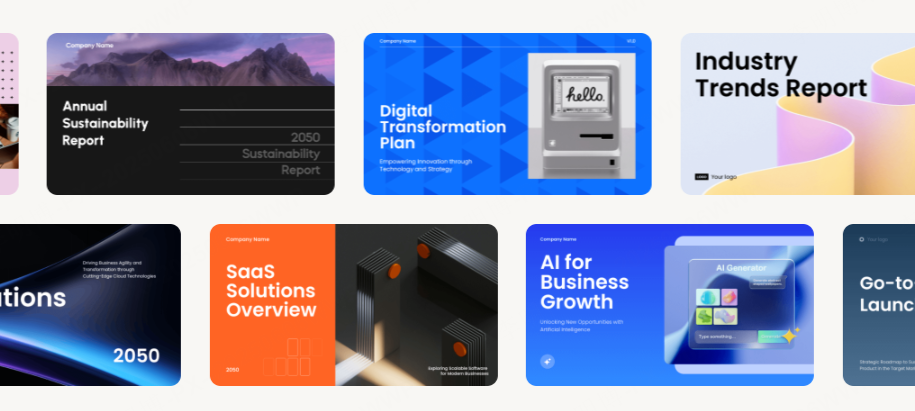
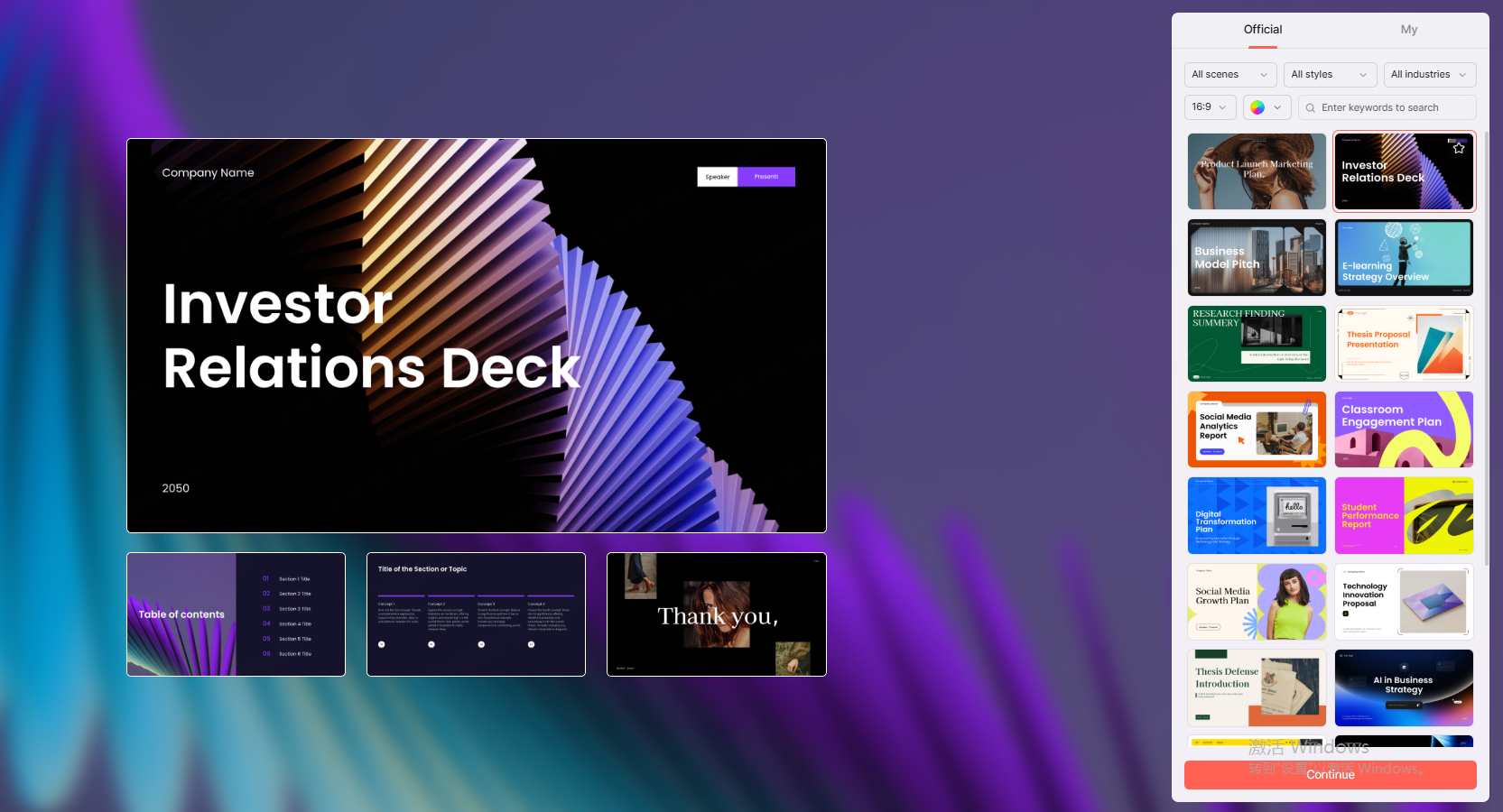
Step 3: Select Templates or Design Styles (Optional)
Most platforms offer design presets:
- Tech modern
- Corporate clean
- Minimalist education
- Product launch
Choose a style that fits your audience.
Step 4: Generate the Slides
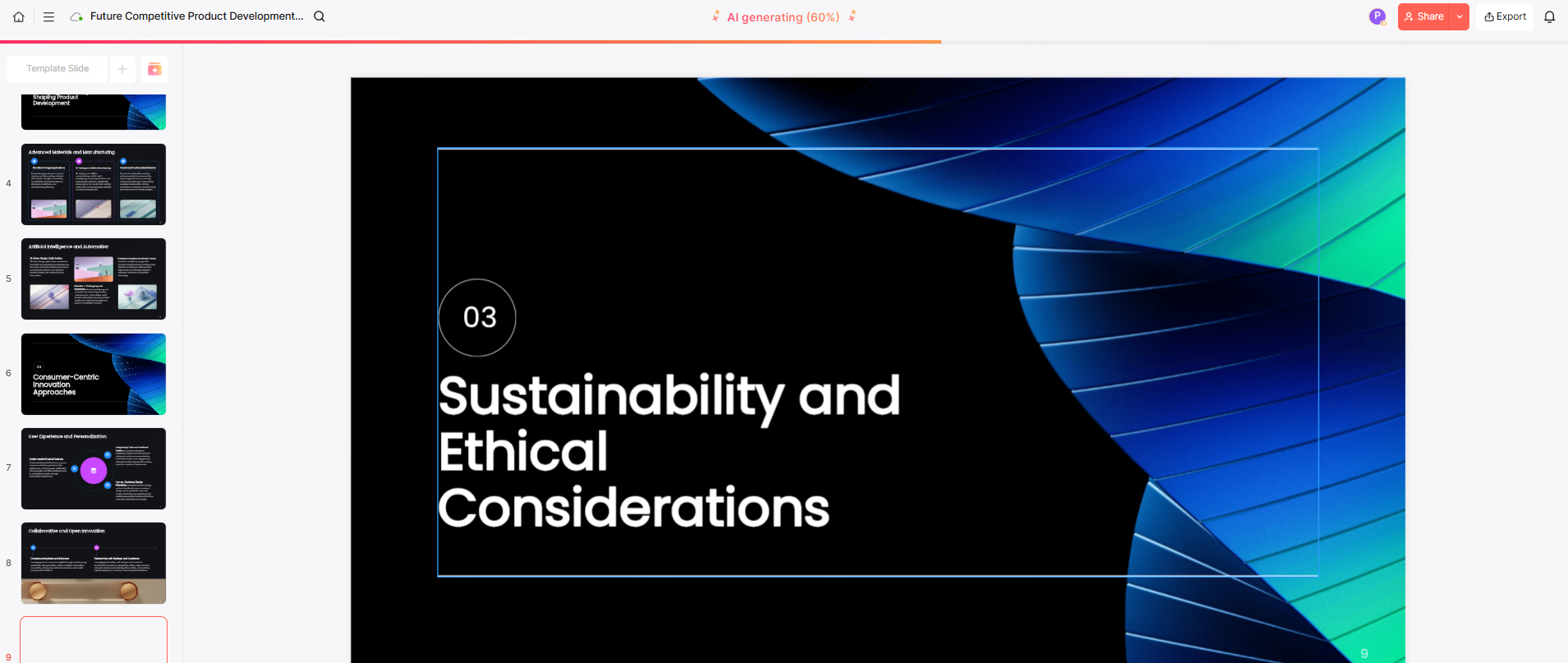
The AI creates:
- Title slide
- Agenda
- Section headers
- Key content slides
- Visual placeholders
- Charts or illustrations (when applicable)
Step 5: Review, Edit, and Export
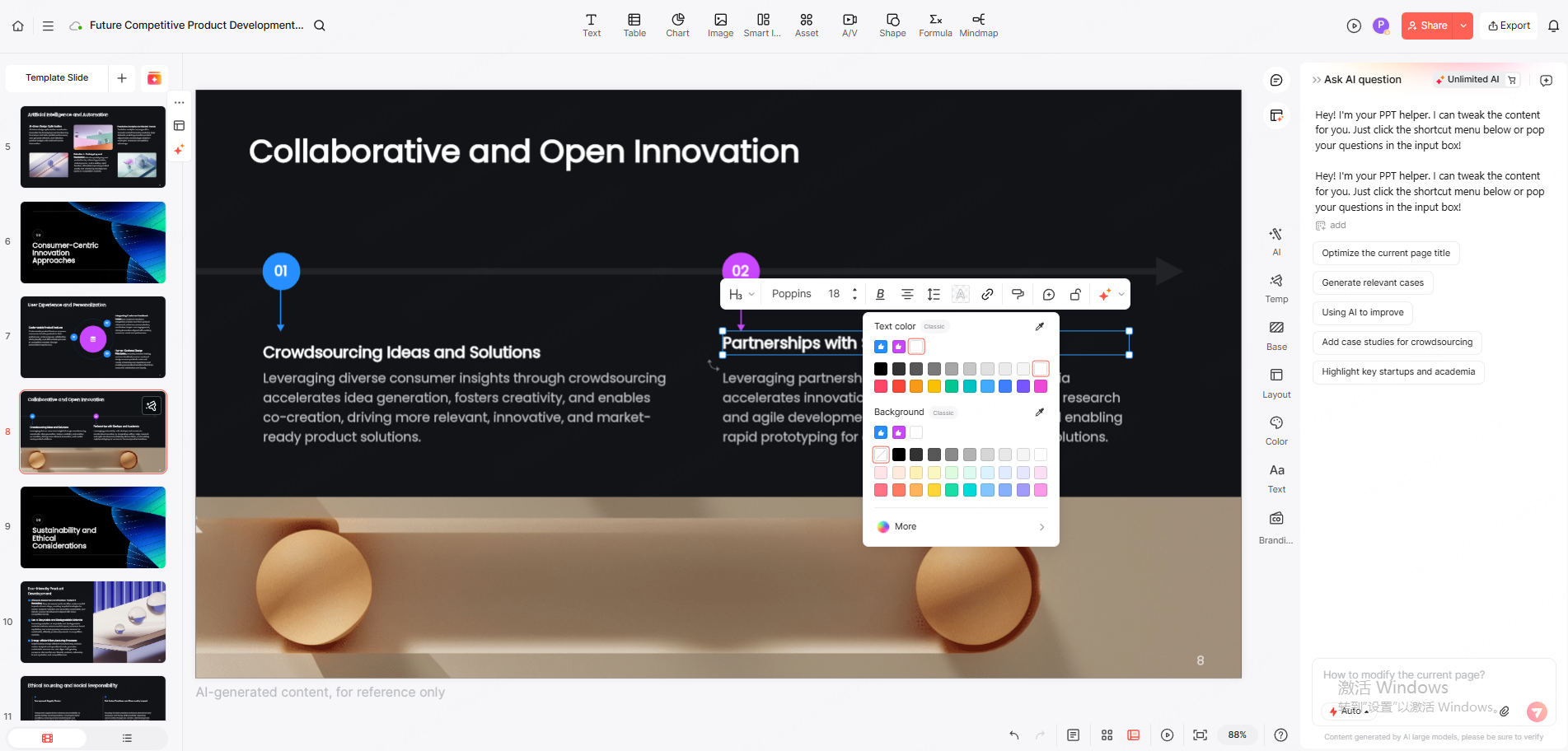
Refine the content to match your expertise:
- Adjust tone and wording
- Replace stock images
- Add company branding
- Insert diagrams or code snippets
Tools like Presenti AI include writing assistants to rewrite, summarize, or refine copy.
Export formats typically include:
- PPTX for PowerPoint
- Sharable web links
4. Five Recommended AI PPT Generators
Below are today’s most reliable AI slide design tools for professionals.
(1)Presenti AI

A high quality generator focused on structured PPT creation.
Best for: teams, educators, business professionals
Strengths:
- Multiple AI generation modes
- High quality design templates
- Document to slide conversion
- Strong editing and refinement tools
(2)Gamma

A modern storytelling tool with interactive components.
Best for: startups, content creators
Strengths:
- Web native format
- Easy to embed charts, videos, and web pages
- Dynamic layouts
(3)Tome
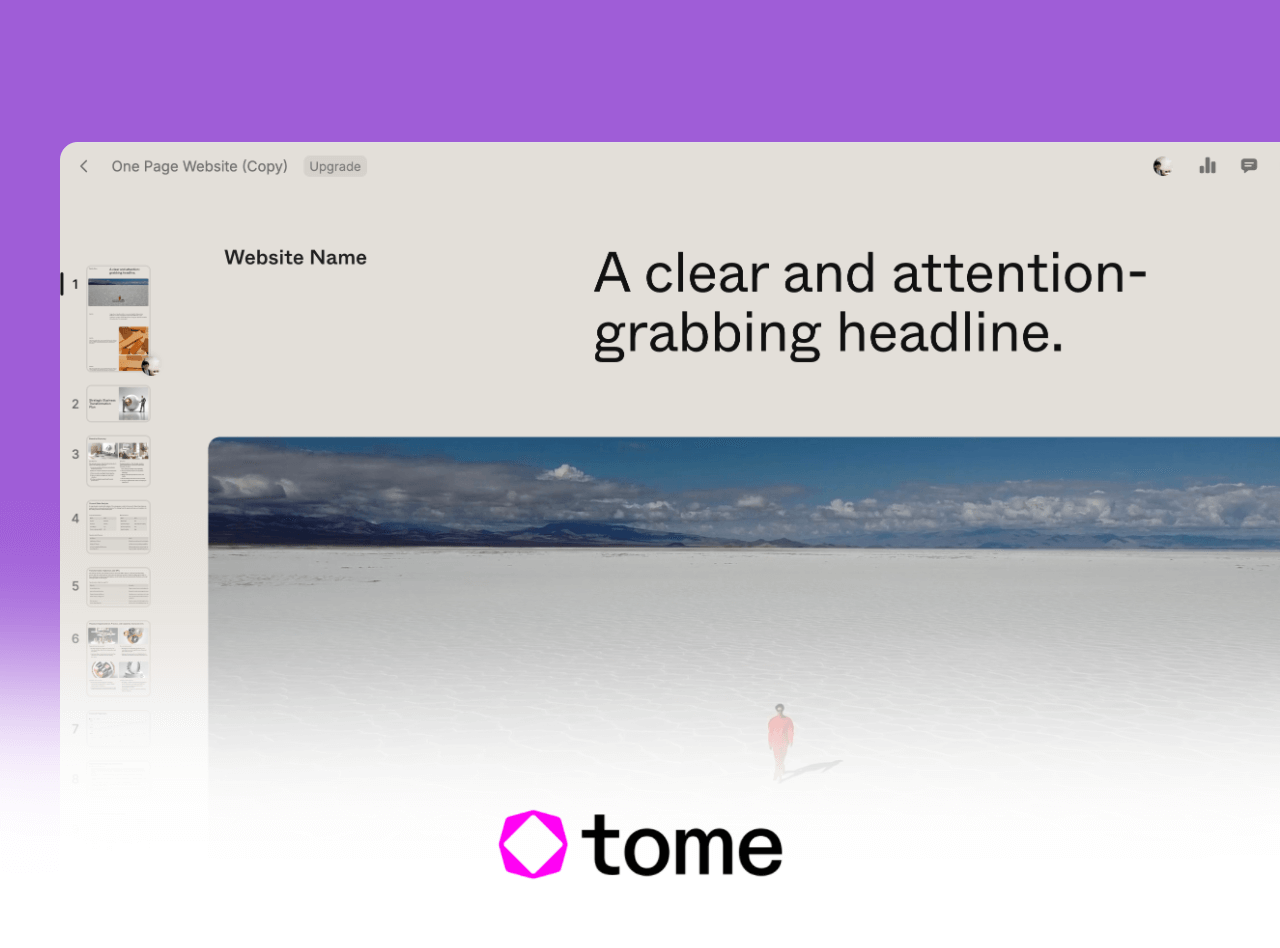
Known for narrative driven presentations.
Best for: founders, educators, product teams
Strengths:
- Strong storytelling engine
- Smooth animations
- Deep integration with AI content generation
(4)Beautiful.ai

Focused on design consistency for business teams.
Best for: marketing, brand teams, PMs
Strengths:
- Automatic layout optimization
- Strict visual rules for professional consistency
(5)Canva Magic Design
A versatile choice for mixed media and lightweight presentation needs.
Best for: students, freelancers, small teams
Strengths:
- Huge template library
- Strong visual editing tools
- Easy for non-designers
5. Other AI Powered Ways to Improve PPT Creation
(1). AI Slide Beautification
Upload a rough deck or simple outline, and AI tools will auto optimize:
- Layouts
- Spacing
- Typography
- Color schemes
- Visual hierarchy
Useful when you already have content but need design quality.
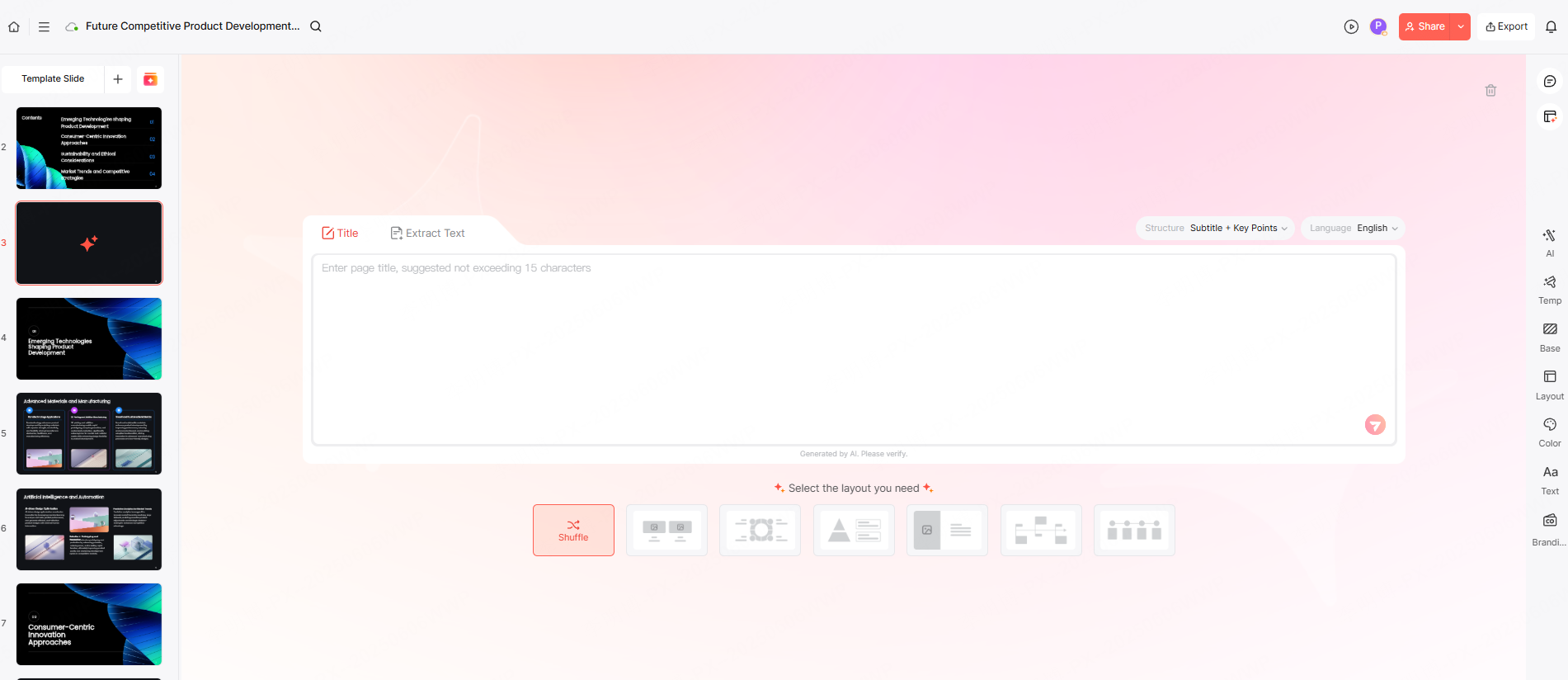
(2). Generate Slides One by One
Instead of a full deck, many tools let you generate individual slides based on:
- A paragraph
- A bullet list
- A chart description
This provides more control over structure and pacing.
6. How to Evaluate Whether an AI Generated PPT Is High Quality
Use these criteria to ensure your AI generated slides meet professional standards.
(1). Content Accuracy & Relevance
Does the content match your topic?
Is the information actionable, correct, and aligned with your audience?
(2). Structural Completeness
High quality decks follow a cohesive narrative:
- Introduction
- Problem or context
- Insights or solutions
- Conclusion / call to action
(3). Visual Design Quality
Check for:
- Consistent fonts
- Unified colors
- Balanced spacing
- Clear visual hierarchy
(4). Data & Visual Support
Charts, diagrams, and icons should reinforce key points, not distract from them.
(5). Language Quality
Slides should use:
- Clear, concise English
- No translation artifacts
- No repetitive or filler phrasing
7. FAQ
Q1: Can AI generated PPTs be used directly?
Yes, for draft purposes. But for high stakes meetings, refine manually.
Q2: What if I’m not good at writing prompts?
Use a “role + task + goal” prompt:
“As a product manager, create a concise deck explaining our Q1 roadmap.”
Q3: Do these tools support animations?
Some (Gamma, Tome) provide basic animations; advanced effects require PowerPoint.
Q4: Are the files exportable and editable?
Yes. Most tools export PPTX, PDF, or shareable links.
Q5: Are these tools free?
Most offer free tiers; advanced design or brand features require subscriptions.









