
Converting Markdown to PowerPoint combines the speed of lightweight markup with the ability to generate professional presentations instantly, solving the pain point of "writing for two hours, formatting all day"! Online Markdown to PPT tools use AI to parse the Markdown structure, automatically handling slide pagination, chart generation, and visual optimization, transforming technical documentation, academic notes, and more into polished presentations in seconds.
User needs vary: no code users prioritize simplicity, developers require technical integration, and design focused users value visual quality. This guide targets these three core needs: ease of use, code compatibility, and creative expression, to help you find the perfect Markdown to PowerPoint converter.
1. No Code Online Markdown to PowerPoint Tools
Forget coding and complex design software. These three online tools convert Markdown to PPT instantly. From business reports to thesis defenses, anyone can create a formatted presentation in under 5 minutes.
1)Presenti AI

As a leading Markdown to PPT tool, Presenti AI allows you to paste Markdown text and uses AI algorithms to parse heading hierarchies and refine content logic. In just three steps (paste text → choose template → generate), users can convert technical docs, meeting notes, and more into structured, professional slides. Its key advantages are:
- Ease of Use: A web based tool, no installation or plugins required. It works on Windows, Mac, and other systems, just open a browser to create a presentation anytime, perfect for urgent updates or last minute demos.
- AI Powered Layout: Automatically creates a table of contents from your content and intelligently corrects punctuation and formatting.
- Template Library: Over 200 built in templates for common scenarios like corporate reporting, academic presentations, product launches, and tech showcases.
- Team Collaboration: Supports solo creation with all PPTs saved to the cloud for multi device sync. Version history tracks every edit, ideal for team reviews and iterative workflows.
- Pricing: Free version with unlimited generations and basic templates. Premium unlocks all advanced templates, priority AI layout, and export options. Enterprise offers SDK integration and private deployment for standardized corporate needs.
2)GitMind

GitMind is a drag and drop Markdown to PPT tool built for project reporting. Its AI can transform text into flowcharts within slides, making it ideal for presenting technical proposals, project timelines, and other process visualizations.
- Ease of Use: Adjust text blocks and chart layers via drag and drop. It takes about 10 to 15 minutes to master, perfect for product managers who prefer visual layout.
- AI Layout Capability: Converts Markdown lists into fishbone diagrams, swimlane charts, and other flowcharts, great for visualizing project progress or org structures. Text layout may require minor manual tweaks, suiting chart heavy, text light use cases.
- Template Library: 50+ tech style templates in deep blue/silver gray, covering technical proposals and product roadmaps.
- Team Collaboration: Enables real time co-editing with comment features and revision history, facilitating cross departmental project sync.
- Pricing: Free version includes basic templates and Markdown parsing but adds watermarks to exports and limits advanced flowchart styles. Pro removes watermarks and unlocks all templates and animated flowcharts.
3)HedgeDoc
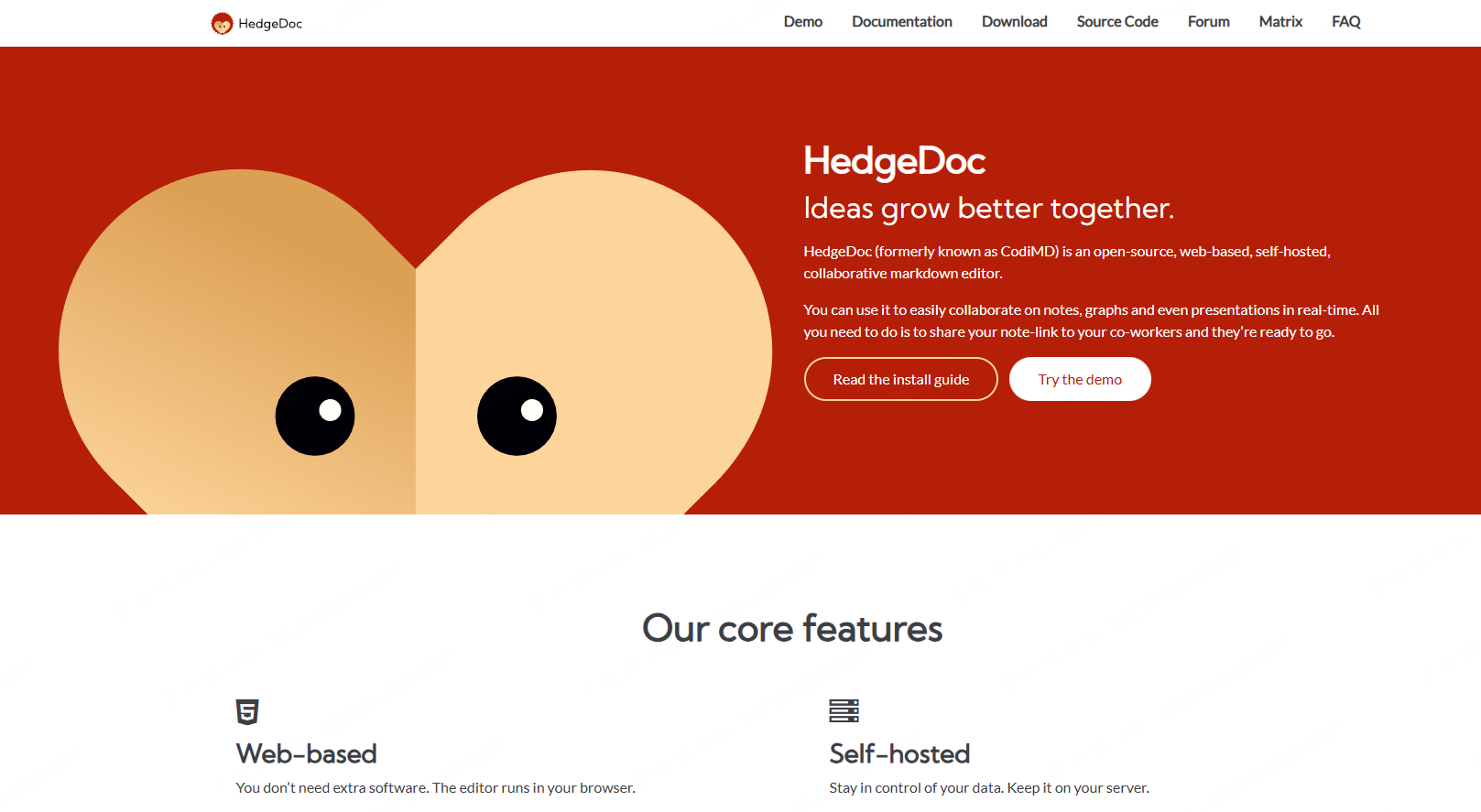
HedgeDoc centers on real time multi user collaboration, allowing distributed teams to write, comment, and edit within the same document before converting Markdown to PPT, perfect for brainstorming and collaborative drafting.
- Ease of Use: Requires account registration. Its collaboration logic is more complex, making it less efficient for solo use.
- Layout Capability: No AI auto formatting. It relies on Markdown syntax (headings, lists) to create slide breaks. This offers precise control over structure, great for academic papers with strict logical frameworks, but requires manual adjustment of fonts and colors, raising the design barrier.
- Template Library: Only 5 basic layouts. For custom designs, you must add CSS in the document header or link external stylesheets, suitable for teams with front end skills to maintain brand consistency.
- Team Collaboration: Excellent for real time co-editing and comment annotation, ideal for cross department scriptwriting.
- Pricing: Open source free version supports core collaboration and Markdown to PPT conversion for small teams or students. Enterprise adds private deployment, dedicated support, and shared template libraries.
2. Developer Focused Markdown to PowerPoint Software
Built for technical audiences, these tools support code highlighting, formula rendering, and dev environment integration, making technical documentation presentations more professional.
1)Slidev
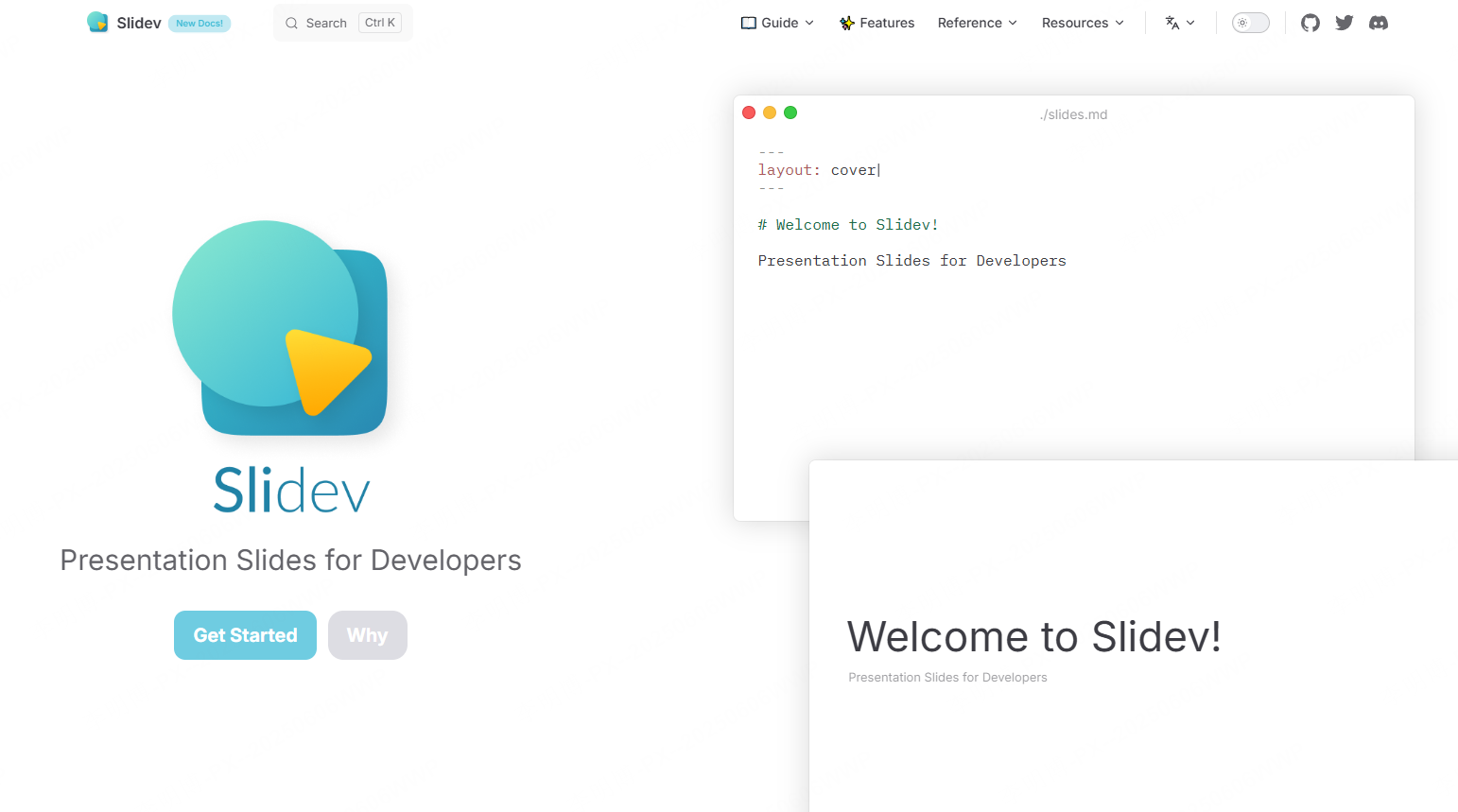
Slidev is an open source presentation tool based on Vue and Vite. It merges Markdown with front end code to create interactive PPTs, designed for tech talks and developer demos. It renders code blocks live and exports to multiple formats.
- Tech Stack Integration: Built on Vue 3 and Vite, it integrates seamlessly with the front end ecosystem. A VS Code plugin offers live previews. You can embed Vue components, HTML/CSS code blocks, and even use tools like Tailwind CSS for dynamic style demos.
- Code Rendering: Uses the Shiki highlighter, supporting 300+ languages. Can execute JavaScript/Python scripts to demonstrate results.
- Modular Ecosystem: Extend functionality via npm plugins. Supports custom CSS themes and Webpack configuration for enterprise branding.
- Output Formats: Export to PPTX, PDF, HTML, or video. HTML exports retain interactive code functionality for offline or online meetings.
- Use Cases: Front end tech talks, open source project launches, programming tutorials, algorithm visualization, any scenario requiring robust code display.
- Pricing: Free for individuals. Enterprise offers self hosting for data security.
2)Pandoc + Beamer
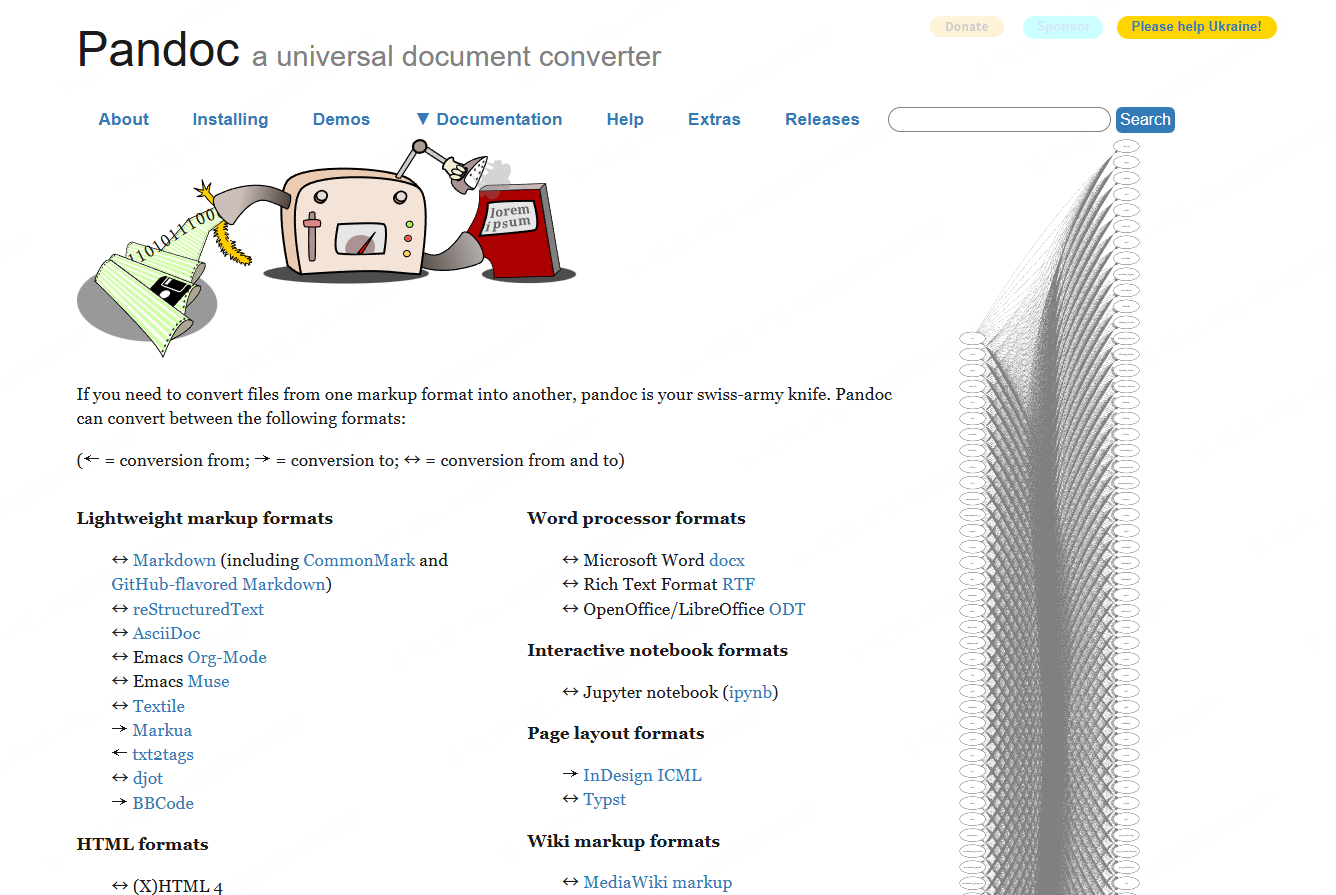
Pandoc and Beamer form an academic presentation solution based on Haskell and LaTeX. Using command line operations, they convert Markdown into PDF presentations with complex formulas, academic charts, and professional typesetting, tailored for thesis defenses and technical seminars.
- Tech Stack Integration: Based on Haskell, requires command line use with a LaTeX environment for academic typesetting. Works on Windows, macOS, and Linux, but beginners may need 1 to 2 hours for setup.
- Code & Formula Rendering: Supports LaTeX equations, complex math symbols, and academic diagrams (e.g., TikZ vector graphics). Code blocks can be folded and annotated.
- Modular Ecosystem: Customize conversion rules via Lua scripts. Plugins enable deep Markdown to Beamer adaptation. Can integrate into CI/CD pipelines for batch document generation, ideal for research teams.
- Output Formats: Exports to 50+ formats like PDF, Word, and EPUB. PPTX requires additional template configuration.
- Use Cases: Thesis defenses, technical workshop reports, academic paper presentations.
- Pricing: Completely free and open-source, but requires environment and template setup.
3. Design Friendly Markdown to PowerPoint Software
For users who prioritize visual appeal, these design centric tools offer rich templates and flexible customization, turning Markdown into aesthetically pleasing, creative presentations.
1)Deckset

Deckset is a design oriented Markdown to PPT app featuring professional business/tech templates. It supports vector graphic drag and drop and font fine tuning, allows embedding high resassets via Markdown, and exports PPTX with embedded fonts and print ready resolution, perfect for visually demanding demos.
- Template & Design Resources: 50+ designer crafted templates for project reports, tech launches, etc. Includes a vector graphics library and font tools, enabling visually cohesive decks without design expertise.
- Dynamic Design: Supports element level animations (entrance/exit), 3D transitions, and dynamic font scaling for high visual impact, great for product launches or creative pitches.
- Collaboration: Offers cloud storage and version history. Focused on solo efficiency, it lacks real time co-editing but allows sharing preview links to collect feedback, ideal for independent creators or small teams iterating quickly.
- Output Quality: PPTX files retain all design details, supporting print resolution (300dpi) and preserving gradients/transparency for both projection and print materials.
- Pricing: A lifetime license unlocks all templates, animations, and export features. Enterprise includes bulk licenses and brand customization.
2)Marp
Marp is a lightweight Markdown to PPT tool focused on design customization via CSS/YAML. Users freely adjust theme colors, background images, multi column layouts, and dynamic elements for easy branding or personalization.
- Template & Design Resources: 10+ basic themes. Customize backgrounds, colors, and fonts via CSS/YAML front matter.
- Dynamic Design: No built in animations; requires manual CSS for simple transitions. High design freedom but also a high barrier to entry.
- Collaboration: An open source project with limited community collaboration; primarily relies on local file sharing.
- Output Quality: Stable PDF/HTML export. PPTX requires third party plugins and may have formatting issues.
- Pricing: Open source and free. A Pro subscription unlocks premium themes.
Tool Selection Advice: For most users, start with Presenti AI. Its web based, 3 steps AI generation, 200+ templates, cloud collaboration, and unrestricted free tier make it a top choice. No-code users can try GitMind (drag and drop flowchart PPTs) or HedgeDoc (multi user editing). Developers should consider Slidev (code highlighting + live scripts) or Pandoc+Beamer (academic formula typesetting). Design focused users will prefer Deckset (designer templates + animations) or Marp (open source + CSS customization). Choose the tool that fits your workflow!
Conclusion
Markdown to PowerPoint tools redefine content creation with a lightweight workflow. We highly recommend Presenti AI, just paste your text, choose a template, and let AI generate a professional PPT in about 5 minutes. Its cloud collaboration and multi device sync features make it exceptionally suitable for modern team workflows.









