

Creating professional PowerPoint presentations has long been a time consuming task for knowledge workers. Nowadays, AI powered PPT generators have moved from novelty to necessity. According to industry usage data, over two thirds of professionals using AI presentation tools save more than six hours per week, while perceived presentation quality improves by more than 20 percent compared to manual design.
With dozens of tools claiming to automate slide creation, the real challenge is choosing a solution that delivers reliable structure, strong visual design, and real productivity gains. This guide reviews nine AI PowerPoint generators that stand out in real world business, education, and technical workflows.
Whether you are preparing executive briefings, teaching materials, or product demos, these tools can help you work faster without sacrificing clarity or polish.
1. Presenti AI
An end to end AI PowerPoint generator built for teams

Presenti AI is designed to automate the entire presentation workflow. Users can start with a topic prompt or upload an existing document, and the system generates a structured slide deck including outline, layout, and visual design.
The platform analyzes content logic using deep learning models, then matches it with appropriate presentation structures. This makes it accessible even for users without design or storytelling experience.
Key strengths
- Generate complete slide decks from topics or Word documents
- Automatic key point extraction and industry specific templates
- Large template library for business, education, and technology
- Custom brand templates with global style application
- Cloud based collaboration and cross device editing
Best use cases
- Business proposals and executive reports
- Project updates and stakeholder briefings
- Student presentations and teaching materials
Pricing
The free plan allows unlimited generation from topics or documents, with export features available on paid plans.
2. Boardmix
AI whiteboard with powerful presentation generation
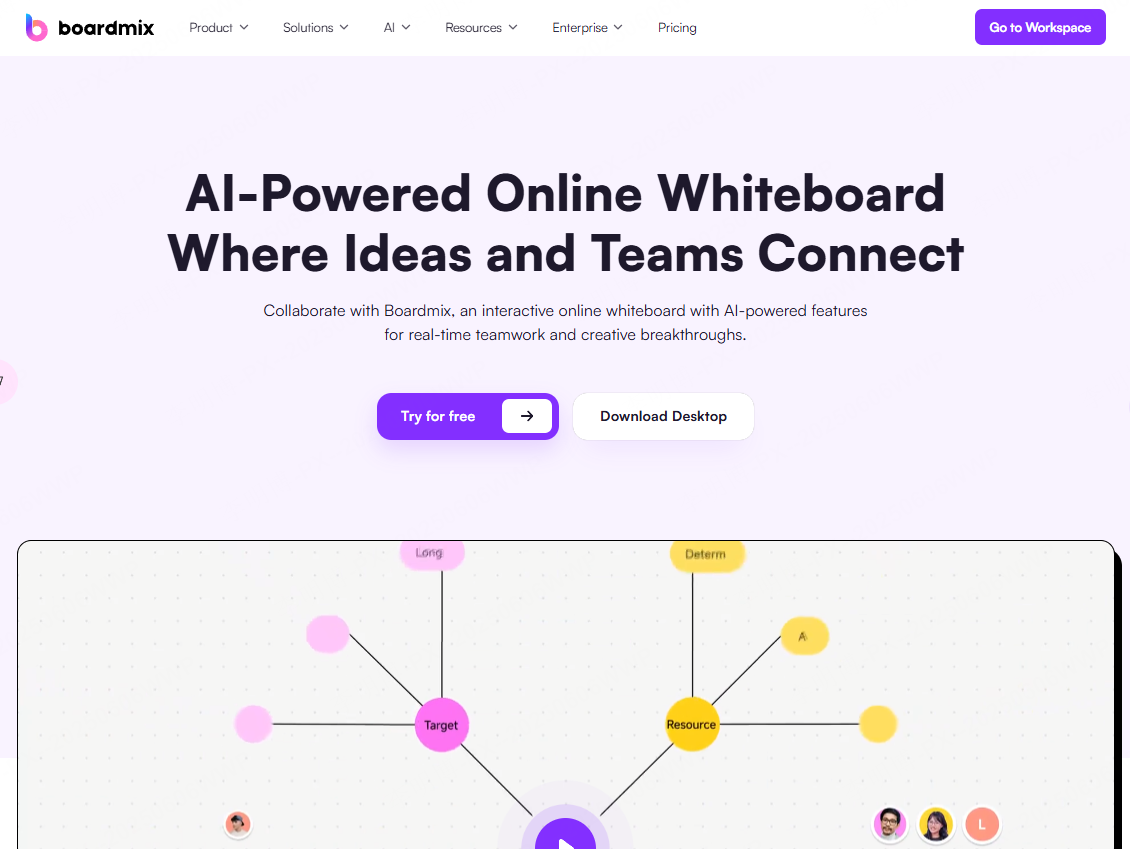
Boardmix combines AI presentation generation with a collaborative whiteboard. Unlike traditional slide tools, it supports multimodal input including text, images, web content, code blocks, audio, and video.
This visual first approach makes it especially effective for complex ideas and early stage planning.
Key strengths
- Generate PPTs, mind maps, and flowcharts with AI assistance
- Infinite canvas for flexible layouts
- Real time multi user collaboration
- Templates for strategy, project management, and training
- Cross platform access
Best use cases
- Team workshops and brainstorming sessions
- Project planning and product design
- Education and training environments
Pricing
Free plan available, with premium tiers for advanced features.
3. Prezi Design
AI driven dynamic and non linear presentations
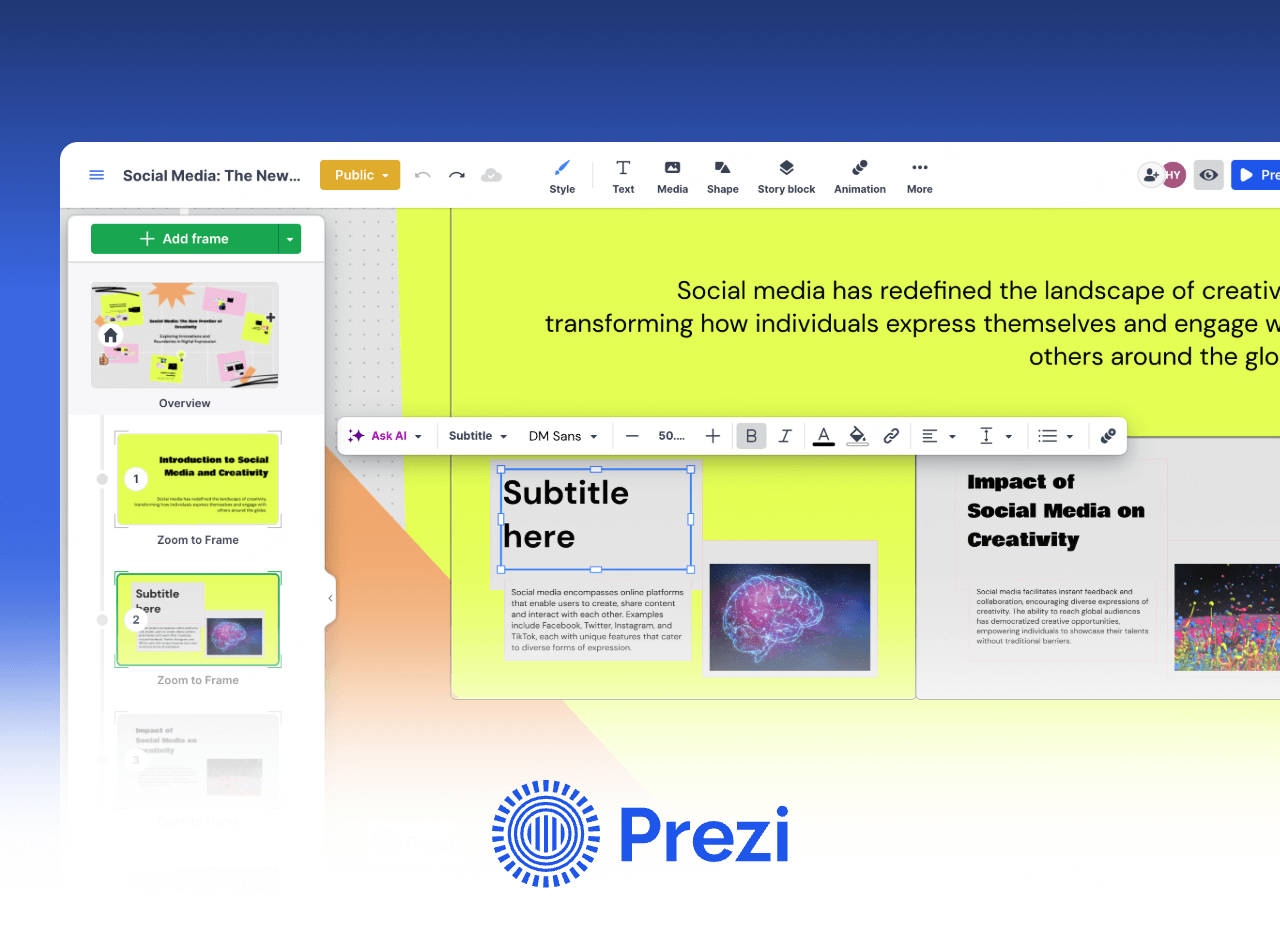
Prezi Design takes a different approach to AI presentations by replacing linear slides with zoom based storytelling. AI generated content can be presented on an infinite canvas, creating a more engaging narrative flow.
Key strengths
- Dynamic zoom and pan presentation style
- AI generated charts including bar and pie charts
- Real time cloud sync across devices
- Shared team libraries for global collaboration
Best use cases
- Product launches and creative pitches
- Remote presentations with live data
- Story driven executive communication
Pricing
Free plan supports basic editing and up to ten pages. Paid plans unlock unlimited canvas and advanced animations.
4. Decktopus AI
Conversational AI for interactive slide creation
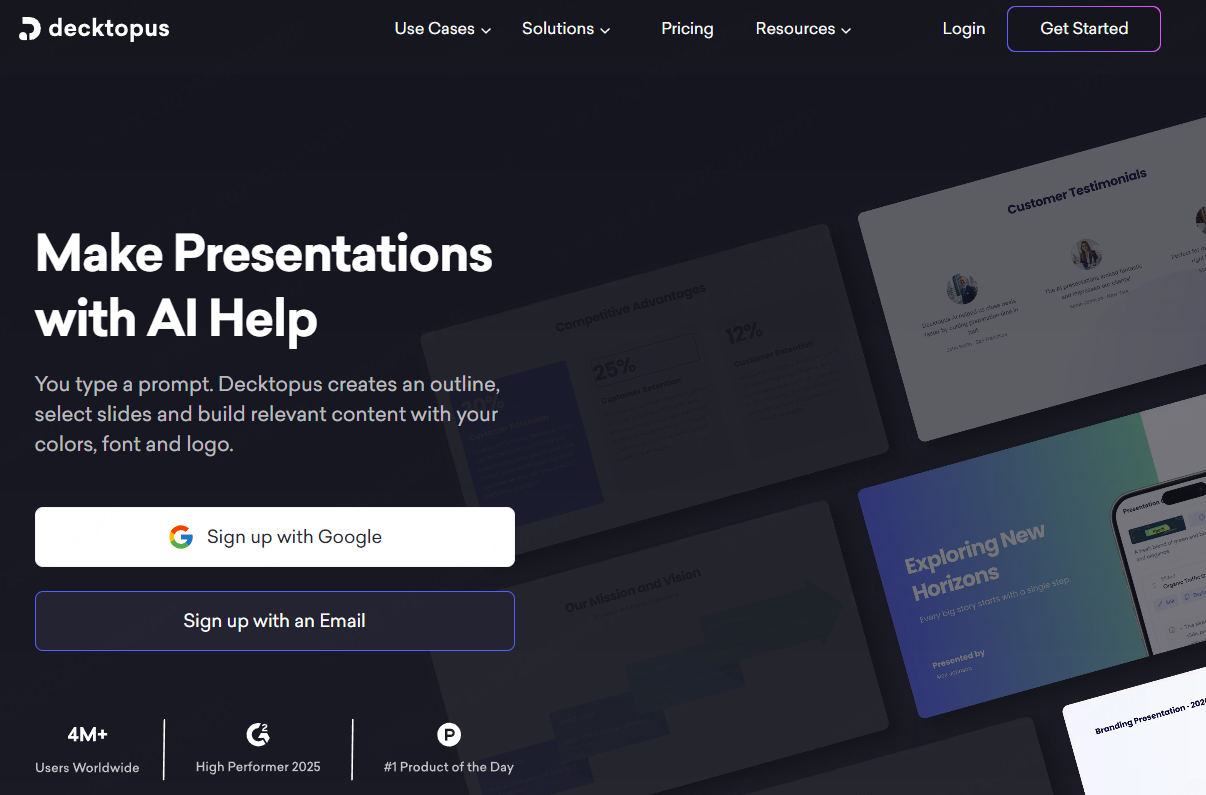
Decktopus AI focuses on simplicity. Users interact with the system using natural language, making slide creation feel more like a conversation than a design task.
Key strengths
- Voice and text based slide editing
- Beginner friendly workflow with minimal learning curve
- Multilingual support including English, Japanese, and Korean
- Built in industry terminology and data visualization
Best use cases
- International team presentations
- Frequently updated reports
- Multilingual business communication
Pricing
Free plan allows five presentations per month with page limits. Pro plans unlock unlimited editing and high resolution exports.
5. SlidesAI
Fast text to slide conversion for urgent scenarios
SlidesAI is optimized for speed. Users can paste text, URLs, or document links and receive a structured presentation within seconds.
Key strengths
- Rapid content extraction from text and web sources
- Automatic slide titles, bullet points, and images
- Video script to presentation conversion
- One click style switching and mobile voice input
Best use cases
- Last minute meetings
- Rapid brainstorming documentation
- Mobile and on the go work
Pricing
Free plan allows three presentations per month with page limits. Paid plans enable PPTX export and ad free usage.
6. Gamma
AI content and design platform for creative teams
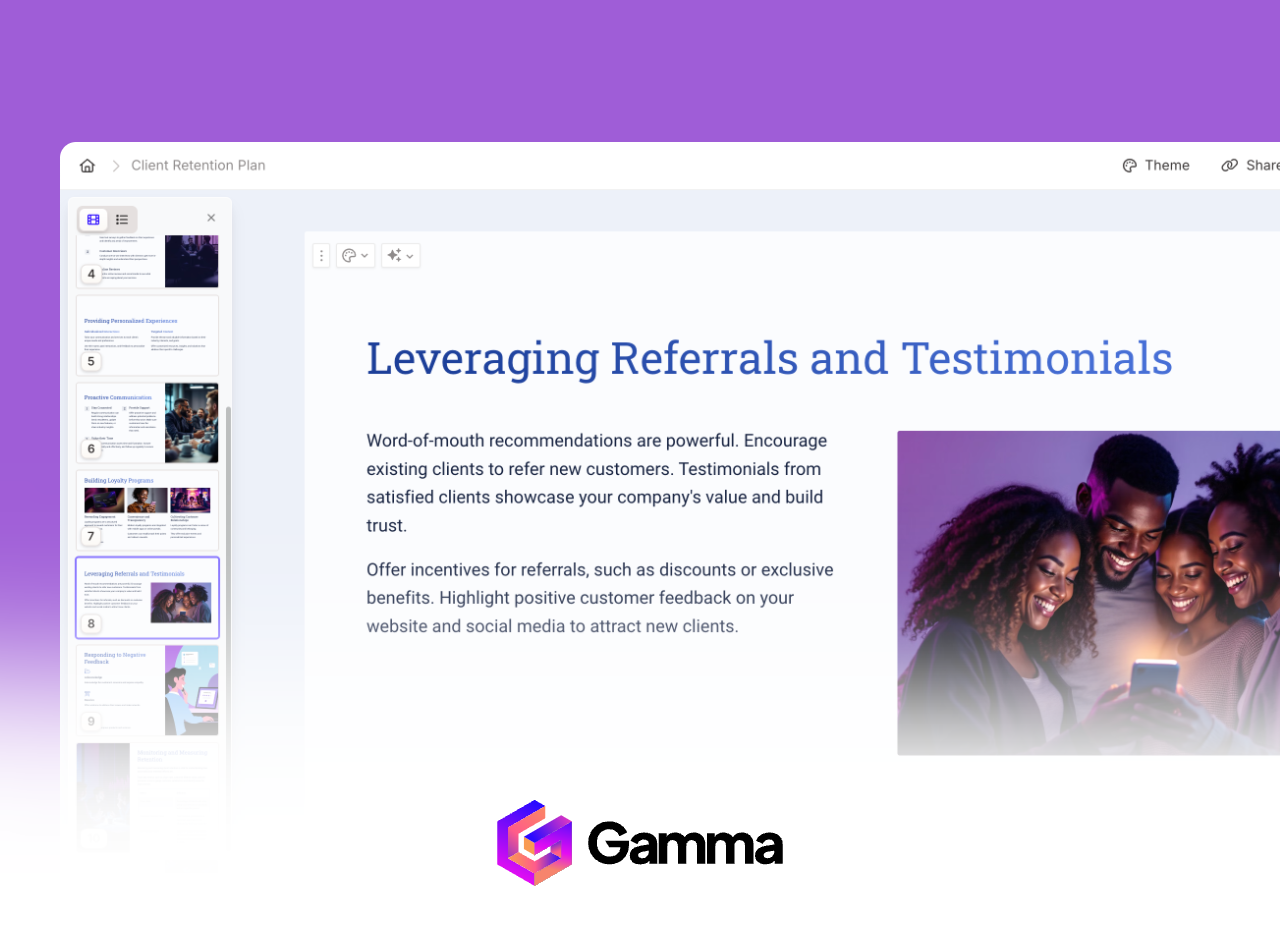
Gamma blends AI content generation with strong visual design. It automatically adapts layout, color schemes, and animations based on content themes.
Key strengths
- Intelligent design style matching
- Smooth animations and modern layouts
- Integrations with Notion, Figma, and Google Drive
- Direct access to cloud documents and datasets
Best use cases
- Brand presentations and product launches
- Creative portfolios and visual storytelling
- Design focused education programs
Pricing
Free tier supports limited pages. Paid plans unlock full design capabilities.
7. Beautiful.ai
Automated layout optimization for data heavy slides
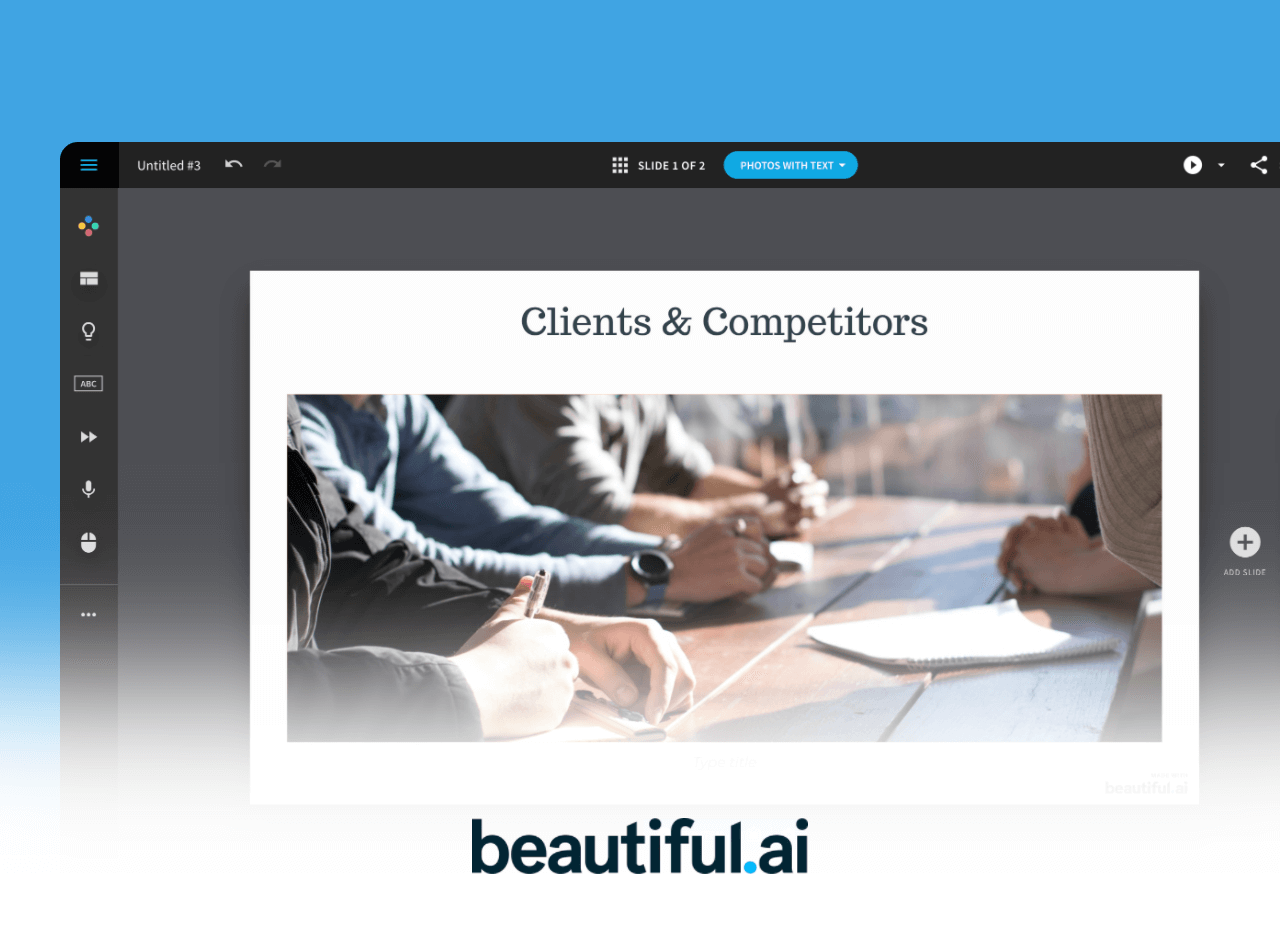
Beautiful.ai excels at presentation structure and layout consistency. Its AI engine automatically adjusts spacing, alignment, and content distribution.
Key strengths
- Automatic layout balancing and slide splitting
- Deep integration with Excel and Google Sheets
- Live data updates across charts and tables
- Strong brand consistency controls
Best use cases
- Financial reporting
- Academic research presentations
- Enterprise reporting and analytics reviews
Pricing
Free plan supports limited usage. Team and enterprise plans offer shared templates and advanced data features.
8. Pitch
AI presentation platform built for collaboration
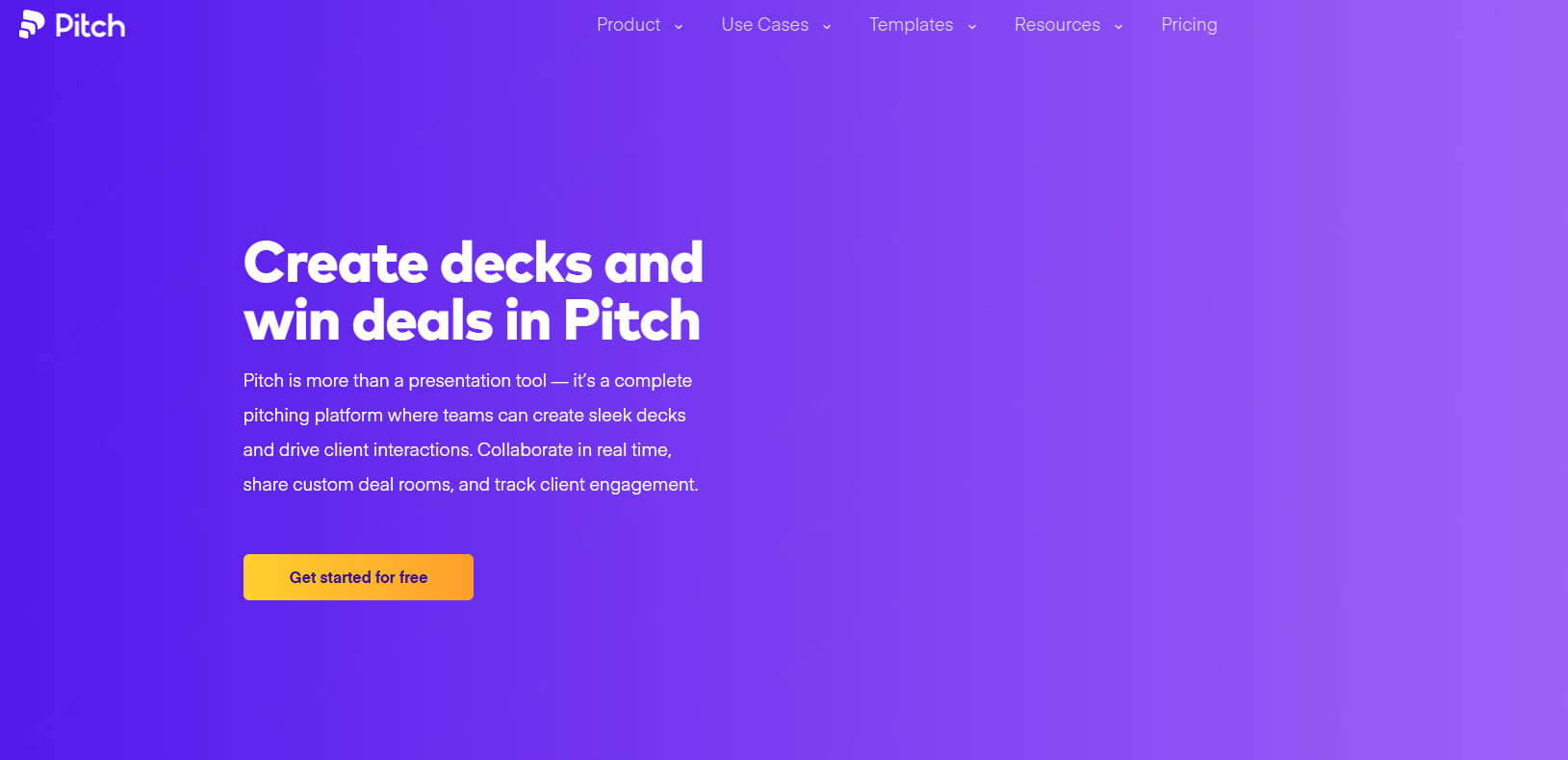
Pitch is designed for teams that collaborate heavily on presentations. It supports large scale real time editing and integrates with analytics and marketing tools.
Key strengths
- Real time editing for large teams
- Comments, mentions, and presentation live sharing
- Integration with Google Analytics and HubSpot
- Automated data visualization
Best use cases
- Distributed team collaboration
- Marketing and sales reporting
- Client facing presentations
Pricing
Free plan supports small teams. Enterprise plans add advanced permissions and integrations.
9. Tome
AI storytelling for sales and marketing presentations
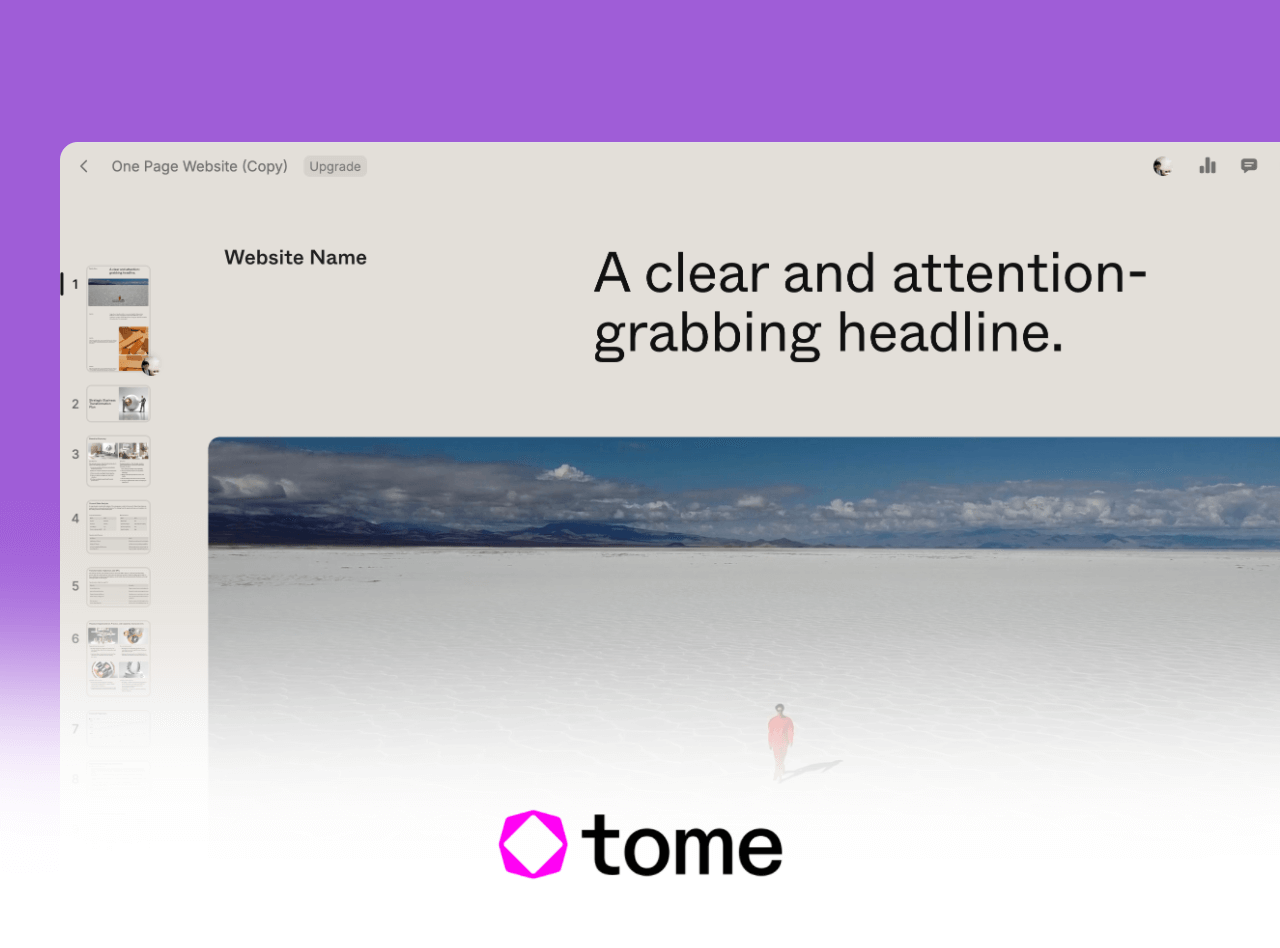
Tome focuses on narrative structure. Instead of static slides, it helps users build presentations around clear story arcs.
Key strengths
- AI generated storytelling frameworks
- Conflict resolution outcome narrative structure
- Embedded media including videos and prototypes
- Interactive presentation experiences
Best use cases
- Sales enablement
- Brand storytelling
- Product demos and customer education
Pricing
Free plan supports short presentations. Paid plans unlock advanced interactivity and web exports.
How to Choose the Right AI PowerPoint Generator
When evaluating AI presentation tools, focus on how well they align with your actual workflow. Four key factors matter most:
1. Generation speed
Look for tools that can create a complete slide deck within five to ten minutes from keywords or documents.
2. Template quality
Strong tools offer templates across business, education, and technical scenarios, with customization options.
3. Editing and collaboration
Visual editing, real time previews, cloud sync, and multi user collaboration are essential for teams.
4. Language support
International teams should prioritize tools with robust multilingual generation.
Final Thoughts
AI PowerPoint generators have significantly lowered the barrier to creating professional presentations. For technical teams, educators, and project managers, these tools are no longer optional. They are productivity multipliers.
Choosing the right platform depends on your priorities, whether that is speed, storytelling, collaboration, or data accuracy. Start with tools that offer free trials, test them against real projects, and adopt the one that integrates most naturally into your workflow.









