
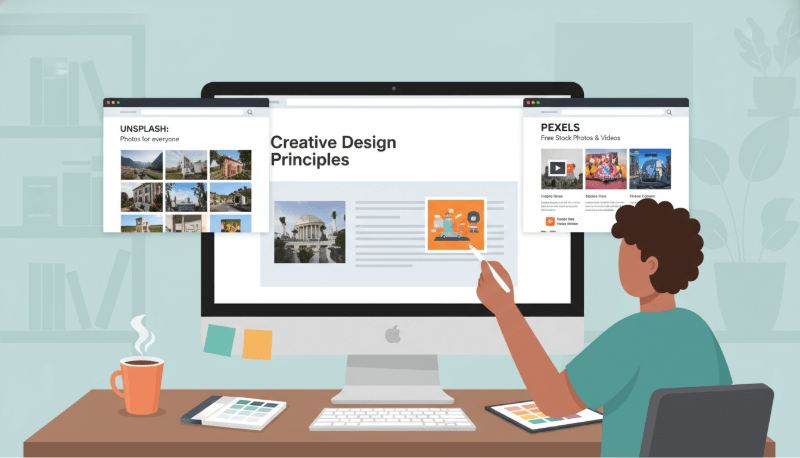
When you're building a PowerPoint deck, whether for product demos, training sessions, project updates, or executive briefings, the illustrations you choose can dramatically shape how your message lands. Clean, purposeful visuals help audiences stay focused, reduce cognitive load, and make even complex concepts easy to grasp.
Below is a curated list of high quality illustration and graphic resources widely used by design teams, educators, developers, and project managers across North America and Europe. These platforms offer professional grade assets that you can drop directly into your slides to improve clarity, storytelling, and visual impact.
1. Presenti AI
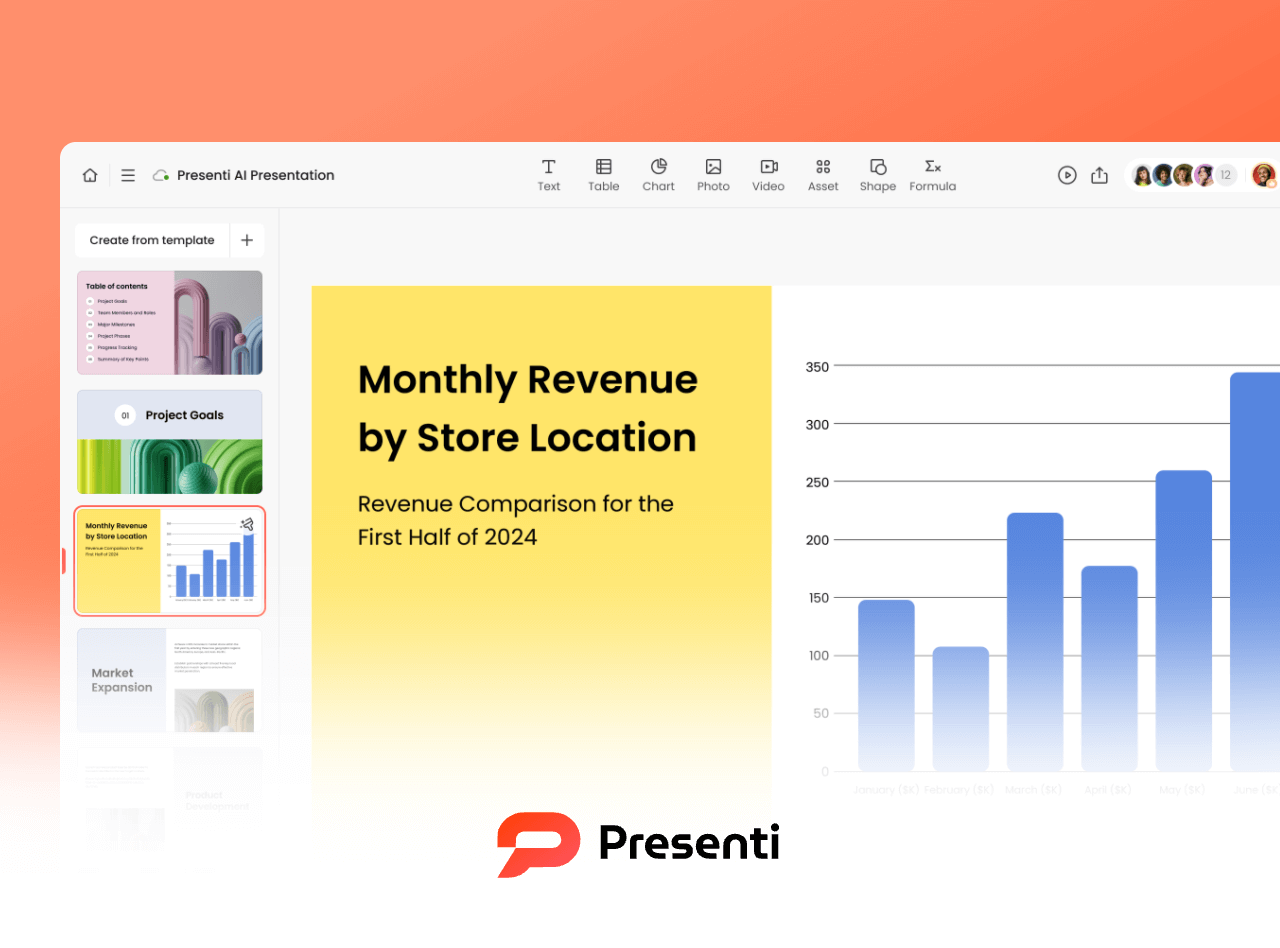
Presenti AI is an AI powered presentation tool designed for teams who need polished slides fast. Beyond slide generation, it includes a rich library of illustration packs such as:
- Alteos style sticker graphics
- BAM 3D illustrations
- Bangalore flat style artwork
- Bubble Gum illustrations
- UX focused line art
- Doodle and comic style graphics
You can drag illustrations directly onto slides, adjust colors, shadows, transparency, or generate new images via AI image to image, smart background removal, and AI restoration tools.
For teams who frequently build training decks, onboarding materials, or product walkthroughs, Presenti AI offers a fast way to maintain consistent visual style across large slide libraries.
2. GraphicRiver
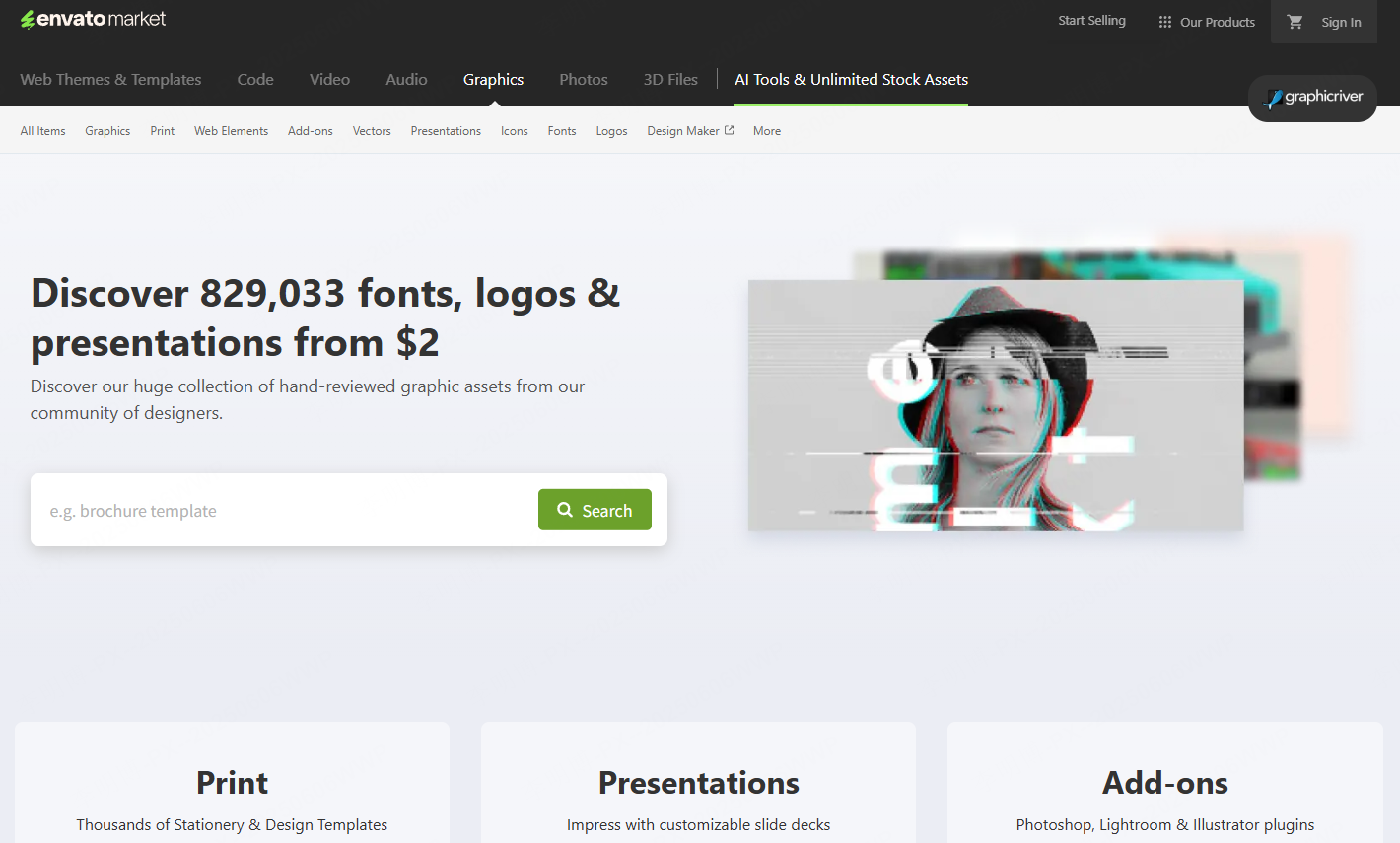
GraphicRiver (part of the Envato ecosystem) is a premium marketplace for professional designers. Unlike free libraries, GraphicRiver emphasizes high quality, paid per item assets, ideal for teams that need unique, polished visuals.
Highlights for PPT users:
• Vector Icons & Illustration Kits
Modern, minimalist sets optimized for diagrams, workflows, and conceptual slides.
• Motion Graphics
You’ll find templates for animated data charts, product sequences, and process demos, which can be exported and embedded into PowerPoint.
GraphicRiver is widely used by design agencies and enterprises that need a higher level of visual refinement and are willing to pay for premium rights.
3. Flaticon
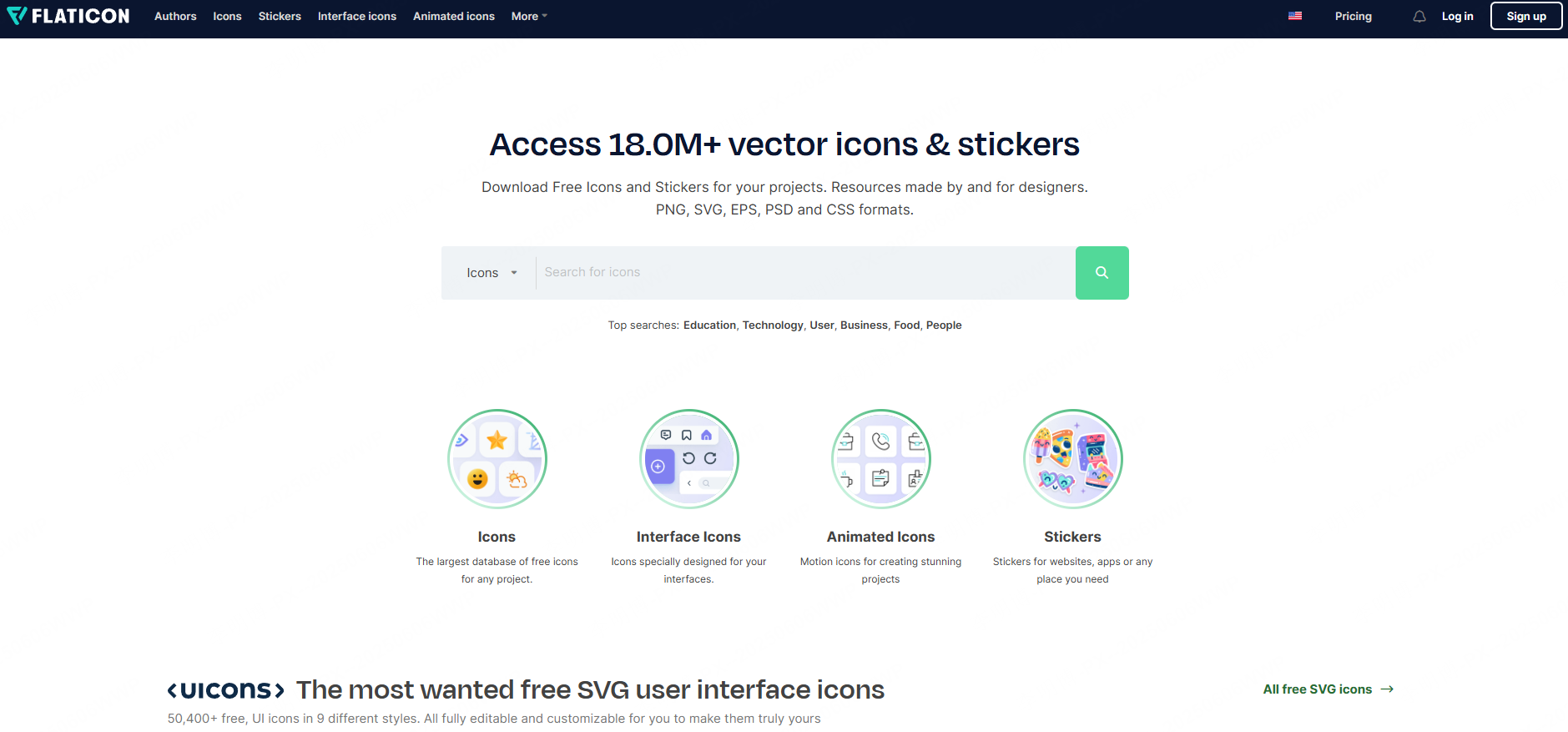
Flaticon remains one of the most popular icon and vector illustration libraries for presentation creators. Its assets are optimized for clarity and clean visual communication, perfect for technical teams.
Ideal use cases include:
• Business & Analytics Icons
Perfect for quarterly reports, ROI slides, KPI dashboards, and project updates.
• Education Illustrations
Great for training materials, e-learning modules, and workshop decks.
• Tech Focused Graphics
ITS, cloud infrastructure, cybersecurity, and SaaS diagrams benefit from Flaticon's modern, tech driven artwork.
• Creative & Artistic Styles
Useful for pitch decks, design reviews, or innovation presentations.
All assets are downloadable in SVG, EPS, PNG, and can be quickly recolored to match brand guidelines.
4. Unsplash
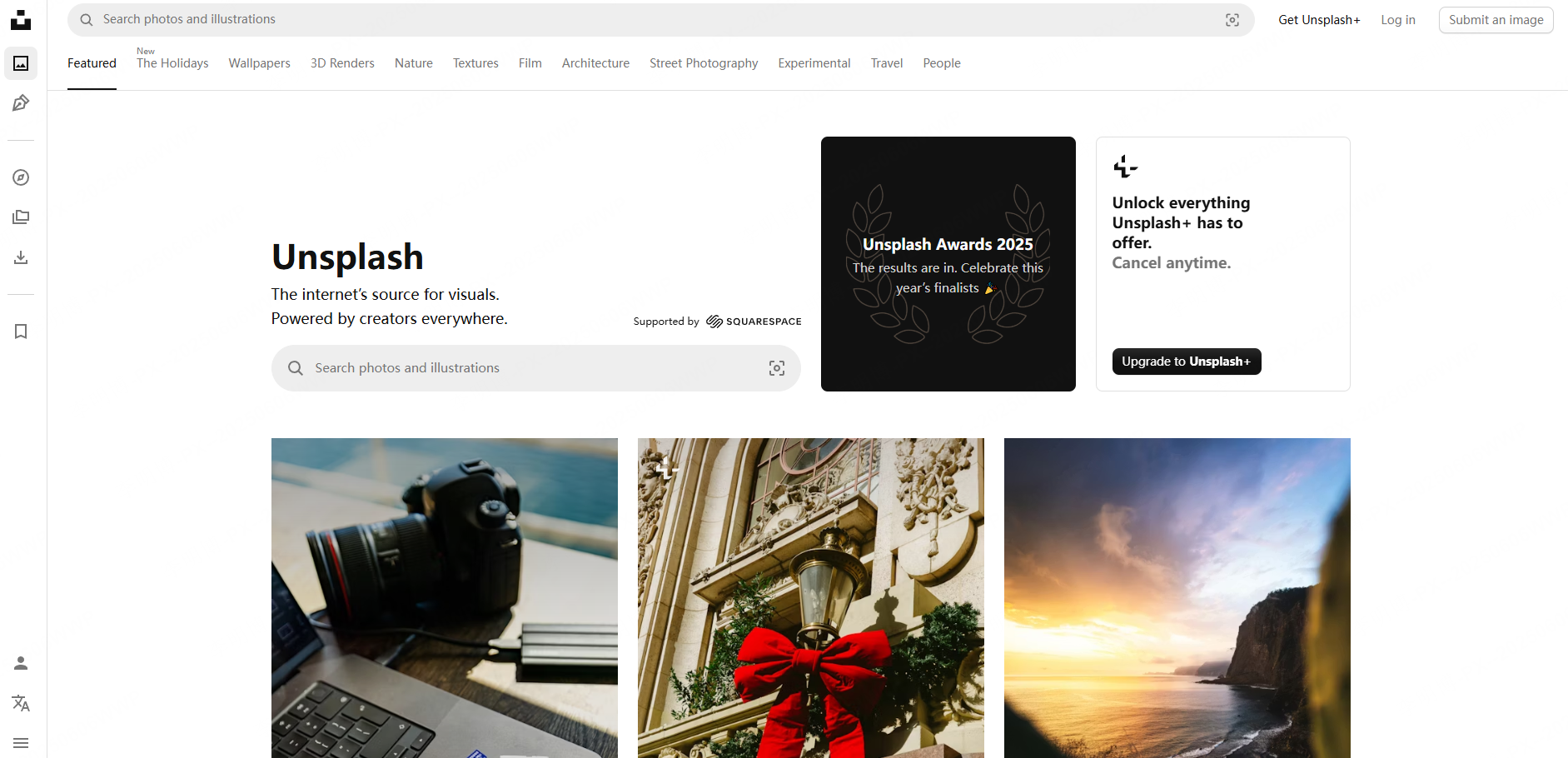
Unsplash remains the go to source for copyright free high resolution images contributed by global photographers. It's ideal when your presentation needs realistic visual storytelling.
Great for PowerPoint backgrounds:
- Landscapes
- Office environments
- Urban scenes
- Minimalist textures
Creative & Conceptual Shots
Perfect for innovation, leadership, culture, and vision driven presentations.
Professional Work Environments
Business meetings, remote collaboration, teamwork, great for project or stakeholder presentations.
Futuristic & Tech Imagery
Artificial intelligence, digital transformation, cybersecurity, and infrastructure related visuals.
If your deck relies heavily on visual mood and emotional tone, Unsplash provides a strong photographic backbone.
5. Freepik
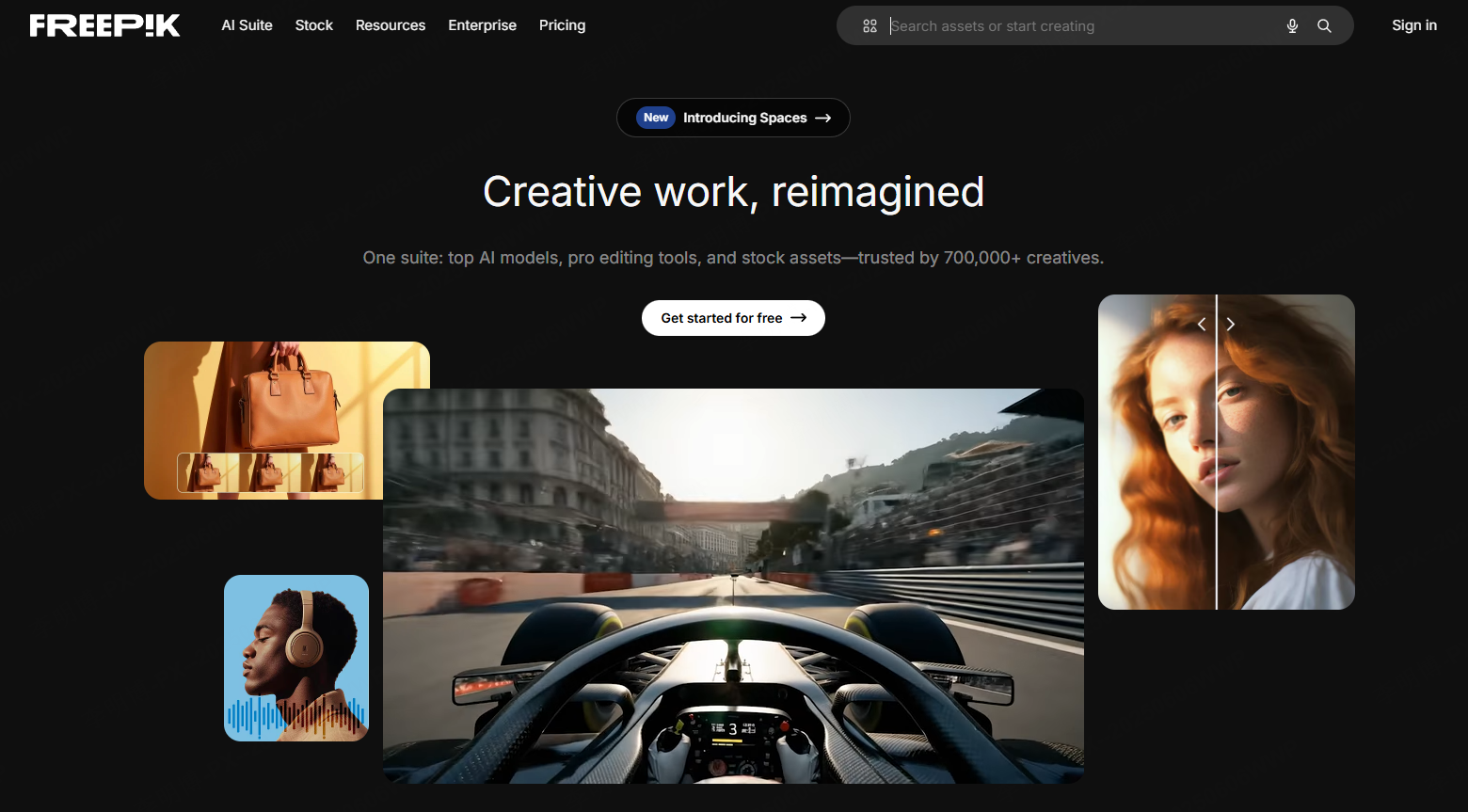
Freepik is a comprehensive design platform offering both free and premium vector illustrations, icons, templates, and background graphics.
Why teams love it:
- Huge library across business, education, tech, and creative verticals
- Editable vector files (AI, SVG, EPS)
- Ready to use templates for PowerPoint and Google Slides
- Consistent illustration styles for cohesive slide decks
Freepik is particularly helpful when you need to build entire presentation systems, not just grab single images.
6. Pexels
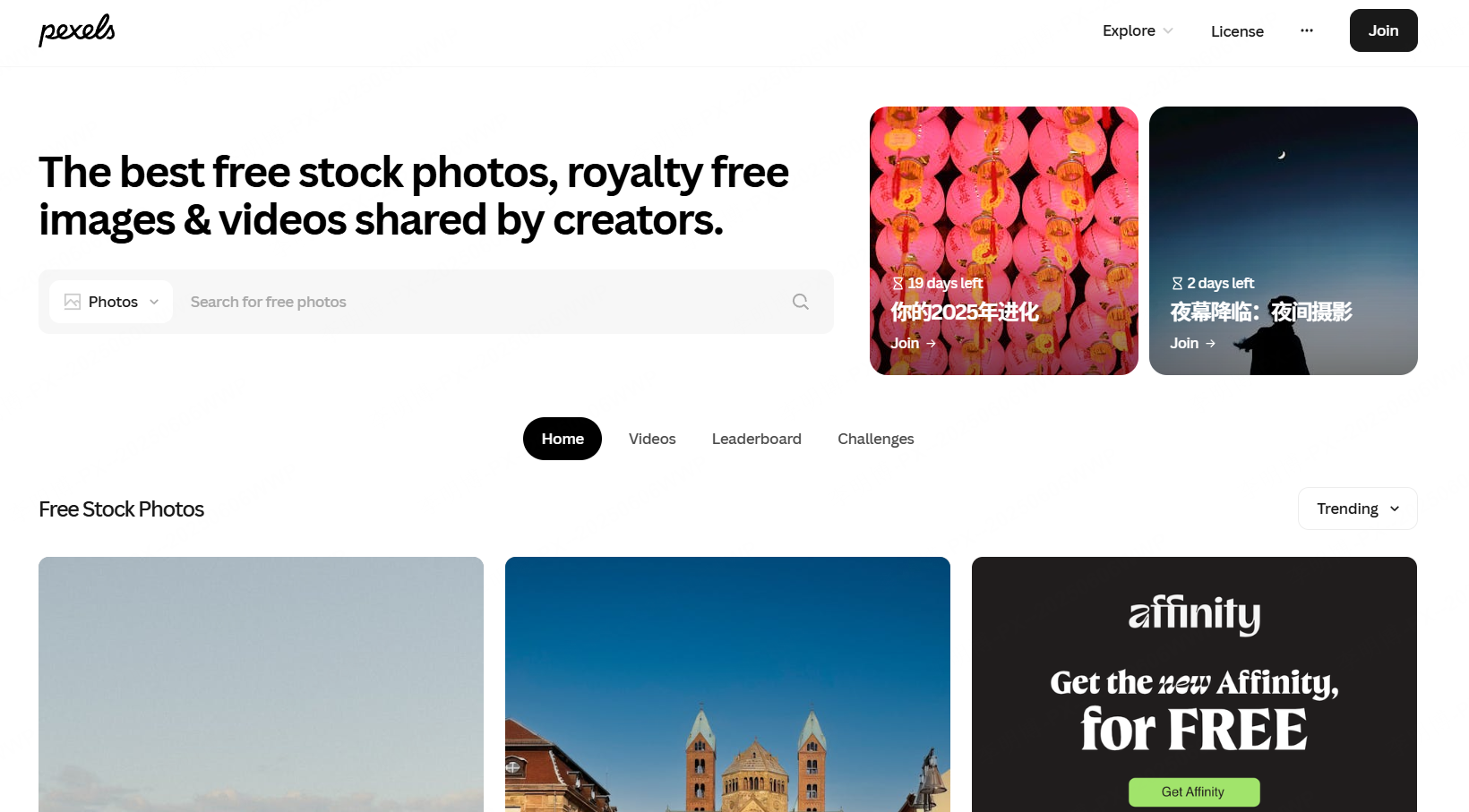
Pexels offers high quality, copyright free photos and videos, making it a favorite for slide designers who rely on strong visual storytelling.
Ideal for:
- Modern office scenes
- Realistic lifestyle photos
- Creative close up shots
- People focused images for leadership, teamwork, or HR related content
Because Pexels focuses on authentic imagery, it’s especially useful for presentations related to culture, branding, education, and personal development.
7. Storyblocks
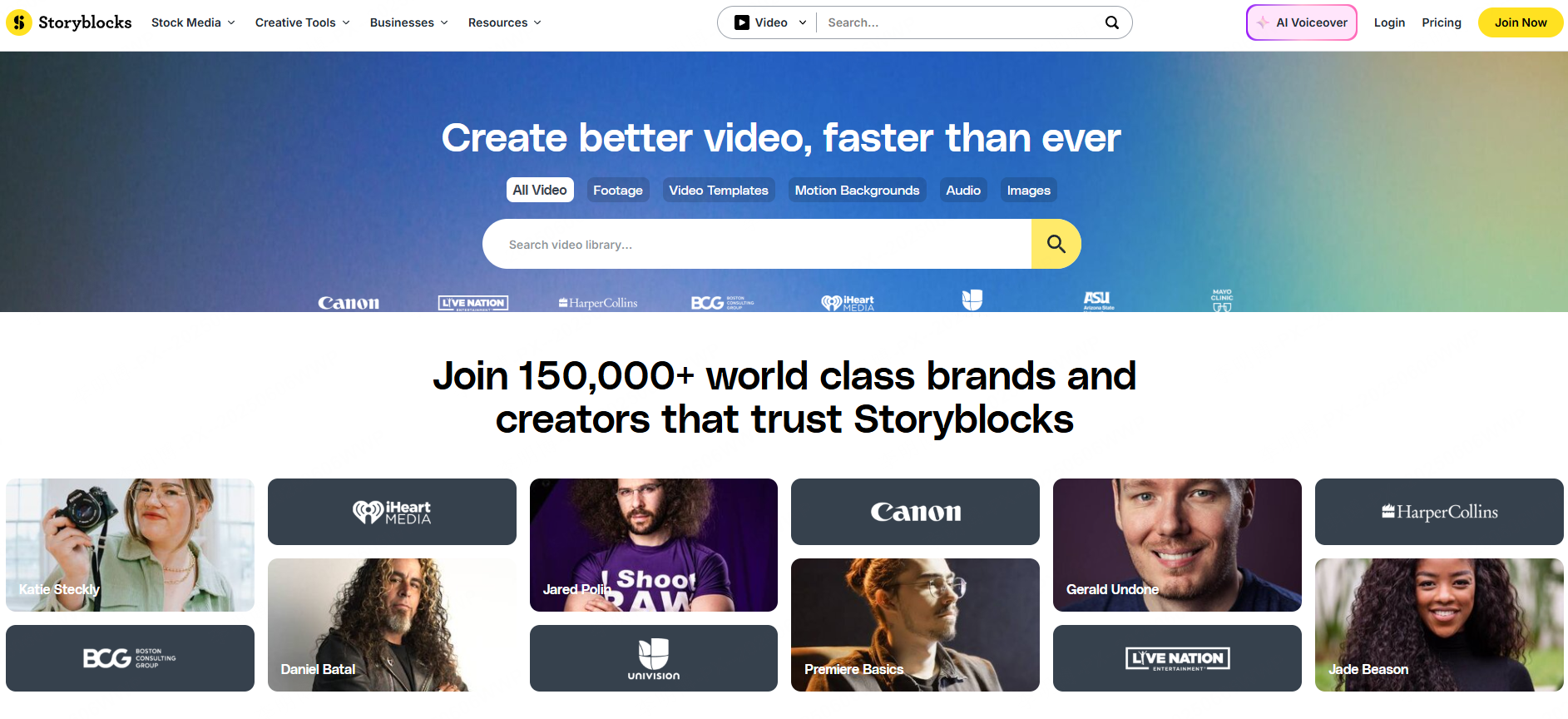
Storyblocks is a full multimedia resource library offering:
- HD & 4K videos
- Animated illustrations
- Motion graphics
- After Effects templates
- Sound effects and background audio
Teams creating product demo videos, animated workflows, customer journey explainers, or dynamic presentation intros will find Storyblocks especially valuable.
If your PowerPoint needs embedded animations or multimedia storytelling, Storyblocks provides both breadth and depth.
Final Thoughts
Selecting the right illustration assets can dramatically improve the effectiveness of any presentation. Whether you're designing training materials, pitching a product, presenting research, or running project reviews, visuals shape how well your audience understands and remembers your content.
Tools like Presenti AI make this process even easier, helping you generate full decks, visualize workflows, and source consistent illustration styles without manual design work. If you want to build cleaner, more engaging presentations in less time, Presenti AI provides a powerful workflow for teams across tech, education, and business.









