
High quality images are one of the most important elements in any effective presentation. The right visuals can instantly improve clarity, strengthen your message, and make your slides feel more professional. On the other hand, low quality or poorly licensed images can hurt credibility and even introduce legal risks.
For many professionals, finding royalty free, high resolution images that are safe for commercial use remains a common challenge. This guide curates a comprehensive list of trusted PPT image resource websites, covering backgrounds, people photos, icons, illustrations, and AI powered solutions. All recommendations are familiar to Western users and widely adopted in business, education, and technical environments.
Whether you are preparing a business pitch, a training deck, or a product demo, these resources will help you design better presentations with confidence.
1. Best Websites for PPT Background Images
When designing slides, background images set the visual tone. A strong background supports content without distracting from it. If your main goal is to find clean, professional PPT background images, the following platforms are worth bookmarking.
Unsplash
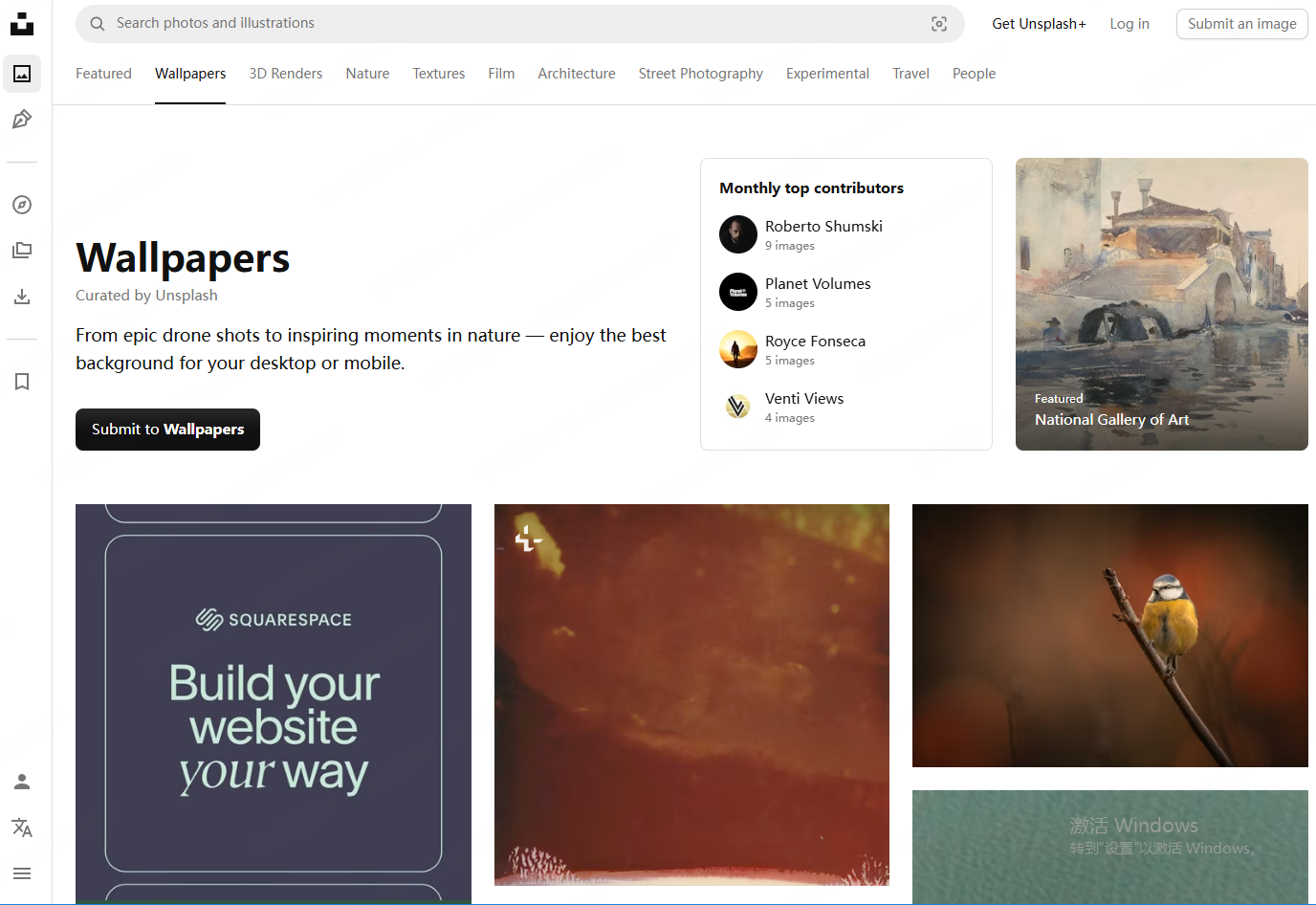
Unsplash is one of the most popular royalty free image platforms worldwide. It offers a large collection of high resolution photos, especially landscapes, workplace scenes, and abstract visuals. These images work well as modern, minimal presentation backgrounds.
Pexels
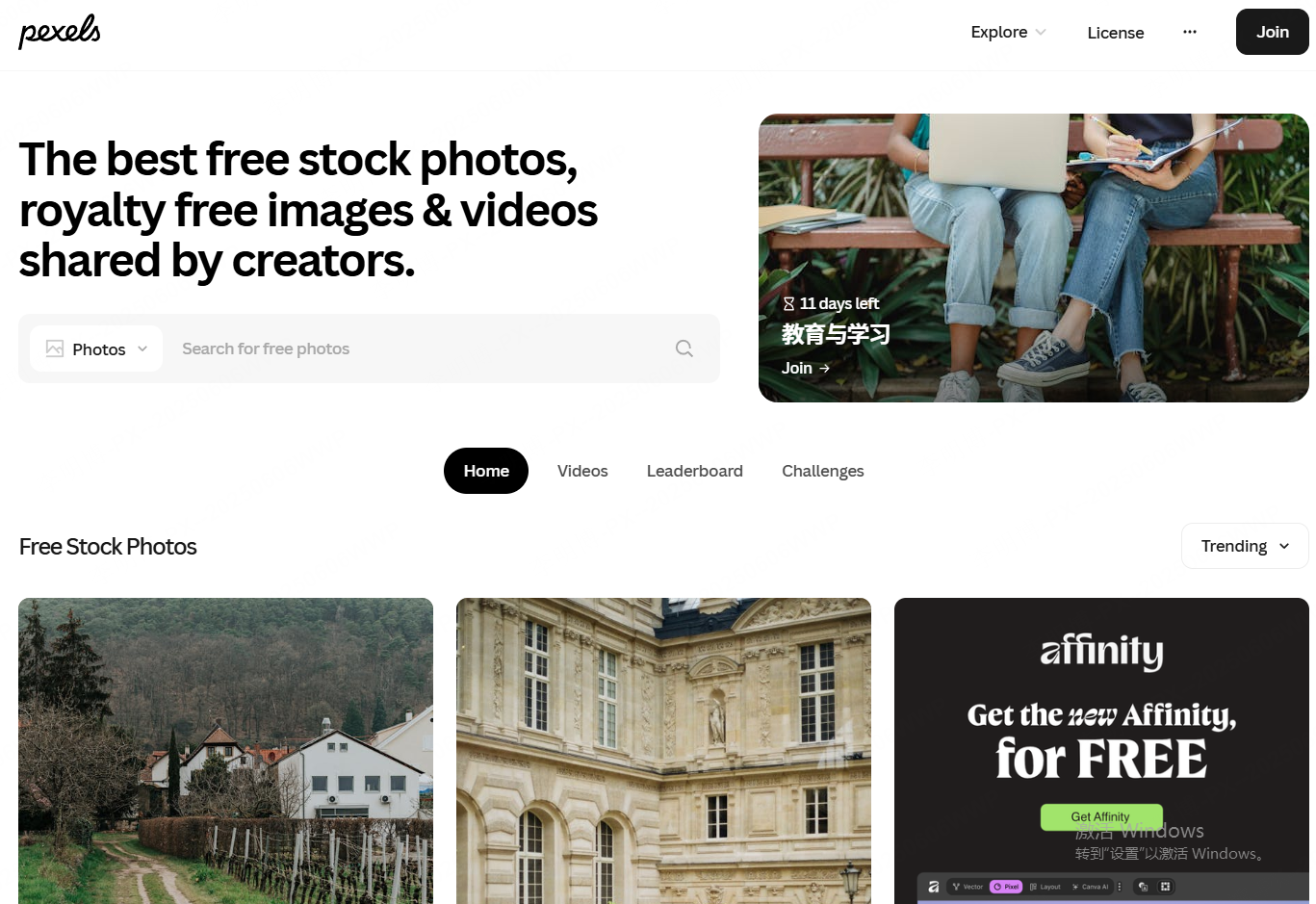
Pexels focuses on clean, well lit photography with a strong emphasis on business and lifestyle scenarios. Its images are ideal for corporate presentations, educational slides, and startup decks that require a polished but approachable look.
Freepik (partially free)
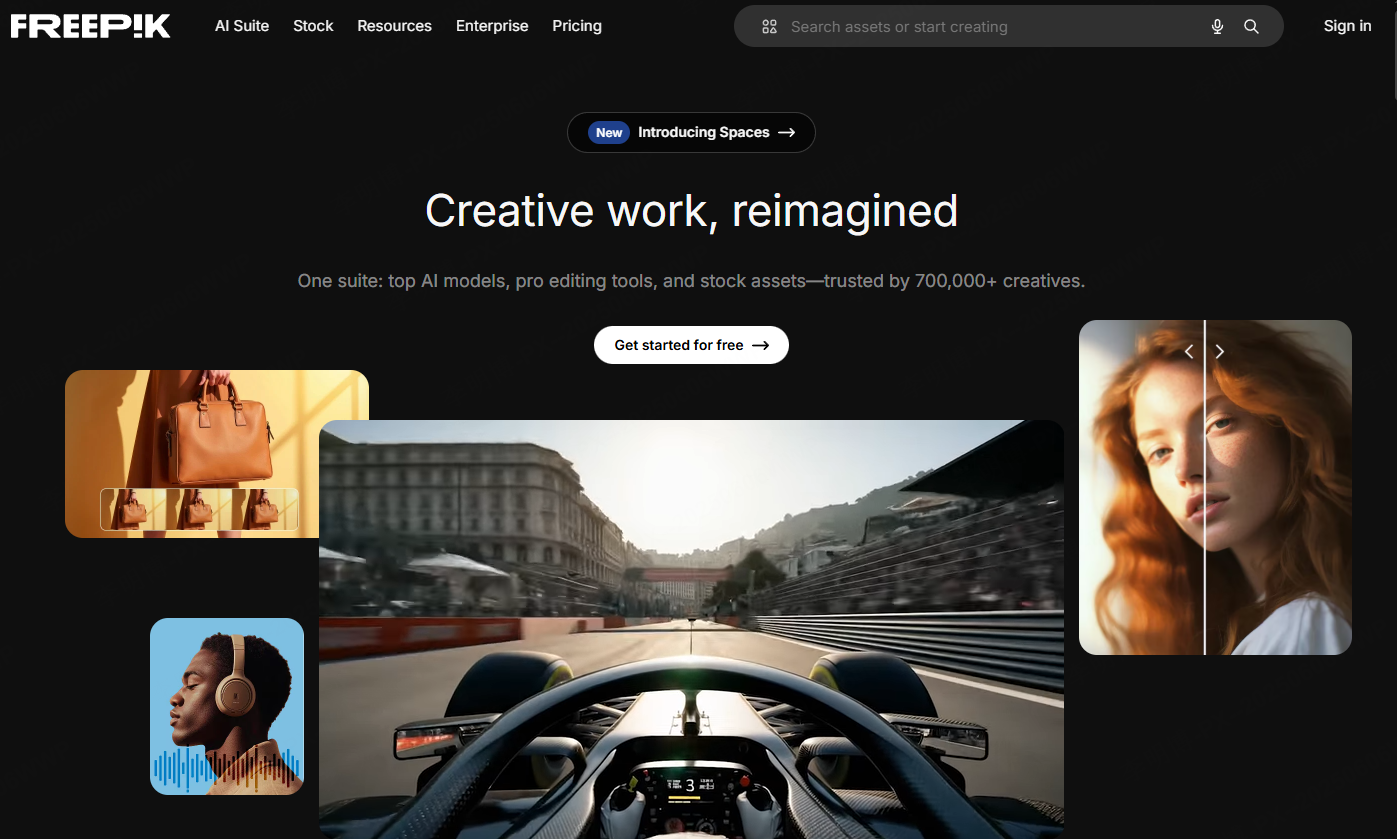
Freepik provides a wide range of design assets, including gradient backgrounds, abstract visuals, and creative compositions. While not all assets are free, its free tier still offers plenty of usable background images for presentations that need a more dynamic visual impact.
Design Tip
When using background images, reduce saturation or apply a subtle overlay. This ensures strong contrast between text and background, improving readability and preventing visual overload.
2. Best Websites for People Images in PPT
People images add context and emotional connection. In reports, case studies, and product presentations, human visuals help audiences relate to the content.
Pexels
Pexels features natural looking portraits and candid workplace photos. These images are especially effective for cover slides, team introductions, and storytelling driven presentations.
Pixabay
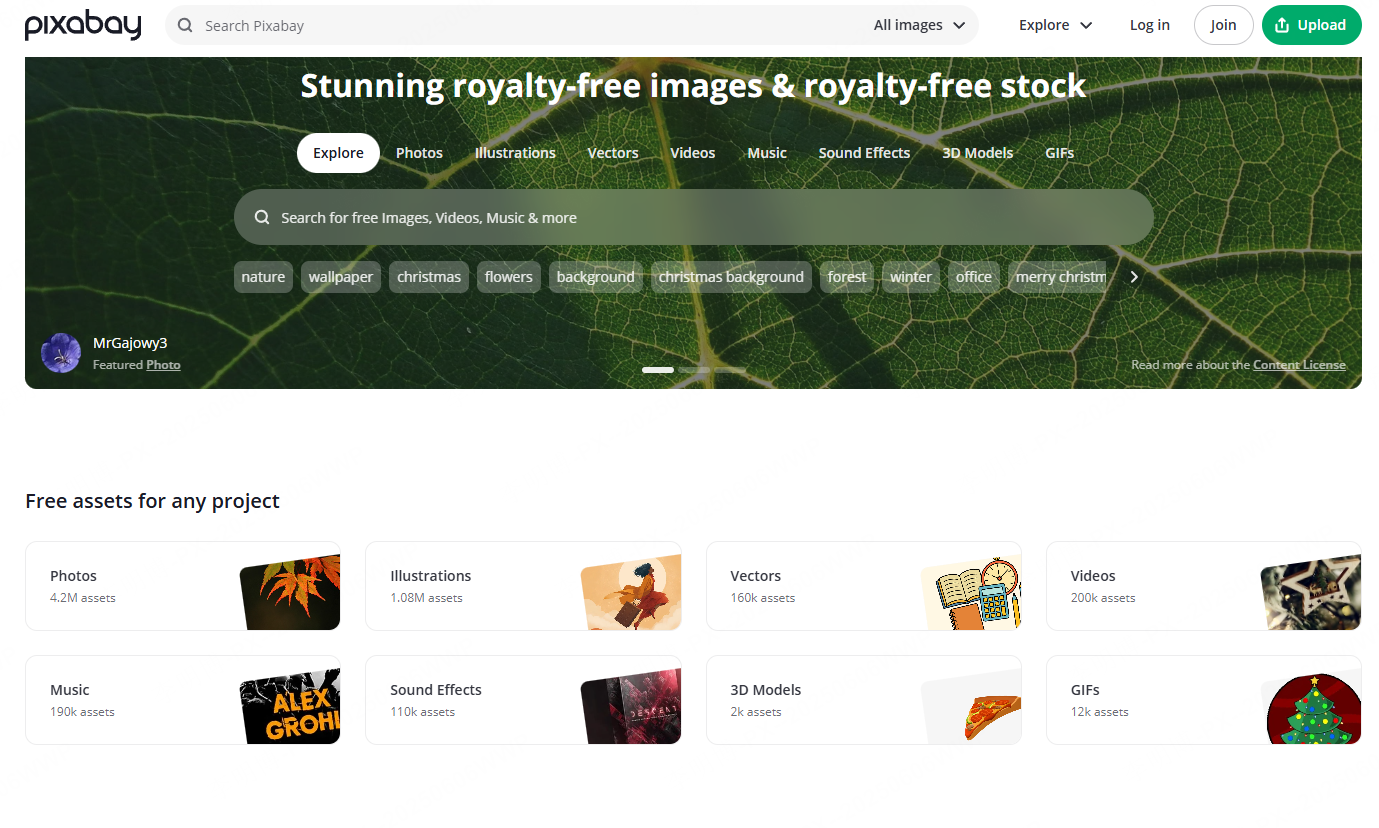
Pixabay offers a broad selection of people images across industries, roles, and demographics. It is particularly useful for business reports, HR presentations, and professional training materials.
Best Practice
Avoid overly staged or artificial photos. Authentic, real world imagery feels more trustworthy and resonates better with professional audiences.
3. Best Websites for PPT Icons
Icons simplify complex ideas and help guide the viewer’s attention. When used correctly, they make slides easier to scan and more visually structured.
Flaticon
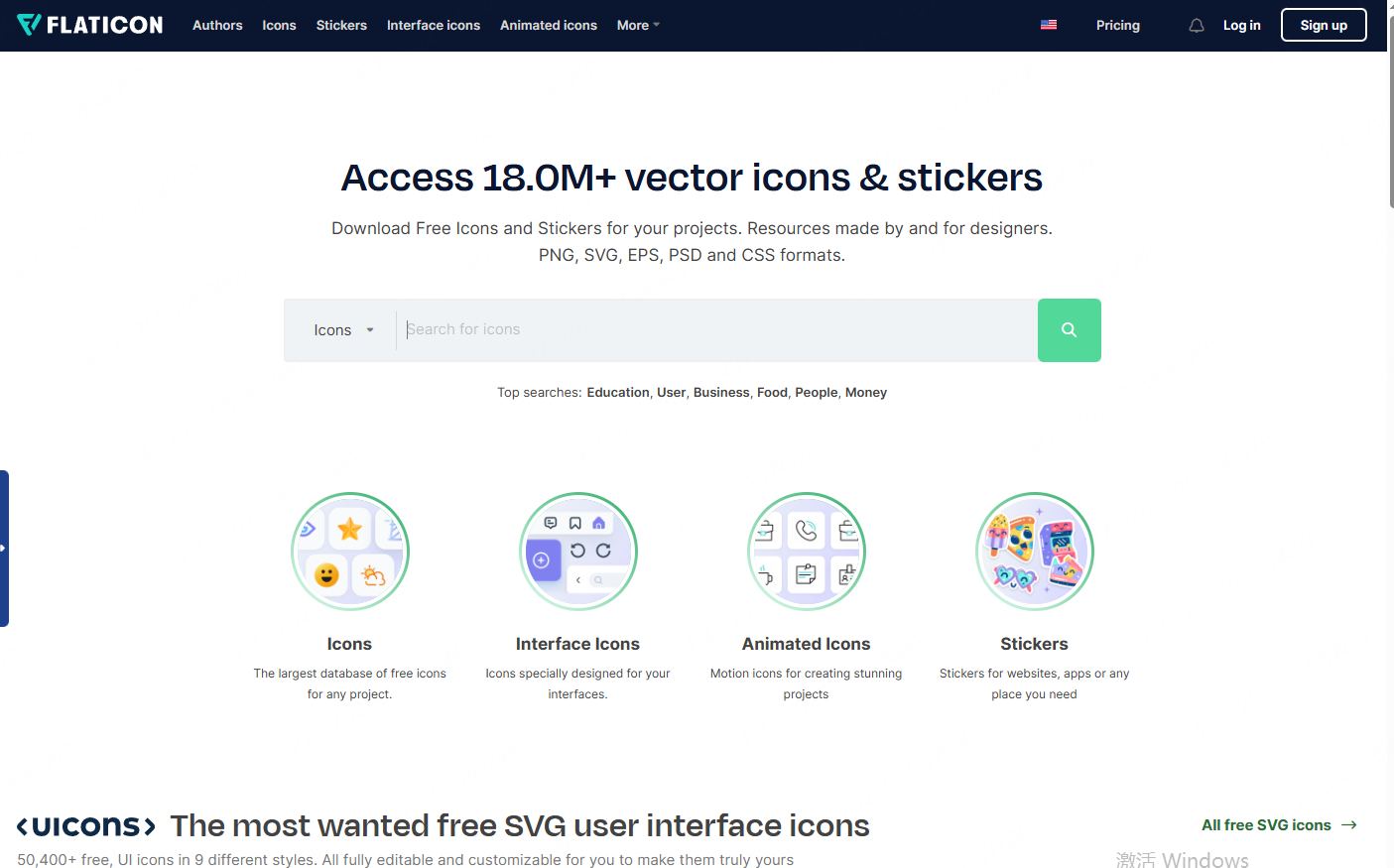
Flaticon is one of the largest icon libraries available, covering business, education, technology, and product design. It supports multiple styles, making it easy to align icons with your presentation theme.
The Noun Project
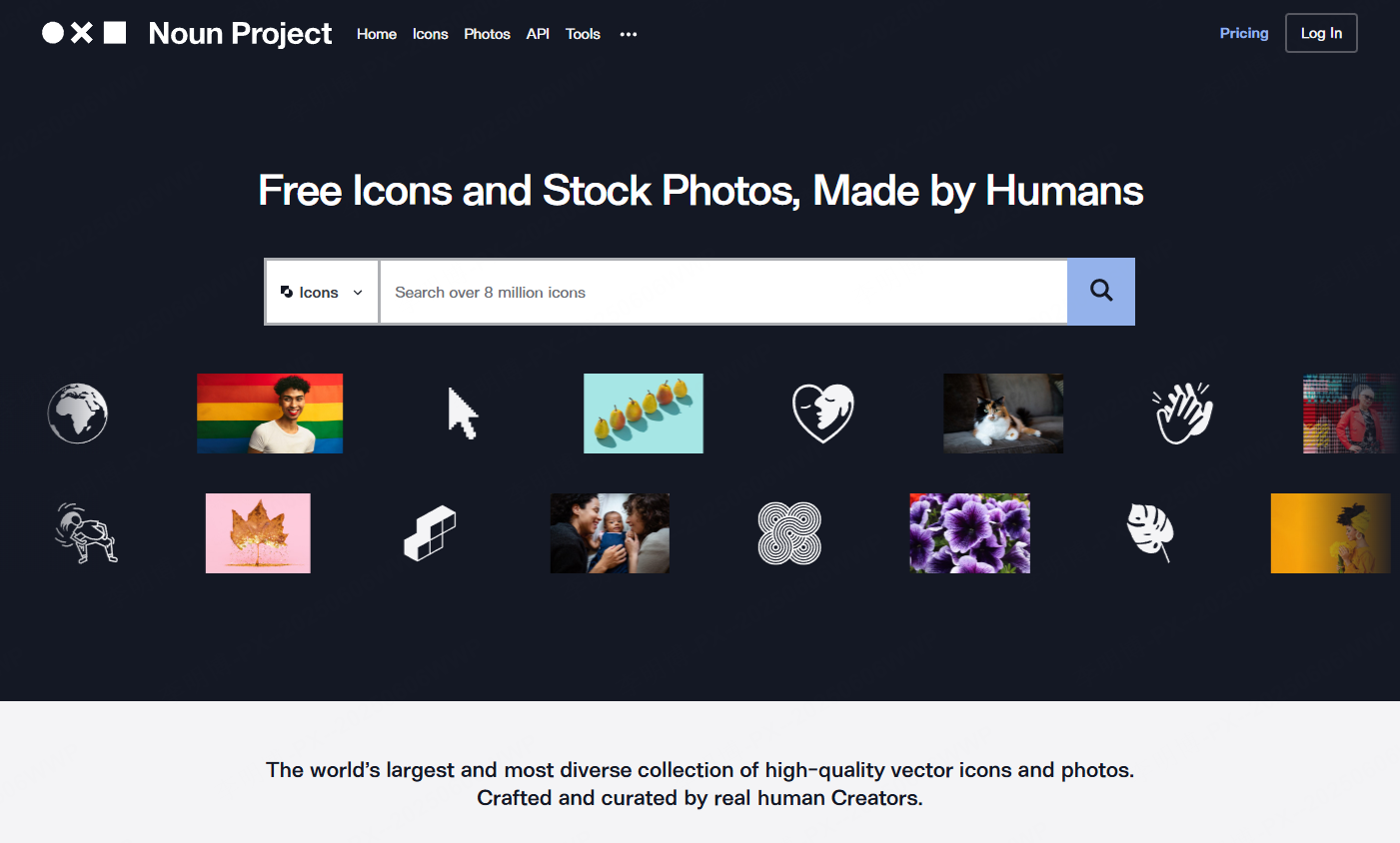
The Noun Project specializes in minimal black and white icons. These work especially well in clean, modern presentations where clarity and consistency matter.
Design Tip
Always keep icon styles consistent. Avoid mixing outline, filled, and flat icons on the same slide, as this creates visual noise and reduces professionalism.
4. Best Websites for PPT Illustrations
Illustrations add personality and creativity to slides. They are particularly effective for onboarding materials, educational content, and presentations aimed at younger or more creative audiences.
unDraw
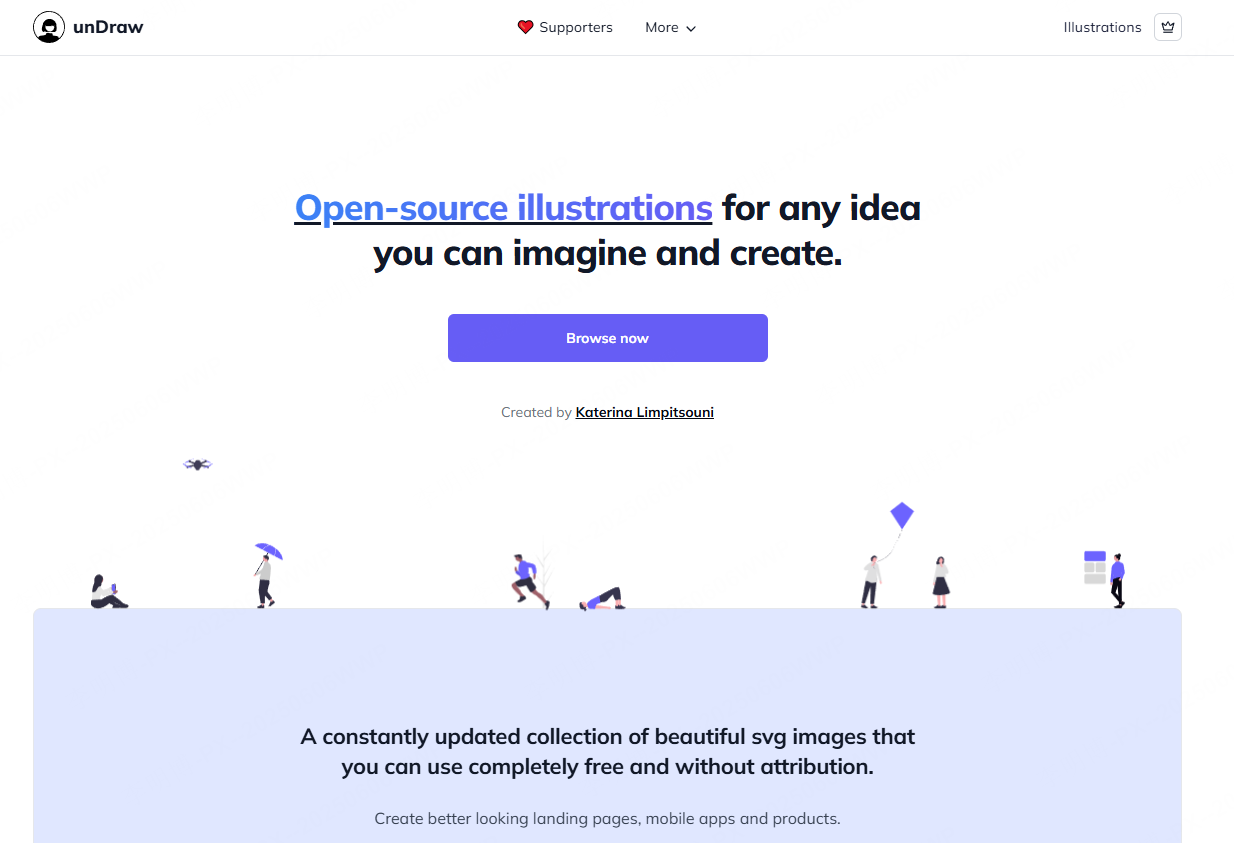
unDraw is an open source illustration library that allows color customization. This makes it easy to match illustrations with your brand palette while keeping visual consistency.
DrawKit
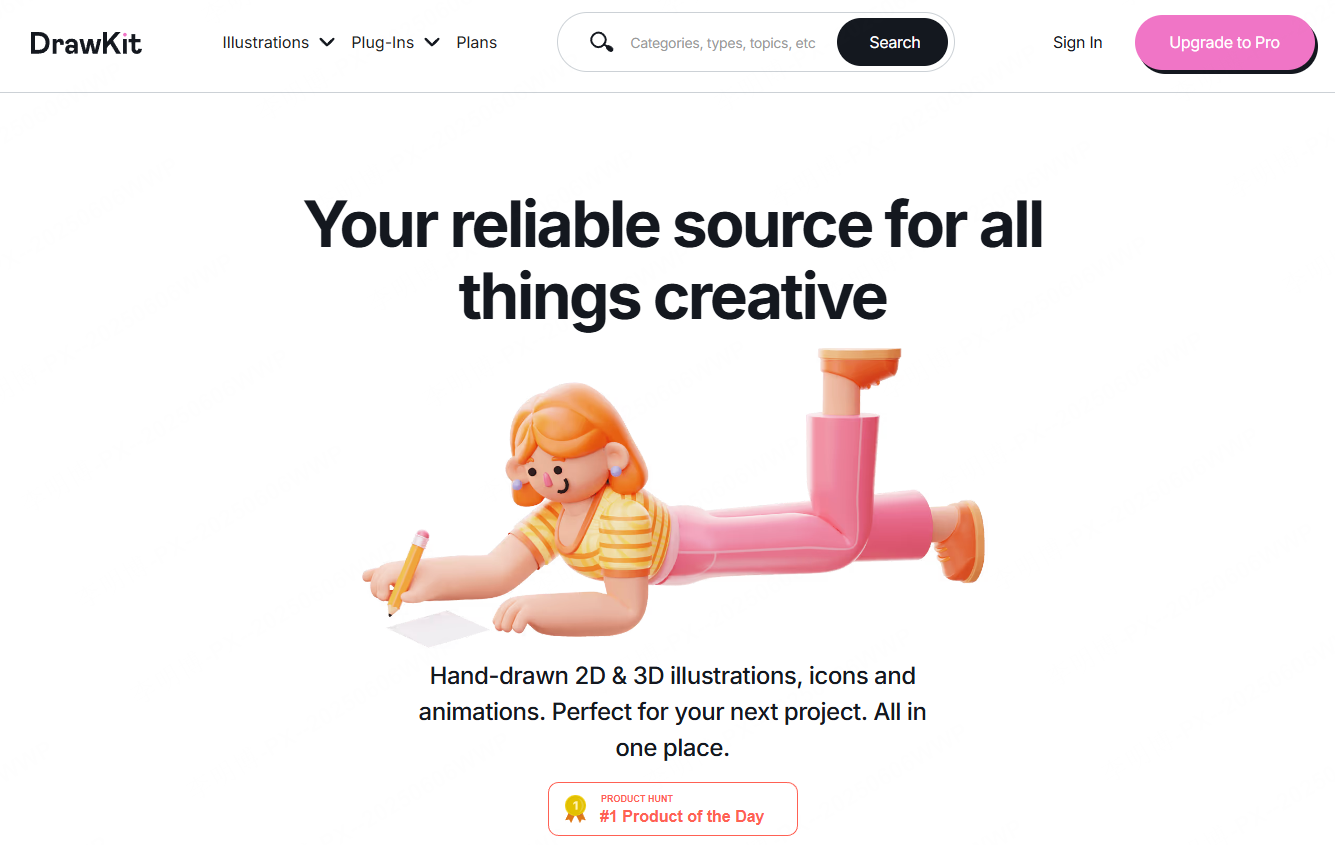
DrawKit provides high quality flat and hand drawn illustrations. It is well suited for creative presentations, startup pitches, and explainer style slides.
Best Practice
Use illustrations as accents rather than focal points. Too many illustrations can overwhelm content and dilute your message.
5. All in One PPT Image Resource Platforms
If you prefer a single platform that offers backgrounds, people photos, icons, and illustrations, comprehensive resource sites can save time.
StockSnap
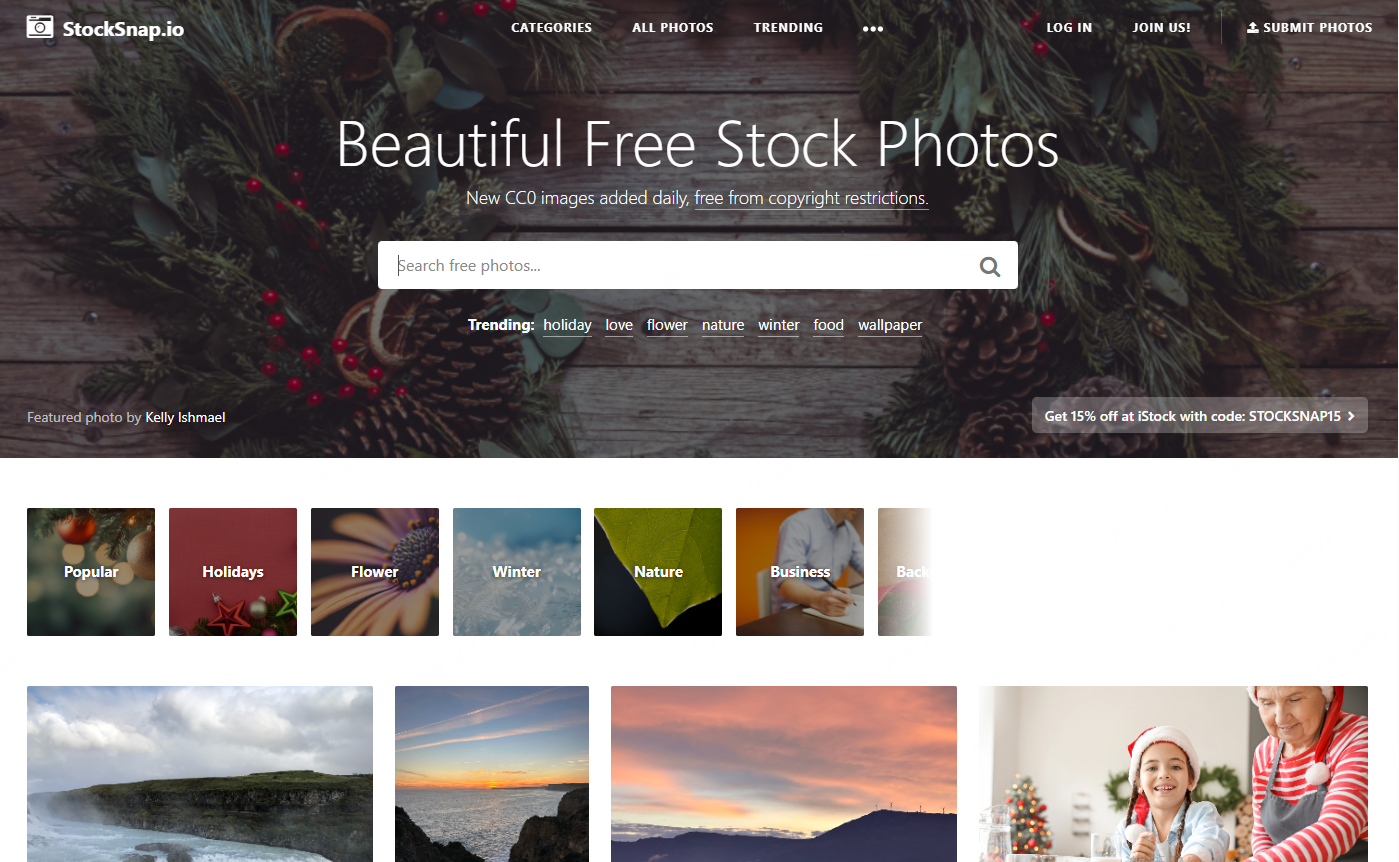
StockSnap updates its library frequently with high quality images across nature, people, and urban themes. All images are free for commercial use.
Kaboompics
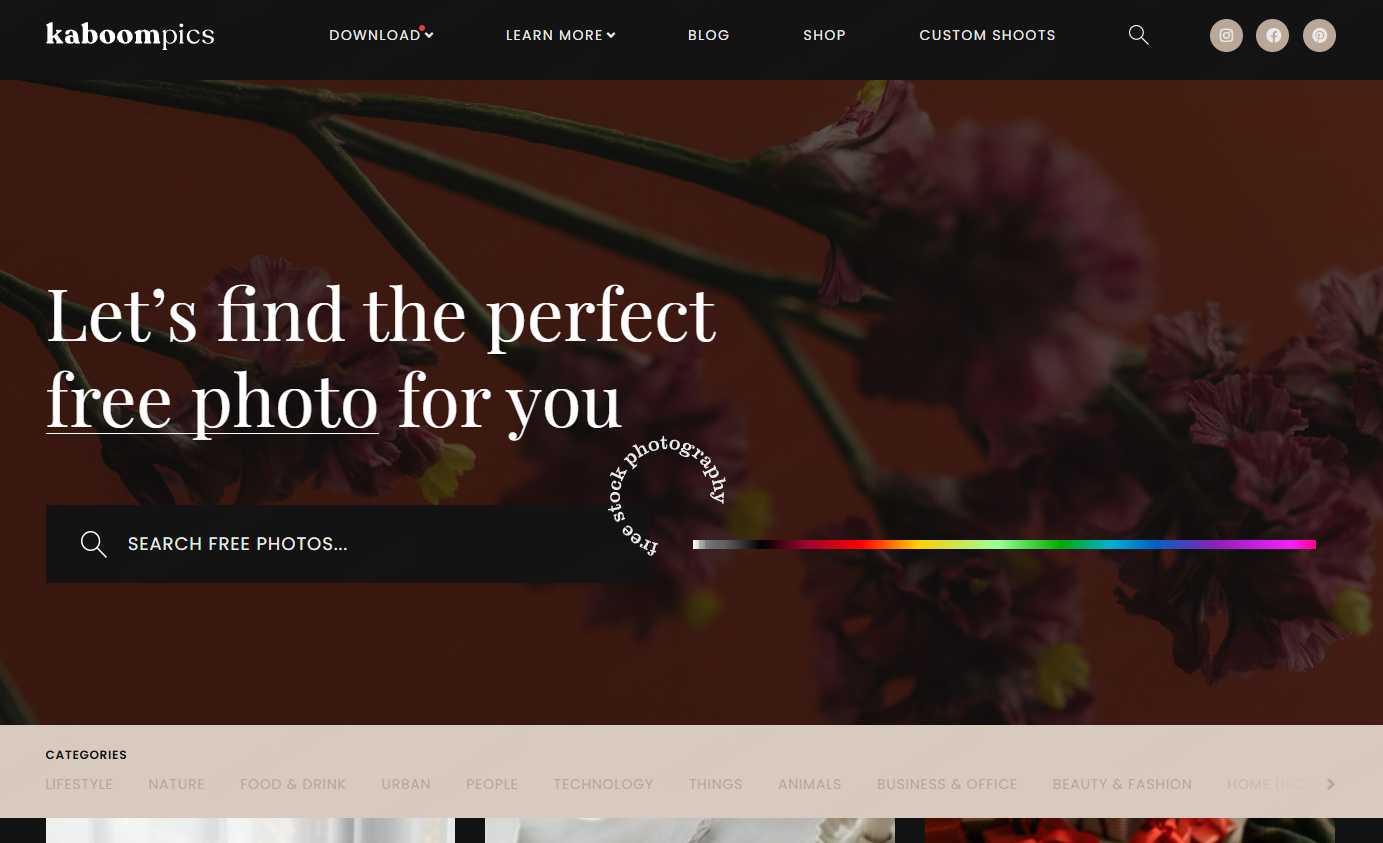
Kaboompics focuses on lifestyle and interior scenes with strong color coordination. It is ideal for presentations that require mood and atmosphere, such as marketing or brand storytelling.
Gratisography
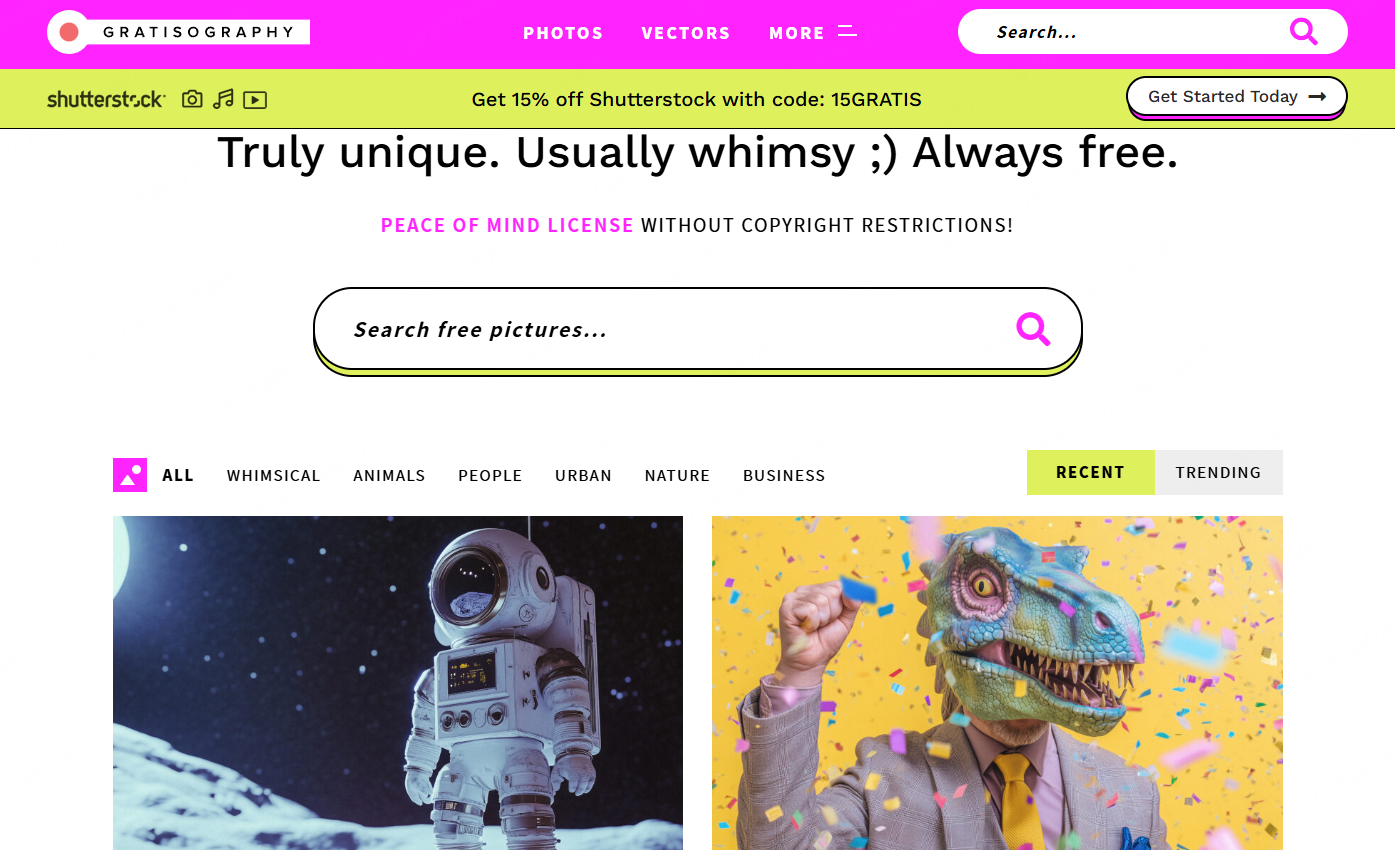
Gratisography offers unique and playful photography. While not suitable for every presentation, it works well for creative teams that want to stand out.
Usage Tip
Because comprehensive platforms cover many styles, define your presentation’s visual direction first. Then select assets that share similar lighting, color tone, and composition.
6. AI Powered PPT Image and Design Tools
For users who want speed and automation, AI driven tools provide an efficient alternative. These platforms combine content generation, layout design, and built in royalty free image libraries.

Presenti AI allows users to generate complete presentations from a topic or prompt. It automatically creates structure, layouts, and visuals, using a built in high quality image library. All assets are safe for commercial use, making it suitable for business and education environments.
Canva AI
Canva integrates AI assisted writing with design templates. Users can quickly insert images, icons, and illustrations without design experience. It is widely used by educators and project teams.
Gamma
Gamma focuses on narrative driven presentations. Its AI automatically selects images and layouts that support storytelling, making it a strong choice for creative presentations and internal sharing.
Workflow Tip
AI tools are best used as a starting point. Always review and refine the generated slides to ensure accuracy, logical flow, and audience relevance.
Final Thoughts
Choosing the right PPT image resources can dramatically improve the quality and impact of your presentations. From background images and people photos to icons, illustrations, and AI powered design tools, the platforms listed above cover nearly every professional use case.
If your goal is to move beyond manual image searching and speed up your workflow, tools like Presenti AI offer a powerful solution. By combining structured content generation with royalty free visuals, they allow you to focus on delivering clear ideas rather than managing design details.
With the right resources and a consistent visual strategy, you can create presentations that are not only visually appealing but also effective, credible, and ready for real world use.









