

As education technology, enterprise collaboration, and AI enhanced content creation rapidly evolve, PPT Software SDK development has become a crucial engine behind modern productivity tools. Whether you’re building an intelligent lesson creation platform, generating automated business reports, or embedding AI driven presentation features into your product, a powerful PPT SDK can eliminate repetitive manual work and deliver a scalable automation pipeline.
This comprehensive guide explores what a PPT SDK is, the mainstream technology options, integration workflows, real world use cases, and why AI powered solutions such as the Presenti AI SDK are reshaping the future of presentation automation.
1. What Is PPT Software SDK Development?
A PPT Software SDK is a toolkit that encapsulates advanced PowerPoint file processing capabilities. Developers can call the SDK through APIs or libraries to create, edit, render, and export PPT files, without having to rebuild complex document processing logic from scratch.
Common Use Cases
Online Presentation & Collaboration
With remote work and hybrid classrooms becoming mainstream, many online meeting and collaboration platforms need embedded PPT previewing and live presentation features to deliver a seamless, immersive experience.
Automated Courseware Generation
Education platforms rely heavily on structured teaching content. A PPT SDK can automatically generate slides based on a syllabus, teaching materials, or course data reducing the workload for educators.
AI Generated Content Embedding
Applications increasingly integrate AI generated text, charts, or visuals into presentations. A PPT SDK automates layout, formatting, and structure, ensuring AI generated content becomes presentation ready.
SDK vs API: What’s the Difference?
| Feature | SDK | API |
|---|---|---|
| Deployment | Local or hybrid; deep integration | Cloud based remote calls |
| Use Cases | Complex file processing, offline tasks | Light content generation, quick conversions |
| Pros | High performance, full control | Low integration cost, flexible |
| Cons | Larger footprint | Network dependent |
2. Overview of Popular PPT Software SDK Solutions
The market offers various PPT SDKs tailored to different industries and development environments. Below are three widely used solutions and their strengths.
2.1 Presenti AI SDK
Presenti AI focuses on integrating AI with PPT generation, offering an end to end automation pipeline from content creation to slide design.

Supported Languages
RESTful API over HTTP(S), compatible with Java, Python, C#, Go, JavaScript, and more.
Key Features
- AI Slide Content Generation
Automatically generates structured slides from outlines, product descriptions, or educational materials.
- Automated Processing
Extracts key information from long documents and converts them into well structured presentations.
- Intelligent PPT Beautification
Auto generates layouts, color schemes, and typography combinations; supports brand custom templates with logos, corporate fonts, and brand colors.
Best For
AI powered platforms: intelligent courseware tools, ecommerce data to presentation systems, enterprise AI design assistants.
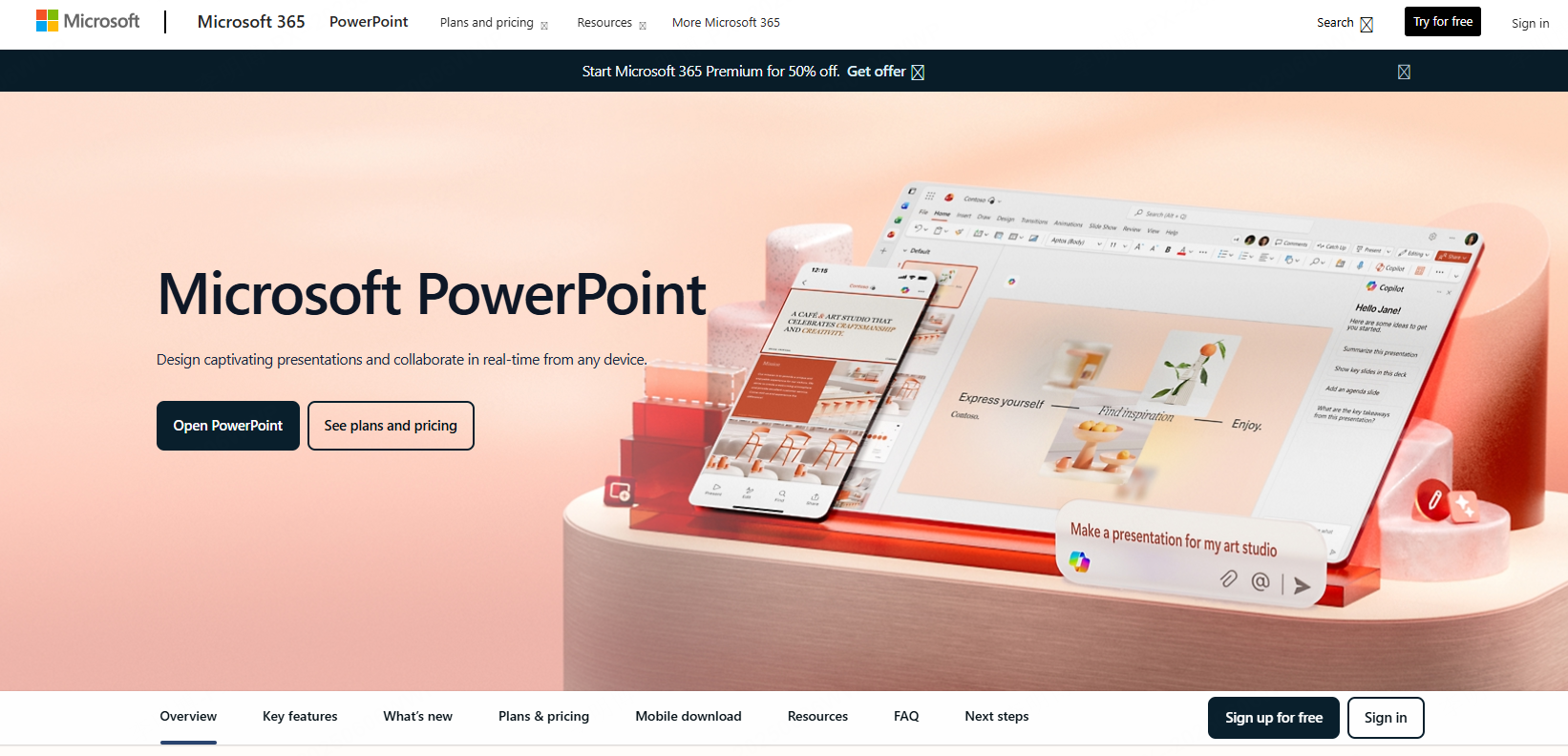
2.2 Microsoft Office SDK
The official SDK by Microsoft offers deep access to native PPT file manipulation within the Windows ecosystem.
Supported Languages
Primarily C# and VB.NET; supports COM calls for C++, Python, and other languages.
Key Features
- Perfect Compatibility with all PPT file formats
- Full Editing API for slides, text, charts, shapes, animations, themes
- Deep Office Ecosystem Integration Outlook email, OneDrive, Office 365 cloud services, VBA scripting
Best For
Windows native apps: enterprise OA systems, education platforms generating standardized courseware, high fidelity Office dependent workflows.
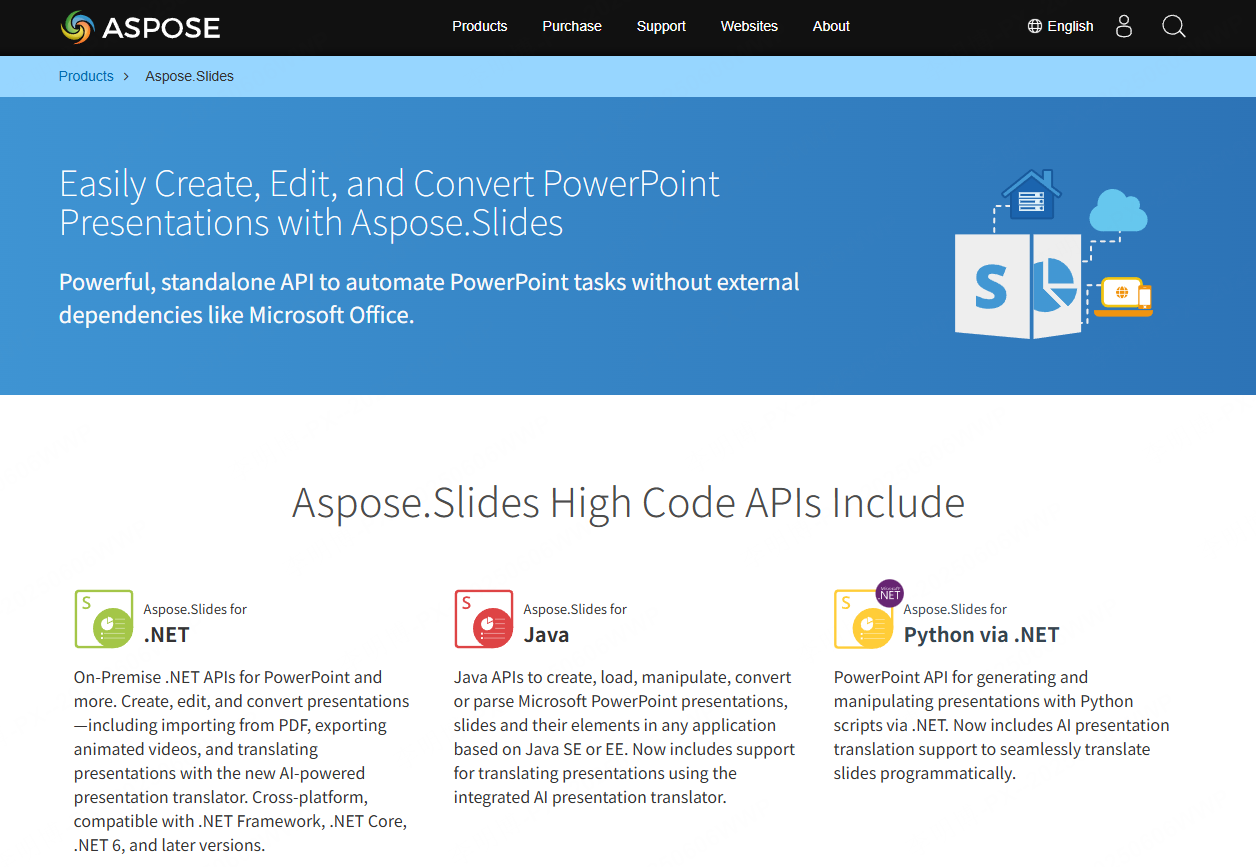
2.3 Aspose.Slides
A high performance cross platform PPT SDK that works without Microsoft Office installed.
Supported Languages
.NET (C#, VB.NET), Java, Python, PHP, C++.
Key Features
- Compatibility with 20+ formats (PPT, PPTX, ODP, PPS, PDF)
- Batch processing: watermarking, content replacement, merging/splitting presentations
- Standalone deployment: no Office runtime needed
Best For
Cloud collaboration platforms, automated exam or teaching content generation, and batch enterprise reporting tools.
3. The Standard Workflow for Integrating a PPT SDK
A systematic integration process ensures efficient and scalable development.
Step 1: Choose the Right SDK
Consider:
- Preferred language (Java, C#, Python…)
- Deployment type (local / cloud / hybrid)
- Feature needs (AI generation, real time collaboration, brand templates)
Step 2: Configure Environment & Import SDK
Examples:
- Maven dependency for Aspose.Slides
- NPM installation for Presenti AI JavaScript SDK
- COM registration for Microsoft Office SDK
Step 3: Initialization & UI Integration
Setup includes:
- License or auth keys
- File storage directories
- UI components such as “Create PPT” or “Export PDF” buttons
Step 4: Perform PPT File Operations
- Create: set slide size, theme, insert text/images/charts
- Edit: update content, modify styles, apply animations
- Export: output to PPTX, PDF, PNG/JPG
- Playback: build slideshow preview with transitions
Step 5: Connect with Your Business System
- User permission management
- Integration with cloud storage
- Automated pipelines for courseware, reports, or product catalogs
4. Why Choose the Presenti AI SDK?
Presenti AI stands out through AI driven automation, flexible deployment, and enterprise grade reliability.
AI Driven Architecture
- Converts text into complete presentations
- Auto layouts charts and visual components
- Enhances productivity for non-designers
Cross-Platform, Multi Language Support
One SDK works across Windows, macOS, and cloud environments, reducing repetitive development.
Customizable Template System
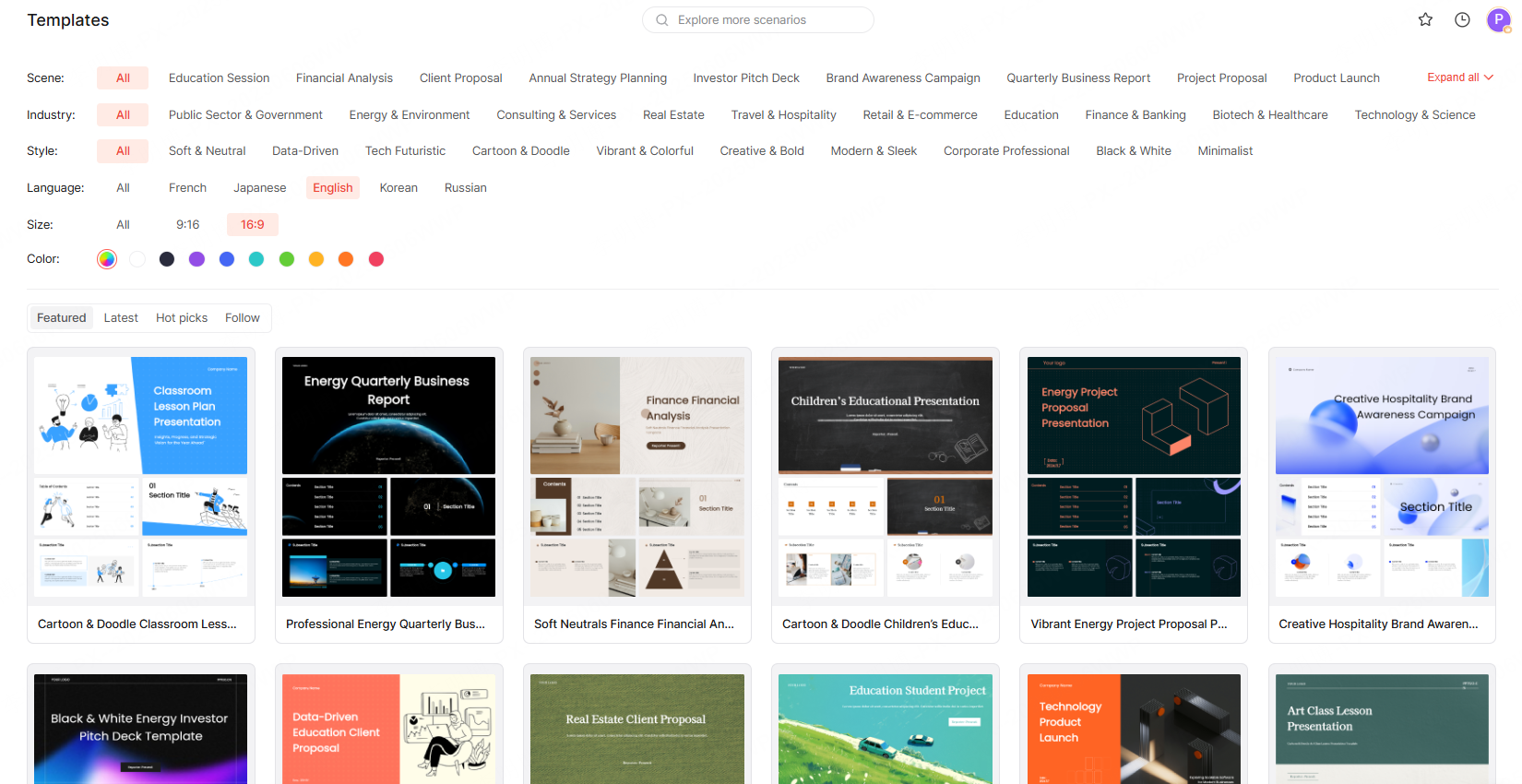
Companies can upload:
- Branding templates
- Fonts
- Logos
- Color palettes
AI ensures all generated slides follow brand guidelines.
Enterprise Level Privacy & Security
- Supports on premise deployment
- Offline authorization
- High concurrency stability for thousands of users simultaneously generating PPTs
5. Common Challenges in PPT SDK Development and Solutions
Challenge 1: PPTX vs PPT Compatibility Issues
Animations and graphics may break during format conversion.
Presenti AI Solution:
Dual engine conversion + AI based layout optimization.
Challenge 2: Font & Style Inconsistency
Especially in cross platform environments.
Presenti AI Solution:
Custom font uploads + AI beautification to standardize layout and appearance.
Challenge 3: Cloud vs Local Deployment
Cloud raises privacy concerns; local deployment increases maintenance overhead.
Presenti AI Solution:
- Cloud: microservices architecture, HTTPS encryption, scalable storage
- On Premise: offline operation, encrypted data modules
Conclusion
PPT Software SDKs are essential for modern digital platforms seeking automation, cross platform compatibility, and intelligent content creation. Among these solutions, Presenti AI SDK leads with AI driven generation, robust customization, and enterprise level security, making it an ideal choice for education, enterprise services, and content driven applications.









