
Creating a polished presentation no longer requires hours of formatting, designing, or manually organizing slide content. With the rise of AI powered text to PPT tools, you can now paste your text and generate a visually appealing, logically structured presentation in minutes. Whether you’re preparing a business report, proposal, class lecture, or content pitch, these tools help you work faster and smarter.
Below are five of the most powerful and user friendly text to PPT generators, each offering unique strengths for different needs.
1. Presenti AI

Presenti AI is one of the most intuitive tools for users who frequently work with Chinese or mixed language content. Its one click workflow: input text → auto structure → auto layout → ready to use slides, makes it ideal for beginners, students, and professionals.
How it Works
Simply paste your text (project summary, speech script, outline, etc.) into the input box and let Presenti AI automatically analyze the logic and divide it into well structured slides. Within seconds, you’ll get a clean, professional looking PPT draft.
Key Features
- Supports Chinese and multilingual text input with high accuracy
- Automatically identifies structure, key points, and slide hierarchy
- Smart layout engine with templates, color palettes, and font combinations
- Adaptable to business reports, proposals, pitches, lectures, and more
- Export options include PPT and PDF, with full online editing
- Extremely beginner friendly no design experience needed
2. Edcafe AI
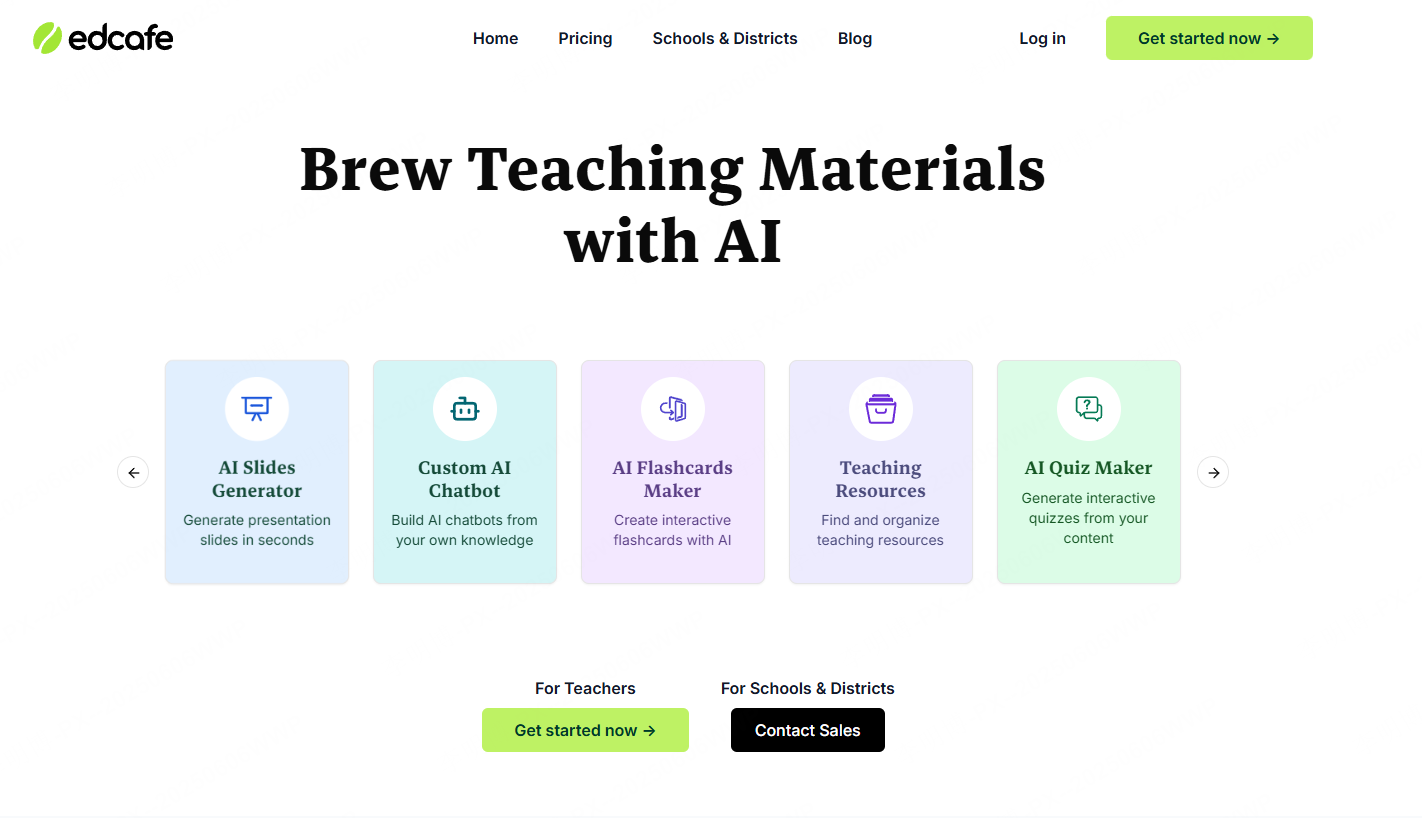
Edcafe AI is designed specifically for learning and teaching scenarios. Beyond text to PPT, it can generate lesson plans, lecture scripts, study notes, and more, making it a favorite among educators and training professionals.
How it Works
Paste your teaching outline (e.g., “Introduction to AI”) into the system and click generate. Edcafe will instantly transform it into slides with titles, learning objectives, explanation steps, and key concepts.
Key Features
- Converts teaching outlines and text into clear, instructional slides
- Ideal for courses, workshops, seminars, and training sessions
- Supports both Chinese and English inputs (Chinese accuracy is higher)
- Customizable templates and online editing tools
- Greatly reduces lesson preparation time
3. Tome AI
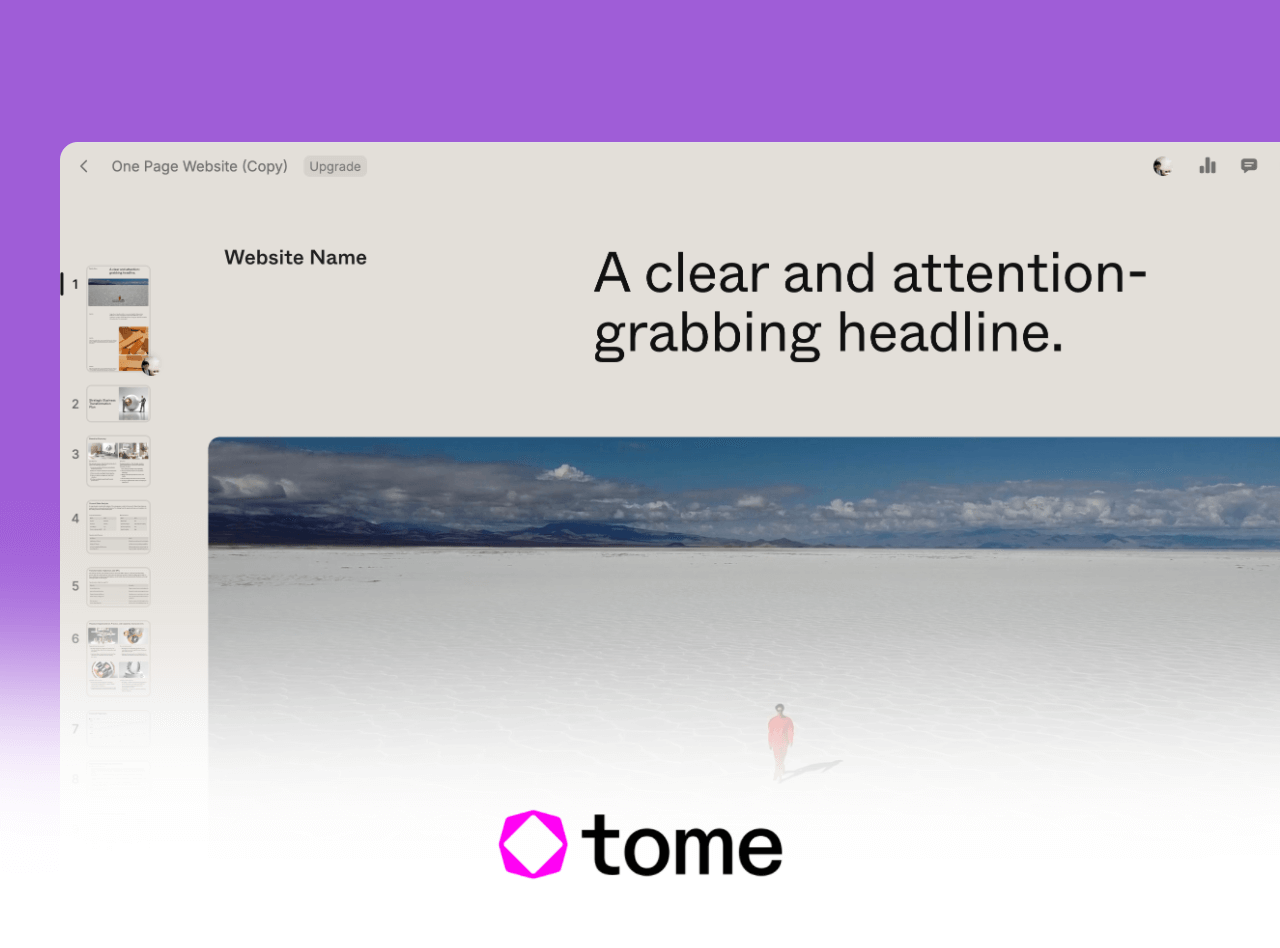
Tome AI combines generative AI with a sleek, narrative first presentation format. Instead of traditional slide decks, Tome produces scrollable, web style storytelling pages that look modern and dynamic.
How it Works
Enter a descriptive paragraph or break down your ideas into bullet points. Tome converts each point into a dedicated page and automatically pairs it with images or charts.
Key Features
- Generates storytelling style presentations with clean visual flow
- Perfect for brand narratives, product stories, creative pitches
- Offers built in AI image generation
- Best suited for English or bilingual content
- Output is web based (not PPT), great for remote or online presentations
4. Presentations.AI
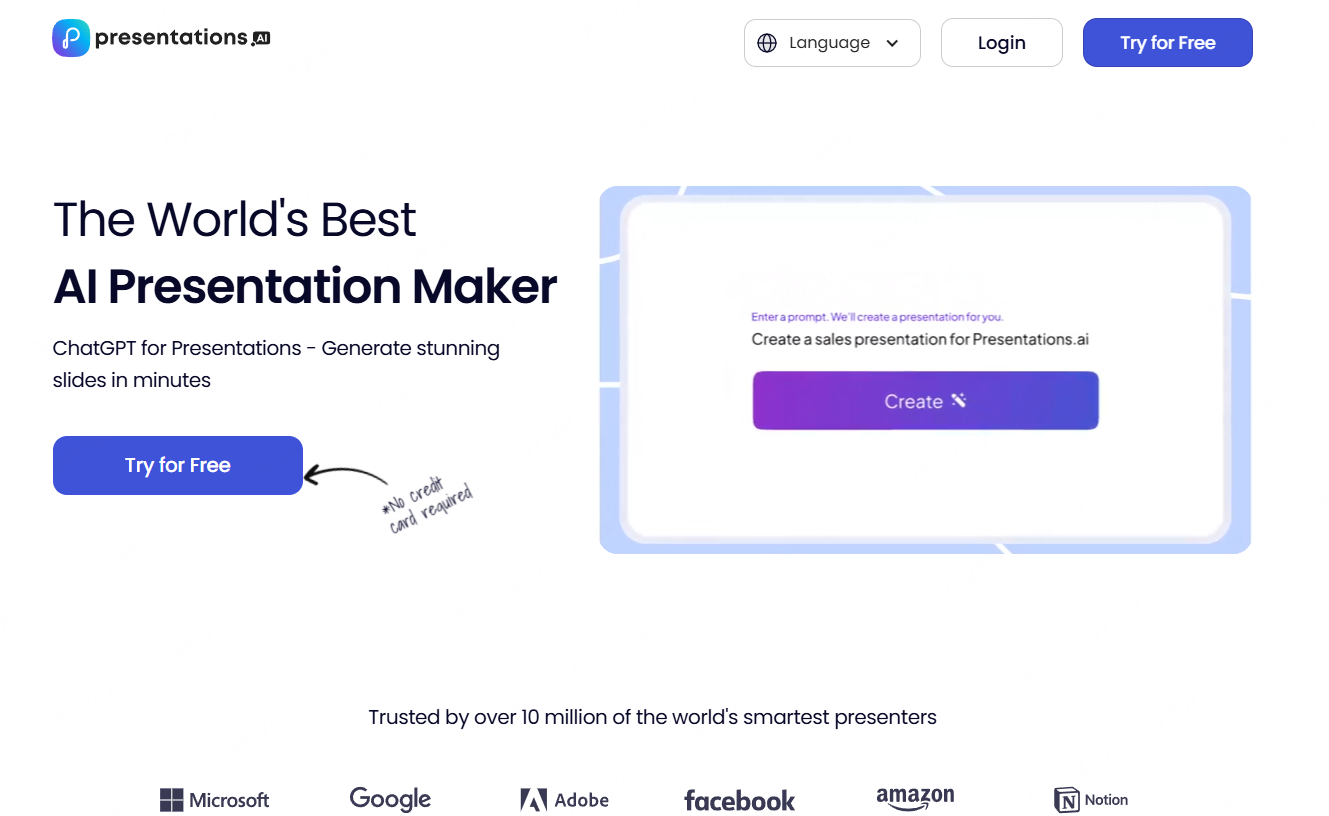
Presentations.AI is built for professional use, focusing on clarity, structure, and collaboration, ideal for corporate teams preparing proposals, product updates, or sales decks.
How it Works
Paste your business outline or text into the interface. The system will automatically generate structured sections, slide hierarchies, visuals, and charts.
Key Features
- Highly structured slide generation for business communication
- Automatically matches templates and chart styles
- Real time team collaboration and permission control
- Web based, no installation required
- Exports to PPT and PDF
- Works best with English content
5. Simplified

Simplified is a comprehensive content creation platform offering writing, design, video editing, and social publishing tools. Its text to PPT feature is ideal for content creators who need quick drafts for scripts, pitches, brand decks, and social media presentations.
How it Works
Use Simplified’s AI writing tool to generate copy, then convert it directly into a PPT. The system automatically divides the content into slides and applies cohesive layouts.
Key Features
- Converts text or scripts into structured PPT slides
- Large selection of templates and layout styles
- Works seamlessly with AI writing and design tools
- Online editing and exporting to PPT/PDF
- Best for English and social media centric content
Final Thoughts
Each text to PPT tool brings its own strengths: Presenti AI excels in multilingual support, Edcafe AI leads in education, Tome is ideal for storytelling, Presentations.AI shines in business settings, and Simplified is perfect for creators.
If you need a powerful all in one solution that supports text generation, visual mind maps, collaboration, and clean slide design, you may also consider exploring Presenti AI, a fully integrated platform that makes end to end presentation creation even easier.









