Can Wepik truly cure your 'blank slide' anxiety? After hands-on testing with the market’s leading AI design tools, we’ve conducted an in-depth Wepik AI features review. While its automated design capabilities are undeniably impressive, the platform reveals clear limitations when it comes to narrative logic and high-level customization. If you’re looking for a more robust professional workflow, this review explores Wepik’s practical ceiling and introduces several Wepik AI alternatives that might better suit your needs.
Wepik AI Features Review
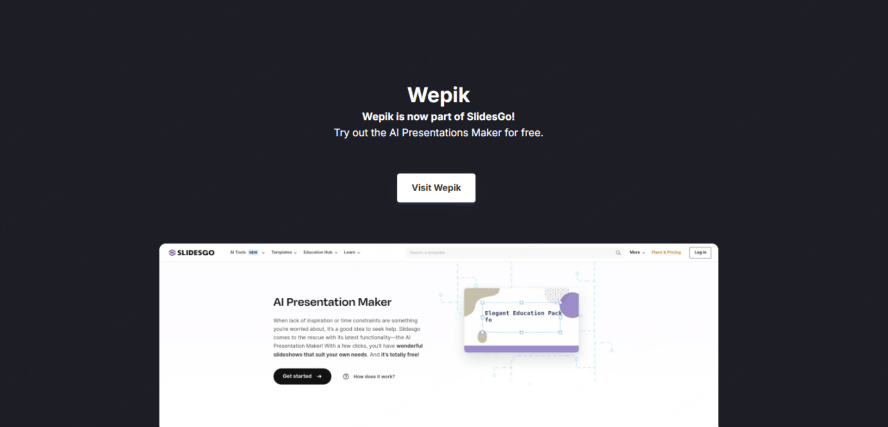
Wepik, a part of the Freepik family, is built for people who need a visual result in under five minutes. It’s essentially a "prompt-to-design" engine that leverages a massive library of existing creative assets. If you are looking for a tool that balances simplicity with a decent visual output, the wepik presentation maker is a solid place to start.
Key Features
Prompt-to-Presentation: Simply type in a topic, like "Social Media Trends 2026," and the AI generates a title, outline, and 8–10 slides.
- Integrated Asset Library: Because it’s connected to Freepik and Flaticon, you have immediate access to millions of high-quality vectors, icons, and stock photos without leaving the editor.
- AI Image Generator: If you can’t find the right photo, the built-in AI image generator creates custom visuals based on your description.
- In-Browser Editing: Once the AI generates the slides, you can use a drag-and-drop interface to swap colors, fonts, and images. It feels very similar to Canva.
- Brand Kit: You can save your company colors and logos to apply a consistent look to your creations (available in the premium version).
The Practical Limits
While the wepik presentation maker is excellent for hobbyists or students, it often falls short for professional business use.
- Generic Content: The AI tends to generate surface-level text. If you ask for a "Marketing Strategy," it will give you generic advice rather than specialized insights.
- No Document Support: This is the biggest hurdle. You cannot upload a 30-page research PDF or a complex Word document and ask Wepik to summarize it. You are limited to what you can fit in a small text prompt.
- Rigid Templates: While you can edit the slides, the underlying AI doesn't "understand" the information. If you add more text than the template allows, you have to manually resize everything.
- No Logical Depth: It doesn't handle complex hierarchies well. It treats every slide as a separate entity rather than a cohesive, logical argument.
Pricing & Value
Wepik follows a "Freemium" model:
- Free Plan: Allows you to create a limited number of presentations with a Wepik watermark or attribution. You get access to basic templates and assets.
- Premium Plan (approx. $9.99/mo): Removes watermarks, gives you unlimited AI credits, allows for brand kit synchronization, and provides priority support.
Top 5 Wepik AI Alternatives for Professionals
If you’ve outgrown Wepik’s simple prompts, these wepik ai alternatives offer features that handle complex workflows, existing documents, and professional design standards.
1. Presenti
Presenti is a content transformation engine. It is specifically designed for professionals who already have their data in other formats and need a high-quality presentation now.

- Multi-Format Import (The Game Changer): Unlike Wepik, Presenti allows you to skip the "prompt" phase entirely. You can upload a Word document, a PDF report, or even an XMind mind map. The AI reads your file, understands the logical flow, and converts it into a structured, professional PPT.
- XMind to PPT Integration: This is a standout feature. For strategists who brainstorm in mind maps, Presenti preserves the hierarchy of your thoughts, turning main branches into slides and sub-branches into supporting points.
- AI Content Refinement: Presenti doesn't just copy-paste your text. Its AI acts as an editor. It can take a dry, technical paragraph from a PDF and rewrite it into a punchy, persuasive slide deck suitable for a boardroom.
- Smart Dynamic Layouts: In Presenti, the design is "live." If you decide to add an extra paragraph or a new chart, the layout automatically adjusts itself to maintain perfect visual balance. You never have to manually drag a text box again.
- Consistency for Brands: You can set your brand's specific color palette and typography once. Presenti ensures that every slide generated from every document adheres to those rules, making it the most professional choice in the wepik vs other ai tools comparison.
2. Gamma
Gamma is one of the most visually unique wepik ai alternatives. It moves away from the traditional 16:9 slide format and uses a "card" system.

- Fluid Formatting: Gamma allows you to create presentations that feel like a mix between a document and a webpage. It’s perfect for "scrolling" through a pitch rather than clicking through slides.
- One-Click Themes: You can change the entire look of your presentation instantly with themes that are more modern and "tech-focused" than those in Wepik.
- Interactive Blocks: You can embed live web pages, videos, and even apps directly into your Gamma cards, making it great for software demos.
3. Canva Magic Design
Canva is the most famous of the wepik ai alternatives, and their "Magic Design" feature is their direct answer to the AI trend.
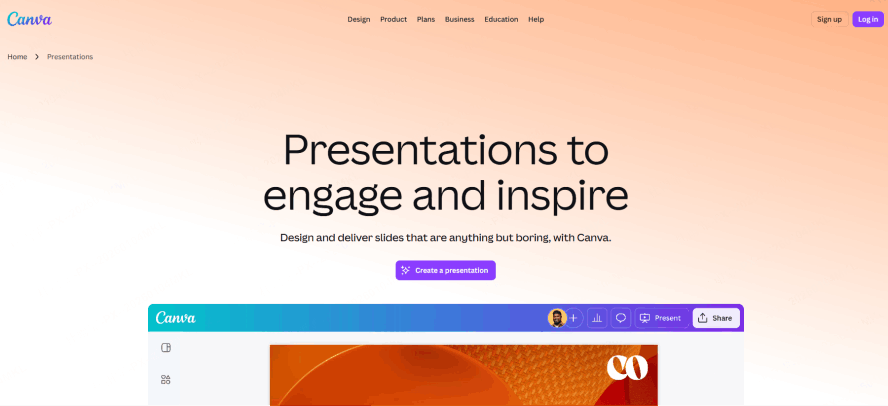
- Massive Template Selection: Canva’s primary strength is the sheer volume of templates. If you want a specific "look," Canva probably has it.
- Magic Switch: This feature allows you to take a presentation and instantly turn it into a blog post or a social media graphic.
- Collaborative Power: Canva’s real-time collaboration is the gold standard. If you have a large team that needs to comment and edit simultaneously, it’s a strong contender. However, like Wepik, it still relies heavily on manual design tweaks.
4. Plus AI
If your workflow is strictly tied to Google Workspace, Plus AI is one of the best wepik vs other ai tools because it lives inside Google Slides as an add-on.

- Add-on Convenience: You don’t have to learn a new interface or export/import files. You just open the sidebar in Google Slides and tell the AI what you need.
- Slide "Remixing": You can take an existing slide and ask Plus AI to "rewrite this as a pro/con list" or "change this layout to a three-column format."
- Market Intelligence: Plus AI has specific features for creating "Market Snapshots," which makes it a favorite for researchers and analysts who need quick data summaries.
5. SlidesAI.io
SlidesAI.io is a straightforward tool designed for one purpose: taking a long block of text and slicing it into slides.
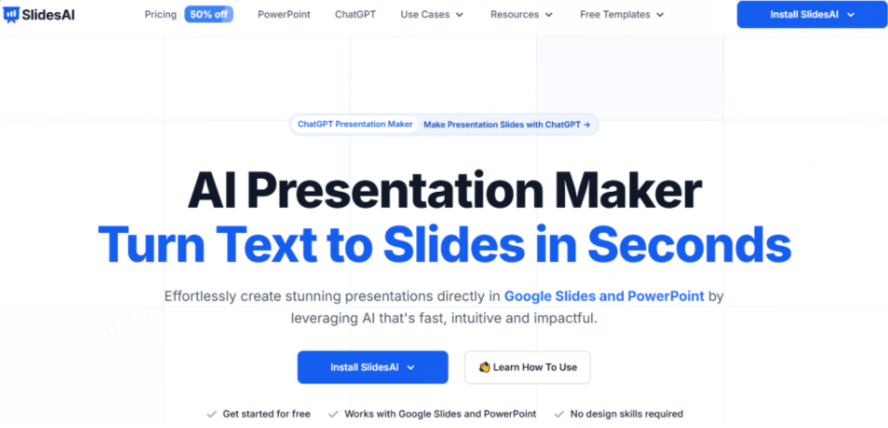
- Input-Focused: You can paste up to 6,000 characters of text into the tool. It then uses AI to summarize that text and create individual slides.
- Multi-Language Support: It is particularly good at handling multiple languages, making it useful for international teams who need to translate content into presentation format quickly.
- Simplicity: It lacks the advanced design features of Presenti or Gamma, but it’s very effective if you have a finished script and just need it on slides immediately.
Comparative Analysis
To help you choose, let’s look at the actual user experience for common tasks.
- If you have an existing Word/PDF/XMind file: Presenti is the only logical choice. Wepik and most others will require you to manually copy, paste, and summarize your data before the AI can even begin to help you.
- If you want a "Website" feel: Gamma is the winner. It breaks the "slide" mold and offers a more modern, continuous flow.
- If you are a Designer first: Canva is your best bet. It gives you the most control over every single pixel, though it requires the most "human" work.
- If you need a quick, free graphic: The wepik presentation maker is a solid entry point, provided you don't mind the content being a bit generic.
Conclusion
Wepik is perfect for light-speed, non-critical decks. But for the modern professional dealing with high-stakes data, 'good enough' isn't enough. This is where Wepik AI alternatives like Presenti take over. While the Wepik presentation maker helps you design from scratch, Presenti does the heavy lifting by turning your PDFs and Word docs into ready-to-use slides. In the choice of Wepik vs other AI tools, let your workflow decide. If you’re tired of the manual grind, switch to a tool that automates the structure so you can focus on the delivery.