

In classrooms, offices, and public speaking environments, one tool appears almost everywhere: the PPT, or PowerPoint presentation. Whether you’re preparing a research defense, pitching a business plan, training a team, or telling your personal story at a wedding, PPTs remain one of the most effective ways to communicate ideas visually and logically.
This article provides a comprehensive introduction to what a PPT is, its primary functions, how it is structured, and how anyone, from beginners to professionals, can create a clear, polished, and persuasive presentation. We’ll also recommend several widely used PPT tools, including modern AI powered platforms.
What Is a PPT?
Although "PPT" is commonly used in everyday conversation, not everyone knows exactly what it means. PPT stands for Microsoft PowerPoint, which is one of the world’s most popular presentation software applications. Developed by Microsoft, PowerPoint enables users to create slide based documents called “presentations,” used for teaching, reporting, pitching, and more.

Over time, the term “PPT” has expanded beyond the software itself:
- It can mean the software “PowerPoint.”
- It can also refer to the presentation file created with the software.
- In business and academic environments, “making a PPT” usually implies producing a complete, professional slide deck with clear logic, strong visuals, and refined storytelling.
So when someone says, “Please help me make a PPT,” they may mean:
- Create the slides using PowerPoint, or
- Complete an entire polished presentation ready for delivery.
Why PPTs Matter: The Core Uses of PowerPoint Presentations
PPTs are indispensable because they excel at one thing: visual communication. Whenever a situation involves “explaining and showing,” PPTs become the most effective medium.
Here are the most common use cases:
1. Academic & Learning Scenarios
- Research defense presentations
- Classroom teaching materials
- Book sharing or knowledge summaries
A well structured PPT helps students and instructors clarify key points, making information easier to understand and retain.
2. Workplace Communication
- Project reports
- Weekly or monthly summaries
- Training materials
- Business plans
For many professionals, PPTs are the “default language” of business communication.
3. Marketing, Branding, and Promotion
- Product introduction decks
- Investor pitch decks
- Brand storytelling
- Event presentations
In these contexts, PPTs help teams visually express ideas, demonstrate value, and persuade audiences.
4. Personal & Life Events
- Wedding speeches
- Graduation or milestone slideshows
- Personal portfolios
- Photo memories
A well designed PPT can capture and present meaningful life moments with emotion and clarity.
The Structure of a PPT: What a Slide Deck Contains
A complete PPT consists of multiple slides, each serving as a visual “canvas.” The main elements include:
1. Text
Used to express logic, highlight key messages, and organize information into clear sections such as headlines, bullet points, and summaries.
2. Images and Charts
Visuals help break down complex information and make content more engaging and memorable.
3. Multimedia
Videos, audio clips, and interactive media enrich the viewer experience and enhance storytelling.
4. Animations and Slide Transitions
When used appropriately, animation helps guide the audience’s attention and control the flow of information.
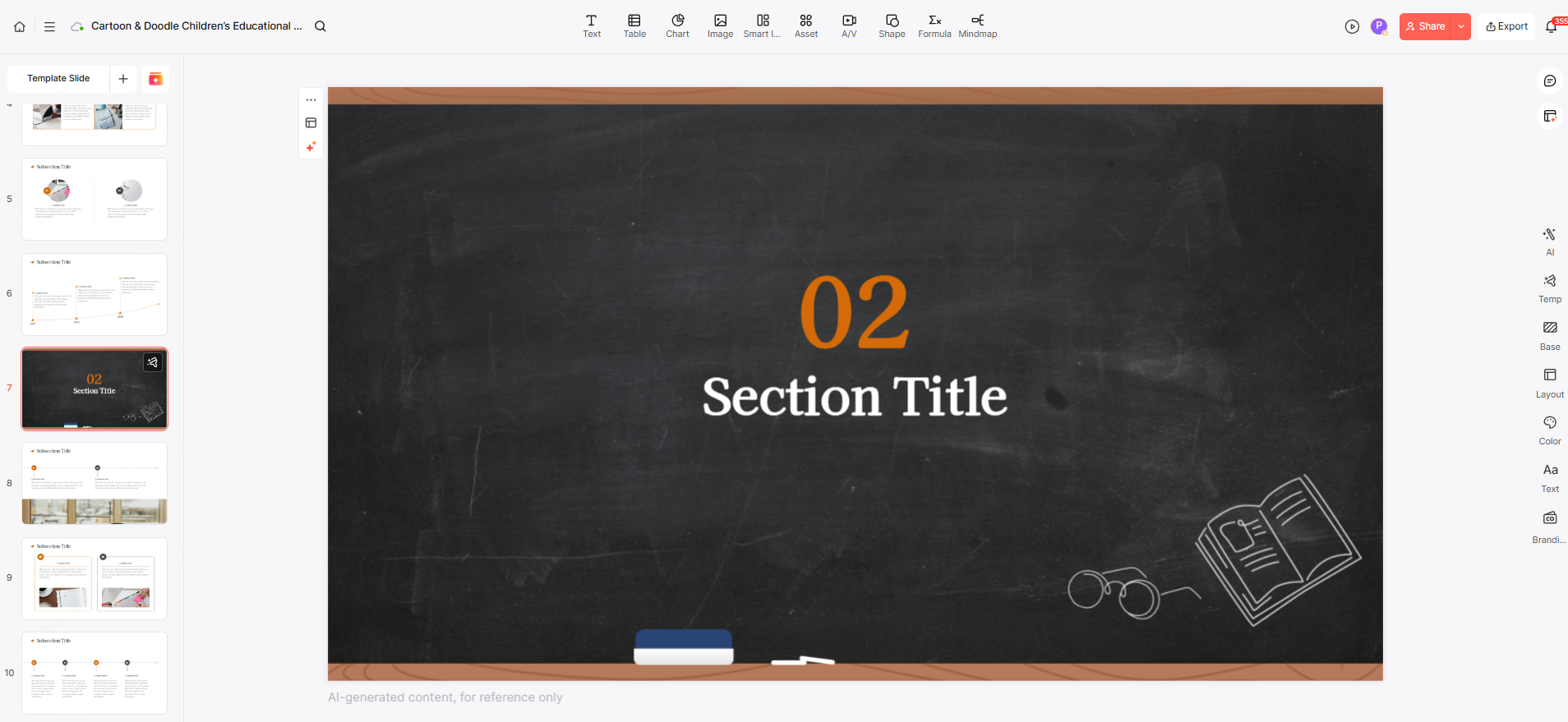
5. Templates, Themes, and Layouts
These ensure visual consistency, important for branding, professionalism, and audience trust.
How to Create a High Quality PPT (Step by Step Guide)
If you’ve ever wondered how to make a good PPT from scratch, here is a simple but effective workflow:
Step 1: Define Your Objective
Ask yourself:
- What is the purpose of this presentation?
- Who is the audience?
- What do I want them to understand or remember?
A pitch deck looks very different from a class assignment or business summary.
Step 2: Plan the Structure
Most successful PPTs follow the classic three parts model:
- Introduction: set context, introduce the topic
- Main content: present evidence, logic, and insights
- Conclusion: summarize key points or propose solutions
Good structure leads to better comprehension.
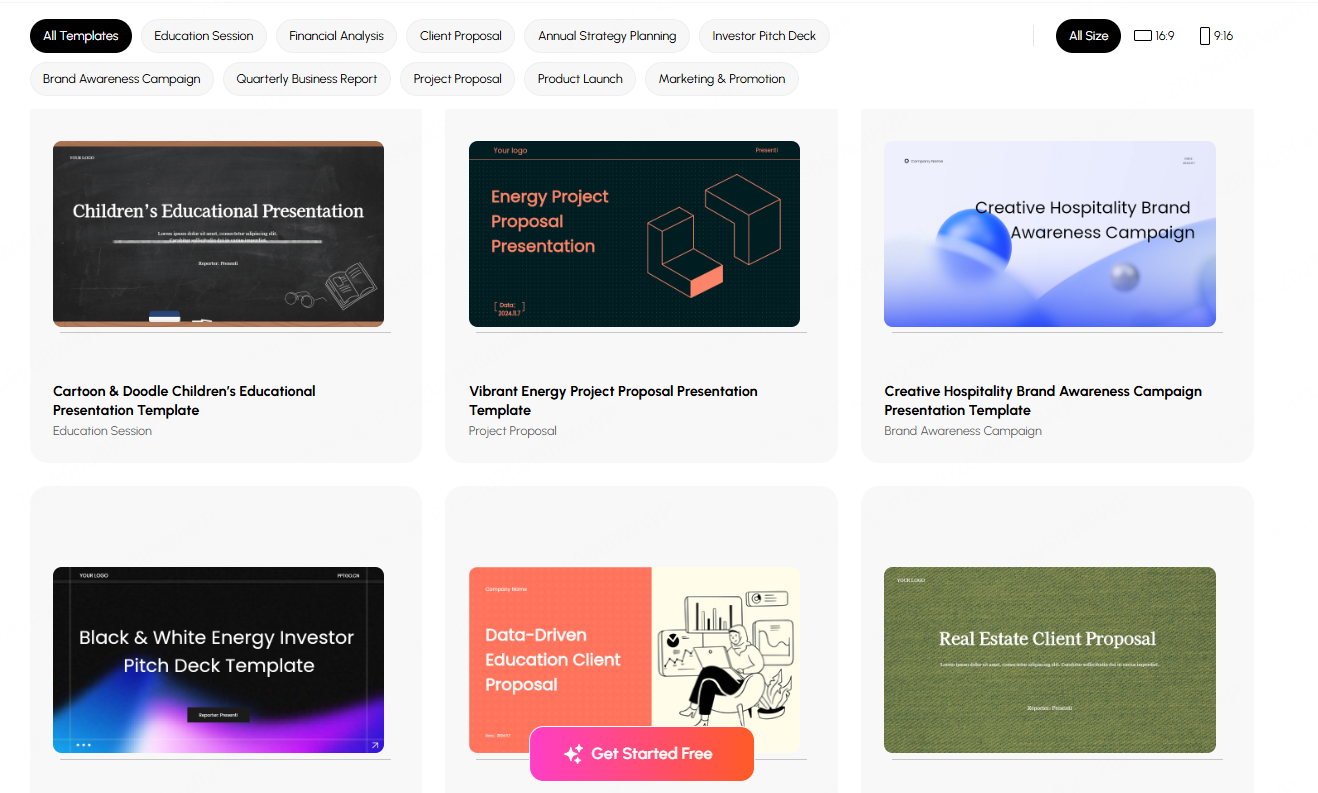
Step 3: Choose a Template
Templates set the tone.
- Academic use: clean and minimal
- Marketing: bold and visually appealing
- Corporate: professional business style
A consistent design instantly improves credibility.
Step 4: Add Content and Visual Elements
Use:
- Images
- Diagrams
- Infographics
- Data charts
- Icons
Visual variety retains attention and prevents “text heavy slides.”
Step 5: Polish the Design
Professional PPT design emphasizes:
- Alignment
- Consistent color palette
- Readable typography
- Adequate spacing
- Balanced layouts
Small improvements make a huge difference in overall quality.

Top PPT Creation Tools You Should Know
Today’s presentation tools range from traditional desktop software to advanced AI powered platforms. Here are the most recommended options:
1. Presenti AI
A cutting edge AI presentation generator that creates full slide decks in seconds. Simply enter a topic or outline, and the system automatically builds:
- A complete structure
- Design consistent templates
- Optimized copywriting
- AI generated visuals
- Automatic layout adjustments
It’s ideal for users with limited design experience or tight deadlines. Human editing is still possible, making the output both flexible and efficient.

2. Microsoft PowerPoint
The classic, most powerful presentation software:
- Advanced animation tools
- Custom slide masters
- Seamless multimedia support
- Deep integration with the Office ecosystem
PowerPoint remains the top choice for corporate, academic, and professional environments.
3. WPS Presentation
A free, lightweight, highly compatible alternative to PowerPoint.
It includes:
- A vast library of Chinese templates
- Smooth editing
- Strong support for .pptx files
Great for users seeking a cost effective, easy to use tool.
4. Canva
A widely used online design platform with visually stunning templates.
Features:
- Drag and drop interface
- Thousands of creative layouts
- Rich graphic and font resources
Perfect for marketing teams, creatives, and visually driven projects.
5. Beautiful.ai
Specializes in AI powered smart layout design.
As you add content, it automatically adjusts:
- Spacing
- Alignment
- Visual hierarchy
Excellent for corporate branding, product demos, and minimalistic, modern presentations.
Final Thoughts
Creating a professional PPT no longer requires design expertise or hours of manual formatting. With modern tools, especially AI powered platforms like Presenti AI, you can complete 80% of the work automatically, then simply fine tune the remaining 20% for personalization.
Whether you're a student preparing a defense, a manager presenting quarterly results, or an entrepreneur pitching a new idea, understanding how to build an effective PPT will significantly enhance your communication and influence.









