
Creating professional slide decks from long Word documents can be surprisingly time consuming, especially for technical teams, educators, project managers, and developers who need clean presentation materials fast. Instead of manually copying content, adjusting hierarchy, and fixing layout issues slide by slide, modern AI powered and cloud based tools can instantly transform a Word file into a structured PowerPoint deck.
In this guide, we review 10 of the most efficient Word to PPT tools widely used across North America and Europe. Each section covers its core features, output quality, usability, ideal scenarios, and pricing considerations, helping you choose the right solution for your workflow.
1. Presenti AI

Presenti AI is designed for professionals who need fast, design ready slide decks without manual formatting work. It automatically analyzes a Word file, extracts the key structure, and matches it with industry specific templates.
Core Features
- AI powered Word to PPT conversion
- Automatic outline extraction and slide structuring
- Large template library for business, education, and technical use
- Cloud collaboration and multi language interface
- Support for custom brand templates
Conversion Quality
Maintains logical structure from the original Word document, optimizes headings, bullet hierarchy, and visual layout.
Ease of Use
Runs entirely online; free version available after quick signup.
Best For
New employees, consultants, product teams, and anyone working under tight deadlines.
Pricing
Free plan with unlimited slide generation; premium plans unlock watermark-free export and advanced templates.
2. Boardmix
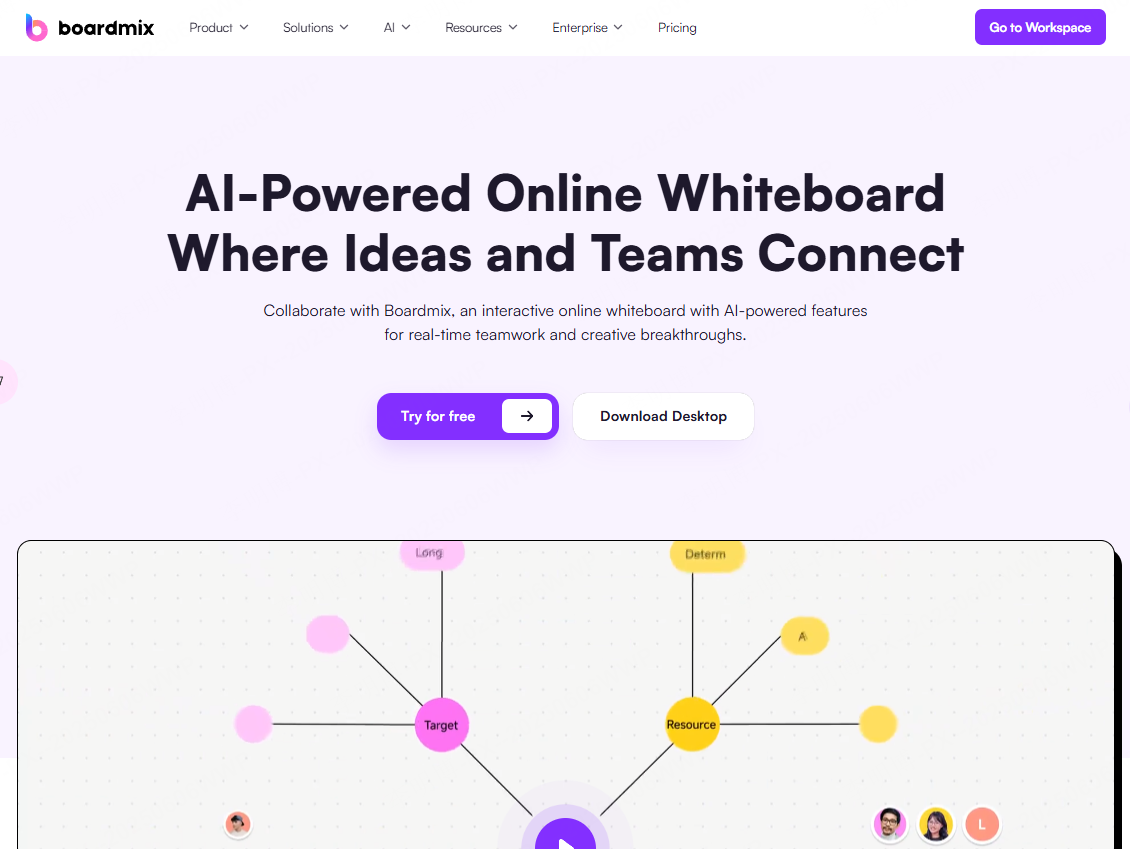
Boardmix offers more than simple conversion, it's a collaboration focused platform that transforms Word content into visual formats such as mind maps and slide decks.
Core Features
- Drag and drop Word import
- Mind map style content restructuring
- Real time team collaboration
- One click slide generation
Conversion Quality
Highlights core logic and transforms sections into diagrams and slides, ideal for brainstorming or planning.
Ease of Use
Web based with optional desktop client; signup required.
Best For
Project teams, workshops, planning sessions, and converting long technical documents into visual summaries.
Pricing
Free version includes three boards; Pro unlocks unlimited boards and advanced drawing tools.
3. SlideModel
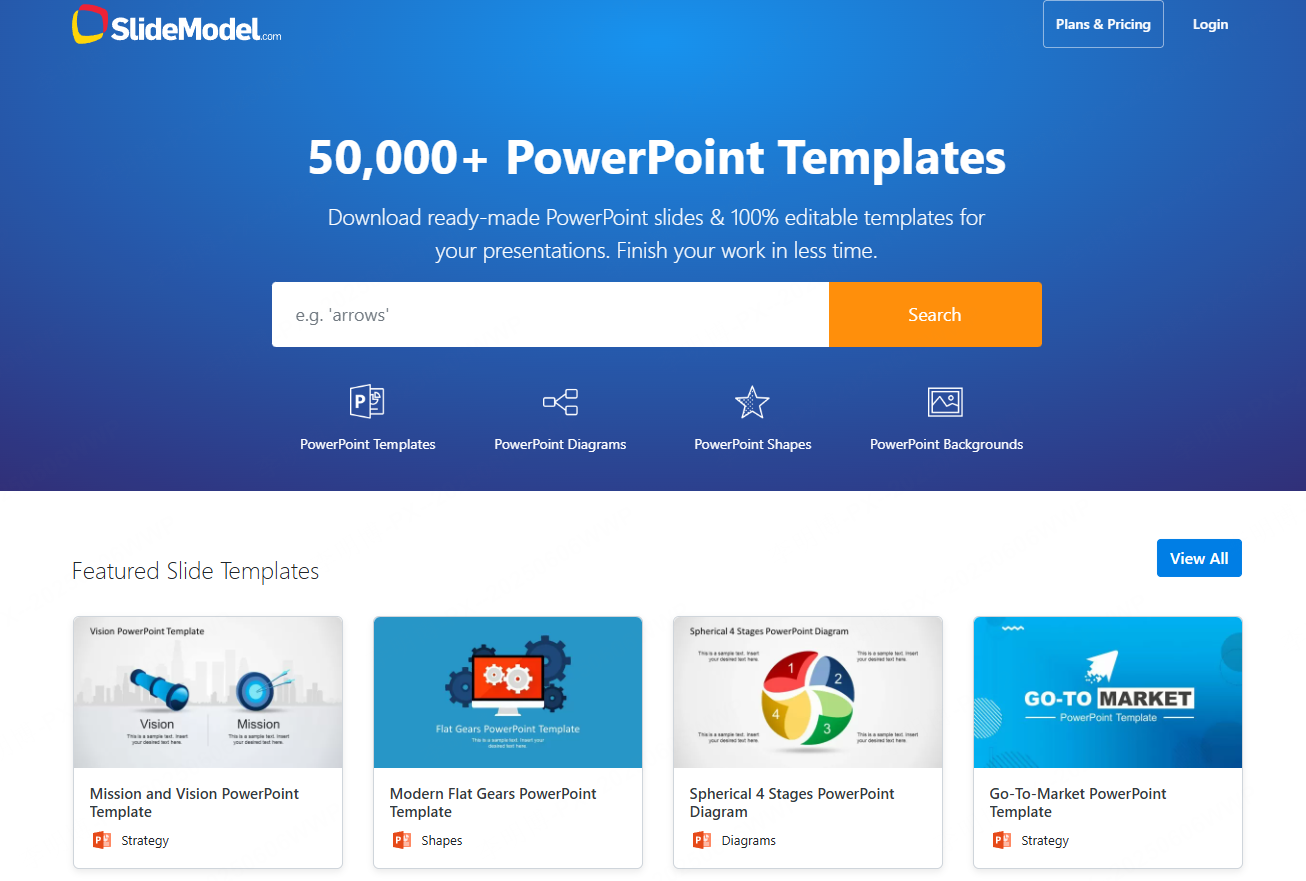
SlideModel specializes in business grade presentation templates. Its Word import feature automatically maps document sections to premium corporate layouts.
Core Features
- 100,000+ business templates
- Smart paragraph segmentation
- Auto generated charts and diagrams
Conversion Quality
Strong corporate aesthetics; ideal for consulting, finance, and executive presentations.
Best For
Business analysts, consultants, finance teams, and strategic presentations.
Pricing
Free previews available; premium subscription unlocks all templates.
4. Easy Conversion
A lightweight tool focused on quick Word to PPT conversion without advanced design automation.
Core Features
- Text segmentation
- Table and image preservation
- Batch conversion for multi file workflows
Conversion Quality
Maintains original formatting but may require manual design adjustments.
Best For
Academic reports, training materials, or initial slide drafts before design refinement.
Pricing
Free for files under 10 pages; paid plans allow unlimited pages and advanced formatting support.
5. Prezi
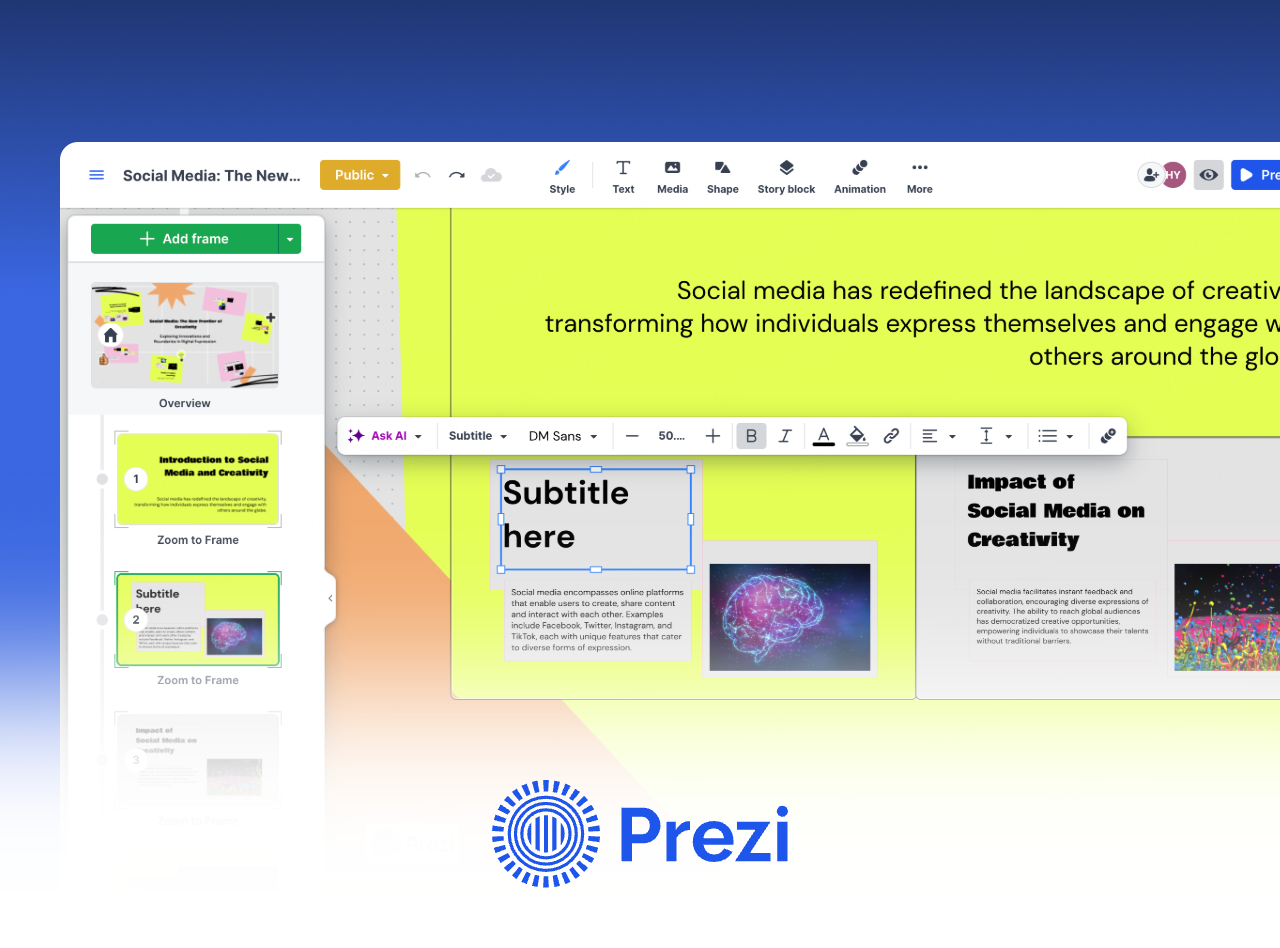
Prezi transforms Word content into non-linear, animated storytelling presentations that differ from traditional slide decks.
Core Features
- Word to content block parsing
- Zoom-based presentation paths
- 3D scenes and creative layouts
Best For
Marketing teams, educators, trainers, and users who want dynamic, storytelling-focused presentations.
Pricing
Free plan supports public projects; paid plans unlock private presentations and advanced features.
6. Canva
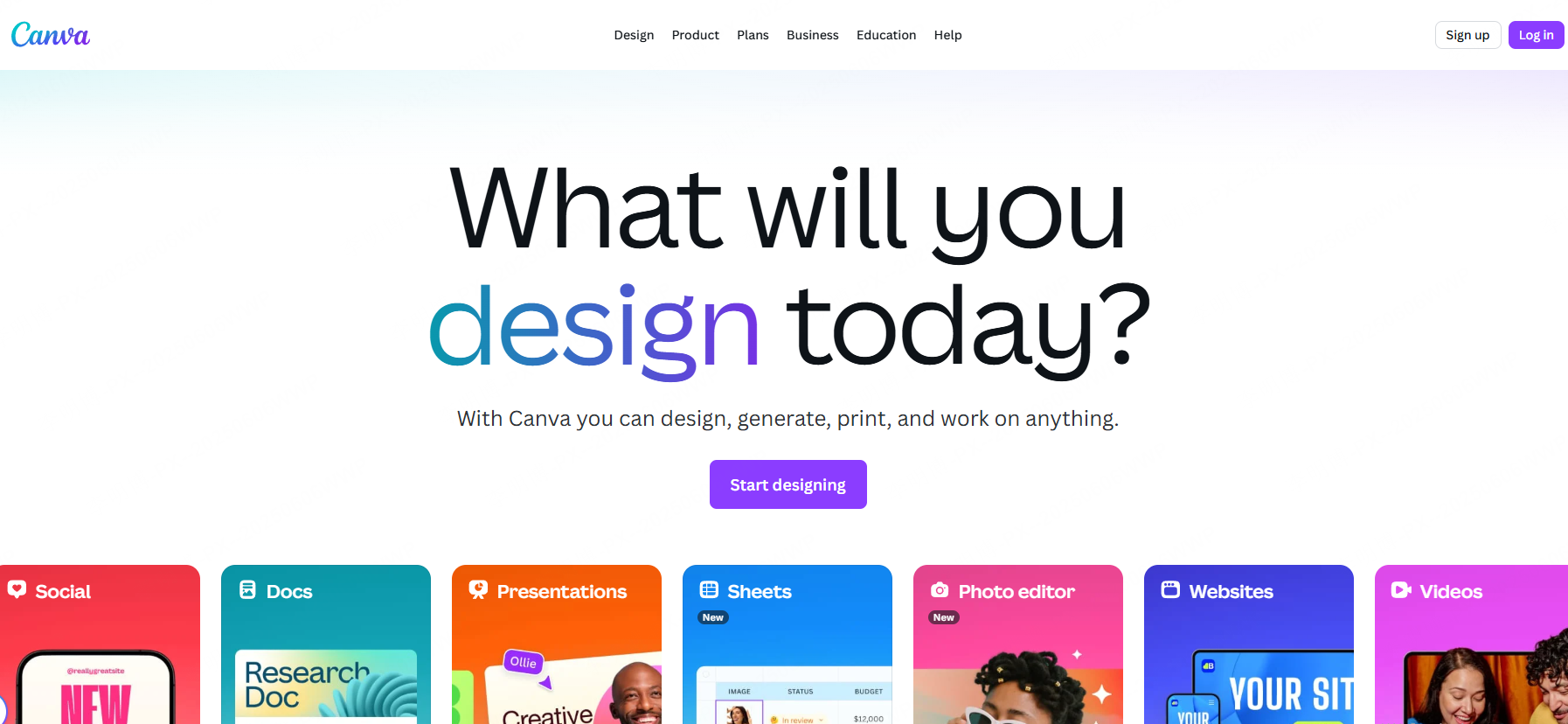
A versatile design platform offering AI assisted Word to PPT conversion with strong visual enhancement capabilities.
Core Features
- Word content recognition
- Auto styled templates and themes
- Drag and drop editing
- Cloud collaboration
Best For
Marketing teams, digital creators, educators, and anyone needing visually appealing decks quickly.
Pricing
Free version includes a large library; Canva Pro unlocks premium assets and branding tools.
7. Google Slides
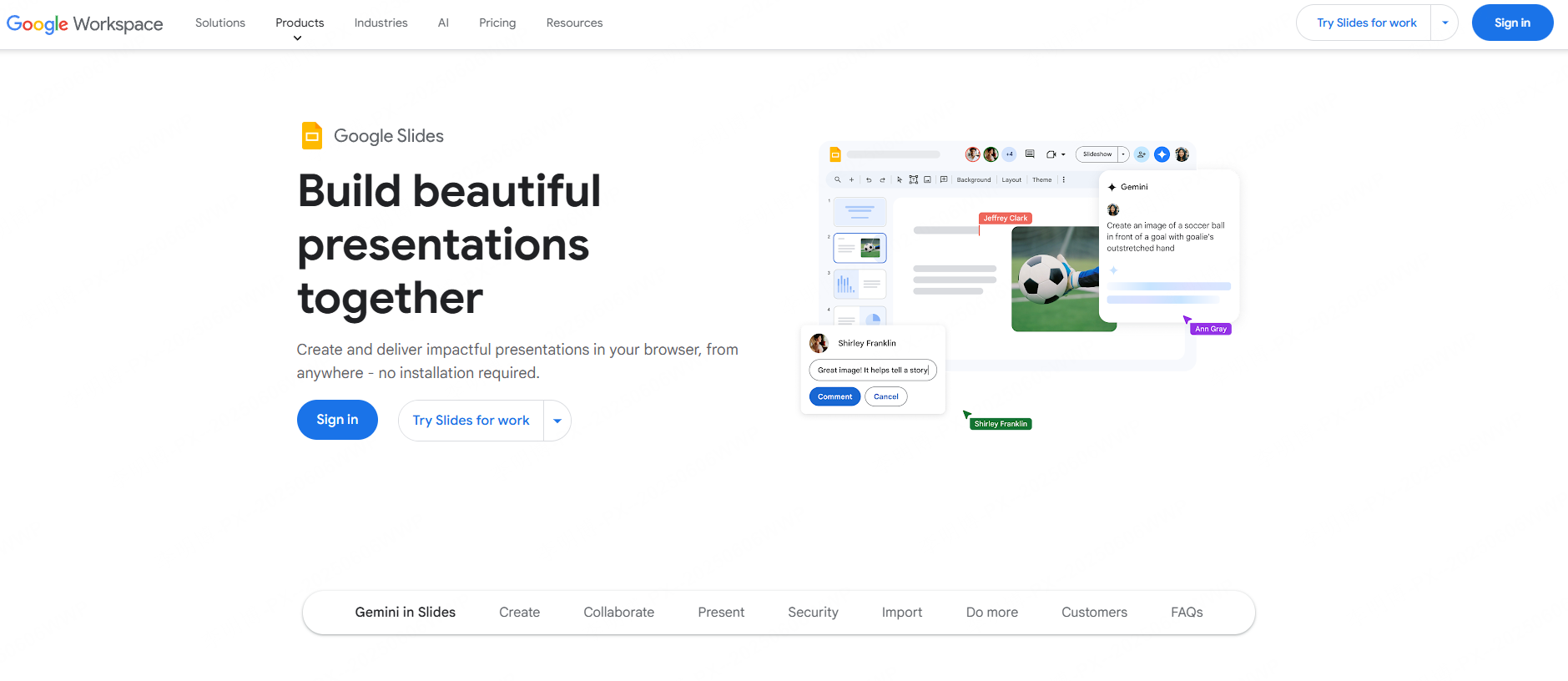
A simple and reliable cloud based option for converting Word documents into editable presentations.
Core Features
- Direct Word import
- Real time collaboration
- Auto save and version history
- Lightweight design adjustments
Best For
Classroom instruction, distributed teams, or quick collaborative presentations.
Pricing
Completely free; Google Workspace plans add enterprise level features.
8. Visme

Visme excels at turning Word documents, especially those containing data into interactive visual presentations and infographics.
Core Features
- Intelligent content segmentation
- Auto generated animated charts
- Interactive elements
- Export to PPT, PDF, video, and more
Best For
Data analysts, educators, marketers, and teams needing high impact data storytelling.
Pricing
Free plan supports five projects; paid version unlocks advanced charts and unlimited projects.
9. SlidesAI.io
A minimalistic AI tool focused on summarizing long Word documents into clear, concise presentation outlines.
Core Features
- AI powered content summarization
- Template matching by industry
- Auto generated transitions
Best For
Junior employees, weekly status reports, project updates, and turning long documentation into clean slides.
Pricing
Free plan offers limited monthly usage; Pro plan provides unlimited generation and branding customization.
10. Decktopus
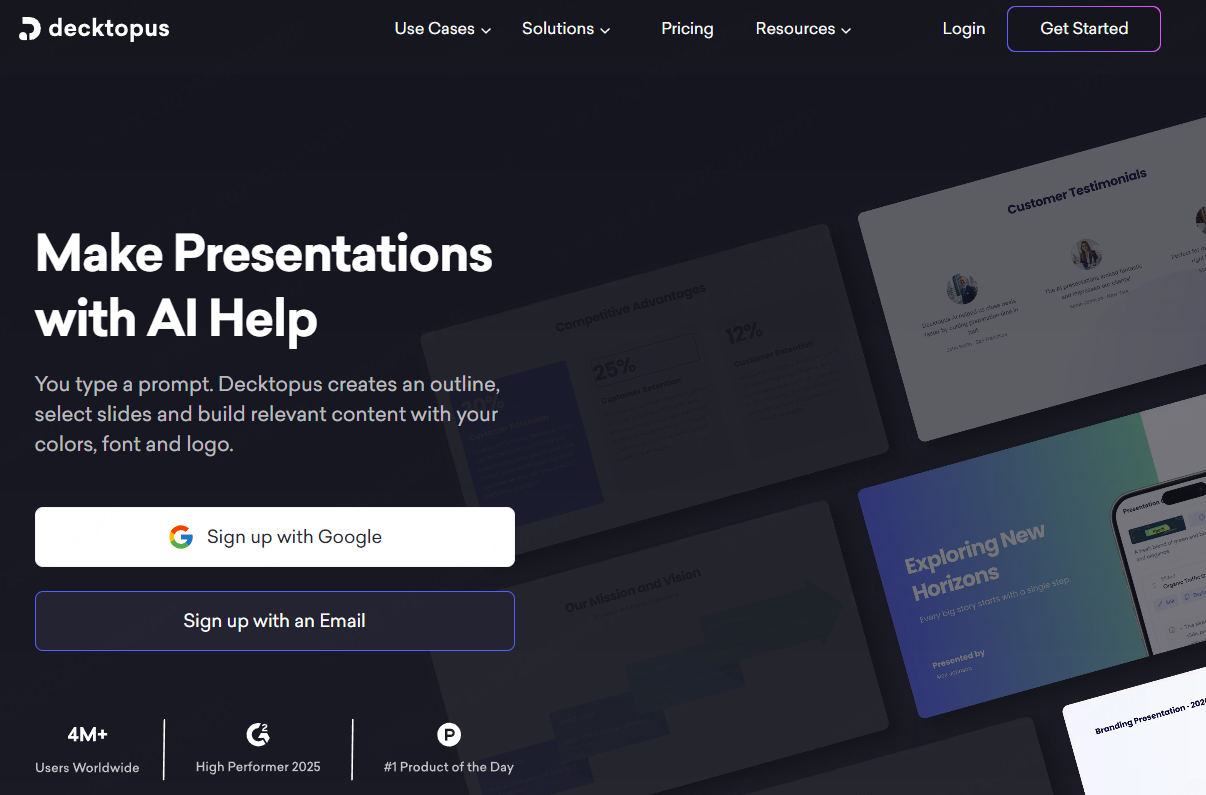
Decktopus enables rule based Word to PPT conversion, making it ideal for enterprise workflows requiring consistent branding.
Core Features
- Structured content parsing
- Customizable heading and layout rules
- Batch template application
- API integration for enterprise automation
Best For
Large organizations, design teams, or standardized internal workflows.
Pricing
Personal and enterprise tiers available; enterprise plan includes API and team governance features.
Conclusion
If you need fast, professional, and AI assisted PPT generation, Presenti AI is the top recommendation.
For team collaboration, choose Boardmix.
For creative storytelling, use Prezi.
For data driven visuals, choose Visme.
For enterprise level standardization, Decktopus is ideal.
Modern automation tools reduce manual formatting time and help technical teams, educators, and project managers produce polished presentations faster than ever.









