Nowadays, in the digital first workplace, creating clear and professional presentations is no longer optional. Whether you are pitching a product, teaching a class, or presenting project results, PowerPoint slides remain one of the most widely used communication tools.
However, traditional slide creation is time consuming. Structuring content, designing layouts, selecting visuals, and maintaining brand consistency often require hours of manual work. This is where free AI PowerPoint generators come in.
With rapid advances in artificial intelligence, many platforms now offer automated PPT creation. These tools can generate outlines, slide content, layouts, color schemes, and visuals in minutes. In this guide, we review six practical and reliable AI powered PPT generators that help teams work faster while maintaining presentation quality.
1. Presenti AI
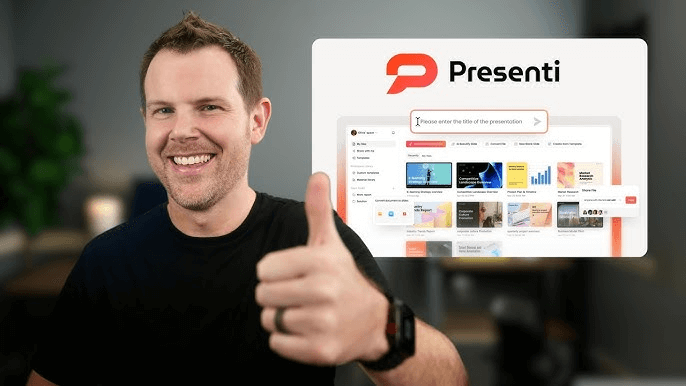
Presenti AI is a free AI PowerPoint generator designed to automate the entire slide creation workflow. Unlike traditional slide tools, it allows users to generate a complete presentation by entering a single sentence or uploading source materials.

Key Features
AI Powered PPT Generation
Presenti AI automatically builds a full presentation, including slide structure, headings, body text, visual layouts, color themes, and images. Users only need to provide a short prompt or topic description.
Automatic Outline Creation
The platform generates logical slide outlines based on the input topic, making it ideal for business proposals, training materials, and educational presentations.
Smart Document to PPT Conversion
Presenti AI supports importing Word, PDF, TXT, Markdown, and mind mapping files. The system extracts key information from reports, product specs, or feedback documents and converts them into structured slides.
Intelligent Layout and Design
AI driven layout optimization ensures visual balance, readable typography, and consistent formatting across slides without manual adjustments.
AI Writing and Content Refinement
Users can regenerate slide text or refine specific sections to improve clarity, tone, and flow.
Template Library
A wide selection of professional templates allows users to adapt presentations to different industries and use cases.
Online Editing and Collaboration
As a cloud based platform, Presenti AI supports real time editing, version saving, and team collaboration through shared links.
Presenti AI offers a free version suitable for most basic needs, with paid plans available for advanced customization and higher usage limits. It is particularly effective for teams that want fast, structured, and polished presentations with minimal effort.
2. Boardmix
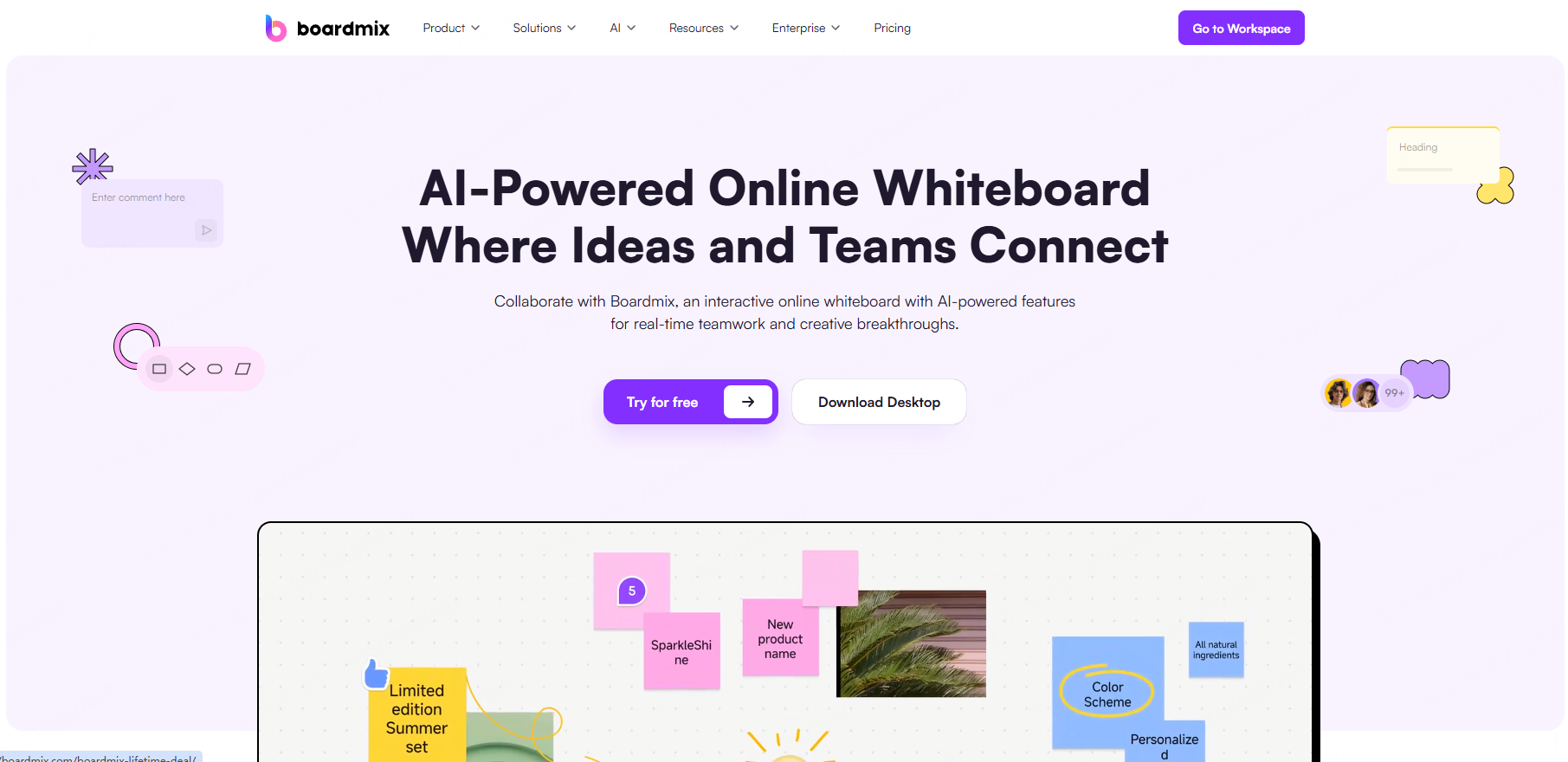
Boardmix is a collaborative online whiteboard platform that combines brainstorming tools with AI powered content generation, including PPT creation.
Unlike traditional slide based tools, Boardmix provides an open canvas where ideas can be freely organized before being turned into presentations.
Key Features
AI Presentation Generation
Users can convert structured whiteboard content into presentation slides, making it ideal for workshops and ideation sessions.
Multi Format Media Support
Boardmix supports documents, images, videos, web embeds, and third party tools, creating rich and interactive presentations.
Real Time Collaboration
Teams can brainstorm, edit, and present together in real time, regardless of location.
Interactive Elements
Sticky notes, voting tools, emojis, and stickers add engagement, making it suitable for remote workshops and agile planning.
The free version provides core collaboration tools and basic templates, making Boardmix a strong option for small teams and early stage projects.
3. Canva
Canva is a widely known design platform that also offers AI powered PPT generation through its Magic Design feature.
Canva focuses on ease of use and visual quality, making it popular among educators, marketers, and non-designers.
Key Features
AI Assisted Slide Creation
By entering a topic or short description, Magic Design generates a presentation with suggested layouts, text, and visuals.
Customizable Templates
Thousands of templates allow users to quickly adapt slides to different branding and presentation styles.
Flexible Pricing Options
- Free Plan: Access to basic templates, design tools, and limited assets.
- Pro Plan: Advanced templates, background removal, brand kits, and expanded media libraries.
- Enterprise Plan: Team management, access controls, and priority support.
Canva is especially suitable for visually focused presentations and brand aligned content, though it offers less automation than dedicated AI PPT tools.
4. Presentations.ai
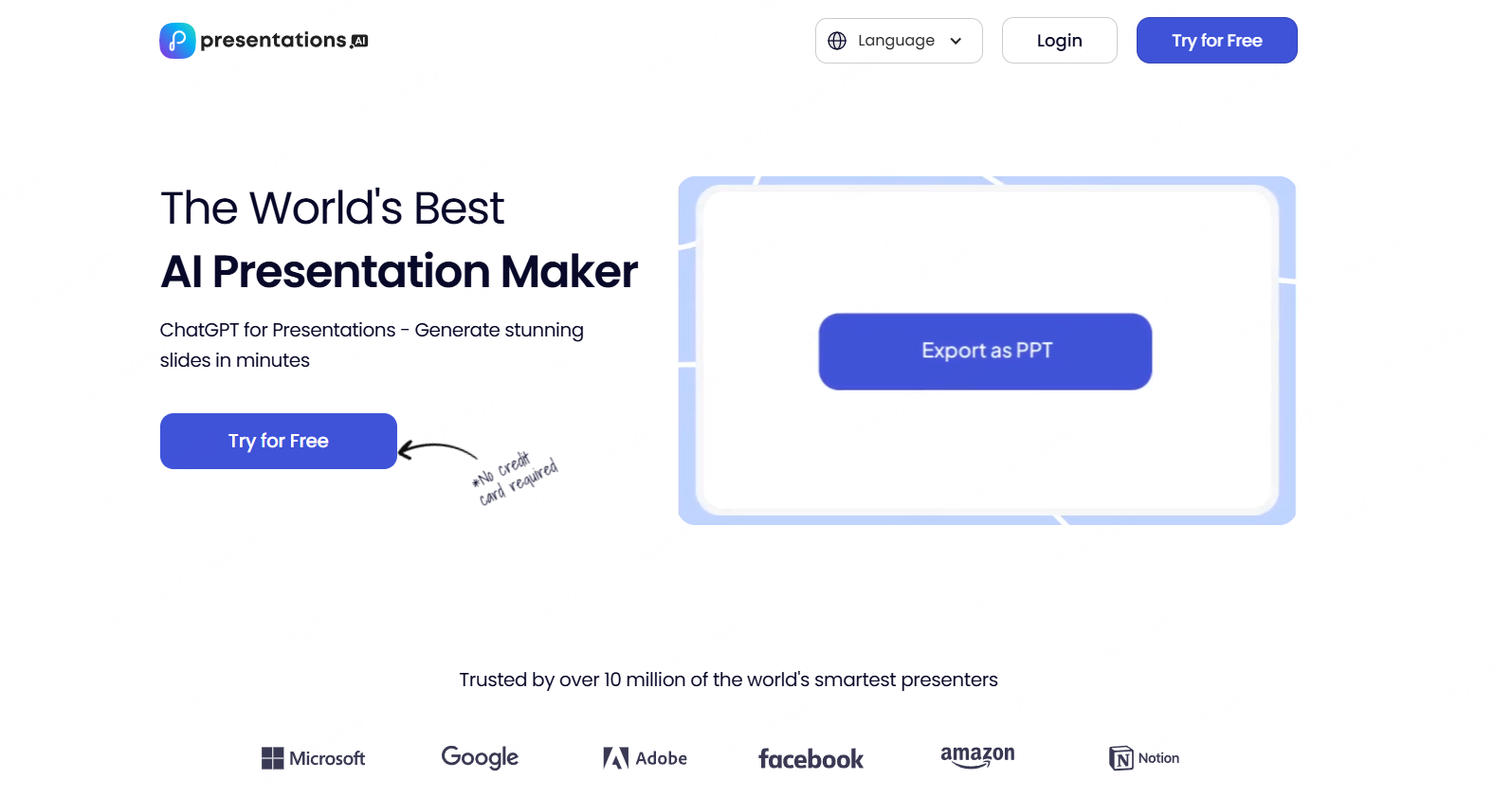
Presentations.ai introduces a conversational approach to slide creation. Users interact with the AI as if chatting with an assistant, making the process flexible and intuitive.
Key Features
AI Driven Storytelling
Users input ideas, and the AI builds structured narratives with suggested titles, slide content, and visuals.
Smart Design Recommendations
The system automatically suggests fonts, color palettes, and image placement to maintain a professional look.
Export Options
Presentations can be exported in common formats suitable for meetings, webinars, and classrooms.
The free version includes limited slides and templates. Paid plans unlock advanced visualization tools, voiceover support, and expanded storage.
5. Simplified
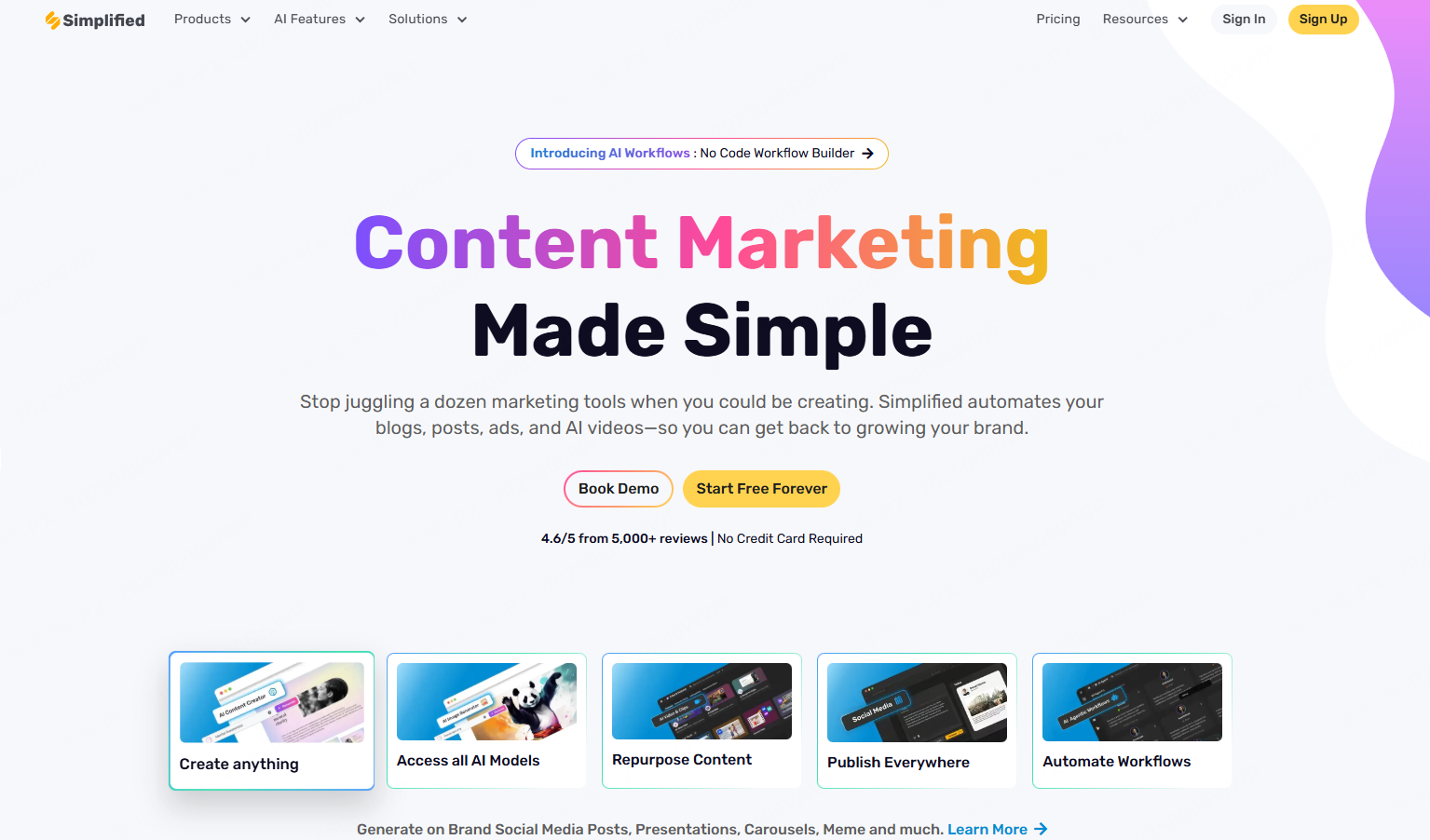
Simplified is an all in one AI powered marketing platform that includes presentation generation as part of a broader content creation toolkit.
It is designed primarily for marketing teams and brand focused organizations.
Key Features
Brand Consistency
Simplified ensures that all slides follow predefined brand guidelines, including colors, fonts, and tone.
Beginner Friendly Interface
No design experience is required to create professional looking presentations.
Free Plan Capabilities
- Access to basic PPT templates
- Text editing and image insertion
- Limited AI assistance
Advanced plans offer expanded templates, enhanced AI writing tools, and collaboration features, making Simplified suitable for growing teams.
6. Sendsteps.ai
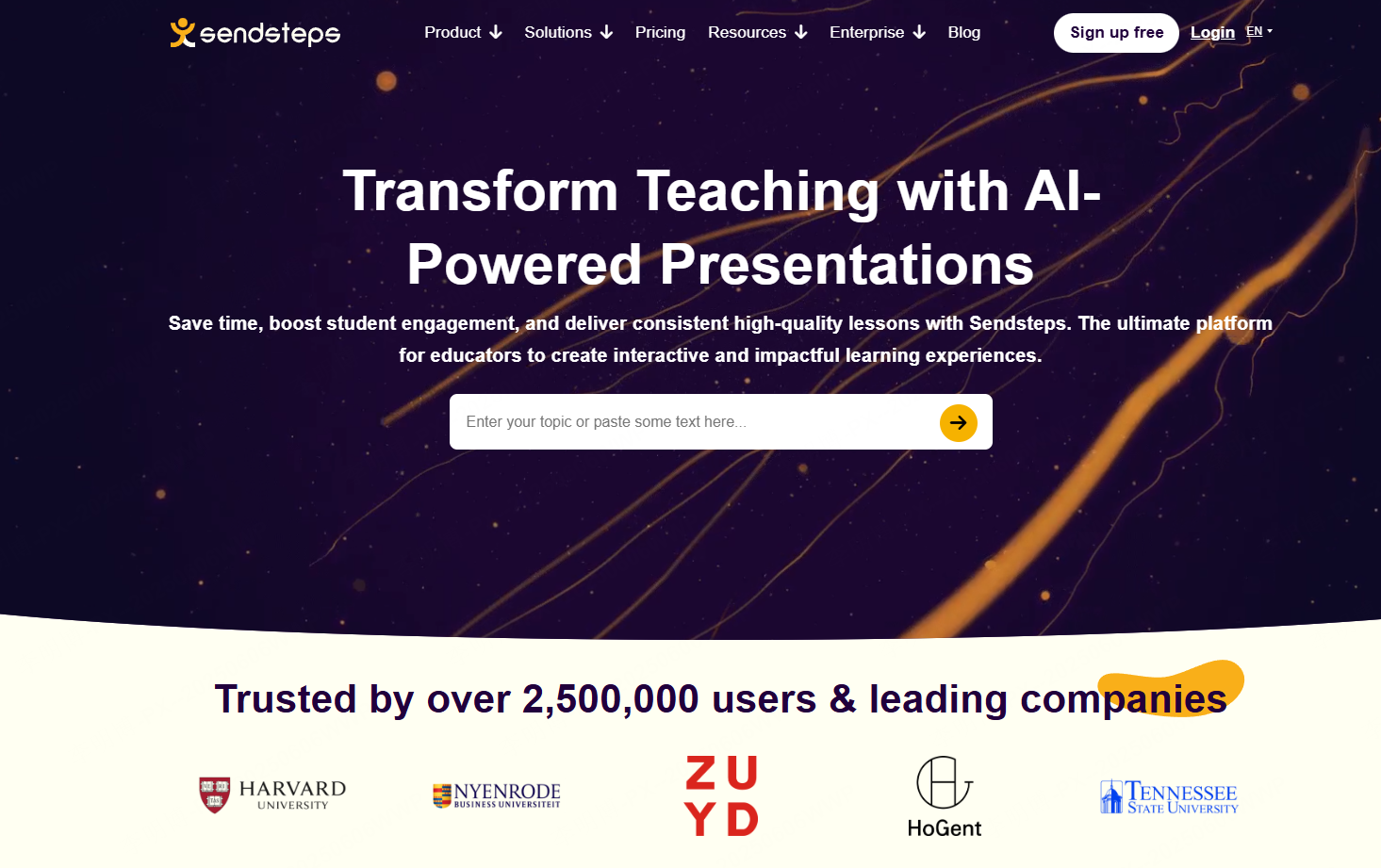
Sendsteps.ai is an AI driven presentation tool focused on audience engagement and interaction.
It is widely used in education, training, and live presentations.
Key Features
Interactive Slides
Users can embed quizzes, polls, and surveys directly into presentations to boost engagement.
Automated Content and Design
Sendsteps.ai generates slide content, visuals, and speaker notes automatically.
Live Collaboration
Multiple users can edit presentations simultaneously, streamlining team workflows.
The free version includes basic templates and limited interactive elements. Paid plans unlock advanced customization and additional engagement tools.
How to Choose the Right AI PPT Generator
When selecting an AI PowerPoint generator, consider the following factors:
- Speed vs. Customization: Some tools prioritize rapid generation, while others offer deeper design control.
- Collaboration Needs: Team based workflows benefit from real time editing features.
- Use Case: Business presentations, education, and marketing often require different feature sets.
- Interactivity: Tools like Sendsteps.ai excel in audience engagement scenarios.
Each of the six platforms above serves different needs. For users seeking an easy to use, structured, and efficient AI PPT solution with strong automation, Presenti AI stands out as a balanced option.