
Creating presentations is quietly undergoing a fundamental shift. What once required hours of manual layout work, template selection, and logical structuring can now be completed in minutes. With AI generated PowerPoint tools, users simply input text, an outline, or even a single sentence, and receive a polished, professional slide deck.
This article provides a practical, technology focused overview of AI generated PPT tools. You will learn what AI powered presentation generation really means, why it matters, who benefits most from it, and which free tools are worth your attention. Whether you work in education, product development, project management, or technical documentation, this guide will help you adopt AI presentation workflows with confidence.
1. What Is AI Generated PowerPoint?
AI generated PowerPoint refers to the use of artificial intelligence to automatically create presentation slides from raw input such as text, documents, or structured outlines.
Instead of manually designing each slide, selecting layouts, adjusting typography, and aligning visual elements, users provide content and let the AI handle structure, formatting, and design consistency.
Behind these tools are several mature technologies:
- Natural language processing to understand content intent
- Generative AI models to expand, summarize, or reorganize information
- Intelligent layout engines to apply visual hierarchy and slide design rules
In practice, this means the user focuses on what to say, while the system decides how to present it. As a result, AI presentation tools are becoming standard productivity utilities for knowledge workers and content creators across industries.
2. Key Advantages of AI Generated PPT Tools
Compared with traditional slide creation workflows, AI generated PowerPoint solutions offer clear advantages across efficiency, accessibility, and creative support.
2.1 Faster Creation with One Click Generation
AI presentation tools can generate a complete draft in seconds or minutes. Users no longer need design expertise or advanced PowerPoint skills to produce a usable first version. This eliminates hours of repetitive manual work and accelerates delivery timelines.
2.2 Lower Barrier for Non-Designers
AI tools automatically apply layouts, color systems, typography, and imagery. Even users with no design background can produce visually consistent, professional looking slides without external help.
2.3 Improved Content Structure and Clarity
By analyzing input text, AI tools identify key points, remove redundancy, and organize information into logical sections. This reduces clutter and improves slide readability, especially for data heavy or instructional content.
2.4 Flexible Input and Cloud Based Editing
Most AI PPT tools support multiple input formats including plain text, Word documents, PDFs, Markdown files, and URLs. Online editing and collaboration make them suitable for distributed teams and remote workflows.
2.5 Creative Inspiration and Content Enhancement
AI-assisted rewriting, expansion, and optimization features help users overcome creative blocks. These tools can suggest clearer phrasing, stronger summaries, and more engaging slide headlines.
3. Who Should Use AI Generated Presentations?
AI presentation tools are widely applicable across roles and use cases.
- Students can generate presentation decks for class reports, seminars, and thesis defenses by simply submitting written content.
- Professionals can create weekly reports, quarterly reviews, or project updates without starting from scratch each time.
- Educators and trainers can convert lesson plans into structured slide decks for lectures and workshops.
- Content creators and instructors can quickly transform scripts into visual presentations for courses and webinars.
- Enterprise teams can standardize presentation structure and branding for meetings, training materials, and sales proposals.
In short, anyone who needs to communicate structured information visually can benefit from AI generated PPT workflows.
4. Six Practical AI PowerPoint Tools Worth Trying
The market offers a wide range of AI presentation tools. The following six options balance usability, functionality, and free access. They were evaluated based on generation speed, template quality, and practical feature sets.
4.1 Presenti AI

Presenti AI is a full featured AI PowerPoint generator designed for professional and educational use. It supports one sentence generation, document conversion from Word, PDF, and Markdown, and AI based editing features such as automatic polishing and layout optimization.
It is particularly well suited for business presentations, technical briefings, and academic defenses. The free plan does not limit the number of presentations or slides within the available AI credit range. Paid plans unlock advanced templates and expanded capabilities.
4.2 MagicSlides
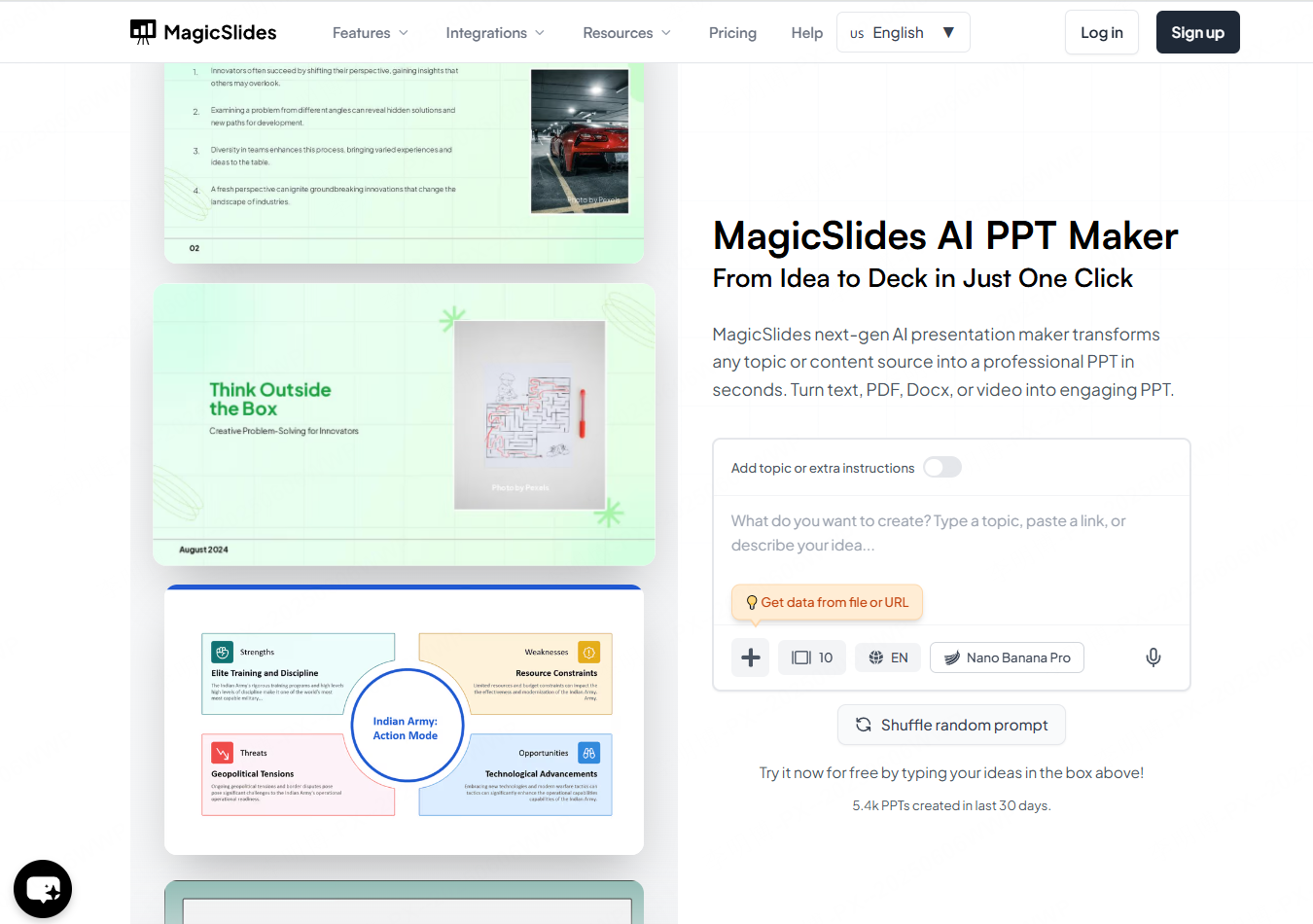
MagicSlides converts text and web pages into PowerPoint presentations and integrates with image libraries such as Pexels. It fits well within the Google Workspace ecosystem, making it a practical choice for teams that rely heavily on cloud collaboration.
The free version allows a limited number of presentations per month. Paid plans offer unlimited generation and additional export options.
4.3 Gamma
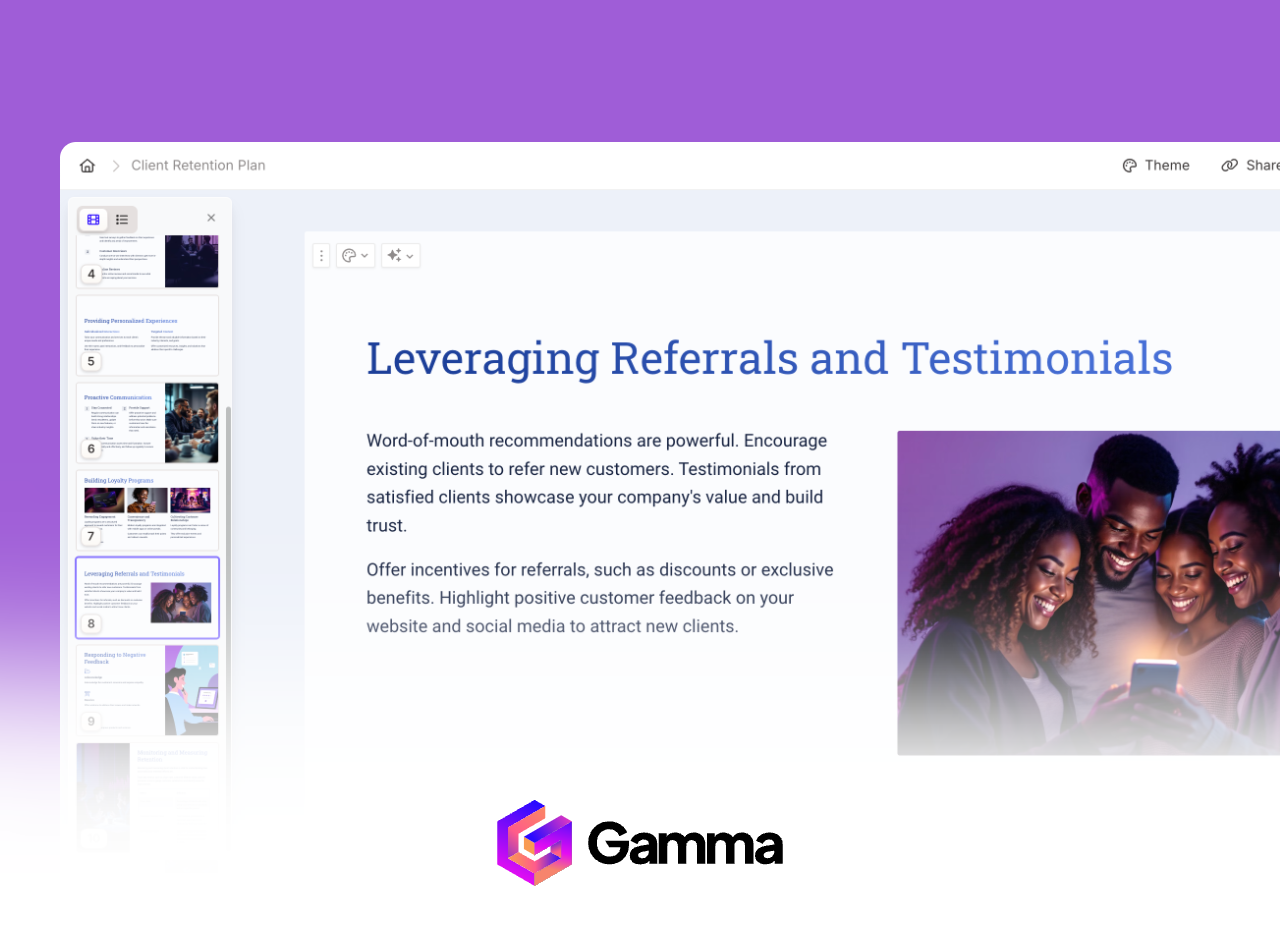
Gamma focuses on conversational slide generation with strong visual design. It automatically applies modern color schemes and imagery, producing presentations with a polished, international look.
The free plan includes a limited number of credits and supports PDF export. PowerPoint file export is available through paid plans. Gamma is well suited for marketing decks, brand presentations, and client facing proposals.
4.4 MindShow
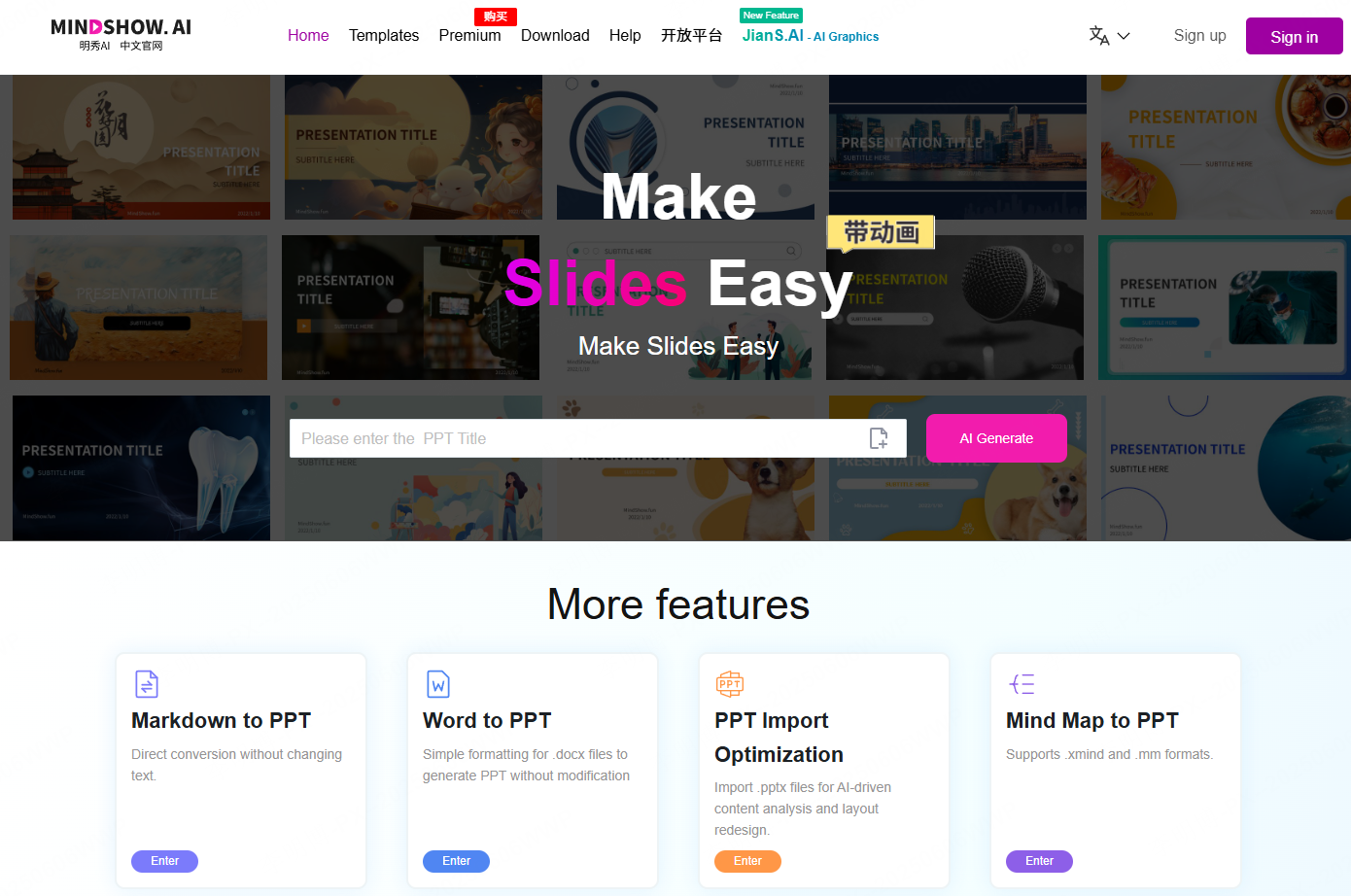
MindShow generates slides from structured outlines and supports multiple languages and file imports. It works well for academic lectures, meeting summaries, and structured documentation that needs fast visualization.
Basic generation is available for free, while premium templates and export formats require a subscription.
4.5 Tome
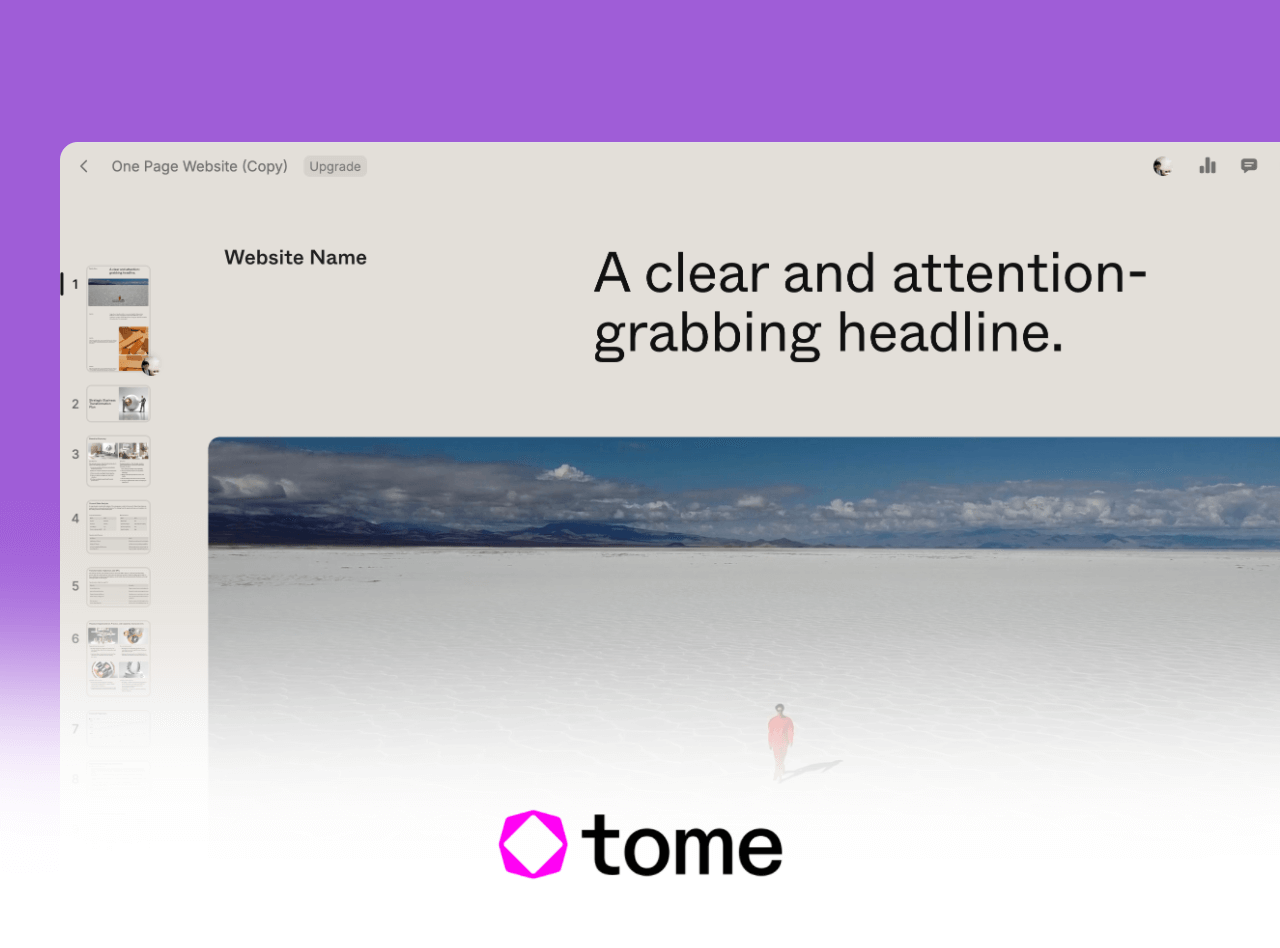
Tome emphasizes non-linear storytelling and integrates with tools such as Figma and YouTube. It is designed for creative proposals, product pitches, and narrative driven presentations.
The free plan provides limited credits for short presentations. Paid plans enable full export options and unlimited generation.
4.6 ClassPoint AI
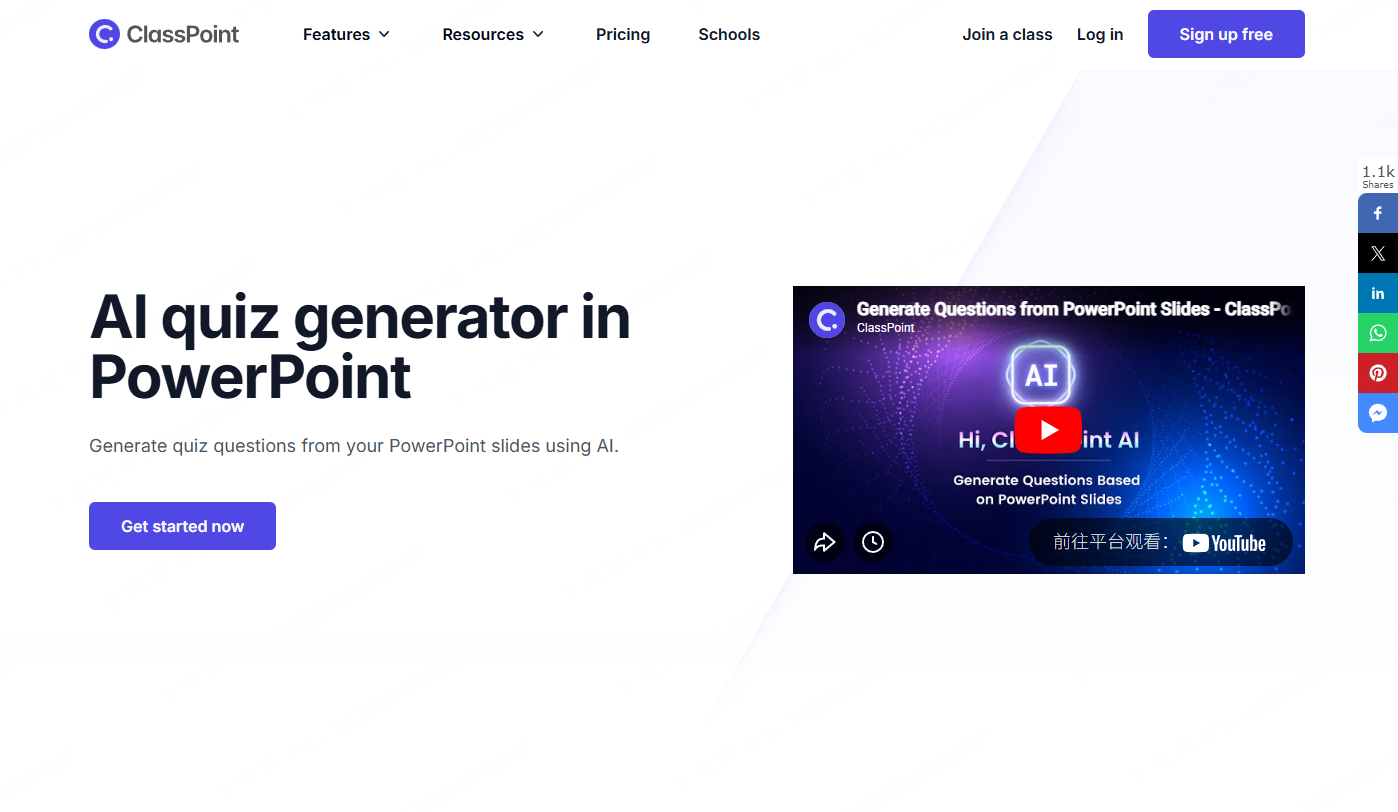
ClassPoint AI integrates directly into Microsoft PowerPoint and focuses on interactive quiz and assessment generation. It is particularly useful for teachers and corporate trainers who want to increase audience engagement during live sessions.
The free version includes basic features, while advanced quiz generation requires a paid license.
Tool Selection Tip
For most users, Presenti AI offers the best balance of flexibility, document conversion, and free usage. Other tools excel in specific scenarios such as cloud collaboration, creative storytelling, or interactive teaching.
5. How to Create High Quality PPTs with AI
Choosing the right tool is only the first step. The following best practices help ensure strong results.
5.1 Give Clear and Specific Instructions
Avoid vague prompts. Instead of “project update,” provide context such as “Q2 product development update including milestones, risks, and next steps for a technical audience.”
Clear input leads to clearer output.
5.2 Use Document Conversion for Better Accuracy
Uploading a well structured report or document allows the AI to extract content more reliably. Always review the generated slides to verify logic and data accuracy.
5.3 Refine the Draft with AI Editing Tools
Use AI features to expand explanations, summarize sections, polish language, and fix awkward phrasing. This improves clarity without rewriting everything manually.
5.4 Match Templates to Audience and Purpose
Select templates that fit your content and audience expectations. Business, technology, and education templates typically perform best for professional settings.
5.5 Apply Human Review and Storytelling
AI generated slides should be reviewed for narrative flow. Build a clear problem solution impact structure. Highlight key data points and add personal insights or real world examples to enhance credibility.
Conclusion
AI generated PowerPoint tools are becoming a core skill in modern workplaces. By selecting the right platform, users can turn ideas into structured, professional presentations with minimal effort.
Presenti AI stands out with its combination of one sentence generation, document conversion, and AI assisted editing. From initial concept to final polish, it offers a complete workflow that helps teams move faster while maintaining presentation quality.
With thoughtful prompts and light human refinement, AI generated PPTs can meet the standards of professional communication across industries.









