Creating professional presentations has always been time consuming. For product teams, educators, project managers, and developers, building slides often means balancing content accuracy, visual quality, and tight deadlines. Thanks to recent advances in artificial intelligence, AI powered presentation tools are changing how teams create slides. Instead of starting from a blank canvas, users can now generate structured, well designed presentations in minutes. These tools are especially valuable for business reports, project reviews, training materials, and classroom lectures. But not all AI presentation tools deliver the same results.
This comparison covers four current AI presentation tools and a historical note on Tome Slides, which has closed. It is based on official product and plan information checked on September 17, 2026, rather than a controlled hands-on benchmark. As a Presenti-published guide, it explains workflows and limitations without assigning an independent quality ranking.

1. Presenti AI
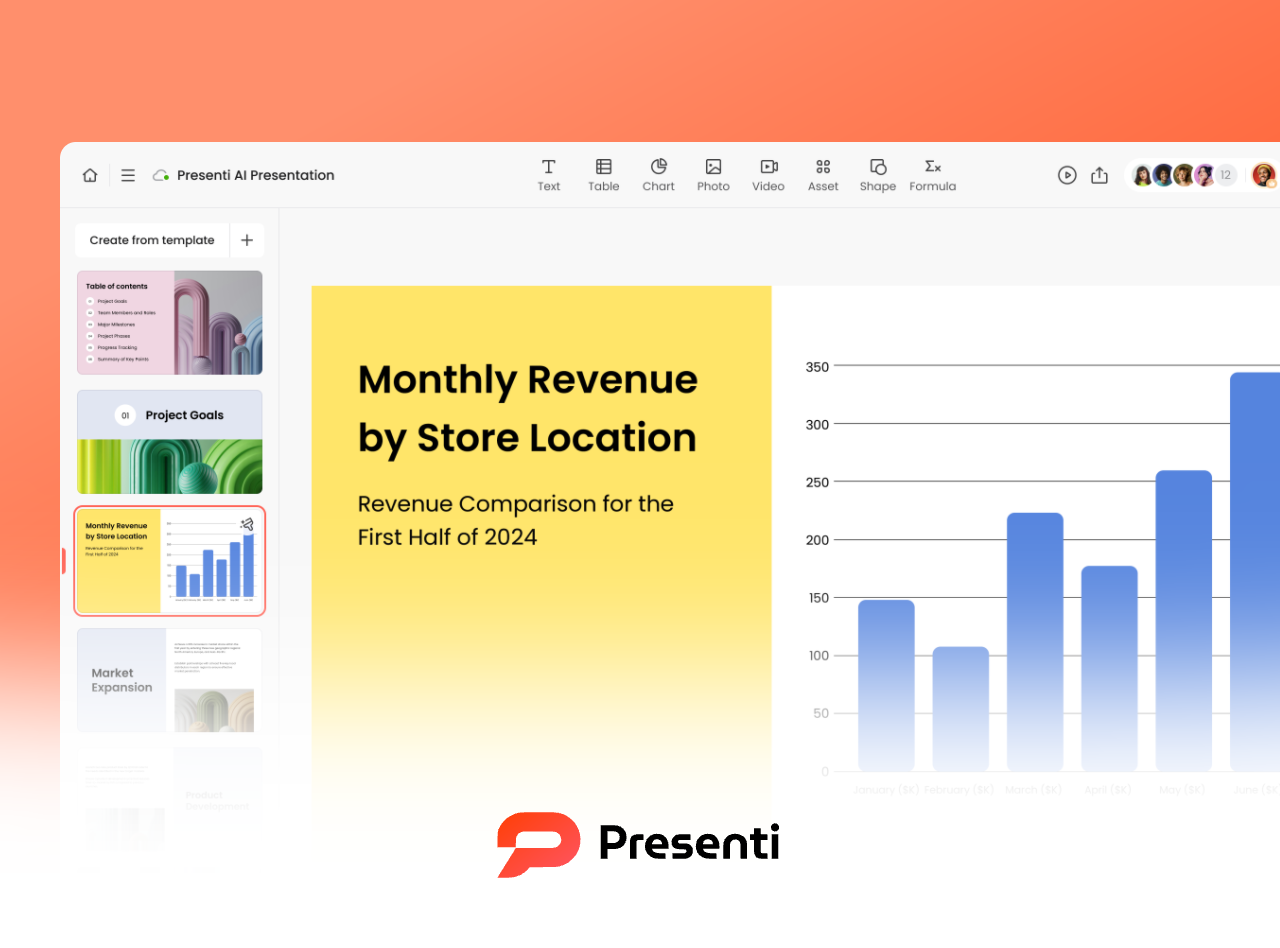
Presenti AI is a powerful yet beginner friendly AI presentation tool designed to streamline slide creation from start to finish. Users can generate a complete presentation simply by entering a title or short prompt. The platform also supports converting existing documents such as Word, PDF, or plain text files into structured slide decks.
You can use Presenti in a browser without installing the desktop app. Windows and macOS apps are also available. Presenti documents workspace invitations and real-time collaboration; check access and sharing controls for the way your team works.
Key Features
One Prompt Presentation Generation
With a short prompt, Presenti AI can draft a presentation structure with introductory, content, and closing slides. Review the outline and facts before using the generated deck.
Structured Outline Recognition
The platform can analyze uploaded documents and automatically extract logical outlines. Users can edit the outline manually, ensuring the final presentation follows a clear and professional narrative.
Automated Layout and Design
Presenti AI applies layouts, typography, and visual elements based on the content. Check text density, alignment, and chart readability, and make manual adjustments where needed.
AI Content Refinement
Built in AI tools can rewrite, expand, summarize, translate, or grammar check slide content. This is particularly helpful for polishing executive presentations or adapting content for different audiences.
Pricing
Presenti offers basic free access with limited AI credits. Presenti pricing lists document imports, editable downloads, and PPTX/PDF export among paid membership benefits. Check the account and selected plan for the features and allowance you need.
2. Gamma

Gamma is a modern AI presentation tool focused on fast content structuring and clean visual output. Users provide basic ideas or text, and Gamma automatically builds a logical presentation framework with matching templates.
The platform emphasizes real time design optimization, allowing slides to stay visually consistent as content changes. Gamma works well for both individual creators and business teams who want polished results with minimal manual effort.
Key Features
Automatic Content Structuring
Gamma organizes raw input into a coherent presentation flow, improving clarity and logical progression.
Smart Template Recommendations
Based on the topic and tone, Gamma selects visual styles that match the presentation’s purpose, whether it is a sales pitch or internal update.
Live Design Optimization
As content evolves, layouts adjust automatically to maintain balance and readability.
Content Length Suggestions
Gamma analyzes text density and provides recommendations to shorten or expand content for better presentation timing.
Pricing
Gamma has a Free plan with limited AI usage that includes PPTX export. Paid plans add allowances and features such as branding removal and more customization; Gamma pricing lists the current distinctions.
3. Tome Slides: Discontinued Product

Tome Slides was discontinued on April 30, 2025. Users lost sign-in and content access after that date. It is not a current presentation tool to sign up for or buy.
The screenshot is retained as historical context. Earlier descriptions of Tome’s AI storytelling features and free or paid plans should not be used to evaluate a new workflow.
For Former Tome Users
Work from any files you exported before shutdown, and compare a current presentation editor that supports the file format you have. Do not assume old Tome links or accounts can still retrieve a deck.
Availability and Pricing
No active Tome Slides subscription is recommended here. Choose among currently available tools and confirm their import, editing, and export requirements.
4. Beautiful.ai

Beautiful.ai focuses on one core promise: professional design without design skills. Its AI driven layout engine automatically formats slides to ensure visual consistency and clarity.
This tool is ideal for users who care deeply about aesthetics but prefer not to manage spacing, alignment, or design rules manually.
Key Features
Smart Layout Engine
Slides automatically adapt to content changes while preserving visual balance.
Automated Design Rules
The AI applies consistent design principles across all slides, reducing manual adjustments.
Image and Chart Suggestions
Based on content type, Beautiful.ai recommends visuals that enhance communication.
Pricing
Beautiful.ai offers a 14-day Pro trial requiring a debit or credit card. Beautiful.ai trial terms explain that billing begins automatically when the trial ends. This is not an ongoing free plan; check current subscription and cancellation terms before signing up.
5. Plus AI
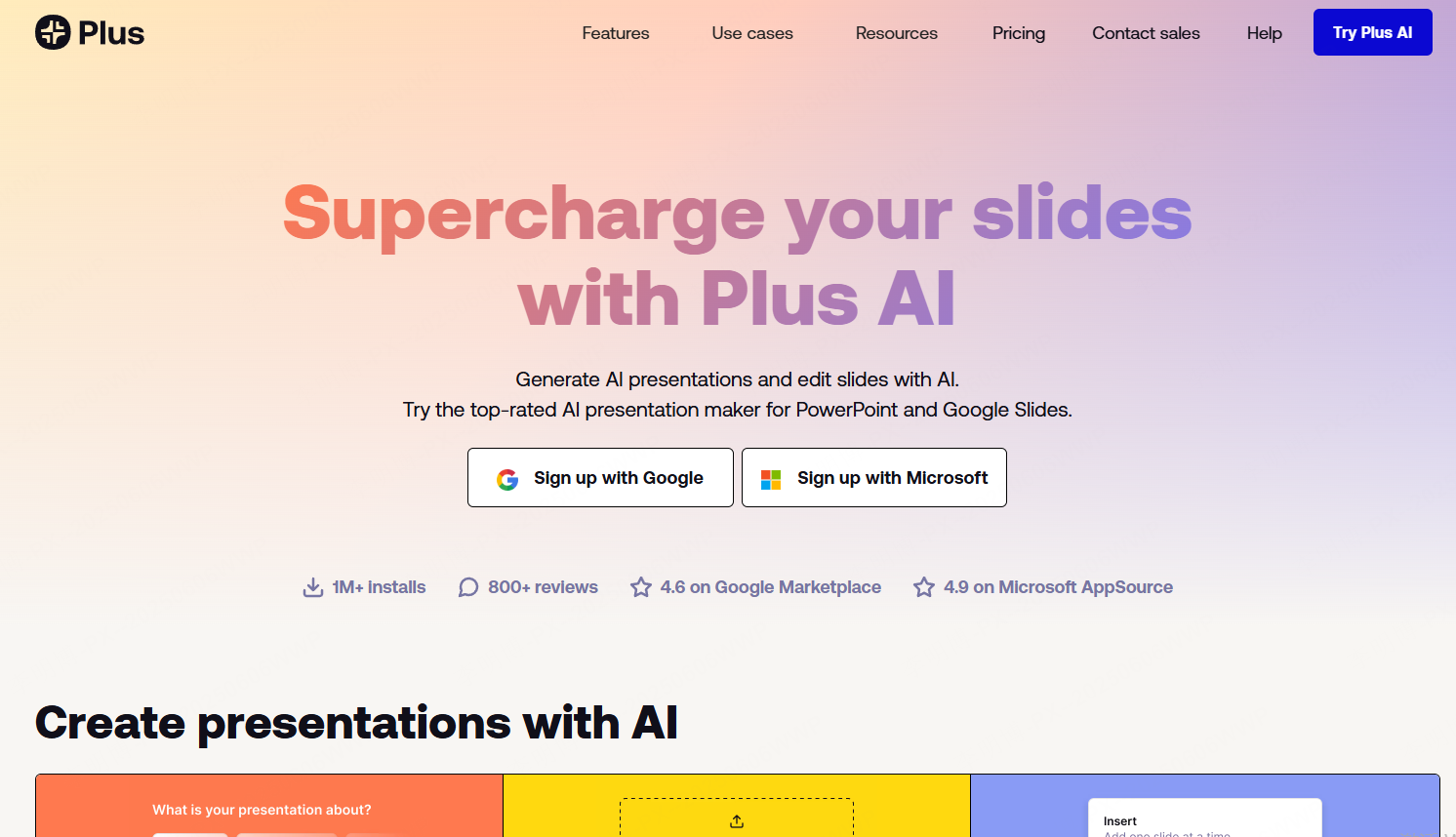
Plus AI is designed for users who prioritize content logic and textual clarity. It excels at generating structured written content such as business reports, research summaries, and analytical presentations.
Its integration with PowerPoint and Google Slides can suit teams that want to create and revise slides within an existing editing workflow.
Key Features
AI Text Generation
Users can generate complete presentation text including reports, analyses, and speech notes from minimal input.
Content Structure Optimization
The AI refines structure and logical flow, making complex information easier to understand.
Automated Formatting and Layout
Slides are formatted automatically to ensure clarity and efficient information delivery.
Pricing
Plus AI offers a 7-day trial requiring a card, with limited trial credits and automatic billing afterward unless canceled. Plus AI pricing lists access to Google Slides and PowerPoint and the features of each subscription; do not treat the trial as an ongoing free plan.
Final Thoughts: Which AI Presentation Tool Should You Choose?
The four current tools serve different workflows. Tome Slides is included only to correct its outdated appearance in earlier comparison lists.
Presenti supports drafts from text and documents. Gamma offers prompt-based creation and a Free plan with PPTX export. Beautiful.ai emphasizes guided slide layouts, while Plus AI works inside PowerPoint and Google Slides. Compare the available inputs, export rights, and plan limits before selecting a tool.
For technical teams, educators, and project managers seeking efficiency without sacrificing quality, choosing the right AI PPT tool can significantly improve productivity and presentation outcomes.