Timeline PowerPoint templates play an essential role in modern presentations. Whether you are introducing a project roadmap, summarizing key milestones, or preparing a quarterly report, timeline slides help express chronological information clearly and professionally. They visually organize schedules, tasks, and progress steps, making communication more efficient and easier to understand.
Many people search for free PPT timeline templates but struggle with poorly formatted downloads or unattractive designs. To help you improve productivity, this article introduces the most popular types of timeline templates and where you can access high quality resources for free.
What Is a Timeline PPT Template and Why Use It
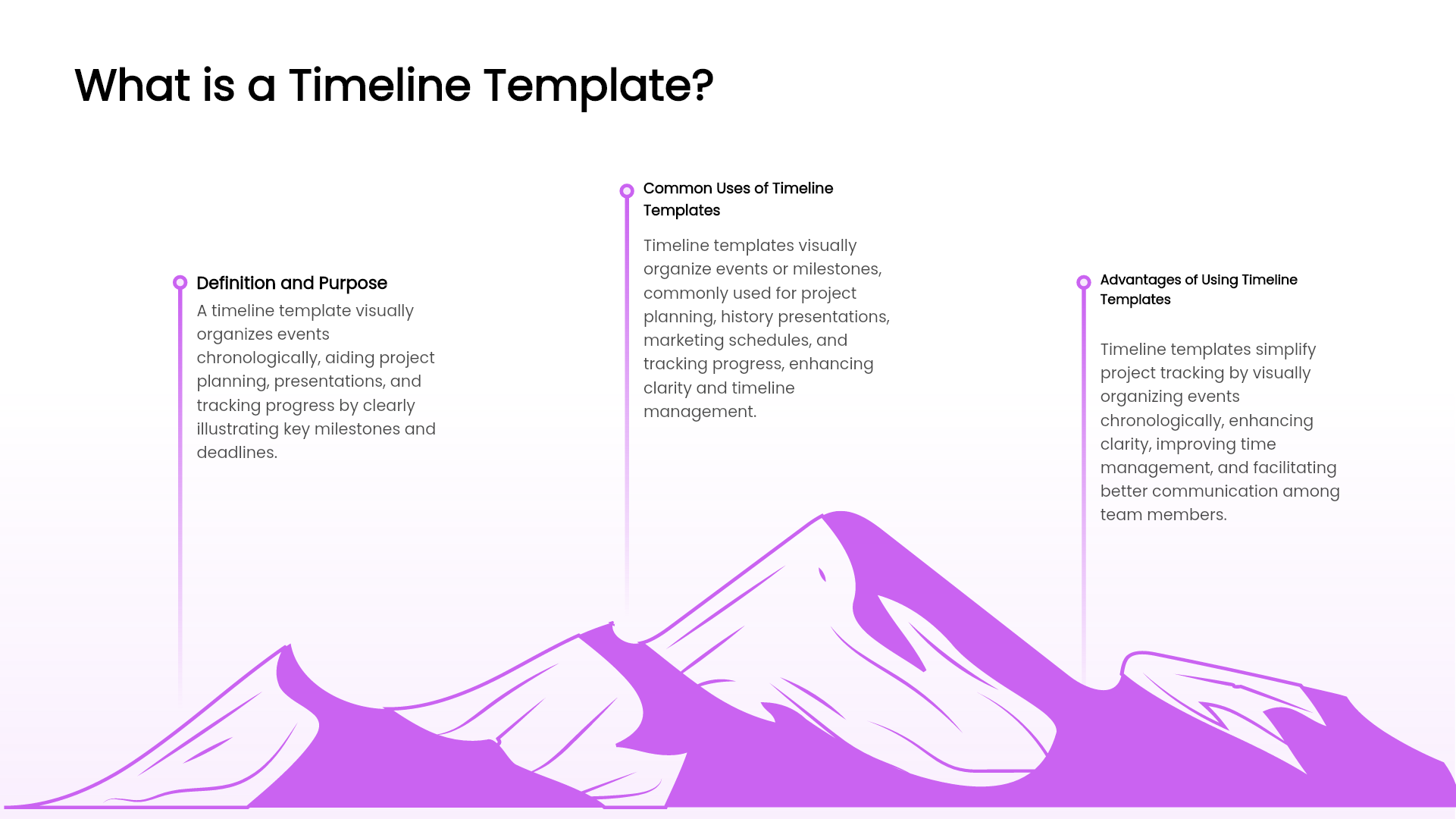
A timeline template in PowerPoint is a visual layout used to show the development of events in a specific order. Compared with traditional text lists, timeline slides:
• Improve audience engagement and clarity
• Highlight key milestones more effectively
• Strengthen visual storytelling in business presentations
• Save time in formatting and design work
This is why timeline templates are widely used in project management, product development updates, marketing planning, and academic research presentations.
Common Types of Timeline PowerPoint Templates
Below are the most frequently used timeline layouts and their ideal scenarios:
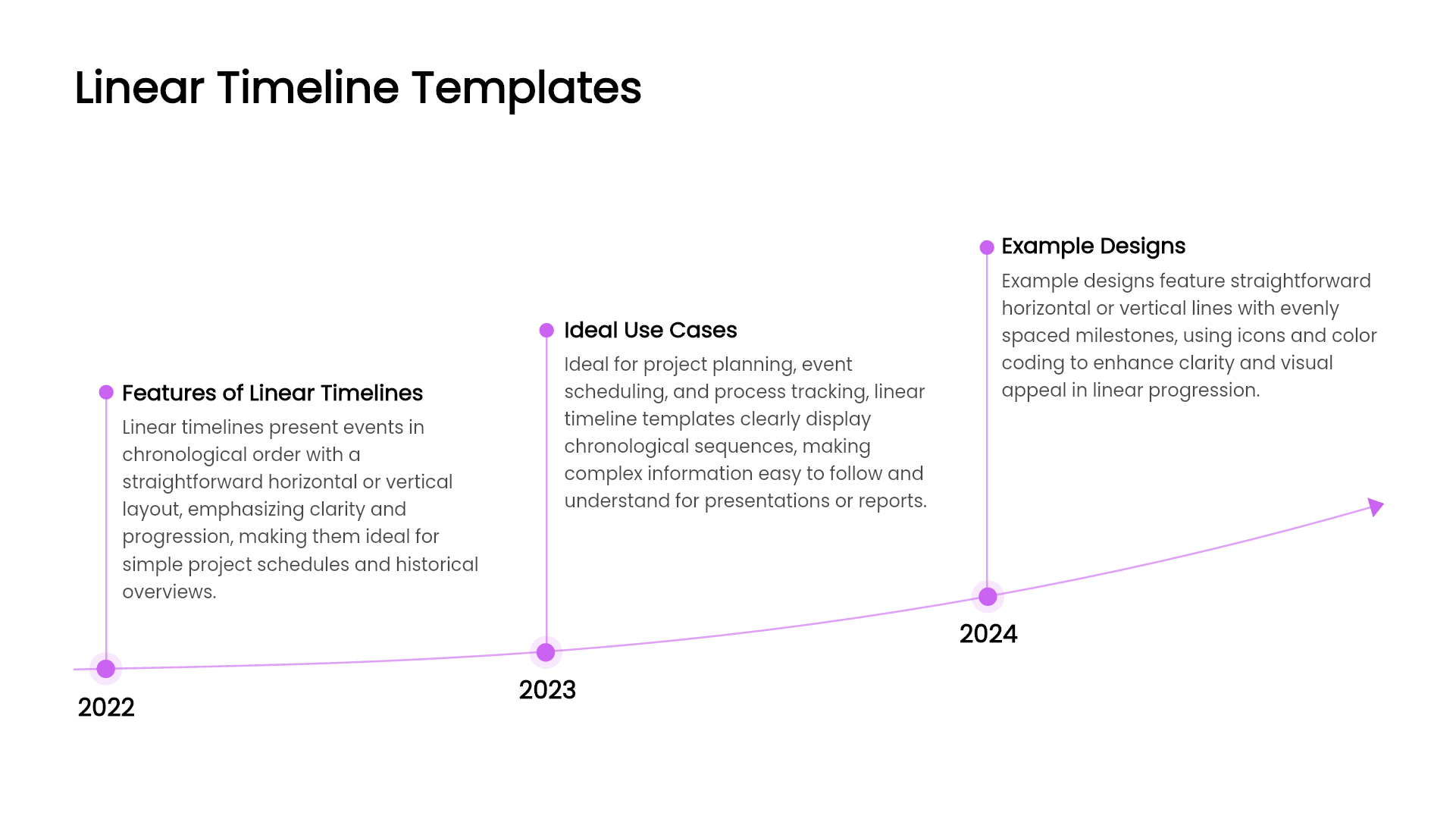
Linear Timeline Template
A simple horizontal or vertical timeline that displays events in sequence.
Best for: project progress, historical development, yearly work plans.
Circular or Cycle Timeline Template
Milestones arranged around a circle to reflect recurring phases.
Best for: business cycle planning, quarterly reviews, performance tracking.
Arrow Timeline Template
Uses an arrow to emphasize forward direction and growth.
Best for: strategic roadmaps, future planning, business goals.
Icon Based Timeline Template
Icons highlight the meaning of each stage at a glance.
Best for: corporate history, brand story, personal resume slideshow.
Step or Ladder Timeline Template
Shows progress step by step for clear achievement evolution.
Best for: product upgrades, strategic milestones, skill development.
Branched Timeline Template
Displays multiple tasks progressing in parallel.
Best for: multitask project coordination, cross team collaboration.
Creative and Modern Timeline Template
Curved lines, maps, and creative visuals for strong visual impact.
Best for: event marketing, innovative product presentations, design concepts.
Selecting the right style makes your message more memorable and persuasive.
Where to Download Free Timeline PPT Templates
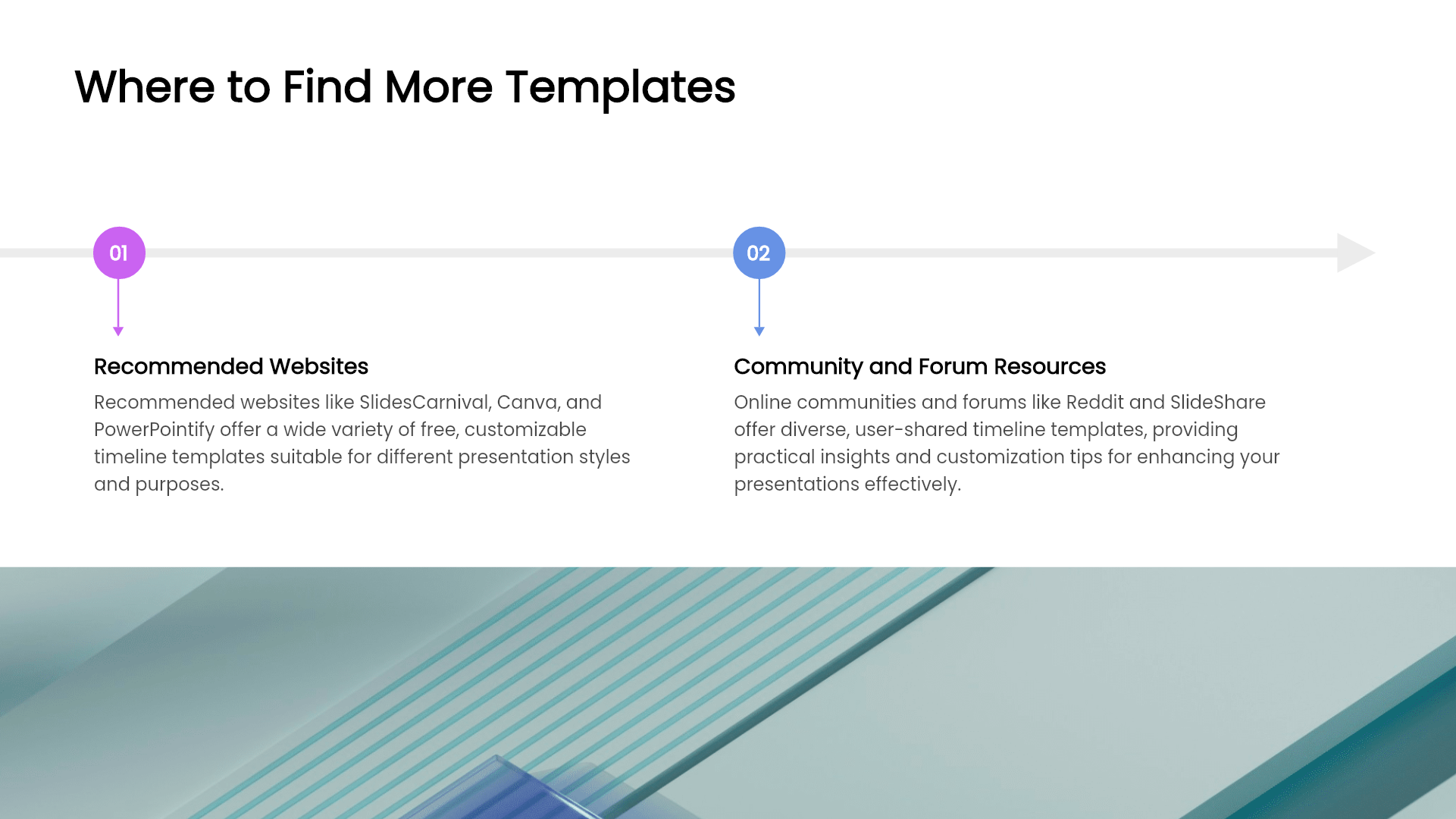
Here are recommended resources to find free PowerPoint timeline templates:
PowerPoint Official Template Library
Large selection of basic and business centered styles.
Advantage: compatible formatting and easy customization.
Online Design Platforms
Examples include Canva, Slidesgo, and Slides Carnival.
Advantages: simple online editing and quick export to PPT.
Note: some premium content may require payment.
AI Powered Presentation Tools
New AI solutions such as Presenti AI can automatically create professional timeline slides based on your input. This is becoming popular among business teams because it significantly improves efficiency.
Benefits include:
• Smart generation of complete presentation structures
• Multiple timeline styles available in one tool
• Auto design adjustments including icons, colors, and spacing
• Free version available for everyday reporting
AI assists users in producing polished timeline slides in minutes instead of hours.
How to Quickly Create a Timeline PPT with AI
For users who frequently prepare project reports or weekly summaries, using AI is the most efficient approach.
Steps:
1. Enter your presentation topic, such as annual work plan or product roadmap.
2. AI automatically generates a full slide deck including a timeline layout.
3. You simply refine text and milestone details.
This method improves both quality and consistency while reducing manual formatting work.
Final Recommendation
Timeline slides enhance the visual logic of presentations and make professional communication more intuitive. You can download templates from online platforms or use AI to generate complete timeline based presentations instantly.
If you want:
• Faster slide creation
• Professional and modern visual design
• Less manual editing workload
Then AI generated timeline PPTs are the smartest solution available today.
Whether you are creating a KPI review, progress tracking report, or strategic roadmap, timeline templates will help your audience grasp key information clearly and efficiently.