
Free PDF to PPT converters have become essential productivity tools for modern workplaces, classrooms, and technical teams. Whether you are preparing a client presentation, converting training materials, or reusing documentation for a slide deck, being able to transform a PDF into an editable PowerPoint file can save hours of manual work. As more tools enter the market, choosing a reliable, truly free, and easy to use PDF to PowerPoint converter has become increasingly important. Some tools focus on fast file conversion, while others go further by improving slide structure, layout, and visual design.
In this guide, we review the best free PDF to PPT tools available today. Each option is evaluated based on usability, platform support, conversion quality, and real world use cases familiar to North American and European users.
1. Presenti AI

Presenti AI is an AI powered presentation generator designed for users who want more than basic file conversion. Instead of simply converting pages, it analyzes document structure and generates well organized, presentation ready slides.
Key Features
- Platforms: Web based. Works on Windows and macOS with no installation
- How it works: Upload a PDF, Word, TXT, or Markdown file. AI analyzes content structure. Slides are generated automatically and can be edited online or downloaded
- Highlights: AI powered slide generation, intelligent layout optimization, built in visual styling, real time collaboration
- Account required: Yes. Core features are available for free
- Best for: Professionals, educators, and students who need structured, visually polished presentations quickly
Why it stands out
Unlike traditional PDF converters, Presenti AI focuses on content understanding, not just file format conversion. It is especially useful when slide logic, hierarchy, and visual clarity matter.
2. Smallpdf
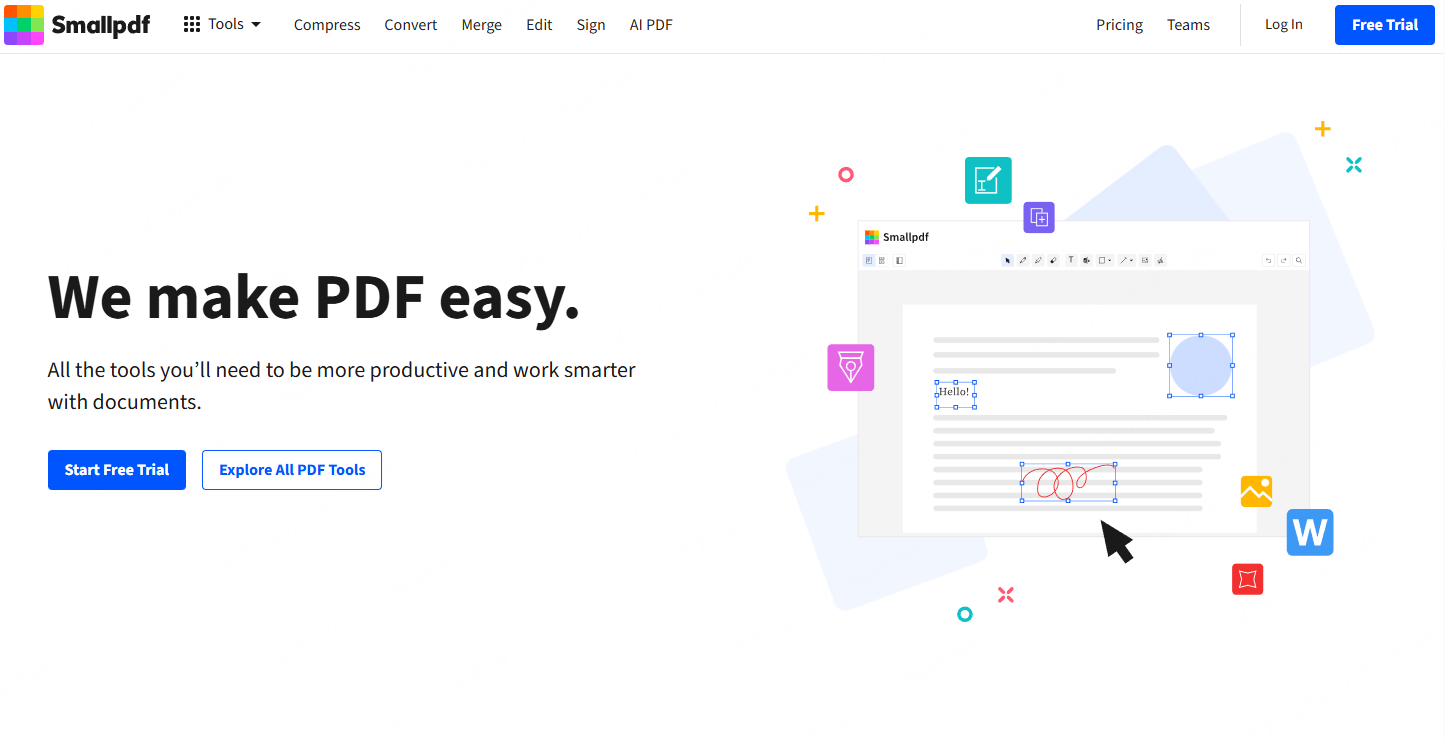
Smallpdf is a widely used online PDF tool known for its clean interface and fast performance. It offers a straightforward PDF to PPT conversion experience suitable for quick tasks.
Key Features
- Platforms: Web based. Compatible with Windows and macOS
- How it works: Upload a PDF, convert automatically, download the PPT file
- Highlights: Drag and drop support, fast processing, minimal learning curve
- Account required: No. Free users can convert up to two files per hour
- Best for: Office users who need quick, occasional conversions
Why it stands out
Smallpdf excels at speed and simplicity. It is ideal for last minute presentations or quick document reuse.
3. iLovePDF
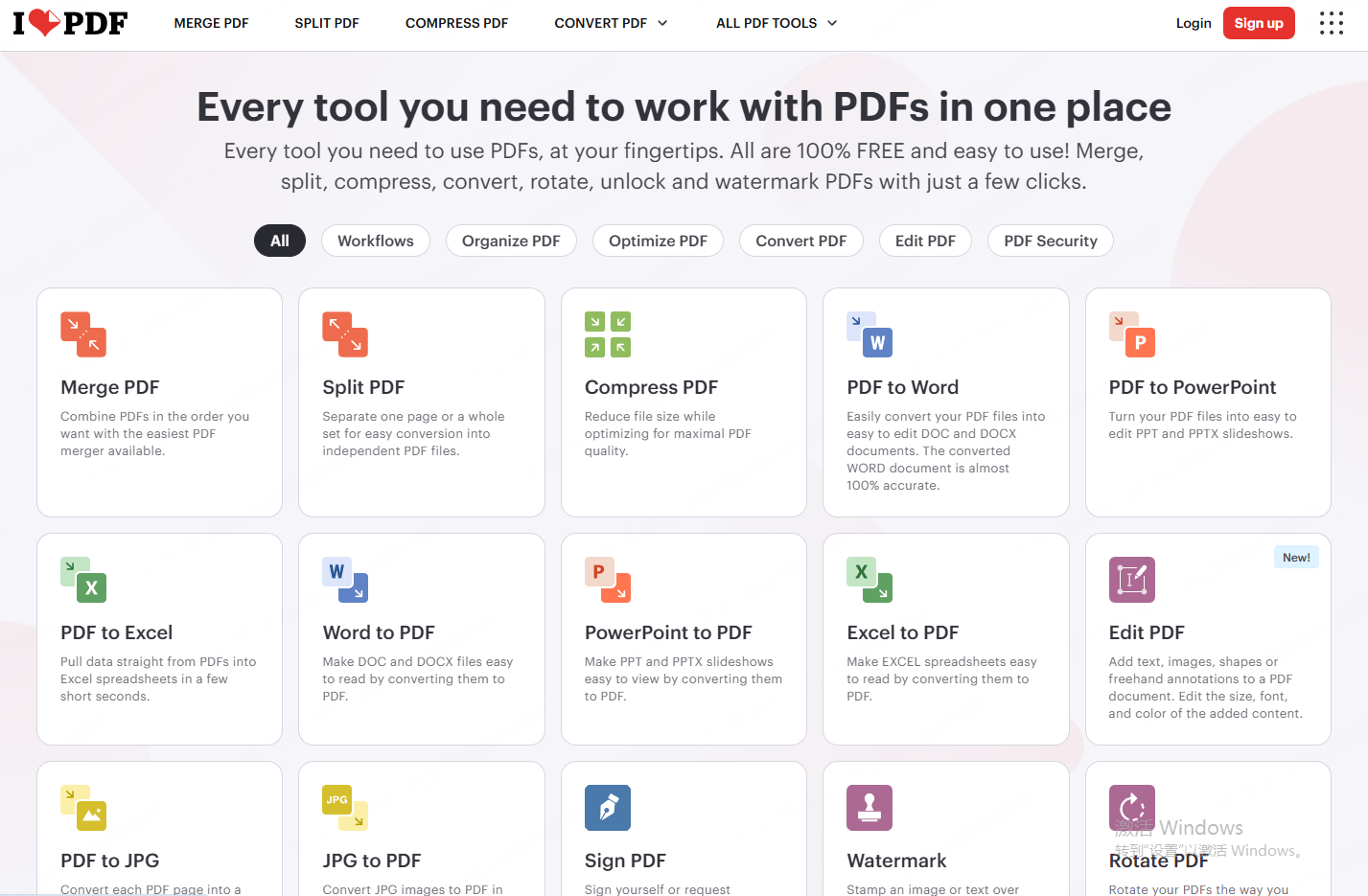
iLovePDF is a comprehensive PDF management platform that includes a reliable PDF to PowerPoint converter along with cloud integration.
Key Features
- Platforms: Web, Android, iOS
- How it works: Upload PDF, convert, download PPT
- Highlights: Google Drive and Dropbox integration, cloud saving
- Account required: Not required for basic use. Free tier has daily limits
- Best for: Users working across devices who rely on cloud storage
Why it stands out
Its cross platform availability and cloud connectivity make it a strong choice for distributed teams and students.
4. PDFCandy
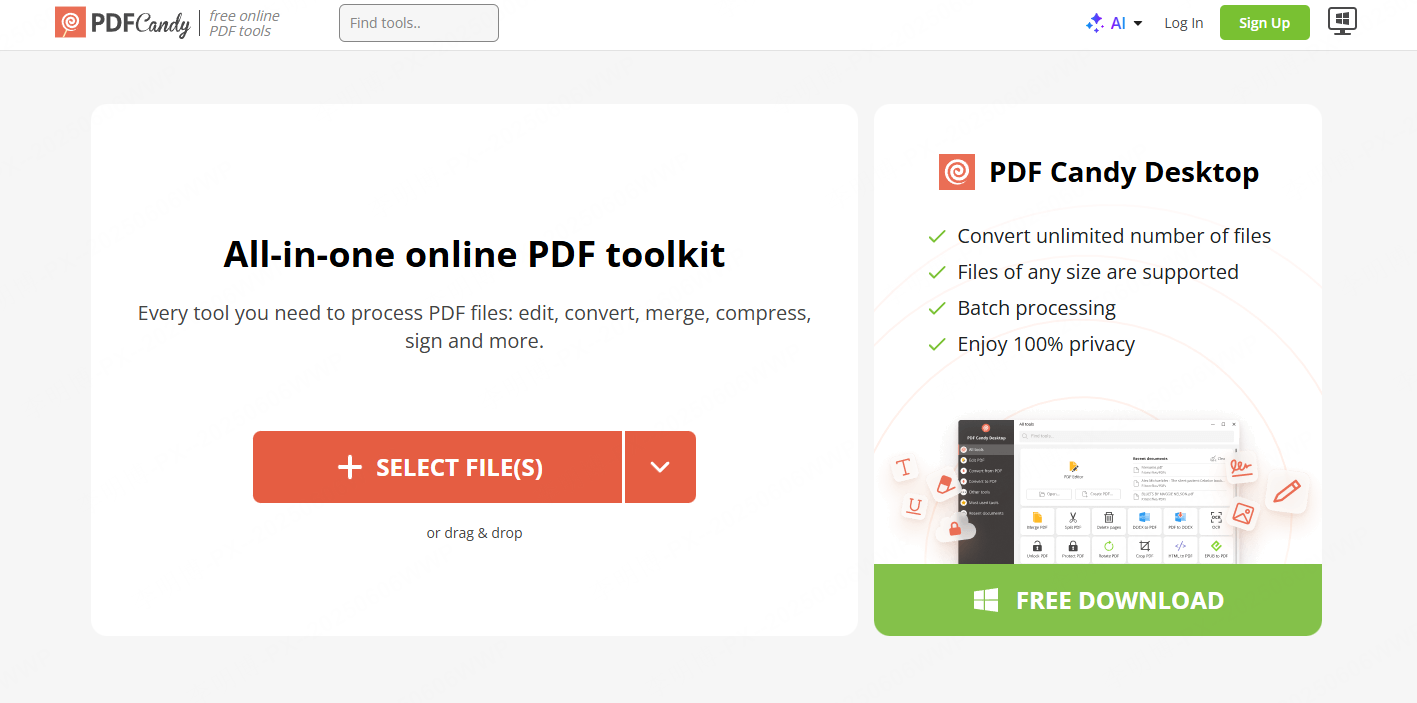
PDFCandy is a feature rich PDF toolkit offering free PDF to PPT conversion along with many other document utilities.
Key Features
- Platforms: Web and Windows desktop
- How it works: Select PDF to PPT, upload file, convert, download
- Highlights: Multiple PDF tools including merge, split, and encryption
- Account required: No registration required for web version
- Best for: Users who want an all in one PDF solution
Why it stands out
PDFCandy provides a wide range of tools in one place, making it useful for users handling PDFs frequently.
5. HiPDF
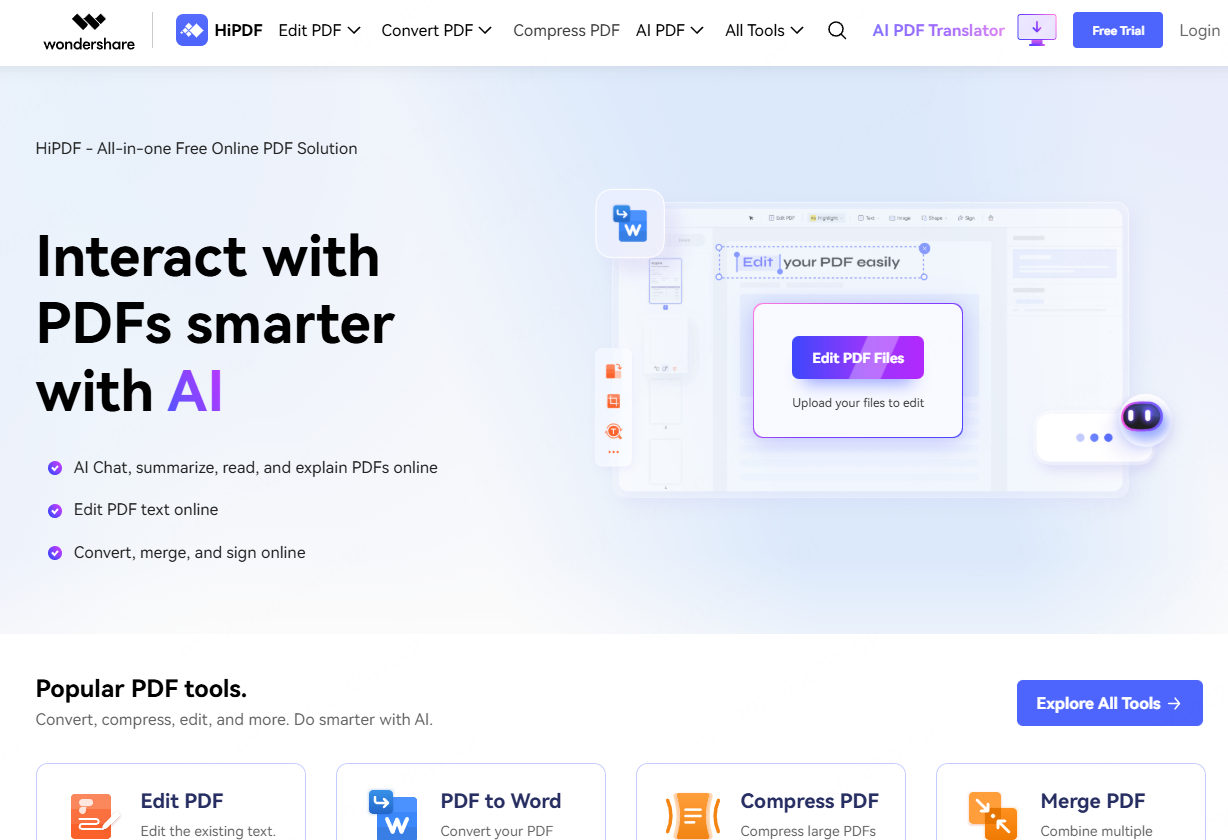
HiPDF is developed by Wondershare and offers a stable, ad free PDF to PPT conversion experience with optional OCR support.
Key Features
- Platforms: Web, desktop, mobile apps
- How it works: Upload PDF, convert, download PPT
- Highlights: OCR support for scanned documents
- Account required: Free tier includes daily limits. Paid plans available
- Best for: Users working with scanned PDFs or image heavy documents
Why it stands out
OCR capability makes HiPDF effective for converting non editable or scanned files into usable slides.
6. WPS PDF to PPT
WPS PDF to PPT is part of the WPS Office ecosystem and integrates seamlessly with its presentation editor.
Key Features
- Platforms: Web and WPS desktop client
- How it works: Upload PDF, convert automatically, edit in WPS Presentation
- Highlights: Strong layout retention, Office compatible formats
- Account required: No registration required for free conversion
- Best for: WPS Office users and teams focused on layout accuracy
Why it stands out
It maintains original formatting well, which is critical for business and technical documents.
7. Convertio
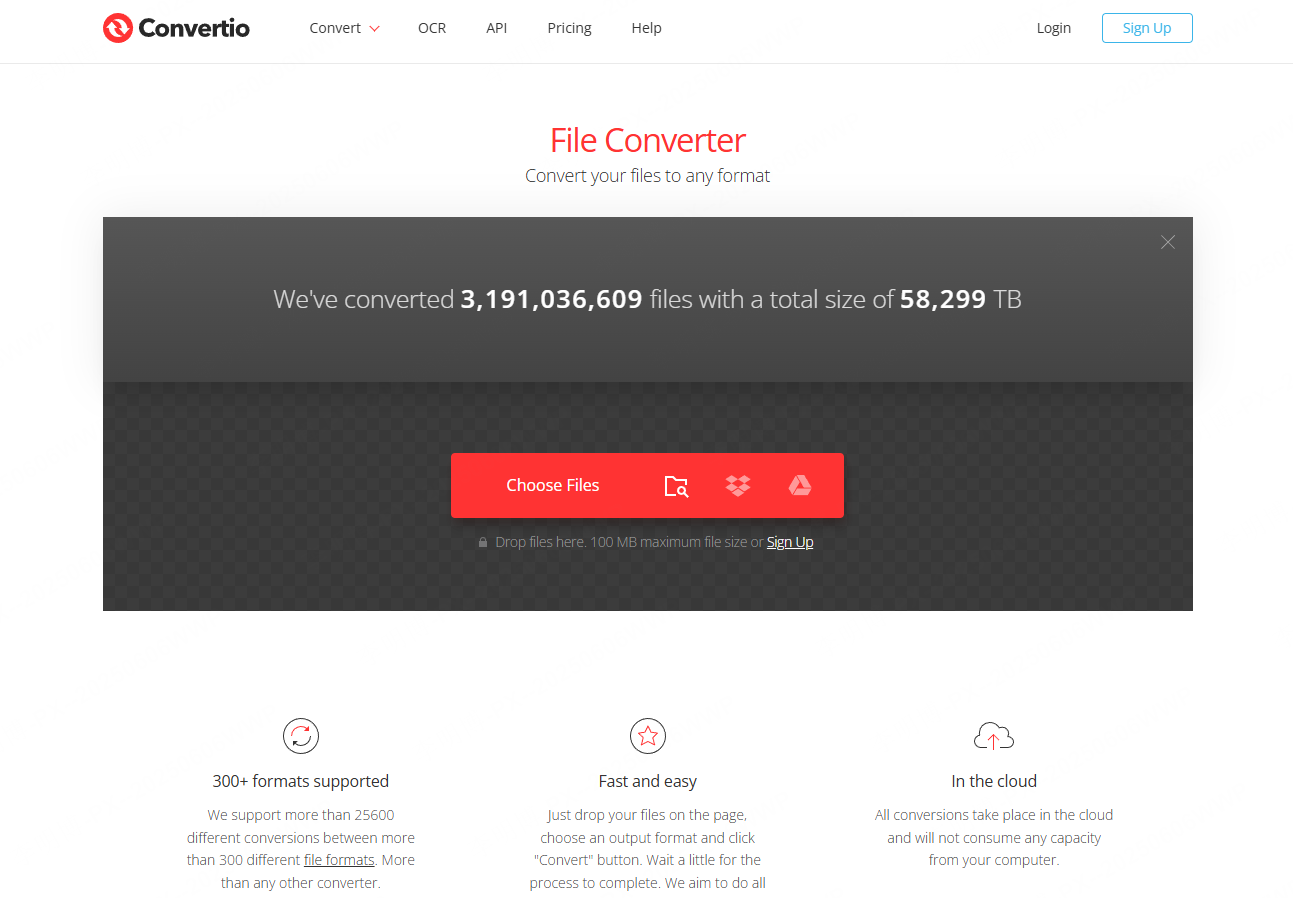
Convertio is a versatile online file converter supporting hundreds of formats, including PDF to PPT.
Key Features
- Platforms: Web only
- How it works: Upload PDF, select PPT output, convert, download
- Highlights: Cloud uploads, broad format support
- Account required: No registration for small files
- Best for: Users with diverse file conversion needs
Why it stands out
Convertio is ideal when you need flexibility beyond PDF conversion.
8. PDF24 Tools
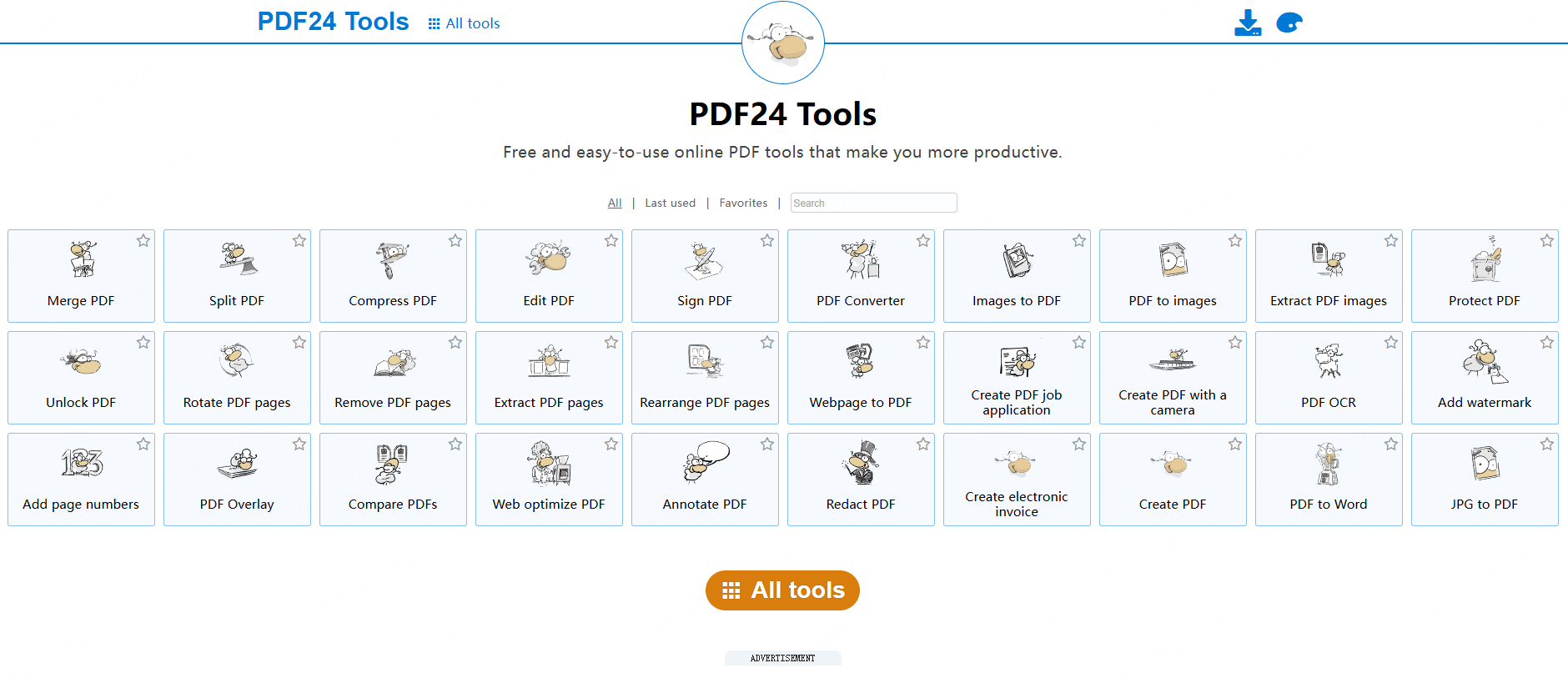
PDF24 Tools is a completely free PDF utility suite with no registration requirements.
Key Features
- Platforms: Web and Windows
- How it works: Upload PDF, convert to PPT, download
- Highlights: No ads, unlimited free use
- Account required: None
- Best for: Users who value simplicity and privacy
Why it stands out
Unlimited free usage makes it one of the most accessible tools available.
9. Adobe Acrobat Online
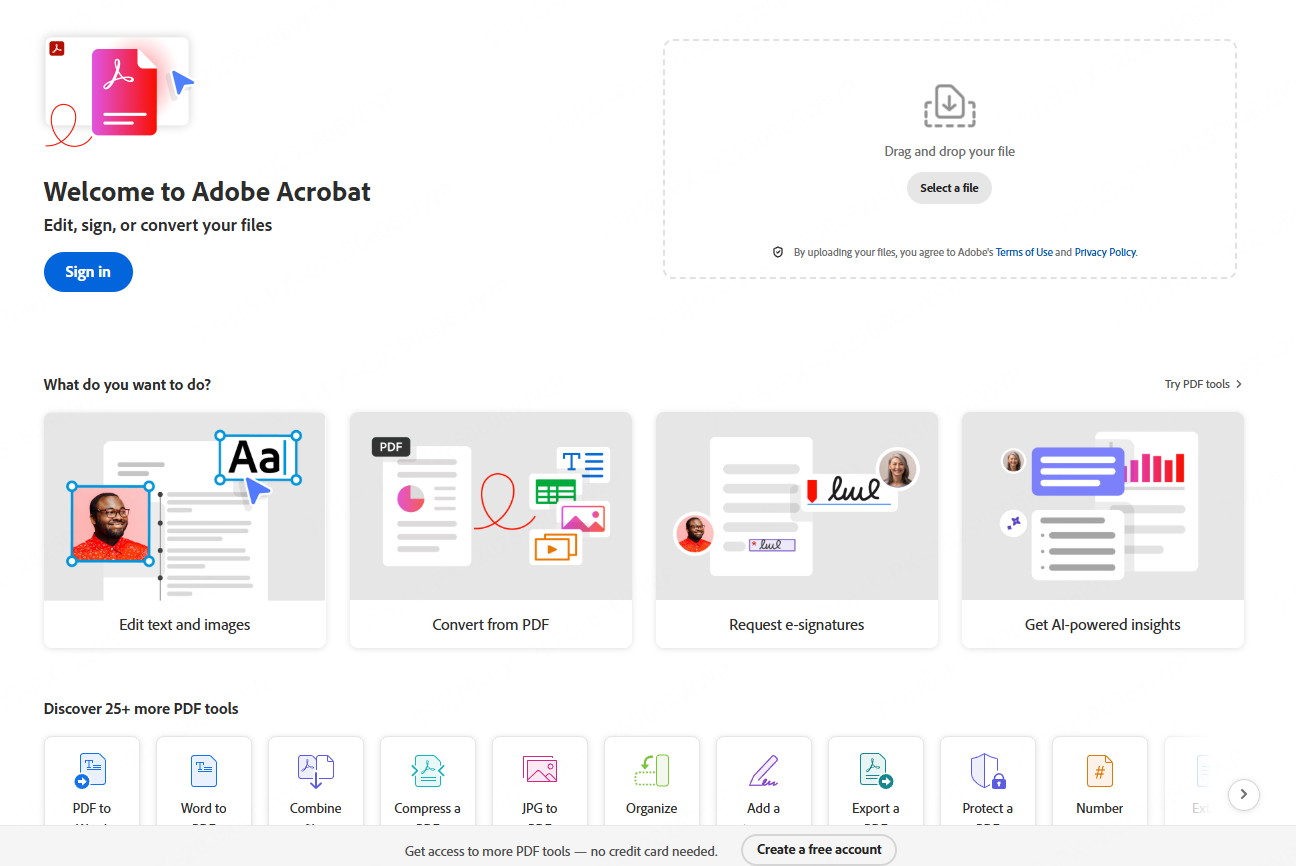
Adobe Acrobat Online delivers professional grade PDF to PPT conversion backed by the original creators of the PDF format.
Key Features
- Platforms: Web
- How it works: Sign in, upload PDF, convert, download
- Highlights: Excellent layout and image preservation
- Account required: Adobe account required, registration is free
- Best for: Professionals who require high fidelity conversions
Why it stands out
Adobe provides industry leading accuracy, especially for complex layouts.
10. PDF2GO
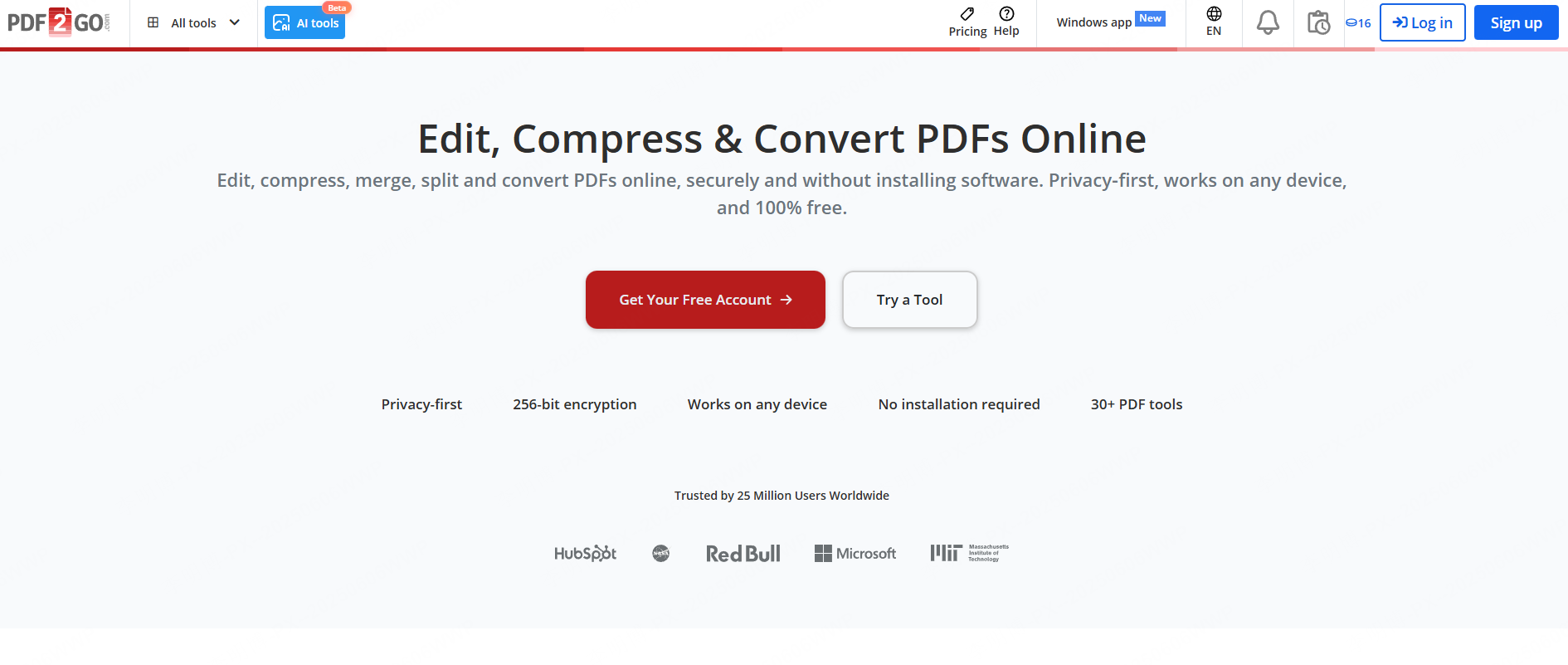
PDF2GO is a flexible online PDF platform offering conversion along with editing and optimization tools.
Key Features
- Platforms: Web
- How it works: Upload PDF, convert, download PPT
- Highlights: Cloud imports, drag and drop support
- Account required: Not required for basic use
- Best for: Students and occasional users
Why it stands out
Its lightweight workflow is ideal for quick, one time tasks.
How to Choose the Right PDF to PPT Tool
When selecting a free PDF to PowerPoint converter, consider the following:
- Conversion quality: Does it preserve layout and images?
- Workflow speed: How fast can you go from PDF to slides?
- Editing needs: Do you need structured slides or basic conversion?
- Platform compatibility: Web only or multi device access?
If your priority is intelligent slide generation and visual optimization, AI driven tools like Presenti AI can dramatically reduce preparation time. For simple format conversion, traditional tools such as Smallpdf or PDF24 Tools may be sufficient.
Final Thoughts
Free PDF to PPT converters are no longer limited to basic file transformation. Today’s tools range from simple converters to AI powered presentation builders. By choosing the right tool for your workflow, you can significantly improve productivity and presentation quality.
For users who care about structure, design, and collaboration, AI powered solutions offer a clear advantage. For quick tasks, lightweight converters remain reliable and efficient.









