Creating a polished PowerPoint presentation is a core skill for professionals across industries. Whether you are preparing a project update, pitching a product, teaching a class, or presenting research findings, the right presentation tool can significantly improve both efficiency and clarity.
Nowadays, market offers a wide range of PowerPoint creation tools. Some focus on AI driven automation, others on collaboration, storytelling, or advanced data visualization. In this guide, we review 16 practical and widely used PowerPoint tools, ranging from AI presentation generators to professional design platforms. Each tool is evaluated based on features, real world use cases, and strengths, helping you choose the best option for your workflow.
1. Presenti AI
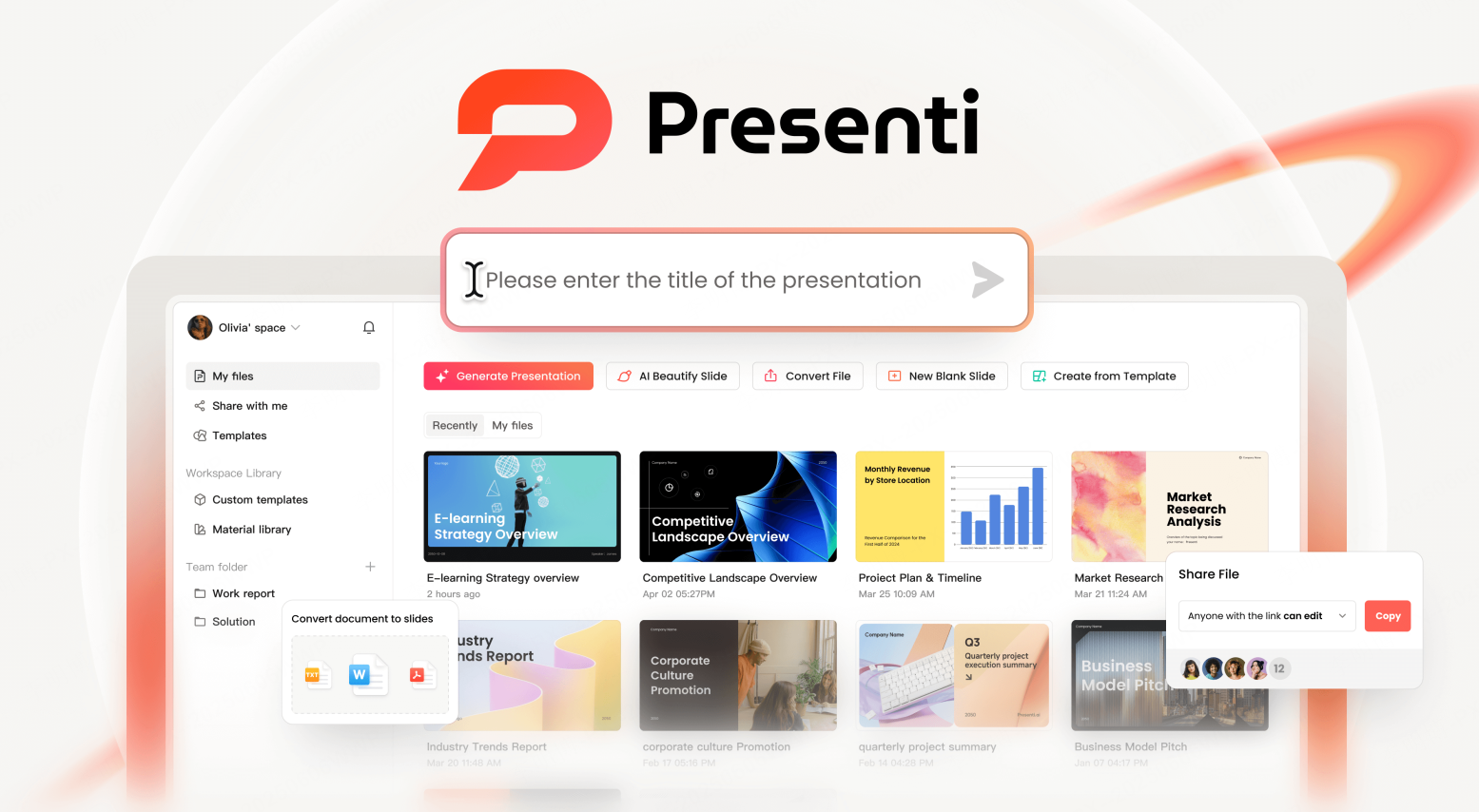
Presenti AI is an AI powered presentation creation platform designed to automate the entire workflow from content input to visual design. By combining natural language processing with deep learning models, it converts text, documents, and structured data into fully designed slide decks within minutes.
Key Features
- Generate structured outlines from text prompts or uploaded documents
- Import Word, PDF, XMind, and other formats with intelligent content extraction
- AI driven layout, content refinement, and grammar correction
- Custom brand templates with logos, colors, and typography
- Cloud based storage with real time multi device collaboration
Best Use Cases
- Business presentations and executive reports
- Product launches and sales decks
- Educational materials and training sessions
- Research and academic presentations
Why It Stands Out
Presenti AI focuses on end to end automation. From outline creation to final design, most users can complete a high quality presentation in just a few minutes. This makes it particularly valuable for fast paced teams and professionals working under tight deadlines.
2. Boardmix
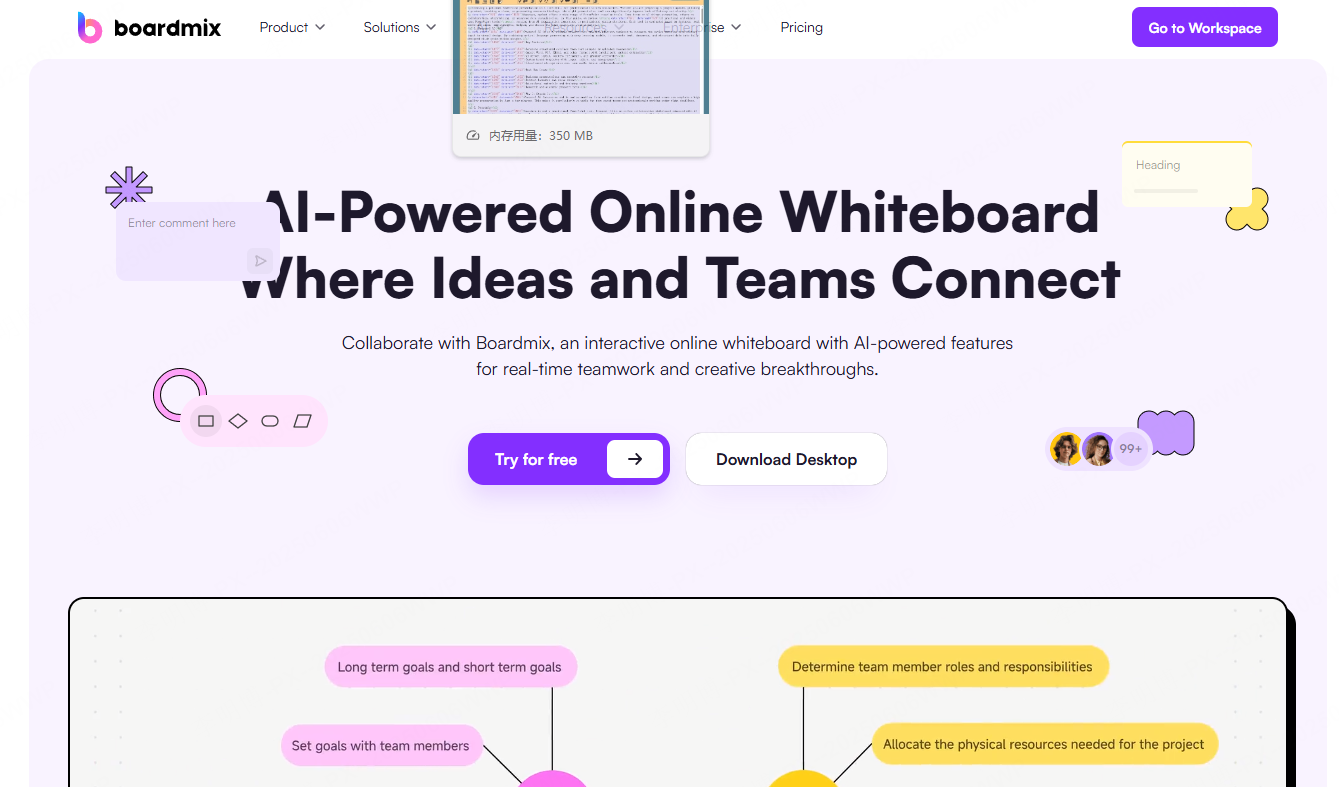
Boardmix is not a traditional PowerPoint tool. Instead, it is an online collaborative whiteboard enhanced with AI powered presentation generation. It excels at transforming brainstorming sessions and visual thinking into structured slide decks.
Key Features
- Infinite canvas for ideation and content organization
- One click AI generation of presentations from board content
- Flexible page layouts with diagrams, flowcharts, and charts
- Built in presentation templates and PPT export
Best Use Cases
- Team brainstorming and workshops
- Product planning and strategy sessions
- Converting raw ideas into presentation ready content
Why It Stands Out
Boardmix bridges the gap between ideation and presentation. Teams can collaborate freely, then quickly convert insights into a clean, structured slide deck without starting from scratch.
3. Gamma
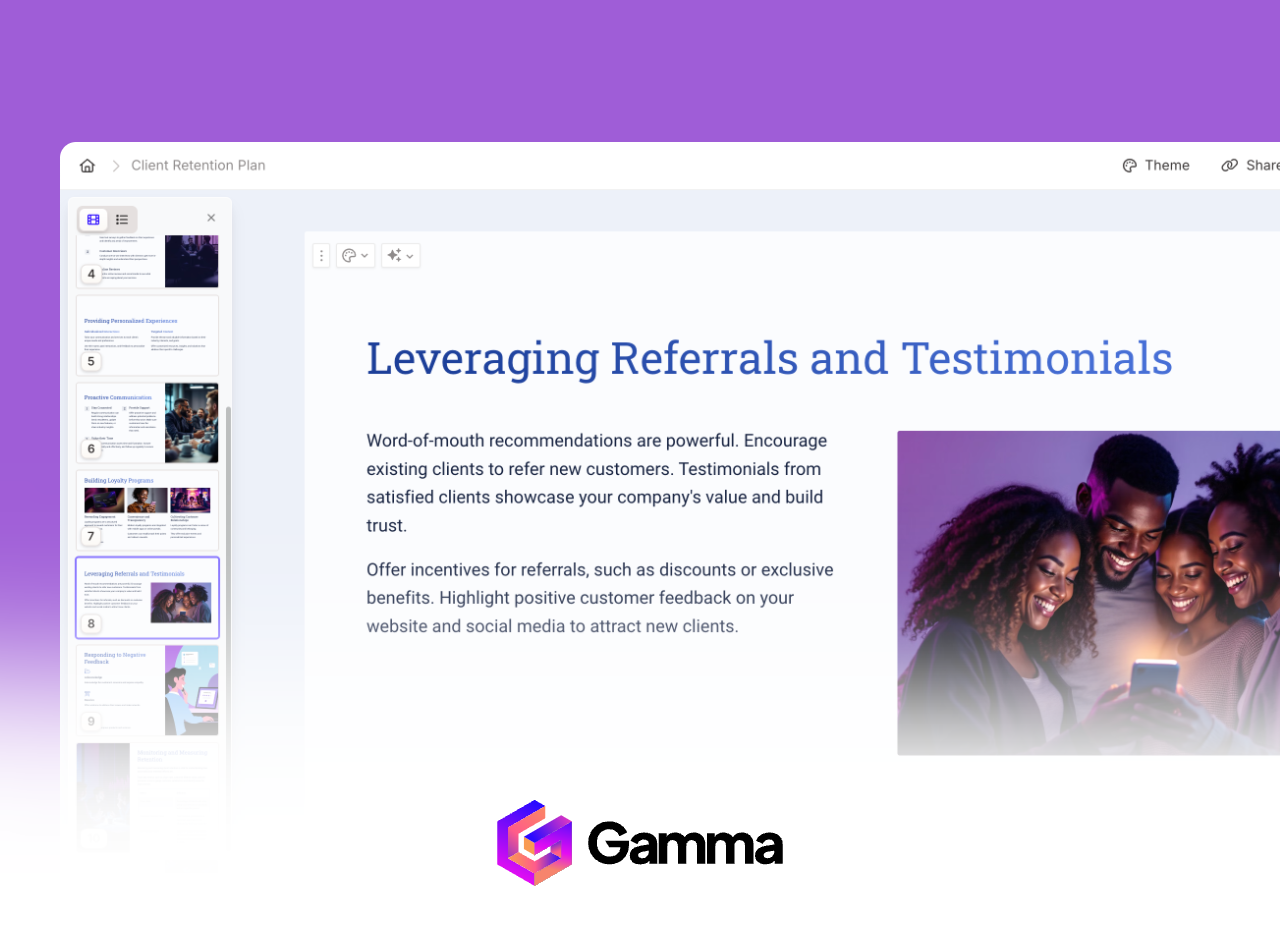
Gamma is a conversational AI presentation tool that emphasizes interaction and speed. Users create presentations through natural language prompts and refine content through ongoing dialogue with the AI.
Key Features
- Prompt based outline and content generation
- Real time layout and design adjustments via chat
- Export to PowerPoint, PDF, or PNG formats
Best Use Cases
- Business reports and internal updates
- Startup pitch decks
- Educational presentations
Why It Stands Out
Gamma’s conversational workflow reduces friction. It allows users to iterate quickly while maintaining modern, clean visual styles.
4. Tome
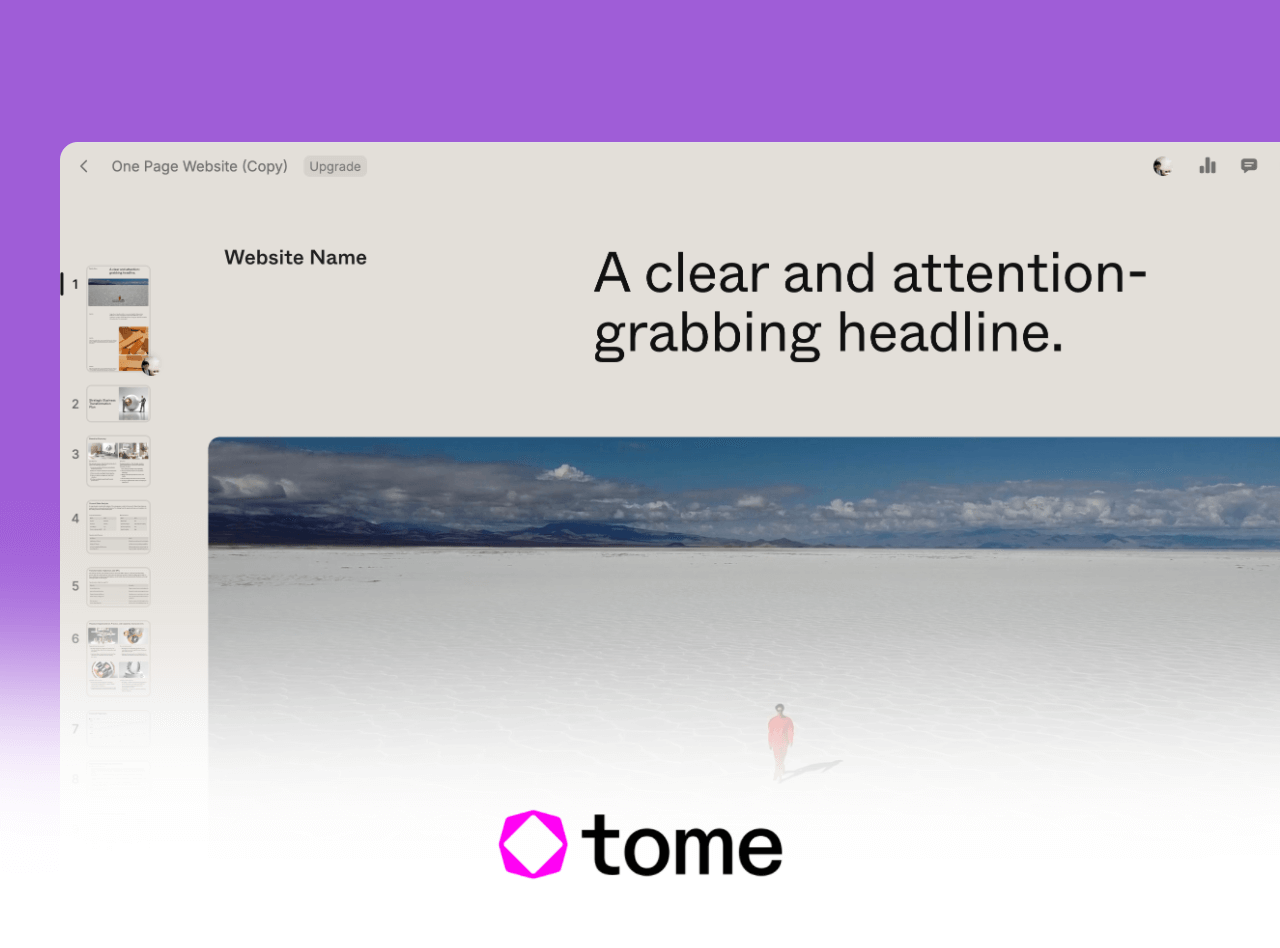
Tome focuses on narrative driven visual presentations. Its design philosophy supports storytelling structures such as timelines, comparisons, and visual sequences, making it ideal for brand and product narratives.
Key Features
- AI generated visuals using text to image technology
- Automatic speaker notes generation
- Support for video, 3D models, and interactive media
Best Use Cases
- Brand storytelling and marketing campaigns
- Product launches and demos
- Interactive learning experiences
Why It Stands Out
Tome excels at turning ideas into compelling stories. It supports both content creation and live presentation delivery in a single workflow.
5. Canva AI Presentations
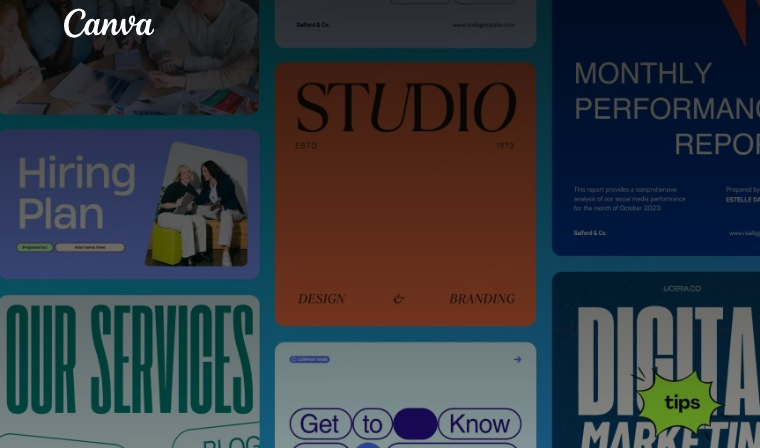
Canva AI Presentations builds on Canva’s well known design ecosystem. It combines an extensive template library with AI driven layout recommendations, lowering the design barrier for non designers.
Key Features
- Thousands of professionally designed templates
- AI assisted layout and color recommendations
- Drag and drop editor with real time team collaboration
- Brand kit synchronization for enterprise users
Best Use Cases
- Marketing presentations
- Training materials
- Personal portfolios and resumes
Why It Stands Out
Canva prioritizes accessibility. Users can produce visually polished presentations without prior design experience.
6. Beautiful.ai

Beautiful.ai uses AI design rules to maintain visual consistency. As users add content, layouts automatically adjust based on alignment, contrast, and spacing principles.
Key Features
- Automatic application of design best practices
- Dynamic slide layouts that adapt to content changes
- Brand style configuration for enterprise teams
Best Use Cases
- Financial reports and quarterly updates
- Investor presentations
- Corporate strategy reviews
Why It Stands Out
Beautiful.ai delivers consistent visual quality. Even beginners can create professional looking slides without manual layout adjustments.
7. Decktopus AI
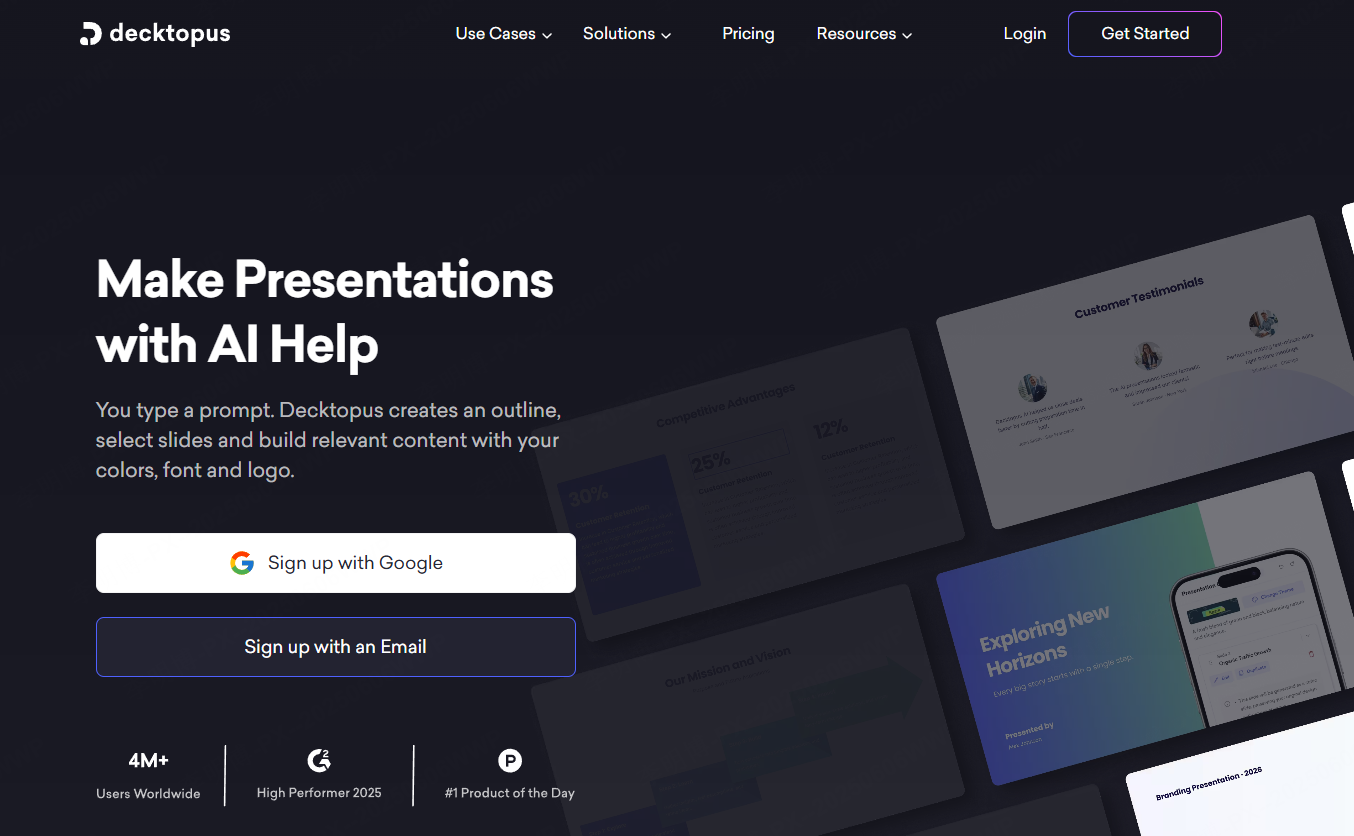
Decktopus AI is optimized for sales and marketing presentations. It generates content structures tailored to commercial scenarios and recommends charts and visuals aligned with business goals.
Key Features
- AI generated content frameworks for sales decks
- Smart chart and visual recommendations
- Automatic speaker notes tailored to audience profiles
Best Use Cases
- Sales proposals and client pitches
- Case study presentations
- Webinars and demos
Why It Stands Out
Decktopus focuses on conversion oriented storytelling, helping teams align message, visuals, and delivery.
8. Prezi
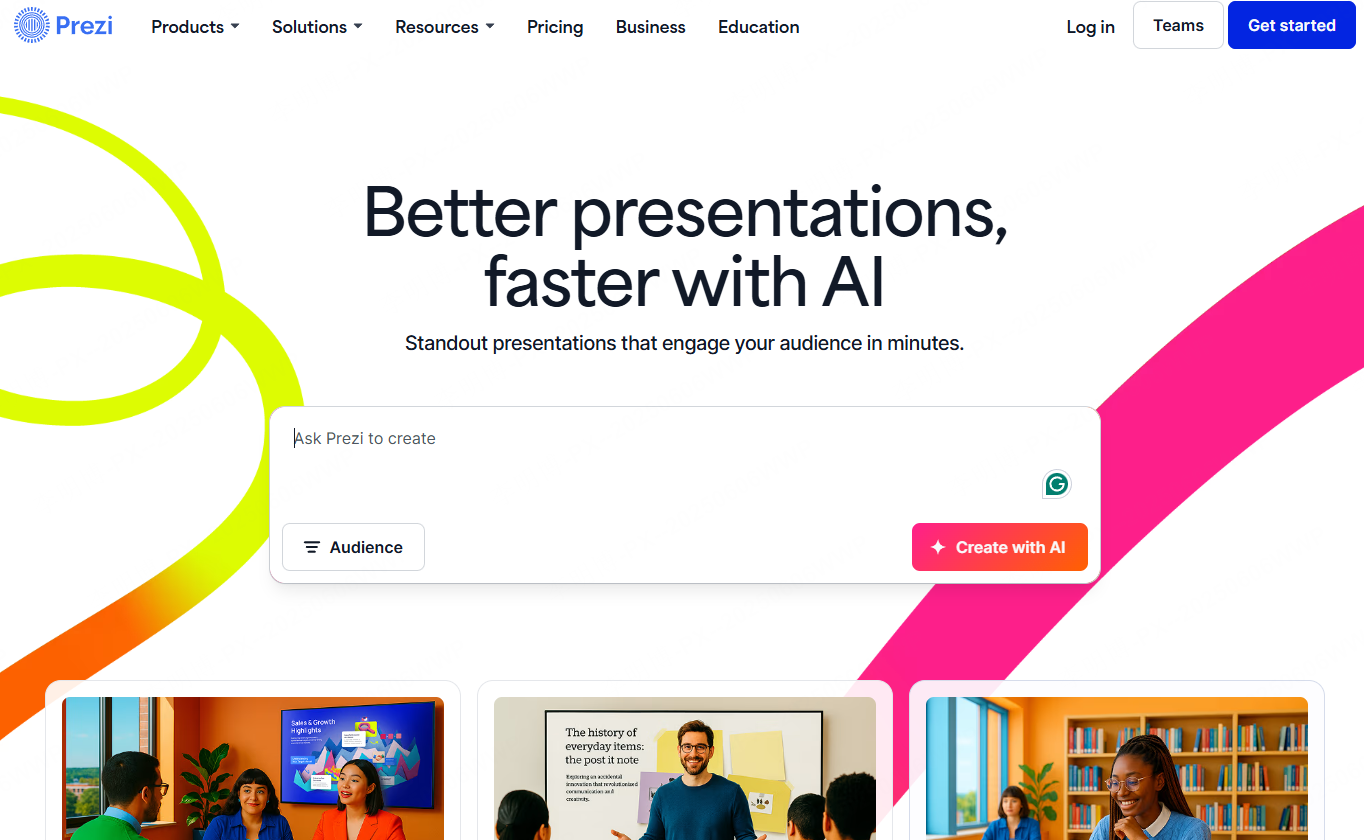
Prezi offers a non linear presentation experience using zooming and motion paths. It breaks away from traditional slide by slide formats and creates immersive visual journeys.
Key Features
- Infinite canvas with dynamic zoom transitions
- AI assisted outline and structure generation
- PowerPoint import and cross device collaboration
Best Use Cases
- Conference talks and keynote presentations
- Product launches
- Creative storytelling presentations
Why It Stands Out
Prezi delivers strong visual impact and is ideal for presentations that need differentiation and audience engagement.
9. Visme
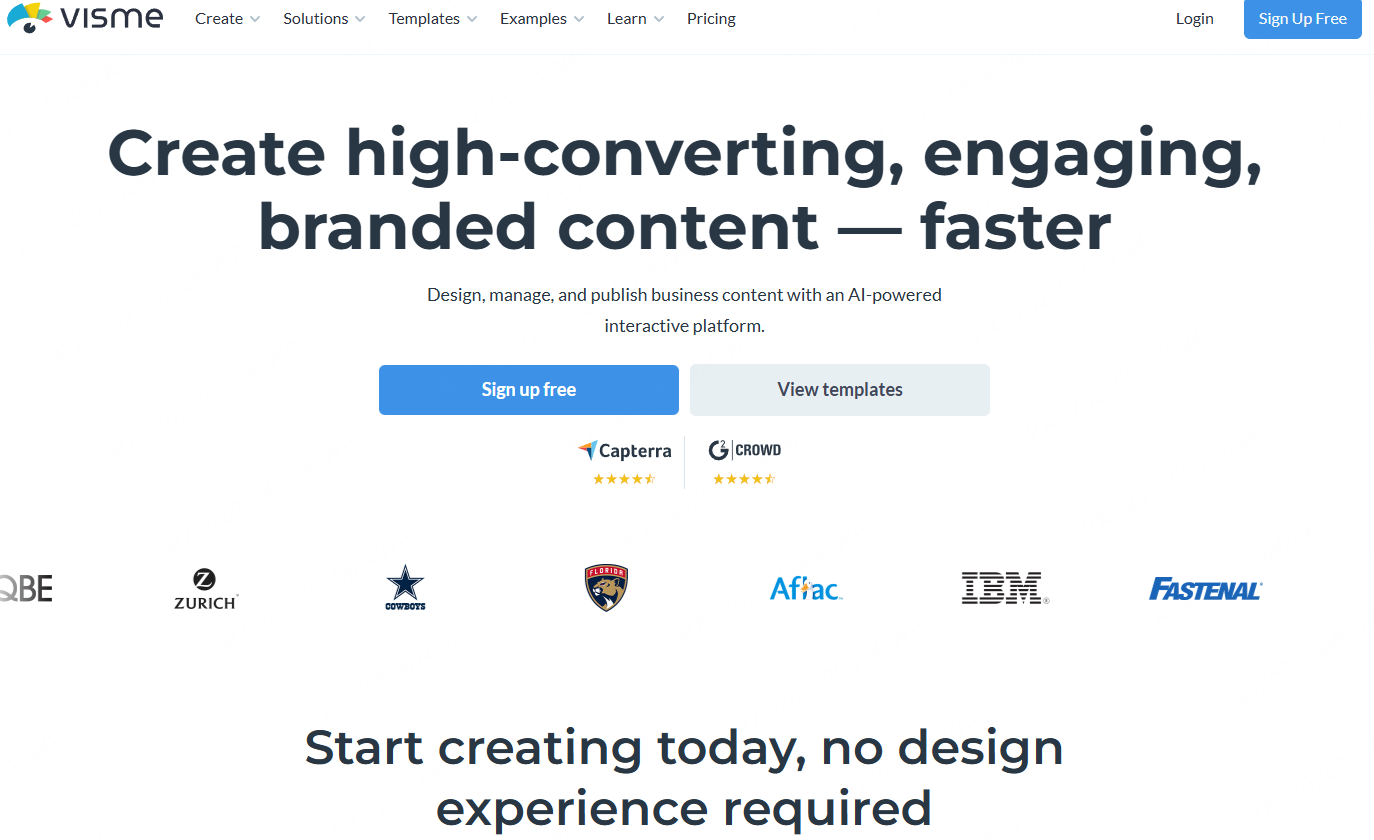
Visme is a comprehensive visual content platform with strong data visualization capabilities. It is particularly effective for presentations that rely on charts, dashboards, and interactive elements.
Key Features
- Advanced data visualization and API driven dashboards
- Automatic layout optimization based on content
- Support for video, 3D assets, and interactive media
Best Use Cases
- Annual reports and investor updates
- Research presentations
- Product documentation
Why It Stands Out
Visme combines presentation design with data storytelling, making it suitable for analytical and data heavy content.
10. SlidesAI
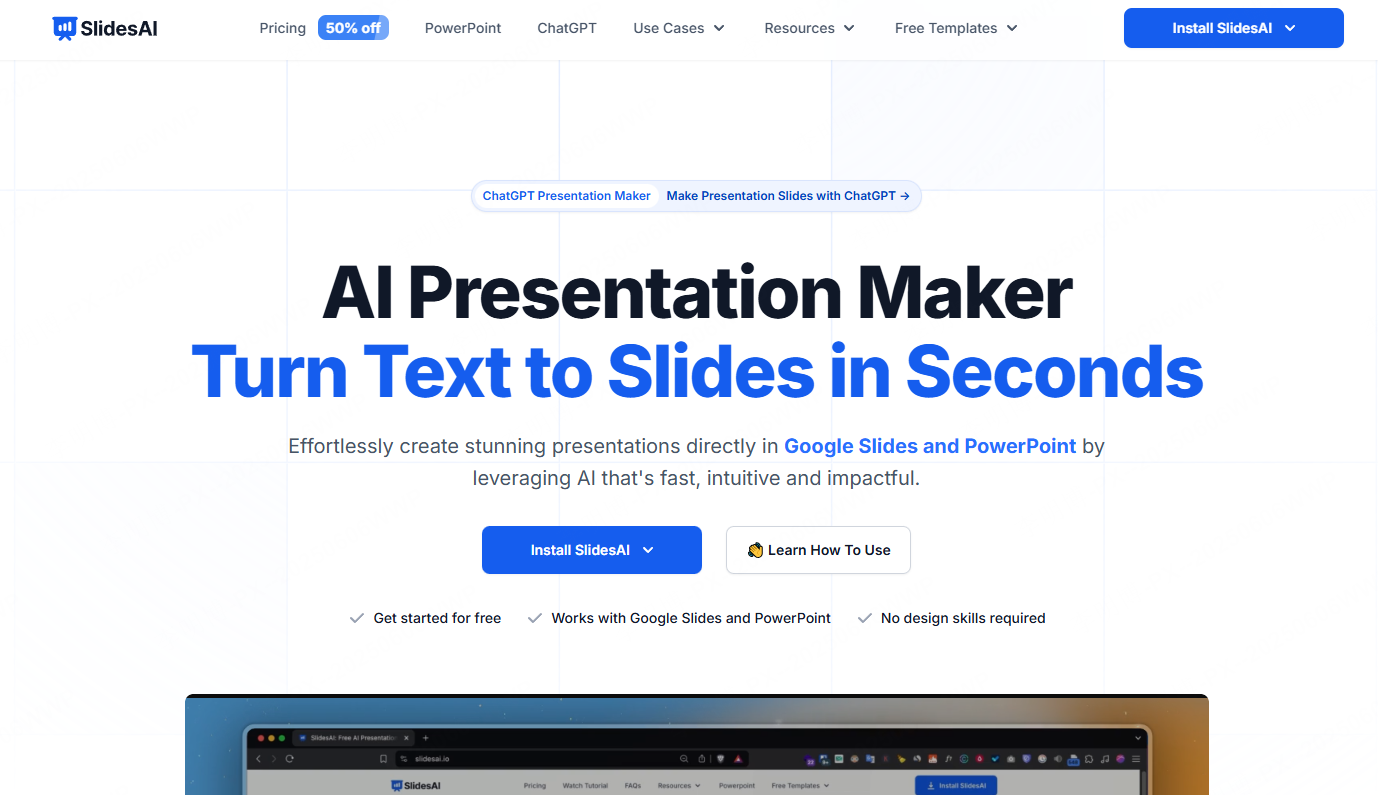
SlidesAI is designed for academic and text heavy presentations. It converts structured text into clean, well organized slide decks with minimal manual effort.
Key Features
- Generate slides from Markdown or text input
- Automatic theme and layout switching
- Grammar checking with built in language tools
Best Use Cases
- Academic defenses and lectures
- Press briefings
- Cross border business proposals
Why It Stands Out
SlidesAI significantly reduces preparation time for content driven presentations while maintaining clarity and accuracy.
11. Sendsteps

Sendsteps focuses on interactive presentations. It integrates audience engagement features directly into slide creation and delivery.
Key Features
- AI generated presentations from text or voice input
- Real time audience Q&A and feedback
- Adaptive pacing based on audience interaction
Best Use Cases
- Conferences and large events
- Live training sessions
- Online education
Why It Stands Out
Sendsteps enhances audience retention through interaction, making presentations more dynamic and responsive.
12. Kroma
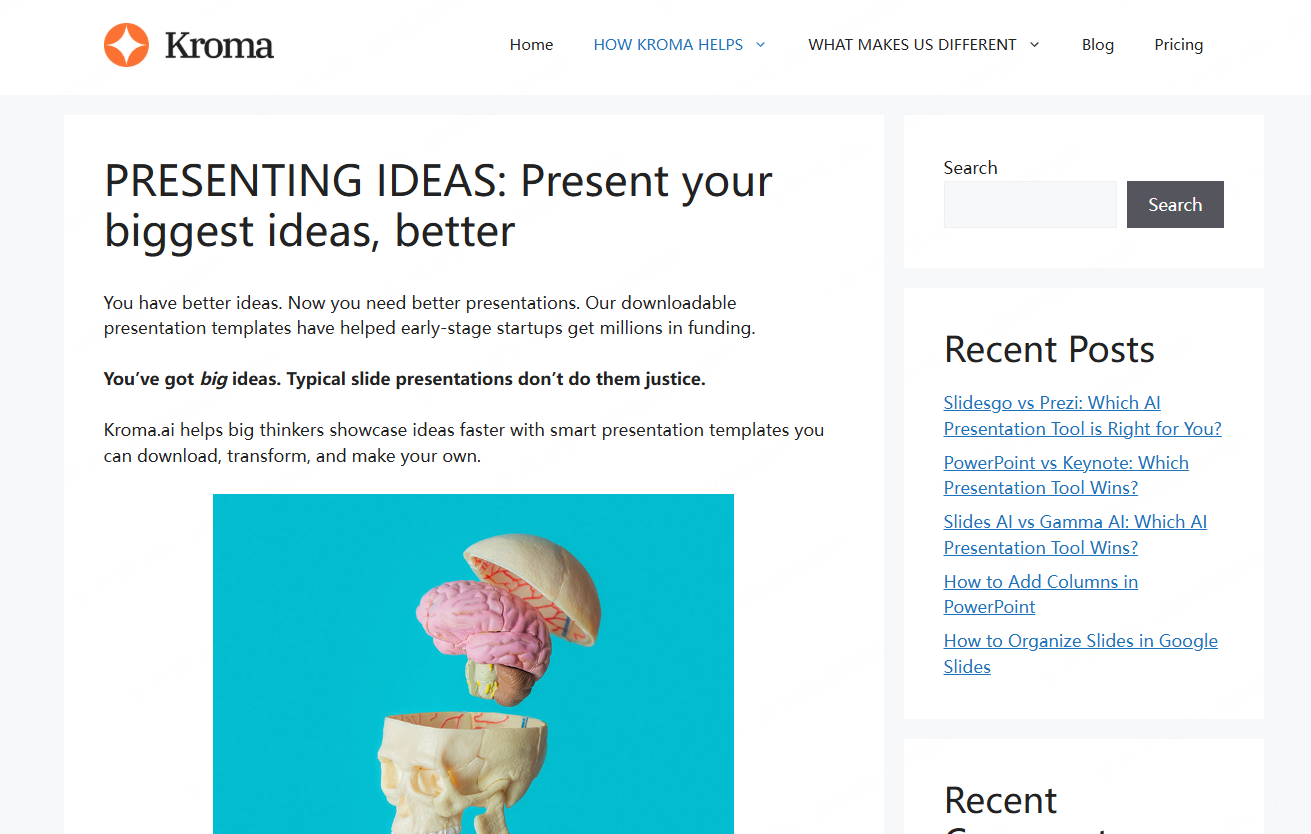
Kroma is built for high stakes business presentations, particularly in finance and consulting. It combines AI with a library of investor ready templates.
Key Features
- Investment focused presentation templates
- Data driven storytelling frameworks
- Competitive insights and market analysis support
Best Use Cases
- Startup fundraising
- Financial reporting
- Consulting proposals
Why It Stands Out
Kroma helps teams present complex business narratives with clarity and professionalism.
13. Zoho Show
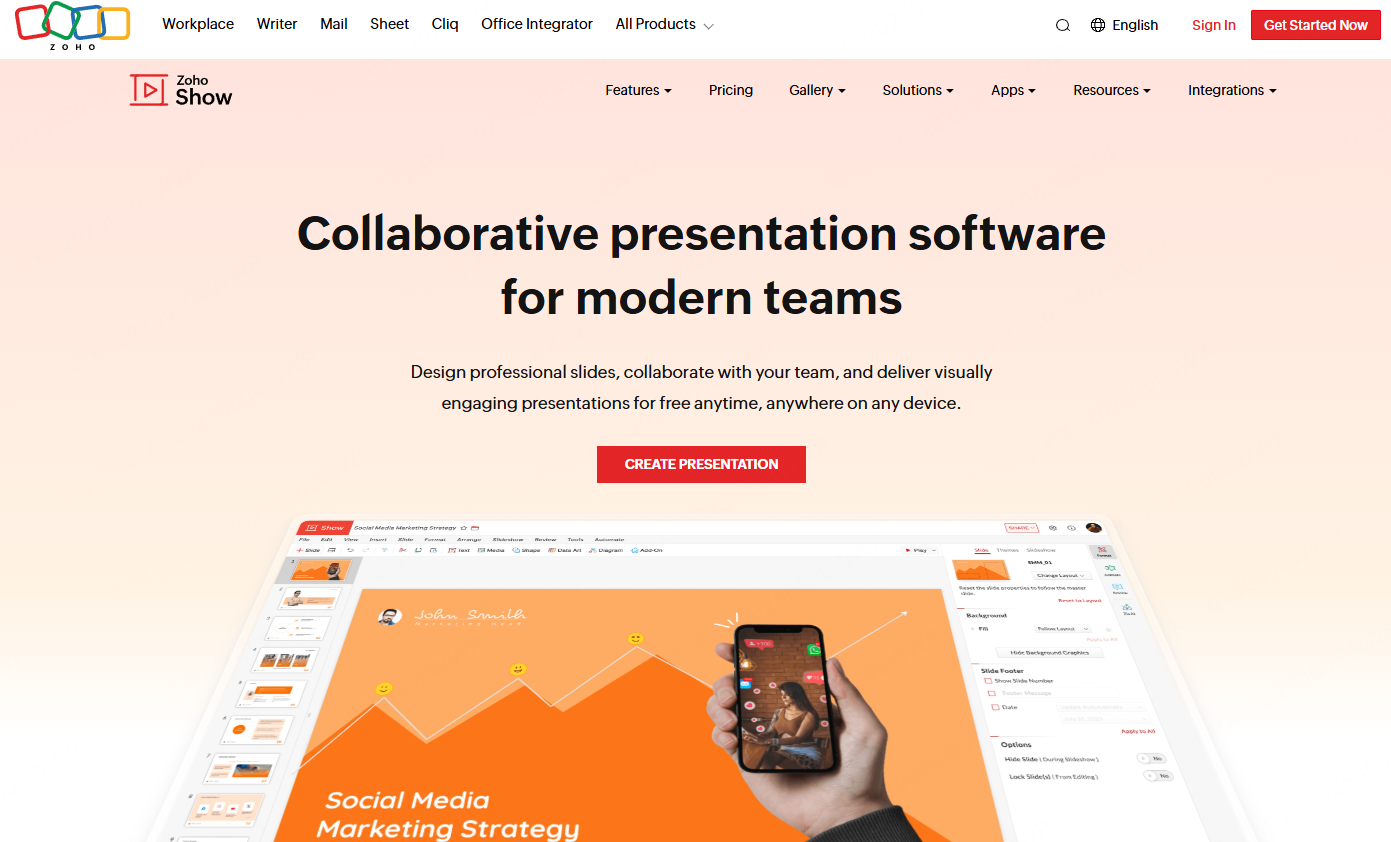
Zoho Show is a cloud based presentation tool with strong collaboration and enterprise integration capabilities.
Key Features
- Real time multi user editing and comments
- AI assisted outline and copy suggestions
- Integration with Zoho CRM and productivity tools
Best Use Cases
- Internal team updates
- Client presentations
- Remote meetings
Why It Stands Out
Zoho Show balances simplicity with enterprise level security and collaboration.
14. Slidesgo
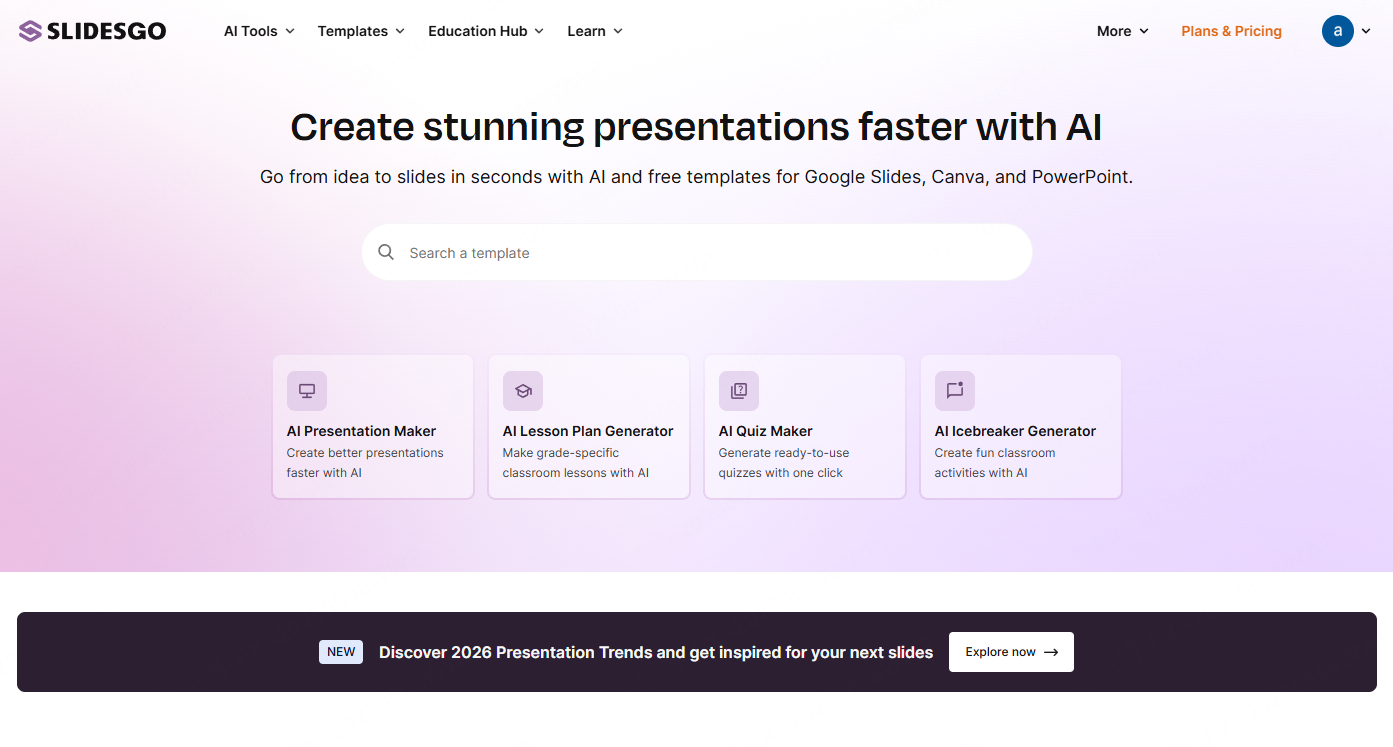
Slidesgo is known for its extensive free template ecosystem. It supports multiple presentation platforms and offers flexible customization options.
Key Features
- Over 100,000 editable templates
- Integration with Google Slides and PowerPoint
- One click color and style adjustments
Best Use Cases
- Student projects
- Small business presentations
- Personal portfolios
Why It Stands Out
Slidesgo offers strong value through high quality free templates and broad compatibility.
15. Pitch
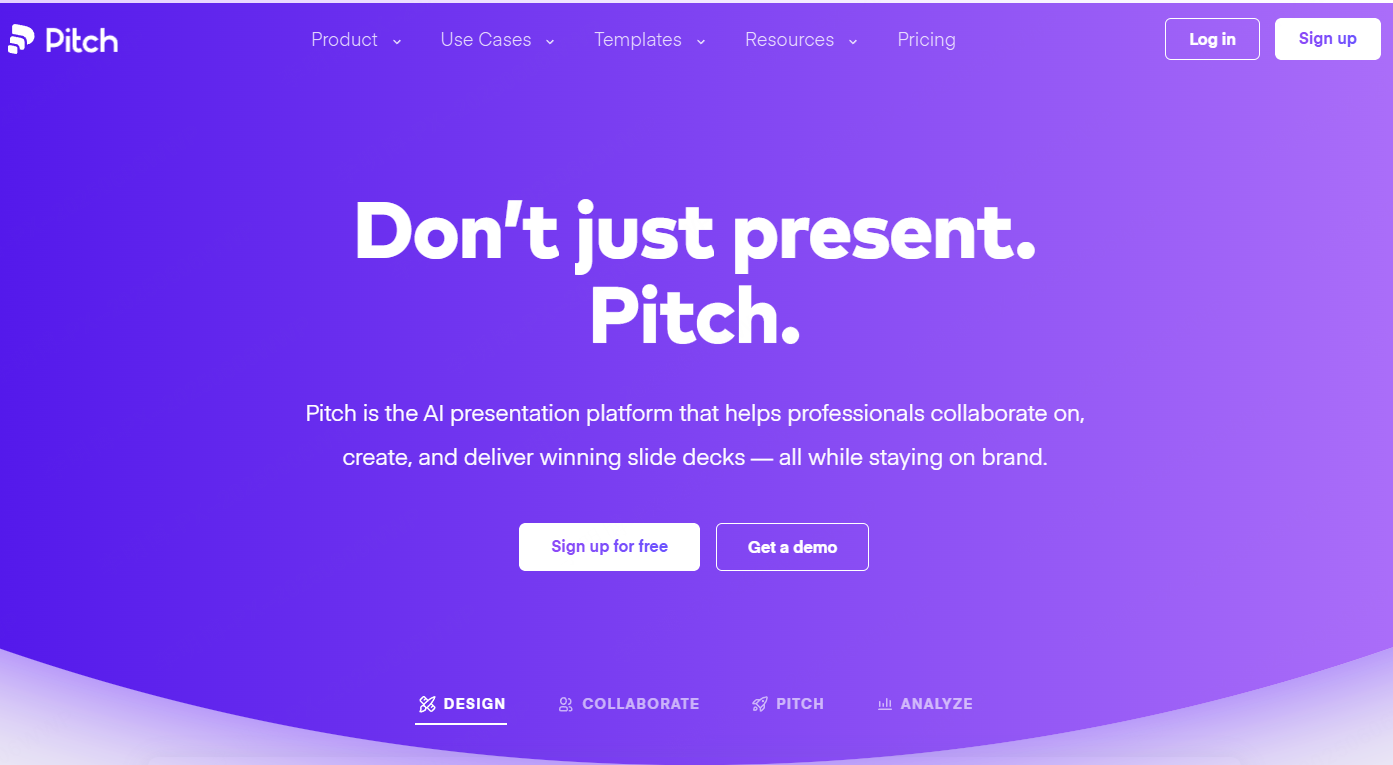
Pitch is a team focused presentation platform built for collaboration and speed. It supports real time editing and seamless data integration.
Key Features
- AI assisted template recommendations
- Live collaboration with shared cursors
- Integration with Notion and Google Sheets
Best Use Cases
- Cross functional team updates
- Agile project reviews
- Product demos
Why It Stands Out
Pitch emphasizes teamwork and consistency, making it ideal for growing organizations.
16. Uplift

Uplift specializes in high end business presentations. It offers industry specific templates and professional design resources.
Key Features
- Industry focused templates for finance, healthcare, and technology
- Built in chart libraries and case studies
- Presentation design training resources
Best Use Cases
- Executive briefings
- Industry conferences
- Consulting presentations
Why It Stands Out
Uplift delivers polished, industry ready designs for professionals who need precision and credibility.
Conclusion
Choosing the right PowerPoint creation tool depends on your goals, team structure, and presentation context. For rapid AI driven creation, Presenti AI stands out. For collaboration, tools like Pitch and Boardmix excel. For storytelling and visual impact, Tome and Prezi offer unique advantages.
By selecting a tool that aligns with your workflow, you can significantly improve presentation quality while reducing preparation time.