Free access to an AI presentation tool can mean a small drafting allowance, a watermarked file or an online presentation that cannot yet be exported as editable PowerPoint. Decide what you need to hand over before choosing a generator: an editable PPTX, a shareable link, a PDF or a live interactive session.
The six tools below cover different workflows. For a topic-to-outline starting point, Presenti’s AI presentation maker can help you draft a structure; the source facts, the intended audience and the final review still come from you.
This is a guide to documented features and access conditions, not a quality ranking or a timed test. Start with one short, non-confidential brief and attempt the final sharing or download step before investing in a full deck.
| Tool | Main workflow | Access question to settle first |
|---|---|---|
| Presenti AI | Draft an outline and slides from a topic or supported source | Does your plan include the required input and editable download? |
| Boardmix | Develop ideas on a whiteboard and organize a presentation | Are AI credits and the desired export available in your workspace? |
| Canva | Draft and design slides inside a visual design editor | Are the selected assets and AI features included on your plan? |
| Presentations.ai | Generate and edit a slide narrative | Does the current account allow the PowerPoint export you need? |
| Simplified | Generate a deck from a brief and brand direction | Is PDF sufficient, or do you need an editable slide file? |
| Sendsteps.ai | Create and deliver interactive sessions | Will the audience use the live session, or only receive a static file? |
1. Presenti AI
Presenti AI provides limited free AI credits for drafting presentations. Document input and editable downloads have separate plan conditions, so free drafting access does not cover every document-to-PowerPoint workflow.

Key Features
AI-powered drafting
Provide a topic or brief to get a proposed outline and slide draft. A specific audience and goal give you a clearer basis for deciding what to keep.
Outline creation
Review slide titles and their order before generating layouts. A proposal, lesson and project report need different sequences even when they use the same source material.
Document-to-presentation drafting
The structured-outline route lists Markdown, Xmind and FreeMind with up to five levels; other document routes include Word, PDF and TXT. Select the route included in your plan, then check the imported hierarchy before generating slides.
Intelligent Layout and Design
AI-generated layouts provide a starting point for arranging content. Review typography, spacing, and alignment after replacing the draft text.
AI-assisted text refinement
The outline editor includes an AI rewrite command for revising selected content. Review the proposed wording against your source, keeping numbers, names and qualifications intact.
Template Library
A wide selection of professional templates allows users to adapt presentations to different industries and use cases.
Workspace collaboration
Presenti’s workspace supports inviting teammates and real-time collaboration. Editor-seat access and sharing permissions are separate from merely having a presentation link.
Presenti’s plan table separates limited free credits from paid Word/PDF/TXT input and editable PPTX/PDF export. Decide on the required input and final file first, then select the matching plan.
2. Boardmix
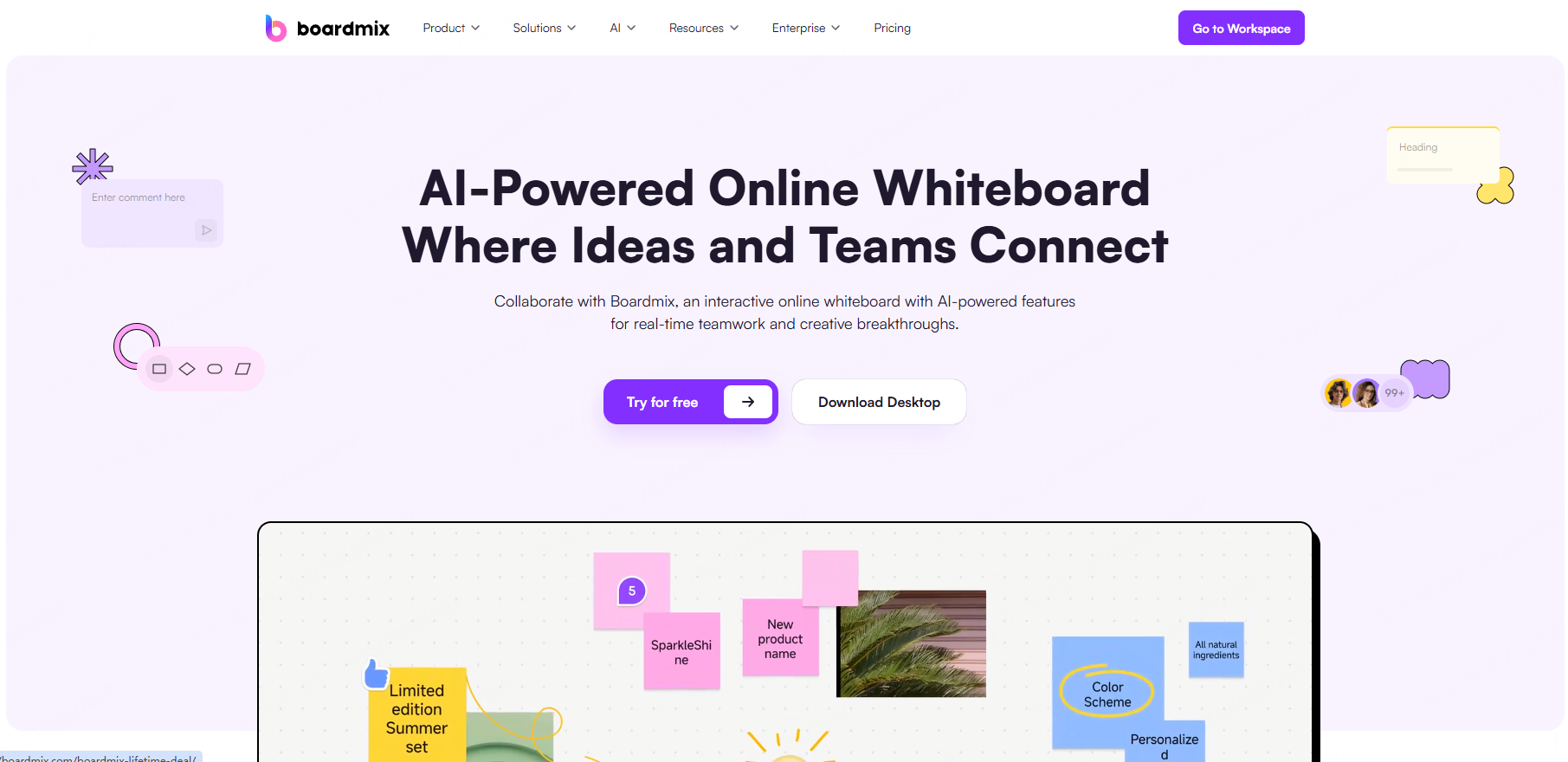
Boardmix is a collaborative online whiteboard platform that combines brainstorming tools with AI powered content generation, including PPT creation.
Unlike traditional slide based tools, Boardmix provides an open canvas where ideas can be freely organized before being turned into presentations.
Key Features
AI presentation generation
Boardmix’s presentation workflow combines slide drafting with a whiteboard workspace. Verify the available export route separately from how content appears on the canvas.
Working on a canvas
Keep the supporting material near the slide draft and decide what the audience needs to see. Boardmix documents editing slide text and images and choosing an export format from the workspace.
Real Time Collaboration
Teams can brainstorm, edit, and present together in real time, regardless of location.
Interactive elements
Boardmix’s presentation page lists voting, a timer and interaction through comments, emojis and stickers. Use these in the live board workflow; they should not be assumed to remain interactive in an exported slide file.
Board allowances, AI credits and export options are separate considerations. Try the intended handoff with a small board before treating the free workspace as an unrestricted PowerPoint generator.
3. Canva
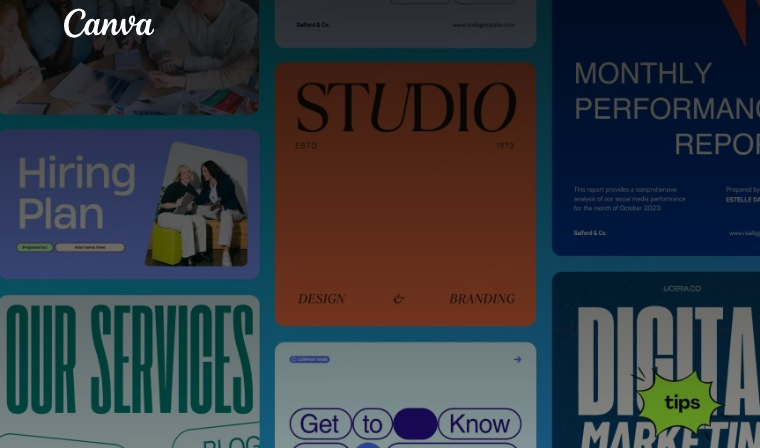
Canva’s AI presentation tools combine drafting with a visual editor and templates. The design workspace is useful when you want to spend time choosing assets and adjusting the slides after the initial draft.
Use it when you want a visual editing workspace alongside the draft, with time to choose assets and adjust the design yourself.
Key Features
AI-assisted slide creation
Canva’s current guide calls its tool Magic Design for Presentations: a prompt produces a draft with an outline and content. The same guide lists a limited free-use allowance across Magic Design versions.
Customizable Templates
Thousands of templates allow users to quickly adapt slides to different branding and presentation styles.
Flexible Pricing Options
- Free access: Start with assets and features included for your account; a visible template does not establish that every element is free to use.
- Premium content: Inspect any upgrade or licensing notice attached to the elements you select.
- Team requirements: Check brand controls and collaboration access separately from individual design access.
Canva is especially suitable for visually focused presentations and brand aligned content, with a broader graphic-design workspace alongside its presentation features.
4. Presentations.ai
Presentations.ai generates a presentation from supplied ideas or source material. Its official FAQ distinguishes free creation from paid features such as PowerPoint export. Check the export option on the account you intend to use.
Key Features
AI Driven Storytelling
Users input ideas, and the AI builds structured narratives with suggested titles, slide content, and visuals.
Design review
Inspect the hierarchy, typography and image choices in the draft. A consistent appearance does not establish that the source facts or emphasis are correct.
Export options
Decide whether the deliverable must be a PowerPoint file or whether an online link is enough. Those are different handoff requirements, not interchangeable evidence of free export.
Use the initial drafting allowance to inspect the output and its sharing options. Do not assume that an editable PowerPoint download is included just because the deck can be viewed online.
5. Simplified
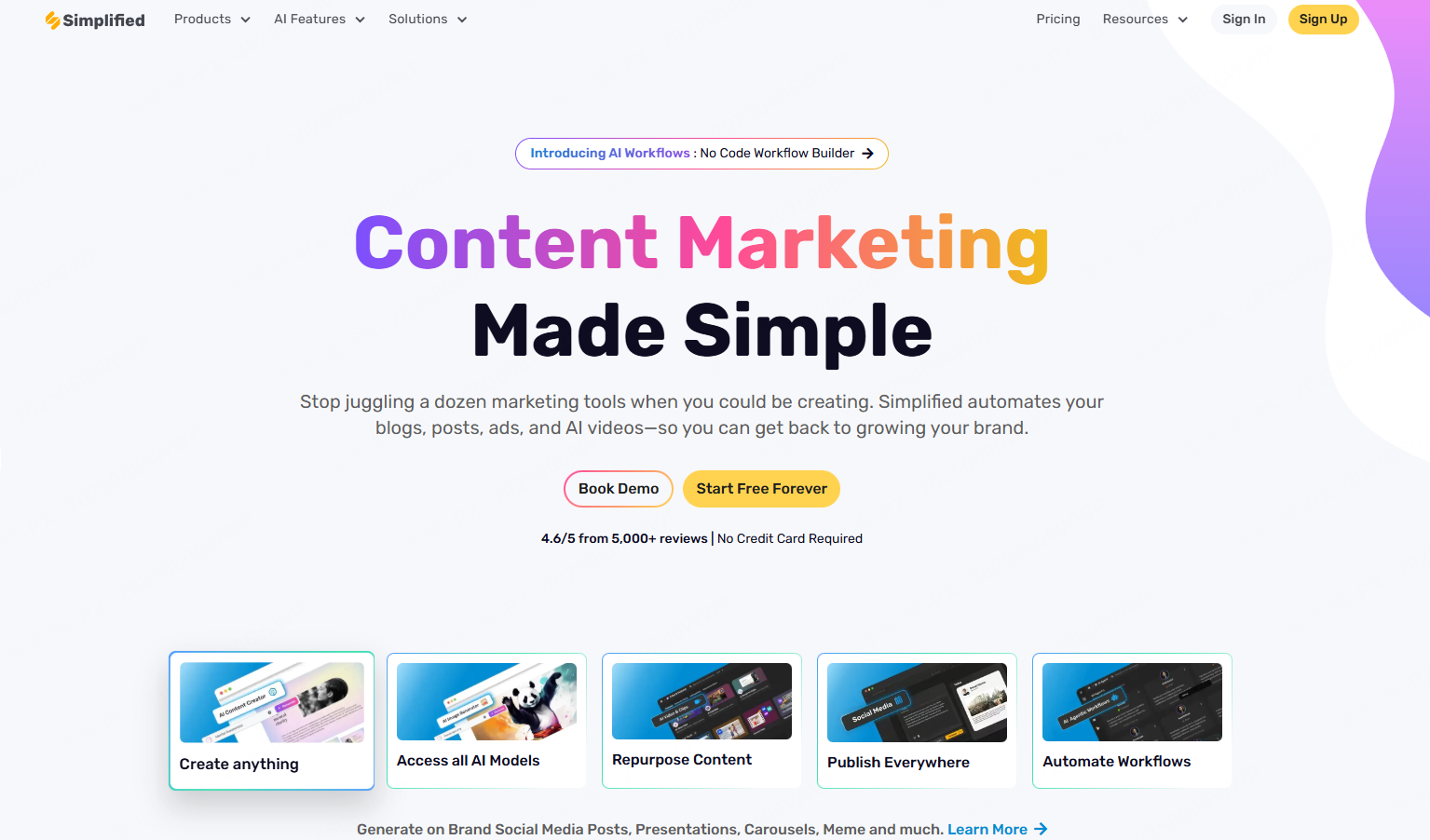
Simplified’s AI presentation maker builds a deck from a brief within its broader content platform. Its product page explicitly includes PDF export on the free plan. A PDF is suitable for viewing or distribution, but it is not an editable PowerPoint file.
It is designed primarily for marketing teams and brand focused organizations.
Key Features
Brand direction
Supply the intended colors, fonts and tone where the workspace supports them, then inspect the result. A generated deck still needs a design review.
Brief-driven creation
Start from the audience and message, then edit the draft rather than accepting all generated wording.
What to try with the starting allowance
- Generate a short deck from a specific brief
- Inspect how the draft handles your text and visual direction
- Attempt the final output format you need before developing the full deck
If you need to continue editing in PowerPoint, establish that export path before choosing this tool. A finished-looking PDF can be useful for distribution but does not provide the same editing workflow.
6. Sendsteps.ai
Sendsteps.ai focuses on presentations with audience participation. Its current plan page distinguishes free live-session and AI allowances from paid capabilities. Compare it as an interactive delivery workflow, not only a slide-file generator.
The Free plan currently includes live presenting, polls and quizzes, with a monthly AI-creation allowance. Paid tiers add features such as results export and team workspaces; those are distinct from merely showing the slides live.
Consider it for a lesson, training session or event in which the audience will respond during the presentation.

Key Features
Interactive Slides
Users can embed quizzes, polls, and surveys directly into presentations to boost engagement.
AI-assisted content
Use the draft to organize the session, then review each question and answer against your teaching or meeting material.
Delivery format
Plan how participants will join and respond. Do not assume that live polls will behave the same way in a static exported file.
Test the presentation in the same delivery mode as the event. A successful preview is not enough if participants need a live response link or if the venue requires an offline file.
How to Choose the Right AI PPT Generator
When selecting an AI PowerPoint generator, consider the following factors:
- Speed vs. Customization: Some tools prioritize rapid generation, while others offer deeper design control.
- Collaboration Needs: Team based workflows benefit from real time editing features.
- Use Case: Business presentations, education, and marketing often require different feature sets.
- Interactivity: If collecting audience responses is part of the task, test the live participation path as well as the slides.
Use one short brief for the initial trial: audience, decision or lesson, source facts and intended deliverable. Try changing a number, replacing an image and completing the actual handoff. These three actions reveal more about fit than the speed of the first draft. For more topic-first options, the AI presentation website guide provides a related comparison.