We’ve all seen the ads for SlideAI.io: 'Professional decks in seconds.' It sounds like the perfect fix for a tight deadline, but the reality of AI-assisted design is often much messier than the demos suggest. Is SlideAI.io still the best bridge between a rough draft and a finished presentation, or has it been eclipsed by more intuitive tools like Presenti? Let’s dive into the actual output and see if it’s worth your subscription.
SlideAI.io: The Honest 2026 Review
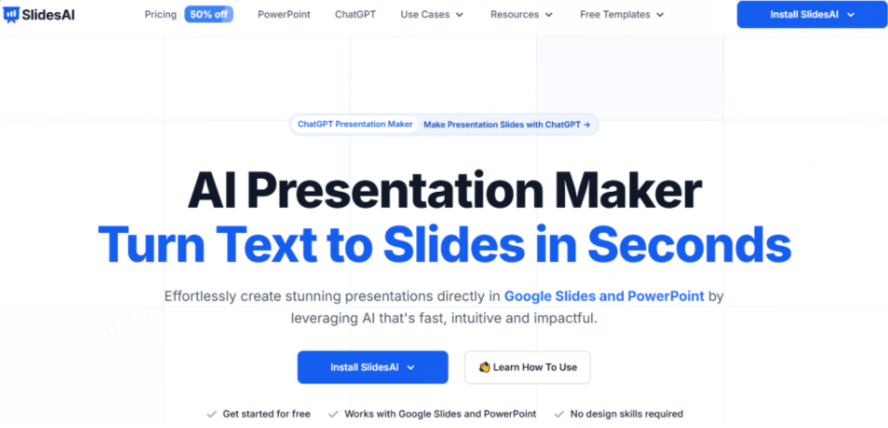
SlideAI.io positions itself as a "productivity multiplier." It doesn't try to reinvent the wheel; it just tries to make the wheel spin faster within the Google Slides ecosystem. Here’s a breakdown of what it brings to the table and where it starts to wobble.
The Feature Highlights
- One-Click Text-to-Presentation: This is the core "magic" trick. You don't build slides; you provide text. You can paste up to 6,000 characters (on paid plans), and the AI attempts to categorize that data into titles, bullet points, and summaries.
- Impressive Multilingual Support: One area where SlideAI consistently punches above its weight is language. It supports over 100 languages, making it a favorite for international students or teams working across borders.
- Seamless Google Slides Integration: You don’t need to create a new account on a flashy website or worry about file compatibility. It lives right in your "Extensions" menu. If you live and breathe in Google Workspace, this is a massive convenience factor.
The Real User Experience
In our slideai review 2026 testing, the experience was a mixed bag. To give you the clearest picture, let’s break it down into the "Pros" and the "Pain Points."
The Pros
- Unbeatable Speed for Internal Work: If you need to turn a 5-page PDF into a quick summary for a 10-minute internal team sync, SlideAI is brilliant. It takes about 60 seconds to generate a 10-slide deck.
- Zero Learning Curve: If you know how to use Google Slides, you know how to use SlideAI. There are no new UI layouts to master, which is a common complaint with more complex slideai.io alternatives.
The Cons
- The "2010 Aesthetic" Problem: SlideAI’s layouts often look like standard corporate PowerPoint templates from a decade ago. The font pairings and color palettes lack the "wow" factor seen in modern tools.
- The "Long-Text" Logic Gap: While it handles short paragraphs well, the AI often loses the thread with complex, long-form content. It might miss the nuances of your argument, leading to slides that feel disconnected or repetitive.
- Strict Customization Walls: Once the AI generates the slides, you are essentially left with a standard Google Slide. While you can edit it manually, the AI doesn't offer "smart" suggestions for layout changes. If you want to swap a bulleted list for a sleek infographic, you have to do it by hand.
Price Evaluation
One of the most common searches is: is slideai free or paid? The reality is that the "Free" version is more of a trial than a permanent solution for most professionals.
- The Basic (Free) Plan: You get 3 presentations per month and a 2,500-character limit. This is fine for a one-off project, but the "SlideAI.io" watermark and the limited template access make it difficult to use for professional business pitches.
- The Pro Plan ($10/mo): This ups your limit to 10 presentations and 6,000 characters.
- The Platinum Plan ($20/mo): This offers unlimited presentations.
Top 5 Other SlideAI.io Alternatives in 2026
To give you a complete picture, we’ve rounded up four other major players in the space. Each has a different strength, depending on what you need.
1.Presenti
If you’re tired of boring bullet points and static layouts, let’s talk about Presenti. While SlideAI is a tool that helps you make slides, Presenti is a tool that designs your presentation.

Why Presenti is a Game-Changer
Presenti was built with a "design-first" philosophy. Unlike the experience we highlighted in our slideai review 2026, Presenti doesn't just dump text onto a page. It uses Visual Logic Engines to understand the intent of your content.
- Semantic Layouts: If you input a timeline of your company’s growth, Presenti doesn’t just give you three bullet points. It automatically generates a sleek, interactive horizontal timeline.
- Modern Aesthetics: Say goodbye to 2010-era gradients. Presenti uses design systems that look like they were crafted by a high-end creative agency.
- Dynamic Editing: The problem with most AI tools is that once the slide is generated, it’s a pain to change. Presenti allows you to "talk" to your slides. Don't like a chart? Just tell the AI to "make this a comparison table," and it happens instantly.
It’s suit for the professional who needs to impress, not just the student who needs to finish a homework assignment.
2. Gamma
Gamma has become one of the most popular slideai.io alternatives because it moves away from the traditional "slide" format. It creates "decks" that feel more like interactive webpages. It’s incredibly fast and great for sharing links rather than sending bulky PDF attachments.

3. Canva Magic Design
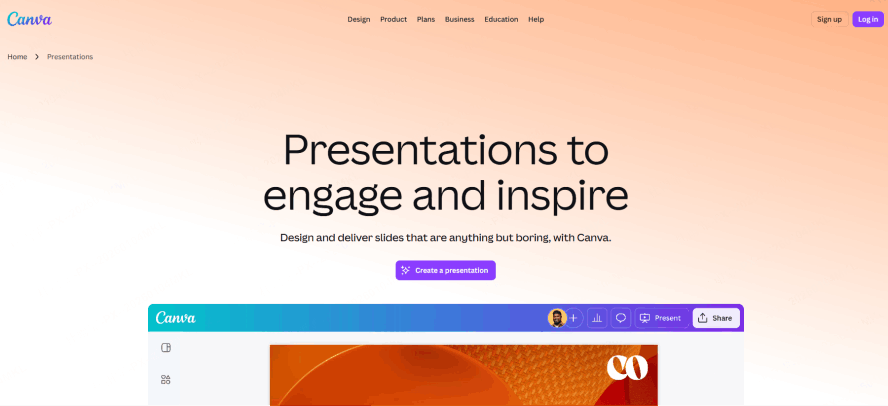
We can't have a slideai.io review 2026 without mentioning Canva. Their AI tool, Magic Design, is fantastic if you already use Canva’s massive library of assets. It’s perfect for social media-style presentations and brand-heavy decks, though it can sometimes feel a bit overwhelming with too many options.
4. Beautiful.ai
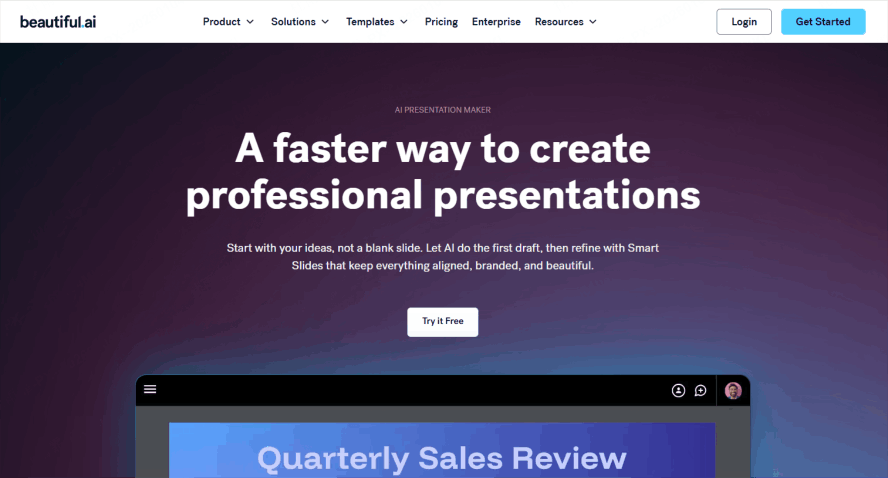
If you have "alignment OCD," Beautiful.ai is your best friend. It uses a "smart" system that automatically adjusts the size and position of elements as you add them. You can't break the design even if you try. However, when you ask is slideai free or paid, you'll find that Beautiful.ai is almost strictly paid, with a much more limited free tier than others.
Comparison Table: Which AI Tool Should You Choose?
| Feature | SlideAI.io | Presenti | Gamma | Canva | Beautiful.ai |
|---|---|---|---|---|---|
| Best For | Quick Google Slides | Professional Pitching | Web-style decks | Graphic Design | Perfect Alignment |
| Ease of Use | Very High | High | High | Medium | High |
| Design Quality | Basic | Premium / Modern | Modern / Web | Creative / Bold | Professional / Polished |
| Integration | Google Slides | Multi-format / Web | Web / Embed | Canva Ecosystem | PPT / Slack / Web |
| Price Point | Low / Freemium | Competitive | Freemium | Freemium / Pro | Paid / Pro-heavy |
Practical Tips: Making the Most of AI Presentation Tools
No matter which of these slideai.io alternatives you choose, the "Garbage In, Garbage Out" rule applies. To get a professional result:
- Structure Your Prompt: Don't just say "make a deck about marketing." Say "Create a 10-slide pitch deck for a SaaS startup focusing on Q3 growth, with a professional and minimalist tone."
- Use High-Quality Input: AI tools like Presenti work best when you provide clear, structured notes. The better your logic, the better the AI’s visual output.
- Human Touch is Mandatory: Never just export and go. Use the AI to do 80% of the heavy lifting (the layout, the asset searching, the initial drafting), and use the remaining 20% of your time to refine the message and add your personal touch.
Conclusion
If you are a student or an office worker who needs to turn a paragraph into a few simple slides within Google Slides for free, then SlideAI is a solid, no-frills choice. It answers the question "is slideai free or paid" by offering enough for a casual user to get by without a credit card.
However, if you are looking for a tool that represents the cutting edge of AI design, then you should definitely explore slideai.io alternatives. For those who prioritize professional aesthetics, logical flow, and ease of editing, Presenti is the clear winner in the 2026 landscape. It moves past the limitations of plugins and offers a dedicated workspace where your ideas are transformed into visual stories. Don't settle for "fast and boring" when you can have "fast and breathtaking." Give Presenti a try for your next big meeting and see the difference for yourself.