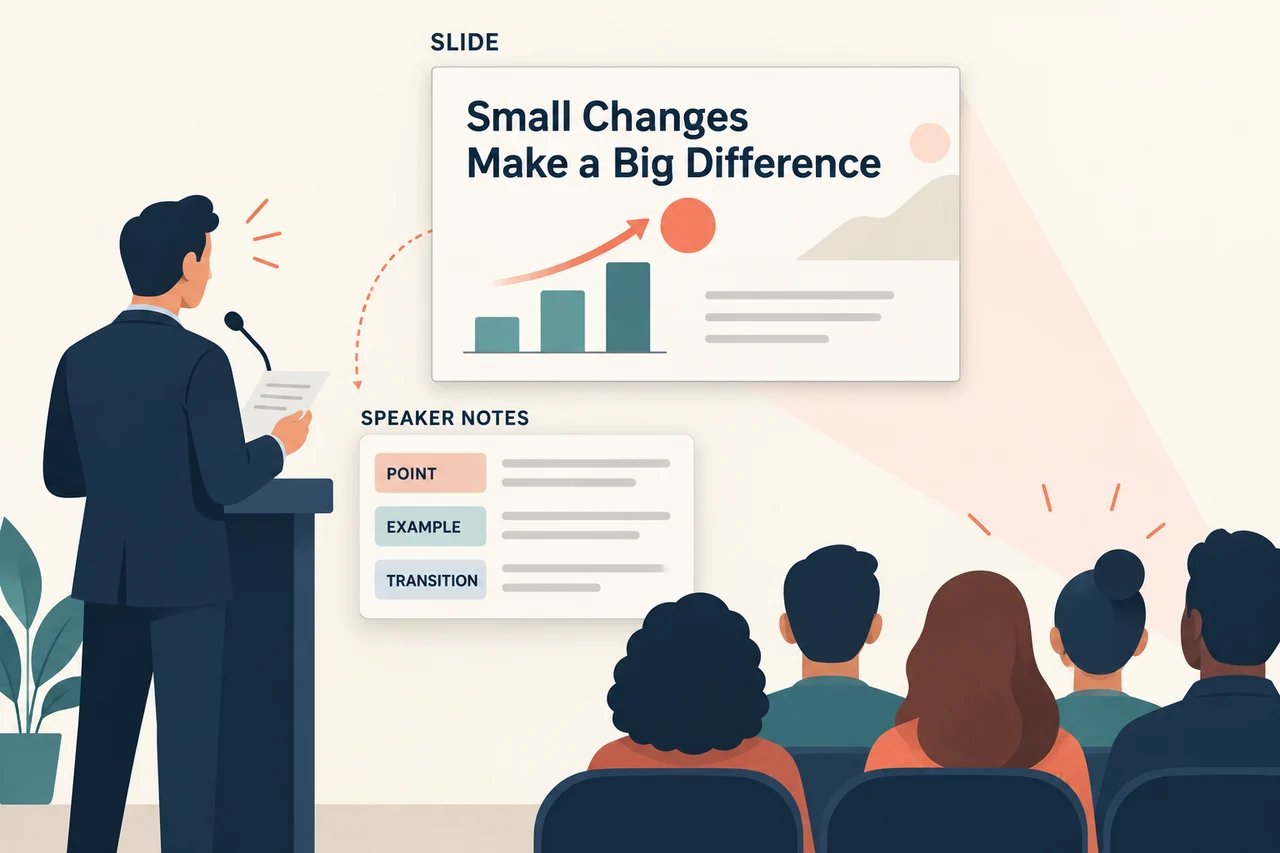
A business presentation needs a clear message, reliable evidence, and a structure that fits the audience. AI can help with the first outline and slide draft, leaving you to decide what to emphasize and what needs checking. Here is how to use it in that process.
1. Can AI Presentation Tools Help Tailor Business Presentations to Different Audiences?
Every audience is unique, whether you’re pitching to investors, updating your team, or presenting to clients. Crafting the right message for each group is crucial but can take time. AI presentation tools, however, are changing how we tailor business presentations, making them more specific and targeted for different needs. For a topic-to-slides workflow, you can start with Presenti’s AI presentation maker and edit the draft before presenting.
AI Adjusts Content Based on Audience Preferences
- Tailored messages: AI can analyze the content of your presentation and adjust it based on the audience. For example, a presentation for investors may focus more on data and financial projections, while an internal team meeting might emphasize project updates and progress.
- Adapting tone and style: The AI can also tweak the tone of your presentation, making it more formal or casual depending on who you're presenting to. This feature is perfect for switching between high-stakes client meetings and laid-back internal reports.
- Automating adjustments: Instead of creating multiple versions of a presentation, AI can automatically generate different formats and focus points, saving time when dealing with varied audiences.
AI Helps Personalize Presentations for Specific Industries
- Industry-specific insights: AI can scan your input and suggest adding relevant industry data and statistics to make your presentation more meaningful. This is particularly helpful when dealing with niche markets.
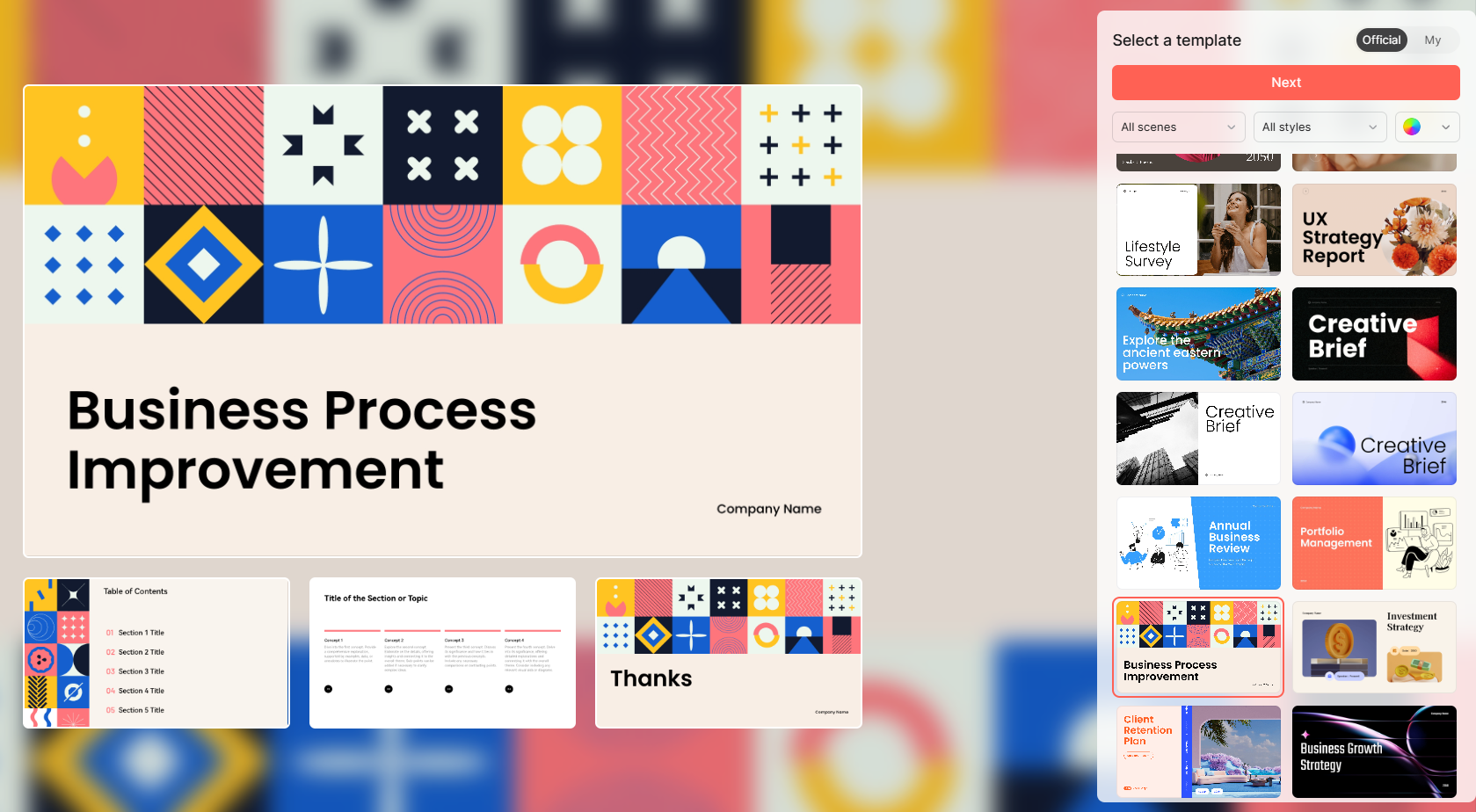
- Ready-to-use templates: AI offers a range of presentation templates tailored to specific industries like finance, healthcare, or technology. This means you can jump right into creating, without worrying about layout or design.
- Market trends integration: Provide recent market data from sources you can cite. Do not assume a presentation generator has live access to market information; check the date and source of every figure.
Custom Presentations for Different Types of Meetings
- Investor pitches vs. team updates: For an investor pitch, you need to focus on profitability and future projections, while an internal team update might require a more process-oriented approach. An AI draft can help you reorganize the same material for these different purposes.
- Sales presentations: AI can help generate presentations that cater to potential clients, emphasizing product features and benefits while keeping the sales narrative clear and concise.
- Client meetings: When meeting clients, the AI can suggest adjusting your slides to showcase the results they’re most interested in, from performance metrics to client success stories.
2. How Can Presenti AI Improve the Business Presentation Creation Process?
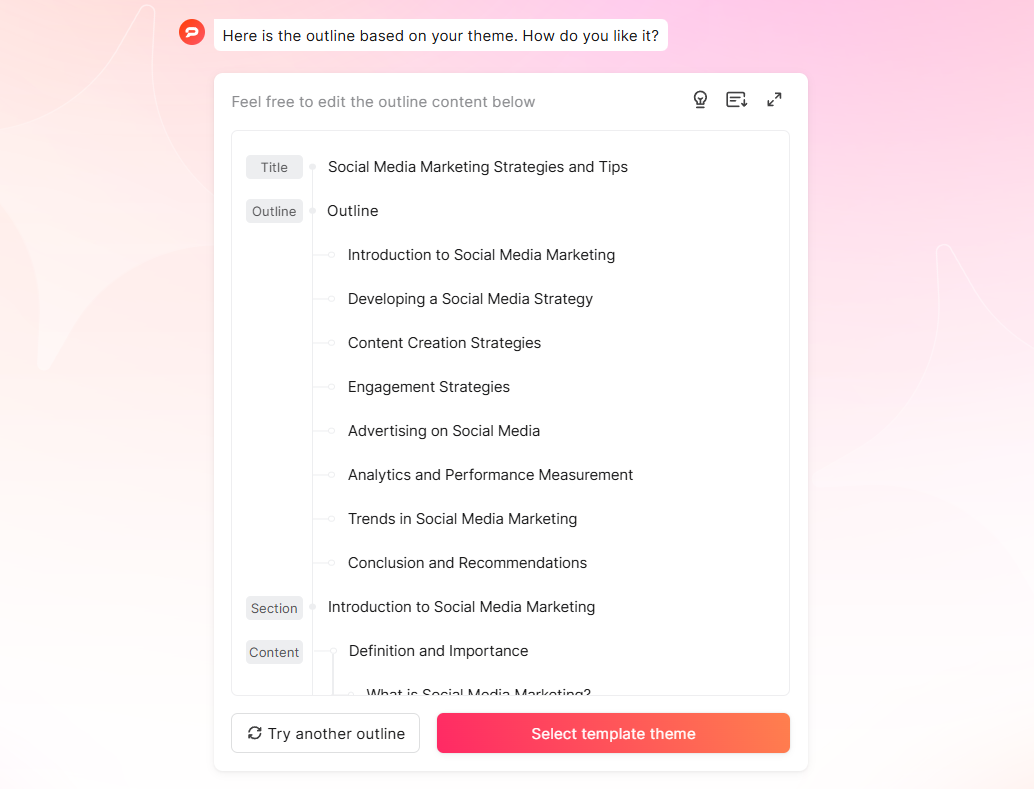
Presenti AI can turn a topic or supported source file into a presentation draft. Review the outline first, then choose a design and refine the slides.
Simplifying the Slide Creation Process
- Outline generation: With Presenti AI, you can input your ideas or topics, and the tool will automatically generate a structured slide outline. This takes away the challenge of starting from a blank canvas.
- Logical flow: Review the proposed order to make sure it connects the evidence to the recommendation, whether you are reporting quarterly results or launching a product.
- Slide design: Presenti AI also suggests pre-designed slides based on your topic, saving time and ensuring your presentation is visually appealing from the start.
AI’s Role in Automating Data Visualizations
- Customization of visuals: You can customize colors, fonts, and styles to match your brand, ensuring that every slide looks professional.
Data-driven storytelling: Choose a visual format that suits the question: a line chart for change over time, for example, or a bar chart for category comparisons.
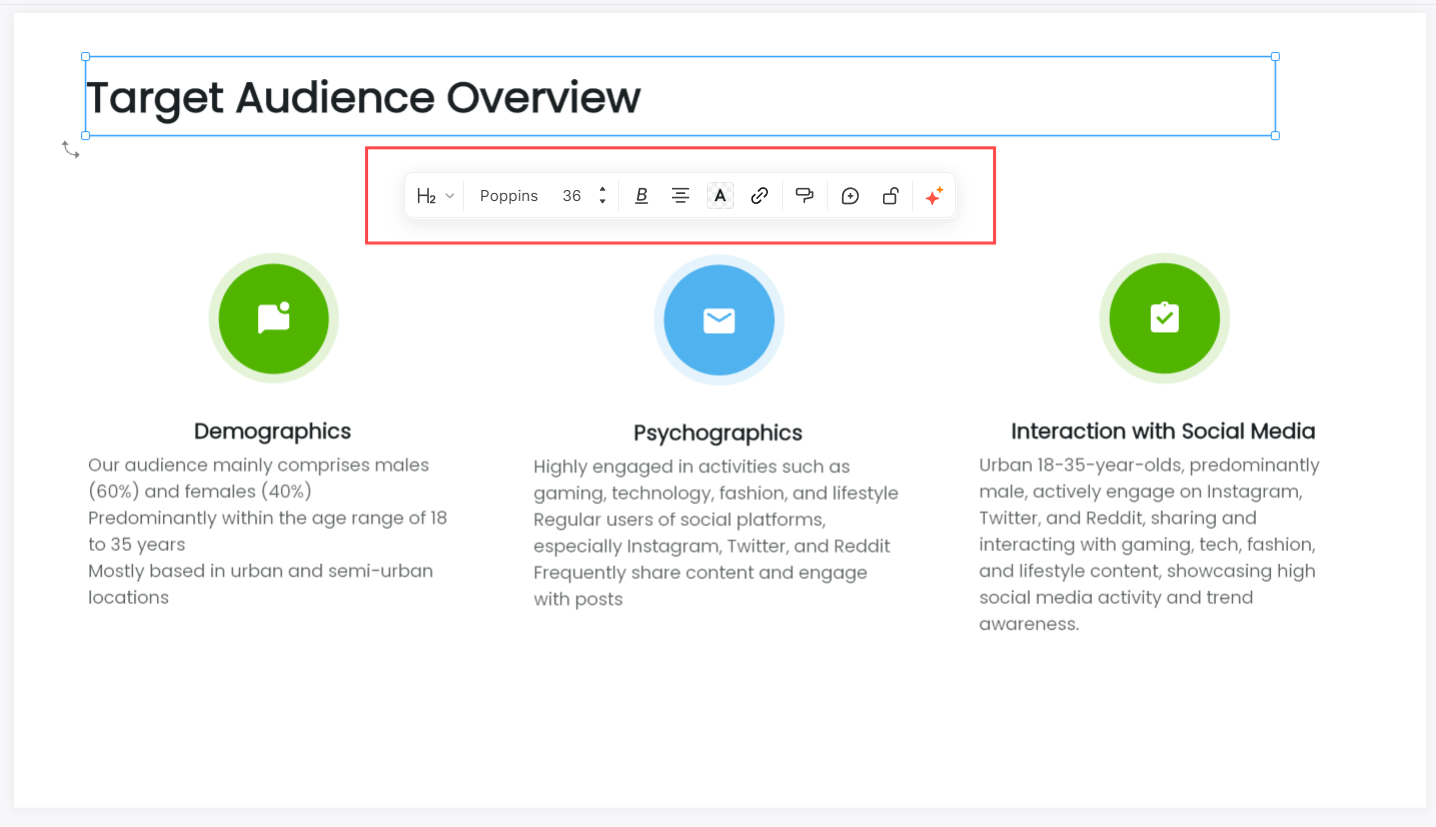
Enhancing the Design and Layout with AI
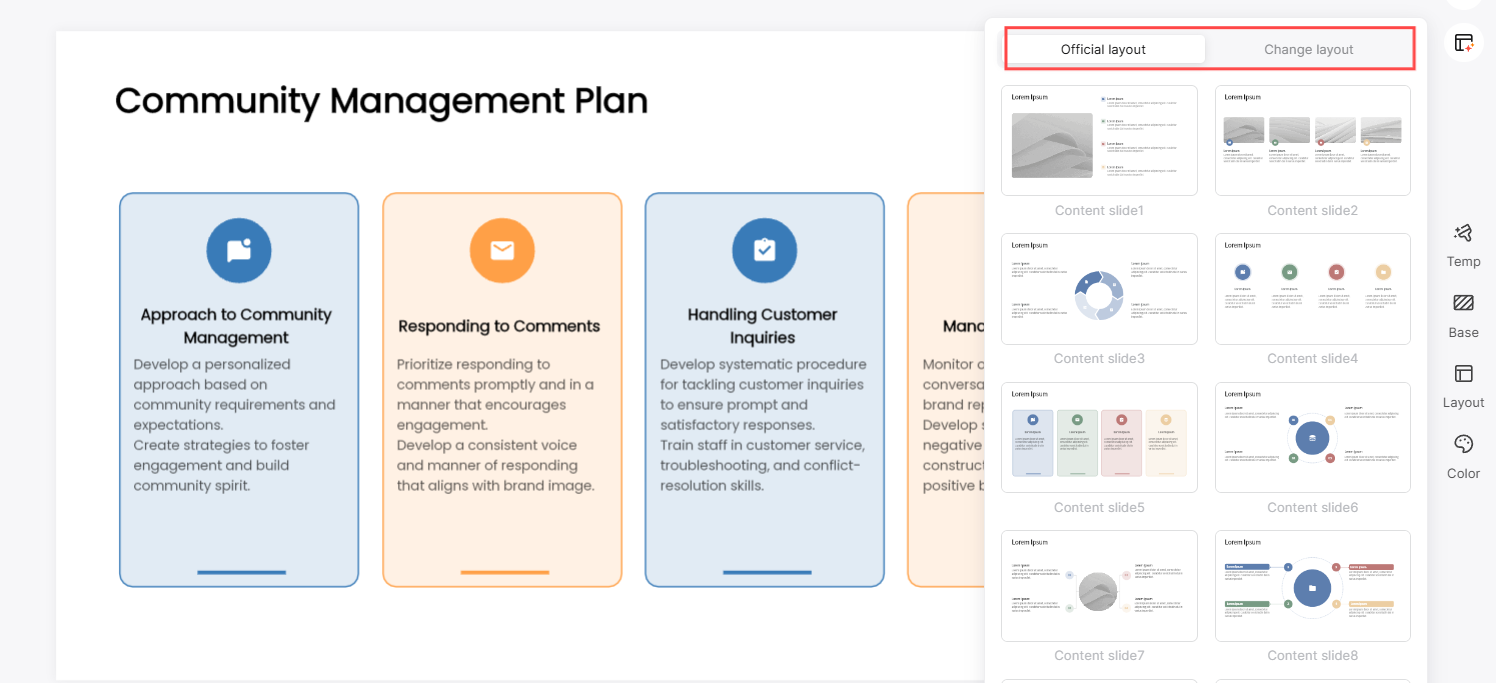
- Template recommendations: Choose a template with room for your content and a tone that suits the audience.
- Consistent branding: Apply your organization’s fonts, colors, and approved logos consistently, then check every slide.
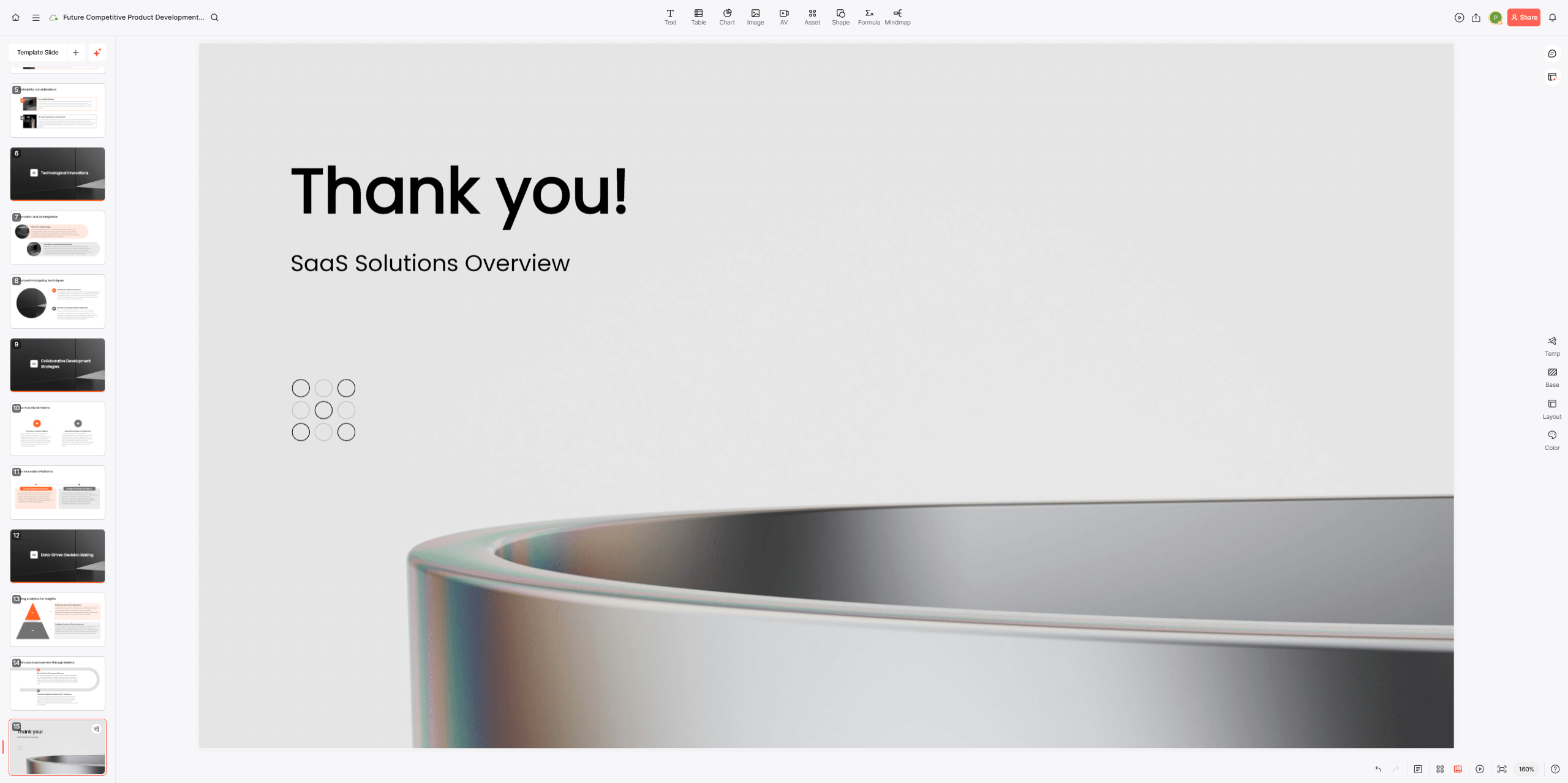
- Instant design adjustments: If you need to tweak the presentation’s visual elements, the presentation editor allows for quick adjustments to layout, color schemes, and fonts, giving your slides a polished, professional finish.
3. How Does AI-Powered Collaboration Improve Team Presentation Development?
A team presentation needs clear ownership as well as good slides. Agree on the working version, assign sections, and collect feedback in a shared review process.
A Shared Review Process
- Collaborate in real time: Presenti documents workspace invitations and real-time collaboration. Invite the relevant colleagues, assign sections, and agree on who will approve the final deck.
- Collect feedback: Use your team’s agreed review tool to record comments with slide numbers and proposed changes.
Reduce confusion: Consolidate feedback before applying edits, and resolve conflicting suggestions with the section owner.
Sharing the Working Version
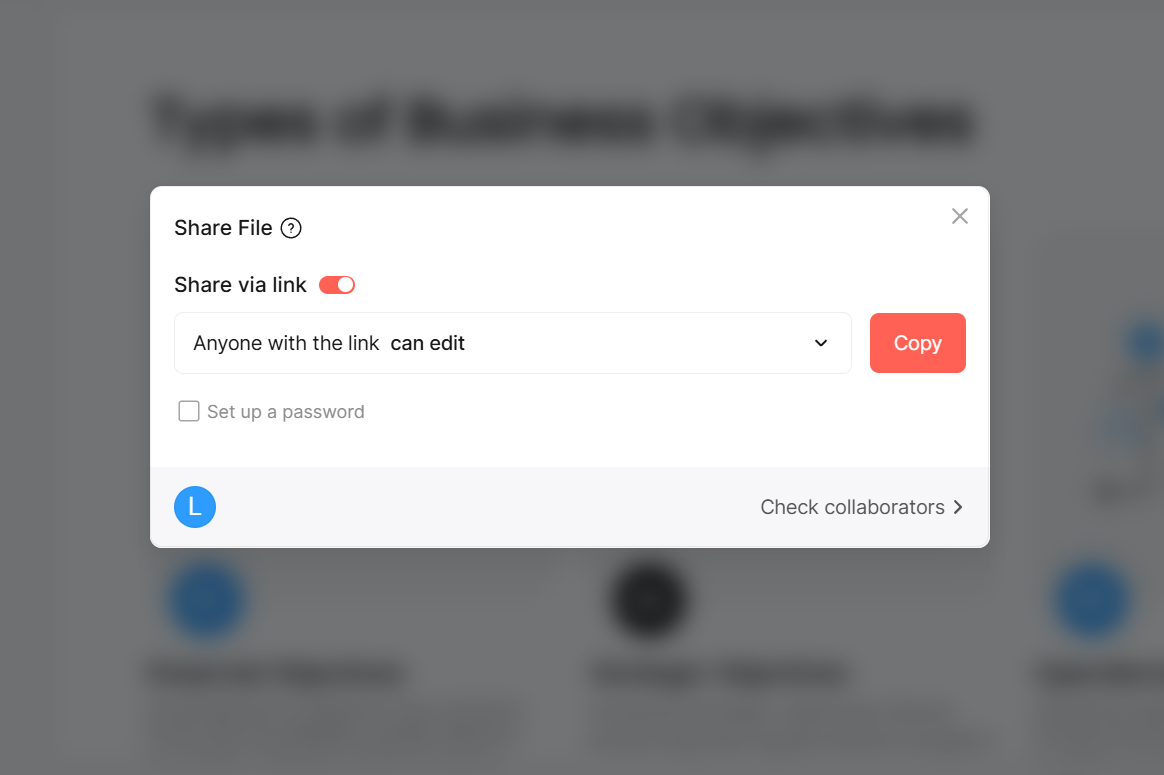
- Share deliberately: Use the sharing or export options available to your account and confirm that reviewers can open the deck.
- Check access: Open the shared link or file on the devices your reviewers will use.
- Track versions: Label exported copies and tell reviewers when a newer version is available.
AI Helps Streamline Feedback and Revisions
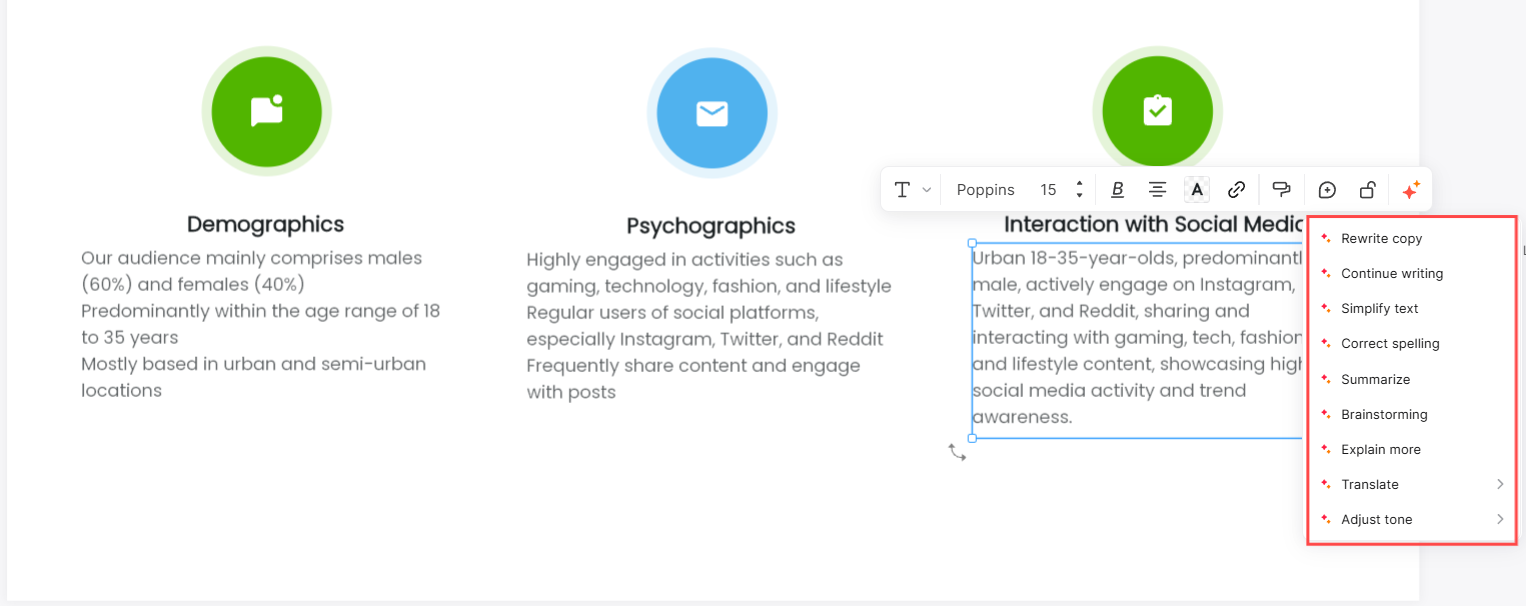
- AI-powered suggestions: Ask an AI writing tool to suggest clearer wording or a different outline, then assess the suggestions against your source material.
- Error detection: AI proofreading can flag possible spelling and grammar problems. It cannot establish that the facts, numbers, or business claims are correct.
- Efficient revisions: The AI can also suggest quick fixes for issues like slide layout or wording, cutting down the time spent revising and fine-tuning.
4. What Future Impact Could AI Have on Business Presentation Creation?
Presentation tools continue to develop. The ideas below are possible directions, not confirmed Presenti features or predictions with a fixed release date.
AI-Powered Fully Automated Presentations
- Automatic content generation: Topic-based drafting is already available. A possible next step is more reliable use of supplied evidence and audience requirements throughout a draft.
- Interactive presentations: AI could allow audiences to interact with the presentation, asking questions or diving deeper into certain sections, with the AI adjusting content dynamically in real-time.
- Smarter recommendations: AI’s ability to suggest content, design, and visuals will likely become even more advanced, making presentations more intuitive and adaptive to the needs of the audience.
More Dynamic and Data-Driven Presentations
- Real-time data integration: Future AI tools could automatically integrate real-time data from external sources, ensuring your presentation always reflects the most up-to-date information.
- AI-driven insights: The AI could analyze audience reactions during the presentation and offer insights on how to improve or adjust the content for future meetings.
- Increased personalization: AI may take personalization even further by analyzing the preferences and behaviors of individual audience members, helping you fine-tune the presentation to each person in the room.
AI’s Role in Enhancing Visual Storytelling
- AI-generated visuals: The future could see AI taking over the design process entirely, creating custom visuals and interactive elements based on your content and audience needs.
- Augmented reality integration: With AI and augmented reality working together, future presentations might include AR elements, making them more engaging and interactive for the audience.
- Smarter design tools: As AI design tools become more advanced, they’ll be able to suggest not only the layout but also the best way to visually convey specific data, making presentations more impactful.
5. Final Thoughts: Embracing AI for Business Presentations
AI can help a team move from source material to a draft. Its value comes from how well that draft supports the business decision, not simply how quickly it generates slides.
Start with the audience, the evidence, and the action you want the presentation to support. Then review the generated content with the people responsible for the facts and the final message.