
Choosing the right PowerPoint creation software can significantly improve productivity and presentation quality. A well designed presentation does more than display information. It helps structure ideas, supports storytelling, and keeps the audience engaged. For technical teams, educators, project managers, and developers, presentation tools are no longer just slide editors. They are workflow accelerators, collaboration platforms, and in many cases, AI powered content generators.
This guide reviews ten of the most effective PowerPoint and presentation tools available today. Each tool is evaluated based on real world use cases, feature depth, collaboration capabilities, and suitability for professional environments.
1. Presenti AI

Key Features
AI driven slide generation
Presenti AI allows users to generate complete presentations from a single sentence prompt. It also supports importing structured content from Markdown, TXT, Word, and PDF files, transforming them into visually structured slides. This significantly reduces the time spent on manual layout work.
Extensive templates and assets
The platform provides a large library of professionally designed templates, charts, and visual assets. Users can quickly adapt layouts to different presentation goals such as technical briefings, training sessions, or internal reviews.
Automated design and layout
Typography, color schemes, and slide structures are generated automatically, ensuring visual consistency across the deck without requiring design expertise.
AI content optimization
Built in AI tools assist with rewriting, expanding, summarizing, grammar checking, and translation, which is especially useful for teams working with technical documentation.
Cloud based access
All presentations are stored in the cloud, enabling access and editing from any device.
Pricing
- Free tier with limited daily generation
- Paid plans with full feature access (pricing varies by region and subscription length)
2. Microsoft PowerPoint
Key Features
Comprehensive feature set
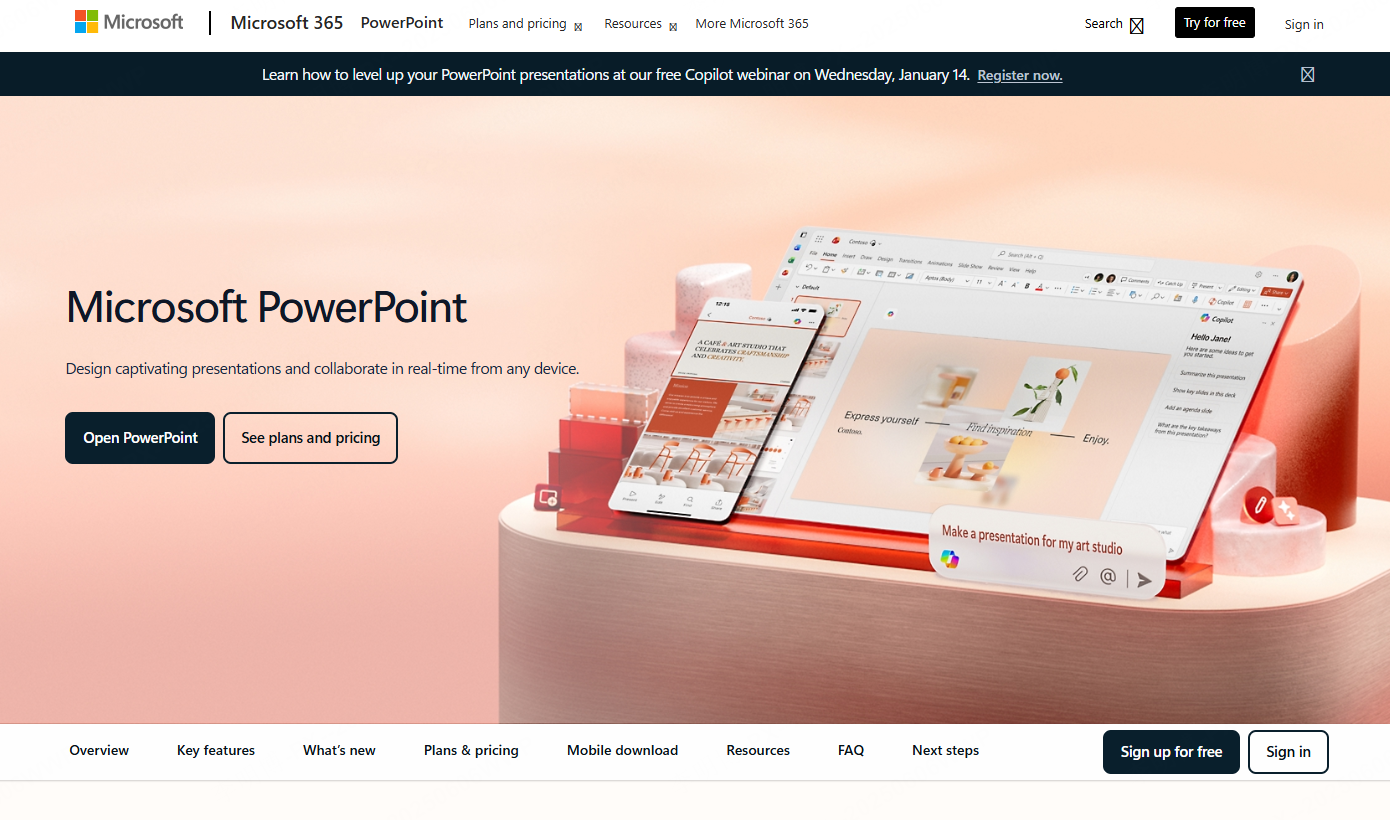
Microsoft PowerPoint remains the industry standard for slide creation. It supports advanced animations, multimedia integration, and detailed charting, making it suitable for complex technical and business presentations.
Professional templates
A wide range of built in templates covers business reporting, education, training, and corporate communication.
Microsoft 365 collaboration
With Microsoft 365, teams can collaborate in real time, leave comments, and track changes. Cloud storage ensures secure access and version control across devices.
Pricing
Available through Microsoft 365 subscription plans or as a one time license, depending on organizational needs.
3. Apple Keynote
Key Features
High quality visual effects
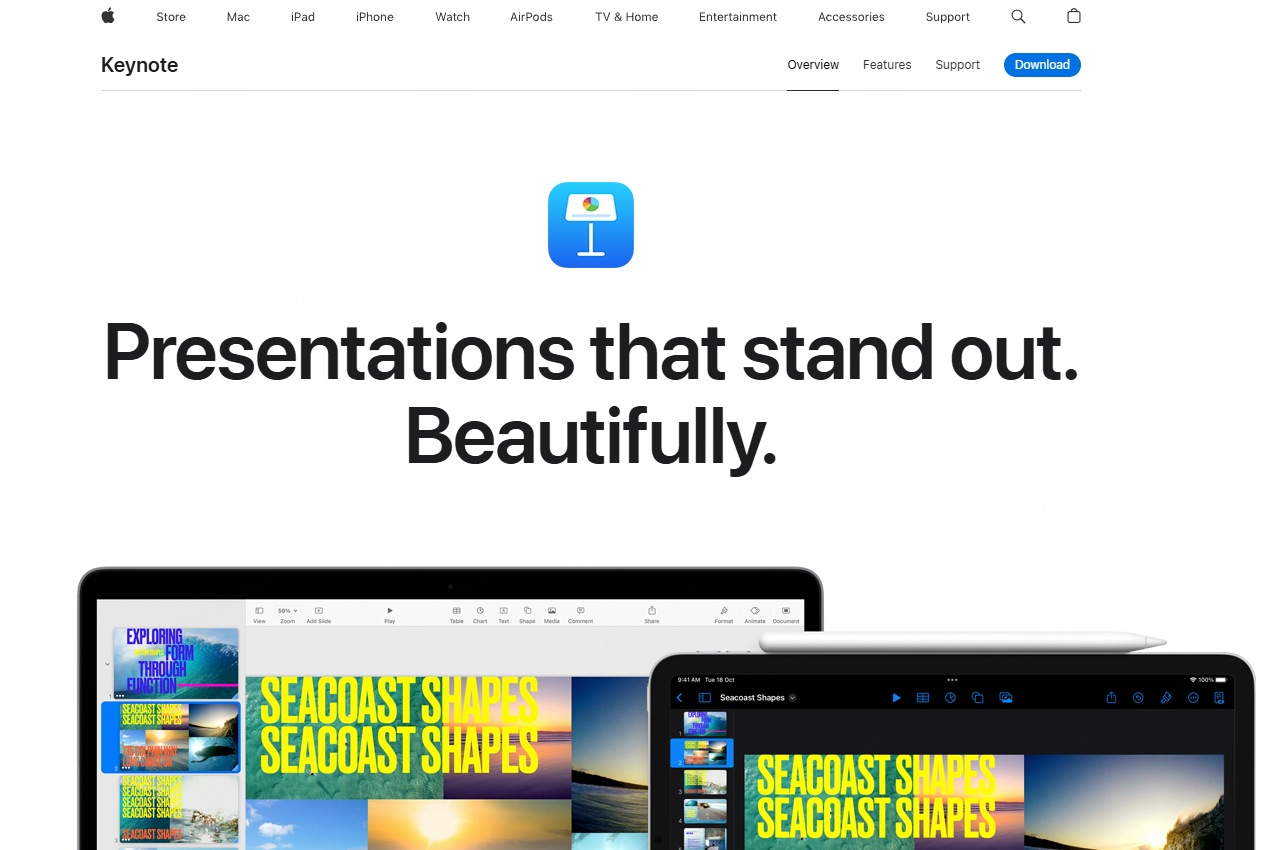
Keynote offers cinematic transitions and refined animation effects that help create visually polished presentations.
Seamless Apple ecosystem integration
Presentations sync smoothly across macOS, iPadOS, and iOS devices, allowing users to start on one device and continue on another.
Pricing
Free for all Apple users.
4. Prezi
Key Features
Non linear presentation model
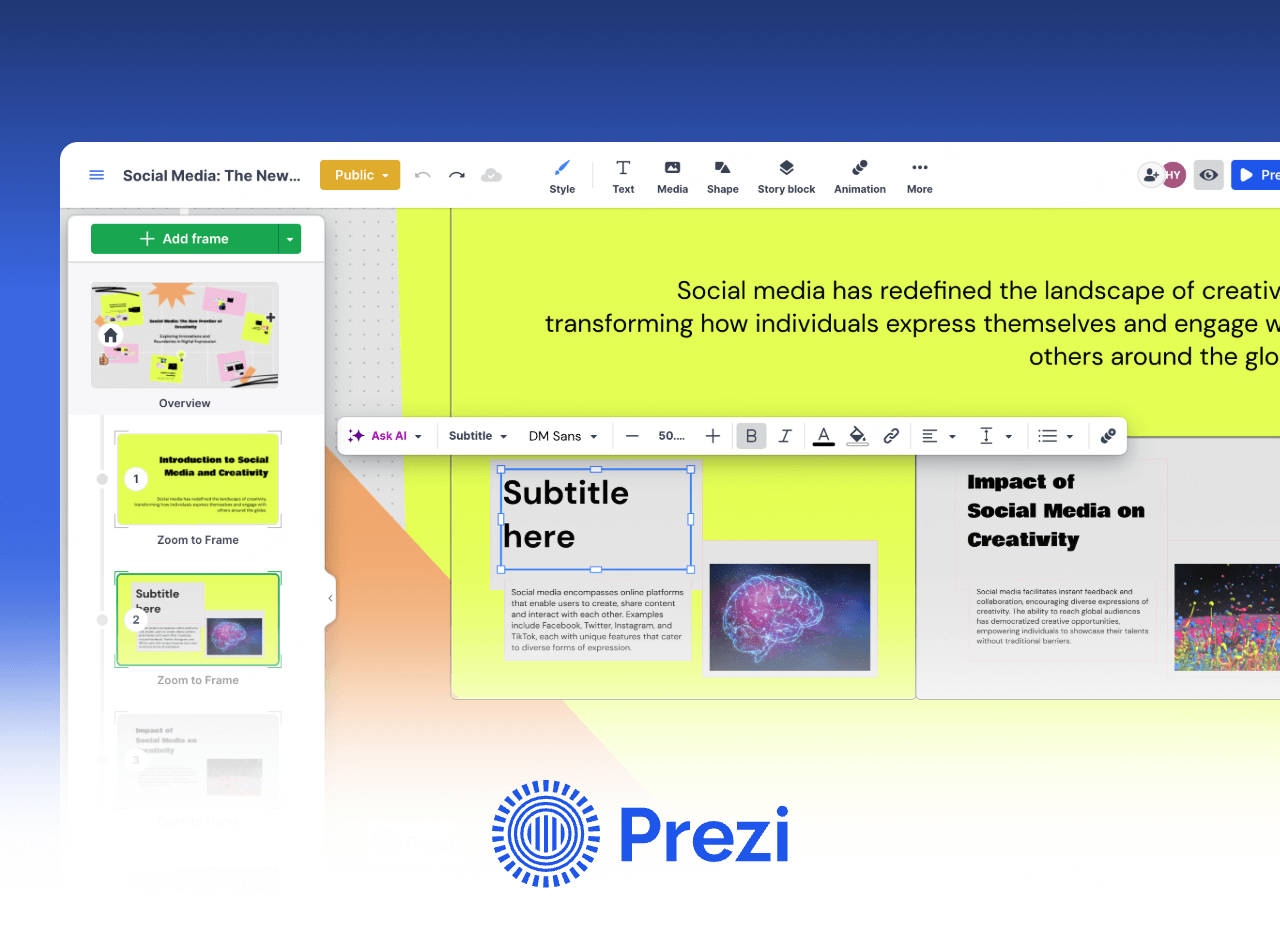
Prezi replaces traditional slide by slide navigation with a zoomable canvas, enabling presenters to visually connect ideas and move freely between topics.
Dynamic transitions
Smooth zoom and pan animations create an immersive viewing experience that works well for conceptual explanations and strategic overviews.
Pricing
Free plan available. Paid plans unlock offline access, branding options, and team collaboration features.
5. Google Slides
Key Features
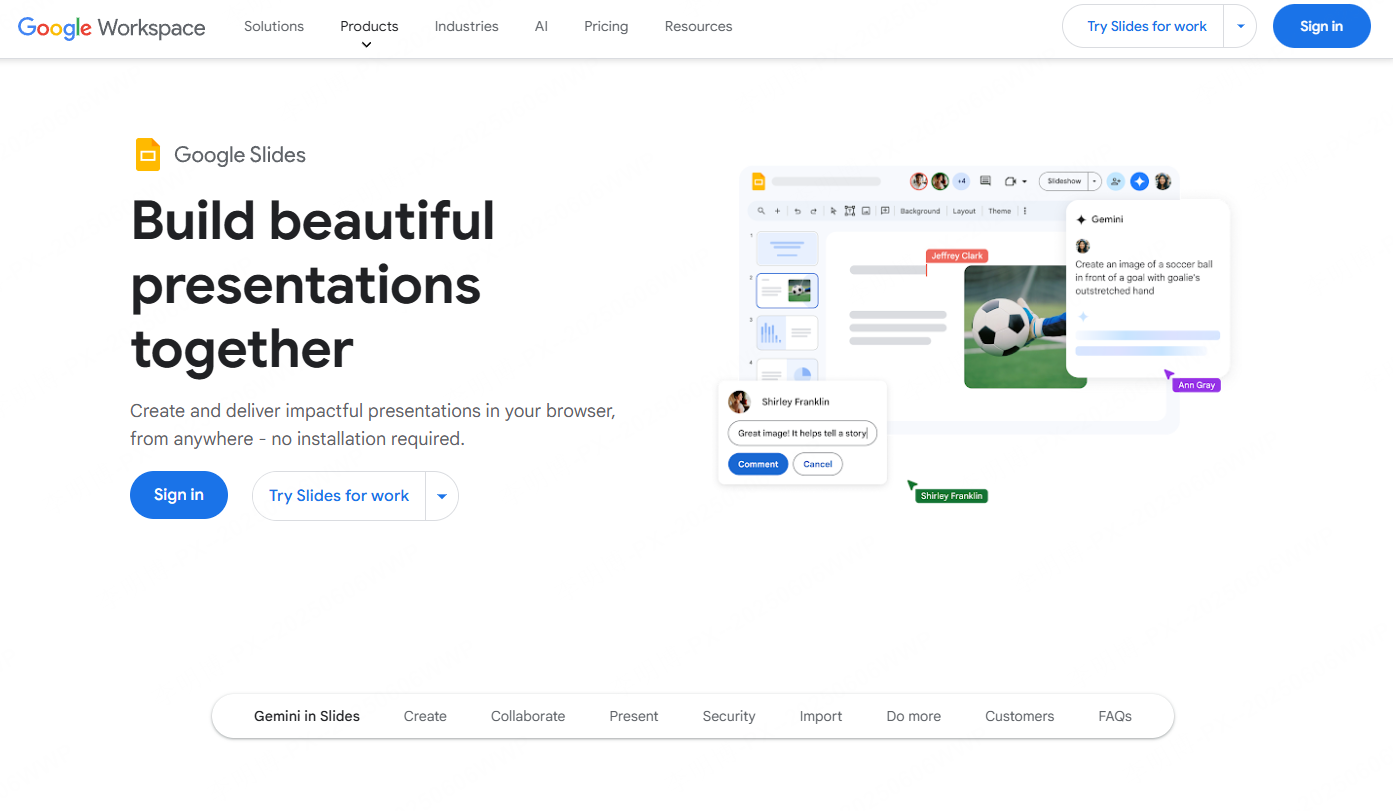
Real time collaboration
Multiple users can edit the same presentation simultaneously, with live comments and revision tracking.
Automatic cloud saving
All content is saved to Google Drive, reducing the risk of data loss.
Pricing
Free for individual users. Advanced features are included with Google Workspace business plans.
6. Zoho Show
Key Features
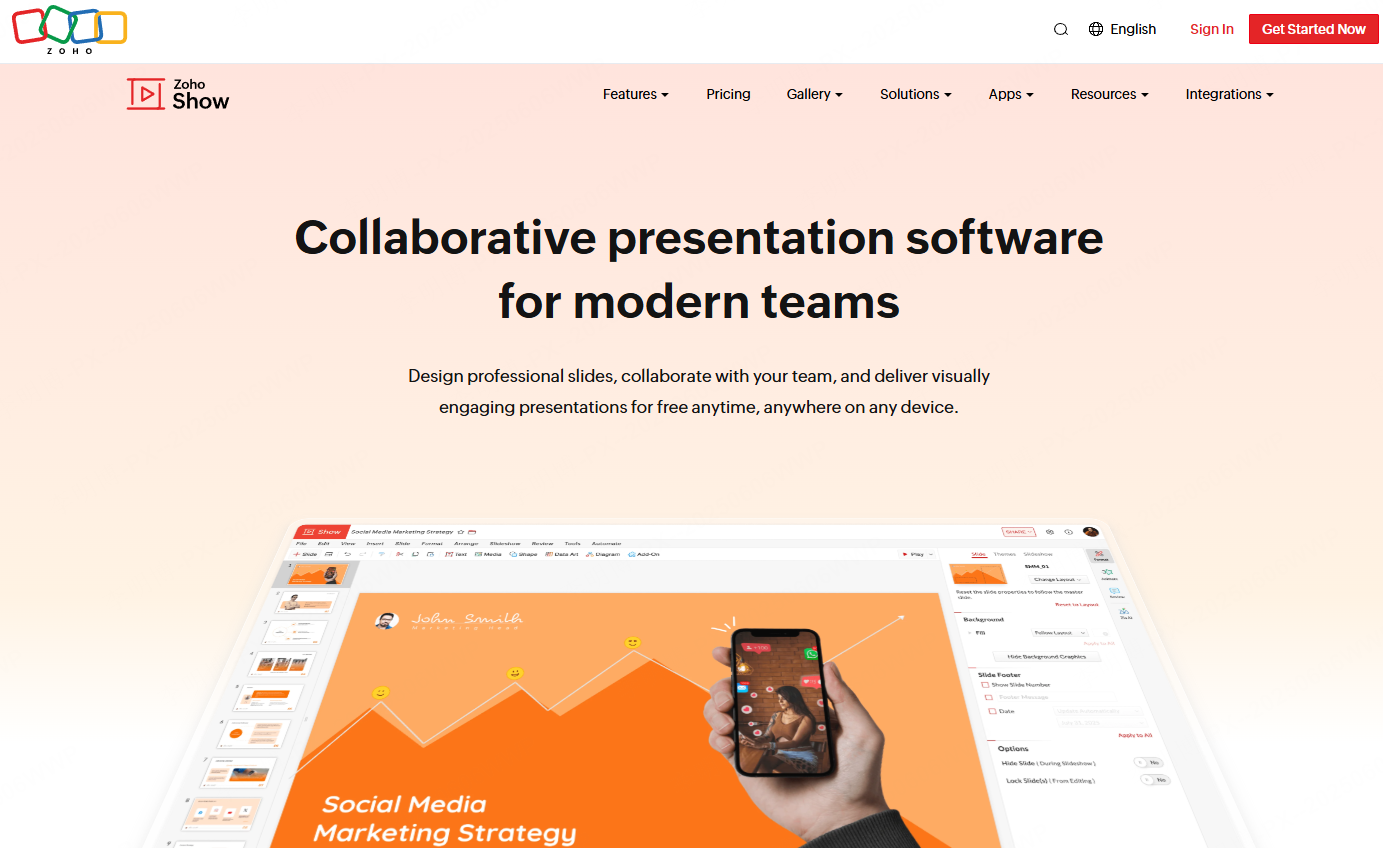
Online collaboration
Teams can co-edit presentations in real time without dealing with file version conflicts.
Cross platform support
Accessible through web browsers, iOS, and Android devices.
Zoho ecosystem integration
Works seamlessly with Zoho CRM, project management, and productivity tools.
Advanced presentation effects
Includes animations, zoom effects, video backgrounds, and interactive elements.
Pricing
Free version available. Paid plans offer additional storage and advanced features.
7. Slidebean

Key Features
AI assisted design
Slidebean automatically applies layouts, color palettes, and typography based on content type, making it ideal for pitch decks and investor presentations.
Automated layout management
Users focus on content while the system handles visual structure.
Template driven workflow
Industry specific templates help teams get started quickly.
Cloud collaboration and export
Supports real time collaboration and exports to PPT, PDF, and video formats.
Pricing
Subscription based with multiple plan tiers.
8. Haiku Deck
Key Features
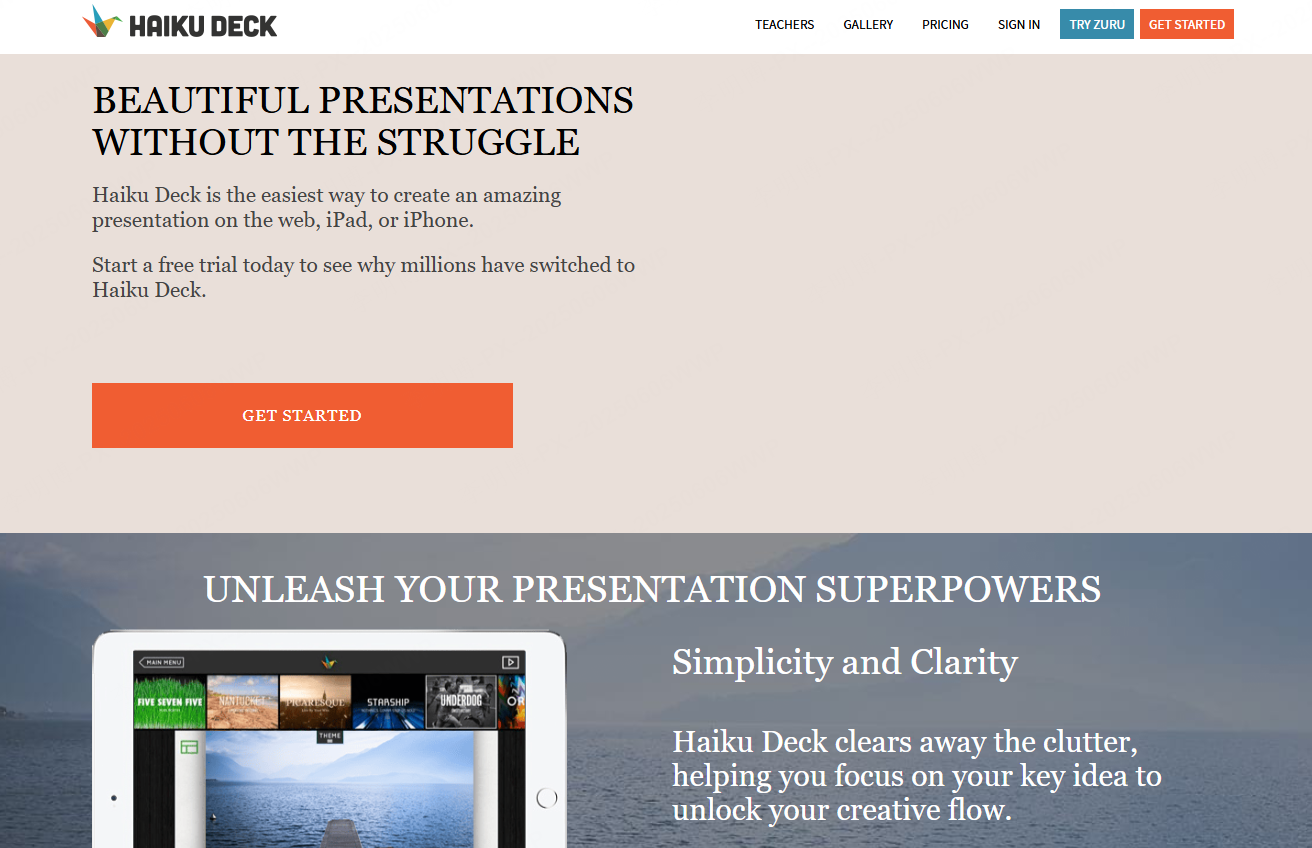
Minimalist design approach
Haiku Deck emphasizes simplicity and visual clarity, helping users avoid cluttered slides.
Built in image library
Access to high quality stock images and icons reduces the need for external resources.
Smart formatting tools
Automatic spacing and alignment maintain consistent visual balance.
Pricing
Free version available. Paid plans unlock premium assets and customization options.
9. Visme
Key Features
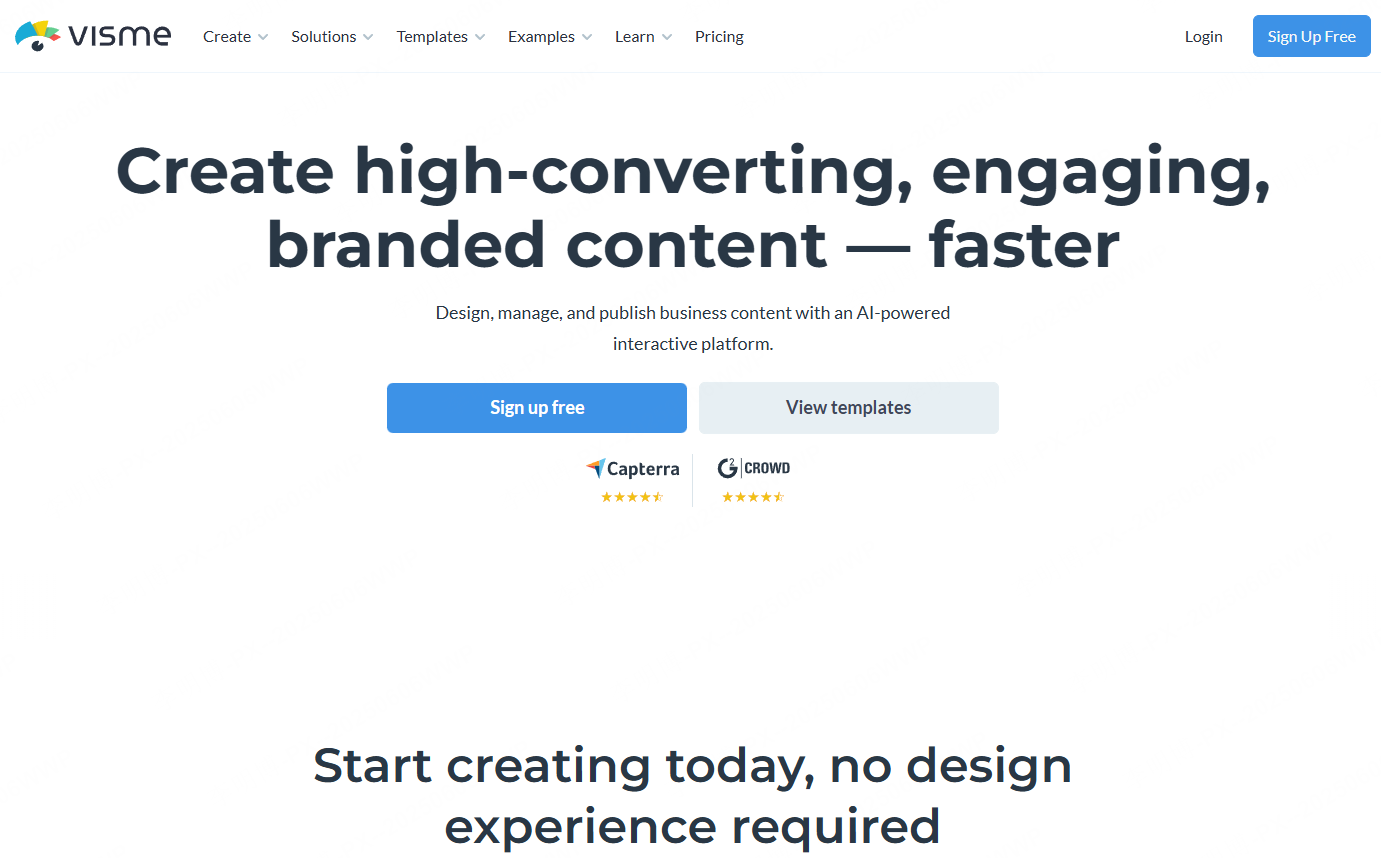
Rich visual content creation
Visme supports presentations, infographics, reports, and interactive visuals using a drag and drop editor.
Data visualization tools
Includes customizable charts and graphs that automatically adapt to data inputs.
Animation and interactivity
Supports transitions, element animations, and interactive embeds.
Multi format export
Content can be exported as PDF, images, GIFs, or HTML5.
Pricing
Free plan available. Paid plans provide access to advanced assets and export options.
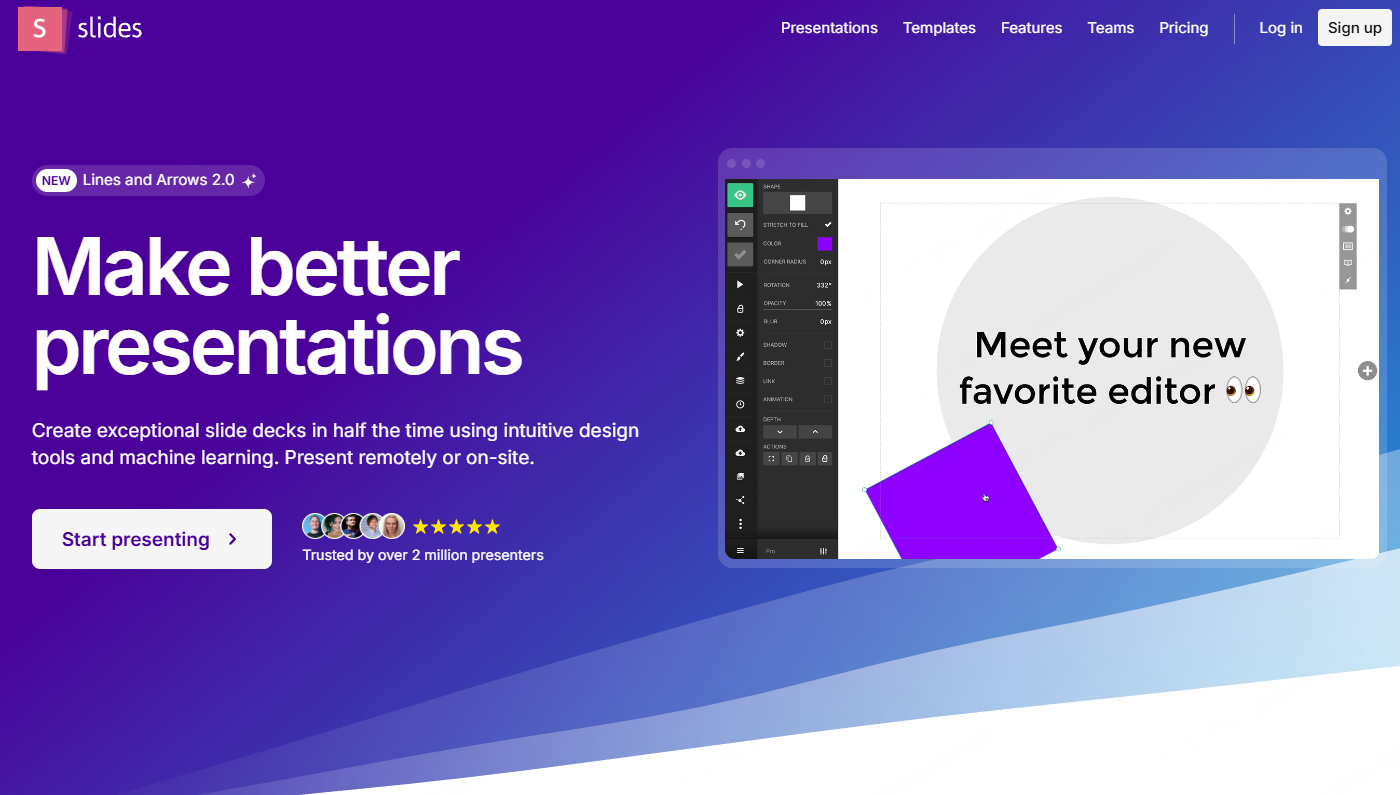
10. Slides
Key Features
Web based collaboration
Multiple users can edit and present simultaneously.
Open source flexibility
Developers can customize the platform and extend functionality through source code access.
Customization options
Supports custom fonts, layouts, themes, and brand styling.
Integrated media tools
Charts, tables, and video embedding are built in.
Pricing
Free plan available. Paid plans include additional storage, templates, and support.
Final Thoughts
Each of these presentation tools serves a different professional need. Traditional tools like Microsoft PowerPoint and Keynote remain strong choices for structured, design focused work. Cloud first platforms such as Google Slides and Zoho Show excel in collaboration heavy environments. AI powered tools like Presenti AI and Slidebean significantly reduce preparation time and are well suited for fast paced teams.
For organizations aiming to improve presentation workflows, the best choice depends on collaboration requirements, design expectations, and the level of automation desired.









