
Creating a high quality work report presentation is not just about putting information onto slides. It requires clear structure, strong visual hierarchy, and precise communication. A well designed PPT helps stakeholders understand progress, risks, and outcomes quickly.
Choosing the right work report PPT template or presentation platform can save hours of design effort while significantly improving professionalism. Instead of starting from scratch, teams can focus on content accuracy, data clarity, and decision making.
In this guide, we review eight reliable PPT creation websites that provide professional templates, smart editing tools, and collaboration features. These platforms are widely used by technical teams, educators, project managers, and developers across global organizations.
1. Presenti AI: Intelligent PPT Generation with Full Workflow Support

Presenti AI is an AI powered presentation tool designed to help users create professional PPTs efficiently. It supports multiple input methods, intelligent layout, and content optimization, making it suitable for work reports, project updates, and executive summaries.
Key Features
AI powered generation
Users can generate a complete PPT from a single sentence, upload documents such as Word or PDF files, select templates manually, or even create slides from links. This flexibility supports a wide range of work report scenarios.
Extensive work report templates
Presenti AI includes templates for project status reports, quarterly reviews, annual summaries, performance analysis, and cross team updates. Each template follows clear information hierarchy and business presentation standards.
Real time collaboration
Multiple team members can edit the same presentation simultaneously. This is ideal for distributed teams preparing reports under tight deadlines.
Flexible customization
Users can adjust layouts, colors, fonts, and visual elements freely. This allows teams to follow brand guidelines while maintaining a clean, professional look.
Presenti AI is especially suitable for teams that want to reduce manual formatting work and focus on content quality and delivery.
2. SlideModel: Professional Templates for Business Reporting
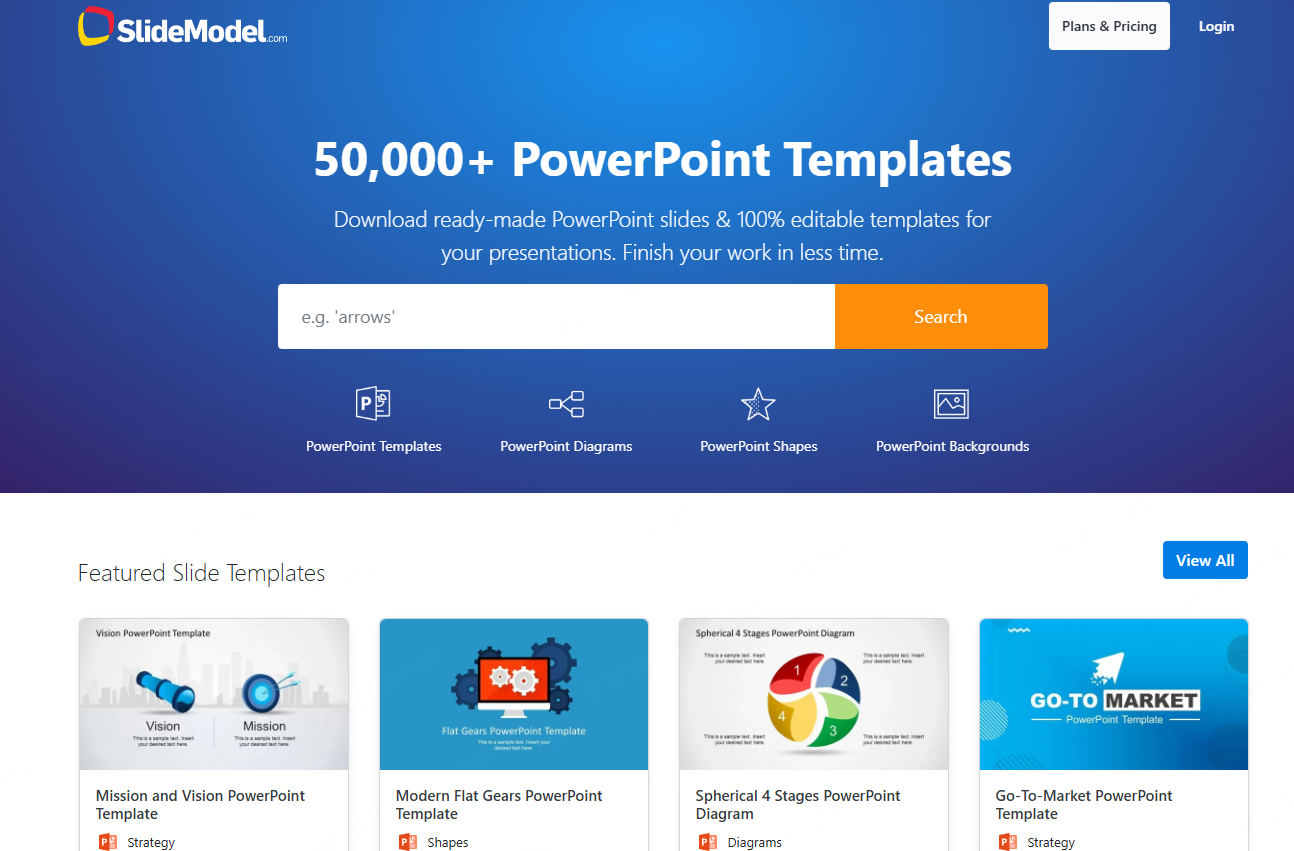
SlideModel focuses on providing high quality presentation templates for business and technical use cases. Its library covers industries such as finance, consulting, product management, and data analysis.
Key Features
Industry focused templates
Templates are designed for business reports, project roadmaps, dashboards, and strategy presentations. They work well for executive reporting and stakeholder meetings.
Clear visual structure
Layouts emphasize readability and logical flow, helping presenters communicate key insights efficiently.
Easy customization
Despite the advanced design, templates are easy to edit. Users can replace content, charts, and visuals without design expertise.
SlideModel is a strong choice for teams that rely heavily on PowerPoint and need polished, enterprise ready slides.
3. Microsoft Office Template Library: A Trusted Classic
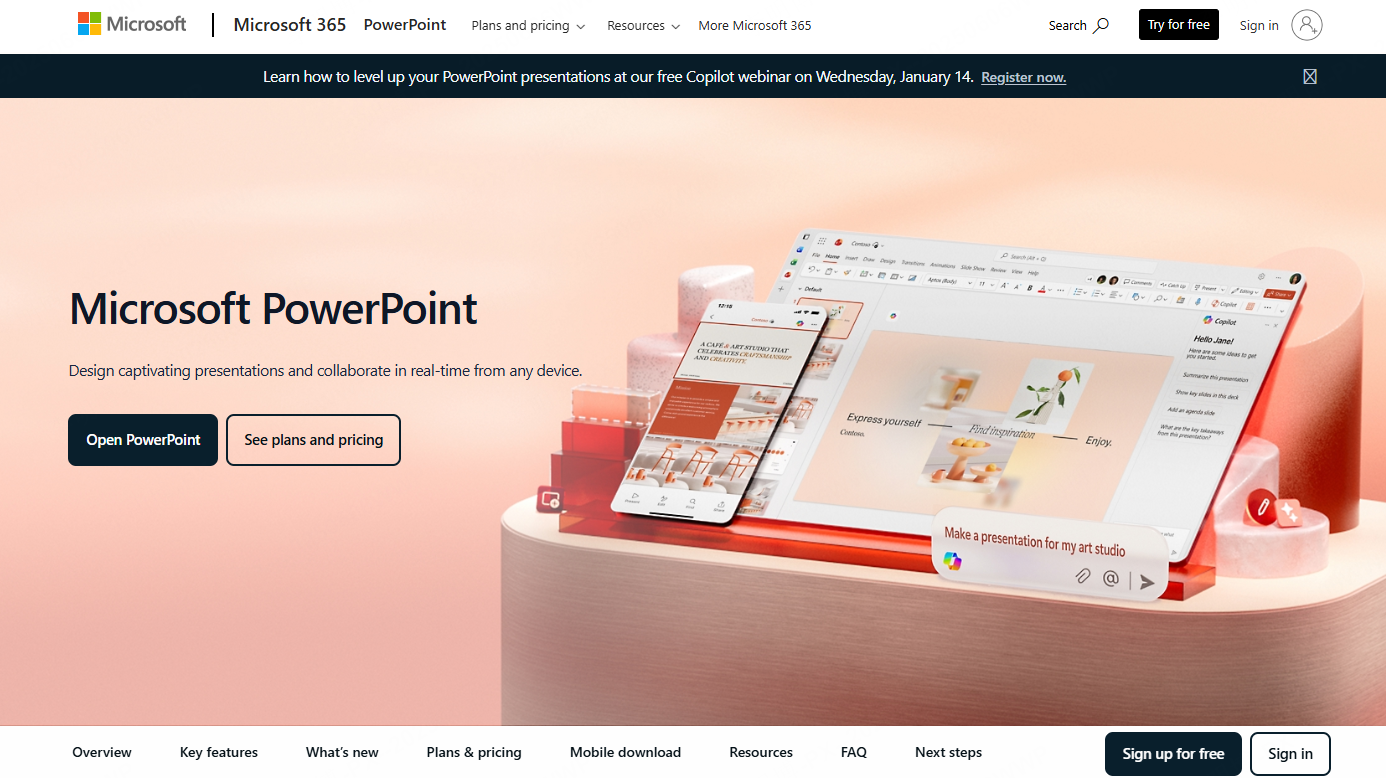
Microsoft Office remains one of the most widely used productivity suites worldwide. Its built in template library provides reliable PPT templates suitable for most work report scenarios.
Key Features
Clean and professional templates
Templates are formal, minimal, and suitable for corporate environments.
Seamless PowerPoint integration
Templates open directly in PowerPoint with full compatibility, making them easy to edit and share.
Free access
Most templates, including work report PPTs, are available for free, which is ideal for teams with limited budgets.
This option works best for organizations that already use Microsoft Office as their primary productivity platform.
4. Zoho Show: Lightweight Online Presentation Tool
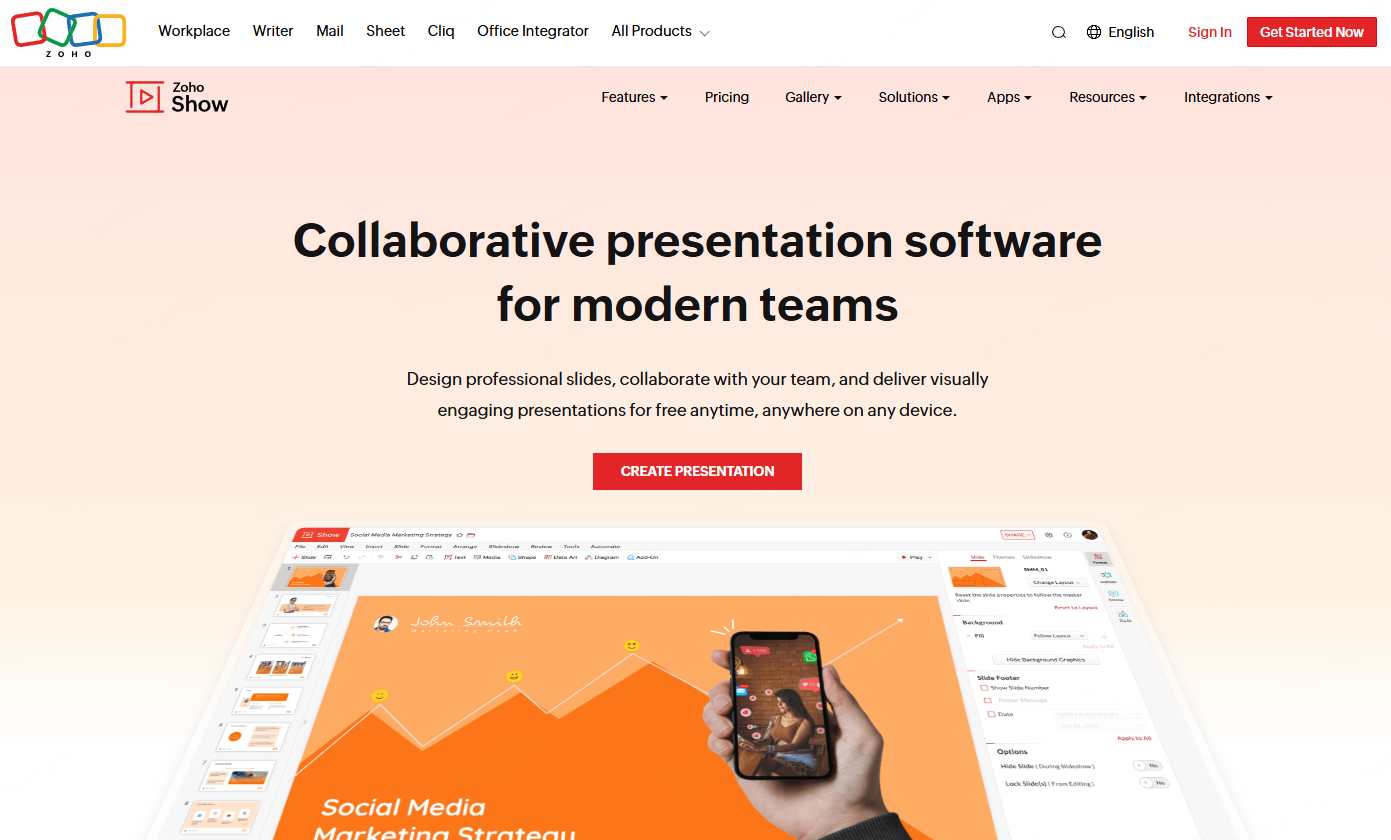
Zoho Show is a cloud based presentation platform that supports real time editing and sharing. It is designed for simplicity while covering essential presentation needs.
Key Features
User friendly interface
The editor is intuitive and fast, making it easy to create or update PPTs without a learning curve.
Template variety
Zoho Show offers templates for business reports, training sessions, and internal updates.
Cross platform collaboration
Teams can edit presentations online across devices, which is useful for remote or hybrid work environments.
Zoho Show is well suited for small to mid sized teams that need quick collaboration without complex features.
5. Visme: Visually Rich Presentation Creation
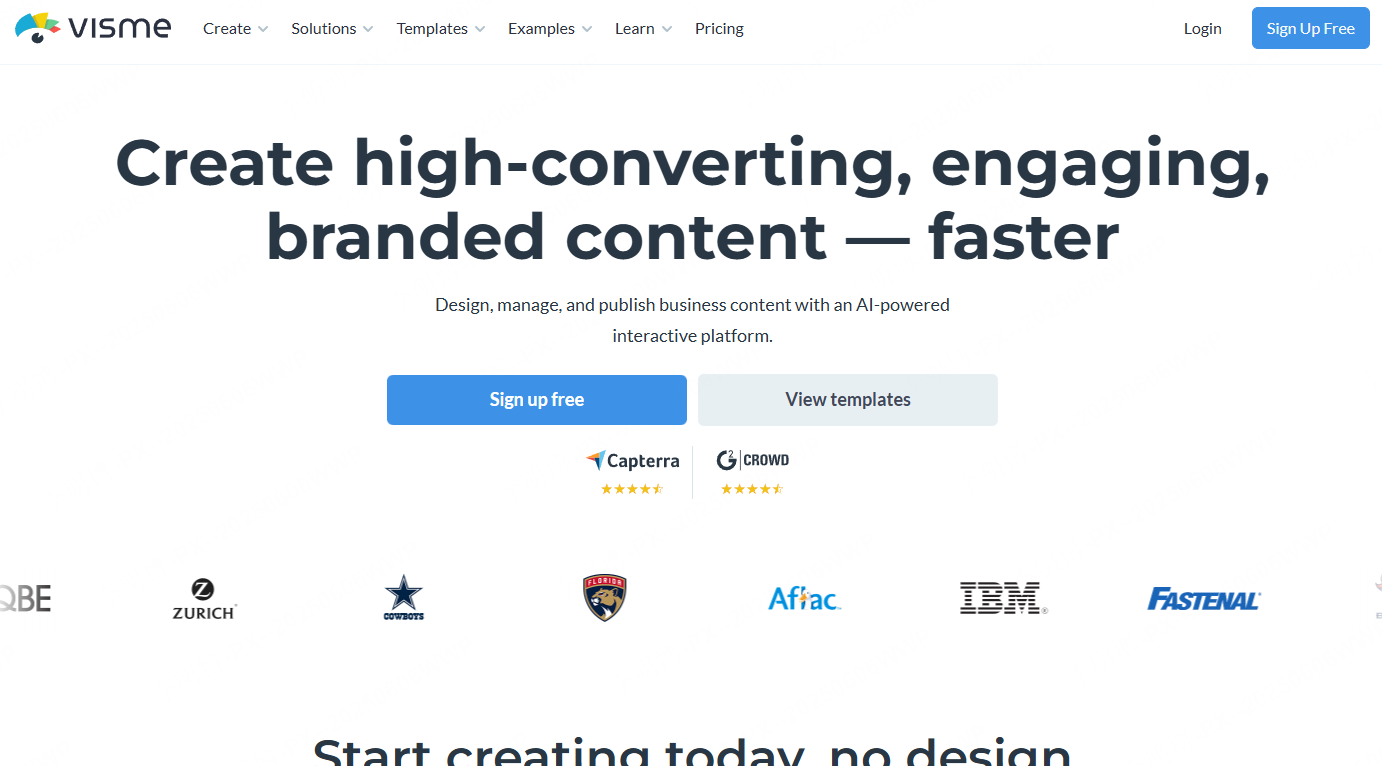
Visme is a design focused platform that combines presentations, infographics, and interactive content creation. It is ideal for teams that want strong visual impact in their work reports.
Key Features
Rich design assets
Users have access to icons, illustrations, animated charts, and media elements that enhance storytelling.
Interactive presentations
Visme supports animations, embedded videos, and interactive components, making reports more engaging.
Cloud collaboration
Multiple users can edit and update presentations in real time.
Visme works well for marketing reports, data heavy presentations, and creative teams that prioritize visual clarity.
6. Crello: Design Driven PPT Creation for Non Designers

Crello is an online design tool that allows users to create presentations, social graphics, and simple animations with minimal effort.
Key Features
Large asset library
Crello provides backgrounds, icons, fonts, and layout elements suitable for modern presentations.
Drag and drop editing
Users without design experience can still produce professional looking PPTs quickly.
Creative templates
Templates support customization and work well for personalized work reports.
Crello is a good option for teams that want visual flexibility without complex design software.
7. Lumen5: Turning Text into Dynamic Presentation Videos
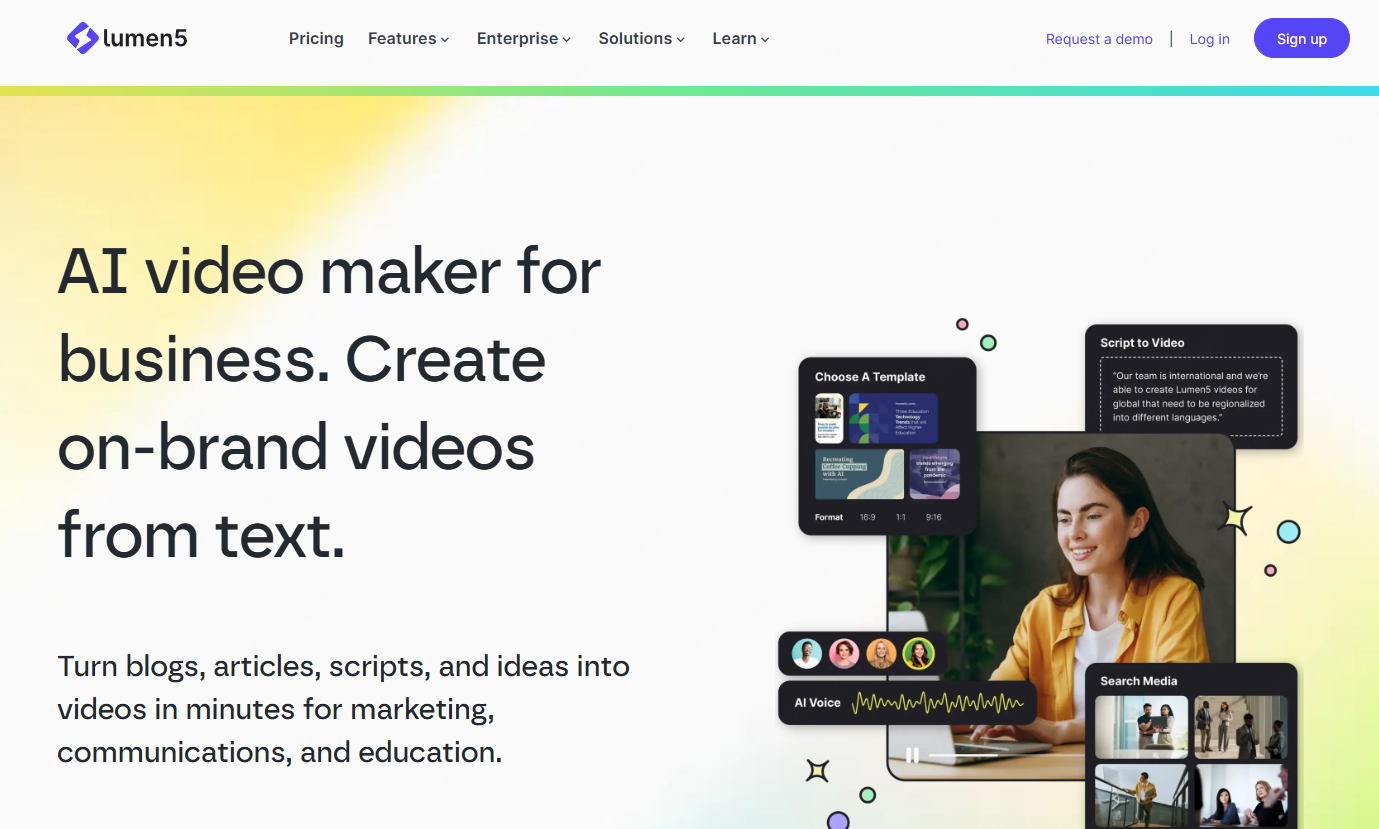
Lumen5 is an AI driven video creation platform that transforms text content into animated video presentations. It is particularly useful for dynamic reporting formats.
Key Features
Text to video workflow
Users input written content, and Lumen5 automatically matches visuals and animations.
Automated content generation
The platform selects images and video clips, reducing manual editing time.
Engaging visual effects
Animated transitions and motion graphics make reports more engaging.
Lumen5 is best suited for marketing updates, performance highlights, and social media oriented reports.
8. Prezi: Non Linear and Dynamic Presentations
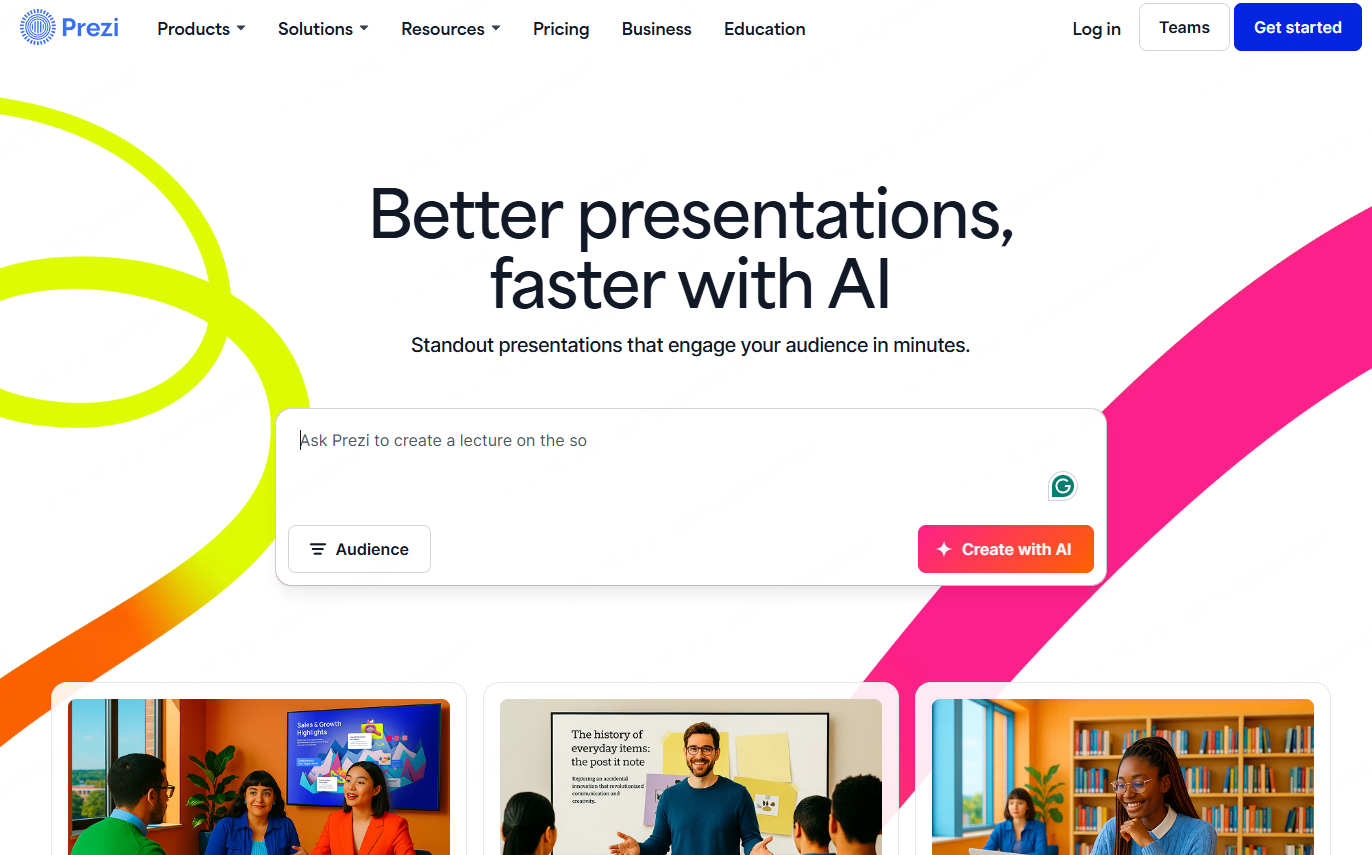
Prezi is known for its zooming canvas and non linear navigation, offering a different approach to presentations.
Key Features
Dynamic visual flow
Zoom and motion effects help explain processes, relationships, and systems clearly.
Creative templates
Templates support storytelling and visual exploration beyond traditional slides.
Cloud based collaboration
Teams can work together online and update content in real time.
Prezi is ideal for teams that want to break away from traditional slide based reporting.
Final Thoughts
Selecting the right work report PPT template and presentation tool can dramatically improve both efficiency and presentation quality. The tools reviewed above address different needs, from AI driven automation to advanced visual storytelling.
Among them, Presenti AI stands out for its intelligent generation, rich template library, collaboration features, and customization flexibility. It allows professionals to focus on content accuracy and insights rather than slide formatting.
By leveraging modern presentation platforms, teams can deliver clearer reports, make better decisions, and communicate progress with confidence.









