
Start with evidence
Bring a brief, notes, a Word file, a PDF, or a source link. Label unknowns instead of asking AI to invent them.

 AI pitch deck workflow
Use Presenti AI as an AI pitch deck generator: start with a focused prompt, a Word or PDF brief, or a source link. It turns your material into a structured pitch deck draft that you can review, edit, and export as PPTX or PDF.
Create a pitch deck draft
Use your verified numbers and review every slide before sharing.

An AI pitch deck maker is most useful when it makes the next decision obvious: what to include, what to verify, and what to edit before an investor sees the deck.
Bring a brief, notes, a Word file, a PDF, or a source link. Label unknowns instead of asking AI to invent them.

Turn the problem, solution, market, traction, and ask into a sequence that is easy to review.

Choose a startup pitch deck template, adjust copy and charts, and apply a consistent visual style.

Export a reviewed draft as PPTX or PDF, then check fonts, numbers, links, and speaker notes in your presentation app.
Use this 12-slide investor pitch deck structure as a starting point, not a script. Shorten or combine slides when your evidence does not support a claim. The strongest deck is the one a founder can explain clearly.
Use the AI pitch deck generator for a first draft, then keep the founder in charge of evidence, judgment, and the final ask.
Include the audience, stage, problem, solution, traction, market evidence, funding ask, target slide count, and any facts that still need confirmation.

Ask for a 10-12 slide outline and a one-sentence takeaway for each slide. Remove unsupported claims, duplicate ideas, and slides that do not serve the decision.
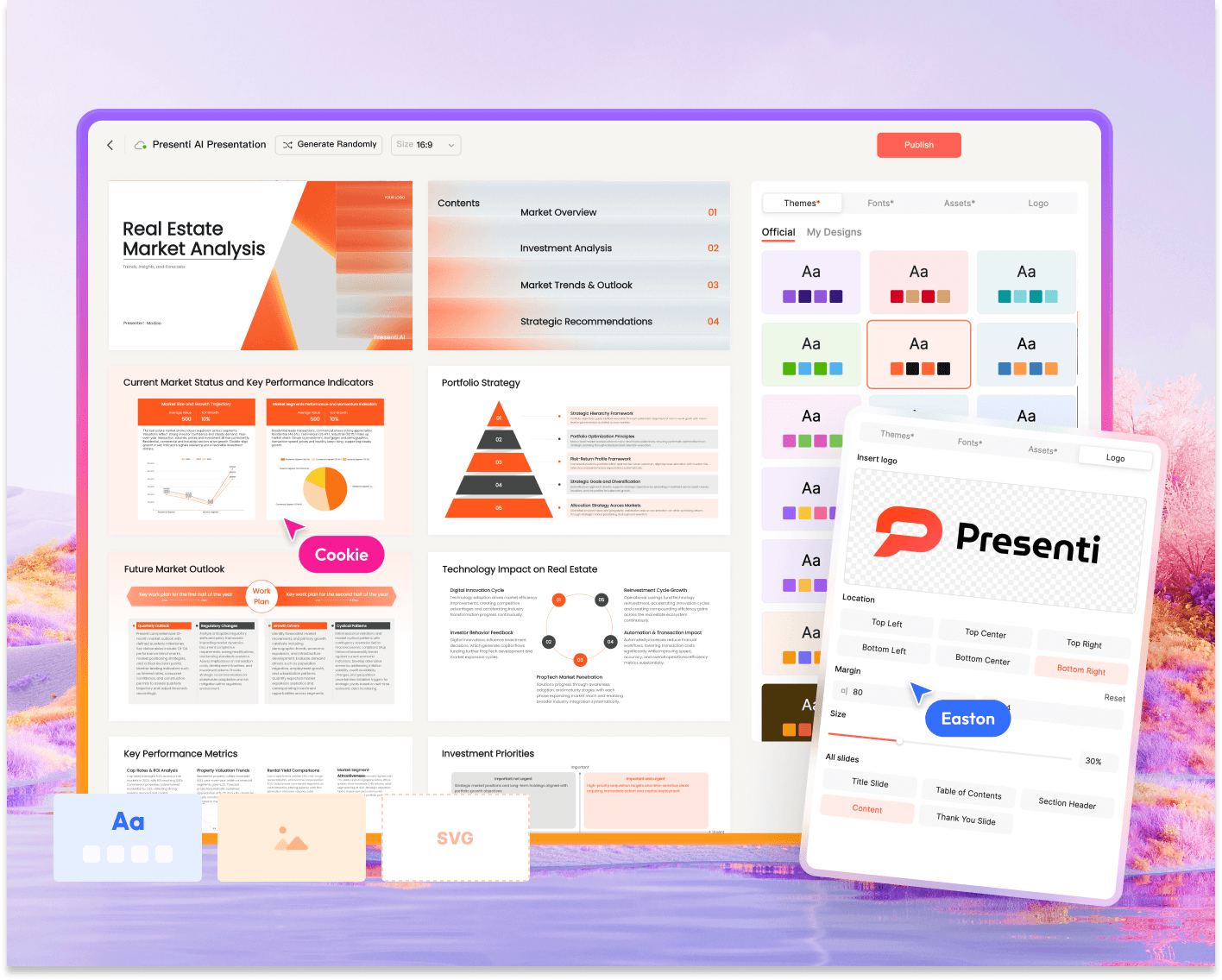
Pick a layout that fits the audience, then edit titles, charts, branding, and density. A template should clarify the story rather than hide missing evidence.
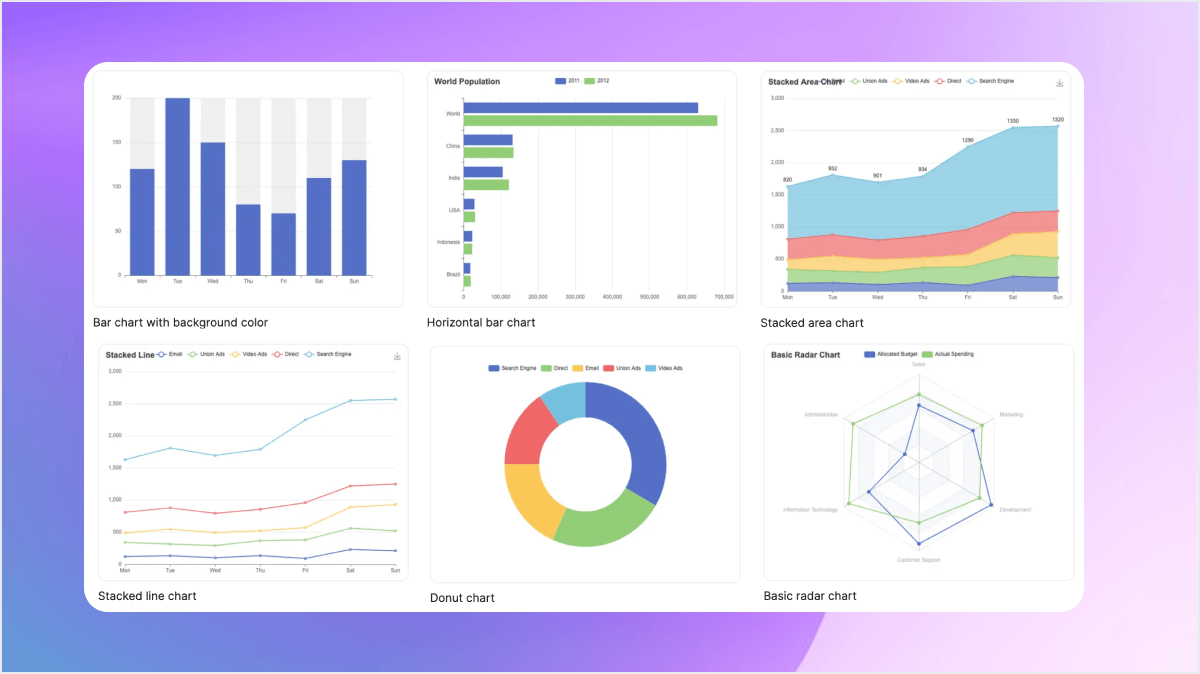
Check every metric, source, permission, font, and link. Export PPTX or PDF on the plan that supports it, open the file in your presentation app, and rehearse the ask.
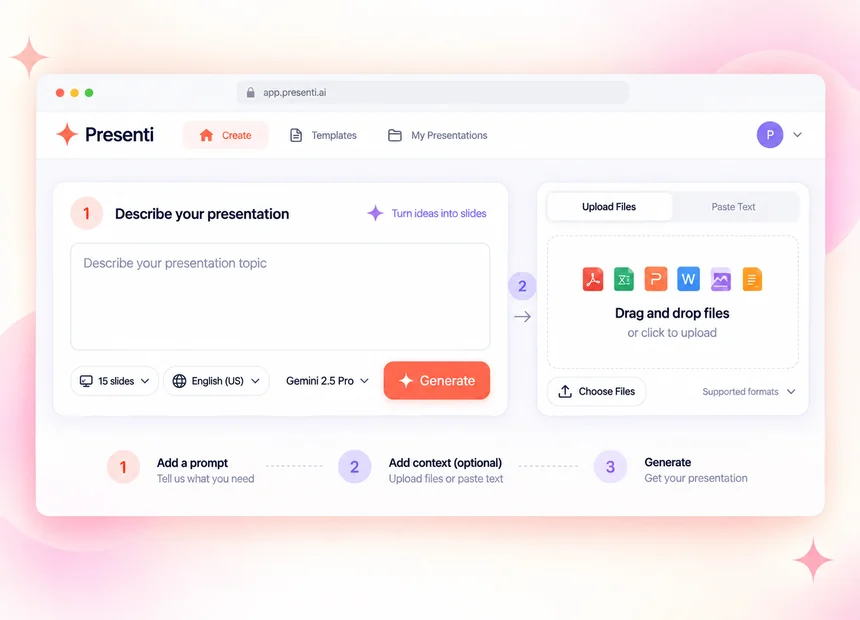
Start with the material you already have, shape the story, and export a draft you can check.
Presenti can organize and style a draft. The founder still owns the truth of the deck and the decision being requested.
Attach a source, date, and definition to market, customer, product, and traction statements.
Recalculate TAM/SAM/SOM, growth rates, margins, runway, and the amount requested.
Check competitor comparisons, customer quotes, logos, screenshots, and any permission requirements.
Open the exported file, test the fonts and links, and make sure each slide supports one clear takeaway.
Use a template to express a checked story. Choose a visual direction that matches the stage, audience, and amount of evidence you can show.






Clear answers about the AI pitch deck maker workflow.
You can start with a topic prompt or notes, upload supported Word or PDF material, or provide a source link. Give the AI the audience, stage, slide target, and evidence boundaries so the first outline has a clear job.
Presenti lets you review and edit the draft online. PPTX export with continued editability is available on an eligible plan; check the exported file in your presentation software before sharing.
Yes. Review the outline first, then choose a template and style that fit your audience and evidence. You can also browse the template gallery before opening the workspace.
No. Presenti helps organize and present your material; it does not replace source checking, financial review, legal review, or founder judgment. Keep citations, dates, assumptions, and unknowns visible until a person verifies them.
Ask for the shortest deck that can support the decision. A 10-12 slide outline is a useful starting point for many startup pitches, but combine or remove sections when your stage or evidence calls for a different length.
 Plans & Price